How to Find IP Address on Mac, Local, Public, Router & Terminal Methods
You can find your Mac’s IP address from System Settings > Network, from the Wi-Fi menu, or with a Terminal command. The address shown … [Read more…]
2,154 articles

You can find your Mac’s IP address from System Settings > Network, from the Wi-Fi menu, or with a Terminal command. The address shown … [Read more…]
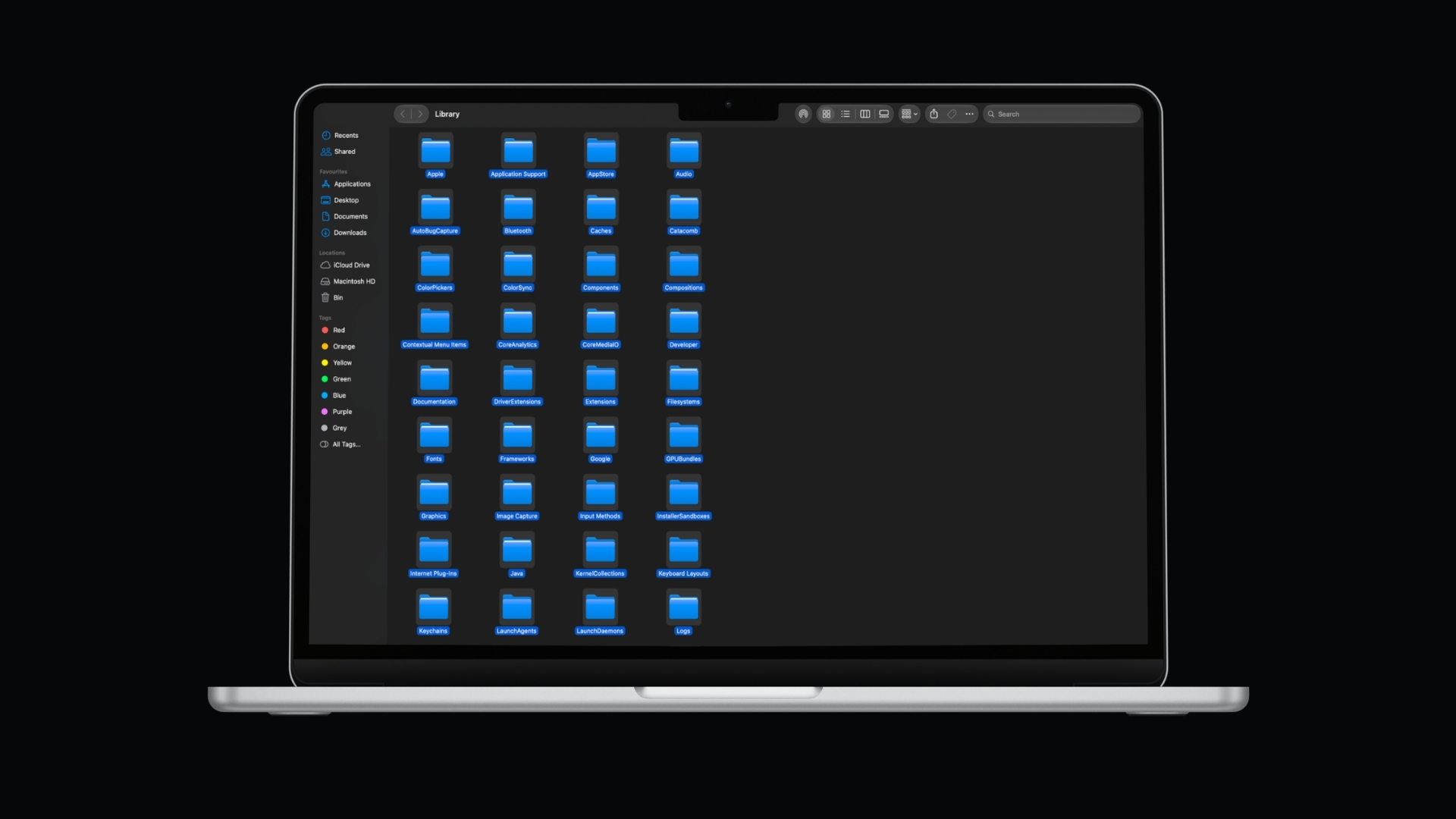
To select all on a Mac, press Command + A. The shortcut selects everything in the active window or area, including files in Finder, … [Read more…]


You can record video on a Mac using apps already included with macOS. QuickTime Player records video from your MacBook camera, an external webcam, … [Read more…]

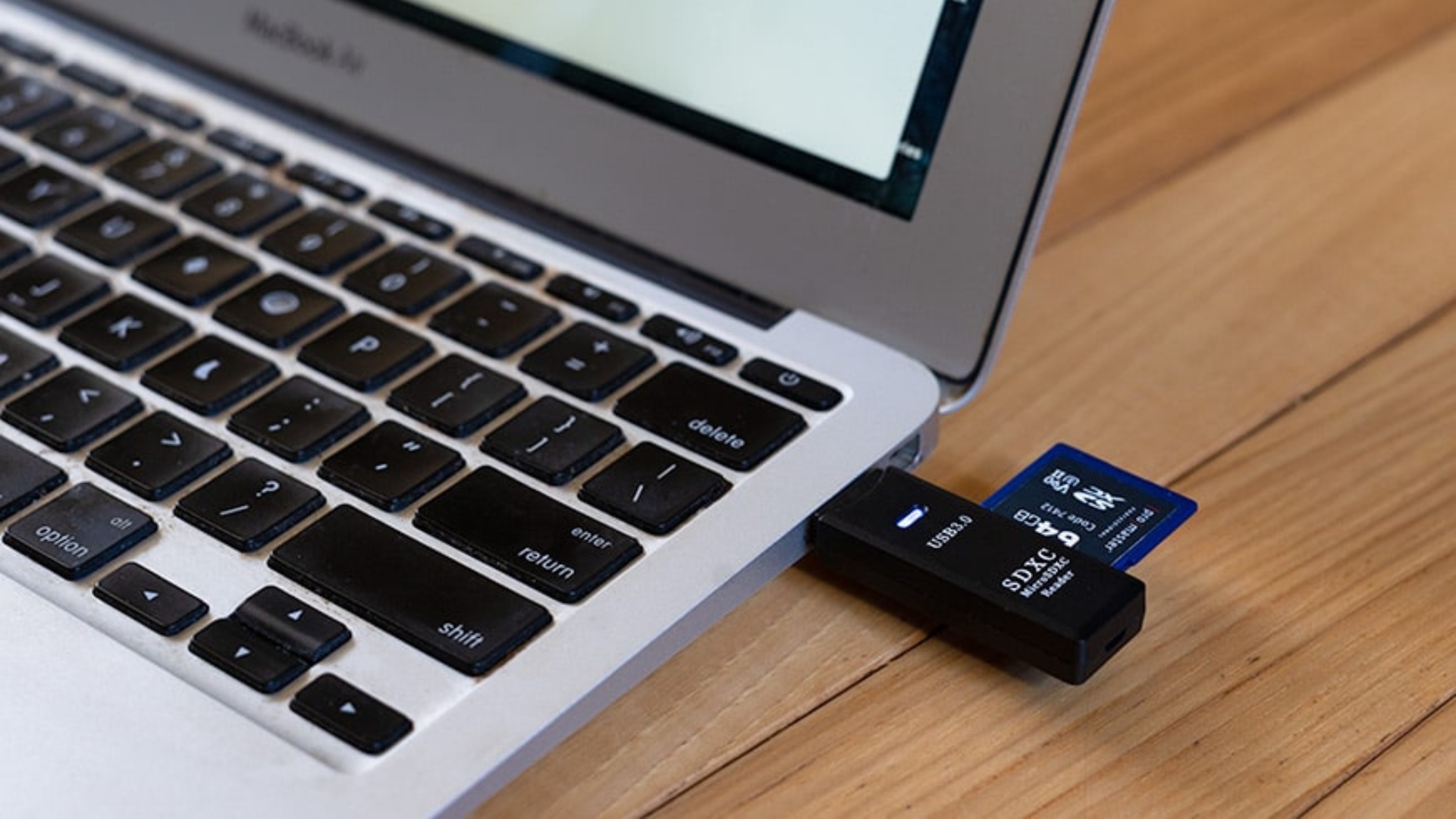
You can format an SD card on a Mac with the built-in Disk Utility app, so you do not need additional software. Insert the … [Read more…]


You can connect AirPods to a MacBook, iMac, Mac mini, Mac Studio, or Mac Pro directly through Bluetooth. If your AirPods are already paired … [Read more…]


You can download YouTube videos on a Mac using YouTube Premium for offline viewing, or download videos you uploaded yourself as MP4 files through … [Read more…]
You can convert HEIC to JPG on a Mac without installing any software. The quickest methods are Preview for individual images and Finder’s built-in … [Read more…]
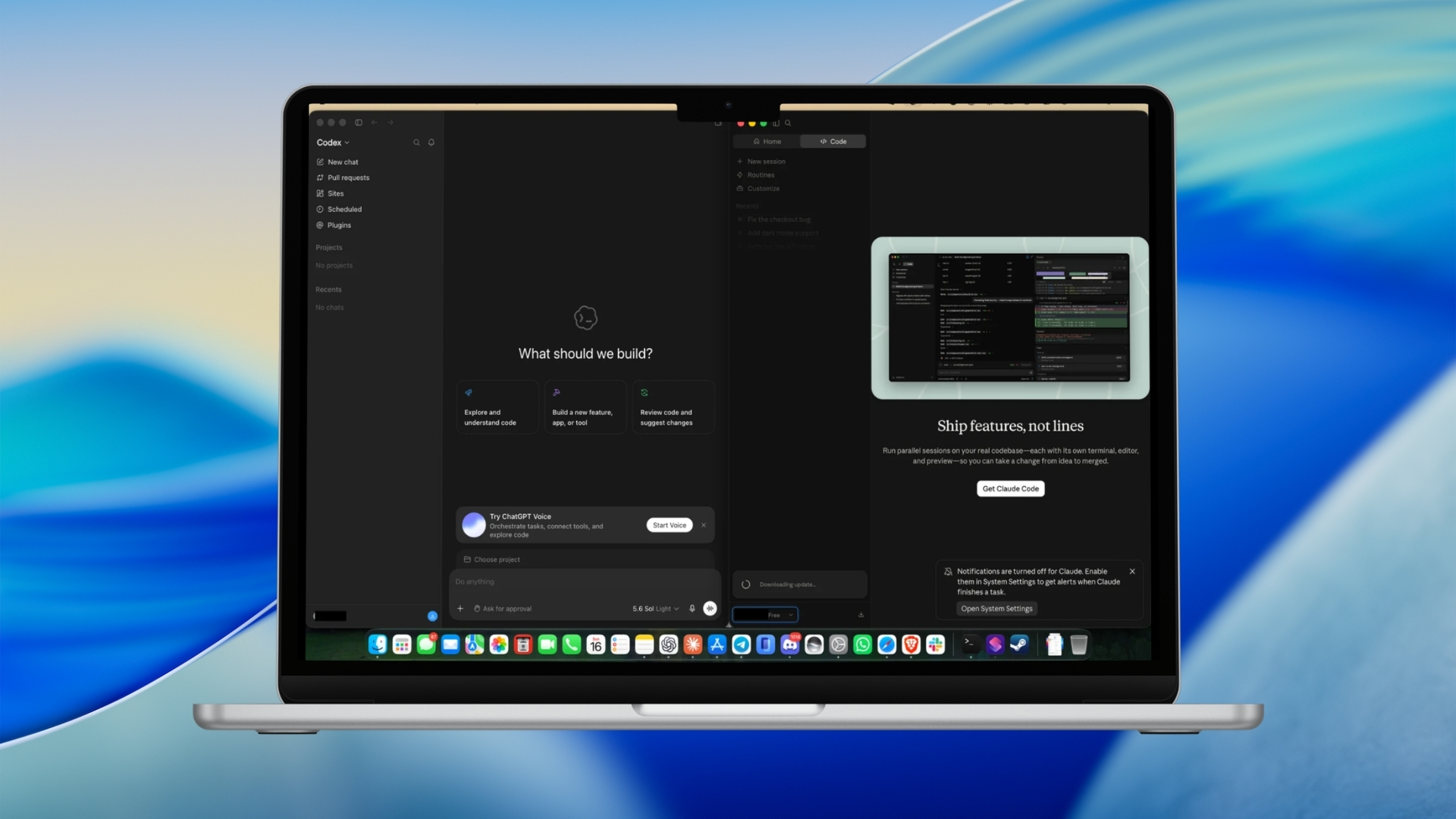
You can split the screen on a Mac by placing two app windows side by side using Split View or macOS window tiling. For … [Read more…]
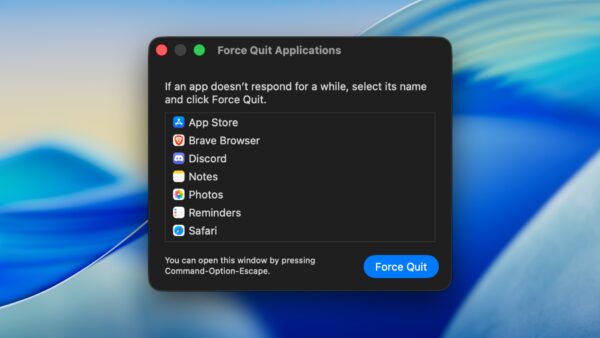
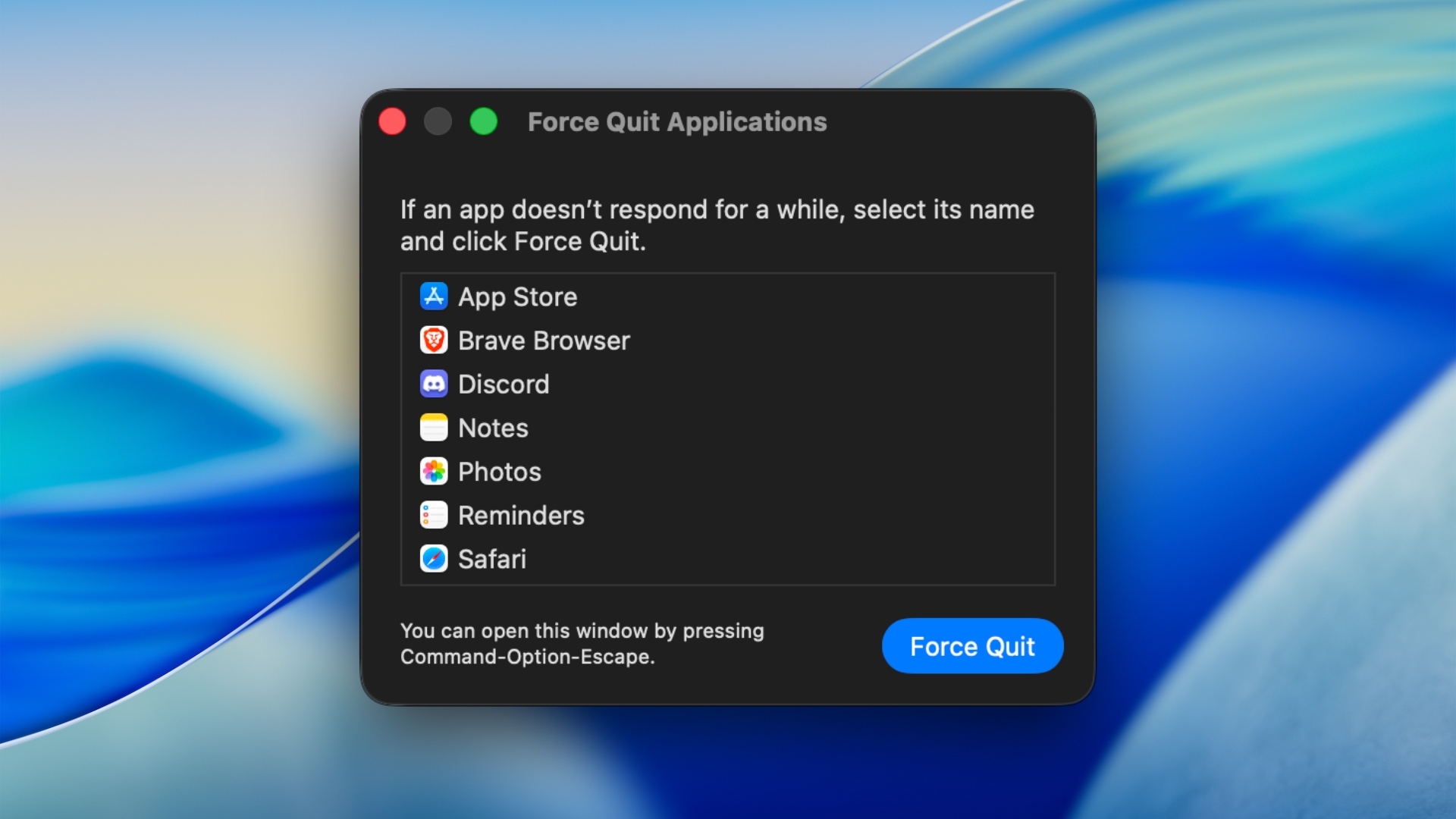
To force quit an app on a Mac, press Option + Command + Esc, select the frozen app from the Force Quit Applications window, … [Read more…]
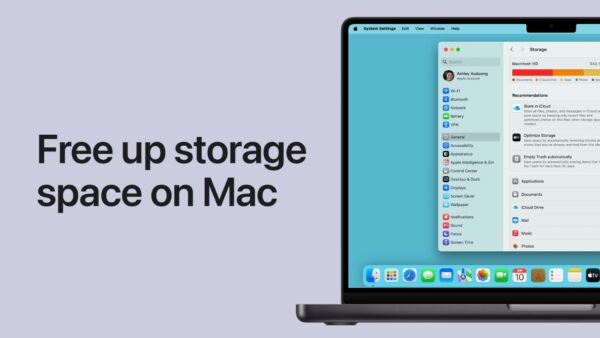
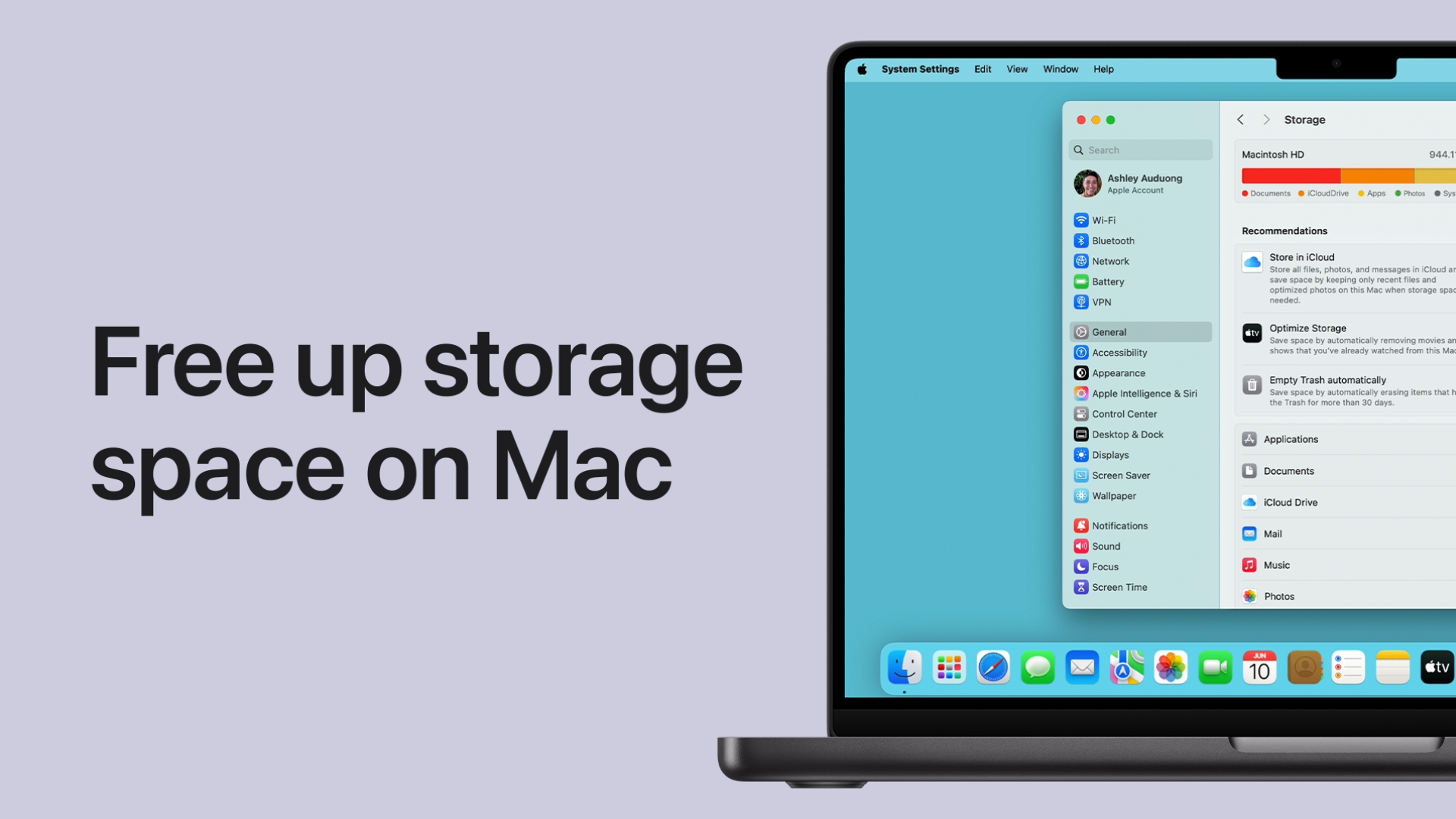
You can free up disk space on a Mac by removing large files and unused apps, clearing the Downloads folder and Trash, deleting old … [Read more…]
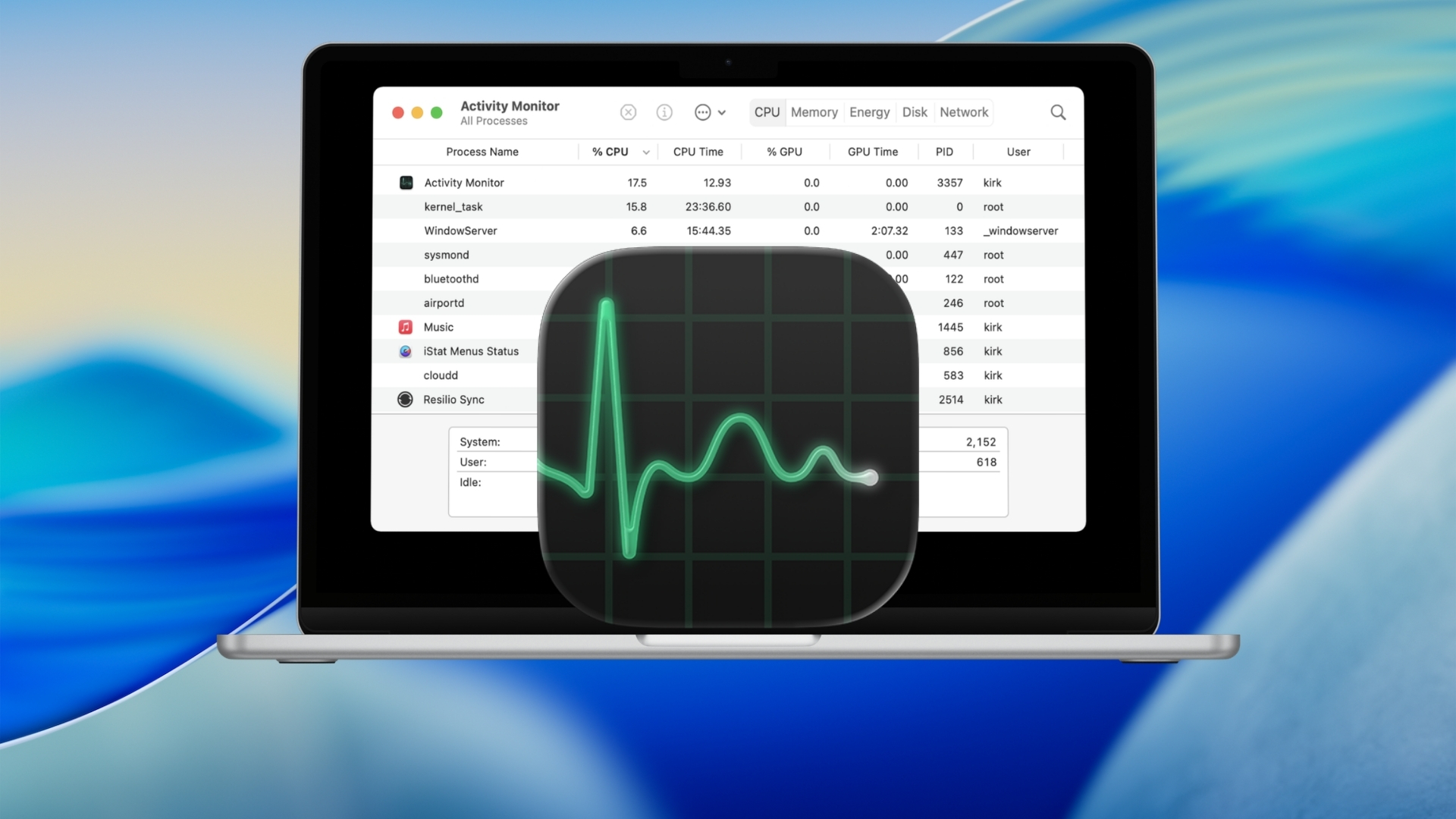
Mac does not have an app called Task Manager. The macOS equivalent is Activity Monitor, which shows running apps and background processes along with … [Read more…]
The fastest way to open Terminal on a Mac is to press Command + Space, type Terminal, and press Return. You can also open … [Read more…]