How to Open Task Manager on Mac, Activity Monitor, Force Quit & Keyboard Shortcuts
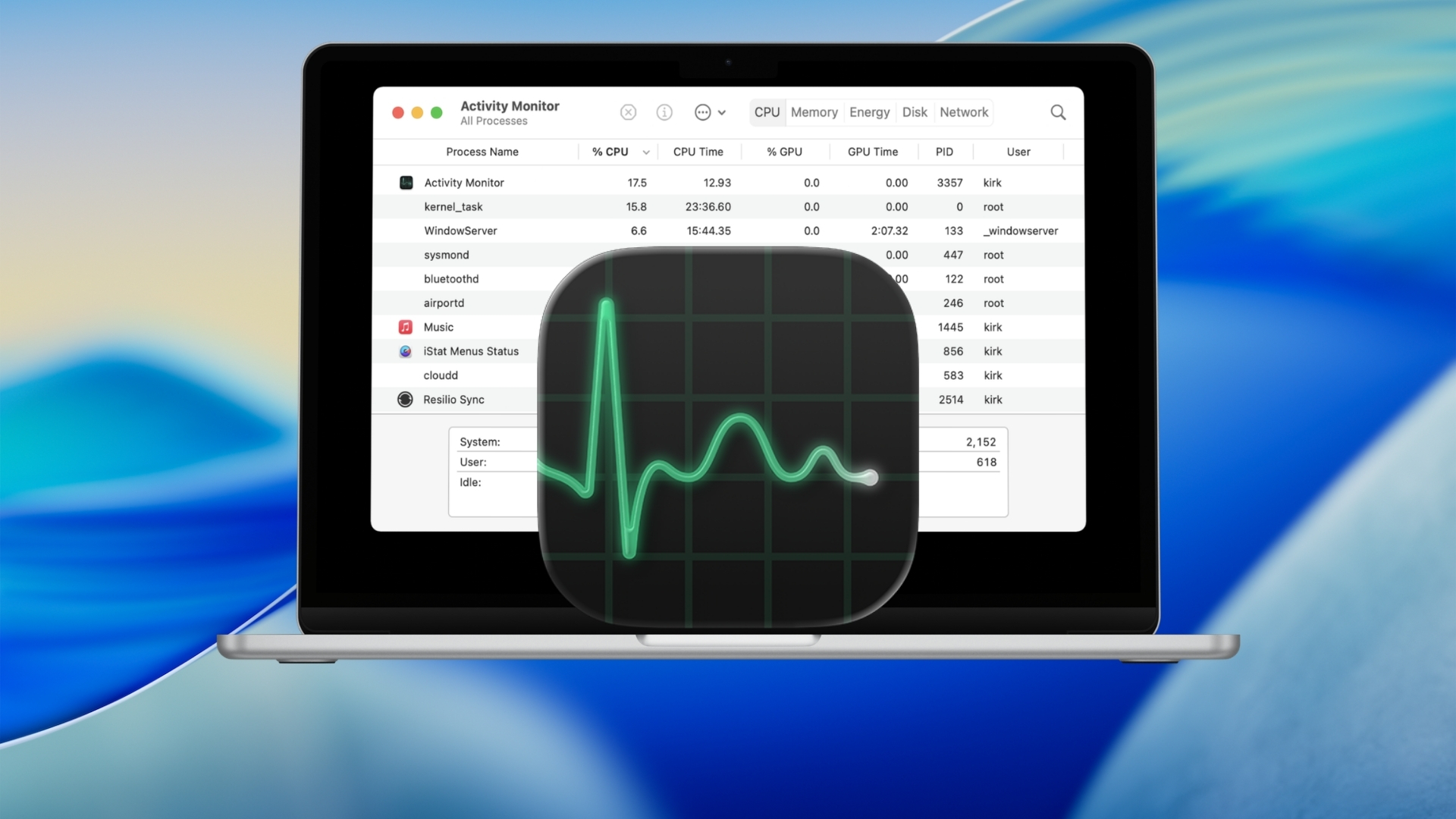
Mac does not have an app called Task Manager. The macOS equivalent is Activity Monitor, which shows running apps and background processes along with … [Read more…]
1,916 articles

Mac does not have an app called Task Manager. The macOS equivalent is Activity Monitor, which shows running apps and background processes along with … [Read more…]
The fastest way to open Terminal on a Mac is to press Command + Space, type Terminal, and press Return. You can also open … [Read more…]
You can reset a Mac to factory settings by using Erase All Content and Settings on supported Macs, or by erasing the startup disk … [Read more…]
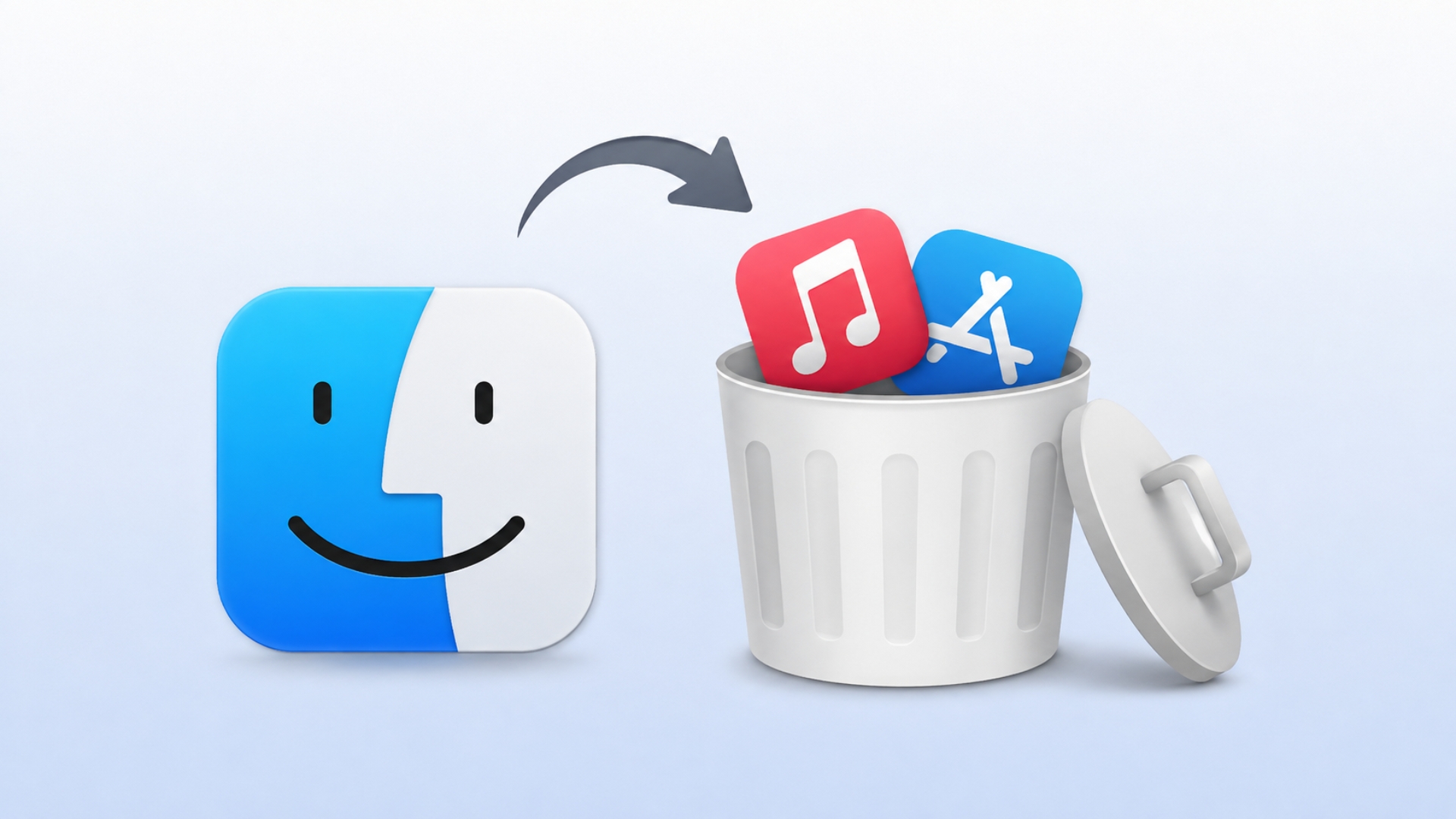
To uninstall an app on a Mac, quit the app, open Finder, go to the Applications folder, and move the app to the Trash. … [Read more…]
You can record your screen on a Mac without installing an app. Press Shift + Command + 5 to open Apple’s Screenshot toolbar, choose … [Read more…]
To clear cookies on a Mac, open the privacy or browsing-data settings in the browser you use, select cookies or website data, and remove … [Read more…]
You can update a Mac from System Settings > General > Software Update. Your Mac checks Apple’s servers, shows only macOS updates and upgrades … [Read more…]
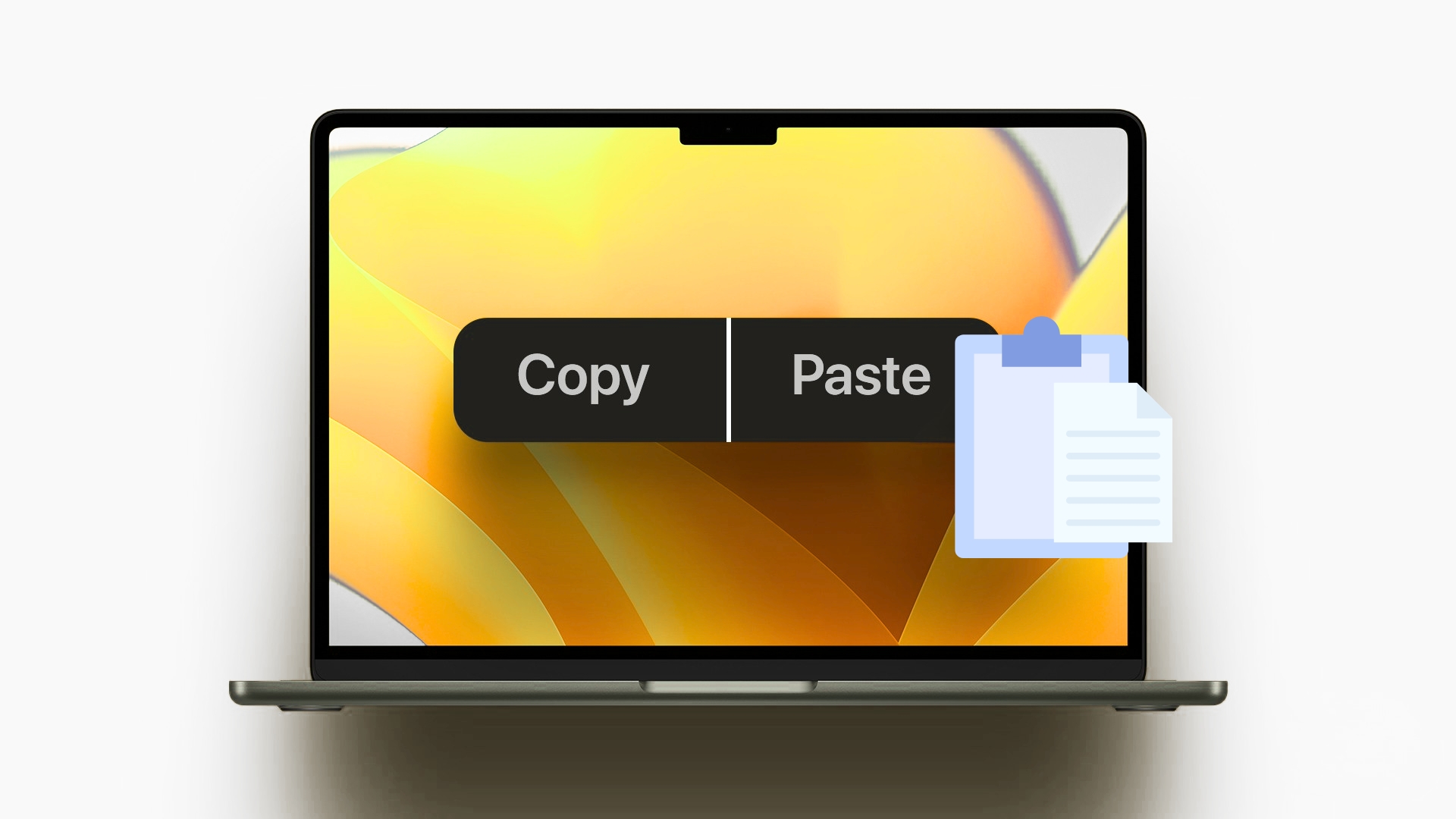
To copy and paste on a MacBook, select the text, image, file, or other item, press Command + C to copy it, then press … [Read more…]

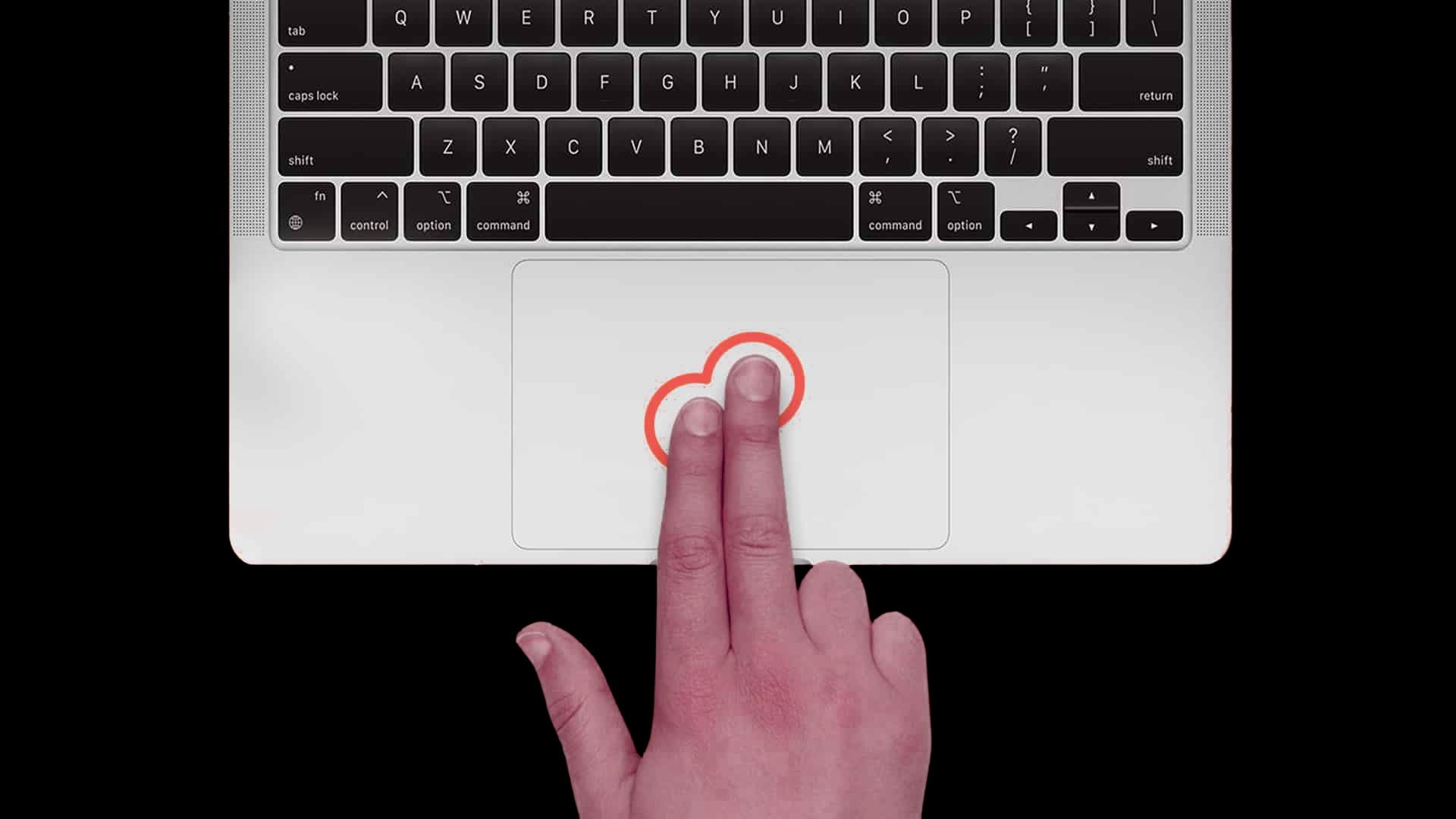
To right click on a Mac, click or tap the trackpad with two fingers. Apple calls this a secondary click. You can also hold … [Read more…]
To print screen on a Mac, press Shift + Command + 3 to capture the entire screen. To screenshot only part of the screen, … [Read more…]
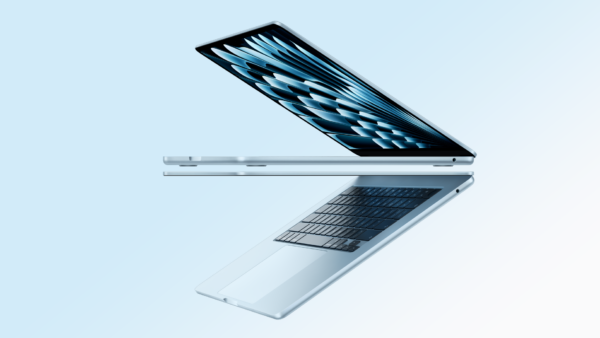
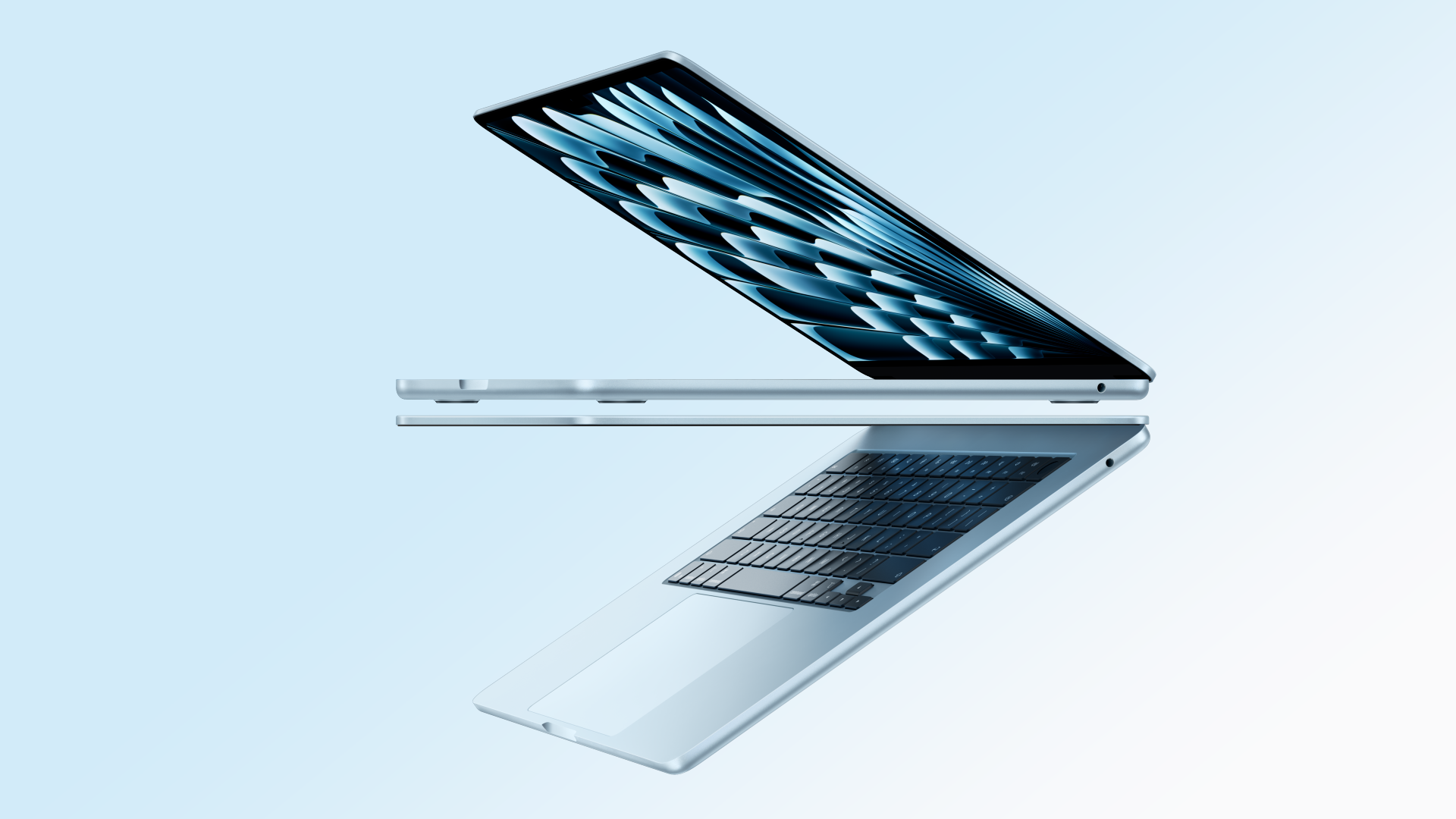
The best laptop to buy in 2026 is the Apple MacBook Air 13-inch with M5 for most people. It is not the most powerful … [Read more…]
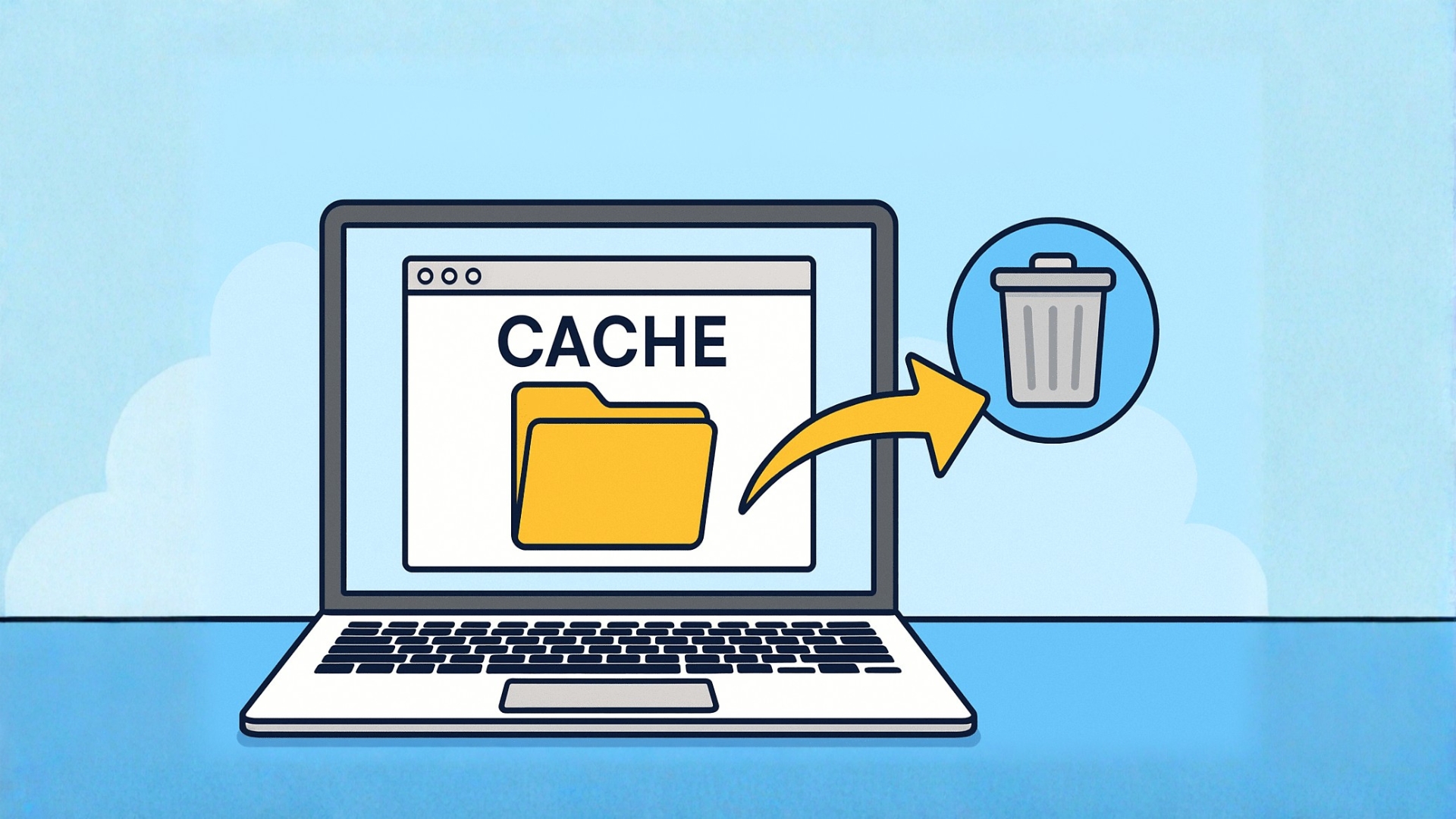
To clear cache on a Mac, remove cached website data from your browser and, when necessary, delete temporary files created by individual apps. You … [Read more…]