Quick Share for PC is a free download from Google's android.com Quick Share page for 64-bit Windows 10 and Windows 11 (Windows 11 on ARM PCs). Select Download Quick Share, install QuickShareSetup.exe, and you can send photos, videos and documents between your Android phone and your PC over Wi-Fi and Bluetooth.
The phone side needs nothing extra, because Quick Share is built into Android 6.0 and later. The Windows app is a small 12.7 MB setup file.
Below you will find the official download, setup steps, the right app for Samsung PCs, what to use on a Mac, and fixes for devices that cannot see each other.
Quick Share system requirements for Windows
Open Settings, then System, then About on the PC. The System type line shows whether you run 64-bit Windows on an x64 or ARM processor.
| Field | Detail |
|---|---|
| Software | Quick Share for Windows |
| Developer | Google LLC |
| Latest version | Rolling release; Google publishes no version number (setup file dated October 12, 2026) |
| License / Price | Free |
| Download size | 12.7 MB (QuickShareSetup.exe) |
| Windows | 64-bit Windows 10 or later |
| ARM PCs | Windows 11 or later |
| Architecture | x64 and ARM64; no 32-bit build |
| Phone | Android 6.0 or later, Quick Share built in |
| Connection | Bluetooth plus Wi-Fi or Ethernet, same network, within 16 feet (5 m) |
| Samsung PCs | Not supported; use Samsung’s Quick Share app |
| macOS | No Mac app |
| Availability | US and most countries; not Cuba, Iran, North Korea or Syria |
| Official download source | android.com Quick Share page |
| Last verified | 2026-10-27 |
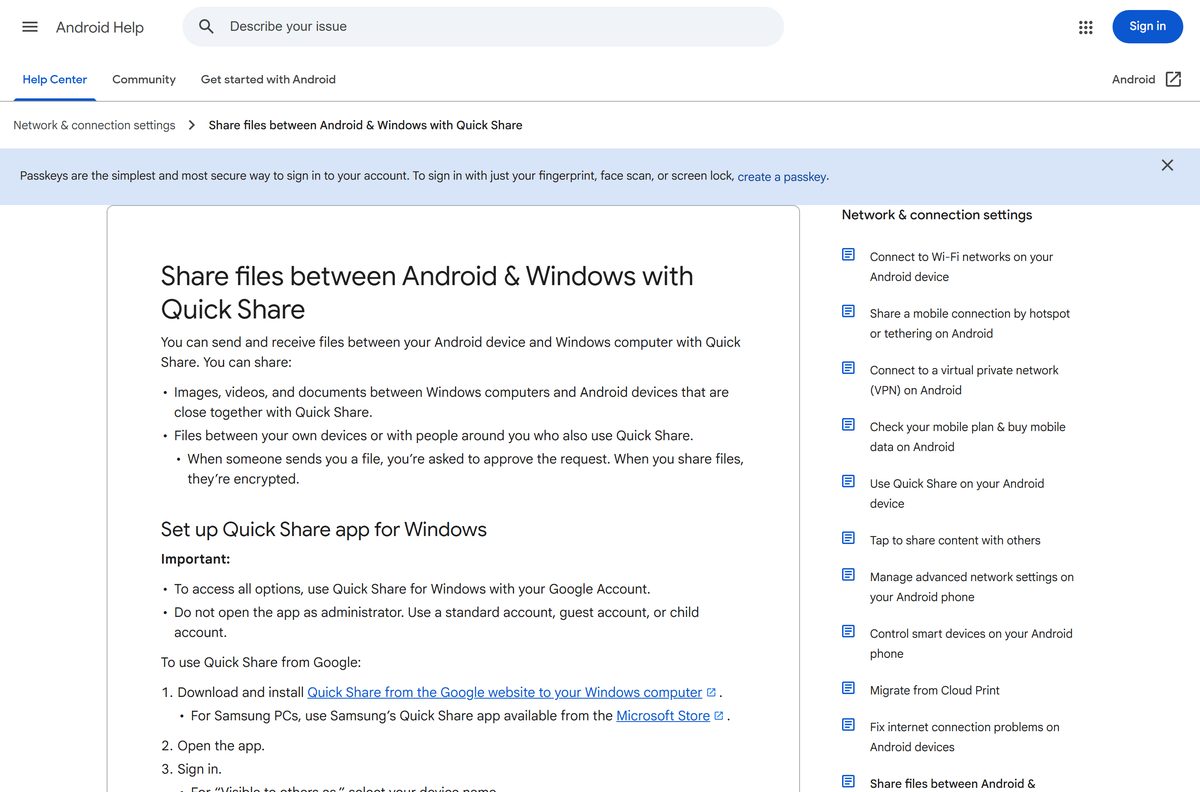
Use a standard Windows account. Google tells you not to run the app as administrator; a standard, guest or child account is fine. Bluetooth must be on, so check that your computer has Bluetooth before you install.
Which Quick Share download do you need?
Match your computer to one row. Google’s app and Samsung’s app each install only on their own kind of PC.
| Your computer | What to install | Size |
|---|---|---|
| 64-bit Windows 10 or 11 PC (not Samsung) | Quick Share by Google | 12.7 MB |
| ARM laptop on Windows 11 | Quick Share by Google | 12.7 MB |
| Samsung Galaxy Book or other Samsung PC | Samsung’s Quick Share app | Microsoft Store |
| Mac | Share from Android with AirDrop or a QR code | No app needed |
| Android phone | Nothing to install; built into Android 6.0 and later | Built in |
Download Quick Share from Google’s official page
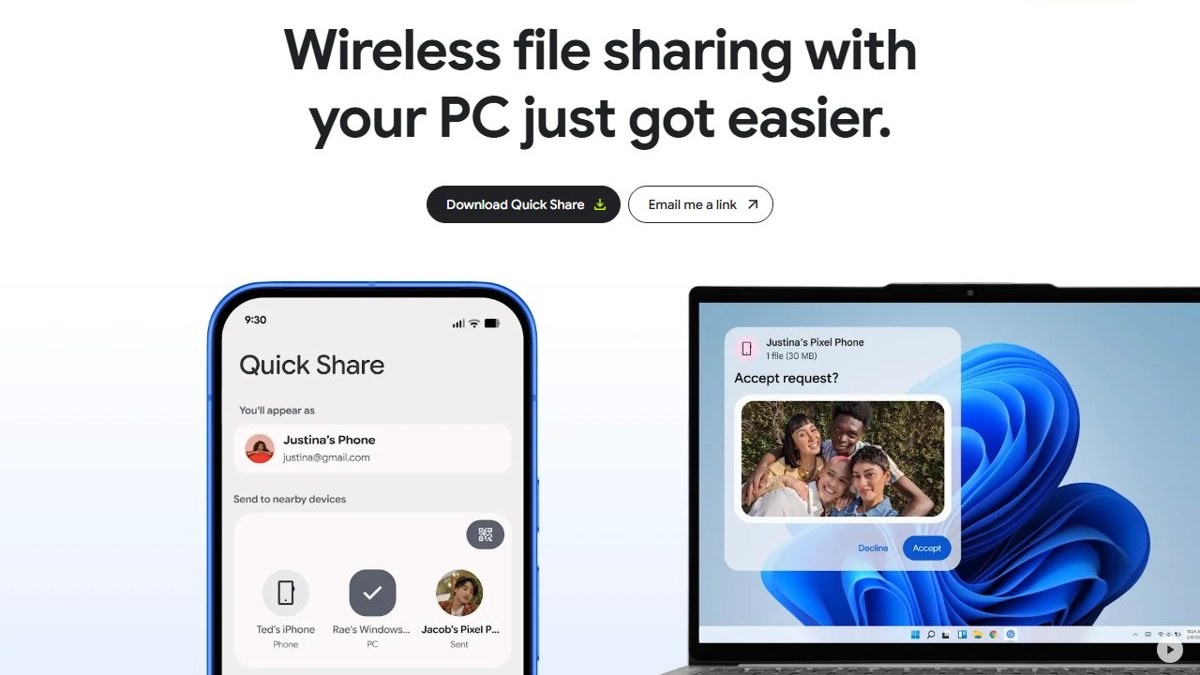
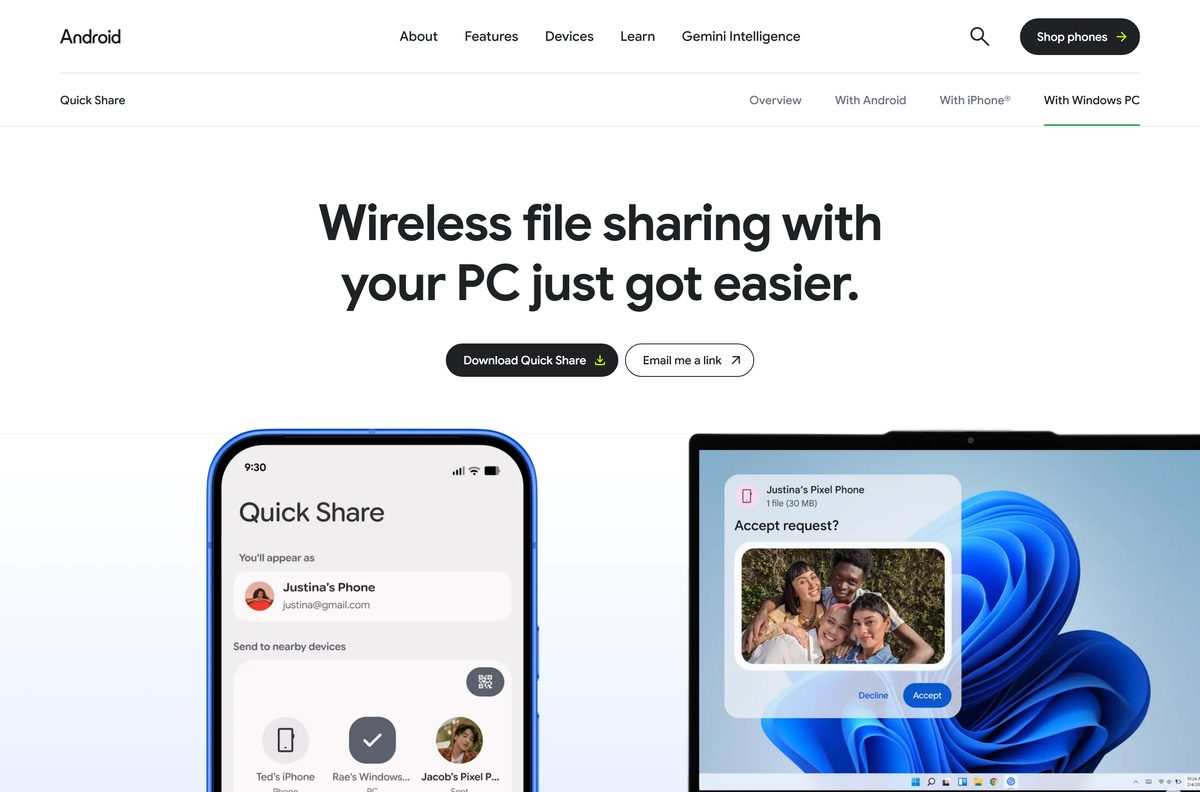
Google links the setup file from its android.com page. Select Download Quick Share on the page to get QuickShareSetup.exe, or select Email me a link to finish on another PC.
- Quick Share for Windows on android.com — 12.7 MB · free, 64-bit Windows 10 and 11
- Google’s Quick Share for Windows help page — setup, settings and troubleshooting
- Samsung’s Quick Share page — for Samsung PCs only
Set up Quick Share app for Windows
These steps work on Windows 11 and Windows 10. Sign in with your Google Account to get every option, including sharing only with your own devices.
- Open the Quick Share page and select Download Quick Share.
- Run QuickShareSetup.exe from your Downloads folder and approve the install prompt.
- Open Quick Share from the Start menu as your normal user, not as administrator.
- Select Sign in and use your Google Account.
- Under Visible to others as, pick the name your phone will see.
- Under Receiving, choose who can share with you.
- On the phone, open a photo, tap Share, tap Quick Share, and select your PC.
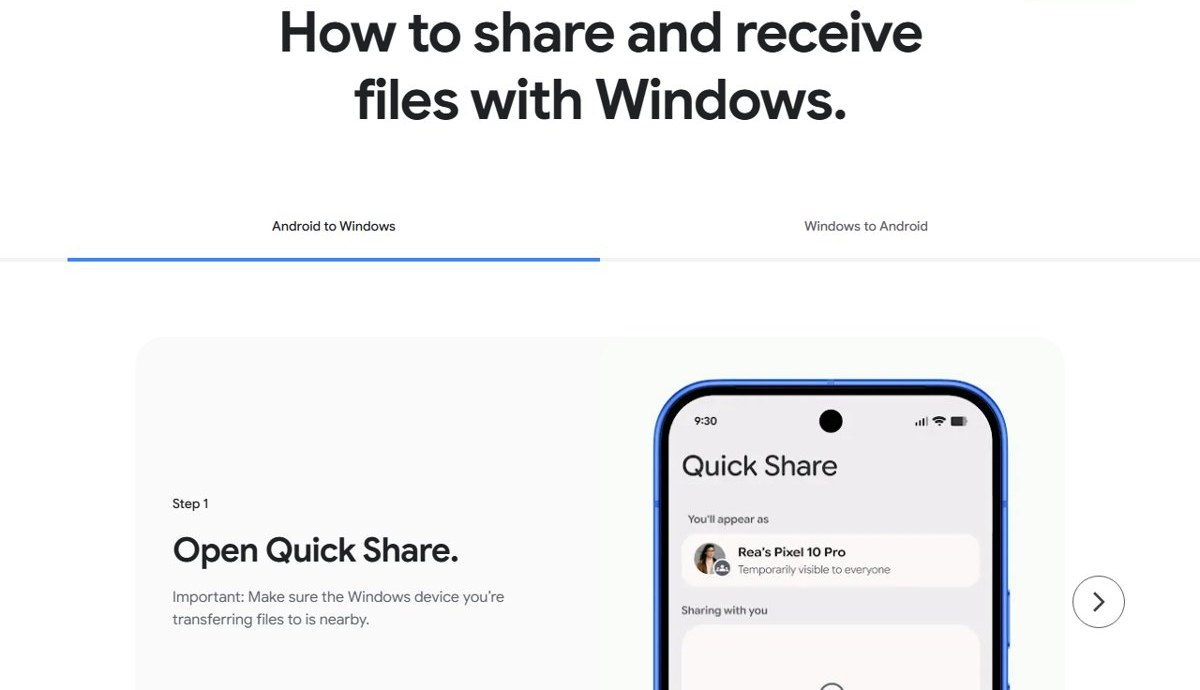
How to share and receive files with Windows
Google's Quick Share page splits the job into two directions. Both need Bluetooth and Wi-Fi on, at both ends.
Android to Windows
- Open Quick Share on the phone (Share > Quick Share in most apps). Make sure the Windows PC is nearby.
- Select the photos or files you want to share.
- Make sure the PC's device visibility allows your phone, then select the PC.
- Accept on the PC and wait for the transfer to complete.
Windows to Android
- Open the Quick Share app on the PC.
- Drag in the files, or right-click a file in File Explorer and select Send with Quick Share.
- Pick the phone and select Share.
- Accept on the phone.
Send content to other devices
Keep Bluetooth turned on and Wi-Fi connected at both ends. If you get a PIN, check that it matches on both devices before you select Share. Use the method that fits the task.
| You want to | Do this |
|---|---|
| Send a file from the PC | Drag it into the Quick Share window, pick the device and select Share |
| Send from File Explorer | Right-click the file and select Send with Quick Share |
| Send a whole folder | Select Select folders in the app window |
| Receive a file | Select Accept on the notification; check that any PIN matches |
| Find received files | Open the Quick Share folder inside Downloads |
| Receive with the window closed | Leave the app in the tray; right-click the tray icon and select Quit to stop it fully |
Transfers between devices on the same Google Account are accepted automatically.
Get content from someone
To receive files, your PC must be visible to the sender. When someone shares with you, Windows shows a Quick Share notification.
- Review the share request in the notification.
- If a PIN appears, make sure it matches the one on the sender's device.
- Select Accept.
- Open Downloads > Quick Share to find the file.
Quick Share still receives when the app is open in the background, and you can accept from the notification. Selecting the window's close button only hides it; right-click the tray icon and select Quit to close it fully. Transfers between your own devices on the same Google Account are accepted automatically. If you only need an occasional transfer without any app, Bluetooth file transfer in Windows 11 still works, just more slowly.
Quick Share device visibility settings on Windows
The visibility setting decides who can send files to your PC. Google suggests signing in and choosing Contacts or Your devices for more private sharing.
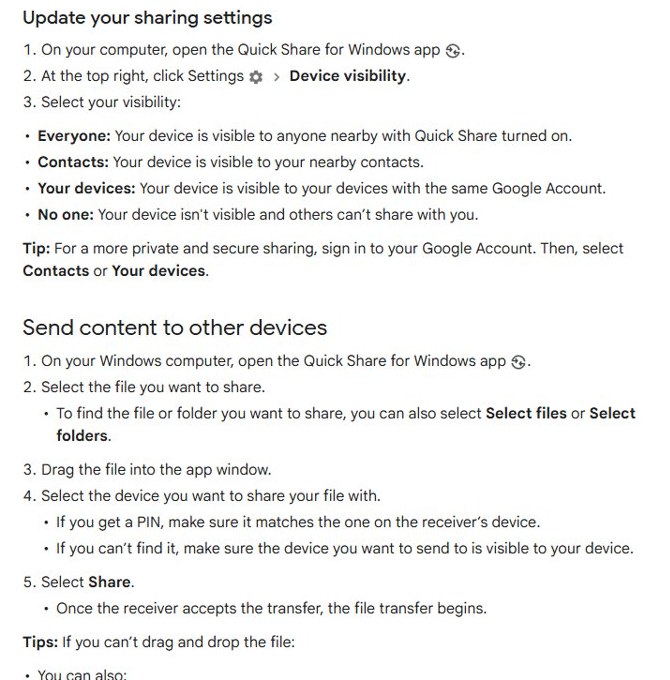
- Open Quick Share on the PC.
- At the top right, select Settings, then Device visibility.
- Select Your devices to allow only devices on your Google Account.
- Select Contacts to allow nearby people in your contacts.
- Select Everyone to allow anyone nearby with Quick Share turned on.
- Select No one to hide the PC and block incoming shares.
Quick Share for Samsung Galaxy Book PCs
Quick Share by Google is no longer supported on Samsung PCs. Samsung’s app keeps sharing with your existing contacts and devices.
- Confirm the PC runs Windows 10 2004 or later.
- Update the Intel Bluetooth driver to 22.50.02 or higher and the Intel Wi-Fi driver to 22.50.07 or higher.
- Open the Microsoft Store and search for Quick Share.
- Pick the Samsung listing and select Get.
- Open Quick Share and set who can share with you.
Samsung’s Quick Share page lists the full requirements.
How to share files from Android to a Mac
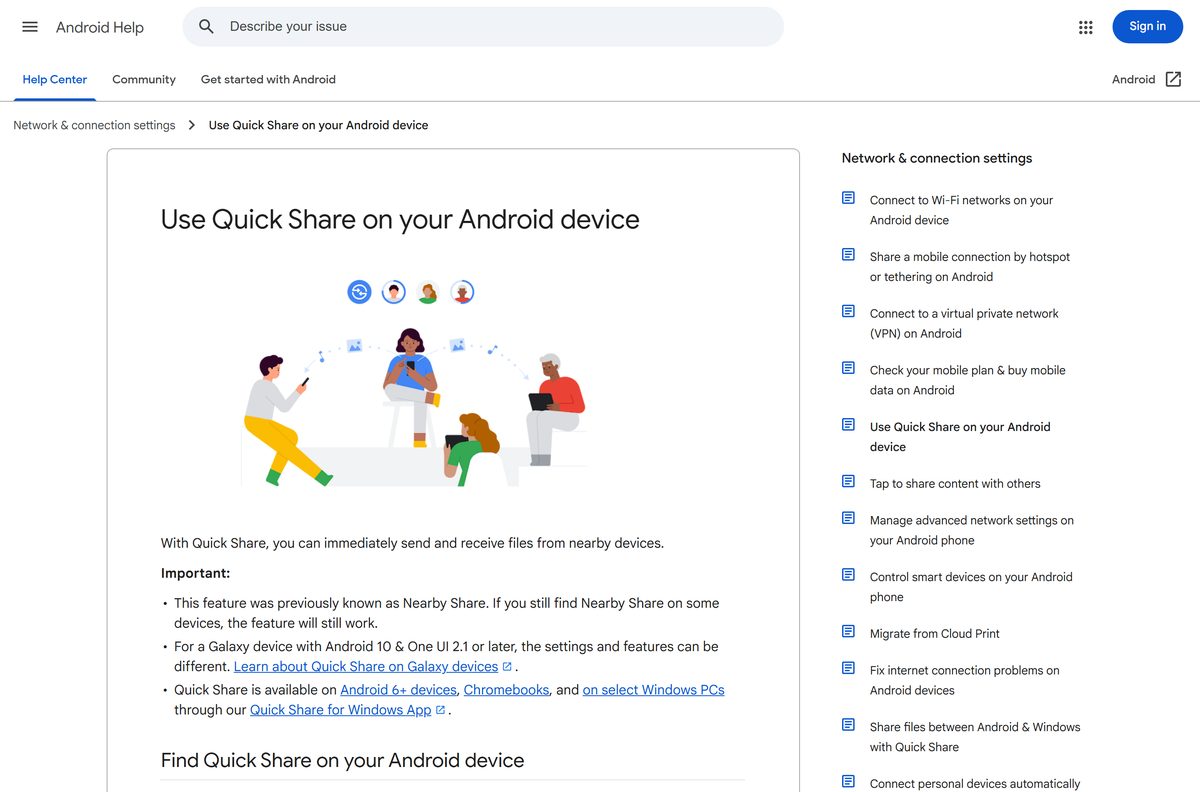
Google makes the Quick Share app for Windows only, so there is nothing to install on macOS. Android sends to a Mac in one of two ways.
| Your phone | What to use | On the Mac |
|---|---|---|
| Pixel 8a or later, or a listed Samsung, OnePlus, Xiaomi, Motorola or other model | Quick Share with AirDrop | Set AirDrop to Everyone for 10 minutes |
| Any other Android phone | Quick Share QR code link | Scan the code with the camera and download the files |
| You also have a Windows PC | Quick Share for Windows | Not needed |
QR code shares stay available for 24 hours, up to 10 GB of files every 24 hours.
Is Quick Share free?
Google charges nothing for Quick Share on Windows or Android.
Download Quick Share free from Google’s android.com page, or get Samsung’s free app on a Samsung PC. Neither app has a paid tier. A site asking for payment or a license key for Quick Share is not Google.
Troubleshoot problems when you share
Google's help page lists these checks for when you cannot find other devices, someone cannot find yours, a transfer is very slow or a file does not arrive. Match your symptom, then work through the fixes in order.
The devices cannot see each other
- Turn on Bluetooth, Wi-Fi and Location on both devices.
- Connect both to the same Wi-Fi network.
- Check the receiver’s Device visibility setting, then try a different one on your own device.
- Bring the devices within a foot (30 cm) of each other.
- Close and reopen Quick Share, then send again.
The office or school Wi-Fi blocks sharing
- Turn off Wi-Fi on the phone.
- Turn on the phone’s hotspot.
- Connect the PC to the hotspot and share again.
The app says device not supported
- Confirm the PC runs 64-bit Windows 10 or 11, or Windows 11 on an ARM PC.
- Download the app again from android.com rather than a third-party site.
- On a Samsung PC, switch to Samsung’s Quick Share app.
Drag and drop does nothing
- Quit the app from the tray and reopen it without Run as administrator.
- Right-click the file and select Send with Quick Share instead.
You don’t get a sharing notification
- Turn off Focus Assist or Do not disturb.
- Open Settings, then System, then Notifications.
- Turn on notifications from apps, and turn on Quick Share in the sender list.
How to uninstall Quick Share from Windows
Quit the app first so the uninstaller can remove it cleanly.
- Right-click the Quick Share icon in the system tray and select Quit.
- Open Settings, then Apps, then Installed apps.
- Find Quick Share in the list.
- Select the three dots next to it, then Uninstall, and confirm.
Files you already received stay in the Quick Share folder inside Downloads.
Quick Share alternatives for Windows
Quick Share moves files. Pick another tool when you need something different.
| You need | Use | Why |
|---|---|---|
| Texts, calls and notifications on the PC | Phone Link on the Microsoft Store | Shows messages and calls, not only files |
| A Samsung PC | Samsung’s Quick Share | Google’s app does not support Samsung PCs |
| Android to Mac | Quick Share with AirDrop or a QR code | No desktop app needed |
Quick Share for PC FAQ
Is the Quick Share download free?
Yes. Google offers Quick Share for Windows as a free download from android.com. There is no paid version, no license key and no charge for sending or receiving files.
Where is the official Quick Share download for Windows?
The official source is Google’s Quick Share page at android.com, which links a 12.7 MB QuickShareSetup.exe from Google's own download server. Samsung PC owners get Samsung’s own Quick Share app from the Microsoft Store instead.
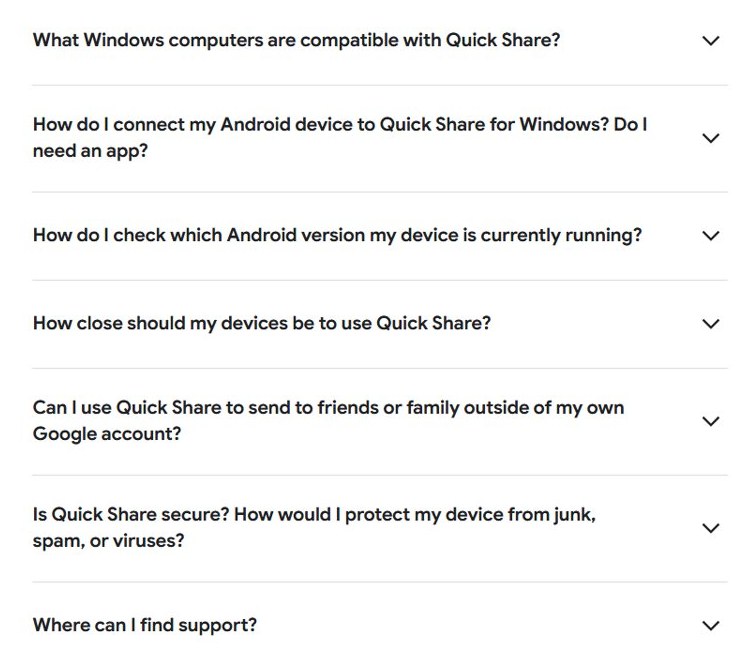
What Windows computers are compatible with Quick Share?
Google lists desktops and laptops running a 64-bit version of Windows 10 and up, or Windows 11 and up for ARM-based PCs. Samsung PCs need Samsung's own Quick Share app from the Microsoft Store.
Does Quick Share work on Windows 10?
Yes, on 64-bit Windows 10 and later. There is no 32-bit build. ARM-based PCs need Windows 11 or later.
Does Quick Share run on ARM PCs?
Yes, on Windows 11 and later. Google’s help center lists Windows 11 as the minimum for ARM-based PCs, and ARM laptops on Windows 10 are not supported.
Can I download Quick Share on a Mac?
No. Google makes the Quick Share app for Windows only. To send files from Android to a Mac, use AirDrop-compatible sharing on supported phones or the QR code option in Quick Share.
Do I need an app on my Android phone?
No. Quick Share is already built into Android 6.0 and later. Only the Windows PC needs the Quick Share app.
Why does Quick Share not work on my Samsung laptop?
Quick Share by Google is not supported on Samsung PCs. Install Samsung’s Quick Share app from the Microsoft Store, which still shares with Android phones.
Where do received files go on Windows?
Quick Share saves received files in a folder called Quick Share inside your Downloads folder. Files sent between your own devices on the same Google Account land there automatically, without an Accept prompt.
How close do the devices need to be?
Keep the phone and the PC within 16 feet, or 5 meters. If they cannot find each other, bring them within a foot and try again.
Is Quick Share safe to use?
Yes, when you install it from Google’s page. Transfers are end-to-end encrypted, and you approve every incoming file from other people before it arrives.






