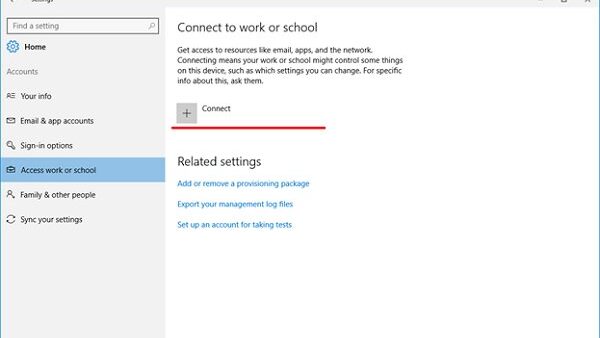
Mobile device management overview
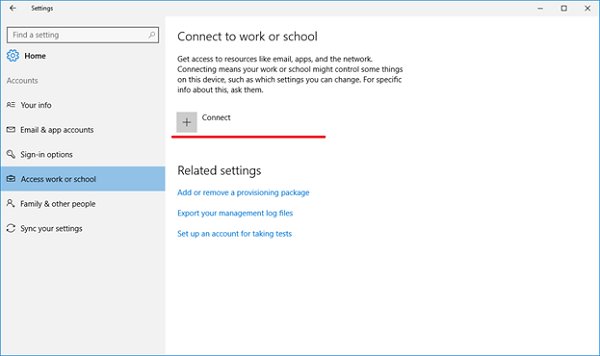
Mobile device management (MDM) in Microsoft Windows explained: how Intune and other MDM servers enroll, secure and unenroll PCs, edition rules and enrollment fixes.
1,930 articles

Mobile device management (MDM) in Microsoft Windows explained: how Intune and other MDM servers enroll, secure and unenroll PCs, edition rules and enrollment fixes.
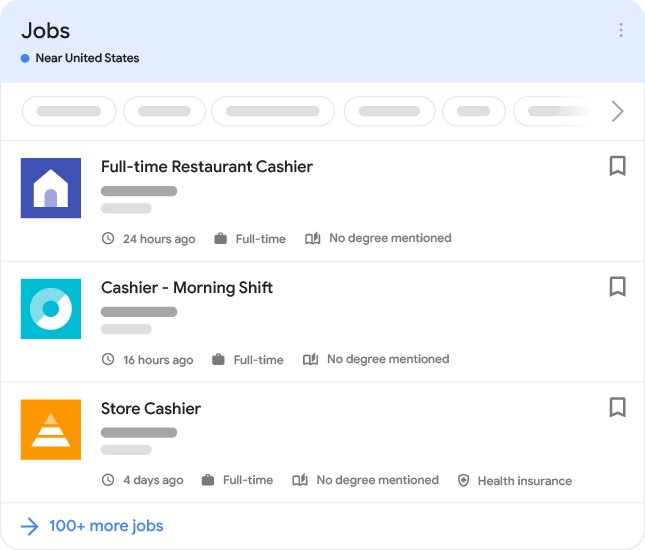
Use Google job search by searching for a role, selecting Jobs in the blue box, then filtering, saving and applying through the job site, with alerts and scam checks.
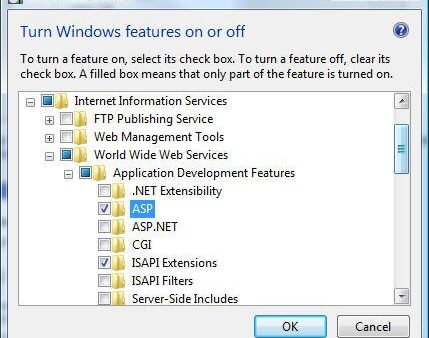
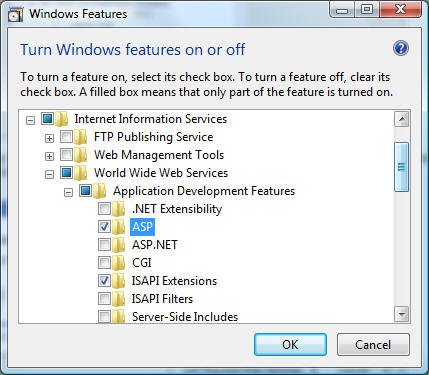
Enable IIS on Windows 11 from Turn Windows features on or off, PowerShell or DISM, then open IIS Manager with inetmgr and test the site at http://localhost.
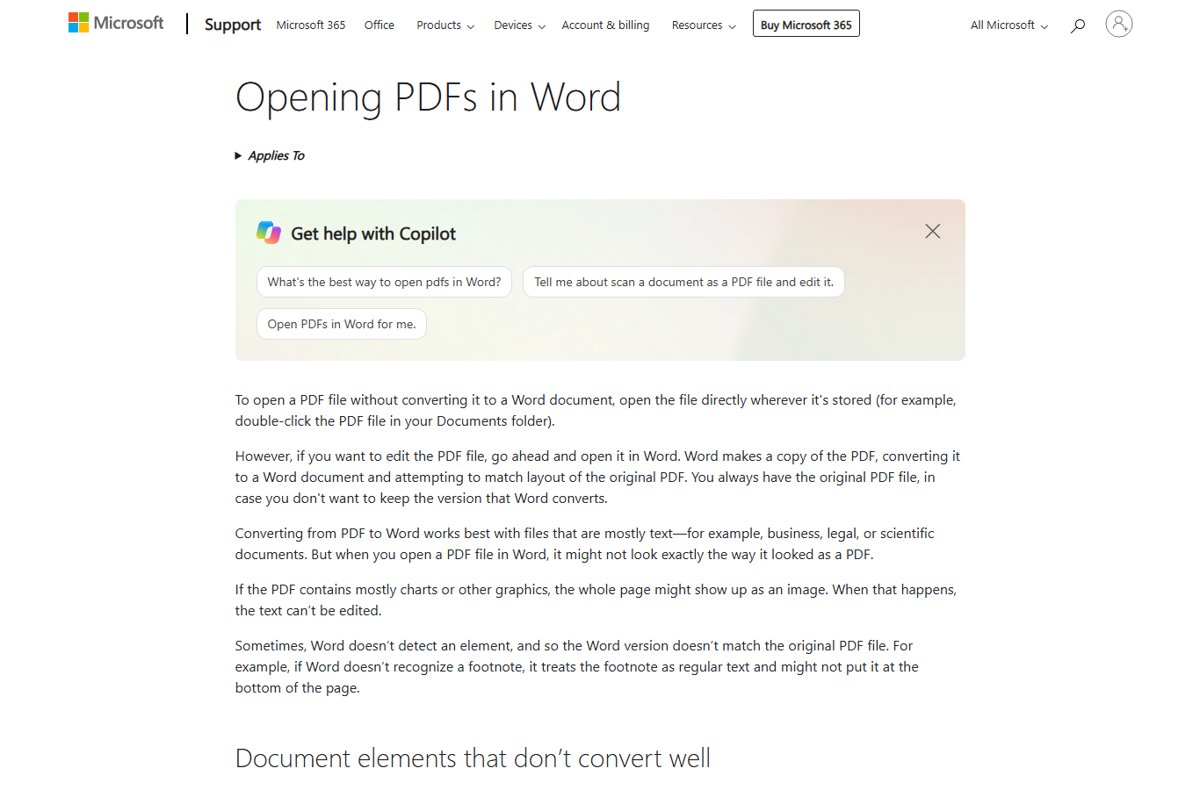
Convert PDF to Word for free with Adobe Acrobat online, open a PDF directly in Microsoft Word, or export from Acrobat desktop. Steps, OCR for scans and fixes.
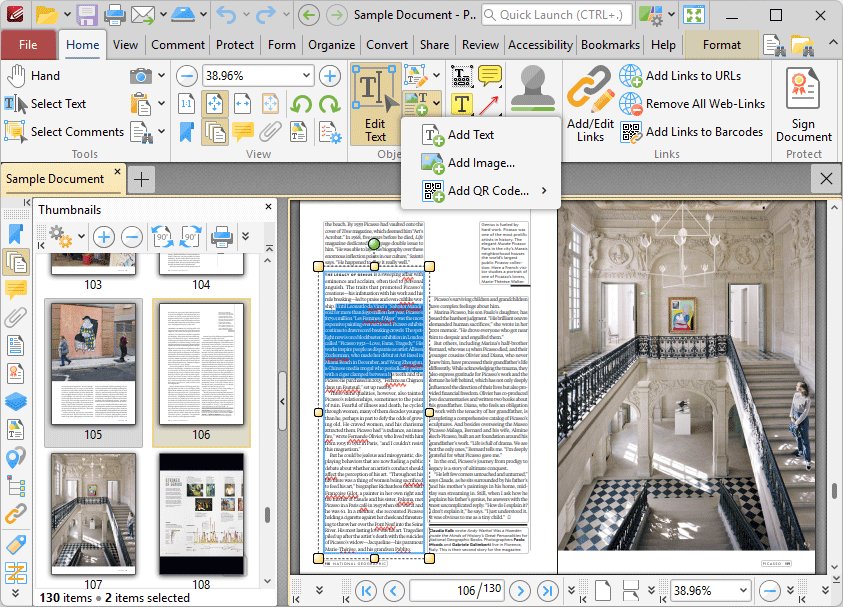
Free PDF editors for 2026: Adobe Acrobat online, LibreOffice Draw, Microsoft Edge, Google Docs, PDF-XChange and more, with free limits and open-source picks.
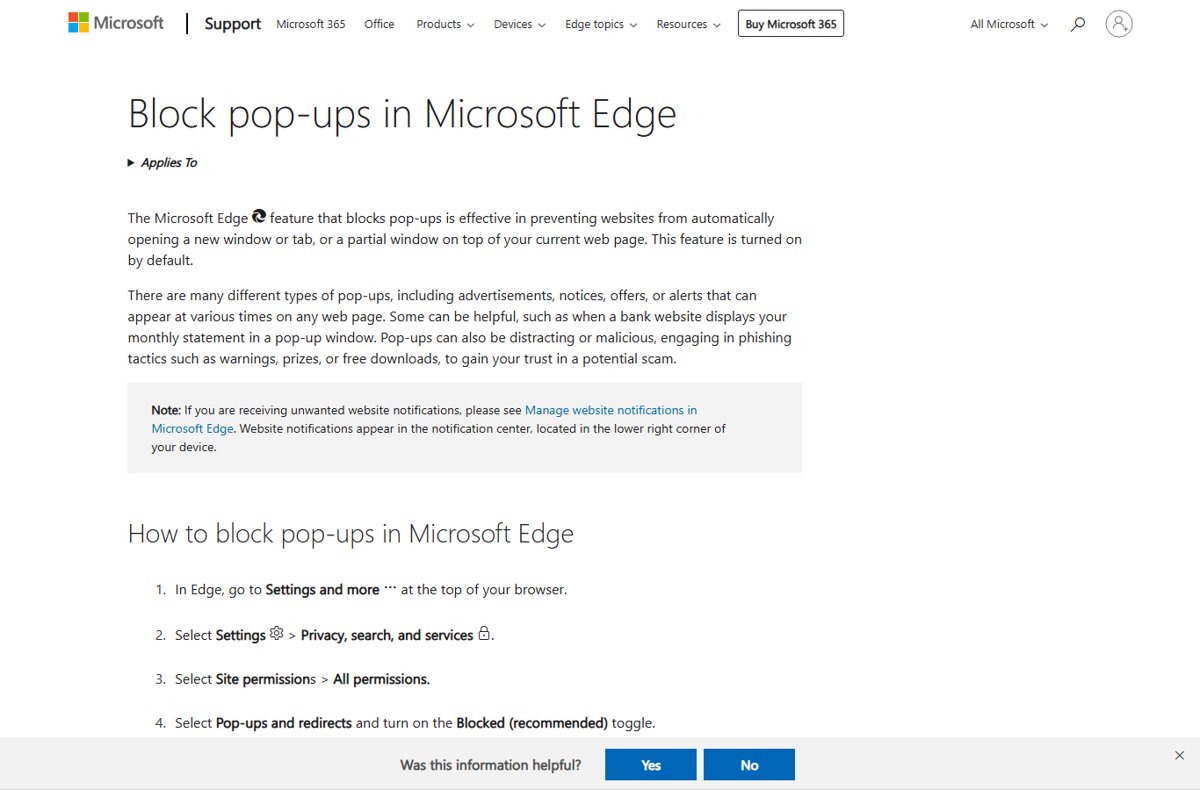
Disable pop-ups and intrusive ads in Microsoft Edge: turn on the pop-up blocker, intrusive ad blocking, tracking prevention and notification blocks.
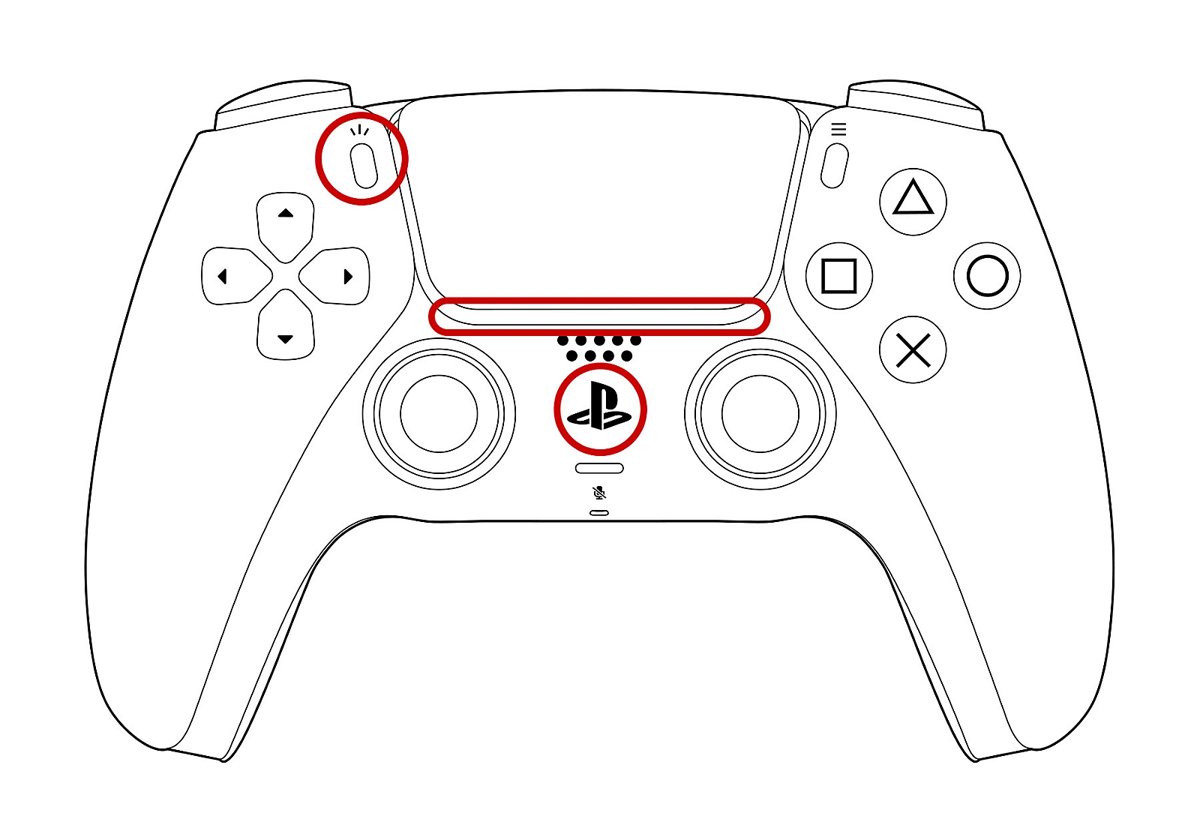
Connect a PS5 controller to PC with DS4Windows: install the drivers, pair by USB or Bluetooth, pick a profile, set up Steam and fix double input.
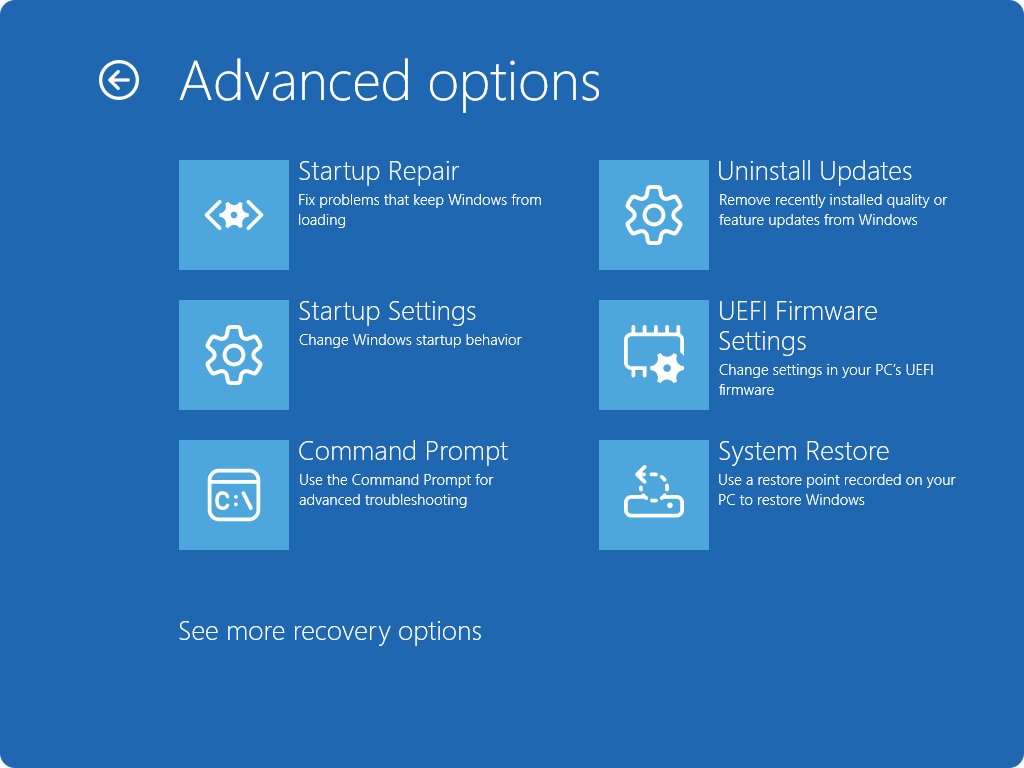
KB5074109 uninstall steps for Windows 11 24H2 and 25H2: Settings, Windows RE and DISM, plus what Microsoft actually says about the January 2026 update.
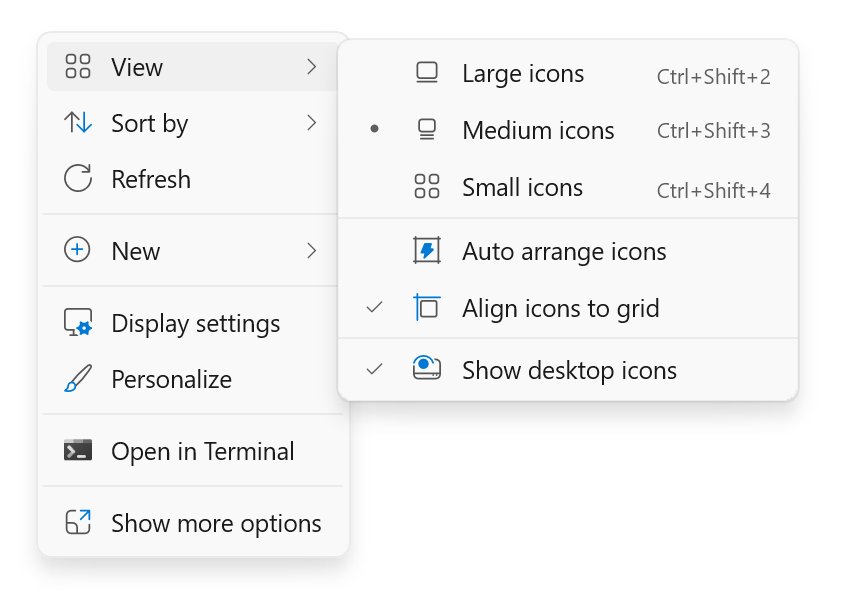
Recycle Bin missing in Windows 11? Turn it back on in Desktop icon settings, open it from Start or File Explorer, change its size, and fix an empty bin.
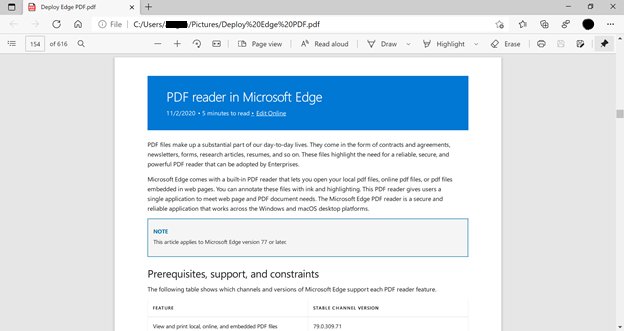
Use the built-in PDF reader in Microsoft Edge to open, mark up, fill, read aloud, print and save PDFs, and make Edge your default PDF app on Windows.
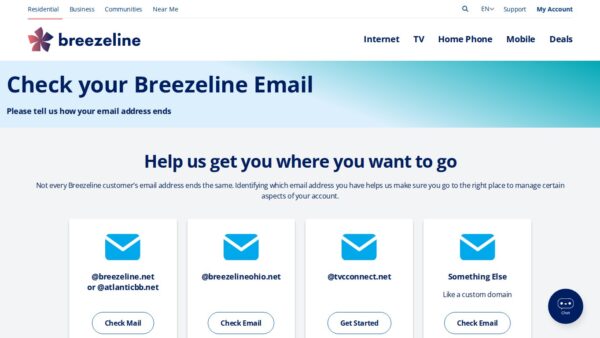
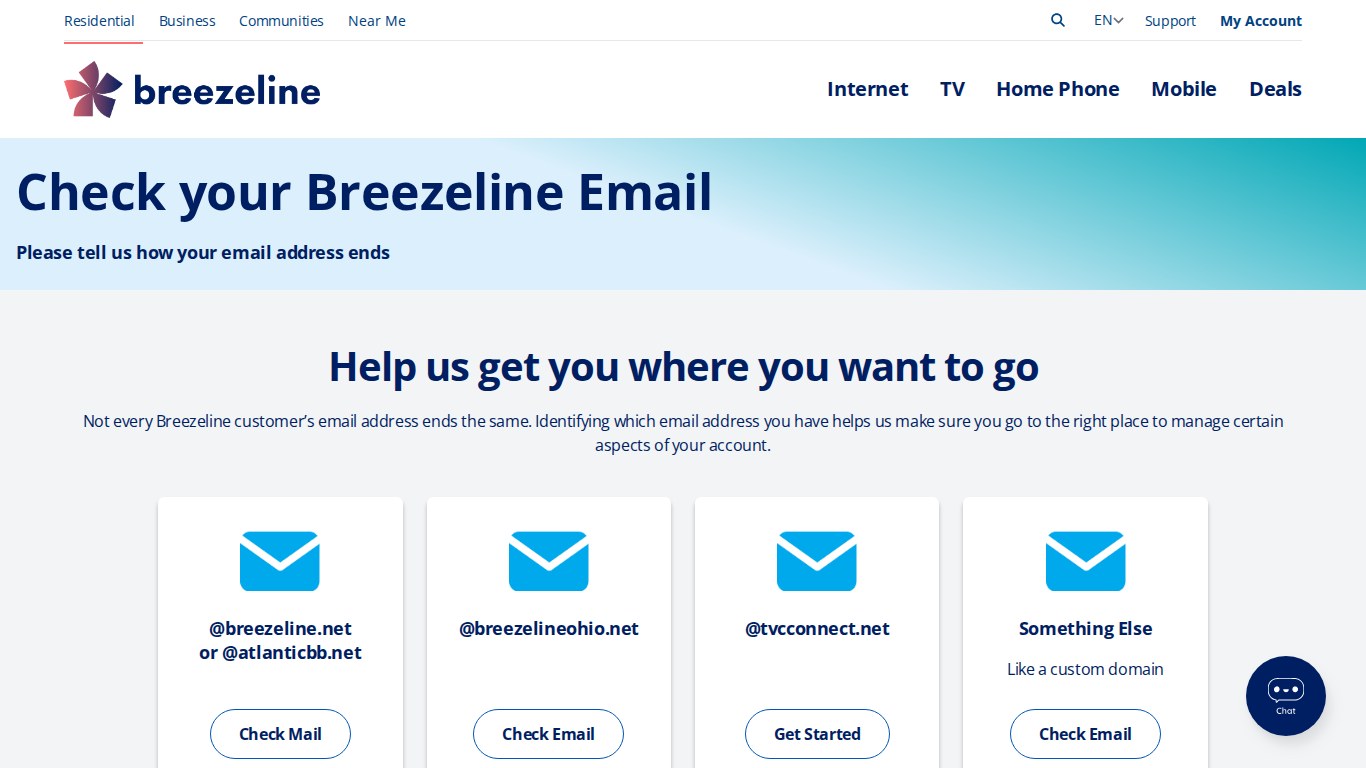
Get your Metrocast.net e-mail through Breezeline webmail: the login page to use, IMAP and SMTP settings, password reset steps and what to do if the account is gone.
Install Chrome extensions from the Chrome Web Store with Add to Chrome, and uninstall them with Remove from Chrome. Covers Incognito, Edge and common fixes.