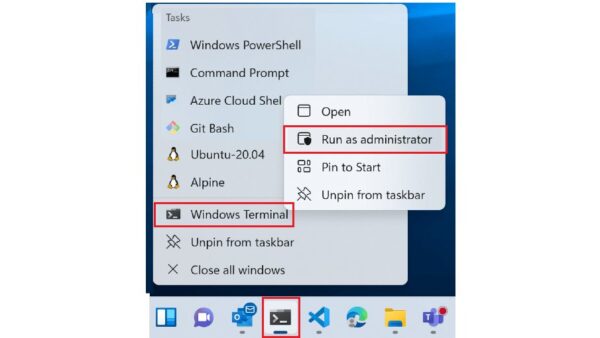
4 simple ways to open Terminal in Windows 11
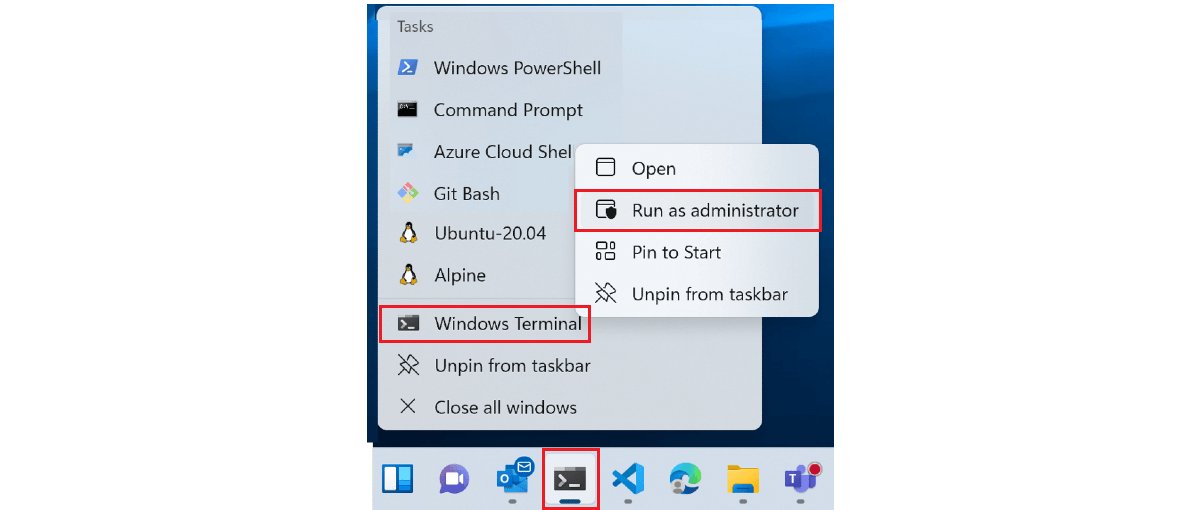
Open Terminal in Windows 11 four ways: the Win + X menu, the wt Run command, Start menu search and File Explorer, plus how to open it as administrator.
1,929 articles

Open Terminal in Windows 11 four ways: the Win + X menu, the wt Run command, Start menu search and File Explorer, plus how to open it as administrator.
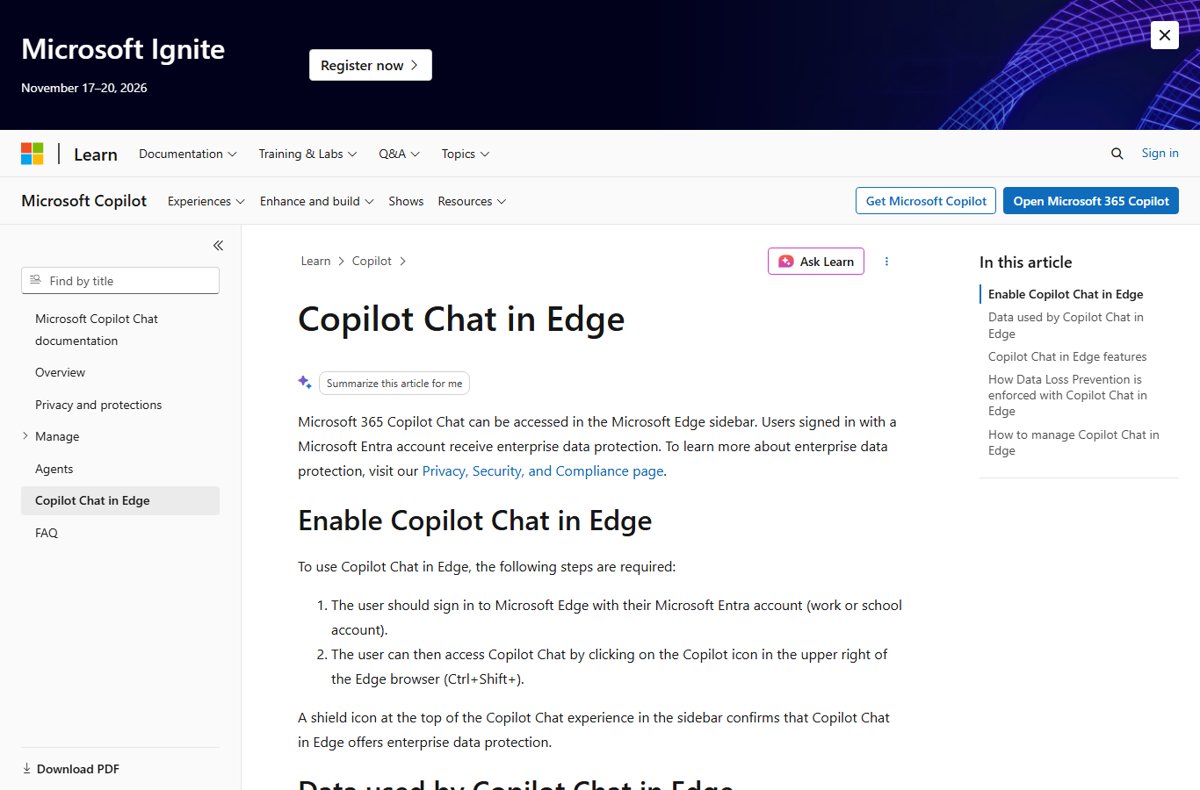
Show or hide the Copilot button in Microsoft Edge from edge://settings/appearance/copilotAndSidebar, plus the Group Policy for work PCs and missing-icon fixes.
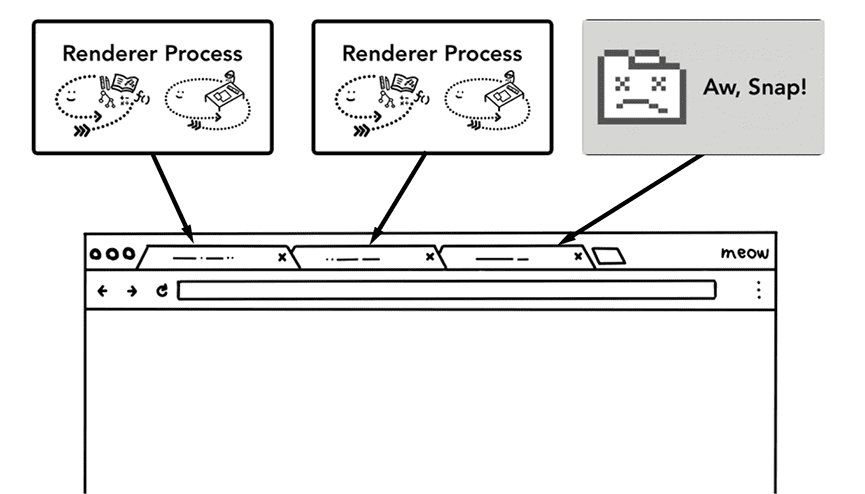
Chrome Task Manager opens with Shift + Esc on Windows. See which tab or extension uses memory and CPU, end a stuck process, and why Chrome runs so many processes.
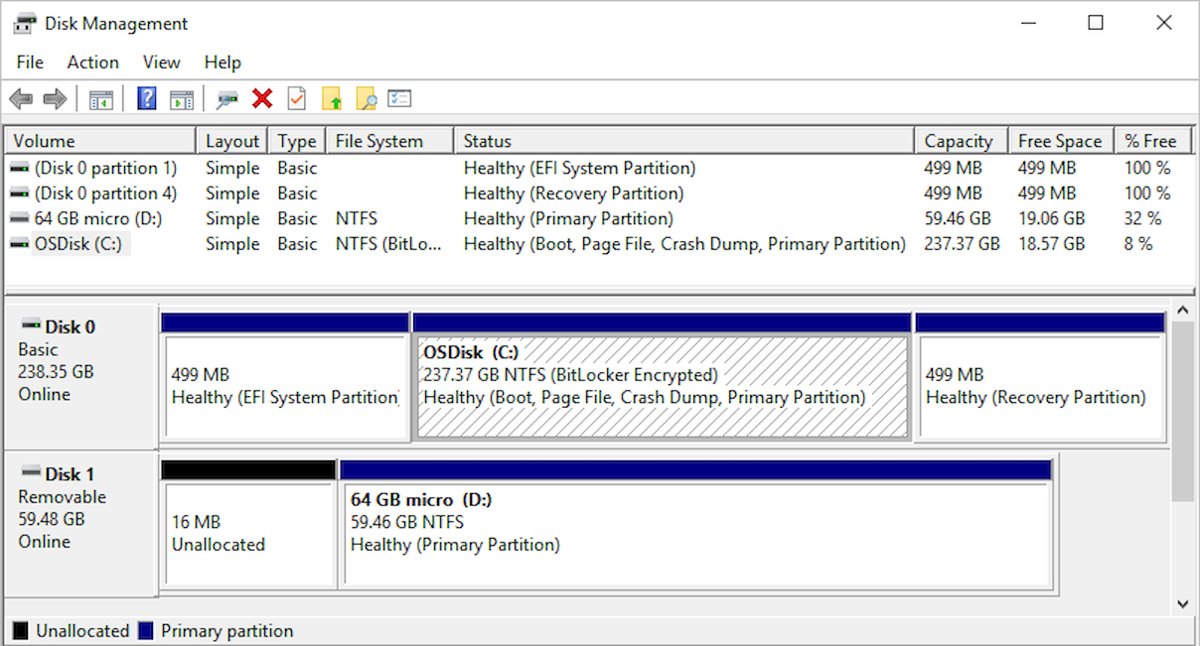
Create and format hard disk partitions in Windows 11 and 10 with Disk Management, DiskPart or PowerShell: shrink a volume, add a new one, format it, and fix errors.
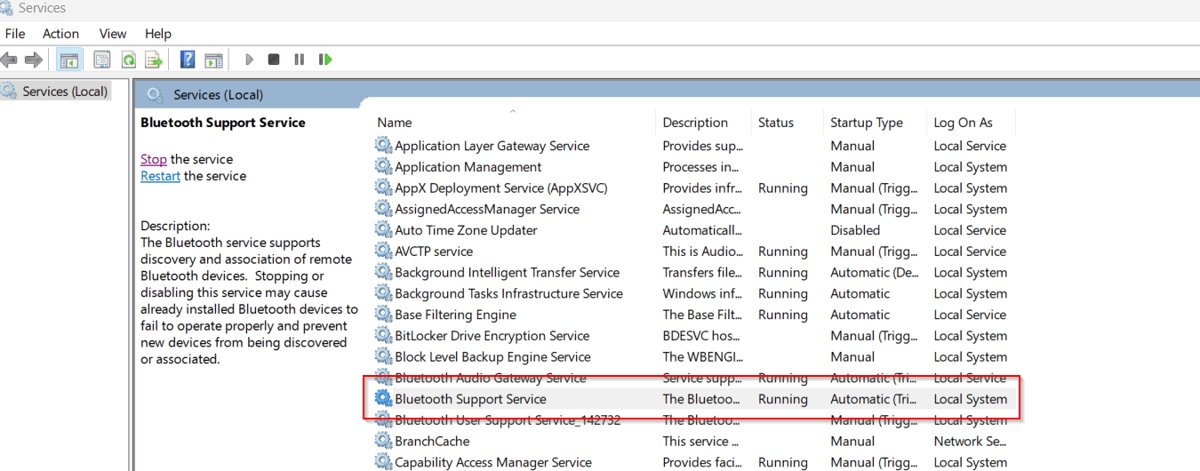
Bluetooth Support Service (bthserv) lets Windows discover and pair Bluetooth devices. What it does, whether to disable it, and how to restart or fix it.
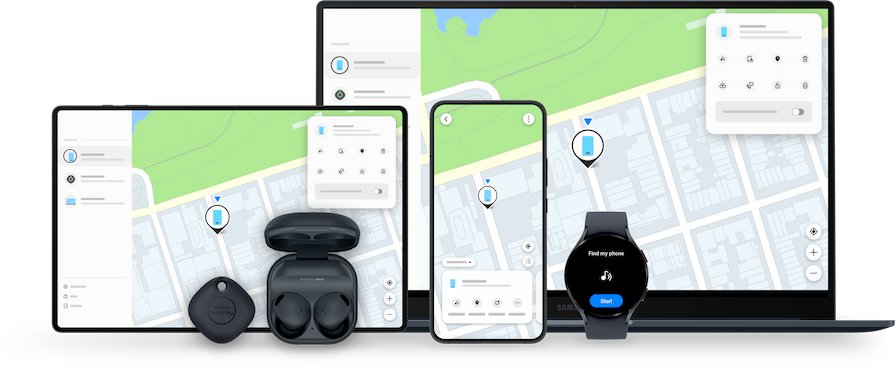
Find a lost cell phone free: track an Android with Google Find Hub, an iPhone with Find My, ring it nearby, use a friend’s phone, then lock and report it.
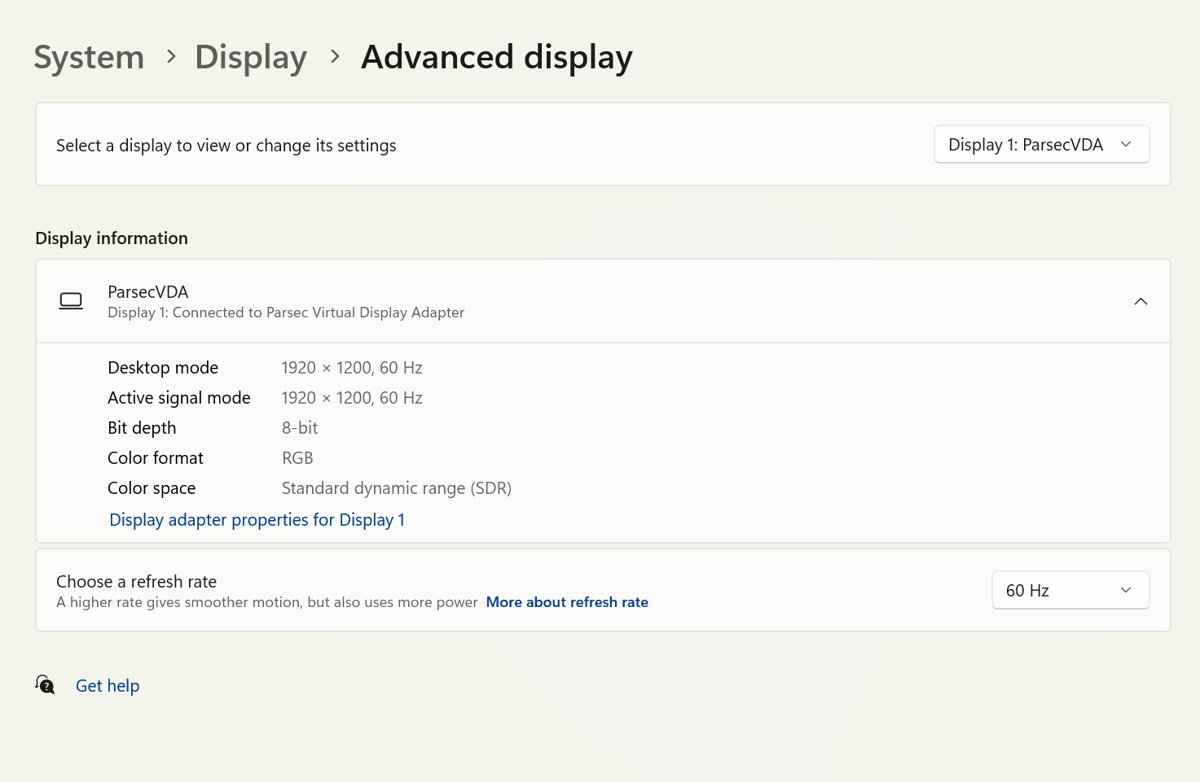
Check what monitor you have in Windows 11 or 10 with one PowerShell command, Devices and Printers, Device Manager or the label, plus a Mac method and fixes.
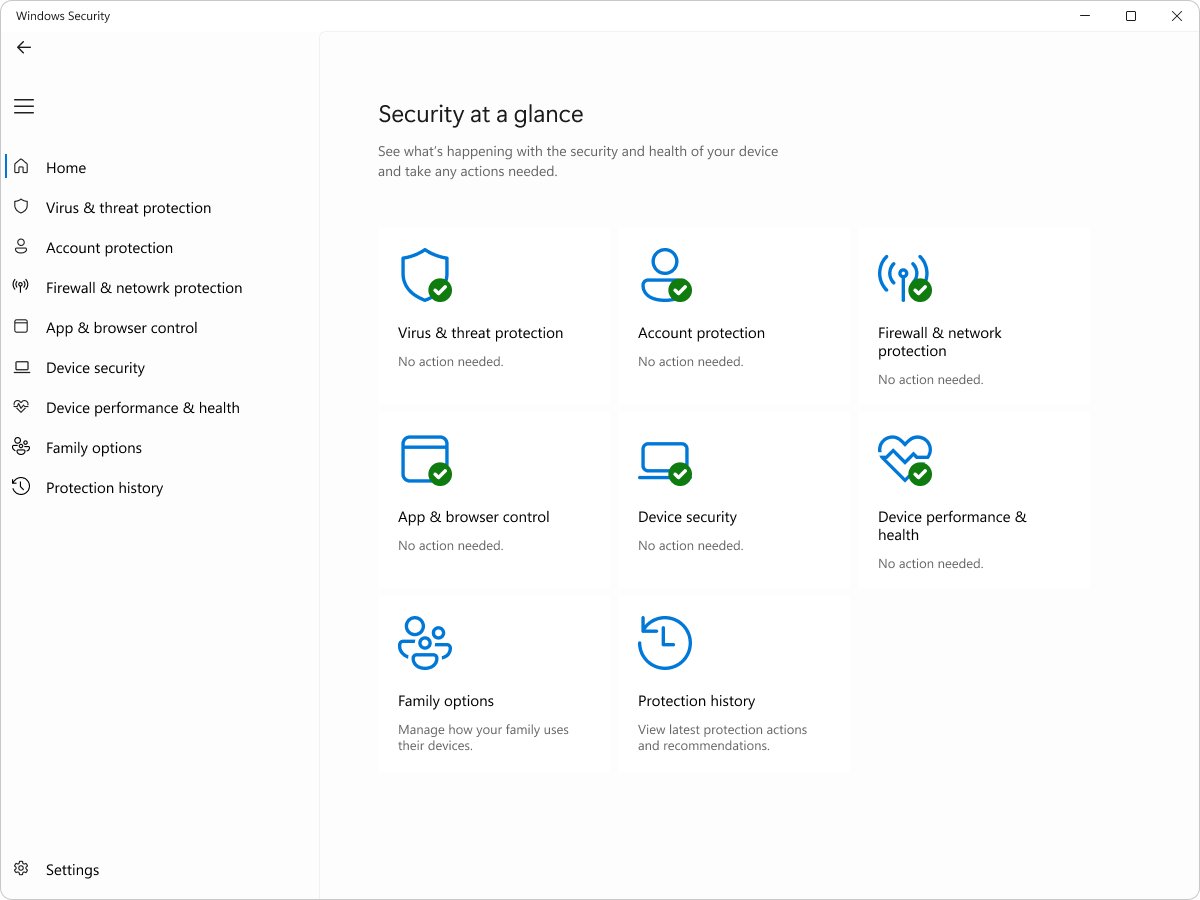
Antimalware Service Executable is MsMpEng.exe, the Microsoft Defender Antivirus service. Learn why it runs, why it uses CPU or RAM, and how to check it is genuine.
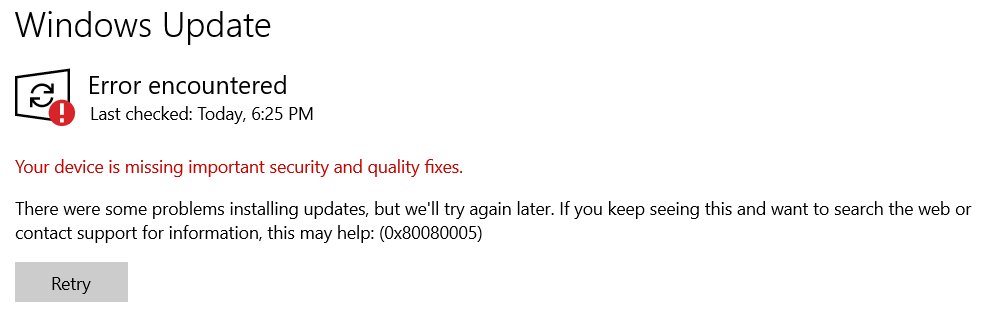
Rebuild the SoftwareDistribution cache to fix Windows 10/11 update errors: stop the update services, rename the folders, restart them and check for updates again.


How to indent on Google Docs: press Ctrl + ] to indent a paragraph, set hanging indents for MLA and APA citations, indent lists, and fix indents that won’t apply.
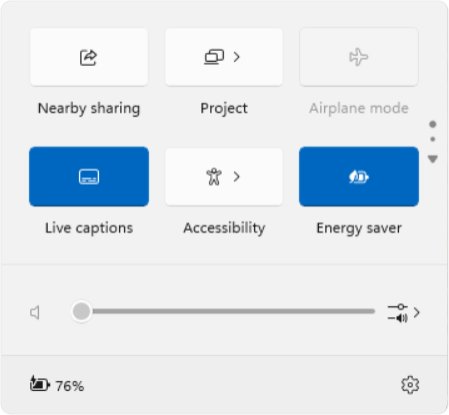
Open Settings on Windows 11 with Windows key + I, the Start button, Run or CMD (start ms-settings:). Jump to any page, pin it, and fix Settings that won’t open.
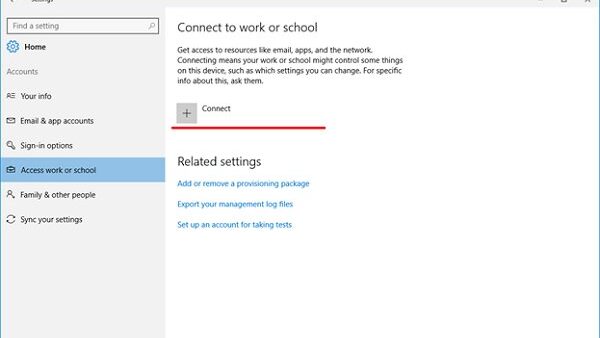
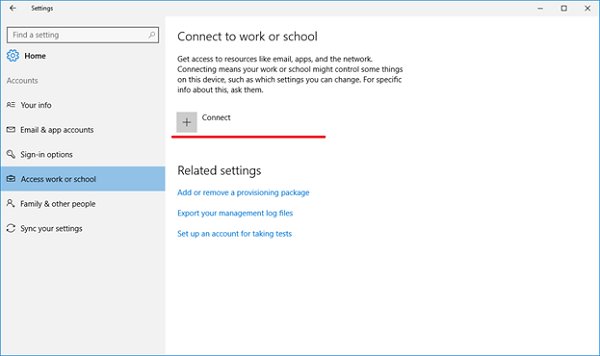
Mobile device management (MDM) in Microsoft Windows explained: how Intune and other MDM servers enroll, secure and unenroll PCs, edition rules and enrollment fixes.