Error 0x800106ba appears when Microsoft Security Essentials or Windows Defender cannot start its service, cannot finish a scan, or cannot update. The message usually says the program could not start or that the service stopped. On Windows 10, users on Microsoft’s community forum also reported Windows Defender giving up a full scan with 0x800106ba and then turning itself off until it was restarted by hand.
What causes 0x800106ba
Answers on Microsoft’s forum point to a few causes:
- The antimalware service is disabled or set to manual, so it is not running when the program needs it.
- An update did not install because of missing permissions or files.
- During a full scan, the scan engine (MsMpEng.exe) runs into trouble with very large compressed archives, which it has to open in memory to scan.
- Another antivirus program is installed and conflicts with Microsoft’s.
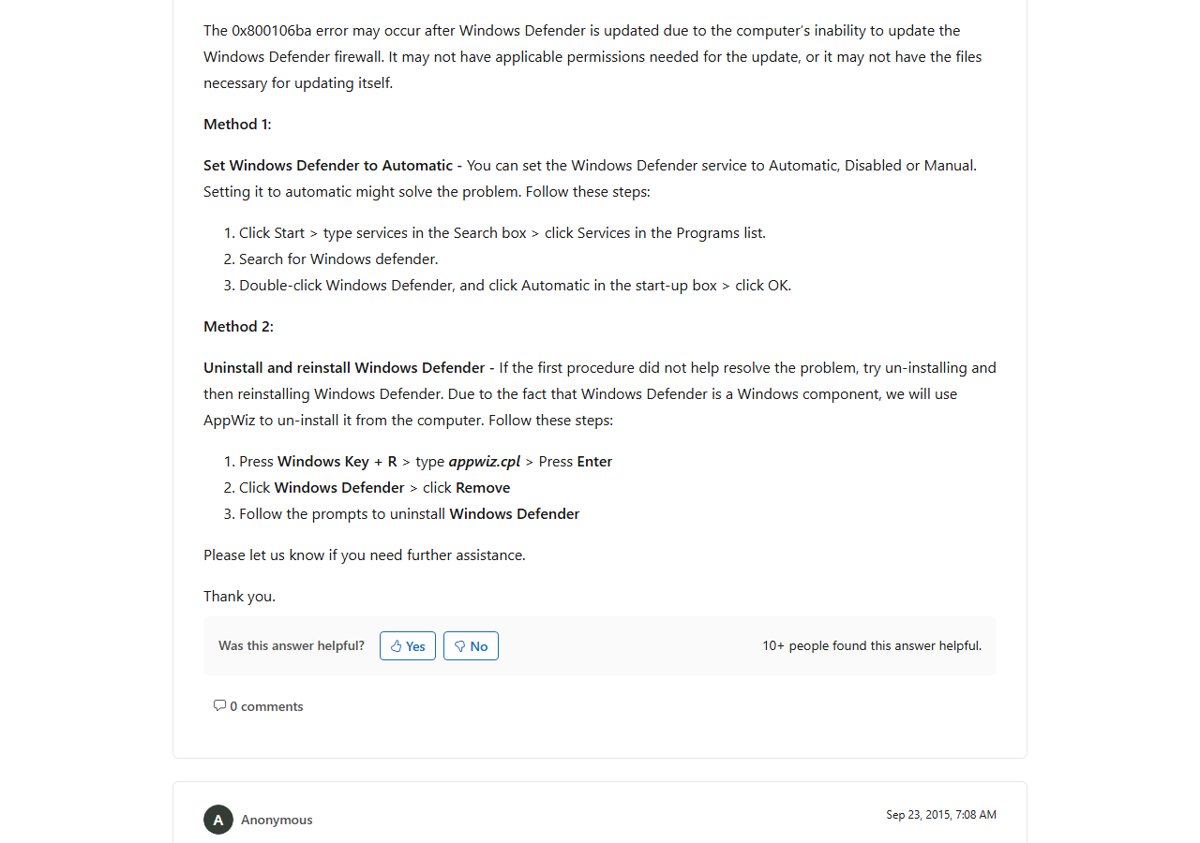
Fix 1: set the service to start automatically
- Click Start, type services and open Services.
- Find the Windows Defender (or Microsoft Antimalware) service.
- Double-click it, set Startup type to Automatic and select Start if it is stopped.
- Select OK and open Security Essentials or Windows Defender again.
Fix 2: exclude large archives from full scans
If the error only shows up partway through a full scan, a big archive is the likely trigger. Security Essentials has a setting to stop scanning inside compressed files. Turning it off was reported to stop the crash. Windows 10 Defender does not have that option, so the advice there was to exclude folders that hold large archive files (such as ISO or RAR images), preferably by location rather than by file type. Run a quick scan instead of a full scan until the problem is fixed.
Fix 3: remove other security software
Two real-time scanners on the same PC fight each other. On Windows 7 and Vista, Windows Defender and Security Essentials could clash when both were running. Security Essentials is meant to replace Defender there. Uninstall any third-party antivirus you no longer use, using the vendor’s removal tool if it has one. Our guide on uninstalling third-party antivirus software covers that.
Fix 4: update and reinstall
- Run Windows Update and install every pending update, then restart.
- Open the program and select Update to download new definitions.
- If Security Essentials still fails, uninstall it from Programs and Features, restart, and install it again.
Today
Security Essentials was made for older versions such as Windows 7. On Windows 10 and 11, Microsoft Defender Antivirus is built in and managed from the Windows Security app. If Defender reports 0x800106ba there, make sure no other antivirus has taken over. Then check for protection updates and run a scan again. Our Windows Security and Defender guide covers each setting, and here is how to run a full Defender scan once the service is working.