To view your YouTube comment history on Android or iOS, open youtube.com/feed/history/comment_history in your phone's browser and sign in with the Google account you comment with.
This guide covers the steps for Android and iPhone or iPad, what the history includes, how to edit or delete a comment from it, and why a comment can be missing.
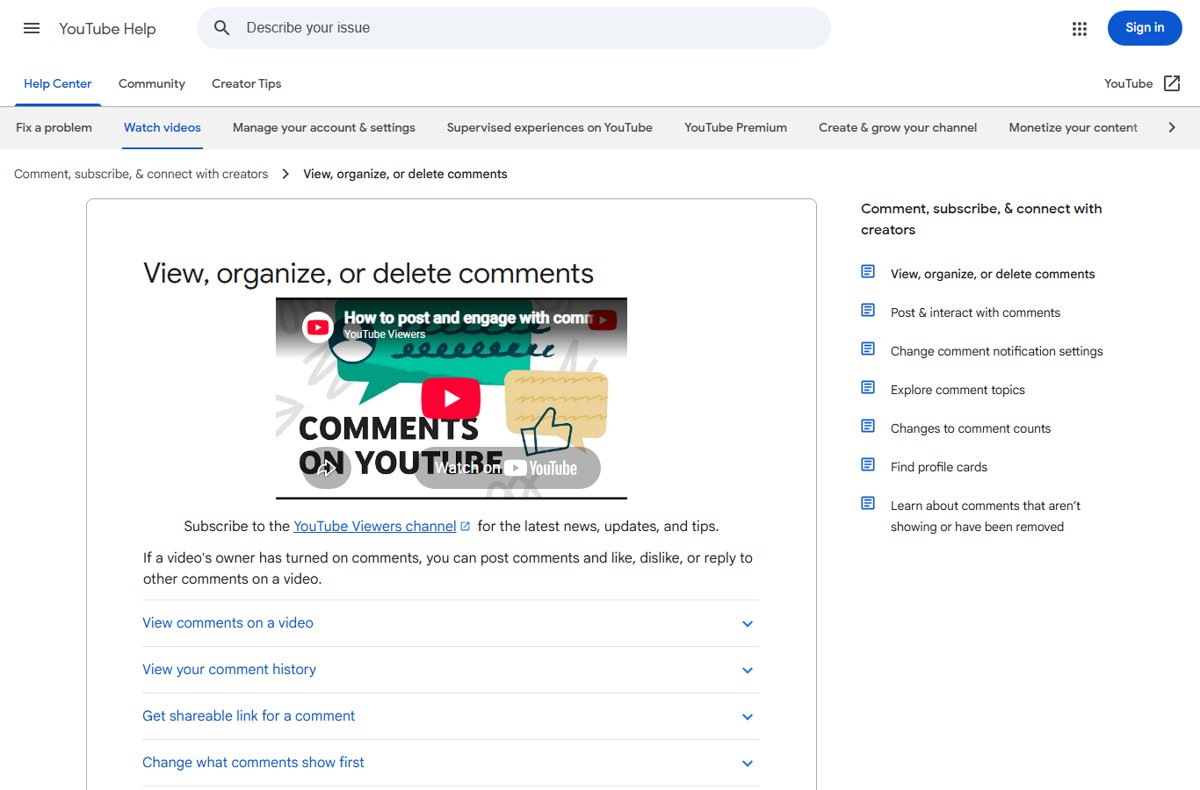
The fastest way to see your YouTube comment history
YouTube keeps every public comment you post on one Comment History page. The same address works on a phone, tablet or computer.
- Open a web browser on your phone, such as Chrome or Safari.
- Go to
https://www.youtube.com/feed/history/comment_history. - Sign in with the Google account you use on YouTube if prompted.
- Scroll the list of your comments.
- Tap a comment's video or post to jump to where you posted it.
Understanding YouTube Comment History
Comment History is a list of the public comments you have posted across YouTube. It is separate from your watch history and your Google search history, and pausing either of those does not touch it.
| Comment | Shows in Comment History? |
|---|---|
| Public comments and replies you posted on videos | Yes |
| A comment on a video that was later deleted | No |
| A comment YouTube removed for breaking policy | No |
| Comments you posted from a different Google account or channel | Only when you are signed in with that account |
How to View Your YouTube Comment History on Android Devices
The Help Center route for comment history is the Comment History web page, so use a browser rather than looking for it in the app's settings. The app's Settings > Manage all history screen covers watch and search history, not comments.
- Open Chrome or another browser on your Android phone or tablet.
- Type
youtube.com/feed/history/comment_historyin the address bar and go. - Sign in with the Google account linked to your YouTube channel.
- Scroll through your comments.
- Tap the video title next to a comment to open the video and see the conversation.
- Tap the comment's timestamp under the video if you want a link that highlights that comment.
How to View Your YouTube Comment History on iOS Devices
- Open Safari or another browser on your iPhone or iPad.
- Go to
youtube.com/feed/history/comment_history. - Sign in with the Google account you comment with.
- Scroll the list to find the comment.
- Tap the video or post next to it to open the original location.
If you have several Google accounts, check the profile picture in the top corner of the page. Comment History only shows comments for the account that is signed in.
Alternative Methods & Tips for Managing and Viewing Your Comments
On a computer, the same Comment History address works in any browser. To find one comment on a video you remember, use the video itself:
- Open the video on YouTube in a browser.
- Scroll down to the comments.
- Select Sort by and choose Newest first if you posted recently.
- Scroll until you find your comment.
- Select its timestamp to get a shareable link that highlights it.
Tips for Efficient Comment Management
Comment History is also where you edit or delete a comment without hunting for the video.
- Open
youtube.com/feed/history/comment_historyand sign in. - Find the comment you want to change.
- Tap or click More next to the comment.
- Choose Edit to change the text, or Delete to remove it.
- Save the edit or confirm the deletion.
YouTube comments are public, and anyone can reply to them. Review old comments now and then, and delete ones you would not want tied to your name.
How to check an edit or deletion went through
After you change a comment from Comment History, confirm the change where other viewers see it, not only in your own list.
- Reload the Comment History page and confirm the comment shows the new text, or is gone after a deletion.
- Tap the video next to an edited comment to open it.
- Scroll to the comments and select Sort by > Newest first if the comment does not appear near the top.
- Check that the comment under the video matches the edited text.
- Open the video in a private browser tab, signed out, to see the comment as the public sees it.
Fix a comment that is missing from your history or a video
A comment you posted is not in Comment History
The video was deleted, or YouTube removed the comment for a policy violation.
- Open the video link if you still have it to confirm it exists.
- Check your notifications for a removal notice from YouTube.
- Confirm you are signed in with the account you used to post.
Your comment is in history but not visible under the video
The channel may be holding it for review, or a blocked word filtered it.
- Open the video and select Sort by > Newest first.
- Scroll to find the comment.
- If it is still missing, the creator's moderation is holding or removed it; only the channel owner can approve it.
Comment History page is empty or asks you to sign in
You are signed out or on a different Google account.
- Tap the profile picture on the page.
- Switch to the account you comment with.
- Reload the Comment History page.
Frequently asked questions
Where can I see my YouTube comment history?
Go to youtube.com/feed/history/comment_history in any browser and sign in. The page lists the public comments you posted across YouTube, and selecting one takes you to the video where you posted it.
How do I find my YouTube comment history on my phone?
Open Chrome on Android or Safari on iPhone, go to youtube.com/feed/history/comment_history, and sign in with your YouTube account. The page works the same on a phone as on a computer.
How do I look at comment history in the YouTube app?
YouTube's help pages point to the Comment History web page rather than an app screen. The app's Manage all history option covers watch and search history, so open the comment history address in your browser instead.
Why can't I see some of my old YouTube comments?
Comments on deleted videos and comments YouTube removed for policy violations do not appear in Comment History. A comment may also be missing if you posted it from another Google account.
Can I delete comments from my YouTube comment history?
Yes. Open Comment History, select More next to the comment and choose Delete. The same menu has Edit for changing the text.
Why does my comment not show under a video?
The creator may hold comments for review or block certain words, and YouTube filters likely spam. Sort the comments by Newest first to look for it; if it is still missing, it was held or removed.
Can I share a link to one of my comments?
Yes. Select the comment's timestamp under the video to create a highlighted comment link, then copy the address from the browser.
Summarizing Key Points
Bookmark youtube.com/feed/history/comment_history in your phone's browser and use it to find, edit or delete any comment. It is the single place YouTube lists all your public comments, it works the same on Android and iOS, and it saves searching through individual videos.





How to see your YouTube watch history and delete it if needed - Techdows
[…] watch, searches on YouTube, and YouTube voice and audio activity. Comments are not part of it; your YouTube comment history has its own […]