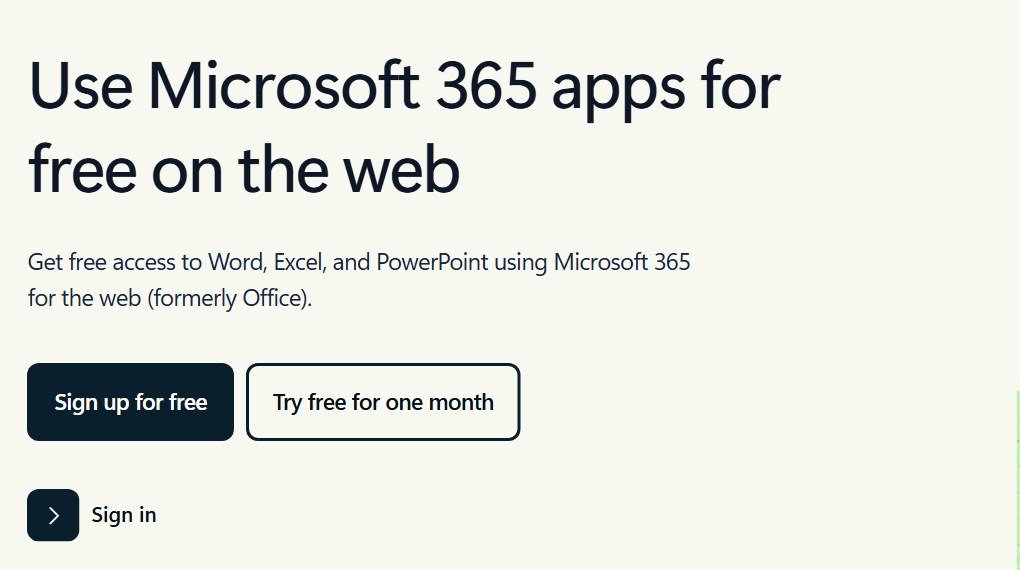
The quickest legal way to use Microsoft Office without paying is Microsoft 365 for the web: sign in at Microsoft365.com with a free Microsoft account and use Word, Excel and PowerPoint in your browser.
The other six routes are the free mobile apps, two one-month Microsoft 365 trials, a school or work account, a new PC that includes Microsoft 365, and a shared Microsoft 365 Family plan.
Method 1: Use free Microsoft Office Online
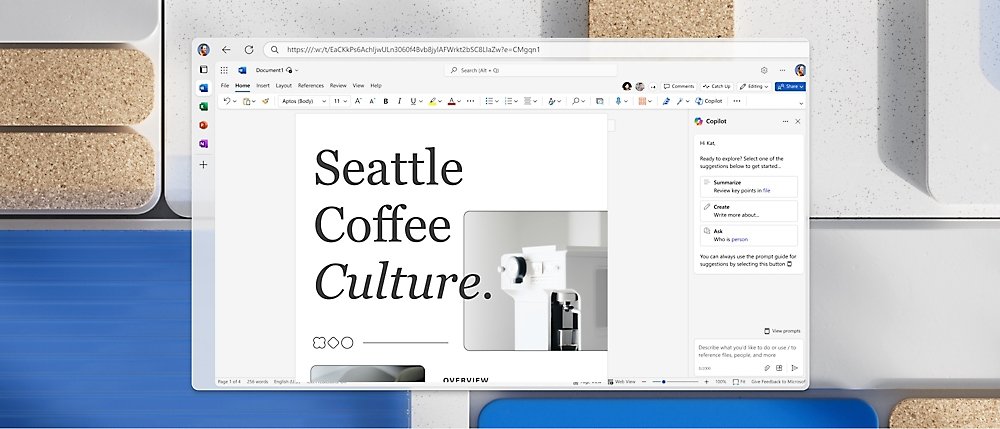
Microsoft 365 for the web, still widely called Office Online, gives you Word, Excel and PowerPoint in a browser at no cost. You get 5 GB of OneDrive storage, and files are saved in and shared from OneDrive.
- Go to Microsoft365.com in any browser.
- Select Sign in, or Sign up for free if you do not have a Microsoft account.
- Create the account with an existing email address or a new Outlook.com address.
- Open the app launcher and select Word, Excel or PowerPoint.
- Start a blank document, or upload a file to OneDrive to open and edit it.
The web apps get security updates but not every new feature, and some advanced features need the desktop apps. They are fine for letters, budgets, school work and simple slide decks.
Use Microsoft Office free, without paying for it
Each route below is legal and comes from Microsoft itself. Match your situation to a row; only the trials and the new-PC offer end after a set time.
| Your situation | Free route | What you get | Time limit |
|---|---|---|---|
| You have a browser and a Microsoft account | Microsoft 365 for the web | Word, Excel, PowerPoint online, 5 GB OneDrive | None |
| You work on a phone or small tablet | Free mobile apps | Core editing on screens of 10.1 inches or less | None |
| You need desktop apps for a short project | Microsoft 365 Personal, Family or Premium trial | Full desktop apps | 1 month, then paid unless cancelled |
| You run a small business | Microsoft 365 Business Standard trial | Desktop apps, business email, Teams, up to 25 users | 1 month; credit card required |
| You are a student or teacher | Office 365 A1 for education | Web Word, Excel, PowerPoint, OneNote, Outlook | While your school eligibility lasts |
| You are buying a new Windows PC | Microsoft 365 or Office included with the PC | A trial or an included license, depending on the model | Depends on the offer |
| A relative pays for Microsoft 365 Family | Join their shared subscription | Desktop apps and your own OneDrive storage | While they keep sharing |
Method 2: Use Microsoft Office mobile apps
The Microsoft 365 Copilot app and the separate Word, Excel and PowerPoint apps let you view, create and edit files for free on iPhone, iPad and Android. Core editing is free on devices with screens of 10.1 inches or less.
- Open the App Store on iPhone or iPad, or Google Play on Android.
- Search for Microsoft 365 Copilot, Word, Excel or PowerPoint and install the app.
- Open the app and sign in with your free Microsoft account.
- Tap the create button to start a new file, or open one from OneDrive or the device.
- Edit and save the file; it stays in sync with Microsoft 365 for the web.
A subscription is needed on screens larger than 10.1 inches, for files saved to business storage such as OneDrive for business or Dropbox for Business, and for premium features. Those include page and section breaks, columns, page orientation and track changes in Word, plus Morph and Designer in PowerPoint.
Method 3: Sign up for the one-month free Microsoft 365 trial
Microsoft offers a one-month free trial of Microsoft 365 Family, and also of Personal and Premium. The trial installs the full desktop apps, and Family can be shared with up to five other people.
- Go to microsoft.com/microsoft-365/try.
- Select Try free for 1 month under the plan you want.
- Sign in with your Microsoft account and complete the checkout.
- Install the apps from your Microsoft account dashboard, or install Microsoft 365 on your PC with the standard setup steps.
- Note the Expires on date shown at account.microsoft.com/services.
The trial renews automatically as a paid subscription unless you cancel it in your Microsoft account. Cancelling within 30 days of signing up means you are not charged.
Method 4: Sign up for the free Microsoft 365 Business Standard trial
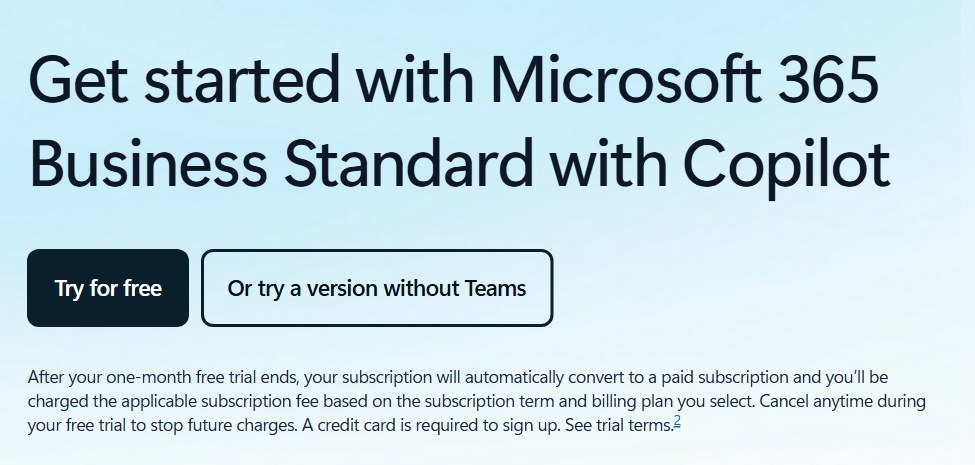
The Microsoft 365 Business Standard trial runs for one month and covers up to 25 users. It includes desktop, web and mobile Word, Excel, PowerPoint and Outlook, plus Teams and business email.
- Go to the Microsoft 365 Business Standard one-month trial page on microsoft.com.
- Select Try for free, or Or try a version without Teams.
- Enter your work details and pass the security check.
- Add a credit card, which Microsoft requires to sign up.
- Add up to 25 users in the Microsoft 365 admin center and install the apps.
After one month the trial converts to a paid subscription. Cancel any time during the trial to stop future charges. Trial storage is limited, and cancelling a business subscription deletes its data.
Method 5: Ask your company or institution for free Microsoft 365
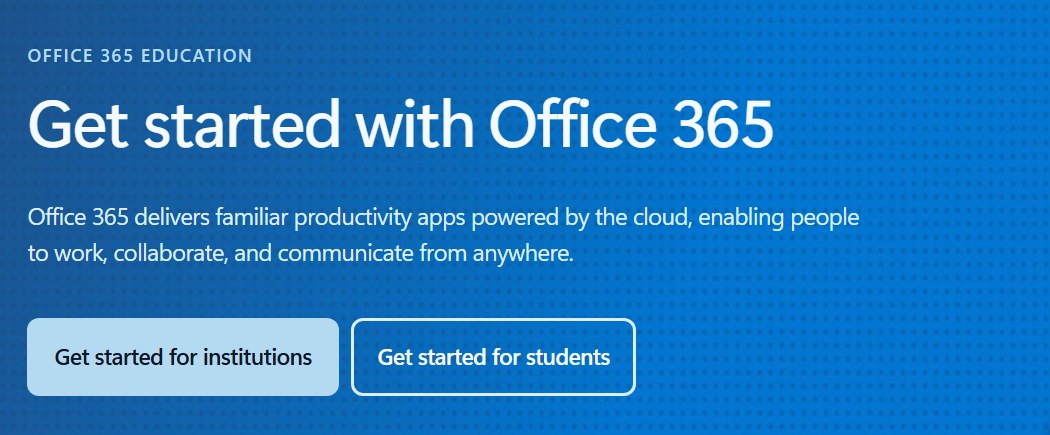
Students and educators with an eligible school email address can get Office 365 A1 for free. It includes the web versions of Outlook, Word, Excel, PowerPoint and OneNote. Many employers also license Microsoft 365 for staff, so ask your IT team before buying a copy.
- Go to microsoft.com/education/products/office.
- Select Get started for students, or the educator option if you teach.
- Enter your school email address.
- Wait for verification, which is often instant but can take up to a month for some schools.
- Sign in at Microsoft365.com with the school account and open the apps.
Microsoft can re-check your eligibility at any time, and access ends when you leave the school. Full desktop apps come with the paid A3 plan or a school that licenses them.
Method 6: Buy a Windows device that includes a Microsoft 365 subscription
Some new Windows PCs come with Microsoft 365 already installed. It is either a trial of Microsoft 365 Family, a trial of a non-subscription Office version, or an included one-year subscription or one-time purchase.
- Check the product listing for Microsoft 365 or Office before you buy the PC.
- Start the new PC and open Word or Excel.
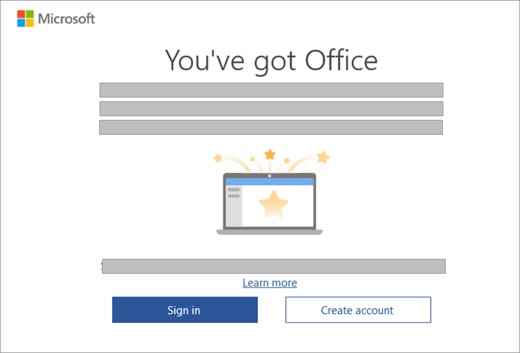
- Select the activation option on the Let's get started screen.
- Sign in with your Microsoft account to link the included license.
- Keep the account details safe, because the PC gets a digital product key instead of a printed one.
If the PC only had a trial, you must start a Microsoft 365 Family trial or buy Microsoft 365 to keep using the apps. To find out what an included license is tied to, find your Office product key in your Microsoft account.
Method 7: Join a Microsoft 365 Family subscription shared with you
The owner of a Microsoft 365 Family, Premium or Pro plan can share it with up to five other people at no extra cost to them. Each person gets the desktop apps and their own private files.
- Ask the owner to sign in at account.microsoft.com/services/office/sharing and select Share.
- Open the email invitation, or the link they send, within 48 hours.
- Select Accept, then Join now.
- Select Start using Microsoft 365 apps.
- Select Install and follow the prompts.
If you already belong to another Microsoft family group, leave it first. Copilot features and extended storage stay with the owner, and sharing is not available on Microsoft 365 Basic or Personal.
Free Microsoft 365 for the web vs paid Microsoft 365
| Feature | Free web and mobile apps | Paid Microsoft 365 |
|---|---|---|
| Apps | Web Word, Excel and PowerPoint | Desktop apps for PC or Mac, including Outlook |
| Cloud storage | 5 GB OneDrive | 100 GB on Basic, 1 TB on Personal, 2 TB or more on Family and Premium |
| Offline use | No | Yes, after an internet check at least every 39 days |
| Phones and tablets | Basic editing on screens under 10.1 inches | Full editing on any screen size |
| New features | Security updates, not every new feature | New features as they are released |
| Technical support | None | Included |
| Copilot AI | Not included | Included on paid plans |
| Teams group calls | 60 minutes | 30 hours |
If you need the desktop apps for years rather than months, Office 2024 is a one-time purchase for one PC or Mac. Compare what each of the Microsoft Office suite apps does before you buy.
How to cancel the Microsoft 365 free trial before you are charged
Cancel before the Expires on date if you do not want to pay. After a trial ends, Office switches to view-only mode: you can open and print files but cannot edit or create them.
- Go to account.microsoft.com/services and sign in with the account that started the trial.
- Find your Microsoft 365 subscription.
- Select Cancel if the link is shown, and confirm.
- If you see Paid with and None, or Turn on recurring billing, no action is needed; the trial ends on its own.
- Move files you need off the extra OneDrive storage before the trial ends.
Business trials are cancelled in the Microsoft 365 admin center instead. People you shared a Family trial with lose access at the same time.
Free Microsoft Office legal options FAQ
Is Microsoft Office free on the web?
Yes. Word, Excel and PowerPoint for the web are free with a Microsoft account at Microsoft365.com. You get 5 GB of OneDrive storage, and files are saved in OneDrive rather than on your PC.
Can I use Word for free on my phone?
Yes. Word, Excel and PowerPoint on iPhone, iPad and Android allow free core editing on screens of 10.1 inches or less. Larger tablets, business storage and premium features such as track changes need a Microsoft 365 subscription.
How long is the Microsoft 365 free trial?
The Microsoft 365 Personal, Family, Premium and Business Standard trials each last one month. Both types renew as paid subscriptions unless you cancel before the trial ends, and the business trial needs a credit card to sign up.
Can students get Microsoft Office for free?
Yes. Students and teachers with an eligible school email address can get Office 365 A1 free, which includes web Word, Excel, PowerPoint, OneNote and Outlook. Desktop apps come with paid education plans or a school license.
What happens if I cancel the Microsoft 365 trial?
You are not charged if you cancel within 30 days of signing up. Once the trial ends, Office enters view-only mode, so you can open and print files but not edit them, and extra OneDrive storage goes away.
Is Office 2024 free?
No. Office 2024 is a one-time purchase for one PC or Mac and does not get new features. If you already own an older license, you can legally download Office 2021, 2019 or 2016 from Microsoft.
Can I share Microsoft 365 Family with friends?
Yes. The owner of Microsoft 365 Family, Premium or Pro can share it with up to five other people through account.microsoft.com. Each person gets the desktop apps and private files; Copilot features stay with the owner.