You can create a Google Account without a phone number because Google marks the phone step Optional in its sign-up flow: go to the Google Account sign-in page, select Create account, fill in your details, and skip the phone field.
Google sometimes requires phone verification to stop spammers, and that cannot be bypassed. This guide covers every sign-up route, what to do when Google insists, and how to secure the account with a recovery email instead.
Method 1: Create a Google Account on the Web and Skip the Phone Number
- Go to the Google Account sign-in page at
accounts.google.com/signin. - Select Create account.
- From the drop-down, choose For my personal use.
- Enter your name, birthday and gender, then select Next.
- Pick a suggested Gmail address or create your own, then set and confirm a password.
- When the screen to add a phone number appears, choose to skip it; Google lists this step as optional.
- Select Next to finish sign-up.
If the screen says phone verification is required instead of optional, see the section on what to do when Google requires a number anyway. The full sign-up walkthrough, including usernames and passwords, is in how to create a Google Account.
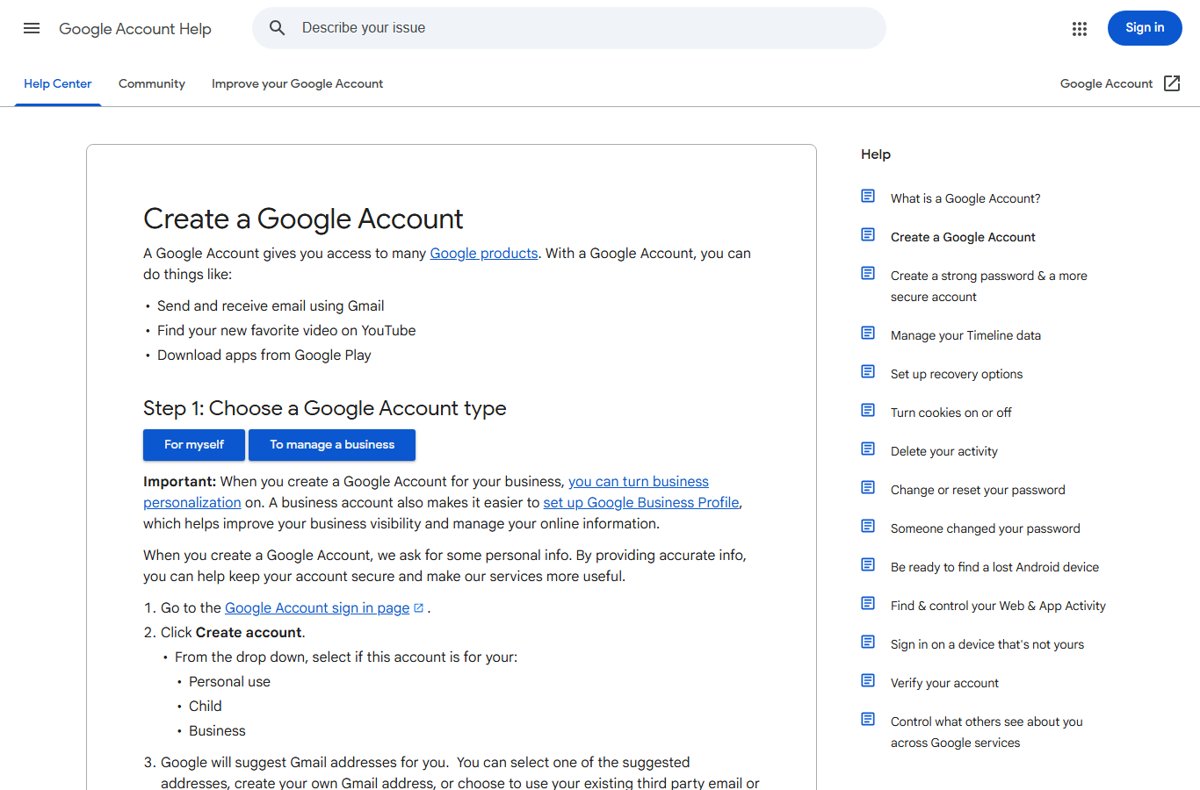
Can You Create a Google Account Without a Phone Number?
Yes, usually. Google's own steps for web, Android, iPhone and iPad all label adding and verifying a phone number as optional. Google also states that sometimes phone verification is required before you create an account, to confirm you're a real person and stop spammers. When that screen appears, there is no official way around it.
Before You Start: What You Need Instead of a Phone Number
| You need | Why |
|---|---|
| A recovery email address you can open | It replaces the phone as your way back in if you forget the password; Google advises it should not be the sign-in address |
| A strong, unique password | Google recommends at least 12 characters and no reuse from other sites |
| Your real birthday | The minimum age is 13 in the US and many countries; younger children need a parent-managed account |
| A browser with cookies on | Google Accounts do not work with cookies blocked |
| An existing email, if you do not want Gmail | You can make a Google Account with a non-Gmail address |
Method 2: Use an Existing Email Address Instead of Creating Gmail
This route makes a Google Account with your current Outlook, Yahoo or work address as the username. You verify it with a code sent by email, not by text.
- Go to the Google Account sign-in page and select Create account.
- Choose For my personal use.
- Enter your basic info.
- Select Use your existing email.
- Enter your current email address and select Next.
- Type the verification code Google sends to that inbox.
- Skip the optional phone step and finish sign-up.
The account works with YouTube, Google Drive and Google Play, but it has no Gmail inbox. You can add a Gmail address to it later.
Method 3: Create the Account During Android Device Setup
- On a phone that is already set up, open Settings.
- Tap Passwords & accounts (on some phones Users & accounts or Passwords, passkeys & autofill).
- Tap Add account > Google, and enter your PIN or pattern if asked.
- Tap Create account and choose For my personal use.
- Fill in your details and skip the optional phone step.
- On a new or reset phone, choose Create account on the sign-in screen during setup instead.
Method 4: Use the Gmail App on a Phone or Tablet
- Open the Gmail app on your iPhone, iPad or Android device.
- Tap your Profile picture at the top right.
- Tap Add another account, then Google.
- Select Create account and choose For my personal use.
- Follow the on-screen steps and skip the optional phone number.
Method 5: Create a Child Google Account with Family Link
Children under 13 in the US cannot make their own account. A parent creates it, and the parent's details are used for consent, not the child's phone.
- Make sure you, the parent, are 18 or older, have a Google Account and live in the same country as the child.
- Open the Family Link app and add a child, or go to
accounts.google.com/signupand choose the child option. - Enter the child's name, birthday and a Gmail address and password.
- Give parental consent; Google may place a temporary authorisation on a credit card, removed within 48 hours.
- Allow about 15 minutes to finish setup.
Best Method for Most People
| Your situation | Use this | Why |
|---|---|---|
| You want a new Gmail address | Method 1 on the web | Shows the optional phone step clearly |
| You already have email and only need Google services | Method 2 | Verifies by email code, no new inbox |
| You are setting up an Android phone | Method 3 | The account is added to the phone in the same flow |
| You only have an iPhone or tablet | Method 4 | Works inside the Gmail app |
| The account is for a child under 13 | Method 5 | Parent consent replaces the child's phone |
How to Improve Your Chances of Skipping Phone Verification
Google asks for a phone when sign-up looks like possible abuse, and it limits how many accounts one number can create. These habits keep your sign-up looking like an ordinary person's.
- Use your own home network and your usual browser, not a VPN or public computer.
- Create one account at a time; do not make several in a row.
- Enter your real name and birthday.
- Add a recovery email straight after sign-up.
- If Google asks for a phone, close the page and try again later from the same device.
Should You Use a Temporary or Online Phone Number?
No. Use your own number, a family member's number with their permission, or wait and try again. Google limits how many accounts and verifications each number can handle, so shared online numbers often fail with "used too many times". Worse, anyone who controls that number later could use it to request codes for your account.
What to Do If Google Requires a Phone Number Anyway
Google says phone verification is required
Google sometimes requires a phone to confirm a real person is signing up.
- Wait a while and try again from your usual device and network.
- Try a different sign-up route, such as Method 2 with an existing email.
- If it still asks, verify with your own number by text or call. You can remove the number from your account later.
"This phone number cannot be used for verification"
Google limits the number of accounts each phone number can create.
- Use a different number, such as a family member's with their permission.
- Do not reuse the same number for more accounts.
"This phone number has been used too many times for verification"
Google limits how many times a number can verify.
- Use a different number.
- Or wait and try again later.
The verification text never arrives
Texts can be delayed where many people request codes at once.
- Wait a few minutes.
- Choose to get a voice call instead of a text.
How to Secure a Google Account Without a Phone Number
- Open your Google Account and go to Security & sign-in.
- Under How you sign in to Google, add a Recovery email that is not the account's own address.
- Create a passkey on a device that supports one, such as Windows 10, macOS Ventura, Android 9 or iOS 16 and later.
- Turn on 2-Step Verification and use Google prompts or a passkey rather than texts.
- Run Security Checkup and fix anything it flags.
Losing access is the real risk of a phone-free account; if it happens, recovering a Google Account without your old phone explains the process.
Privacy Settings to Review After Creating the Account
- Go to
myaccount.google.com/privacycheckupwhile signed in to the new account. - Work through each card; Privacy Checkup gathers most activity and data settings in one place.
- Turn off any activity saving you do not want, and set auto-delete where you keep it.
- Return to the checkup after a few weeks of use, when there is real activity to review.
When a Phone Number Is Worth Adding
| Situation | Add a phone? | Why |
|---|---|---|
| You have no recovery email you trust | Yes | A recovery phone is the other way back in |
| The account holds paid apps, business email or important files | Yes | Two recovery options make lockouts less likely |
| Google requires it during sign-up | Yes, then decide later whether to keep it | There is no other official way past that screen |
| You have a recovery email and a passkey | Optional | Both already prove it is you |
How to check the account is set up correctly
- Sign out and sign back in with the new address and password.
- Open Security & sign-in and confirm the Recovery email shows as verified.
- Check that no phone number is listed if you chose not to add one.
- Open Gmail, YouTube or Google Drive to confirm the account works across services.
Common Problems and Fixes
"That username is taken"
Gmail ignores dots, so the same letters with dots count as one address.
- Pick one of Google's suggested addresses.
- Or add numbers or a middle initial; usernames can be 6 to 30 letters, numbers and periods.
Google won't let me create an account
The birthday is below the minimum age, cookies are blocked, or verification is required.
- Check the birthday; under-13s in the US need Family Link (Method 5).
- Turn on cookies in the browser.
- Try again later or use Method 2.
The account was disabled straight after sign-up
The birthday entered was below the minimum age.
- Follow the sign-in prompts to confirm your age.
- Google gives 14 days to fix it before the account is deleted.
Frequently asked questions
Can I create a Google Account without a phone?
Yes, in most cases. Google's sign-up steps on the web, Android, iPhone and iPad all mark adding a phone number as optional. Google sometimes requires phone verification to stop spammers, and then a number is needed.
Can I create a Google Account without Gmail?
Yes. During sign-up select Use your existing email, enter your current address and confirm the code Google sends there. The account works with Google services but has no Gmail inbox.
How do I create a Google Account with Outlook?
Choose Create account > For my personal use, enter your details, select Use your existing email, and type your Outlook address. Google emails a code to that Outlook inbox; enter it to finish.
How do I create a Google Account for my child?
Use the Family Link app or accounts.google.com/signup and choose the child option. You must be 18 or older with your own Google Account. Setup takes about 15 minutes and needs your parental consent.
Why can't I create a Google Account?
The usual reasons are a birthday below the minimum age, cookies turned off, a taken username, or Google requiring phone verification. Fix the age or cookies, try a different username, or wait and try again from your usual device.
How do I create a Google Account on a PC or laptop?
Open any browser, go to accounts.google.com/signin, select Create account and choose For my personal use. Enter your name, birthday, username and password, then skip the optional phone step.
Why create a Google Account?
One Google Account signs you in to Gmail, YouTube, Google Drive, Maps and Google Play. On Android it also syncs contacts and calendar and lets you install apps from Google Play.
Conclusion
Sign up on the web, skip the optional phone step, and add a recovery email and passkey straight away. The phone is optional for most sign-ups, but a recovery option is not: without one, a forgotten password can lock you out for good.







How to view Facebook without an account: a simple guide for browsing - Techdows
[…] involves another person, from messaging to joining a private group, is tied to an account. You can create a Google account without a phone number to use as a separate sign-up email, then choose who sees your posts with Facebook's audience […]