The Slack software download is free for Windows 11, Windows 10 and Mac, and it comes straight from Slack’s downloads page. Slack 4.52.155 is the current desktop build on all three platforms.
The default Windows file is a 163.7 MB MSIX package, and the universal Mac disk image is 209.4 MB. Both are complete installers, so you can copy them to another machine and install offline.
This guide covers which file fits your machine, the Microsoft Store, Mac App Store and winget routes, deployment, the free plan limits, requirements and install fixes.
Which Slack download do you need?
Match your machine to one file. Every link below is Slack’s own and always serves the newest release.
| Your machine | File to download | Size |
|---|---|---|
| Windows 11 on an Intel or AMD PC | Slack.msix, 64-bit | 163.7 MB |
| Windows on ARM, such as a Snapdragon laptop | Slack.msix, ARM64 | 162.9 MB |
| A PC that refuses MSIX packages | SlackSetup.exe, legacy 64-bit | 158.3 MB |
| Any Mac, if you are unsure of the chip | Slack DMG, universal | 209.4 MB |
| Mac with Apple silicon | Slack DMG, Apple silicon | 118.4 MB |
| Mac with an Intel processor | Slack DMG, Intel | 122.8 MB |
| Ubuntu or Debian | slack-desktop .deb package | 90.5 MB |
| Red Hat Enterprise Linux or Fedora | Slack .rpm package | 99.3 MB |
On Windows, press Windows + I and read System > About > System type. On a Mac, open the Apple menu and select About This Mac. There is no 32-bit Windows build: Slack went 64-bit only with version 4.39.
Download Slack for Windows 11 and 10 from the official source
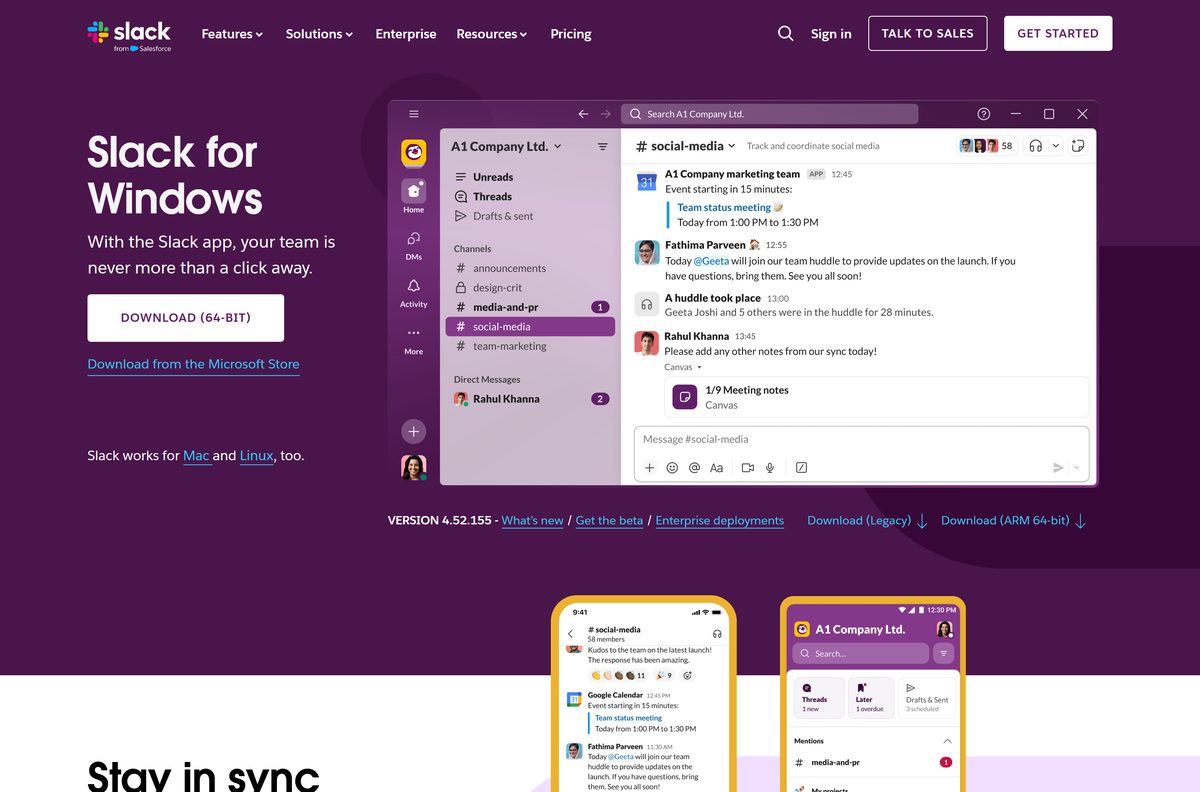
The Windows page offers four buttons: Download (64-bit), Download (Legacy), Download (ARM 64-bit) and Download from the Microsoft Store. These links go to the same places.
- Slack for Windows downloads page — all four buttons
- Slack.msix (64-bit) — 163.7 MB
- Slack.msix (ARM 64-bit) — 162.9 MB
- SlackSetup.exe (Legacy) — 158.3 MB
- Slack on the Microsoft Store — product 9WZDNCRDK3WP, free
- Slack for Windows release notes — what changed in each build
Files arrive from downloads.slack-edge.com, Slack’s download server. Any other host offering a Slack installer is not Slack.
How to install Slack on Windows 11 and 10
The MSIX package installs through Windows’ own App Installer, so there are no folders or components to pick.
- Open the Slack for Windows downloads page in your browser.
- Select Download (64-bit), or Download (ARM 64-bit) on an ARM laptop.
- Open your Downloads folder and double-click Slack.msix.
- In the App Installer window, check the publisher reads Slack Technologies Inc.
- Select Install and wait for the progress bar to finish.
- Open Slack from the Start menu.
- Sign in with the email address or workspace your team uses.
If double-clicking Slack.msix does nothing, App Installer is missing or blocked on that PC. Use Download (Legacy) instead: SlackSetup.exe installs for your account and opens Slack when it finishes.
Install Slack from the Microsoft Store or with winget
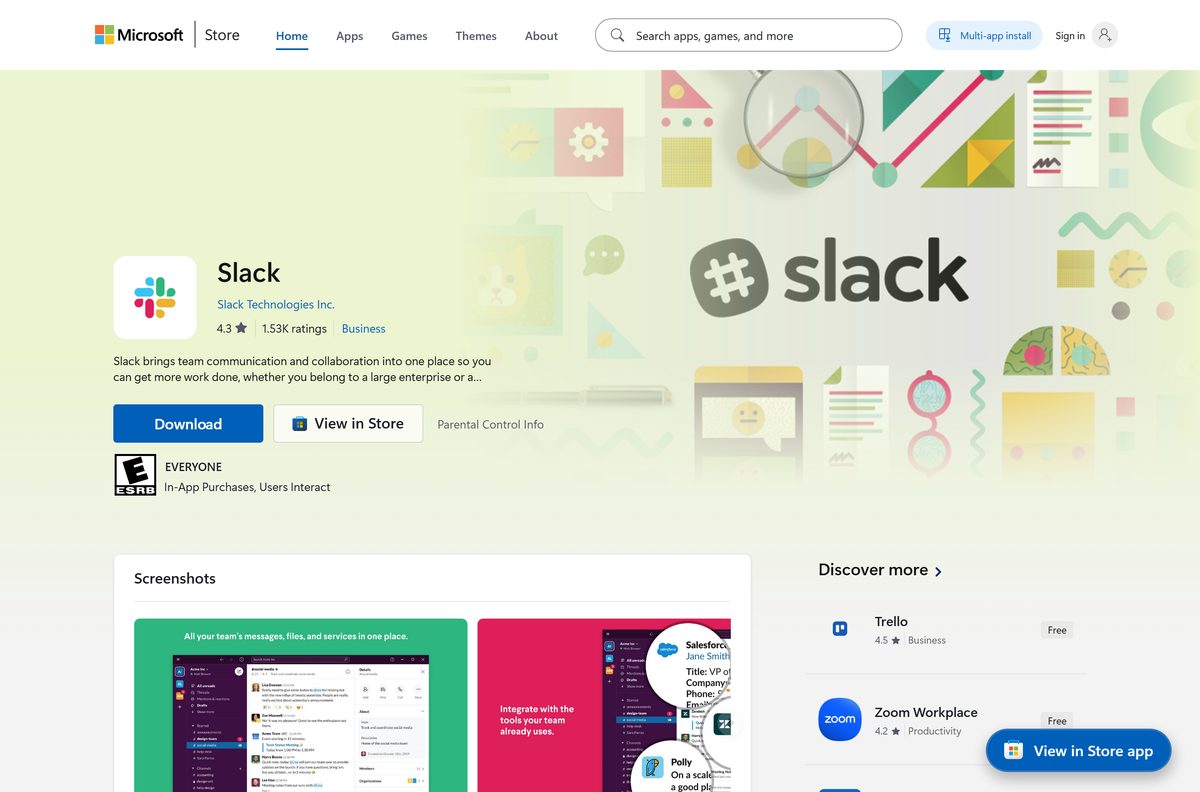
The Store copy is the same MSIX package, published by Slack Technologies Inc. It updates through the Store rather than inside the app.
- Open Microsoft Store and search for Slack, or open product 9WZDNCRDK3WP directly.
- Confirm the publisher line reads Slack Technologies Inc.
- Select Get and wait for the install to finish.
- Select Open to launch Slack and sign in.
- To use the command line instead, open Terminal and run winget install SlackTechnologies.Slack .
The Store listing is free and carries both x64 and ARM64 packages, so Windows picks the right one for you.
Download the Slack MSIX packages for deployment
Slack now points administrators at MSIX rather than MSI. Deploy one of these two files.
| Package | Architecture | Size |
|---|---|---|
| Slack.msix | x64 | 163.7 MB |
| Slack.msix | ARM64 | 162.9 MB |
Install for one user with Add-AppxPackage -Path “C:\Temp\Slack.msix” . Provision every account on the machine with Add-AppxProvisionedPackage -Online -PackagePath “C:\Temp\Slack.msix” -SkipLicense -Regions “all” .
Test on one machine first. People who installed Slack themselves with the old setup keep that copy, and Slack’s deployment guide covers removing it.
Which Slack download do you need for your Mac?
Open the Apple menu and select About This Mac. A Chip line naming Apple M-series means Apple silicon; a Processor line naming Intel means the Intel build.
| Your situation | Download | Size |
|---|---|---|
| You want updates through the App Store | Slack for Desktop on the Mac App Store | 168.1 MB |
| You are not sure which chip you have | Universal DMG | 209.4 MB |
| Apple silicon Mac | Apple silicon DMG | 118.4 MB |
| Intel Mac | Intel DMG | 122.8 MB |
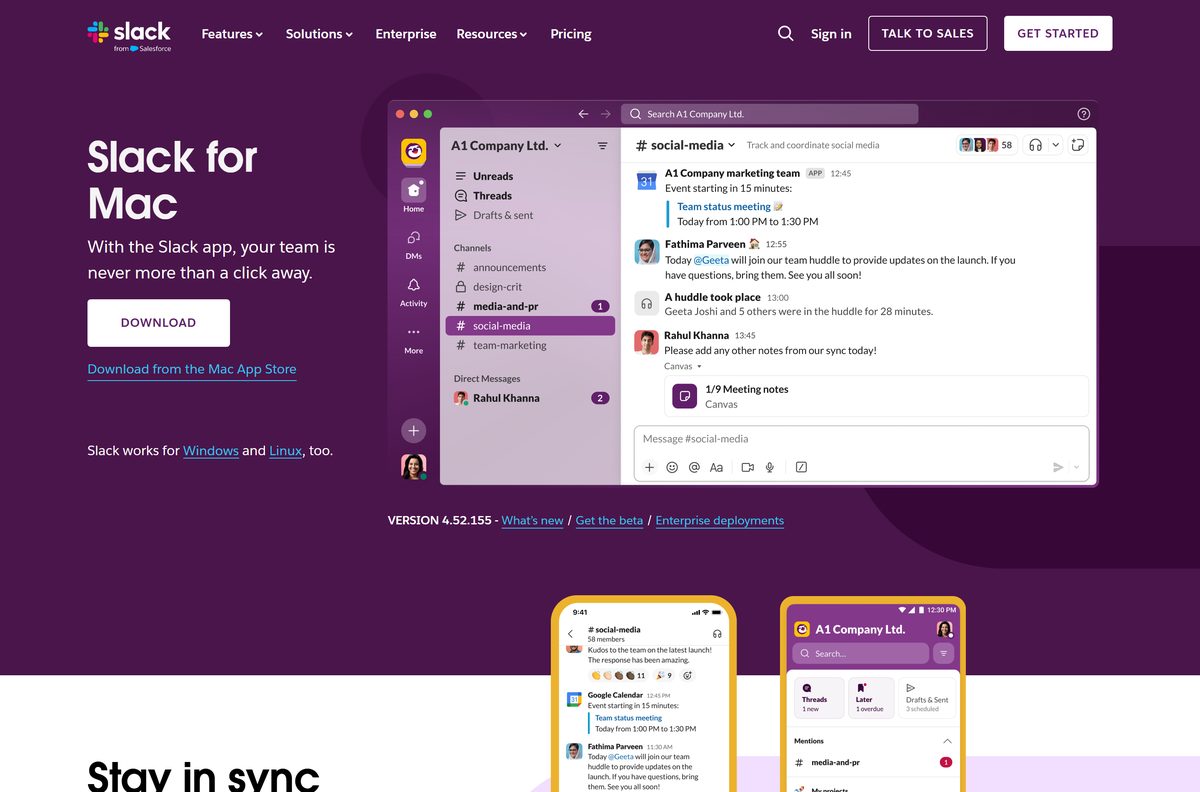
The Download button on Slack for Mac serves the universal DMG. Open it and drag Slack into Applications.
Both routes need macOS 13 or later. Slack ends support for macOS 13 on 9 November 2026, so a Mac that cannot move past Ventura stops getting Slack updates after that date.
Is Slack free?
Yes. The app is free on every platform, and the Free plan costs nothing forever. The Free plan keeps 90 days of message history, allows up to ten apps from the Slack App Directory, and limits huddles and Slack Connect messages to one-to-one. Pro, Business+ and Enterprise+ remove those limits and are billed per user per month; Slack’s pricing page shows the price in your local currency. Your workspace decides the plan, not the download, so the same app runs on all of them.
Should you install the Slack app or use it in a browser?
Install the desktop app if you use Slack every day or join huddles. Slack in a browser needs no install and works in Chrome 137, Firefox 139, Safari 26 and Microsoft Edge 136 or later. Only Chrome and Firefox support huddles, though. The browser suits a locked-down work PC or a borrowed machine where installing is not an option.
How to check your Slack version and update it
Copies from slack.com update from inside the app. Store copies update through the Microsoft Store or the Mac App Store instead.
- On Windows, open Slack and select the three lines icon in the top-left corner.
- Select Help, then About Slack to read your version number.
- Go back to Help and select Check for updates.
- Select Restart to apply update when one is offered.
- On a Mac, select Slack in the menu bar, then About Slack or Check for updates.
- For a Store copy, open Microsoft Store or App Store and install pending updates from Library or Updates.
Keep the app current. Slack ended support for desktop versions 4.43 and below on 18 May 2026, and versions up to 4.47.59 follow on 9 November 2026.
Check the Slack system requirements before you install
The operating system version is the limit that catches most machines.
| Field | Value |
|---|---|
| Software | Slack |
| Developer | Slack Technologies, LLC |
| Latest version | 4.52.155, released 31 August 2026 |
| Price | Free plan; paid Pro, Business+ and Enterprise+ plans |
| Windows | Windows 11 version 23H2 or later, and Windows Server 2016 |
| macOS | macOS 13 or later |
| Linux (beta) | Ubuntu LTS 22.04 or later, Red Hat Enterprise Linux 9.0 or later |
| Architecture | x64 and ARM64 on Windows; Apple silicon and Intel on Mac; x64 on Linux |
| Download size | 163.7 MB for the 64-bit MSIX, 209.4 MB for the universal Mac DMG |
| Offline installer | Yes, Slack.msix and SlackSetup.exe are full packages |
| Official download source | slack.com, Microsoft Store, Mac App Store |
| Last verified | 2026-09-13 |
Windows 10 is not on Slack’s supported list. The Microsoft Store package still installs on Windows 10 version 1809 or later, but Slack no longer lists it as a supported system. Press Windows + R, type winver and select OK to see your version.
Fix Slack not installing on Windows 11 or 10
Double-clicking Slack.msix does nothing
Windows opens MSIX files with App Installer, and some PCs have it removed or blocked.
- Delete the downloaded Slack.msix.
- Return to the Slack for Windows downloads page and select Download (Legacy).
- Run SlackSetup.exe and let it open Slack when it finishes.
The downloads page says your version of Windows is too old
Slack supports Windows 11 version 23H2 or later.
- Press Windows + R, type winver and select OK.
- Open Settings > Windows Update and install every available feature update.
- On a PC that cannot upgrade, use Slack in Chrome or Firefox instead.
Slack will not install on a work laptop
Managed PCs often block app installs and sideloaded packages.
- Try the Microsoft Store listing, which some organisations allow when direct installs are blocked.
- Ask your IT team to provision the MSIX package for your account.
- Use Slack in a supported browser while you wait.
Slack installed but will not sign in or update
Old desktop builds lose support on Slack’s lifecycle schedule.
- Open Help > About Slack and read the version number.
- Uninstall Slack if the version is 4.43 or lower.
- Download the current installer from slack.com and install it again.
How to uninstall Slack from Windows and Mac
A normal uninstall removes the app. Deleting its data folder signs you out everywhere on that machine.
- Quit Slack: right-click its icon in the notification area and select Quit Slack.
- Open Settings > Apps > Installed apps.
- Find Slack, select the three dots beside it, then select Uninstall twice.
- For a Store or MSIX copy, press Windows + R and open %LOCALAPPDATA%\Packages\91750D7E.Slack_8she8kybcnzg4\LocalCache\Roaming , then delete the Slack folder.
- On a Mac, quit Slack, open Finder > Applications and drag Slack to the Trash.
- Empty the Trash to finish.
Uninstalling does not delete your Slack account or messages. They stay in your workspace and come back when you sign in again.
What you can use instead of Slack
| Tool | Best for |
|---|---|
| Slack in a browser | Using the same workspace with no install |
| Microsoft Teams | Organisations already on Microsoft 365 |
| Google Chat | Teams that live in Gmail and Google Drive |
| Discord | Communities and voice channels rather than work |
Stay with Slack if your company or client already runs a Slack workspace. Switching tools only makes sense for a team choosing from scratch.
Other office and productivity apps for PC include Poly Lens and Microsoft To Do.
Frequently asked questions
Is Slack free to download and use?
Yes. The desktop app is free on Windows, Mac and Linux, and the Free plan costs nothing. It keeps 90 days of message history and allows up to ten apps. Paid plans remove those limits without changing the app.
What is the official Slack download page?
Slack’s own downloads pages on slack.com, split into Windows, Mac and Linux. The Microsoft Store listing, product 9WZDNCRDK3WP, and Slack for Desktop on the Mac App Store are the other official sources.
Does Slack work on Windows 11?
Yes. Slack supports Windows 11 version 23H2 or later on both Intel or AMD PCs and ARM laptops. Older Windows 11 releases lose support, so install pending feature updates before you install Slack.
How big is the Slack download?
The 64-bit Windows MSIX package is 163.7 MB, the ARM64 package is 162.9 MB and the legacy EXE is 158.3 MB. On Mac, the universal DMG is 209.4 MB, and the Apple silicon DMG is 118.4 MB.
Is there a Slack offline installer?
Yes. Slack.msix and SlackSetup.exe are full installers rather than small web stubs, which is why each runs to about 160 MB. Copy either file to a USB stick and it installs on another PC without downloading again.
How do you download Slack on a Mac?
Open Slack’s Mac downloads page and select Download for the universal DMG, or install Slack for Desktop from the Mac App Store. Either route needs macOS 13 or later. Drag the app into Applications to finish.
Is there a 32-bit or ARM64 version of Slack?
There is an ARM64 build for Windows on ARM laptops, but no 32-bit build. Slack made every Windows release 64-bit only starting with version 4.39, so a 32-bit PC has to use Slack in a browser.
Is the Slack download safe?
The files from slack.com, the Microsoft Store and the Mac App Store come from Slack Technologies. The App Installer window names the publisher before you select Install. Installers from other download sites carry no such guarantee.
What is the latest version of Slack?
Slack 4.52.155, released on 31 August 2026, is the current desktop version on Windows, Mac and Linux. Open Help, then About Slack inside the app to compare it with the copy you have installed.
Why won’t Slack install on my PC?
The usual causes are a Windows version older than 11 23H2, a missing or blocked App Installer for the MSIX file, and a managed PC that blocks installs. The legacy EXE or the Microsoft Store copy often gets around the second and third.
What type of software is Slack?
Slack is a messaging and collaboration app for work. Teams talk in channels and direct messages, share files, hold audio and video huddles and connect other apps. It runs as a desktop app, a mobile app and in a browser.






