The RuneScape download is the free Jagex Launcher, which installs RuneScape on Windows 11, Windows 10 and Mac in a few minutes. You can also play it through Steam, or on iPhone and Android from the app stores.
The launcher also runs Old School RuneScape, so one install covers both games. Below: official links, install steps for each platform, system requirements, membership costs, fixes and clean removal.
Which RuneScape download do you need?
Every route below is published by Jagex. The Jagex Launcher is the main option on a computer, and your progress carries across platforms.
| Your device | Download | Size |
|---|---|---|
| Windows 11 or 10 PC (64-bit) | Jagex Launcher Installer.exe | 2.9 MB |
| Mac on macOS 11 or later | Jagex Launcher Installer.dmg | 2.7 MB |
| You play through Steam | RuneScape on Steam | 8 GB storage listed |
| iPhone or iPad | RuneScape on the App Store | 130.7 MB |
| Android phone or tablet | RuneScape on Google Play | At least 6 GB free |
| Linux PC | No RuneScape build yet | – |
The launcher sizes cover the installer only. The game client downloads after you sign in.
Download RuneScape for Windows 11 and 10 from Jagex
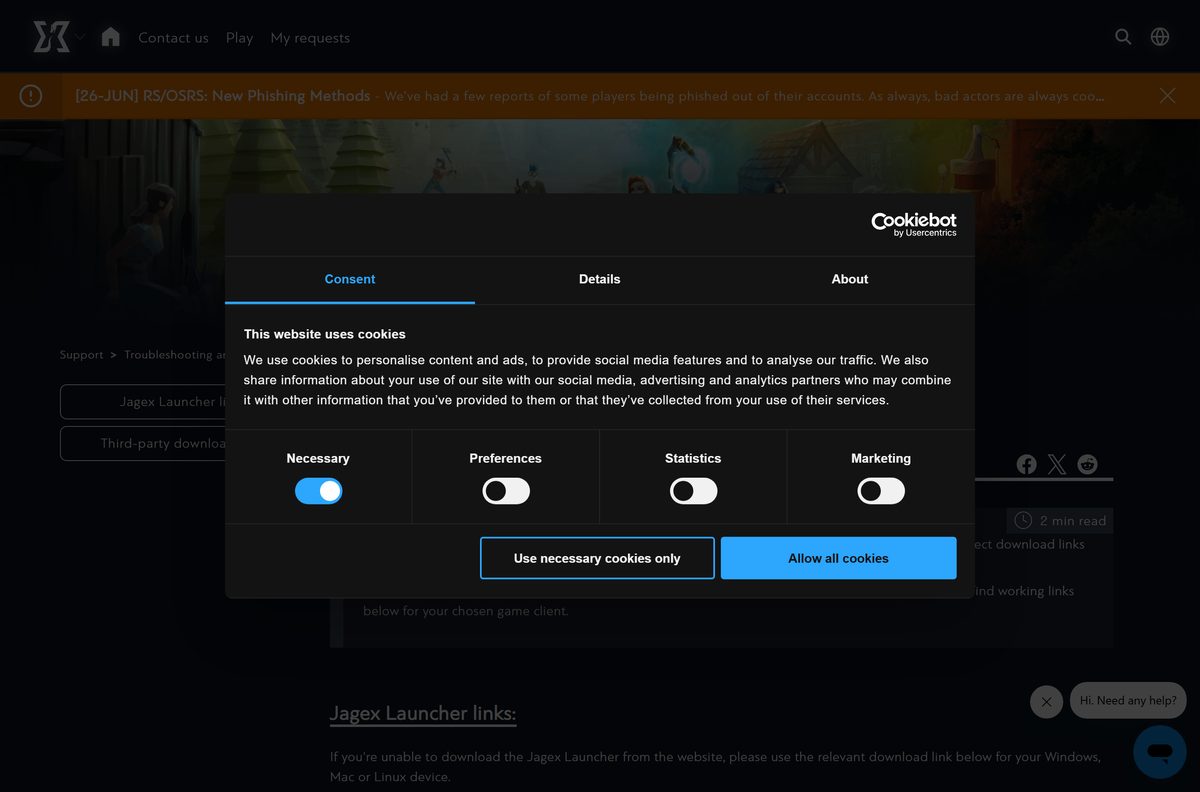
Start at the official download page and select WINDOWS or MAC under the Jagex Launcher heading. If that button fails, the Jagex support centre lists direct installer links.
- RuneScape download page — Jagex Launcher for Windows and Mac, plus store links
- Jagex Launcher and game client download links — Direct Windows, Mac and Linux beta installers
- RuneScape on Steam — Free to play, Windows and Mac
- Old School RuneScape — Same launcher, separate game
Jagex treats any RuneScape download outside jagex.com or runescape.com addresses as unsafe.
How to install RuneScape on Windows 11 and 10
Create a Jagex Account before you start. The launcher asks for it at the first sign-in.
- Open the RuneScape download page and select WINDOWS.
- Open Jagex Launcher Installer.exe from your Downloads folder.
- Select Yes if Windows asks to allow the installer to make changes.
- Follow the prompts to finish installing the Jagex Launcher.
- Open the launcher and sign in with your Jagex Account.
- Select RuneScape in the game list.
- Select Install and wait for the game client to download.
- Select Play and choose your character.
The launcher finds an existing RuneScape or Old School install automatically, so you do not need to reinstall the game.
Which RuneScape download do you need for your Mac?
Open the Apple menu and select About This Mac to see your chip and macOS version.
| Your Mac says | What to install | Extra step |
|---|---|---|
| Apple M1, M2, M3 or later, macOS 11+ | Jagex Launcher Installer.dmg | Install Rosetta when prompted |
| Intel processor, macOS 11+ | Jagex Launcher Installer.dmg | None |
| Any Mac with Steam | RuneScape on Steam | None |
| macOS 10.15 or earlier | Not supported | Update macOS first |
Open the DMG and drag Jagex Launcher to Applications, then sign in with your Jagex Account.
The Mac launcher is an Intel app today. Jagex is building a native Apple Silicon version ahead of the end of Rosetta support in macOS 28.
Install RuneScape from Steam, the App Store or Google Play
The store versions are free and use the same account and characters as the launcher.
Steam on Windows or Mac
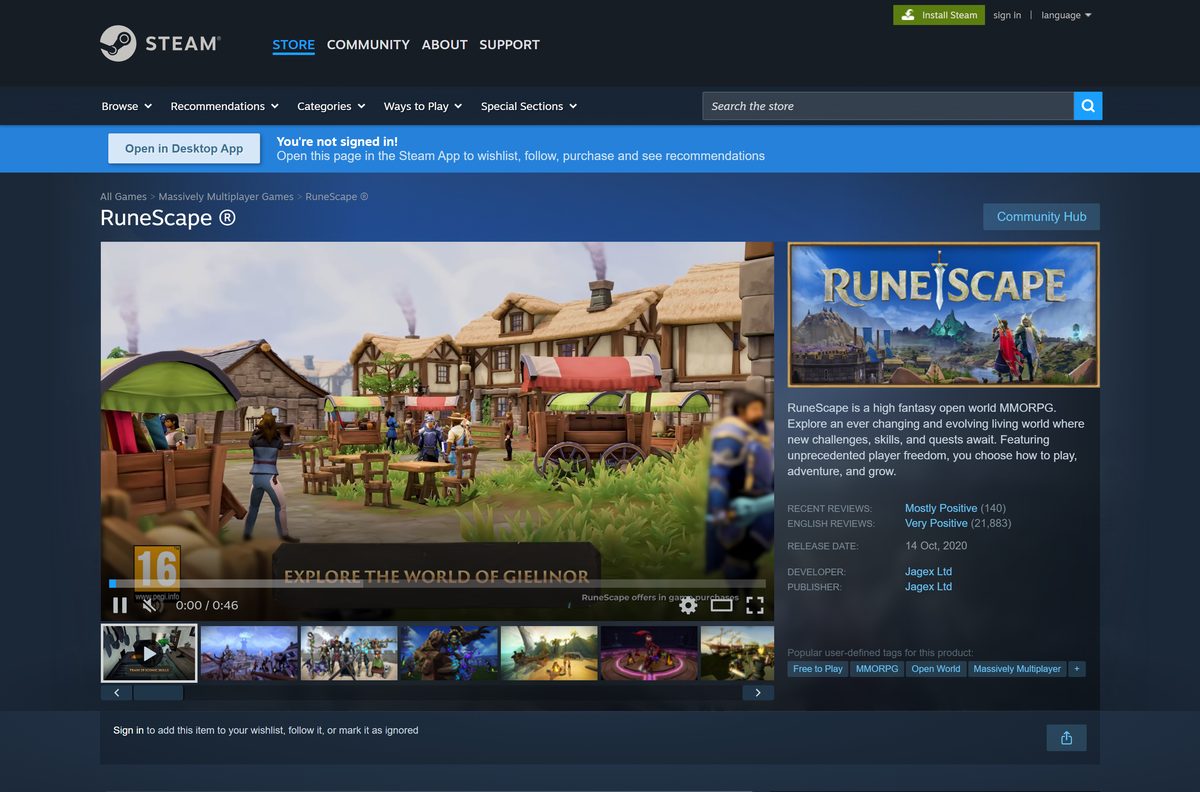
- Open the RuneScape Steam page and sign in to Steam.
- Select Play Game.
- Confirm the install location and wait for the download.
- Launch RuneScape from your Steam Library.
iPhone and iPad
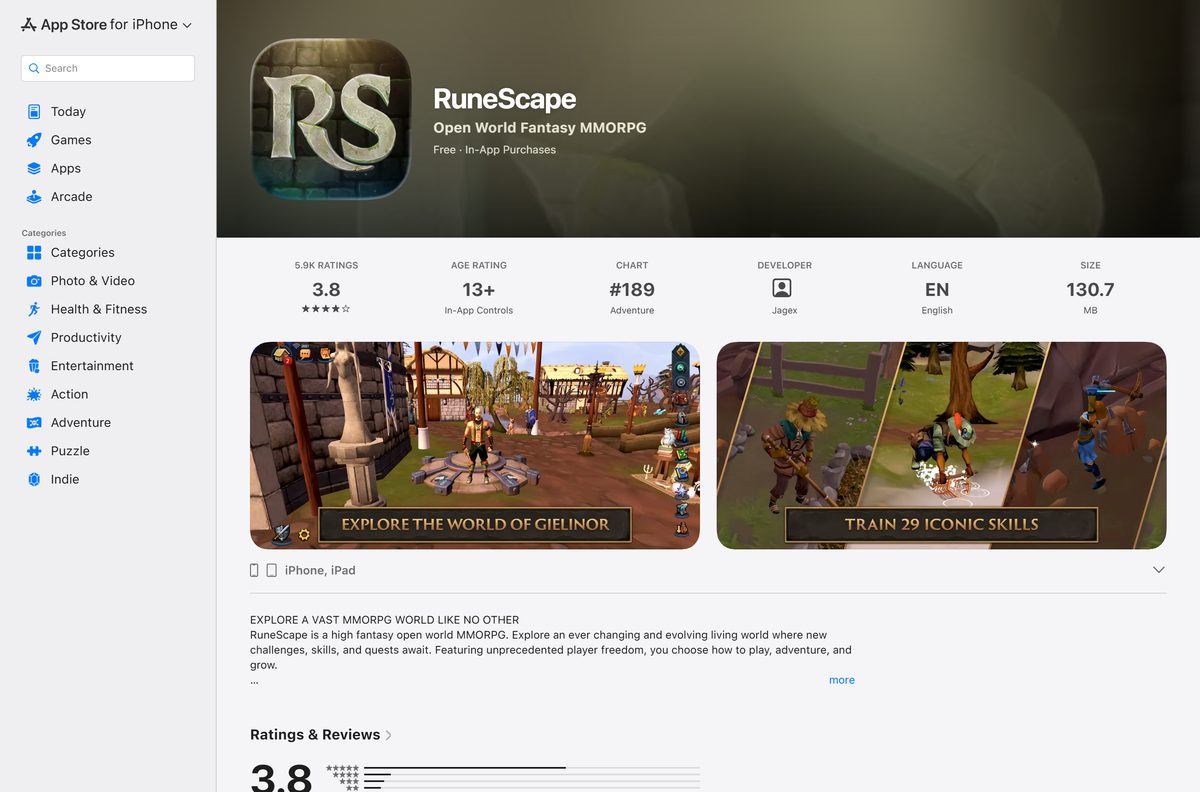
- Open the RuneScape App Store listing on your device.
- Tap Get and confirm with Face ID, Touch ID or your password.
- Open the app on Wi-Fi and let the cache finish loading before you play.
Android
- Open the RuneScape Google Play listing.
- Tap Install.
- Open the app and sign in with your Jagex Account.
Check which devices can run RuneScape
Use this table when you plan to play on more than one device.
| Platform | RuneScape | Old School RuneScape |
|---|---|---|
| Windows 10 or 11, 64-bit | Yes, launcher or Steam | Yes, launcher or Steam |
| macOS 11 or later | Yes, launcher or Steam | Yes, launcher or Steam |
| iPhone and iPad, iOS 13+ | App Store | App Store |
| Android 9 Pie or later | Google Play | Google Play |
| Linux | Not yet | Jagex Launcher Linux Beta |
| Steam Deck | Not supported | Not supported |
Jagex says it is working toward official Linux support for RuneScape. Steam Deck players can hit problems because Jagex does not support the device.
Choose between RuneScape and Old School RuneScape
Both are free to start and run from the same Jagex Launcher on one Jagex Account.
Install RuneScape for the modern game with current graphics and abilities. Install Old School RuneScape for the retro version. Old School RuneScape keeps the classic levelling system and look, and players vote on its updates. RuneScape needs 8 GB for its cache, while Old School needs 2 GB. The launcher can run both at once, so you can install both.
Is RuneScape free, and what does membership add?
Downloading and playing cost nothing. Membership is optional and billed monthly or every 12 months on the membership page.
Start free, then buy membership only when you reach the free content’s limits. Free players get a large part of the world. Members unlock extra skills, more quests, members-only bosses and the full world map, and the 12-month plan adds cosmetic rewards and extra bank space.
Check current prices in your currency on the membership page.
The game also sells Treasure keys that open chests with random items. They are optional.
Check the RuneScape system requirements
Compare these with Settings > System > About on Windows. The launcher itself needs only a 64-bit Windows 10 or later, or macOS 11 or later.
| Field | Windows | Mac |
|---|---|---|
| Developer | Jagex Ltd | Jagex Ltd |
| Latest version | Updates automatically via the launcher | Updates automatically via the launcher |
| Price | Free, optional membership | Free, optional membership |
| Operating system | Windows 10 or later, 64-bit | macOS 11 Big Sur or later |
| Processor | Intel i3-6100 or AMD at 2.4 GHz or faster | Apple M1 recommended on Steam |
| Graphics | GeForce GTX 600 series, Radeon R7 260 or Intel UHD 610 | – |
| Graphics APIs | OpenGL 4.4 and Vulkan 1.1 | – |
| Memory | 8 GB | 4 GB |
| Storage | 8 GB free for the cache | 8 GB free for the cache |
| Installer size | 2.9 MB | 2.7 MB |
| Last verified | 2026-09-25 | 2026-09-25 |
Mobile needs Android 9 with 4 GB of RAM, or iOS 13 with 3 GB, plus 6 GB of free space.
How to make sure your Jagex Launcher download is genuine
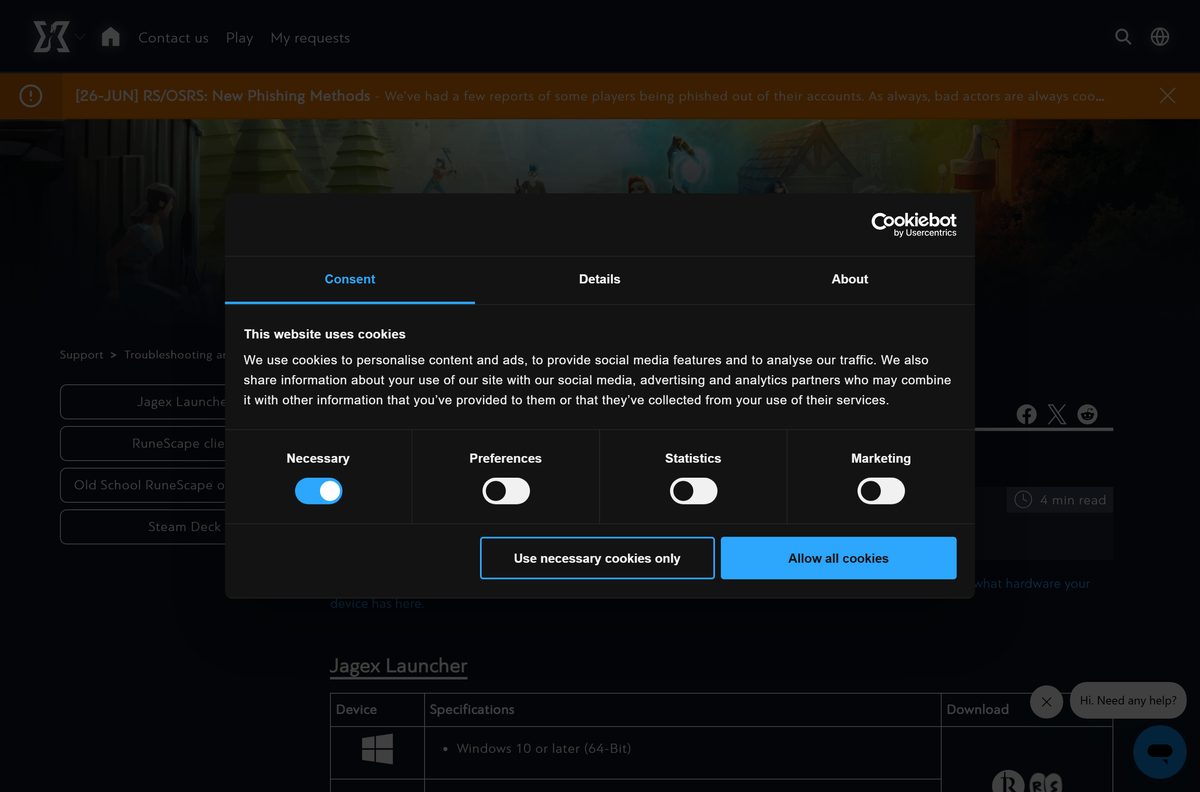
Fake Jagex Launcher downloads on other websites steal RuneScape accounts. Check the source before you run anything.
- Download only from a jagex.com or runescape.com address.
- Check that the file is named Jagex Launcher Installer.exe on Windows or Jagex Launcher Installer.dmg on Mac.
- Confirm the Windows file is about 2.9 MB. A much larger file is not the official installer.
- Right-click the EXE, select Show more options > Scan with Microsoft Defender, and run it only if no threats are found.
- Sign in only inside the launcher, never on a page reached from a chat or ad link.
How to update RuneScape and the Jagex Launcher
The launcher updates itself and the game client when you open it. There is no separate patch to download.
- Open the Jagex Launcher and sign in.
- Wait while Please wait while an update is applied shows, if it appears.
- Select RuneScape and select Play to load the latest game build.
- Close both launchers from the system tray and reopen one if the update message never clears.
- On Steam, App Store or Google Play, let the store install updates as usual.
Fix RuneScape not installing or launching
Match the message on your screen to a symptom and follow the fix under it.
Could not authenticate
A VPN is blocking the launcher sign-in.
- Turn off your VPN or proxy.
- Reopen the Jagex Launcher and sign in again.
Stuck on Please wait while an update is applied
Two copies of the launcher are running.
- Close both launchers from the system tray.
- Open the Jagex Launcher once and let the update finish.
Timeout waiting for window to load
The installer needs Internet Explorer 11 components on some Windows 10 PCs.
- Install Internet Explorer 11 from Microsoft if your Windows 10 PC lacks it.
- Run the installer again.
The game asks you to log in again
The launcher and game run with different permissions.
- Close the game and the launcher.
- Open both as your normal user, not with Run as administrator.
Mac installer does nothing
Auto Proxy Discovery is on.
- Open System Settings > Network and pick your network.
- Select Details > Proxies.
- Turn off Auto Proxy Discovery and run the installer again.
Mac asks to install Rosetta
The launcher is an Intel app on an Apple Silicon Mac.
- Select Install at the Rosetta prompt.
- Relaunch the Jagex Launcher when it finishes.
If nothing works, follow the clean reinstall guide in the next section.
How to uninstall RuneScape and the Jagex Launcher
A clean removal also fixes most launcher problems when you reinstall afterwards.
Windows 11 and 10
- Open Settings > Apps > Installed apps.
- Find Jagex Launcher, select the three dots and select Uninstall.
- Delete C:\Program Files (x86)\Jagex Launcher and C:\ProgramData\Jagex Launcher if they remain.
- Delete the Jagex Launcher folders under AppData\Local and AppData\Local\Programs in your user folder.
- Remove any leftover Jagex or RuneScape folders.
Mac
- Open Applications in Finder and drag Jagex Launcher to the Bin.
- Delete ~/Library/Application Support/Jagex Launcher.
- Remove any leftover Jagex or RuneScape folders.
Your characters and progress stay on your Jagex Account, so nothing is lost.
Frequently asked questions
Is RuneScape free to play?
Yes. RuneScape is free to download and play on Windows, Mac, iPhone and Android. An optional membership, sold in 1-month and 12-month plans, unlocks extra skills, quests and the full world map.
Where is the official RuneScape download page?
The official page is rs.runescape.com/download. It offers the Jagex Launcher for Windows and Mac, plus links to Steam, the App Store and Google Play. Jagex says safe downloads come only from jagex.com or runescape.com addresses.
Does RuneScape work on Windows 11?
Yes. Jagex lists Windows 10 or later, 64-bit, for both the Jagex Launcher and the RuneScape client, so Windows 11 is covered. The Steam version also lists Windows 10 or later.
How big is the RuneScape download?
The Jagex Launcher installer is 2.9 MB on Windows and 2.7 MB on Mac. The launcher then downloads the game, and Jagex asks for at least 8 GB of free space for the RuneScape cache.
Is there an offline installer for RuneScape?
No. The Jagex Launcher installer is a small setup file that needs an internet connection to fetch the game client. RuneScape is an online game, so it needs a connection to play anyway.
Can I play RuneScape on a Mac?
Yes. The Jagex Launcher runs on macOS 11 Big Sur or later, and RuneScape is also on Steam for Mac. On Apple Silicon Macs, the launcher needs Rosetta until Jagex ships its native version.
Is RuneScape 64-bit only on Windows?
Yes. Jagex requires a 64-bit edition of Windows 10 or later for the launcher and the game client. There is no ARM64 build for Windows listed by Jagex.
Is the Jagex Launcher safe to download?
Yes, when it comes from Jagex. Download it from rs.runescape.com or the Jagex support centre only. Jagex has warned about fake launcher downloads hosted on other websites that steal accounts.
What is the latest version of RuneScape?
RuneScape is a live game that updates itself through the Jagex Launcher each time you play. The current mobile build on the App Store is 950.1, released on September 7, 2026.
Why won’t RuneScape install or open?
The usual causes are a VPN blocking sign-in, two copies of the launcher running at once, or a damaged install. Turn off the VPN, close the launcher from the system tray, or do a clean reinstall.
Do I need a Jagex Account to play RuneScape?
Yes, to use the Jagex Launcher. Since November 7, 2023, the launcher requires a Jagex Account. Older RuneScape accounts get a prompt to upgrade the first time they sign in.
Is Old School RuneScape a separate download?
No. The same Jagex Launcher installs and runs both RuneScape and Old School RuneScape, even at the same time. On Steam and mobile, Old School RuneScape has its own separate listing.