You can download Pro Tools for Windows 11 and Mac from Avid, and the Intro edition is free forever with no time limit.
Artist, Studio and Ultimate are paid subscriptions that start at $9.99 a month. Every edition arrives through the same free Avid Link app rather than a standalone setup file.
This guide covers the official links, the install steps, which release still runs on Windows 10, what each plan costs, and fixes for downloads that stall.
Check the Pro Tools system requirements and specs
Avid qualifies specific configurations rather than a broad range. Match this table before you start the download.
| Field | Detail |
|---|---|
| Software | Pro Tools |
| Developer | Avid Technology, Inc. |
| Latest version | 2026.4.1, released July 9, 2026 |
| License / Price | Free tier (Intro) plus paid subscriptions from $9.99 a month |
| File size | 139.5 MB for Avid Link on Windows, plus 15 GB of free space for the install |
| Supported OS | Windows 11 24H2 or 25H2; macOS Sonoma 14.8.x, Sequoia 15.7.x or Tahoe 26.3.x |
| Architecture | 64-bit only. Intel Core on Windows; Apple M1 to M5 or Intel Core i5 on Mac |
| Memory | 16 GB RAM |
| Audio engines on Windows | HDX, ASIO and WASAPI |
| Licensing | PACE iLok account, with iLok 2, iLok 3 or iLok Cloud |
| Official download source | avid.com |
| Offline installer | No |
| Last verified | 2026-09-22 |
Record and playback drives must be formatted NTFS on Windows, or APFS or HFS+ Journaled on a Mac.
Which Pro Tools download do you need?
All four editions install the same application. What differs is the licence you activate afterwards.
| What you want | What to get | Cost |
|---|---|---|
| A free DAW you keep | Pro Tools Intro | Free forever |
| The full toolset for a month | Ultimate 30-day trial | Free for 30 days |
| Music recording and MIDI on a budget | Artist subscription | $9.99/month or $99/year |
| The standard professional edition | Studio subscription | $34.99/month or $299/year |
| Audio post and large sessions | Ultimate subscription | $99/month or $599/year |
| A licence you own outright | Perpetual upgrade | $199 Studio, $499 Ultimate |
| Student or teacher pricing | Studio for EDU | $99/year, eligibility checked |
Intro caps you at eight audio, eight instrument and eight MIDI tracks. Artist raises that to 32 audio and 64 MIDI tracks.
Download Pro Tools from the official Avid pages
Avid publishes no standalone setup file. The installer comes from your Avid account through Avid Link, which you install first.
- Avid Link for Windows — 139.5 MB · version 26.4.0, the app that downloads and installs the DAW
- Avid Link for macOS — 129 MB · same app, signed installer package
- Pro Tools Intro sign-up — free edition, select Download now and sign in
- Ultimate 30-day trial — full toolset, no charge for 30 days
- Avid account downloads — installers for the edition you own
Every route needs an Avid account and an internet connection, because activation happens online.
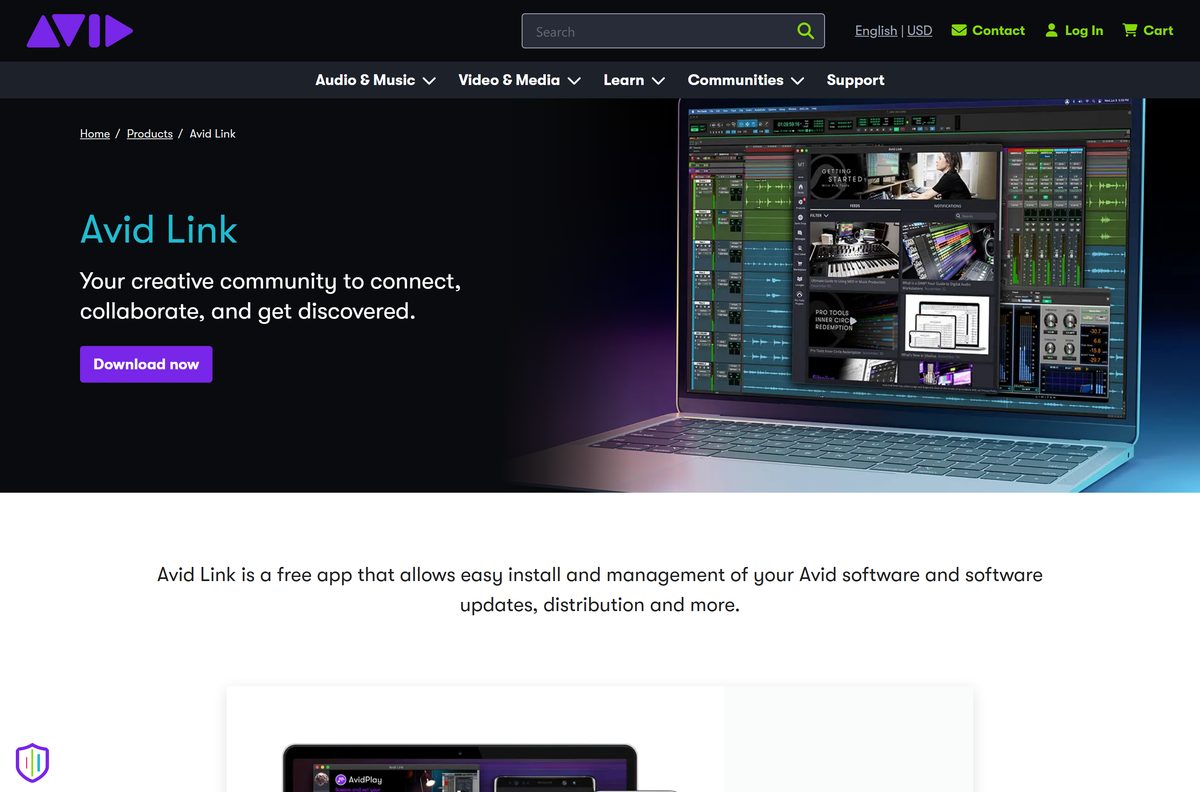
How to install Pro Tools on Windows 11 and 10
Avid Link does the downloading. Set aside 15 GB of free space before you begin.
- Open the Avid Link page and select Download for Windows.
- Run the setup and let it finish, then start Avid Link.
- Sign in with your Avid email address and password, or create an account.
- Select the Products tab and find the DAW in the list.
- Select Download next to it and wait for the installer to arrive.
- Open the installer and follow the on-screen instructions.
- Choose Express Install and enter your Windows administrator password, or select No thanks, use Extended Install to run each plugin installer yourself.
- Launch the application, then select Activate on the activation screen and sign in.
Windows machines without a dedicated audio interface need ASIO4ALL installed and configured, or playback through the built-in speakers will not work.
Which Pro Tools release should you install on Windows 10?
Avid moved the qualified Windows target to Windows 11 partway through 2025, so the newest build is not the right build for every PC.
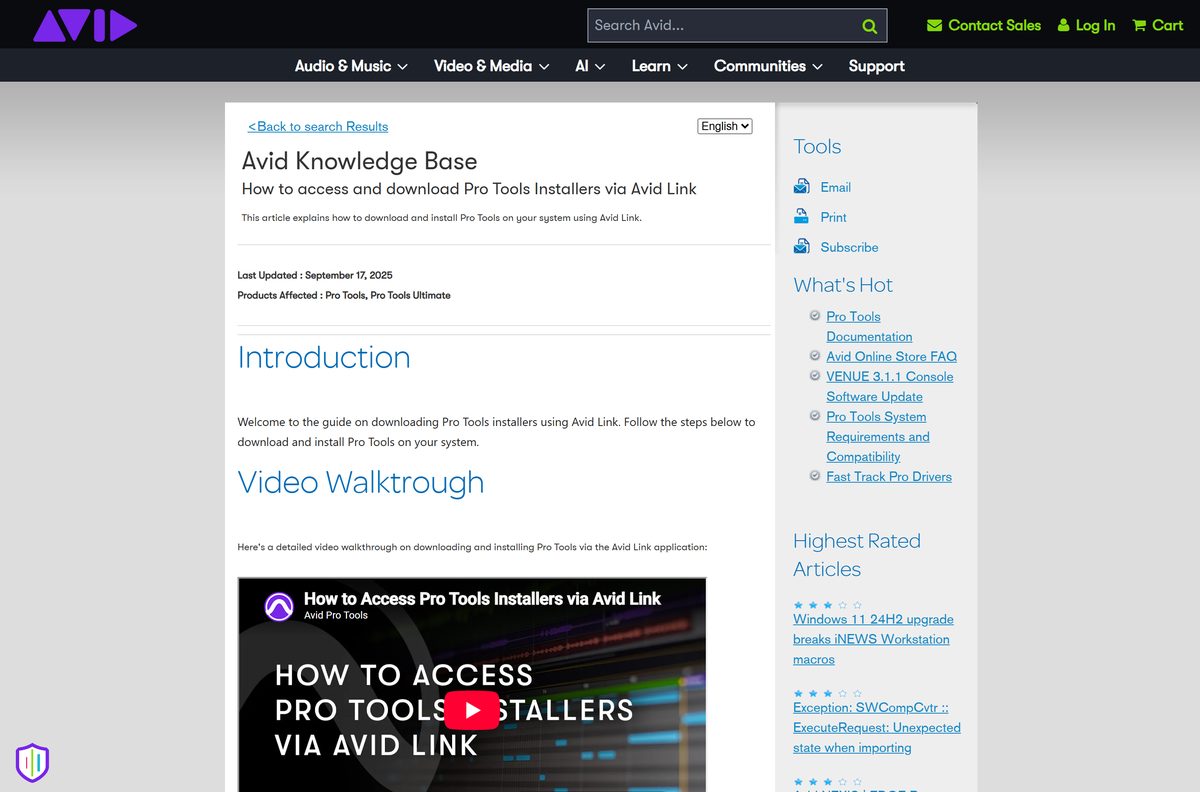
Install 2025.10.1 if you are still on Windows 10 22H2, and 2026.4.1 on Windows 11. Avid’s compatibility chart qualifies Windows 10 release 22H2 only up to the 2025.10 line. From 2025.12 onwards the Windows column lists Windows 11 release 24H2 and 25H2 and nothing else, so a Windows 10 machine should stay on the older release or move to Windows 11 first.
The compatibility chart lists the qualified operating system for every release back to 2023.
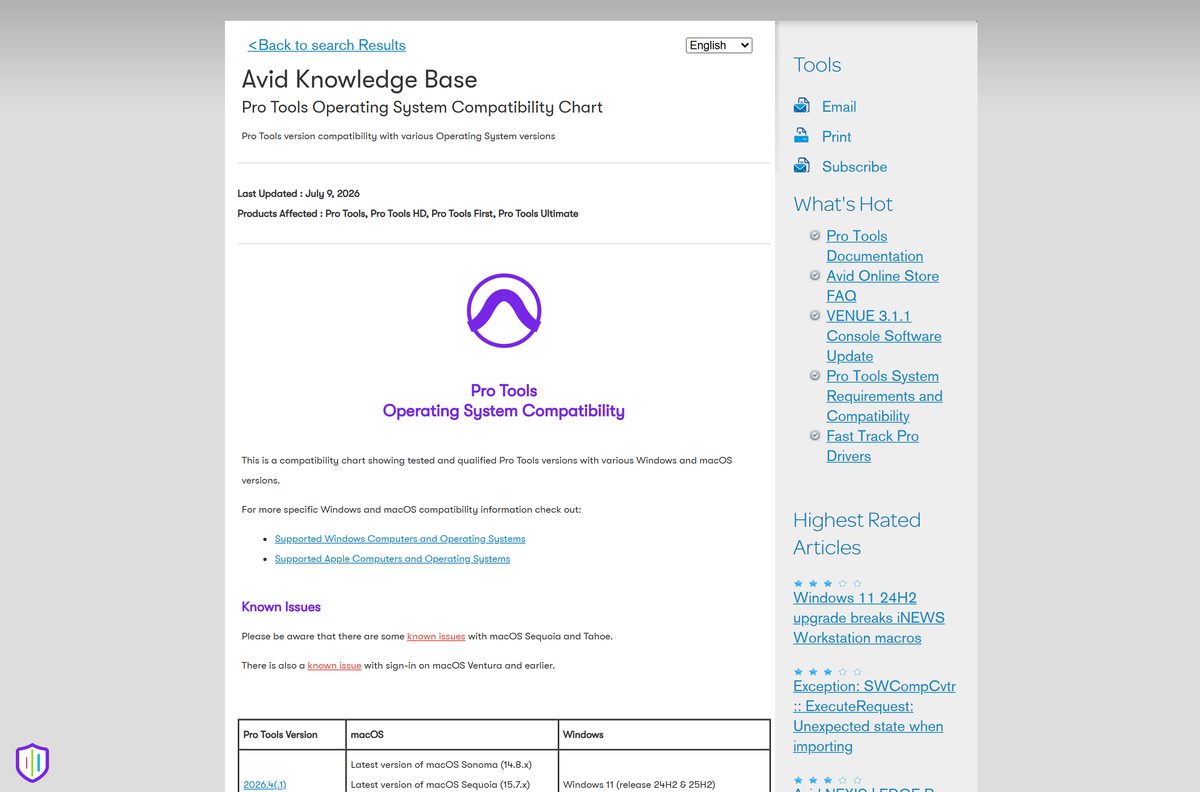
Which Pro Tools download do you need for your Mac?
Open the Apple menu and select About This Mac to read your chip and macOS version, then match a row.
| Your Mac | What runs | Where to start |
|---|---|---|
| Apple M1, M2, M3, M4 or M5 on macOS Tahoe 26.3.x | Current release | Avid Link for macOS |
| Apple silicon or Intel on macOS Sequoia 15.7.x | Current release | Avid Link for macOS |
| Apple silicon or Intel on macOS Sonoma 14.8.x | Current release | Avid Link for macOS |
| Intel dual-core i5 on macOS Ventura 13.7.x | 2025.10.1 is the last qualified release | Compatibility chart |
| Anything older than Ventura | Untested by Avid | Supported Apple computers |
Avid flags known issues with Sonoma, Sequoia and Tahoe, so read the release notes before a session deadline.
Is Pro Tools free?
One edition is genuinely free, and it is not a trial that expires.
Pro Tools Intro is free forever, and Artist, Studio and Ultimate are paid subscriptions. Intro gives you eight audio, eight instrument and eight MIDI tracks, 34 plugins, Kontakt Player, Xpand!2 and a 2 GB Loopmasters sample pack at no cost. Artist is $9.99 a month or $99 a year, Studio is $34.99 a month or $299 a year, and Ultimate is $99 a month or $599 a year. A 30-day Ultimate trial costs nothing, and an expired subscription drops back to Intro rather than locking you out. Any site selling a cracked full version is not distributing Avid’s software.
Perpetual licences still exist: upgrades cost $199 for Studio and $499 for Ultimate, and new ones come from an Avid reseller.
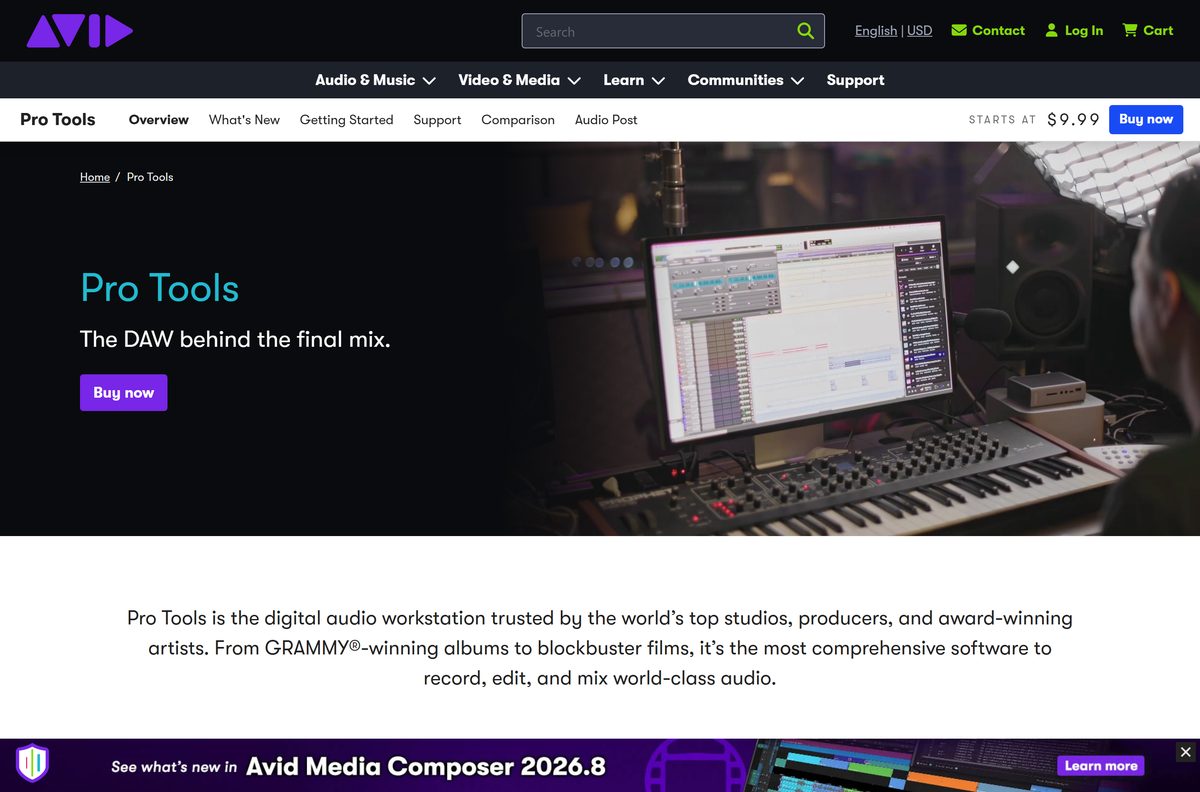
What you can open in Pro Tools Intro
Intro opens any session file, but it enforces its track limit as soon as the session loads.
| What you open | What happens |
|---|---|
| A session with eight tracks or fewer of each type | Opens normally |
| A session with more than eight audio, MIDI or instrument tracks | Prompts a save-as, then truncates to the first eight of each type |
| A project made in the retired First edition | Opens after you convert it to a session |
| Third-party plugins | Supported in the AAX format |
| A cloud collaboration invite | You can join, but you cannot start your own project |
Moving up to a paid plan lifts the cap without changing the application you already installed.
How to check your Pro Tools version and update it
Avid Link tracks what you are entitled to and flags a newer build when one ships.
- Open Avid Link and sign in with your Avid account.
- Select the Products tab to list everything your account owns.
- Read the version shown beside the DAW entry.
- Compare it with 2026.4.1 on the system requirements article.
- Select Download if a newer build is offered, then run the installer.
- Open the Open drop-down menu, select License, then select Activate if the app still launches as Intro after a purchase.
Avid Link is also installed alongside the DAW, so you rarely need to fetch it twice.
Fix Pro Tools not downloading or installing on Windows
Most failures happen in Avid Link rather than in the DAW itself.
Avid Link is stuck on Getting Subscription Data or Syncing
A stale cache or a blocked connection stops the licence sync.
- Clear the cache files from inside Avid Link.
- Quit and reopen the app, which resets the helper on version 21.6 and later.
- Restart the computer if the status does not change.
- Collect the logs from C:\ProgramData\Avid\Support\Logs\AppManagerUI before you open a support case.
The installer will not run or the download never starts
The account has no entitlement, or the connection to Avid is blocked.
- Confirm you are signed in with the Avid account that holds the licence.
- Check the Products tab lists the edition you expect.
- Allow Avid Link through the Windows firewall, because it behaves like other store clients.
- Download the installer from your Avid account instead of the app.
The app launches as Intro after you paid
The paid licence was never activated on this machine.
- Open Avid Link and select the Products tab.
- Open the Open drop-down menu and select License.
- Select Activate on the License page.
- Sign in to your iLok account if prompted, or switch the licence to iLok Cloud.
There is no sound after installing on Windows
Windows built-in speakers expose no ASIO device.
- Connect a supported audio interface and install its driver first.
- Install and configure ASIO4ALL if you have no interface.
- Open Setup then Playback Engine and select the device.
- Restart the application so the engine reloads.
The install fails on Windows 10
Recent releases are qualified for Windows 11 only.
- Check your Windows release in Settings then System then About.
- Install the 2025.10.1 release if you are on Windows 10 22H2.
- Read the compatibility chart before you retry.
- Upgrade to Windows 11 24H2 or 25H2 to run the current build.
How to uninstall Pro Tools from Windows 11 and 10
The standard route works most of the time. Use the classic panel when the entry is greyed out.
- Open Settings, select Apps, then Installed apps.
- Find the Avid entry and select Uninstall.
- Right-click the Start button and select Terminal (Admin) if the entry is greyed out.
- Type control appwiz.cpl and press Enter.
- Select Avid Pro Tools in the list, then select Change at the top.
- Select Uninstall in the window that appears.
- Remove any Avid plugins and drivers you no longer need from the same list.
- Keep Avid Link installed if you plan to reinstall, because it holds your entitlements.
Removing the application does not remove your licence, which stays on your iLok account.
Frequently asked questions
Is Pro Tools free to download?
The Intro edition is free forever from Avid, with no time limit and no card required. Artist, Studio and Ultimate are paid subscriptions starting at $9.99 a month. A 30-day Ultimate trial is also free.
Where is the official Pro Tools download page?
Avid hosts it at avid.com/pro-tools, with the free edition at avid.com/pro-tools/intro. Both routes hand you Avid Link, which downloads the installer from your Avid account. No other site distributes Avid’s files.
Does Pro Tools work on Windows 10?
Release 2025.10.1 is the last one Avid qualified for Windows 10 release 22H2. Newer releases list Windows 11 24H2 and 25H2 only, so stay on that build or upgrade the operating system.
How big is the Pro Tools download?
Avid Link for Windows is 139.5 MB and the macOS package is about 129 MB. Avid asks for 15 GB of free space for the application itself, and the installer size varies with the edition and plugins you select.
Is there a Pro Tools offline installer?
No. The installer is delivered from your Avid account through Avid Link, and both installation and activation need an internet connection. Avid publishes no public standalone setup file.
Can you run Pro Tools on a Mac?
Yes. Avid qualifies macOS Sonoma 14.8.x, Sequoia 15.7.x and Tahoe 26.3.x on Apple M1 through M5 silicon or an Intel dual-core i5 or faster. The same Avid Link app handles the download.
Does Pro Tools need a 64-bit PC?
Yes. Avid lists a 64-bit Intel Core processor as the Windows minimum, with an i3 at 2 GHz or faster recommended, plus 16 GB of RAM. There is no 32-bit build of the current release.
Is it safe to download Pro Tools?
It is, from avid.com or Avid Link. Avid signs its own installers and licenses the software through PACE iLok. Cracked copies and keygen sites are neither licensed nor safe, and they cannot activate.
What is the latest Pro Tools version?
Avid lists 2026.4.1 as the current release, dated July 9, 2026. It adds Track Pin, MPEG-H immersive mixing, Dolby Headphone Personalization and improved speech-to-text editing.
Do you need an iLok key to run Pro Tools?
Not for the free edition. New Intro users get an Avid-issued iLok account with a disk-based licence. Paid licences can sit on an iLok 2 or iLok 3 USB key, or in iLok Cloud.
How many tracks does the free edition give you?
Eight audio tracks, eight instrument tracks and eight MIDI tracks. Open a larger session and Avid’s software prompts a save-as, then truncates to the first eight tracks of each type.
Why will Pro Tools not install?
The usual causes are Avid Link stuck mid-sync, a firewall blocking it, an account with no entitlement, or a Windows 10 machine on a release Avid no longer qualifies. Clear the cache and check the compatibility chart.
What happens when a subscription expires?
The software keeps running as the free Intro edition instead of locking you out. Installs older than the 2022.9 release need the Intro download again before that fallback works.






