The Microsoft OneDrive download for Windows 11, Windows 10 and Mac comes from microsoft.com, and the app is free. It syncs your files to the cloud and shows them in File Explorer or Finder.
Windows 11 already ships with OneDrive, so most PCs only need you to sign in. On Windows 10 and Mac, you install it once and it keeps itself up to date.
This guide covers which file matches your device, the official links, installing on Windows and Mac, the free plan against the paid ones, and sync fixes.
Which Microsoft OneDrive download do you need?
Match your device to a row. Every link below goes to Microsoft or to Apple and Google’s official stores.
| Your device | What to download | Note |
|---|---|---|
| Windows 11 PC | Nothing, open OneDrive from the Start menu | Preinstalled with Windows 11 |
| Windows 10 22H2, 64-bit | OneDriveSetup.exe | Full installer, 64-bit build |
| Windows PC shared by several people | OneDriveSetup.exe with /allusers | Installs once into Program Files |
| Mac on macOS 14.4 or later | OneDrive on the Mac App Store | Free, updates through the App Store |
| Mac managed by IT | OneDrive.pkg standalone package | Universal, Apple silicon and Intel |
| iPhone or iPad | OneDrive on the App Store | Needs iOS 18.0 or later |
| Android phone or tablet | OneDrive on Google Play | Needs Android 8.0 or later |
Press Windows + I and open System > About to read your Windows edition and System type before you pick a row.
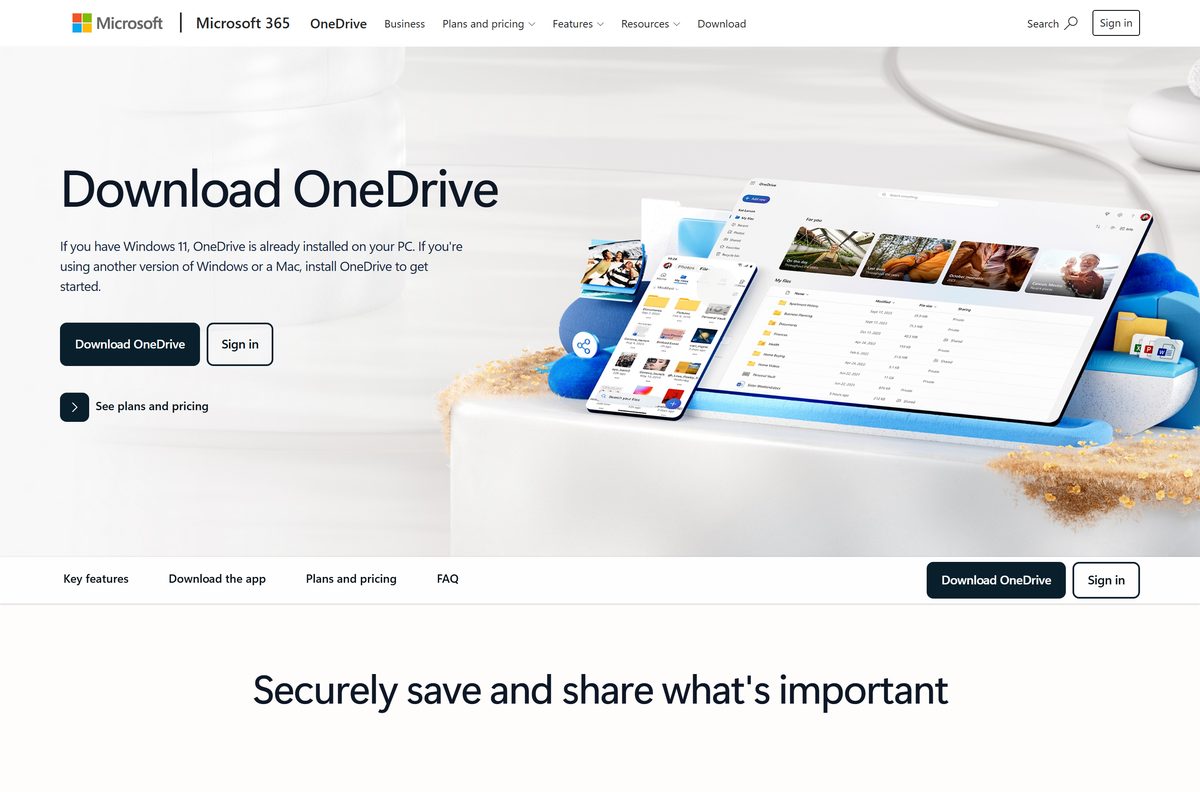
Download Microsoft OneDrive from the official Microsoft page
Microsoft serves OneDrive from its own download page and two short fwlink addresses. The app stores carry the same software under the publisher Microsoft Corporation.
- OneDrive download page on microsoft.com — the Download OneDrive button picks the file for your system
- OneDriveSetup.exe for Windows — 64-bit build on Microsoft’s short link
- OneDrive.pkg for Mac — standalone universal package
- OneDrive on the Mac App Store — seller Microsoft Corporation, price Free
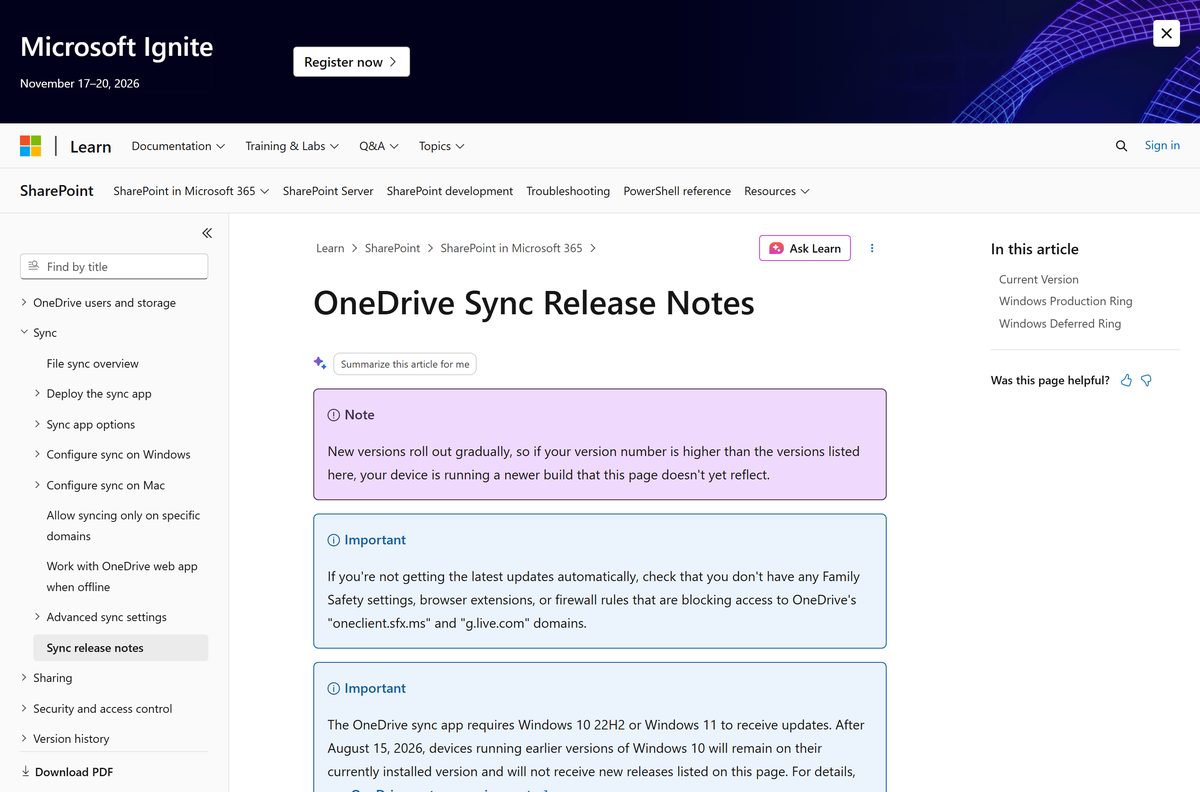
- OneDrive sync release notes — current builds for amd64 and arm64, plus the Deferred ring
Download portals serve their own repackaged copies of OneDriveSetup.exe. Microsoft’s advice is to get apps from official publisher websites or stores.
Check the Microsoft OneDrive specifications and system requirements
OneDrive runs on almost any current PC or Mac. The Windows 10 version line is the one that catches older machines.
| Field | Value |
|---|---|
| Software | Microsoft OneDrive |
| Developer | Microsoft Corporation |
| Latest version | 26.153.0809.0004 on Windows (Production ring, 28 August 2026); 26.163.0823 on the Mac App Store |
| Price | Free with 5 GB of storage; paid plans from $19.99 a year |
| Supported OS | Windows 10 22H2, Windows 11, Windows Server 2016 or newer; macOS 14.4 or newer |
| Architecture | x64 and ARM64 on Windows; universal package for Apple silicon and Intel Macs |
| Minimum hardware | 1.6 GHz processor, 1 GB RAM, 1024 x 576 display |
| File system | NTFS on Windows; APFS (case insensitive) on Mac |
| Offline installer | Yes, OneDriveSetup.exe and OneDrive.pkg are full installers |
| Mobile | iOS 18.0 or later; Android 8.0 or later |
| Official download source | microsoft.com, Mac App Store, Google Play |
| Last verified | 2026-09-19 |
Windows 10 builds older than 22H2 stopped receiving OneDrive updates on 15 August 2026. They keep the build already installed but get no new ones.
How to install Microsoft OneDrive on Windows 11 and 10
On Windows 11, skip to step 5: the app is already there. On Windows 10, start at the top.
- Open the OneDrive download page on microsoft.com.
- Select Download OneDrive.
- Open your Downloads folder and double-click OneDriveSetup.exe.
- Wait for the setup window to close. OneDrive installs for your user account only.
- Press Start, type OneDrive, and open the app.
- Enter the email address of your personal, work or school Microsoft account and select Sign in.
- Accept or change the suggested OneDrive folder location, then select Next.
- Choose whether to back up Desktop, Documents and Pictures, then select Open my OneDrive folder.
A cloud icon now sits in the notification area. Select it at any time to see sync status and recent files.
Install Microsoft OneDrive with winget
winget pulls the same Microsoft installer from the command line. It suits a fresh PC or a script that sets up several apps at once.
- Right-click Start and select Terminal.
- Run winget show –id Microsoft.OneDrive -e and confirm the Publisher line reads Microsoft Corporation.
- Run winget install –id Microsoft.OneDrive -e to install it.
- Accept the source agreement prompt if winget shows one.
- Open OneDrive from the Start menu and sign in.
winget can lag a week or two behind Microsoft’s newest build. The app updates itself after the first launch, so the gap closes on its own.
Install Microsoft OneDrive for every user on a shared PC
By default OneDrive installs per user, under %localappdata% . The per-machine option installs it once under Program Files for everyone who signs in to the PC.
| Task | Command | What it does |
|---|---|---|
| Install for all users | OneDriveSetup.exe /allusers |
Installs per-machine; triggers a User Account Control prompt |
| Push an update | OneDriveSetup.exe /update /restart |
Updates to that installer’s build and restarts OneDrive |
| Check the install | HKEY_LOCAL_MACHINE\SOFTWARE\Microsoft\OneDrive |
Microsoft’s detection rule reads the Version value here |
| Get the installer | OneDriveSetup.exe | The same file serves both install types |
Open Command Prompt in the folder holding OneDriveSetup.exe and run the first command. Accounts already signed in move across automatically.
Microsoft has no automated route back from per-machine to per-user. Uninstall, then run the installer again without /allusers . Test on one machine before a wide rollout.
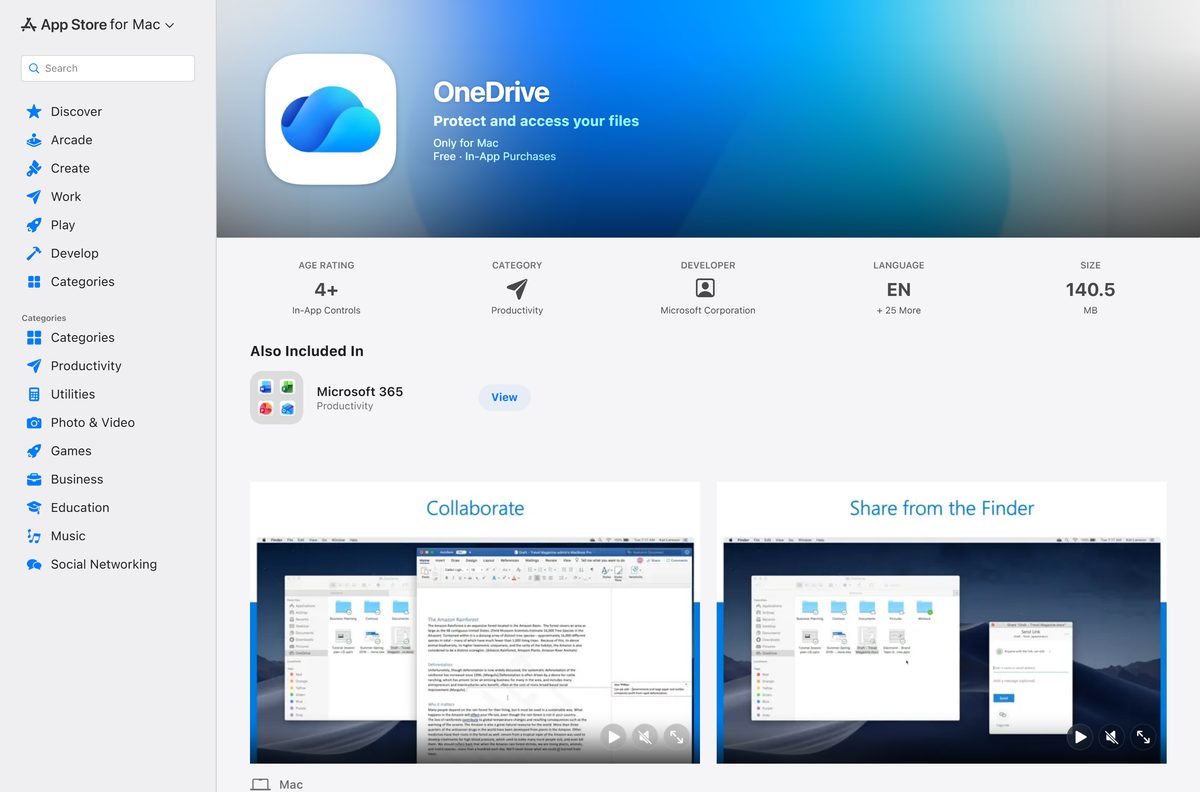
Which Microsoft OneDrive download do you need for your Mac?
Both Mac builds are free and run on Apple silicon and Intel. The difference is how they update and what IT can manage.
| Your Mac | What to download | Why |
|---|---|---|
| Personal Mac on macOS 14.4 or later | OneDrive on the Mac App Store | Updates with your other App Store apps |
| Work Mac managed with Intune, Jamf or Munki | OneDrive.pkg standalone package | Needed for managed Folder Backup settings |
| Mac on macOS 14.3 or older | Update macOS first | Neither build installs below 14.4 |
For the App Store build, select Get, then Install, and open OneDrive from Applications. For the package, double-click OneDrive.pkg, select Continue and Install, and enter an administrator password.
Sign in, then allow OneDrive in System Settings > General > Login Items so it keeps running in the background on macOS 13 and later.
Is Microsoft OneDrive free?
Yes. The OneDrive app costs nothing on every platform, and a free Microsoft account includes 5 GB of cloud storage. You pay only for more space. Microsoft 365 Basic is $19.99 a year for 100 GB. Microsoft 365 Personal is $99.99 a year for 1 TB and adds the Word, Excel, PowerPoint and Outlook desktop apps. Microsoft 365 Family is $129.99 a year for up to six people with 1 TB each. Any site that charges for the OneDrive app itself is charging for software Microsoft gives away.
Work and school accounts get OneDrive storage through a Microsoft 365 licence the organisation already pays for.
How to check your Microsoft OneDrive version and update it
OneDrive checks for updates every 24 hours while it runs, and a scheduled task updates it on Windows even when it is closed.
- Select the OneDrive cloud icon in the notification area.
- Select the gear icon for Help & Settings, then Settings.
- Open the About tab and read the version number.
- Compare it with the Windows Production row on the sync release notes.
- If it is far behind, run the latest OneDriveSetup.exe from microsoft.com over the top of the existing install.
- On a Mac App Store copy, open the App Store, select Updates, and update OneDrive there.
Rollouts are staged over one to two weeks, so a build one step behind the newest is normal. Business PCs in the Deferred ring update every two to three months.
Fix Microsoft OneDrive not installing or updating on Windows 11 or 10
OneDrive stays on an old version and never updates
The PC runs a Windows 10 release older than 22H2, which stopped getting OneDrive updates on 15 August 2026.
- Press Windows + R, type winver and select OK.
- If the version is below 22H2, open Settings > Update & Security > Windows Update.
- Install the Windows 10 22H2 feature update, or move to Windows 11.
- Run OneDriveSetup.exe again once Windows is current.
Setup or updates stall on a work or home network
A firewall, browser extension or Family Safety setting blocks the two domains OneDrive updates from.
- Ask your network admin to allow oneclient.sfx.ms and g.live.com .
- Turn off any Family Safety web filter that blocks them.
- Pause filtering browser extensions, then download the installer again from microsoft.com.
OneDrive installed, but other users on the PC do not have it
The default install is per user, so each account needs its own copy.
- Uninstall the per-user copy from Settings > Apps > Installed apps.
- Open Command Prompt as an administrator in the installer’s folder.
- Run OneDriveSetup.exe /allusers and approve the prompt.
The Mac installer refuses to run
macOS is older than 14.4, or the account is not an administrator.
- Open the Apple menu and select About This Mac to read the macOS version.
- Update macOS from System Settings > General > Software Update if it is below 14.4.
- Sign in with an administrator account, then run OneDrive.pkg again.
How to uninstall Microsoft OneDrive
Uninstalling removes the app, not your files. Everything already synced stays in your OneDrive online storage.
- Select the OneDrive icon, then Help & Settings > Pause syncing so no upload is cut off halfway.
- Open Settings > Apps > Installed apps.
- Search for Microsoft OneDrive and select the three dots beside it.
- Select Uninstall, then Uninstall again to confirm.
- On a Mac, quit OneDrive from its menu bar icon, then drag OneDrive from Applications to the Bin.
- To reinstall later, download OneDriveSetup.exe from microsoft.com again.
Local copies in your OneDrive folder stay on the disk. Files that were online-only are not on the PC, so download any you need before you remove the app.
What to use instead of Microsoft OneDrive
Each of these is a free desktop sync app from the maker’s own site.
| Alternative | Maker | Best for | Official download |
|---|---|---|---|
| Google Drive for desktop | Gmail and Google Docs users | Google Drive download | |
| Dropbox | Dropbox | Sharing folders across Windows, Mac and Linux | dropbox.com/install |
| iCloud for Windows | Apple | iPhone owners who want photos on a PC | Microsoft Store listing |
Stay on OneDrive if you use Windows 11 or Microsoft 365. It is built into File Explorer, and Microsoft 365 Personal and Family already include 1 TB per person.
Frequently asked questions
Is Microsoft OneDrive free to download?
Yes. The app is free on Windows, Mac, iOS and Android, and a free Microsoft account includes 5 GB of cloud storage. Paid plans start at $19.99 a year for 100 GB.
What is the official Microsoft OneDrive download page?
It is the Download OneDrive page on microsoft.com. The Windows installer also sits behind go.microsoft.com/fwlink/?linkid=844652, and the Mac App Store listing is sold by Microsoft Corporation.
Do I need to download OneDrive on Windows 11?
No. Windows 11 ships with OneDrive already installed, so you only open it from the Start menu and sign in. Windows 10 includes it too, though an older copy may need the latest installer.
Is there a Microsoft OneDrive offline installer?
Yes. OneDriveSetup.exe from microsoft.com is the full app rather than a small web stub, and the same file installs per user or for all users with the /allusers switch.
Is there a Microsoft OneDrive download for Mac?
Yes. Get it free from the Mac App Store, or take the standalone OneDrive.pkg from Microsoft for managed Macs. Both need macOS 14.4 or later and run on Apple silicon and Intel.
Does Microsoft OneDrive support ARM64 and 64-bit Windows?
Yes. Microsoft publishes amd64 and arm64 builds of every current release, and the main download link serves the 64-bit installer. The Mac package is universal for both Apple chips and Intel.
Which Microsoft OneDrive version is current?
The Windows Production ring released build 26.153.0809.0004 on 28 August 2026, with a newer build rolling out. Check yours under Help & Settings, Settings, then the About tab.
Why is Microsoft OneDrive not updating?
The usual causes are a Windows 10 release older than 22H2, which stopped getting updates on 15 August 2026, or a network that blocks oneclient.sfx.ms and g.live.com.
Is it safe to download Microsoft OneDrive from other sites?
Take it only from microsoft.com, the Mac App Store or Google Play. Portal copies are repackaged files that Microsoft did not publish, and they gain you nothing because the official app is free.
Does uninstalling OneDrive delete my files?
No. Removing the app leaves your files in OneDrive online storage and keeps local copies in your OneDrive folder. Online-only files are not on the PC, so download any you need first.
Can I install OneDrive for all users on one PC?
Yes. Run OneDriveSetup.exe /allusers from a Command Prompt, approve the User Account Control prompt, and OneDrive installs once under Program Files for every account on that PC.






