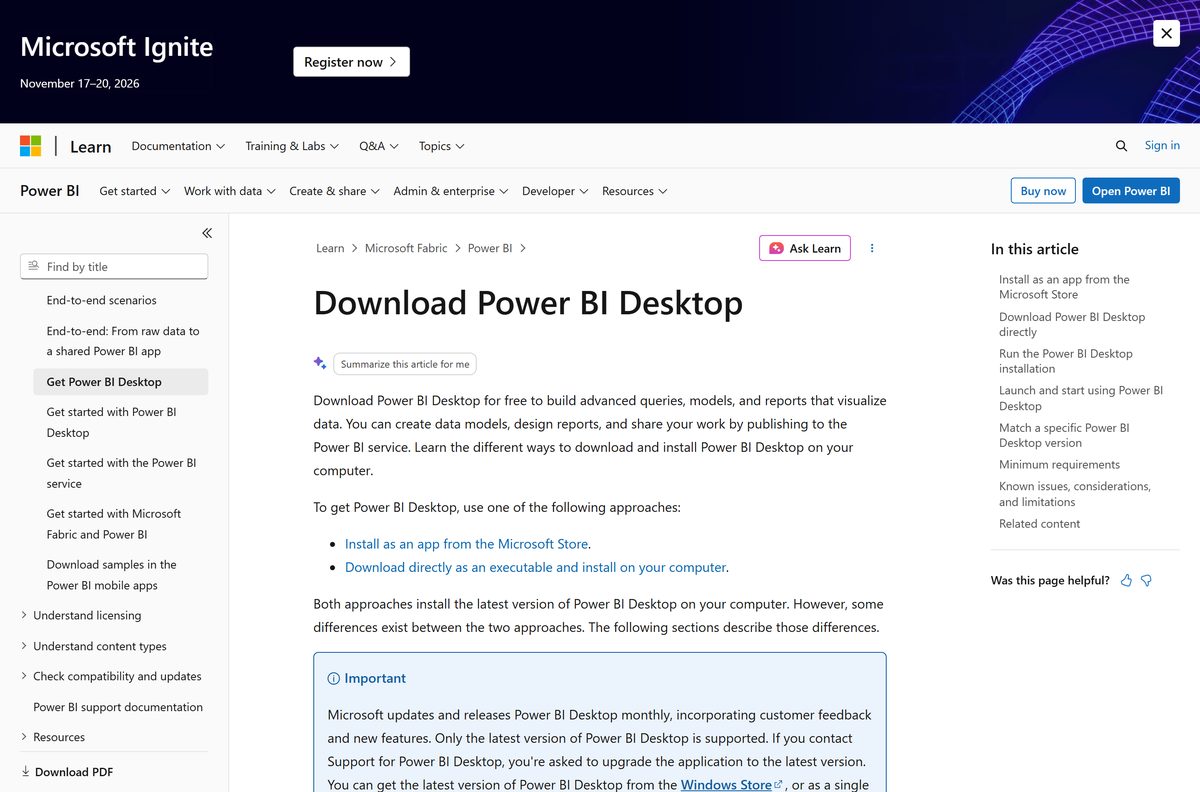
You can download Microsoft Power BI Desktop free for Windows 11 and Windows 10 straight from Microsoft, then build your first report in about ten minutes. Pick the Microsoft Store version for automatic monthly updates, or the full 64-bit installer for offline and managed installs.
Below you get the right file for your PC, both install routes, silent install switches for admins, the options on a Mac, update and version checks, fixes for common setup errors and a clean uninstall.
Which Microsoft Power BI download do you need?
Match your situation to a row. Every link goes to Microsoft or Apple.
| Your situation | Download | Size |
|---|---|---|
| Windows 11 or 10 PC, you want automatic updates | Power BI Desktop in the Microsoft Store | Auto-updating |
| Windows PC without Microsoft Store access | PBIDesktopSetup_x64.exe from the Download Center | 661.8 MB |
| IT admin deploying to many PCs | Full 64-bit installer with command-line switches | 661.8 MB |
| Team pinned to an older monthly release | Power BI Desktop monthly update archive | Varies |
| Reports for an on-premises Power BI Report Server | Power BI Desktop for Report Server | Separate install |
| iPhone or iPad, viewing shared reports | Microsoft Power BI in the App Store | 223.1 MB |
Check your Windows first: open Settings > System > About and read System type. Power BI Desktop needs a 64-bit edition.

Download Microsoft Power BI Desktop from the official Microsoft links
Microsoft publishes Power BI Desktop in two places. Both install the same current monthly release.
- Power BI Desktop in the Microsoft Store — free, x64, updates automatically
- Microsoft Download Center: Power BI Desktop — PBIDesktopSetup_x64.exe, all languages
- PBIDesktopSetup_x64.exe direct file — 661.8 MB
- Power BI Desktop product page — Microsoft Power Platform
- Microsoft Edge WebView2 Runtime — only if setup reports WebView2 missing
Skip copies on download portals. They repackage an installer that Microsoft replaces every month, and only the latest release gets support.
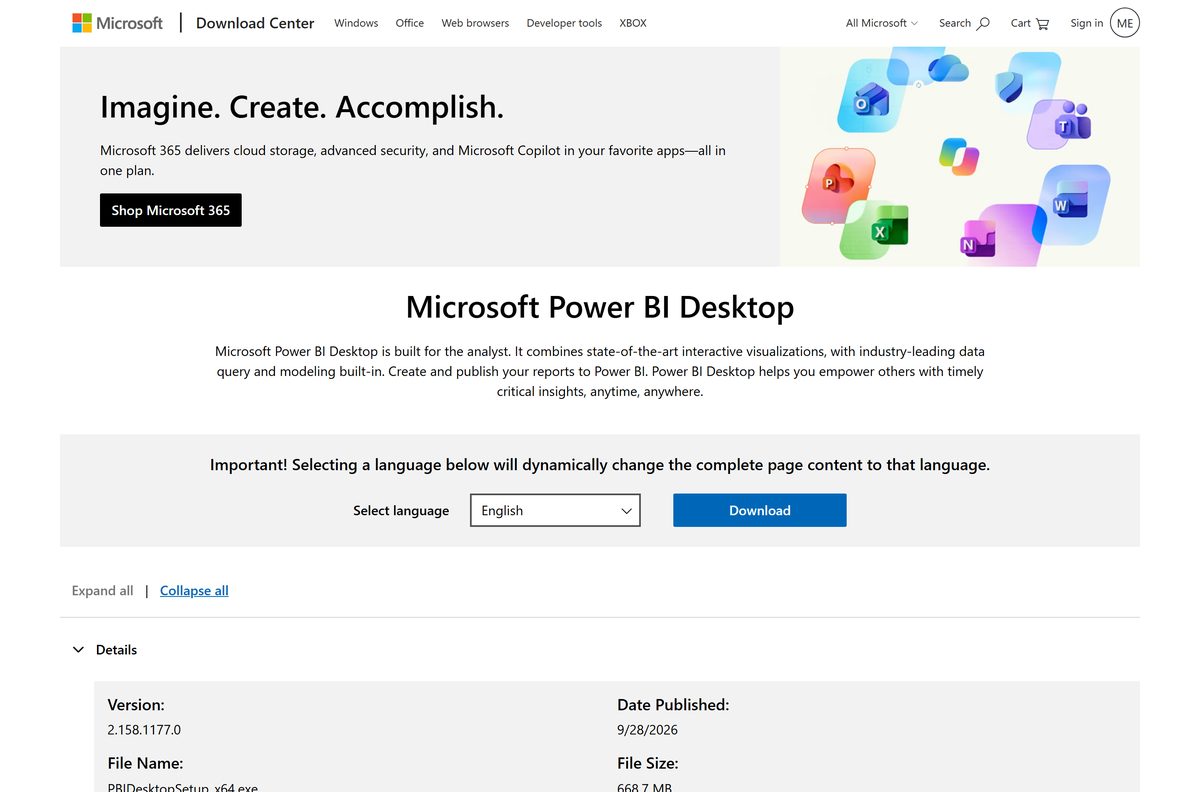
How to install Power BI Desktop from the Microsoft Store
The Store route needs no administrator rights and keeps Power BI Desktop current on its own.
- Open the Power BI Desktop listing in the Microsoft Store.
- Select Get, or Install if the Store app opens.
- Wait for the download to finish, then select Open.
- Close the welcome screen to reach the blank report canvas.
- Select Sign in and use your work or school account to publish reports.
Installing from the Store does not copy settings from an .exe install. Reconnect recent data sources and enter credentials again.
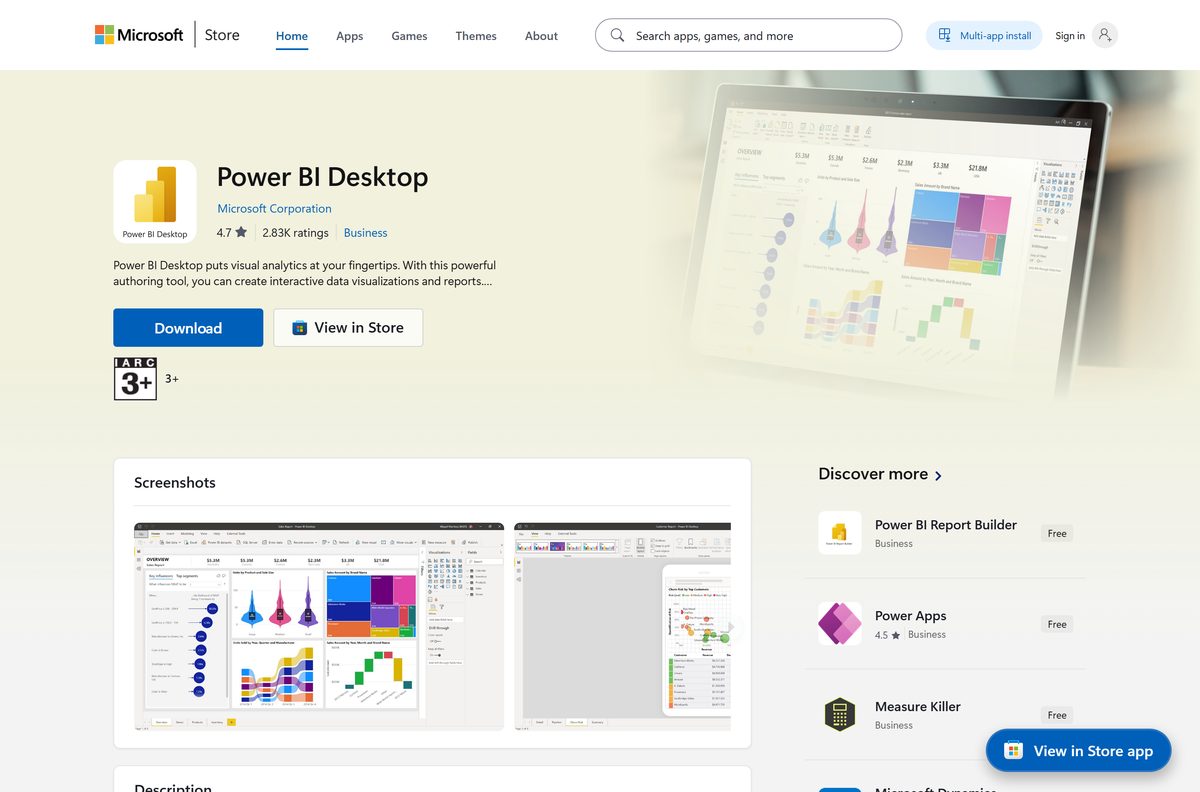
Install the offline Power BI Desktop .exe instead of the Store
The .exe carries every supported language in one file. Setup needs an administrator account.
- Open the Power BI Desktop page on the Microsoft Download Center.
- Select Download, choose the 64-bit PBIDesktopSetup_x64.exe, then select Next.
- Open your Downloads folder and double-click PBIDesktopSetup_x64.exe.
- Select Yes at the User Account Control prompt.
- Follow the setup wizard, accept the license terms and select Install.
- Launch Power BI Desktop from the Start menu when setup finishes.
Do not keep the .exe and Store versions side by side. Uninstall one before you install the other.
How to deploy Power BI Desktop silently across an organization
Run the installer from an elevated Command Prompt with these switches. Combine them on one line.
| Switch or property | What it does |
|---|---|
| PBIDesktopSetup_x64.exe | The 661.8 MB installer these switches apply to |
-quiet or -silent |
Installs with no interface |
-passive |
Shows only a progress bar |
-norestart |
Suppresses the restart prompt |
-uninstall |
Removes Power BI Desktop |
-repair |
Repairs the current install |
ACCEPT_EULA=1 |
Accepts the license terms automatically |
INSTALLDESKTOPSHORTCUT=1 |
Adds a desktop shortcut |
LANGUAGE=de-DE |
Forces the interface language, here German |
DISABLE_UPDATE_NOTIFICATION=1 |
Turns off update notifications |
Example: PBIDesktopSetup_x64.exe -quiet ACCEPT_EULA=1 INSTALLDESKTOPSHORTCUT=1 . Tools that need an .msi can extract one from the .exe with WiX Toolset, a non-Microsoft tool.
Which Power BI option should you use on a Mac?
Power BI Desktop is a Windows program, and Microsoft publishes no macOS build. These are the official routes on a Mac.
| You want to | Use | Where |
|---|---|---|
| Build a report from an Excel file | Power BI service in Safari, Chrome or Edge | Create a report in the Power BI service |
| Use the full Power BI Desktop editor | Windows 11 in a virtual machine or a Windows 365 Cloud PC | Windows App for Mac |
| View dashboards on iPhone or iPad | Microsoft Power BI mobile app | Microsoft Power BI in the App Store |
The web editor covers report building and sharing. Power Query modeling, DAX authoring and many data connectors need Power BI Desktop on Windows.
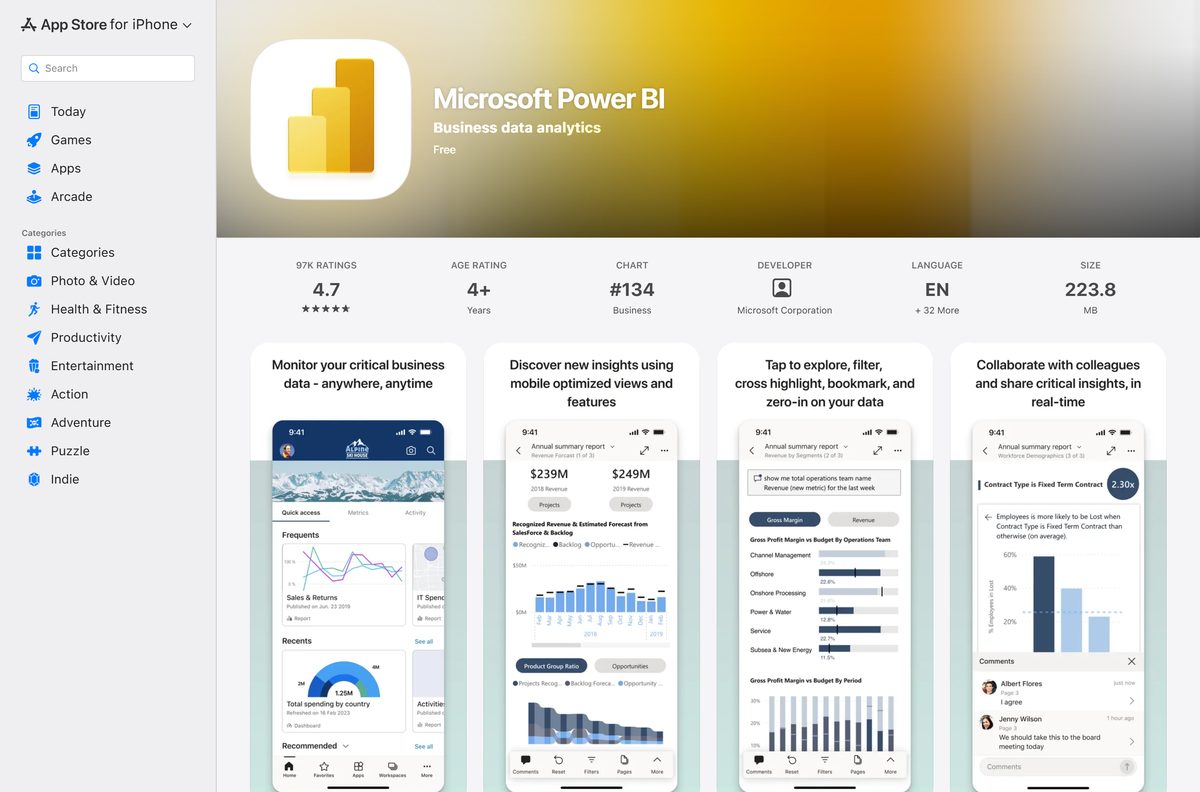
Is Microsoft Power BI Desktop free?
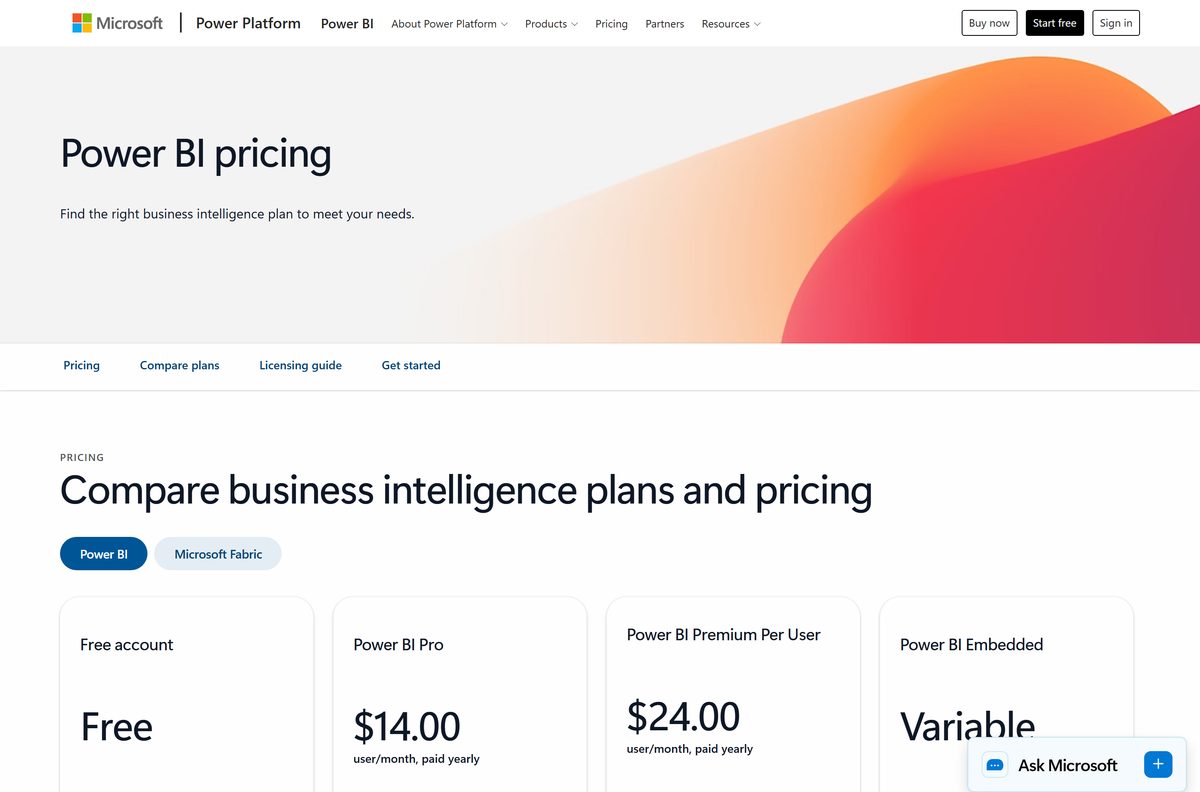
Yes. Power BI Desktop is free to download and use, with no trial period and no feature lock. The Microsoft Store lists it at $0, and Microsoft calls it a free download. Paying starts when you share: Power BI Pro is $14.00 per user per month and Premium Per User is $24.00, both paid yearly. Signing up for the Power BI service needs a work or school email.
Should you install the latest Power BI Desktop or an older release?
Install the latest release. Pick an archived build only when your team or report server is pinned to one. Microsoft supports only the current monthly version, and older releases cannot open files saved in newer ones. The monthly update archive keeps English installers of past releases, and Power BI Report Server has its own separate edition of Desktop.
How to check your Power BI Desktop version and update it
- Open Power BI Desktop and select the Help tab on the ribbon.
- Select About and read the Version line.
- For the Store version, open the Microsoft Store, select Library, then Get updates.
- For the .exe version, download the newest installer from the Download Center and run it over the old one.
Microsoft ships a new version every month, so an .exe install falls behind quickly without this check.
Check the Power BI Desktop system requirements before you download
| Field | Value |
|---|---|
| Software | Microsoft Power BI Desktop |
| Developer | Microsoft Corporation |
| Latest version | 2.157.1354.0 (published September 3, 2026) |
| Price | Free; Power BI Pro from $14.00 per user per month for sharing |
| Windows | Windows 11, Windows 10, Windows Server 2016 or later |
| Windows on Arm | Needs the 2025-09 cumulative update, KB5065789 |
| macOS | Not available |
| Architecture | 64-bit (x64) only |
| Memory | 2 GB available, 4 GB or more recommended |
| Display | At least 1440×900 or 1600×900 |
| Other | .NET 4.7.2 or later, Microsoft Edge WebView2 |
| File size | 661.8 MB (PBIDesktopSetup_x64.exe) |
| Offline installer | Yes, one .exe with all languages |
| Official source | Microsoft Store and Microsoft Download Center |
| Last verified | 2026-09-19 |
Keep display scaling at 100% if dialogs run off the screen. Lower resolutions such as 1280×800 are not supported.
Fix Power BI Desktop not installing or not opening
Setup stops because you are not an administrator
The .exe installer needs admin rights.
- Install from the Microsoft Store instead, which needs no admin rights.
- Or ask IT to run the installer with an administrator account.
The Store and .exe versions conflict
Microsoft does not support both versions on one PC.
- Open Settings > Apps > Installed apps.
- Uninstall Microsoft Power BI Desktop, then install your preferred version again.
Error: Microsoft Edge can’t read and write to its data directory
WebView2 is missing, or the app runs under a system account.
- Download and run the WebView2 installer.
- Start Power BI Desktop from your normal user account, not a system account.
Dialogs are cut off or the window shows black areas
Display scaling above 100% or a low screen resolution.
- Open Settings > System > Display and set Scale to 100%.
- Press Start, type blurry, and turn on Let Windows fix apps that are blurry.
- Restart Power BI Desktop.
A report fails to load with a saved database restore error
An outdated version of Power BI Desktop.
- Update to the current release using the steps above.
- Reopen the .pbix file.
How to uninstall Power BI Desktop
- Open Settings > Apps > Installed apps.
- Find Microsoft Power BI Desktop, select …, then Uninstall.
- Select Uninstall again to confirm.
- For a scripted removal, run PBIDesktopSetup_x64.exe -uninstall from an elevated Command Prompt.
Which Microsoft tool should you use instead of Power BI Desktop?
| Tool | Best for | Platform |
|---|---|---|
| Power BI service | Building simple reports and sharing dashboards in a browser | Any browser, including Mac |
| Power BI mobile app | Viewing reports and alerts on the go | iPhone, iPad, Android |
| Power BI Desktop for Report Server | Reports kept on an on-premises server | Windows |
Frequently asked questions
Is Microsoft Power BI Desktop free?
Yes. Power BI Desktop is a free download from the Microsoft Store and the Microsoft Download Center, with no trial limit. You pay only to share reports in the Power BI service, where Power BI Pro costs $14.00 per user per month, paid yearly.
Where is the official Microsoft Power BI download?
Get Power BI Desktop from the Microsoft Store under product ID 9NTXR16HNW1T, or from the Microsoft Download Center page with ID 58494. Both are published by Microsoft and install the same current monthly release.
Can I download Microsoft Power BI Desktop on a Mac?
No native Mac version exists. Power BI Desktop installs on Windows 10, Windows 11 and Windows Server only. On a Mac, build reports in the Power BI service in a browser, or run Windows in a virtual machine or a Windows 365 Cloud PC.
How big is the Power BI Desktop download?
The 64-bit installer, PBIDesktopSetup_x64.exe, is 661.8 MB and contains every supported language. The Microsoft Store version downloads a larger first package, but later updates only fetch the parts that changed.
Should I install Power BI Desktop from the Microsoft Store or the .exe?
Use the Microsoft Store for most PCs. It updates automatically every month, downloads smaller updates and installs without admin rights. Use the .exe when you need a silent install, a fixed version or a machine without Store access.
Is there a 32-bit version of Power BI Desktop?
No longer. Microsoft ended support for the 32-bit build, and the current download is 64-bit (x64) only. Windows on Arm PCs can run it after installing the September 2025 cumulative update, KB5065789.
Do I need a Microsoft account to use Power BI Desktop?
You need a work or school account to sign in and publish to the Power BI service. Microsoft does not accept consumer addresses such as Gmail or Hotmail for sign-up. A Microsoft 365 trial creates a work address if you lack one.
How often is Power BI Desktop updated?
Microsoft releases a new version of Power BI Desktop every month. Only the latest version is supported, so Microsoft Support asks you to upgrade before troubleshooting. The Store version installs each release automatically in the background.
Can I download an older version of Power BI Desktop?
Yes. Microsoft keeps English installers of earlier monthly releases in the Power BI Desktop monthly update archive on Microsoft Learn. Older versions are not serviced and cannot open files saved in newer releases.
How do I install Power BI Desktop silently?
Run PBIDesktopSetup_x64.exe -quiet ACCEPT_EULA=1 from an elevated Command Prompt. Add INSTALLDESKTOPSHORTCUT=1 for a desktop shortcut, or LANGUAGE=de-DE to force German as the interface language. The -uninstall switch removes it the same way.






