The Honkai: Star Rail download for PC is free on Windows 11 and Windows 10. Get it through HoYoPlay, the launcher linked from the official site, or from the Epic Games Store.
HoYoverse publishes the game under COGNOSPHERE, and the turn-based space RPG costs nothing to download or play. It is also on iPhone, iPad, Android and PS5.
Below you will find the right store for your device, the official links, install steps for both PC routes, requirements, Mac options and fixes for failed downloads.
Which Honkai: Star Rail download do you need?
Each platform gets the game from its own official source. Match your device to a row and open that link.
| Your device | Where to get it | What you install |
|---|---|---|
| Windows 11 or Windows 10 PC, 64-bit | Official site (HoYoPlay) | HoYoPlay launcher, then the game |
| Windows PC with the Epic Games Launcher | Epic Games Store | The game inside Epic’s launcher |
| iPhone or iPad on iOS 13 or later | App Store | 3.7 GB app, then game data |
| Android phone or tablet | Google Play | Shown on the listing |
| PS5 | PlayStation Store | Shown on the console |
| Mac | No macOS build | See the Mac section below |
Progress on the same server carries across PC, Android and iOS. Account data does not move between servers, so pick the same server on every device.
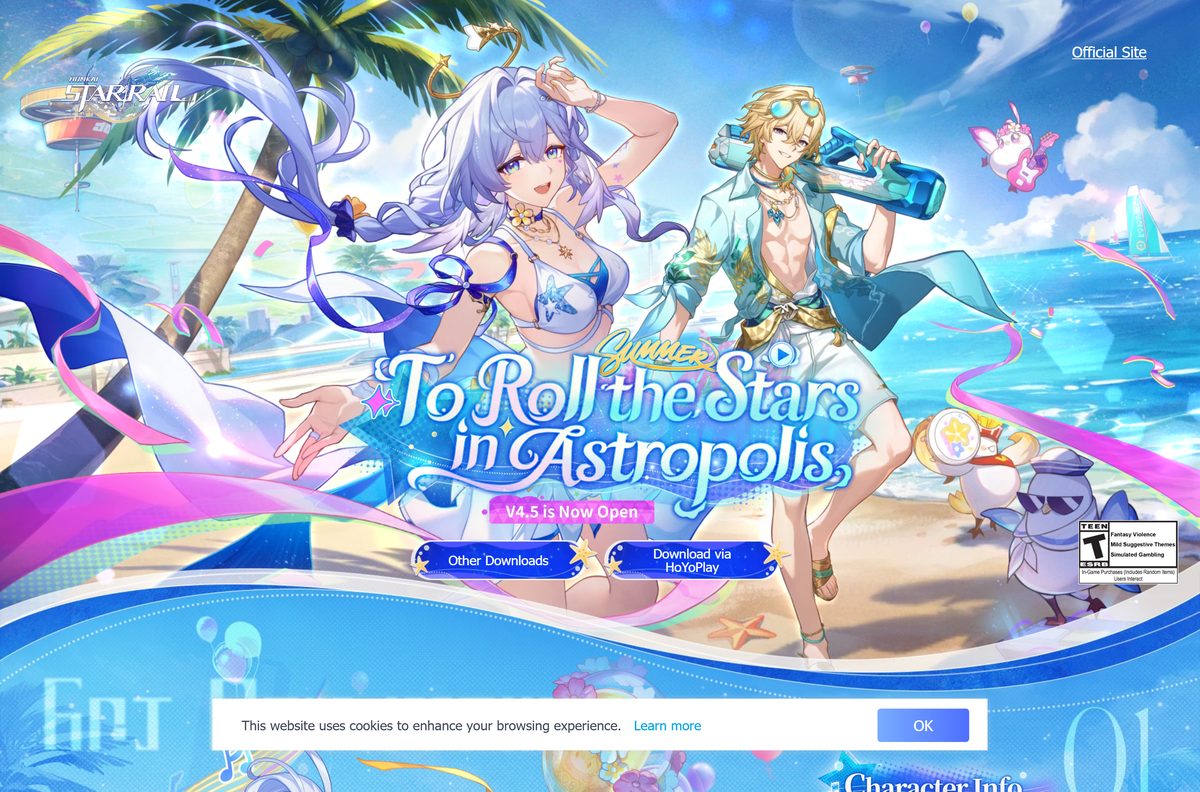
Download Honkai: Star Rail from the official site and stores
COGNOSPHERE PTE. LTD. is the seller on every store listing below. A different seller name means the page is not the real game.
- Honkai: Star Rail official site — Windows PC, Download via HoYoPlay button
- HoYoPlay launcher — HoYoverse’s launcher for all its PC games
- Honkai: Star Rail on the Epic Games Store — Windows, free, installs through the Epic Games Launcher
- Honkai: Star Rail on the App Store — 3.7 GB · iPhone and iPad, iOS 13.0 or later
- Honkai: Star Rail on Google Play — Android phones and tablets
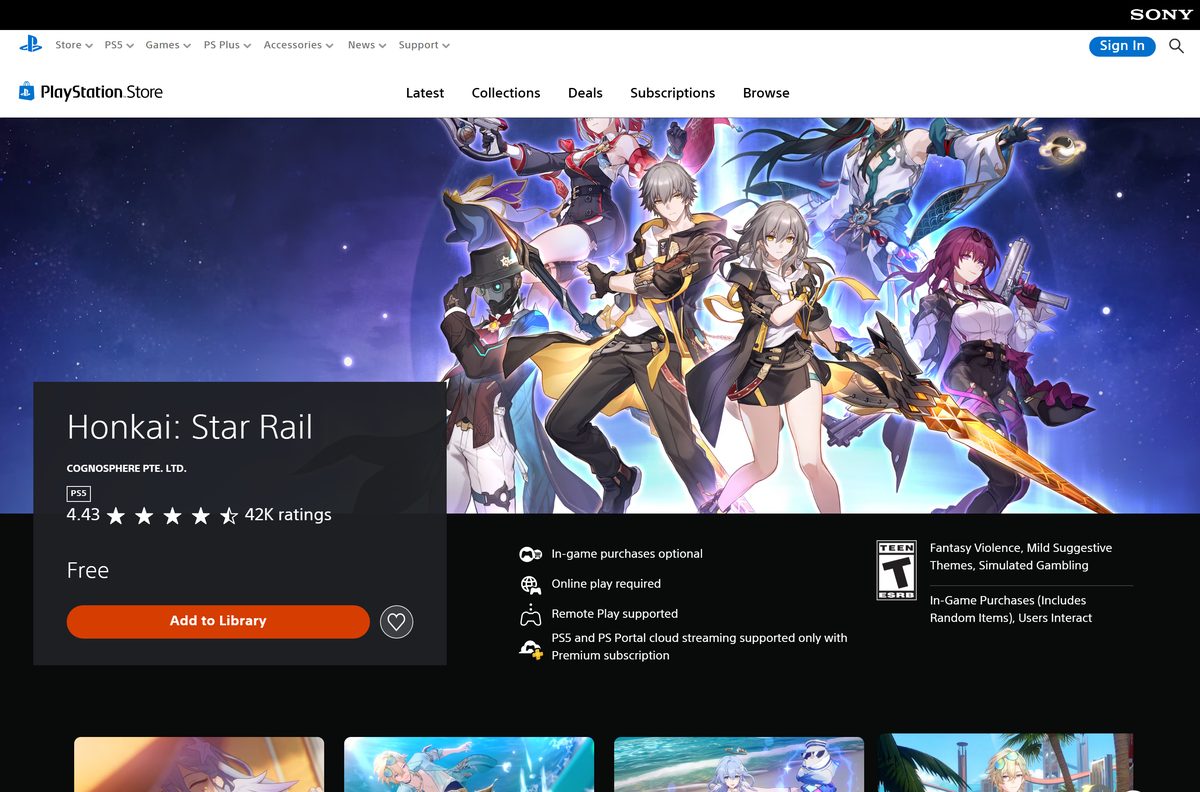
- Honkai: Star Rail on the PlayStation Store — PS5, free
Steam has no Honkai: Star Rail listing, and neither does the Xbox store. A download site offering a full setup file is not an official source.
How to install Honkai: Star Rail on Windows 11 and 10 with HoYoPlay
HoYoPlay is the official launcher. It installs first, then downloads and updates the game.
- Open hsr.hoyoverse.com in your browser.
- Select Download via HoYoPlay on the home page.
- Open the HoYoPlay setup file your browser saved and follow the setup window.
- Open HoYoPlay and select Honkai: Star Rail in the game list.
- Select Download, then pick a drive with plenty of free space.
- Wait for the download and file check to finish.
- Launch the game, pick your server, and sign in with a HoYoverse account.
If Windows asks whether to allow the launcher to make changes, select Yes. The launcher needs that to write the game files.
Install Honkai: Star Rail from the Epic Games Store
Use this route if you already keep your games in the Epic Games Launcher. The game is the same free edition.
- Open the Honkai: Star Rail page on the Epic Games Store.
- Select Get and sign in with your Epic Games account.
- Select Place Order to add the free game to your library.
- Open the Epic Games Launcher and select Library.
- Select Install on the Honkai: Star Rail tile and choose a folder.
- Select Launch when the download completes.
The Epic listing requires an Epic account on top of your HoYoverse game account.
Should you install Honkai: Star Rail from HoYoPlay or the Epic Games Store?
Both give you the same game and the same account. They differ in which launcher handles updates.
Install through HoYoPlay from the official site on most PCs. HoYoPlay is the launcher HoYoverse’s own update notes and install FAQ are written for. Pick the Epic Games Store only if you want the game in your existing Epic library.
Do not install both. Two copies take double the disk space and update separately.
Which way can you play Honkai: Star Rail on a Mac?
HoYoverse ships no macOS edition, and the App Store listing covers iPhone and iPad only. Your options depend on the chip in your Mac.
| Your Mac | What works | Link |
|---|---|---|
| Intel-based Mac | Install Windows 10 with Boot Camp, then install the PC edition | Apple Boot Camp guide |
| Mac with Apple silicon (M1 or later) | Play on an iPhone or iPad; progress carries over on the same server | App Store listing |
Open the Apple menu and select About This Mac to see whether your Mac has an Intel processor or an Apple chip. Boot Camp needs a 64-bit Windows 10 image and at least 64 GB of free space.
Is Honkai: Star Rail free to download and play?
Every official store lists the game as free. Purchases inside the game are optional.
Yes. Download and play it for free on PC, iPhone, Android and PS5. The App Store, Google Play and PlayStation Store all list it as free with in-game purchases. On PS5, Oneiric Shard packs run from $29.99 to $99.99 and the Express Supply Pass costs $4.99.
Ignore sites that promise free Stellar Jade or Oneiric Shards in exchange for your login. Buy currency only inside the game, through the store you installed from, or on the official Top-Up page.
How to check your Honkai: Star Rail version and update it
Version 4.5, To Roll the Stars in Astropolis, arrived on August 26, 2026. Each platform updates differently.
- On PC, exit the game completely.
- Restart HoYoPlay and select Update on the Honkai: Star Rail page.
- On Android, open the game and follow the in-game update prompt.
- On iPhone or iPad, open the App Store and tap Update.
- On PS5, open the game and let it download the update automatically.
The 4.5 update came with roughly five hours of server maintenance. Stellar Jade compensation arrives by in-game mail afterward.
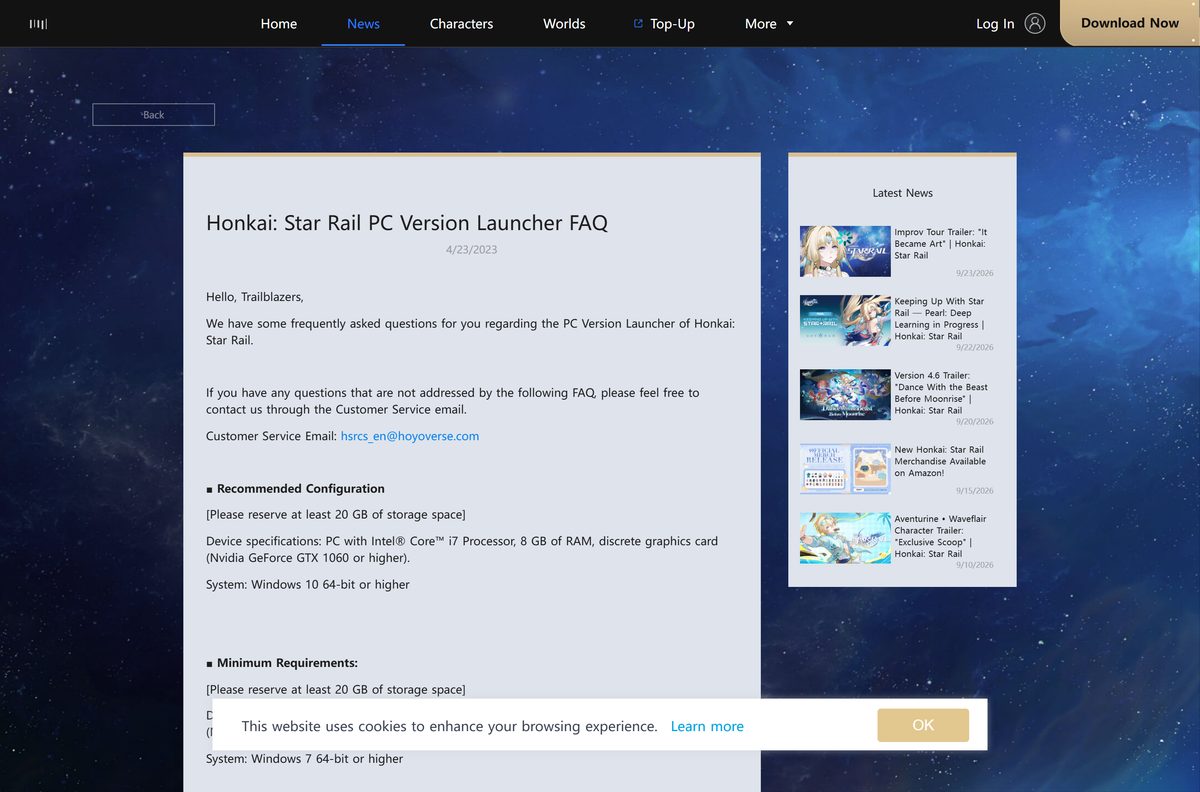
Check the Honkai: Star Rail PC requirements before you download
HoYoverse’s launcher FAQ lists these PC specifications. Aim for the recommended column for smooth play.
| Field | Value |
|---|---|
| Game | Honkai: Star Rail |
| Developer | COGNOSPHERE PTE. LTD. (HoYoverse) |
| Latest version | 4.5 (To Roll the Stars in Astropolis) |
| Price | Free-to-play, optional in-game purchases |
| Supported OS | Windows 10 64-bit or later recommended; Windows 7 SP1 64-bit minimum |
| Architecture | 64-bit (x64) only |
| Processor | Intel Core i3 minimum, Intel Core i7 recommended |
| Memory | 6 GB minimum, 8 GB recommended |
| Graphics | NVIDIA GeForce GTX 650 minimum, GTX 1060 or higher recommended |
| PC launcher | HoYoPlay or the Epic Games Launcher |
| iPhone and iPad | iOS 13.0 or later, 3.7 GB app before game data |
| Offline installer | No, the launcher downloads the game |
| Official sources | hsr.hoyoverse.com, Epic Games Store, App Store, Google Play, PlayStation Store |
| Last verified | 2026-09-24 |
To check your own PC, open Settings, select System, then About. The Installed RAM and System type lines show your memory and whether Windows is 64-bit.
Fix Honkai: Star Rail not downloading or installing on Windows 11 or 10
Match the message on your screen to a symptom and follow the fix under it.
Insufficient disk space. Please clear some storage space and try again.
The drive you picked cannot hold the download plus the unpacked files.
- Open Settings, select System, then Storage.
- Select Temporary files and remove what you do not need.
- Reopen the launcher and resume the download or update.
Failed to unzip game files. Select Retry to try again.
Low disk space or an antivirus program blocking files in the game folder.
- Free up space on the install drive first.
- Open your antivirus program and mark the game folder as trusted.
- Select Retry in the launcher.
Game files verification error
A downloaded file did not match its expected checksum.
- Select Retry in the launcher.
- If the error repeats, restart the launcher and download again.
The download sits at 0 or stops at the same point
A proxy, VPN or edited hosts file is blocking the game’s connection.
- Turn off any VPN or proxy and check your hosts file for game entries.
- Restart the PC.
- Right-click the launcher and select Run as administrator.
The version of this file is not compatible with the version of Windows you’re running
The PC runs 32-bit Windows or an older release than the game supports.
- Open Settings, select System, then About.
- Confirm System type reads 64-bit operating system.
- Open Windows Update and install every pending update.
How to uninstall Honkai: Star Rail
Remove the game from the launcher that installed it so the launcher stops tracking the files.
- Open Settings and select Apps, then Installed apps.
- Find Honkai: Star Rail in the list, select the … menu, and choose Uninstall.
- If the game is not listed on its own, open HoYoPlay and remove it from the game’s settings menu there.
- For the Epic copy, open Library in the Epic Games Launcher, select the … menu on the tile, and choose Uninstall.
- Uninstall HoYoPlay from Installed apps too if you no longer play any HoYoverse PC game.
Your progress stays on HoYoverse’s servers. Sign in with the same account after a reinstall to pick up where you left off.
Which Honkai: Star Rail alternatives can you download instead?
All three come from HoYoverse and are free to download. See the Genshin Impact download guide for that game’s own install routes.
| Game | Style | Where to get it |
|---|---|---|
| Genshin Impact | Open-world action RPG | Techdows download guide |
| Zenless Zone Zero | Urban fantasy action RPG | App Store |
| Honkai Impact 3rd | Sci-fi hack-and-slash action | App Store |
Each one uses its own HoYoverse game data, so you install and update them separately.
Frequently asked questions
Is Honkai: Star Rail free to download on PC?
Yes. The PC edition is free through HoYoPlay from the official site and on the Epic Games Store. In-game purchases such as Oneiric Shards and the Express Supply Pass are optional.
Where is the official Honkai: Star Rail download for PC?
Open hsr.hoyoverse.com and select Download via HoYoPlay. The Epic Games Store listing is the other official PC route, and COGNOSPHERE PTE. LTD. is the publisher on both.
Does Honkai: Star Rail work on Windows 11?
Yes. HoYoverse recommends 64-bit Windows 10 or higher, which covers Windows 11. Its minimum is 64-bit Windows 7 with Service Pack 1, so 32-bit Windows cannot run the game.
Can you play Honkai: Star Rail on a Mac?
Not as a Mac app. The App Store edition runs on iPhone and iPad only, and there is no macOS build. An Intel-based Mac can run the PC edition after you install Windows 10 with Boot Camp.
Is there a Honkai: Star Rail offline installer?
No. HoYoPlay and the Epic Games Launcher both download the game data over the internet. A site offering a full standalone setup file for the game is not an official source.
How big is the Honkai: Star Rail download?
The iPhone and iPad app is 3.7 GB before in-game resource downloads. On PC, the launcher downloads the full game data after install, so keep plenty of free space on the drive you choose.
What is the latest version of Honkai: Star Rail?
Version 4.5, To Roll the Stars in Astropolis, went live on August 26, 2026, and runs until September 28, 2026. It adds Robin Summeretto and Aventurine Waveflair as new 5-star characters.
Is Honkai: Star Rail on Steam or Xbox?
No. Neither the Steam store nor the Xbox store lists the game. On PC the official routes are HoYoPlay from hsr.hoyoverse.com and the Epic Games Store, and both are free.
Is Honkai: Star Rail free on PS5?
Yes. The PlayStation Store lists Honkai: Star Rail as free on PS5, with optional in-game purchases. It needs an online connection and supports Remote Play.
Can I move my progress between PC and phone?
Yes, on the same server. HoYoverse states account data carries across PC, Android and iOS within one server, but it never transfers between different servers, so choose the same one everywhere.
Why does the Honkai: Star Rail download stop at 0?
A VPN, proxy or edited hosts file is usually blocking the connection. Turn those off, restart the PC, then run the launcher as administrator and resume the download.






