Dell Digital Delivery installs the software you already paid for when you bought your Dell PC, and the 83.05 MB package is still published on Dell’s own Drivers & Downloads listing for Windows 10.
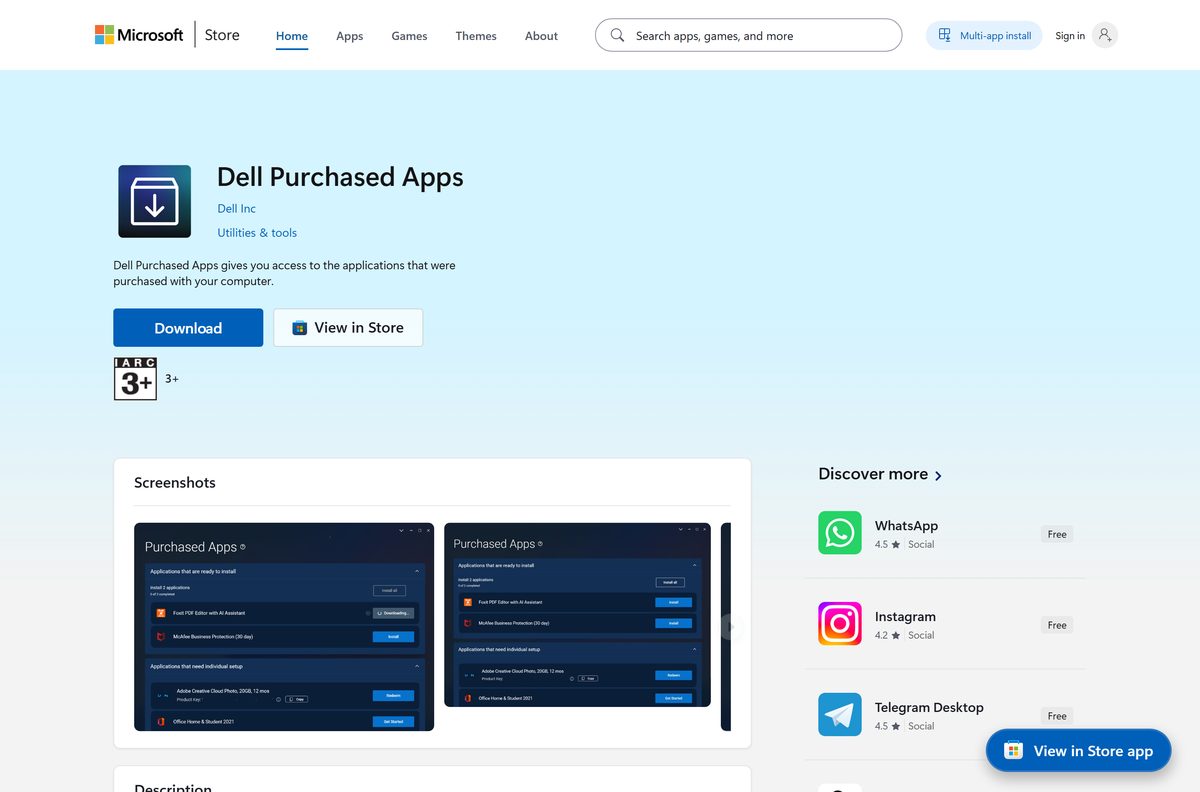
On Windows 11, and on any Dell sold since September 2024, the same job belongs to the Purchased Apps module inside Dell Optimizer 6.x, or to the standalone Dell Purchased Apps app in the Microsoft Store.
Below: which of the three applications your PC needs, the Service Tag download route, the Dell Digital Locker route for software bought separately, the full spec table, and what to do when the list shows no software at all.
Which Dell Digital Delivery download do you need?
Dell now splits this one job across three applications. Match the row that describes your PC and your purchase, then take that link.
| Your situation | What to install | Where to get it |
|---|---|---|
| A Dell sold since September 2024, running Windows 11 | Dell Optimizer 6.x, with Purchased Apps built in | Dell Optimizer 6.0.2.0 |
| An Alienware PC, or a Dell that Dell Optimizer 6.x does not cover | Dell Purchased Apps, the standalone app | Microsoft Store listing |
| A Windows 10 Dell that was already running the older app | Dell/Alienware Digital Delivery, package PDKG8 | Dell package PDKG8 |
| Software bought on Dell.com separately from the PC | Nothing: the licence sits in Dell Digital Locker | Software Licenses and Subscriptions |
| A Dell with no TPM 2.0 on board | Nothing: use the locker in a browser instead | Dell lifecycle notice |
Both replacements require the device to have TPM 2.0 installed and active, and Dell tells owners of older devices to remove the retired app rather than reinstall it.
Download Dell Digital Delivery from the official Dell links
Every link below resolves to dell.com, Dell’s own dl.dell.com host or the Microsoft Store. A copy from anywhere else carries no entitlement, because the list of applications is fetched from Dell’s cloud service rather than stored in the file.
- Dell Purchased Apps on the Microsoft Store — Free; the standalone replacement, also used on Alienware
- Dell/Alienware Digital Delivery Application, package PDKG8 — 83.05 MB · Windows 10, released 12 May 2020, marked Optional
- Dell Digital Delivery Application, package GYJK7 — 80.88 MB · The earlier revision Dell still lists, from 25 March 2019
- Dell Optimizer Application 6.0.2.0 — 342.12 MB · Carries the Purchased Apps module; marked Recommended
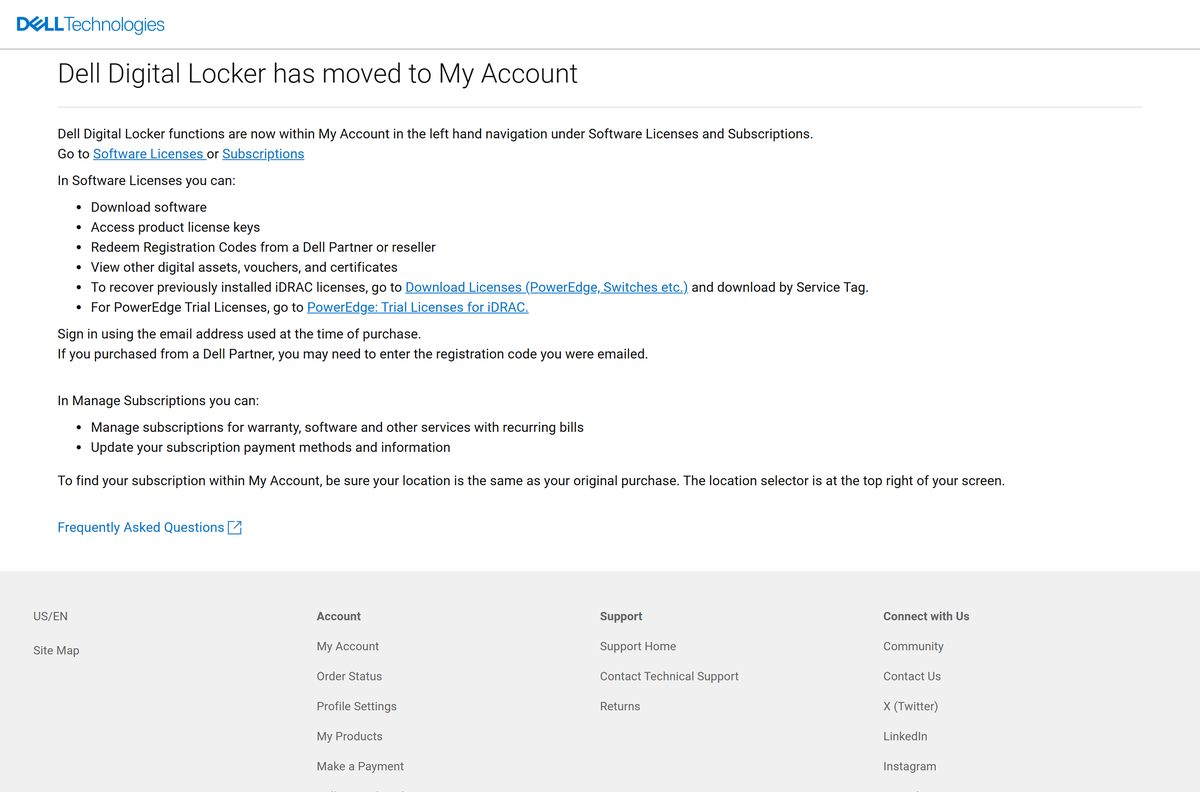
- Dell Digital Locker, inside Dell My Account — For software and subscriptions bought separately on Dell.com
- Dell lifecycle notice for both delivery apps — End of life and end of support, 28 October 2025
Dell’s listing marks the delivery package Optional and the Dell Optimizer package Recommended, which is the shortest statement of where Dell now puts the work.
How to install Dell Digital Delivery on a Dell PC
The package is filed under Applications on your own PC’s support page, so the Service Tag decides what the list offers you.
- Open dell.com/support and enter your Service Tag, or select Detect PC.
- Open the Drivers & Downloads tab on the product support page.
- Select Manually find a specific driver.
- Tick Application under the Category dropdown.
- Find the delivery package, or Dell Optimizer on a newer PC, and select Download.
- Right-click the saved file and select Run as administrator.
- Select Yes at the User Account Control prompt and work through the installer.
- Keep the PC online while it finishes, because the entitlement list arrives from Dell’s servers.
- Open the app and let it read the entitlements attached to that Service Tag.
The list stays empty until the PC has reached Dell’s cloud service once, so finish the install on a working connection rather than offline.
Install Dell Purchased Apps from the Microsoft Store
This is the route Dell points Alienware owners to, along with any Dell that Dell Optimizer 6.x does not cover.
- Open the Dell Purchased Apps listing in the Microsoft Store app.
- Select Get and wait for the install to finish.
- Launch the app from the Start menu.
- Leave it to read the entitlements attached to your Service Tag.
- Select an application in the list and start its install.
- Watch each entry change to Installed as it finishes.
- Reboot if an individual installer asks for it, then return for the next title.
On Alienware hardware the same app ships with an Alienware interface. The list and the install behaviour are identical.
How to check the Dell Digital Delivery installer before you run it
Dell publishes no checksum file beside the application package, so the host, the file name and the byte count are the checks you have.
- Confirm the address bar read dell.com or dl.dell.com before the transfer started.
- Right-click the saved file and select Properties.
- On the General tab, check the size reads 87,084,512 bytes.
- Check the file name still ends _PDKG8_WIN_4.0.52.0_A17_02.EXE .
- Open the Digital Signatures tab and read the signer name before you continue.
- Delete any copy that arrived from a portal or a search-result mirror.
A portal copy under this name is worth nothing even when the file is genuine, since the entitlement list is retrieved from Dell against your Service Tag.
Which Dell Digital Delivery download do you need for your Mac?
Dell builds no macOS version of the delivery app, of Dell Optimizer or of Dell Purchased Apps. A Mac reaches Dell-purchased software through the browser.
| Your case | What to do | Where to go |
|---|---|---|
| You own a Mac and bought software on Dell.com | Sign in to the locker in Safari with the purchase email | Software Licenses |
| You own both a Mac and a Dell PC | Run the delivery app on the Dell, never on the Mac | Dell package PDKG8 |
| You want a macOS build of this app | There is none to install | Dell lifecycle notice |
| Someone offers a .dmg under this name | Discard it; Dell ships no macOS file | Dell preinstalled apps list |
The locker runs in any browser, so a Mac is enough to collect licences for software bought separately on Dell.com.
Is Dell Digital Delivery free?
Dell describes the app as an easy way to buy software from Dell, and preinstalls it on most Dell PCs.
Yes, the app itself is free, on every route Dell now offers. What you paid for is the software it installs, bought alongside the computer. The app carries no trial, no subscription and no licence key of its own, and the Microsoft Store replacement is free as well. Any site charging for a copy is not Dell.
Entitlements are tied to the computer rather than to a receipt you keep, which is why the Service Tag matters more than the invoice here.
Should you install Dell Digital Delivery or Dell Purchased Apps?
One of these two is maintained and one is not, so the choice is really about what your hardware will accept.
Install Dell Purchased Apps, or Dell Optimizer 6.x where your Dell supports it. Dell Digital Delivery and Alienware Digital Delivery reached end of life and end of support on 28 October 2025, and the newest package Dell lists dates from May 2020. Purchased Apps does the same job on Windows 11 and is still updated. Keep the retired app only on a Windows 10 Dell that the newer route refuses, and remove it on a device without TPM 2.0.
Dell Optimizer 6.x is supported on Dell computers launched after September 2024, excluding ARM models, so an older Latitude or XPS lands on the Microsoft Store app instead.
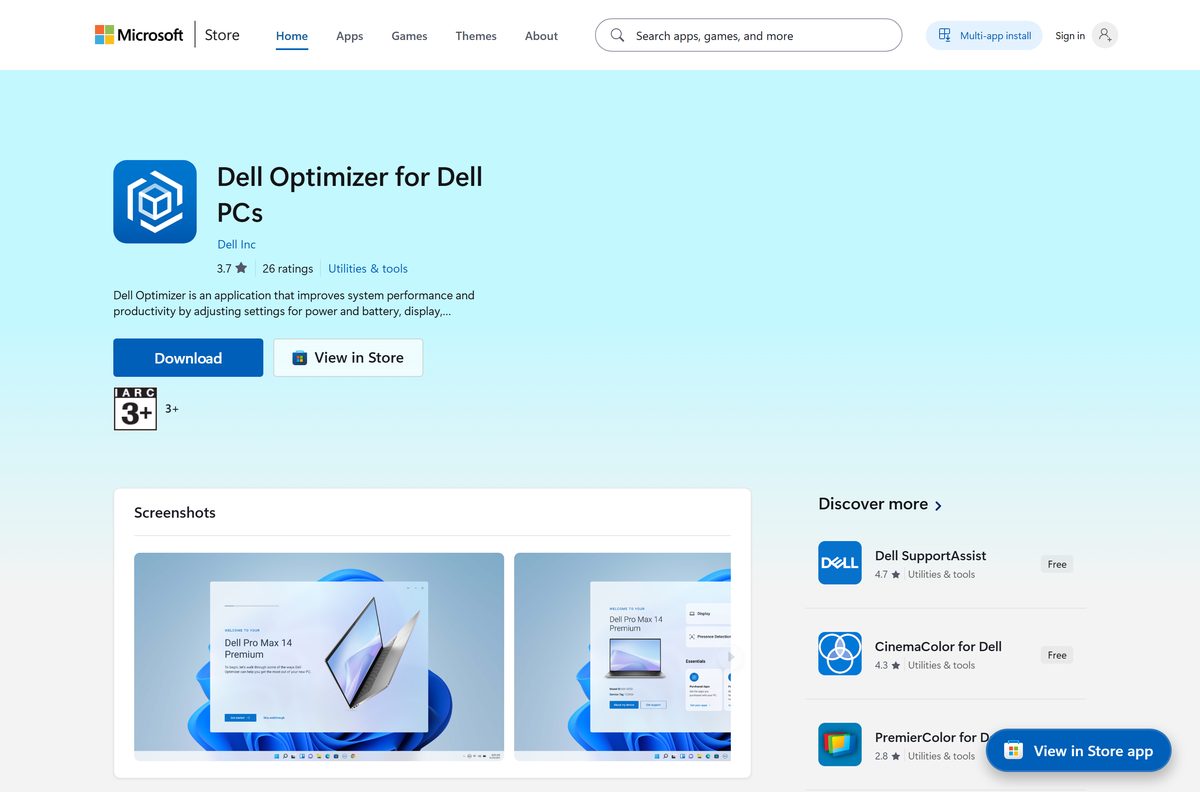
How to check your version and refresh the entitlement list
Purchased Apps carries the Dell Optimizer version number rather than one of its own, so both checks happen in the same window.
- Open Dell Optimizer from the Start menu.
- Select Purchased Apps from the dropdown menu.
- Open the About section of Dell Optimizer and read the version.
- Select the help icon next to the page header.
- Select Refresh to re-retrieve your entitlements.
- Select Install All to take every entitled application, or start them one at a time.
- Compare the version against the newest package on Dell’s listing and reinstall if yours is older.
A 4.x Dell Optimizer version is the signal to move: Dell marks 4.2.4.0 as reached End of Life and not recommended for continued use.
Check Dell Digital Delivery system requirements before you download it
The application asks very little of a PC. The replacement route asks for more, and that is where most machines fall out.
| Item | Requirement |
|---|---|
| Software | Dell Digital Delivery / Alienware Digital Delivery |
| Developer | Dell Technologies |
| Latest version | 4.0.52.0, A17, released 12 May 2020 |
| Licence | Free; preinstalled on most Dell PCs |
| File size | 83.05 MB (87,084,512 bytes) |
| Supported OS | Windows 10, 32-bit and 64-bit, build 17134 and above |
| Architecture | One package for 32-bit and 64-bit; no ARM64 build |
| Hardware | A Dell or Alienware PC, identified by its Service Tag |
| Internet | Required, because the entitlement list is fetched from Dell |
| Offline installer | Yes for the package; the app still needs a connection |
| Replacement route | Windows 10 21H2 64-bit or later, or Windows 11 21H2 or later, with TPM 2.0 active |
| Official download source | Dell Drivers & Downloads |
| Status | End of life and end of support since 28 October 2025 |
| Last verified | 2026-10-25 |
The TPM requirement is the hard gate on modern Dell PCs: without it, neither replacement installs, and the locker in a browser becomes the only route.
What Dell Digital Delivery can install, and what it cannot
Dell draws a sharp line between software bought with the computer and software bought on its own. Only the first kind appears in the app.
| Software | In the app? | Where it comes from |
|---|---|---|
| Adobe Photoshop Elements and Premiere Elements bought with the PC | Yes | The Purchased Apps list |
| Adobe Acrobat bought with the PC | Yes | The Purchased Apps list |
| CyberLink PowerDirector, PhotoDirector and PowerDVD | Yes | The Purchased Apps list |
| Foxit PDF Editor or PhantomPDF | Yes | The Purchased Apps list |
| McAfee Small Business Security | Yes | The Purchased Apps list |
| Microsoft Office bought with the PC | No | Already on the factory image |
| Alienware Command Center and SupportAssist | No | Free bundled software |
| Workspace ONE, Carbon Black Cloud Endpoint, Carbonite | No | Cloud services, provisioned separately |
| Anything ordered separately on Dell.com | No | Dell Digital Locker |
That last row explains most empty lists. A separate order never reaches the app, however clearly it sits in the order history.
Fix Dell Digital Delivery not installing or showing no purchased software
Four symptoms cover nearly every case. Work the group that matches, in order.
The app opens but lists no software
The list is fetched from Dell’s cloud service on each launch, so a blocked connection shows nothing at all.
- Open a browser and load dell.com; repair the connection first if the page does not load.
- Allow cloud.dell.com through any proxy or firewall on the network.
- Launch Dell Optimizer and select Purchased Apps from the dropdown menu.
- Select the help icon next to the page header, then select Refresh.
- Close Dell Optimizer and wait one minute.
- Relaunch it, check Purchased Apps again, and contact Dell Technical Support if the list is still empty.
You reinstalled Windows and the app has gone
Dell Optimizer is factory installed, so a clean Windows image arrives without it.
- Open dell.com/support and enter the Service Tag of that PC.
- Open Drivers & Downloads and select Manually find a specific driver.
- Tick Application under Category.
- Download Dell Optimizer and run the installer.
- Open Purchased Apps and let the list rebuild from the Service Tag.
- Reinstall each title from the list rather than hunting for separate setup files.
The software you bought is missing from the list
Only software bought with the computer is delivered here.
- Check the order: a separate Dell.com purchase is delivered through Dell Digital Locker.
- Sign in with the email address used at the time of purchase.
- Select Software Licenses and Subscriptions, then Software Licenses.
- Look on the factory image for Microsoft Office, which never appears in the list.
- Confirm the connection is live and that this is the Dell the software was bought with.
The replacement refuses to install
Dell Optimizer 6.x and Dell Purchased Apps both require TPM 2.0 installed and active.
- Press Windows key + R, type tpm.msc and select OK.
- Read Specification Version under TPM Manufacturer Information; it should read 2.0.
- Open Settings, then Windows Security, Device security and Security processor details for the same value.
- Enable the TPM in the firmware setup screen if the console reports that no compatible TPM was found.
- Fall back to Dell Digital Locker on a PC that has no TPM 2.0, and uninstall the retired app.
Support for the module covers Dell consumer and commercial computers with an active hardware warranty, so check the warranty status before booking the call.
How to uninstall Dell Digital Delivery
Dell tells owners of devices without TPM 2.0 to remove the retired app, because nothing on those devices can use it any more.
- Collect any licence keys from Dell Digital Locker first.
- Open Settings, select Apps, then Installed apps.
- Search for Dell Digital Delivery or Alienware Digital Delivery.
- Select the three dots beside the entry and select Uninstall.
- Confirm with Uninstall, then Yes at the User Account Control prompt.
- To drop only the newer module, select Dell Optimizer, select Modify and clear Purchased Apps.
- Remove the Microsoft Store app from the same Installed apps list when it is no longer needed.
Removing the delivery app removes nothing it installed. Adobe, CyberLink and Foxit titles stay in Installed apps and are uninstalled separately.
Choose between Purchased Apps, Digital Locker and the factory image
These four routes cover everything Dell delivers as software. Drivers and firmware sit outside all of them, in Drivers & Downloads and SupportAssist.
| Route | What it covers | Cost | Link |
|---|---|---|---|
| Dell Optimizer 6.x Purchased Apps | Software bought with a Dell launched after September 2024 | Free | Dell Optimizer 6.0.2.0 |
| Dell Purchased Apps, standalone | Alienware, and Dells that Dell Optimizer 6.x does not cover | Free | Microsoft Store |
| Dell Digital Locker | Software and subscriptions ordered separately on Dell.com | Free portal | Software Licenses |
| The factory image | Microsoft Office bought with the PC | Free | Dell preinstalled apps |
| Dell Digital Delivery | Windows 10 Dells still running it; retired in 2025 | Free | Package PDKG8 |
Pick by hardware age, not by preference: a 2026 Dell Pro has the module already, and a 2019 Inspiron has the browser and nothing else.
Frequently asked questions
Is Dell Digital Delivery free?
Yes. The app costs nothing, and Dell preinstalls it on most Dell PCs. What you paid for is the software it installs, which was bought alongside the computer. The Microsoft Store replacement, Dell Purchased Apps, is free too.
Where is the official Dell Digital Delivery download page?
Dell publishes the application package on its Drivers & Downloads listing at dell.com/support, under the Application category for your Service Tag. The replacement app sits on the Microsoft Store listing for Dell Purchased Apps.
Does Dell Digital Delivery work on Windows 11?
Dell lists the application for Windows 10 only, 32-bit and 64-bit, at build 17134 and above. On Windows 11 the supported route is the Purchased Apps module in Dell Optimizer 6.x, or the standalone Dell Purchased Apps app from the Microsoft Store.
How big is the Dell Digital Delivery download?
Dell’s newest package is 83.05 MB, or exactly 87,084,512 bytes. The Dell Optimizer package that replaces it is far larger at 342.12 MB, because it carries every Dell Optimizer module and not only the purchased-software list.
Is there a Dell Digital Delivery offline installer?
The package is one self-contained executable, so it copies to a USB stick and installs without a second download. The app still needs a live connection afterwards, because the list of entitled software is fetched from Dell rather than stored in the file.
Is Dell Digital Delivery available for Mac?
No. Dell publishes no macOS build of the delivery app, of Dell Optimizer or of Dell Purchased Apps. A Mac owner signs in to Dell Digital Locker in a browser for software ordered separately on Dell.com.
Does Dell Digital Delivery have a 64-bit or ARM64 download?
One package serves both 32-bit and 64-bit Windows 10, and there is no separate ARM64 file. Dell Optimizer 6.x ships as a 64-bit package, and Dell notes compatibility limits on its ARM processor systems from September 2024 onward.
Is Dell Digital Delivery safe to download and install?
It is safe from dell.com or dl.dell.com, where Dell signs and hosts the package. A copy from a download portal is pointless as well as risky, since entitlements are read from Dell’s cloud service against your Service Tag.
What is the latest version of Dell Digital Delivery?
The newest revision Dell lists is package PDKG8, released 12 May 2020 for Windows 10 at 83.05 MB. No later build exists, because Dell retired the application rather than continuing to update it.
What replaced Dell Digital Delivery?
Dell Digital Delivery and Alienware Digital Delivery reached end of life and end of support on 28 October 2025. The Purchased Apps module in Dell Optimizer 6.x replaced them, with the standalone Dell Purchased Apps app covering Alienware and unsupported Dells.
Why won’t Dell Digital Delivery install or show any software?
Three causes cover most of it: the PC cannot reach Dell’s cloud service, the device has no active TPM 2.0 for the replacement apps, or the software was ordered separately on Dell.com and belongs in Dell Digital Locker instead.
How do I get software I bought from Dell separately?
Sign in to Dell Digital Locker with the email address used at the time of purchase, then open Software Licenses and Subscriptions and select Software Licenses. Those orders never appear in Purchased Apps, whichever delivery app the PC runs.