Bitdefender Total Security is a paid subscription with a free 30-day trial, and one plan covers Windows 11, Windows 10, Mac, Android and iPhone. The Windows setup file is 21.5 MB.
The Individual plan is $59.99 for the first year and covers up to 5 devices. The Family plan is $79.99 and covers 25 devices across 5 household members.
This guide covers the official links, Windows, Mac and phone setup, pricing, requirements, install fixes and clean removal.
Which Bitdefender Total Security download do you need?
One subscription installs a different app on each kind of device. Match your device in the first column.
| Your device | Where to get it | What installs |
|---|---|---|
| Windows 11 or Windows 10 PC | Total Security page | 21.5 MB bootstrapper, build 27.0.64.366 |
| Mac on macOS Big Sur 11.3 or later | Bitdefender Central | Bitdefender Antivirus for Mac 10.3.6.18 |
| Android 7.0 or later phone or tablet | Google Play | Bitdefender Mobile Security |
| iPhone or iPad on iOS 14 or later | Mobile Security for iOS | Bitdefender Mobile Security, via the App Store |
One Windows file serves every PC: there is no separate 32-bit, 64-bit or ARM64 download. ARM-based laptops have been supported since 28 August 2023, Parental Control aside.
Download Bitdefender Total Security from the official sources
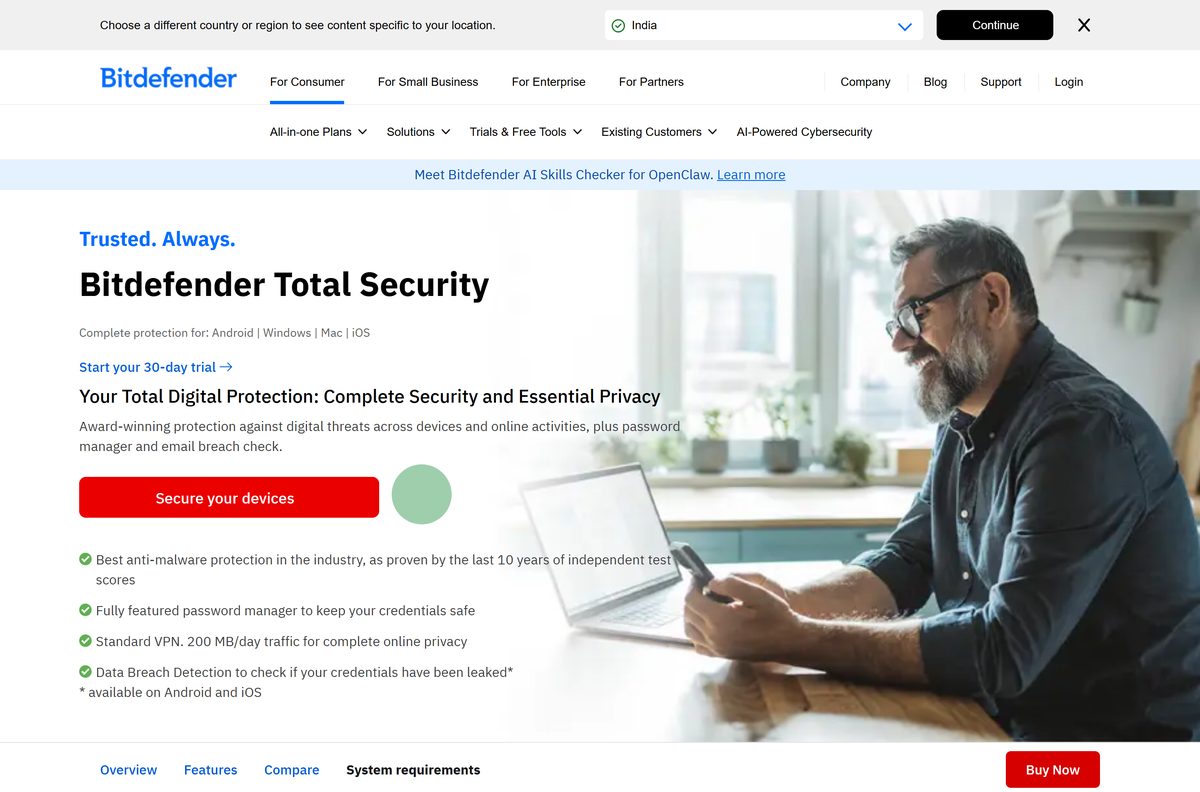
The trial and every paid plan run through a Bitdefender Central account, which holds the installer link. The Windows file sits on download.bitdefender.com.
- Bitdefender Total Security product page — plans, prices and the trial button
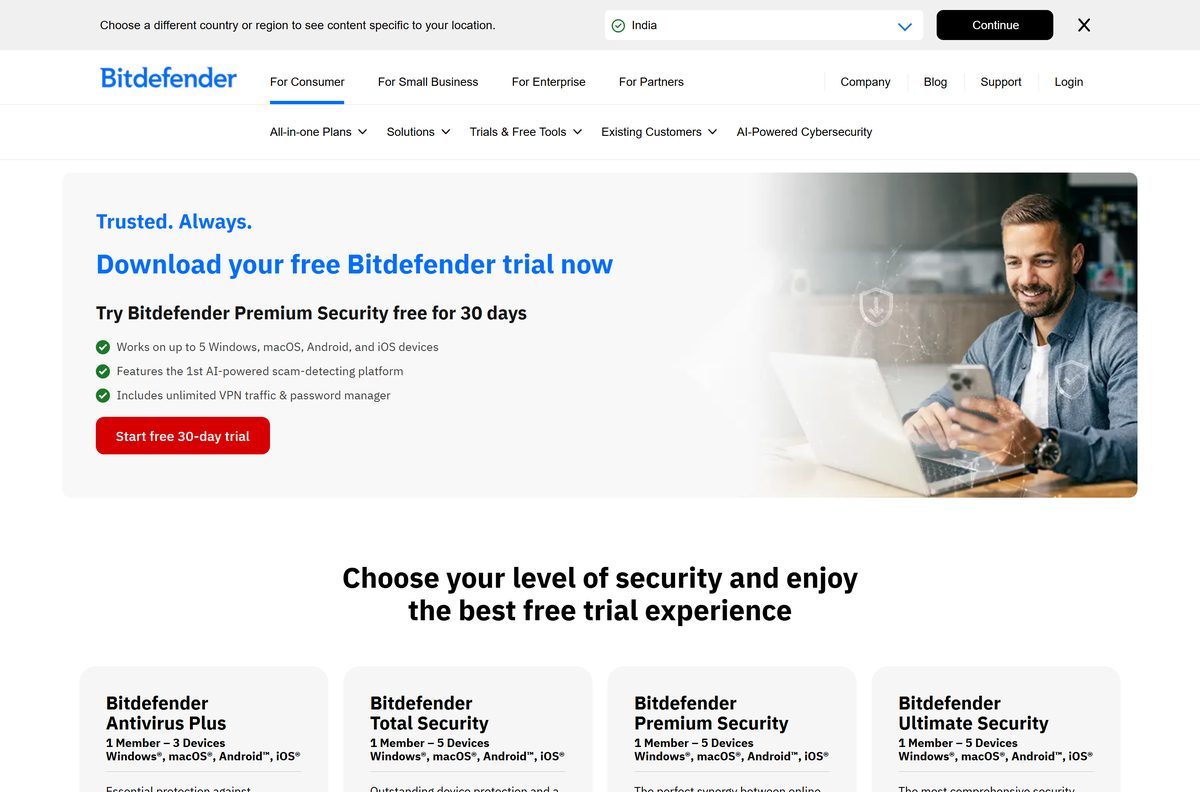
- Bitdefender free trial downloads — starts the 30-day trial, no card
- bitdefender_tsecurity.exe for Windows — 21.5 MB · online bootstrapper, Windows 7 SP1 or later
- Bitdefender Central — installs every app on your plan
- Bitdefender Mobile Security for iOS — iOS 14 or later; Android installs from Google Play
Download portals wrap the Bitdefender setup inside their own installers. Take the file from bitdefender.com, Central or the platform store.
How to install Bitdefender Total Security on Windows 11 and 10
Keep the PC online throughout. Setup updates and prepares its installation package before it writes anything, which takes minutes on a slow connection.
- Open the Total Security page and select Start your 30-day trial, or sign in at Bitdefender Central.
- Create a Bitdefender account, or sign in to the existing one.
- Select Install Bitdefender Products on the Central home page.
- Select Install in the Security panel, then Download.
- Double-click the saved bitdefender_windows file and select Yes at the User Account Control prompt.
- Wait while the installation package is updated and prepared.
- Agree to the Subscription Agreement and select Install.
- Run or skip the device assessment offered at the end.
- Select Finish on the subscription details screen.
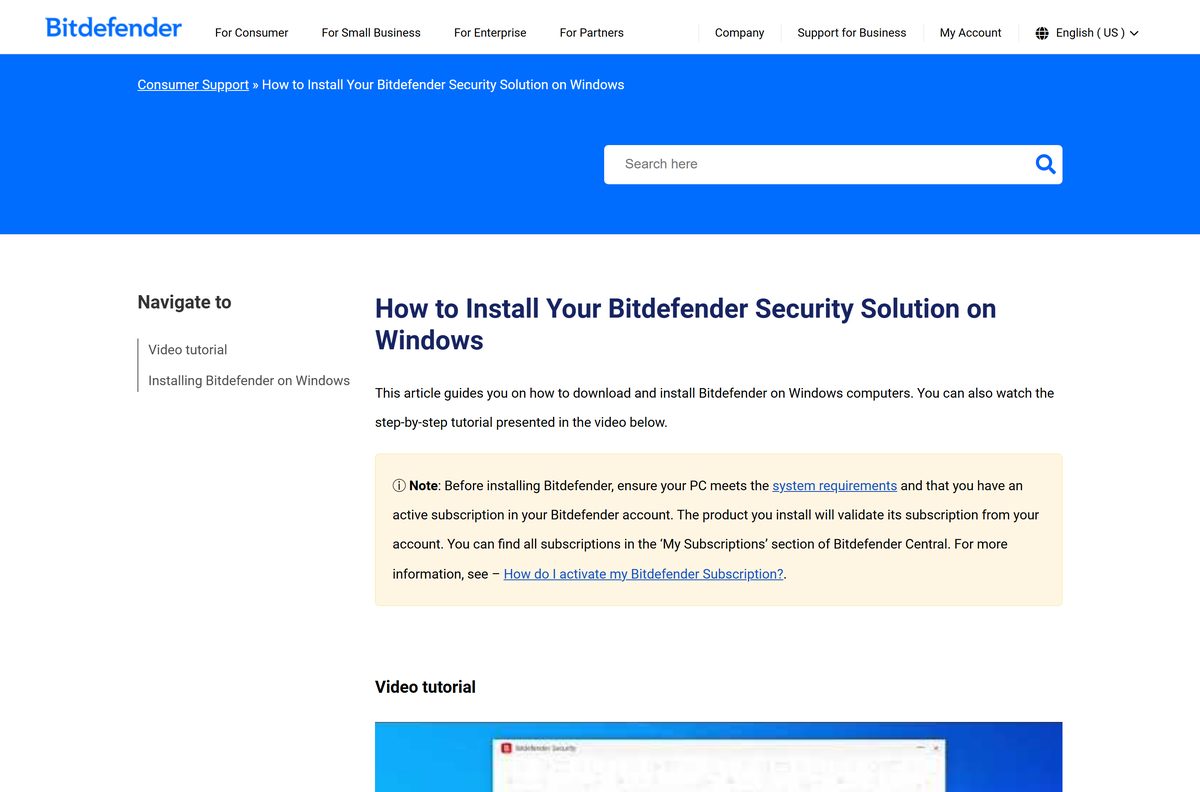
Setup validates the plan against your account, so the trial or subscription has to be active first.
How to install Bitdefender Total Security on Android and iPhone
Both phone apps are called Bitdefender Mobile Security and both come from the platform store. The plan covers them until the device allowance runs out.
- Open Bitdefender Central on the phone and sign in.
- Tap Install Bitdefender Products, then Install in the Security panel.
- Tap Download to open Google Play or the App Store.
- Install the app, open it and tap Get started.
- Tick the checkbox and tap Continue to accept the Subscription Agreement.
- Sign in with the account that holds the plan.
- Open Web Protection and tap I Agree.
- Tap Allow to install the web scan filter, then confirm with your passcode.
Android asks for the Accessibility permission in place of the filter prompt.
Which Bitdefender Total Security steps do you need for your Mac?
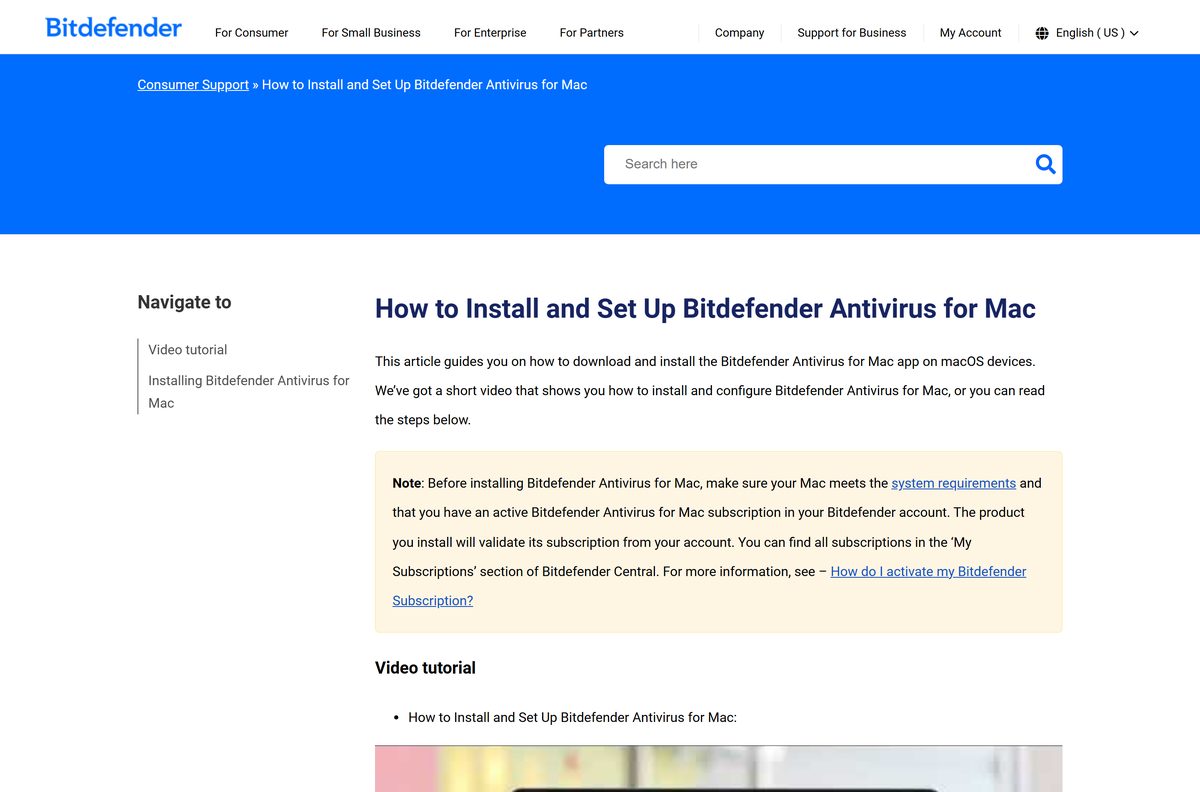
Sign in to Bitdefender Central on the Mac itself, select Install Bitdefender Products, press Install in the Security panel and choose Download.
Double-click the saved file, then work through Allow, Continue, the Subscription Agreement, Install and your administrator password. The rest depends on the macOS version.
| Your Mac runs | Download | Approve after setup | Full Disk Access for |
|---|---|---|---|
| macOS Sequoia 15, Tahoe 26 or Golden Gate 27 | Bitdefender Central | OK, then enable Bitdefender Agent under Login Items & Extensions | Antivirus for Mac, Bitdefender, Core Security |
| macOS Ventura 13 or Sonoma 14 | Bitdefender Central | Open System Settings, then Allow in Privacy & Security | Antivirus for Mac, Bitdefender, Core Security |
| macOS Big Sur 11.3 to Monterey 12 | Bitdefender Central | Open Security Preferences, unlock, then Allow | Antivirus for Mac, Core Security |
| Older than macOS Big Sur 11.3 | Not available | Update macOS first | Not applicable |
Select Quit & Reopen when the app asks, so it restarts with the new permissions.
Is Bitdefender Total Security free?
No. It is a paid subscription, and the free part is a 30-day trial that needs no credit card. Bitdefender Antivirus Free is a separate, thinner, Windows-only app.
Run the 30-day trial first, then take Individual for up to five devices, or Family when 25 devices and Parental Control are needed. Individual is $59.99 for the first year, or $119.99 for two, and covers 1 member with 5 devices. Family is $79.99, or $159.99 for two years, and covers 5 members with 25 devices plus Parental Control, a Family-only feature. Antivirus Plus is cheaper at $24.99 for one device but leaves out password management, the Device Optimizer, cryptomining protection and the privacy firewall. Internet Security was Windows only and can no longer be bought.
Premium Security is $79.99 for the first year and differs only by unlimited VPN traffic and Scam Protection Pro. Renewal is billed at the applicable renewal price, which may be higher.
How to check your Bitdefender Total Security version and update it
The current Windows build is 27.0.64.366, released on 19 October 2026. Updates reach PCs gradually, so a fresh install can show an older build for a few days.
- Open the Bitdefender app from the Start menu.
- Select the profile icon in the top-right corner of the dashboard.
- Select About in the left-side menu.
- Read the version under the Bitdefender name.
- Select Security for the separate Security Service version, which covers the protection component.
- On a Mac, select the Bitdefender B icon in the menu bar first, then repeat those steps.
- Restart when Windows prompts you, which finishes an update that has already arrived.
The build number also appears under Product information at the bottom of the app.
Check the Bitdefender Total Security system requirements
Press Windows + I and open System > About to read your Windows edition and installed memory.
| Field | Value |
|---|---|
| Software | Bitdefender Total Security |
| Developer | Bitdefender SRL |
| Latest version | 27.0.64.366 on Windows, 19 October 2026 |
| Mac app version | Antivirus for Mac 10.3.6.18 |
| Licence | Paid subscription, free 30-day trial |
| Windows | Windows 7 SP1, 8.1, 10 or 11; 2 GB RAM; 2.5 GB free space |
| Windows download size | 21.5 MB bootstrapper |
| Architecture | One installer for 32-bit, 64-bit and ARM PCs |
| macOS | Big Sur 11.3 or later; 1 GB free space |
| Mobile | Android 7.0 or later; iOS 14 or later |
| Offline installer | No; setup fetches its package as it runs |
| Account | Bitdefender Central account required |
| Official download source | bitdefender.com |
| Last verified | 2026-10-25 |
Internet Explorer 11 is a listed Windows software requirement, and old generation CPUs may run slower.
What Bitdefender Total Security protects on each platform
The plan installs a different app per platform, and a few features exist on only one.
| Platform | App that installs | Platform-only features |
|---|---|---|
| Windows 11 and 10 | Bitdefender Total Security | Rescue Environment, Vulnerability Assessment, Anti-Theft, Outlook antispam |
| macOS Big Sur 11.3 or later | Antivirus for Mac | Time Machine Protection, Adware Blocker |
| Android 7.0 or later | Mobile Security | App Anomaly Detection, WearON, App Lock, call blocking |
| iOS 14 or later | Mobile Security | Web Protection filter, Security Scan, Data Breach Detection |
Ransomware protection, cryptomining protection, password management and Safepay banking run across the plan. The bundled VPN is capped at 200 MB a day per device.
How to confirm Bitdefender Total Security is your active antivirus
Windows hands real-time scanning to one antivirus at a time. Microsoft Defender Antivirus moves to disabled mode on its own once a non-Microsoft product registers as the primary solution.
- Open Windows Security from the Start menu.
- Select Virus & threat protection.
- Select Manage providers under Who’s protecting me?.
- Read the Antivirus row and confirm it names Bitdefender.
- Leave the Windows Security switches alone, because Windows performs the handover itself.
- Remove any other third-party antivirus if that row still names it, using the matching tool on Bitdefender’s uninstall tools page.
- Restart the PC, then check the row again.
Microsoft Defender Antivirus comes back by itself if the subscription lapses or the product is uninstalled.
Fix Bitdefender Total Security not installing on Windows 11 or 10
Match the symptom, then work through the fix under it.
Setup sits on the package update for a long time
The Windows file is a 21.5 MB bootstrapper, so a dropped connection holds setup there.
- Confirm the PC still has working internet access.
- Pause large downloads or video streams.
- Delete the partial copy and fetch the file again from Bitdefender Central.
- Run it and leave the window open until the install finishes.
Another security product is already installed
Bitdefender advises against more than one security solution on a PC, because it can prevent proper malware detection.
- Press Windows + R, type appwiz.cpl and press Enter.
- Select the other vendor’s product and uninstall it.
- Run that vendor’s removal tool from Bitdefender’s uninstall tools page if entries survive.
- Restart, then run the Bitdefender installer again.
Setup finds no subscription on the account
The installer validates the plan against your Bitdefender account.
- Sign in at Bitdefender Central.
- Open My Subscriptions and check that Total Security is listed.
- Start the trial from the trial downloads page if nothing is listed.
- Select Install Bitdefender Products again and repeat the download.
Low disk space is the other common blocker: free up 2.5 GB, then run setup again.
How to uninstall Bitdefender Total Security
These steps work on Windows 11 and Windows 10.
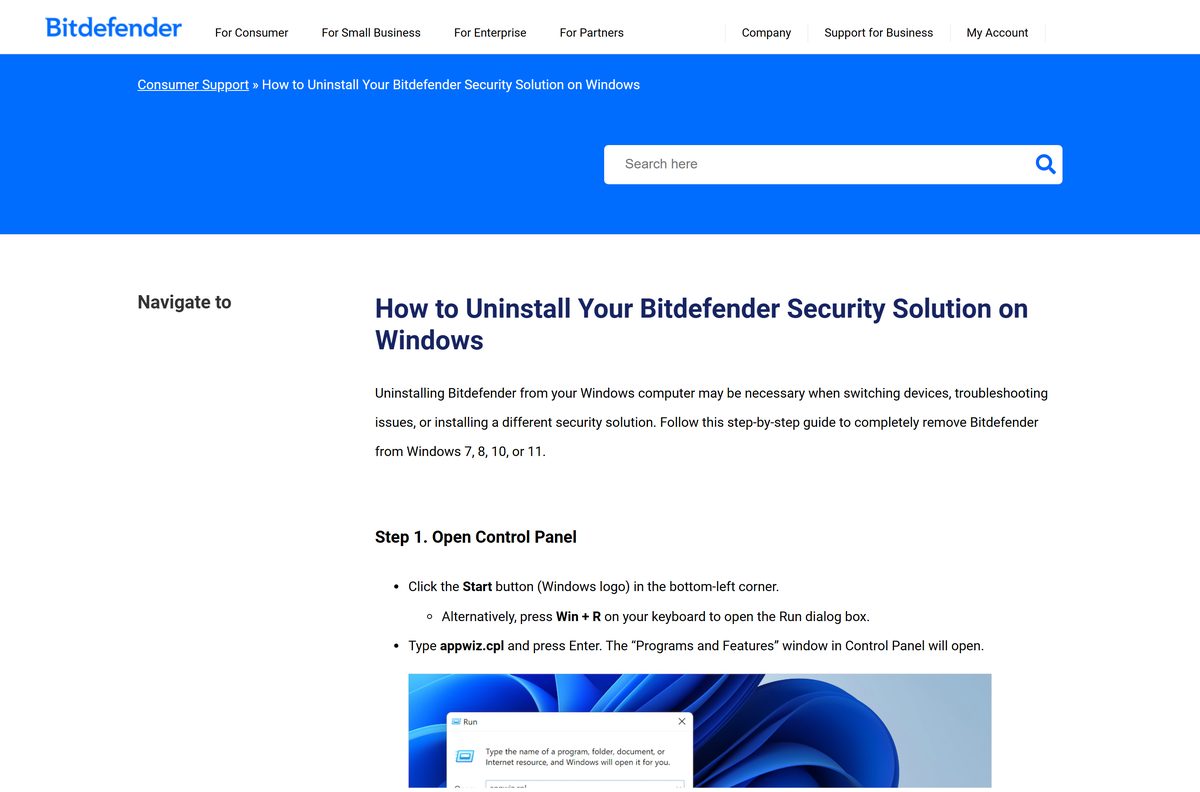
- Press Windows + R, type appwiz.cpl and press Enter.
- Right-click the Bitdefender entry and select Uninstall.
- Select Yes at the User Account Control prompt.
- Select Remove in the window that opens and wait.
- Restart the PC.
- Right-click Bitdefender Agent and select Uninstall if no other Bitdefender product is left.
- Run the Bitdefender Uninstall Tool if removal reports errors.
- Restart in Safe Mode and run the tool again if errors persist.
Real-time scanning returns to Microsoft Defender Antivirus by itself once the product is gone.
Which other Bitdefender plan should you install instead?
Every plan installs through the same Bitdefender Central account, and each paid one carries a 30-day trial.
| Plan | Devices | First-year price | Link |
|---|---|---|---|
| Antivirus Free | 1 Windows PC | Free, no trial period | Download page |
| Antivirus Plus | 1 or 3 devices | $24.99 or $29.99 | Product page |
| Premium Security | 5 devices, or 25 on Family | $79.99 or $99.99 | Product page |
| Ultimate Security | 5 devices, or 25 on Family | From $8.99 a month | Product page |
Antivirus Free is the only free entry and runs on Windows alone. Ultimate Security adds identity protection and dark-web monitoring.
Frequently asked questions
Is Bitdefender Total Security free to download?
No. It is a paid subscription with a free 30-day trial that needs no credit card. Individual costs $59.99 for the first year on 5 devices, Family $79.99 on 25.
Where is the official Bitdefender Total Security download page?
The product page at bitdefender.com/en-us/consumer/total-security carries the plans and the trial button. The installer link itself sits in Bitdefender Central, once a trial or subscription is active.
Does Bitdefender Total Security work on Windows 11?
Yes. It supports Windows 7 SP1, 8.1, 10 and 11, and needs 2 GB of RAM plus 2.5 GB of free disk space.
How big is the Bitdefender Total Security download?
The Windows file, bitdefender_tsecurity.exe, is 21.5 MB. It is a bootstrapper that pulls the full product down while it runs, and the installed program needs 2.5 GB free.
Is there a Bitdefender Total Security offline installer?
No. Setup updates and prepares its installation package before it writes anything, so the PC has to stay online. Bitdefender publishes no standalone package for this product.
Does Bitdefender Total Security cover Mac?
Yes. A plan installs Bitdefender Antivirus for Mac, currently 10.3.6.18, on macOS Big Sur 11.3 or later. Download it from Bitdefender Central on the Mac itself.
Is there a 64-bit or ARM64 version?
Bitdefender ships one Windows installer, with no separate 32-bit, 64-bit or ARM64 file. ARM-based Windows computers have been supported since 28 August 2023, Parental Control aside.
What is the latest version of Bitdefender Total Security?
Build 27.0.64.366, released on 19 October 2026, is the current Windows release, and the Mac app is at 10.3.6.18. Updates reach PCs gradually.
Is Bitdefender Total Security safe to download?
Yes, from bitdefender.com, Bitdefender Central, Google Play or the App Store. Download portals repackage the setup file inside their own installers, so skip them.
How many devices does Bitdefender Total Security cover?
Individual covers 1 member and up to 5 devices. Family covers 5 members and up to 25 devices and adds Parental Control. Both mix Windows, macOS, Android and iOS.
Why won’t Bitdefender Total Security install?
The usual causes are a dropped connection during the package update, under 2.5 GB of free space, another security product still installed, or no active plan on the account.






