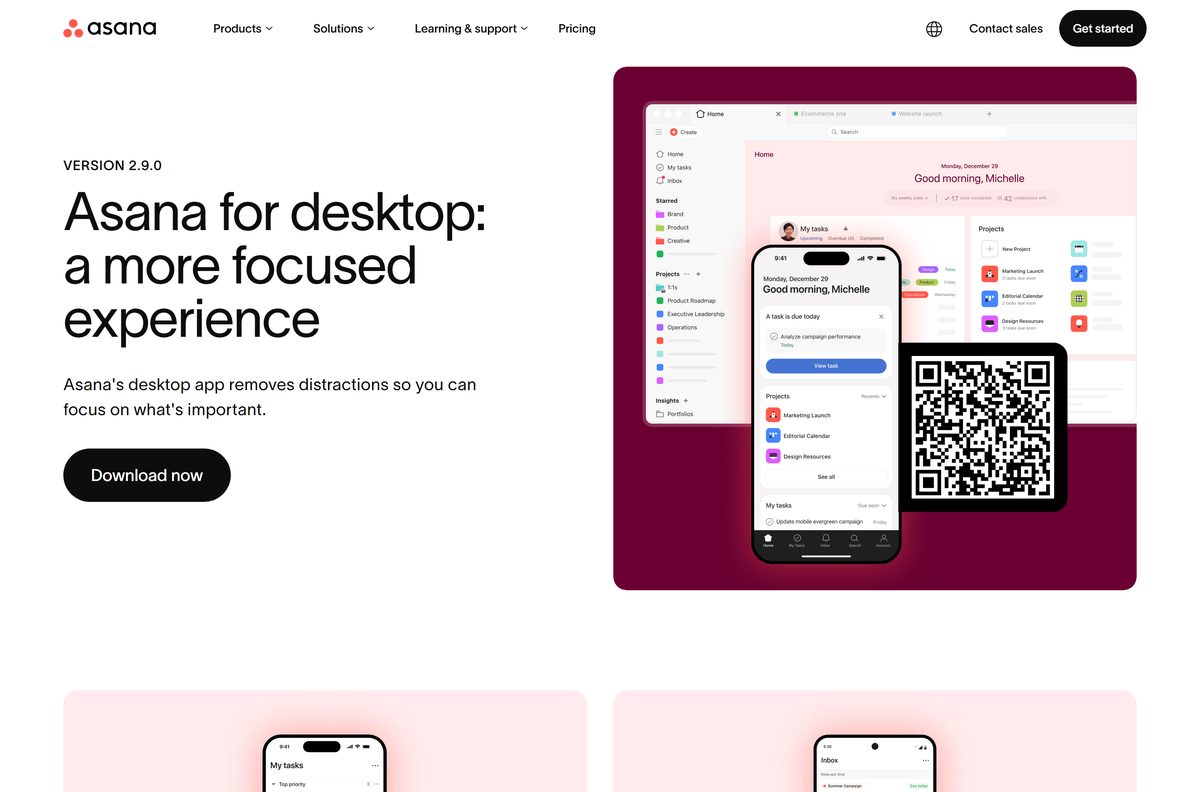
You can install Asana on Windows 11, Windows 10 and Mac in a couple of minutes. The installers come straight from asana.com/download, and every app is free to download.
Desktop version 2.9.0 ships in four files: a 64-bit Windows setup, an ARM64 Windows setup, a 32-bit Windows setup, and one universal Mac disk image that suits Apple silicon and Intel alike.
Below are the official links with their sizes, the install steps, the Mac route, what the free Personal plan covers, the paid prices, and fixes for a setup that stalls.
Which Asana download do you need?
Match the machine in front of you to a row. All four files carry the same desktop release.
| Your computer | File to get | Size |
|---|---|---|
| Windows 11 or 10 on an Intel or AMD processor | AsanaSetup.exe, Windows 64-bit | 176 MB |
| Windows on a Snapdragon or other ARM chip | AsanaSetup.exe, Windows 64-bit for ARM | 178 MB |
| An older 32-bit install of Windows | AsanaSetup.exe, Windows 32-bit | 128 MB |
| Any Mac on macOS 13.7.8 or later | Asana.dmg, universal | 262 MB |
| Linux, ChromeOS or a locked-down PC | Nothing to install; sign in at app.asana.com | No download |
Press Windows + Pause and read System type if you are unsure which processor the PC has.
Download Asana from the official links for Windows 11 and 10
Each link below is served by the vendor download host. Nothing else redistributes the desktop setup.
- Asana for Windows 64-bit — 176 MB · 184,498,440 bytes
- Asana for Windows 64-bit ARM — 178 MB · Snapdragon and other ARM PCs
- Asana for Windows 32-bit — 128 MB · Not supported on ARM devices
- Asana for Mac — 262 MB · Universal, Apple silicon and Intel
- Asana download page — The page all four files come from
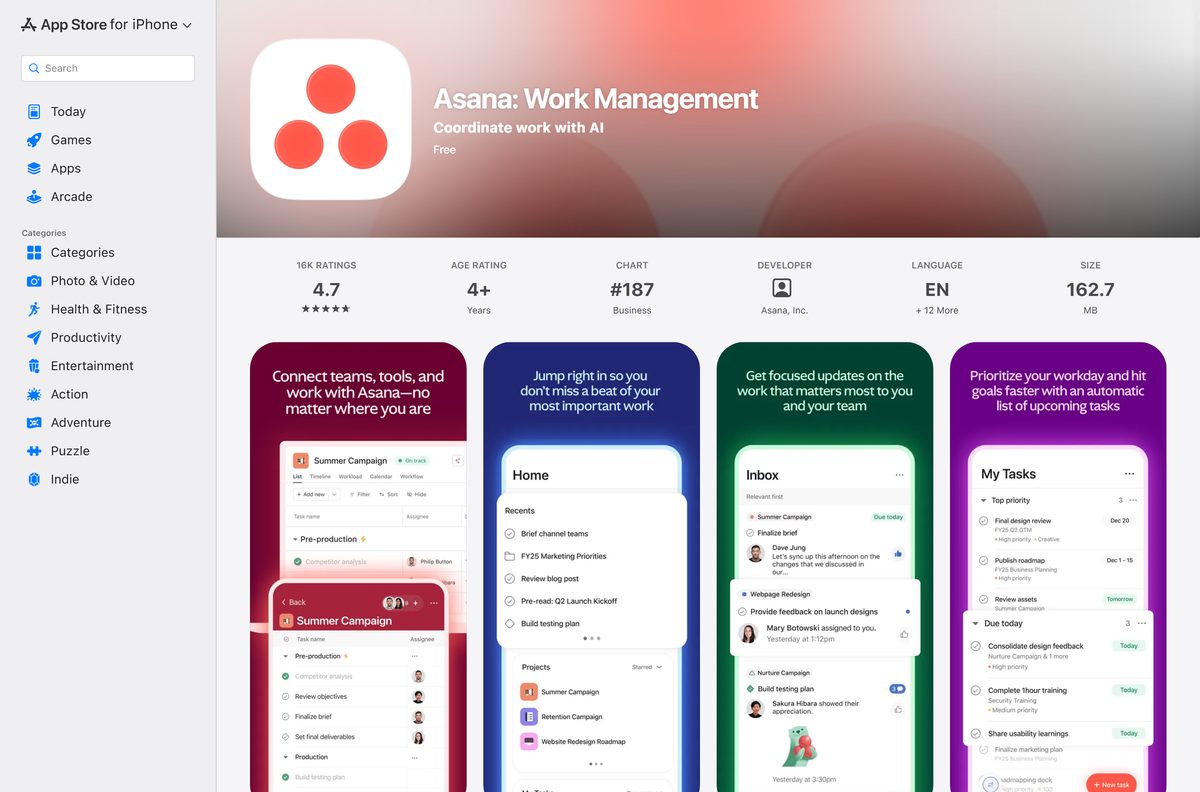
- Asana for iPhone and iPad — Free, iOS 18.0 or later
- Asana for Android — Free on Google Play
The Windows files all carry the name AsanaSetup.exe , so rename the download if you keep more than one.
How to install Asana on Windows 11 and 10
The setup runs without prompting for an install folder and opens the app when it finishes.
- Open asana.com/download and pick the build that matches your processor.
- Save AsanaSetup.exe , then confirm the size in File Explorer before you run it.
- Double-click AsanaSetup.exe and let the setup finish.
- Type the email address on your account and select Sign in.
- Finish the sign-in in the browser tab that opens.
- Select Open Asana to hand the session back to the desktop app.
A first launch loads your workspaces from the server, so keep the PC online until My tasks appears.
Which Asana download do you need for your Mac?
One disk image covers every supported Mac. Open the Apple menu and select About This Mac to read your macOS version.
| Your Mac | What to get | Size |
|---|---|---|
| Apple M1, M2, M3 or M4 on macOS 13.7.8 or later | Asana.dmg, universal | 262 MB |
| Intel Mac on macOS 13.7.8 or later | Asana.dmg, universal | 262 MB |
| macOS older than 13.7.8 | Sign in at app.asana.com | No download |
| iPhone or iPad alongside the Mac | The App Store listing | 162.7 MB |
Drag the icon into Applications after the disk image mounts, then eject the image.
Is Asana free?
Downloading costs nothing on every platform. What you pay for is the plan behind the account.
Stay on the free Personal plan if one or two people use it; pay for Starter once a third person joins. Personal is free forever, caps the workspace at 2 users, and still gives unlimited tasks and projects, list, board and calendar views, unlimited storage with a 100 MB limit per file, and more than 100 integrations. Starter lifts the seat cap and adds timeline and Gantt views, reporting dashboards, forms and unlimited automations for $10.99 per user per month billed annually, or $13.49 billed monthly. Advanced adds portfolios, goals, resource management, approvals and time tracking at $24.99 billed annually or $30.49 monthly. Enterprise and Enterprise+ add SAML and SCIM, and sales quotes them.
Those are the United States rates on the pricing page; other countries see their own currency.

Should you install the Asana desktop app or use the browser?
Both routes reach the same workspace and the same data. The difference is what sits around the window.
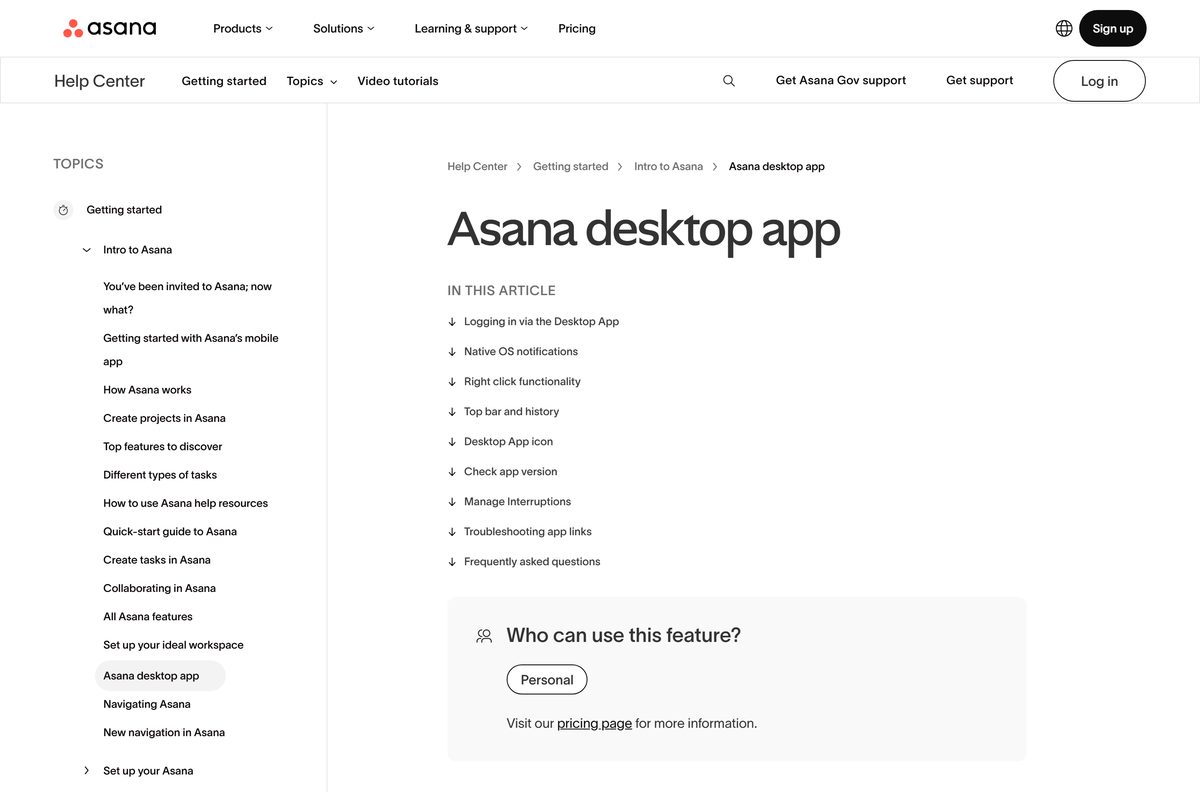
Install the desktop app if you work in the tool daily; use the browser for occasional access or on a machine you do not own. The desktop build adds native notifications, a tray icon on Windows and a menu bar icon on Mac that opens a My tasks window, a top bar that keeps your 15 most recent pages, and a Pomodoro timer that pauses notifications while it runs. Everything else matches the browser feature for feature. The browser costs no disk space and needs no install rights, which matters on a work PC.
There is no Microsoft Store listing to choose between: the desktop app is published only on asana.com.
How to check your Asana version and update it
The app updates itself in the background. Check the number when a feature looks different from the browser.
- Open the desktop app and select your profile picture in the top right.
- Choose Settings, then open the General tab.
- Read the number under About Desktop.
- On a Mac, select Asana in the menu bar and choose About Asana for the same value.
- On Windows, open Settings, then Apps, and find the entry to see its version and install date.
- Reinstall from asana.com/download if the number trails the current 2.9.0 release.
Quitting and reopening the app applies a downloaded update without a reinstall.
Check the Asana system requirements before you install
The floor is low. Any PC running a supported Windows release handles the desktop build.
| Field | Value |
|---|---|
| Software | Asana for desktop |
| Developer | Asana, Inc. |
| Latest version | 2.9.0 |
| License | Free to download; free Personal plan for up to 2 users, paid plans above that |
| Supported OS | Windows 10 or later; macOS 13.7.8 or later |
| Architecture | Windows x64, ARM64 and 32-bit x86; universal on Mac |
| Download size | 176 MB Windows 64-bit (184,498,440 bytes); 262 MB Mac |
| Setup file | AsanaSetup.exe on Windows, Asana.dmg on Mac |
| Offline installer | Yes, each file is a full standalone setup |
| Microsoft Store | Not published there |
| Linux | Not supported; use app.asana.com |
| Mobile | iOS 18.0 or later, and Android on Google Play |
| Account | Required; sign-in completes in your browser |
| Last verified | 2026-09-22 |
Press Windows + R, type winver and select OK to read your Windows version.
How to make Asana the default for its own links on Windows 11
After installation, Windows asks where a task link should open. The choice sticks.
- Select any task or project link in your email or chat client.
- Read the prompt that asks whether to open the link in the app.
- Choose Always to send every future link to the desktop app.
- Choose Once to open this link in the app and keep the browser as the default.
- Select Cancel to open the link in your browser instead.
- Reinstall from asana.com/download if the prompt never appears.
The same prompt appears on a Mac, with the same three choices.
Fix Asana not installing on Windows 11 or 10
Work through the symptom that matches. Each one has a single cause.
The setup file will not run
The download stopped part way, so the file is short.
- Open File Explorer and check the size of AsanaSetup.exe against 176 MB for the 64-bit build.
- Delete anything smaller and download it again from asana.com/download.
- Run the file from your Downloads folder rather than from inside a zip.
Windows says the app is not supported on this device
You have the 32-bit build on an ARM PC, which the vendor does not support.
- Press Windows + Pause and read System type.
- Download the Windows 64-bit for ARM build if it reports an ARM-based processor.
- Uninstall the 32-bit copy before you run the new setup.
Sign-in never returns to the app
The browser tab finished but the hand-back was not confirmed.
- Switch to the browser tab that opened during sign-in.
- Select Open Asana in the confirmation prompt.
- Allow the browser to open the desktop app if Windows asks a second time.
The Mac disk image will not open
The Mac is on a macOS release older than 13.7.8.
- Open the Apple menu and select About This Mac to read the version.
- Update macOS to 13.7.8 or later, then mount Asana.dmg again.
- Sign in at app.asana.com if the Mac cannot take that update.
You cannot find it in the Microsoft Store
The desktop app is not published there at all.
- Open asana.com/download in a browser.
- Pick the build for your processor and run the setup.
- Ignore any Store listing that borrows the name, because it comes from a different publisher.
How to uninstall Asana
Removing the app leaves your projects untouched, because they live on the server.
- Quit the app from the tray icon on Windows or the menu bar icon on Mac.
- Open Settings, then Apps, then Installed apps on Windows.
- Select the three dots next to the entry and choose Uninstall.
- Confirm Uninstall in the prompt that follows.
- On a Mac, open Applications in Finder and drag the icon to the Bin.
- Sign in at app.asana.com to keep working in a browser.
Reinstalling later restores every workspace as soon as you sign in again.
Which Asana alternatives ship a real desktop app?
Two rivals matter if the sticking point is the seat limit rather than the software.
| Tool | Desktop download | Free plan |
|---|---|---|
| Asana | Windows and Mac installers | Personal, up to 2 users |
| Notion | Windows and Mac installers | Yes, a free plan |
| Trello | Browser and mobile apps | Yes, free sign-up |
Notion ships x64 and ARM64 builds for Windows in exe and MSIX form, plus Apple silicon and Intel builds for Mac.
Frequently asked questions
Short answers to what readers ask before they install.
Is the Asana desktop app free to download?
Yes. Asana states that all of its apps are free to download. Using the service on a free Personal plan covers up to two people. Larger teams pay from $10.99 per user per month on the annual Starter plan.
Where is the official Asana download for PC?
The asana.com/download page. It serves four installers straight from the company download host: Windows 64-bit, Windows 64-bit for ARM, Windows 32-bit, and a universal Mac disk image.
Is Asana on the Microsoft Store?
No. The Help Center states the desktop app is not on the Windows Microsoft Store, and that the only route is a direct download from the vendor website. Any Store listing using the name comes from someone else.
Which Windows versions does the desktop app support?
Windows 10 or later, so both Windows 11 and Windows 10 qualify. Three builds cover Intel and AMD PCs, ARM PCs and old 32-bit installs. The 32-bit build does not run on ARM devices.
How big is the Asana download for Windows?
The 64-bit AsanaSetup.exe is 176 MB, or 184,498,440 bytes. The ARM64 build is 178 MB and the 32-bit build is 128 MB. The Mac disk image is the largest at 262 MB.
Is there an Asana app for Mac?
Yes. One universal Asana.dmg covers both Apple silicon and Intel Macs. It needs macOS 13.7.8 or later. On an older macOS release, sign in at app.asana.com in a browser instead.
Is the installer a standalone offline setup?
Each AsanaSetup.exe is a complete setup file rather than a small web bootstrapper, so you can copy it to another PC. The app itself still needs an internet connection, because every project lives on the server.
Does the desktop app do anything the browser cannot?
It adds a tray and menu bar icon with a My tasks window, native notifications, a 15-page history in the top bar, and a Pomodoro timer that silences alerts. Every other feature matches the browser.
How do I check which version is installed?
Open the app, select your profile picture, choose Settings, then read the version under About Desktop on the General tab. On Windows you can also open Settings, then Apps, and find the entry in the list.
Does Asana run on Linux?
No. The vendor publishes desktop builds for Windows and Mac only. On Linux, open app.asana.com in a browser, which gives you the full feature set without any installer.
Can I get Asana on my phone as well?
Yes. The iPhone and iPad app is free in the App Store and needs iOS 18.0 or later. Android users get it free on Google Play. Work syncs in real time across web, desktop and phone.
Why do Asana links still open in my browser?
The prompt that appears after installation sets the preference. Select any task link, then choose Always in the dialog so the desktop app takes every link from then on.