IntelliJ IDEA Community Edition is free to download for Windows 11, Windows 10 and Mac from jetbrains.com. JetBrains now ships it inside a single IntelliJ IDEA installer, and every Community Edition feature stays free for commercial and non-commercial projects.
The current build is 2026.2.3, released on 16 September 2026. The Windows installer is 1.11 GB, the Apple silicon disk image is 1.43 GB and the Intel disk image is 1.47 GB.
Below: the file for your machine, the installer and ZIP routes, the Toolbox App, the free and paid split, checksums, fixes and a clean uninstall.
Which IntelliJ IDEA download do you need for your PC or Mac?
One installer now serves both the old Community Edition and Ultimate. The file depends on the operating system, the chip and your rights on the PC.
| Your machine | File | Size | Download |
|---|---|---|---|
| Windows 11 or Windows 10, Intel or AMD chip | idea-2026.2.3.exe | 1.11 GB | Windows installer |
| Windows on an ARM64 chip | idea-2026.2.3-aarch64.exe | 1.11 GB | Windows ARM64 installer |
| A PC with no administrator rights | idea-2026.2.3.win.zip | 1.52 GB | Windows ZIP archive |
| A Mac with an M-series Apple silicon chip | idea-2026.2.3-aarch64.dmg | 1.43 GB | Apple silicon image |
| A Mac with an Intel processor | idea-2026.2.3.dmg | 1.47 GB | Intel image |
The ARM64 build is a separate installer, not a switch inside the standard one.
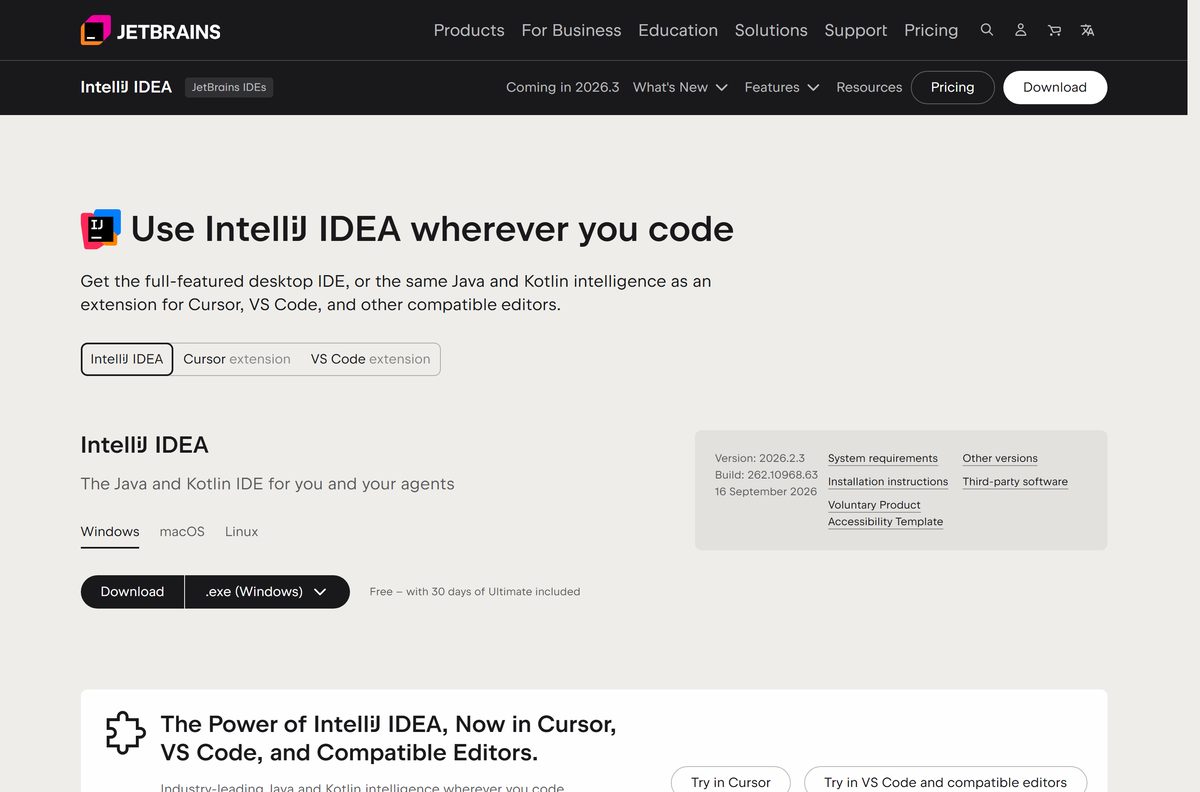
Download IntelliJ IDEA Community Edition from the official JetBrains page
The download page picks a platform from your browser, so check the tab first. Every file sits on download.jetbrains.com.
- IntelliJ IDEA download page — installer, ZIP and disk image buttons per platform
- Windows installer, version 2026.2.3 — 1.11 GB · x86_64, Windows 10 and 11
- Apple silicon disk image — 1.43 GB · M-series Macs
- Other versions and earlier releases — every published build, including the Community Edition line
Portal mirrors repackage the setup file. The jetbrains.com files each carry a .sha256 companion.
Should you stay on the free IntelliJ IDEA or buy an Ultimate subscription?
Install the free IntelliJ IDEA for Java, Kotlin, Groovy and Scala work, and buy an Ultimate subscription only for Spring tooling, the wider JVM stack, profiling or integrated data tools. The free feature set covers everything Community Edition shipped, plus a Spring Boot project wizard, database connections, full SQL support and Ktor. Nothing in it expires and nothing needs an activation step.
A 30-day Ultimate trial starts by itself on a first install. It ends on its own, or sooner through Help | Manage Subscription, and the free features keep working either way.
Students and teachers get the Ultimate subscription free through the JetBrains education form.

What the free IntelliJ IDEA feature set covers
The 2025.3 release moved several paid features into the free tier, so the old boundary no longer holds.
| Capability | Free | Needs Ultimate |
|---|---|---|
| Java, Kotlin, Groovy and Scala editing, refactoring, debugging | Yes | — |
| Maven, Gradle and Ant builds, Git and the test runners | Yes | — |
| Spring and Jakarta EE highlighting, Thymeleaf templates | Added in 2025.3 | Full Spring tooling |
| Spring Boot project wizard | Added in 2025.3 | — |
| Database connections, schema viewer, SQL completion | Added in 2025.3 | Data tools, query execution |
| Profiling, HTTP Client and AI assistance | — | Yes |
| Python, Ruby, PHP and Go | Marketplace plugins | Full JVM ecosystem |
Community plugins keep working, and JetBrains Marketplace stays reachable from Settings | Plugins.
How to install IntelliJ IDEA on Windows 11 and Windows 10
- Open the JetBrains download page and select the Windows tab.
- Click the .exe download, or pick the ARM64 installer on an ARM PC.
- Open your Downloads folder and run the installer.
- Accept the install folder, or set your own, and click Next.
- On Installation Options, tick the desktop shortcut, the Open Folder as Project entry, the PATH entry and any file associations.
- Click Install, then Finish once the files unpack.
- Launch the IDE from the Start menu under JetBrains and answer the Import Settings dialog.
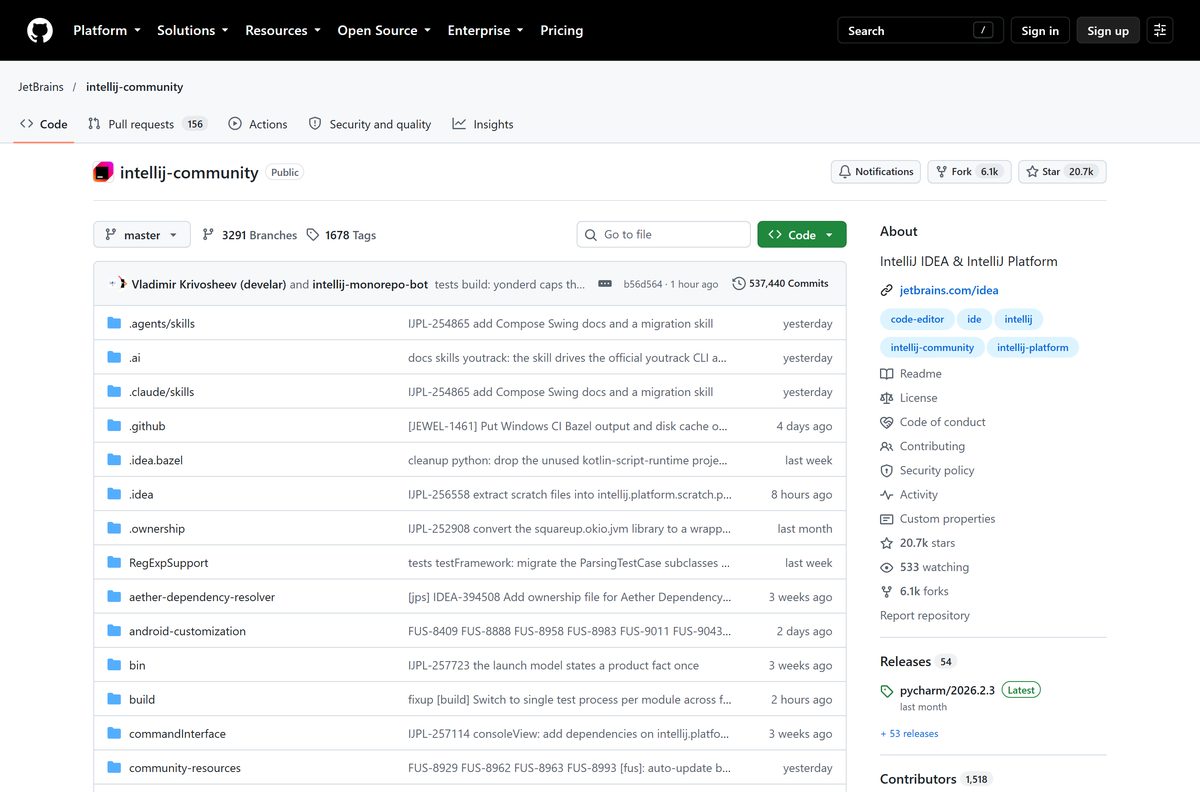
- Open File | Project Structure | Project Settings | Project and use Download JDK before you write Java code.
The bundled JetBrains Runtime, based on JBR 21, runs the IDE itself. It cannot build Java applications, which is why the JDK step matters. JetBrains points to OpenJDK builds such as Adoptium and Amazon Corretto.
Administrators can run the same file unattended with /S , a silent configuration file and /D last and unquoted.
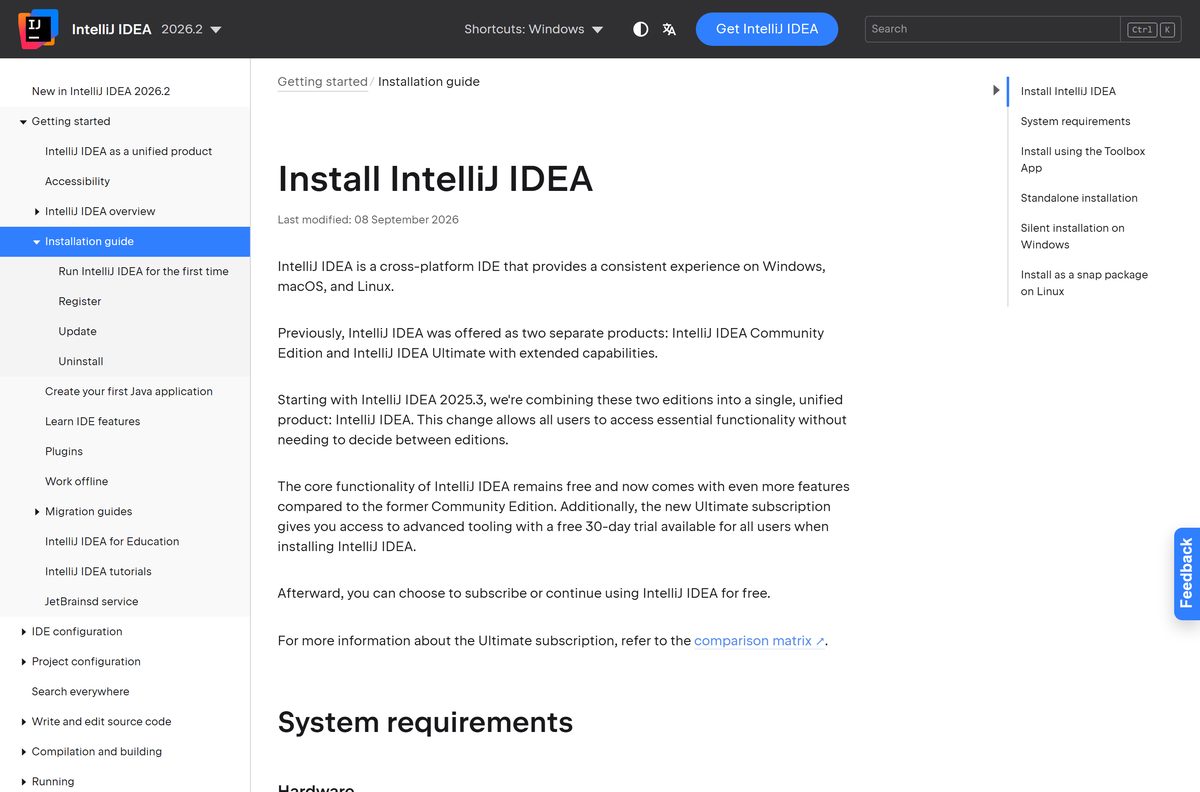
How to install IntelliJ IDEA with the JetBrains Toolbox App
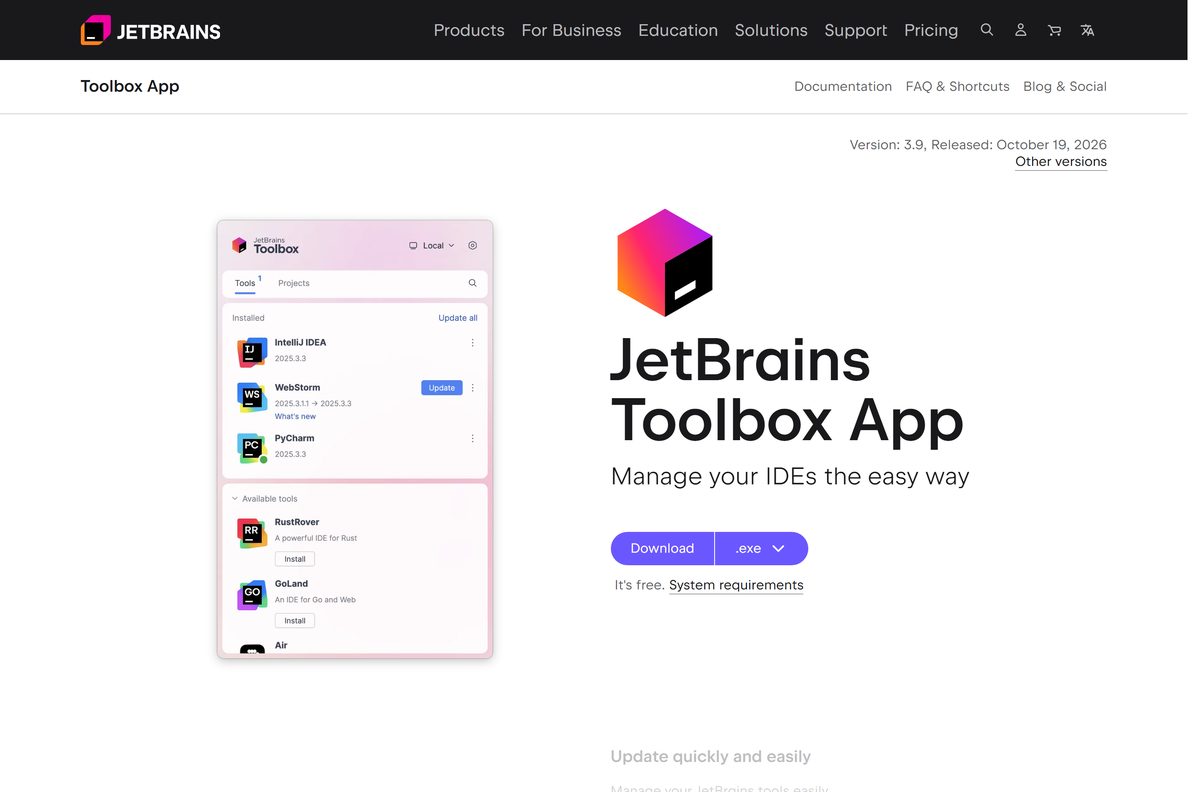
JetBrains calls the Toolbox App its recommended installer. It manages several IDEs and several versions of one IDE.
- Download the installer from the Toolbox App page; the Windows file is 145.4 MB.
- Run it, or on a Mac mount the disk image and drag the app to Applications.
- Open the Toolbox App and click its icon in the notification area, or the main menu on a Mac.
- Pick IntelliJ IDEA, or choose Available versions to take an earlier build.
- Sign in to your JetBrains Account if you hold a subscription, which activates it automatically.
- Click Install, then launch the IDE from the Toolbox App window.
The Toolbox App controls the install path, and updates or rolls back each instance it manages.
Which IntelliJ IDEA disk image do you need for your Mac?
macOS gets two separate disk images, not one universal file, so the chip is worth checking first.
| Your Mac | File | Size | Download |
|---|---|---|---|
| About This Mac shows a Chip such as M1 to M5 | idea-2026.2.3-aarch64.dmg | 1.43 GB | Apple silicon image |
| About This Mac shows an Intel Processor | idea-2026.2.3.dmg | 1.47 GB | Intel image |
| Several Macs to keep in step | JetBrains Toolbox App | Separate Intel and Apple silicon images | Toolbox App |
Mount the image, drag the app to Applications, then start it from Launchpad. macOS 15 and 26 are supported.
How to run IntelliJ IDEA from the ZIP archive without installing it
The Windows ZIP holds the same IDE without a setup wizard, which suits a locked-down work PC.
- Download the Windows ZIP archive, which is 1.52 GB.
- Right-click the file, choose Extract All and pick a folder you can write to.
- Open the extracted folder and go into bin .
- Run idea64.exe to start the IDE.
- Pin the executable to the taskbar, since the archive creates no shortcuts.
The archive registers nothing with Windows and updates nothing by itself. Delete the folder to remove it.
How to verify the IntelliJ IDEA installer before you run it
Every file under download.jetbrains.com has a .sha256 companion at the same address.
- Open the checksum file and copy the hash.
- Open Windows PowerShell in your Downloads folder.
- Run Get-FileHash .\idea-2026.2.3.exe -Algorithm SHA256 .
- Compare the Hash column with the published value; case does not matter.
- On a Mac, run shasum -a 256 idea-2026.2.3-aarch64.dmg and check its own .sha256 file.
- Delete the file and download it again if the two values differ.
A mismatch means a truncated or altered file, so download it again.
Is IntelliJ IDEA Community Edition free?
Yes. Download and use the IDE at no cost on Windows and Mac, for commercial and non-commercial projects, with no licence key and no account. JetBrains states that the free feature set needs no authorization or activation and keeps everything Community Edition offered. The paid Ultimate subscription sits inside the same application and adds tooling on top.
A lapsed Ultimate subscription falls back to the free feature set. Any site selling a Community Edition licence key is not JetBrains.
Check the IntelliJ IDEA system requirements before you download
| Field | Value |
|---|---|
| Software | IntelliJ IDEA, formerly Community Edition and Ultimate |
| Developer | JetBrains s.r.o. |
| Latest version | 2026.2.3, build 262.10968.63 |
| Released | 16 September 2026 |
| Licence | Free core features, optional paid Ultimate subscription |
| Supported OS | Windows 10 and 11, macOS 15 and 26 |
| CPU and RAM | x86_64 or arm64 with 4 cores, 8 GB RAM |
| Disk space | 10 GB |
| Java runtime | JetBrains Runtime based on JBR 21, bundled |
| Windows download | idea-2026.2.3.exe, 1.11 GB |
| Offline installer | Yes, the .exe and the .dmg are complete |
| Official download source | jetbrains.com |
| Last verified | 2026-10-25 |
BSD-based systems are unsupported. On Linux the targets are Ubuntu, Fedora, Debian 13 and Amazon Linux 2023.
Which fully open-source IntelliJ IDEA build can you use instead?
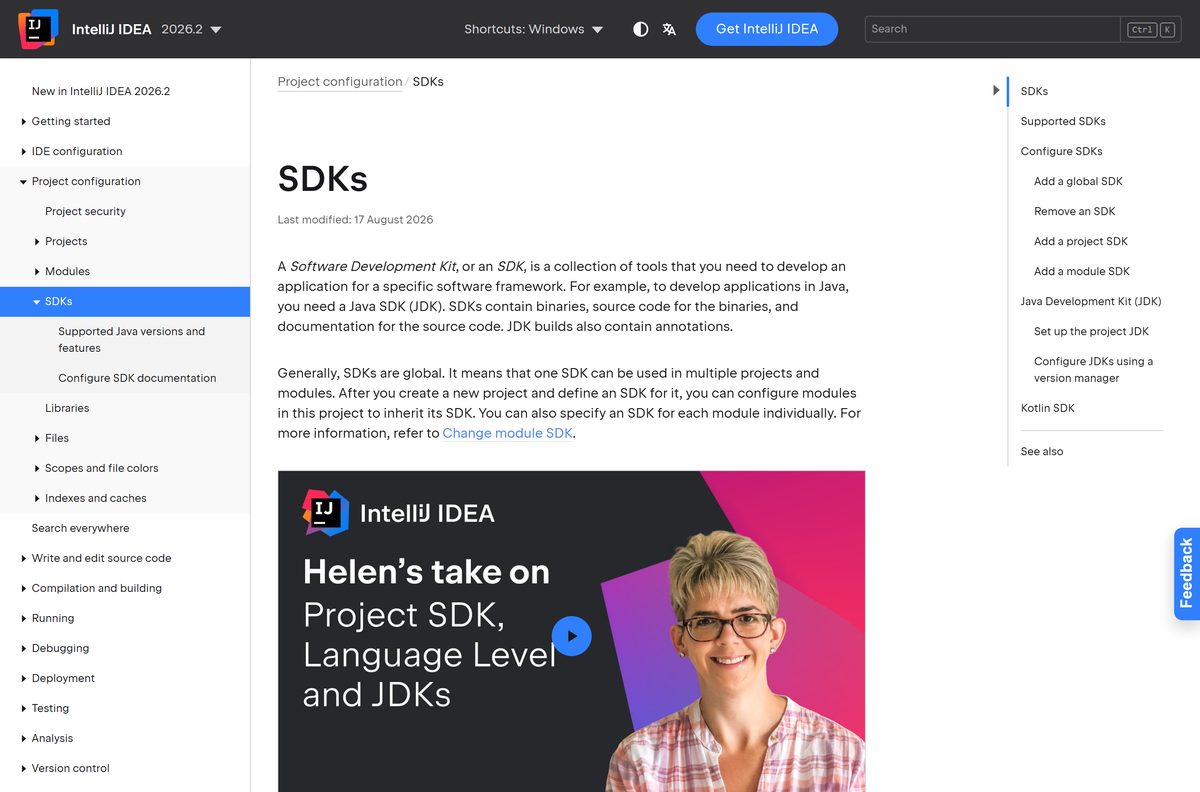
The source code stays on GitHub, so a build with no closed-source parts is still an option.
| Route | What you get | Trade-off |
|---|---|---|
| Open-source build on GitHub | Open-source components only, published to GitHub Releases | No AI Assistant, Code With Me, Qodana, Kotlin Notebook or LSP support |
| Last Community Edition installer | The 2025.2 line with its original branding, 947.3 MB | No new features and no further releases |
| An earlier build through the Toolbox App | Any published version, installed beside the current one | Misses the free features added in 2025.3 |
Paid Marketplace plugins still run in the open-source builds.
Fix IntelliJ IDEA not installing or not starting on Windows 11 and 10
The installer stalls on Verifying Installer
The setup file checks its own CRC before it unpacks, and a partial download fails that check.
- Cancel the installer and delete the file.
- Download it again from jetbrains.com.
- Check the hash against its .sha256 file.
- Run the installer again.
Setup reports not enough disk space
The install needs 10 GB free, and caches and indexes grow after that.
- Open Settings | System | Storage and free space on the target drive.
- Set a different install folder on the wizard’s first page.
- Install again and keep 10 GB free.
The ARM64 installer refuses to run
The ARM64 file matches only a Windows PC with an ARM processor.
- Open Settings | System | About and read System type.
- Download the standard installer on an x64 PC, or the ARM64 one on an ARM PC.
- Run the matching file.
The IDE starts but Java projects will not build
The bundled JetBrains Runtime runs the IDE and cannot compile your code.
- Open File | Project Structure | Project Settings | Project.
- Click Add SDK from disk and point it at a JDK folder, or choose Download JDK.
- Pick a vendor and version, click Download, then rebuild.
Advanced features stopped working after a month
The automatic 30-day Ultimate trial ended and the free feature set took over.
- Open Help | Manage Subscription to see the state.
- Carry on with the free features, which stay available.
- Activate a subscription there if you need the paid tooling back.
How to uninstall IntelliJ IDEA from Windows and Mac
- On Windows, open Settings | Apps | Installed apps, find the IDE and click Uninstall.
- Or run Uninstall.exe from the bin folder inside the install directory.
- For an unattended removal, run bin\uninstall.exe /S from an administrator Command Prompt.
- Delete %APPDATA%\JetBrains\IntelliJIdea2026.2 and %LOCALAPPDATA%\JetBrains\IntelliJIdea2026.2 .
- On a Mac, drag the app from Applications to the Bin.
- Then delete ~/Library/Application Support/JetBrains/IntelliJIdea2026.2 and ~/Library/Caches/JetBrains/IntelliJIdea2026.2 .
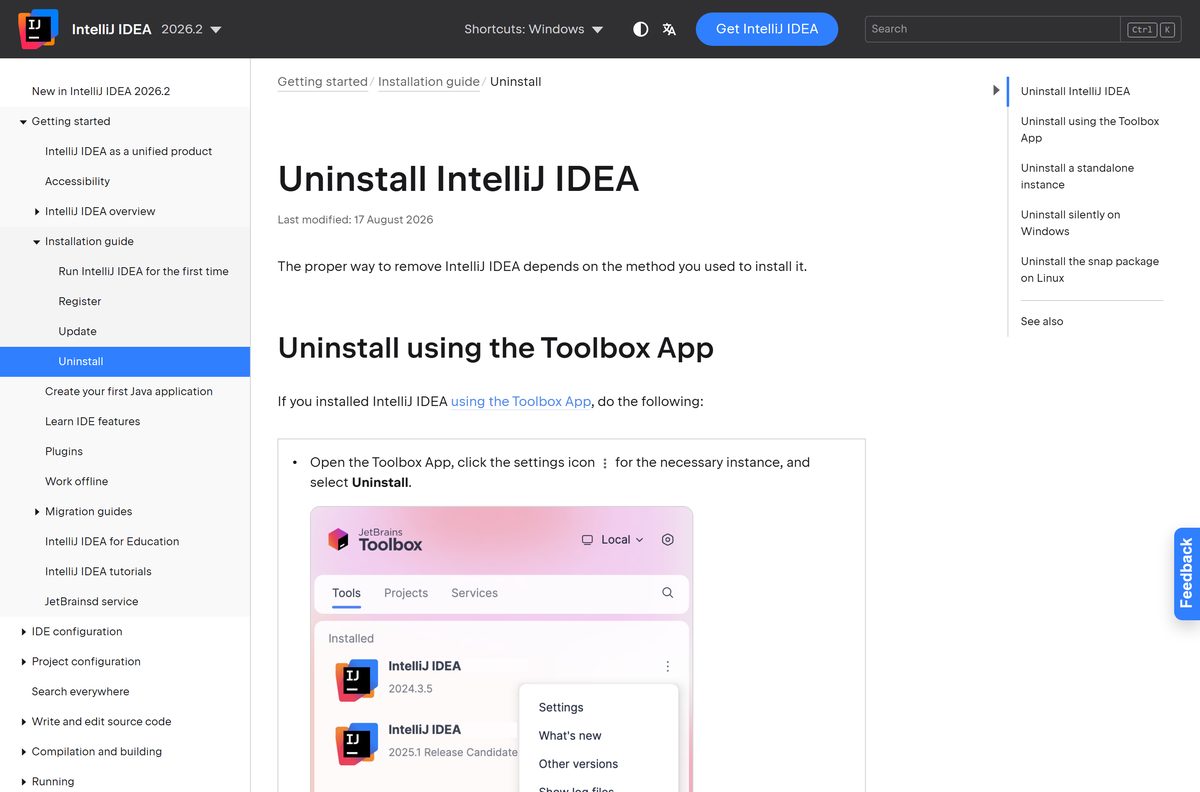
- On a Toolbox App install, click the settings icon beside the instance and select Uninstall.
The uninstaller leaves those folders on purpose, so settings survive a reinstall.
Frequently asked questions
Is IntelliJ IDEA Community Edition free?
Yes. Everything Community Edition shipped is free in the current IntelliJ IDEA, for commercial and non-commercial projects, with no licence key and no activation step.
Where is the official IntelliJ IDEA Community Edition download page?
The official page is jetbrains.com/idea/download. It offers the Windows installer, the Windows ZIP archive and separate macOS disk images, each served from download.jetbrains.com.
Does IntelliJ IDEA Community Edition still exist as a separate download?
No. Since the 2025.3 release one unified installer replaced the separate Community Edition and Ultimate downloads. The free feature set inside that installer is the Community Edition functionality.
What is the latest version of IntelliJ IDEA?
The current stable release is 2026.2.3, build 262.10968.63, published on 16 September 2026. A 2026.3 Early Access Program build arrived on 23 October 2026, free to use but not for production.
How big is the IntelliJ IDEA download?
The Windows installer is 1.11 GB, or 1,197,026,408 bytes. The ZIP archive is 1.52 GB, the Apple silicon disk image is 1.43 GB and the Intel one is 1.47 GB.
Does IntelliJ IDEA run on Windows 11, and is it 64-bit?
Yes to both. Windows 10 and Windows 11 are supported, and the IDE is 64-bit only. ARM64 PCs get their own installer, and there is no 32-bit build at all.
Which IntelliJ IDEA file do you need for a Mac?
Apple silicon Macs take the aarch64 disk image at 1.43 GB, and Intel Macs take the standard image at 1.47 GB. In About This Mac, a Chip entry means Apple silicon.
Is there an offline installer for IntelliJ IDEA?
Yes. The Windows .exe and the macOS .dmg are complete packages rather than downloaders, so setup finishes with no connection. A JDK for building Java code is a separate download.
Is IntelliJ IDEA safe to download?
Yes, from jetbrains.com. Every published file has a .sha256 checksum at the same address, so you can confirm the bytes before running the installer. Portal mirrors repackage the file instead.
Why won’t IntelliJ IDEA install on Windows?
The three usual causes are a truncated download that fails the installer’s CRC check, less than 10 GB of free disk space, and the ARM64 installer on an x64 PC. Check the hash first.