The Among Us download for PC comes from Steam or the Microsoft Store on Windows 11 and Windows 10. Buy it once, install it in a few minutes, and play online with 4 to 15 players.
Innersloth develops and publishes the game. The same release installs free on Apple silicon Macs, iPhone, iPad and Android phones, and cross-platform play links every version in one lobby.
Below: which store to use, the official links, install steps for each platform, PC requirements, version checks, fixes and removal.
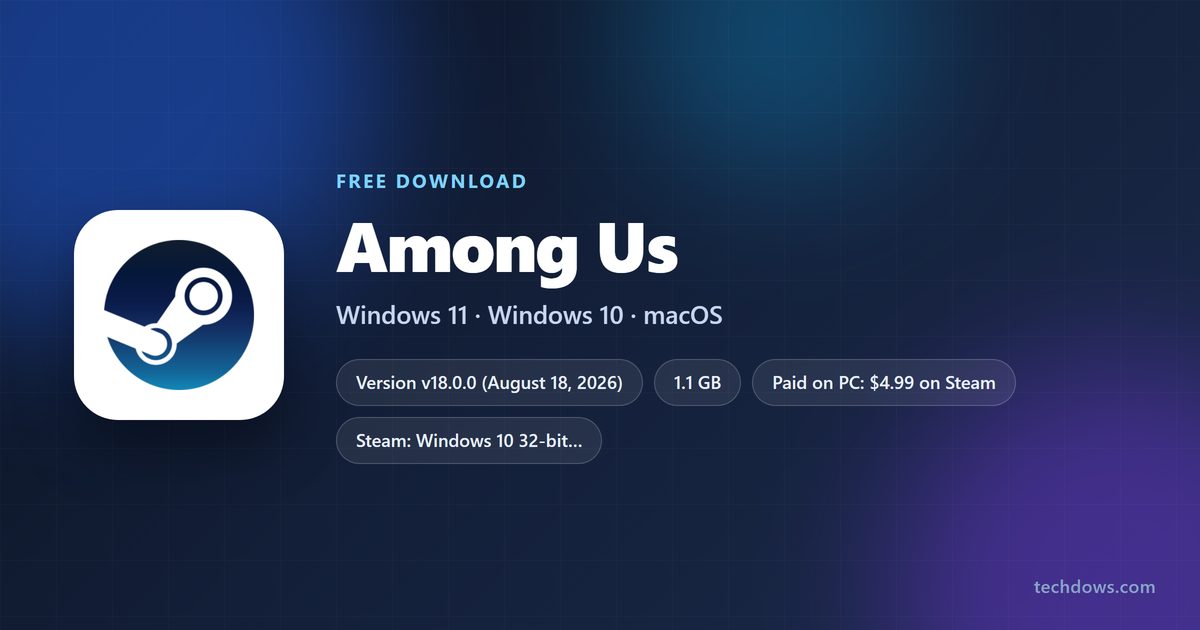
Which download do you need for your device?
Every platform gets the game from its own official store. Match your device to a row and open that link.
| Your device | Where to get it | Price | |
|---|---|---|---|
| Windows 11 or Windows 10 PC with Steam | Steam store page | $4.99 | |
| Windows 11 or Windows 10 PC, 64-bit, with a Microsoft account | Microsoft Store listing | $4.99, or included with Game Pass | |
| Xbox One, Xbox Series X | S or Xbox Cloud Gaming | Xbox store page | $4.99, or included with Game Pass |
| Mac with an Apple silicon chip | App Store listing | Free, in-app purchases | |
| iPhone or iPad on iOS 13.0 or later | App Store listing | Free, in-app purchases | |
| Android phone or tablet | Google Play listing | Free, ads and in-app purchases |
Neither PC store offers a standalone offline installer. Steam or the Microsoft Store downloads the files, and the Windows package is about 1.1 GB.
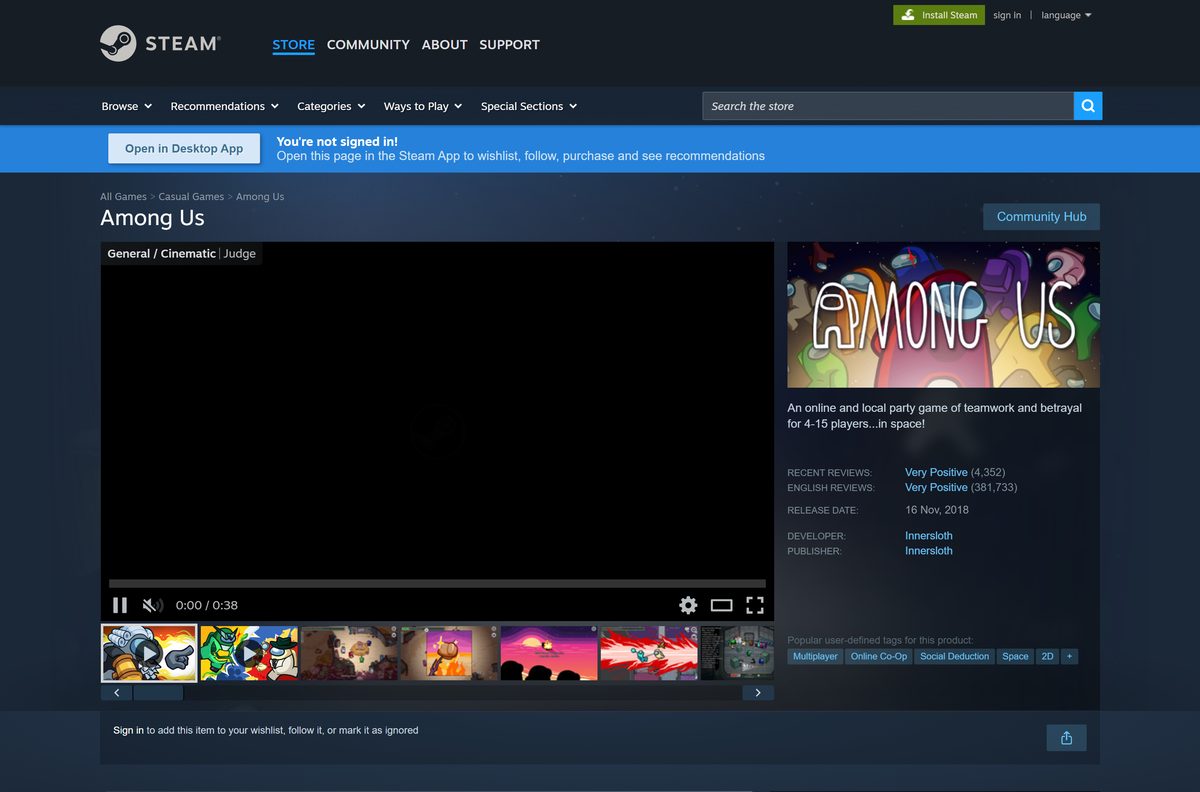
Download Among Us from the official store links
Each official listing names Innersloth as the developer. Use these links instead of a download site.
- Among Us on Steam — Windows, $4.99
- Among Us on the Microsoft Store — 1.1 GB · Windows 10 and 11, x64, $4.99 or Game Pass
- Among Us on Xbox — PC, Xbox consoles and cloud play, Game Pass details
- Among Us! on the App Store — 1.1 GB · Free on iPhone, iPad and Apple silicon Macs
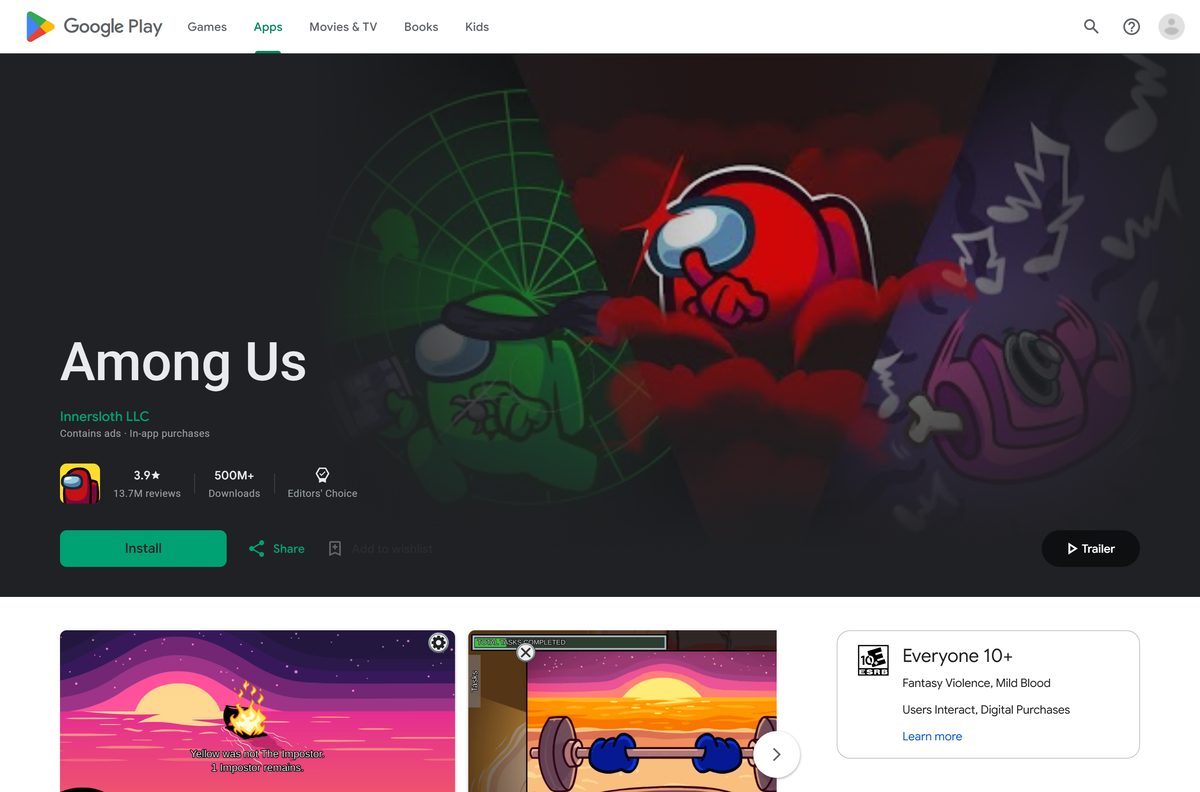
- Among Us on Google Play — Free on Android
A site that offers a free PC setup file, an APK for Windows or a cracked build is not an official source. Skip it, because the paid PC game only comes from these stores.
How to install the game on Windows 11 and 10 with Steam
Steam is the most common PC route. Install the Steam client first and sign in to your Steam account.
- Open the Steam store page in the Steam client.
- Select Add to Cart, then open your cart.
- Select Purchase for myself and complete the $4.99 payment.
- Go to your Library and select the game in the left list.
- Select Install, pick a drive, and confirm.
- Select Play when the download finishes.
The Steam page lists controller support, Remote Play on phones and tablets, and Family Sharing.
Install it from the Microsoft Store or with PC Game Pass
The Microsoft Store version is an x64 package that needs Windows 10 version 1903 (build 18362) or later. A Game Pass membership that includes the game skips the purchase.
- Open the Microsoft Store listing and sign in with your Microsoft account.
- Select Buy to pay $4.99, or Install if your Game Pass plan includes it.
- Let the Xbox app or Microsoft Store finish the 1.1 GB download.
- Open Start, search for the game, and select it to launch.
- Sign in with your Xbox profile when the game asks.
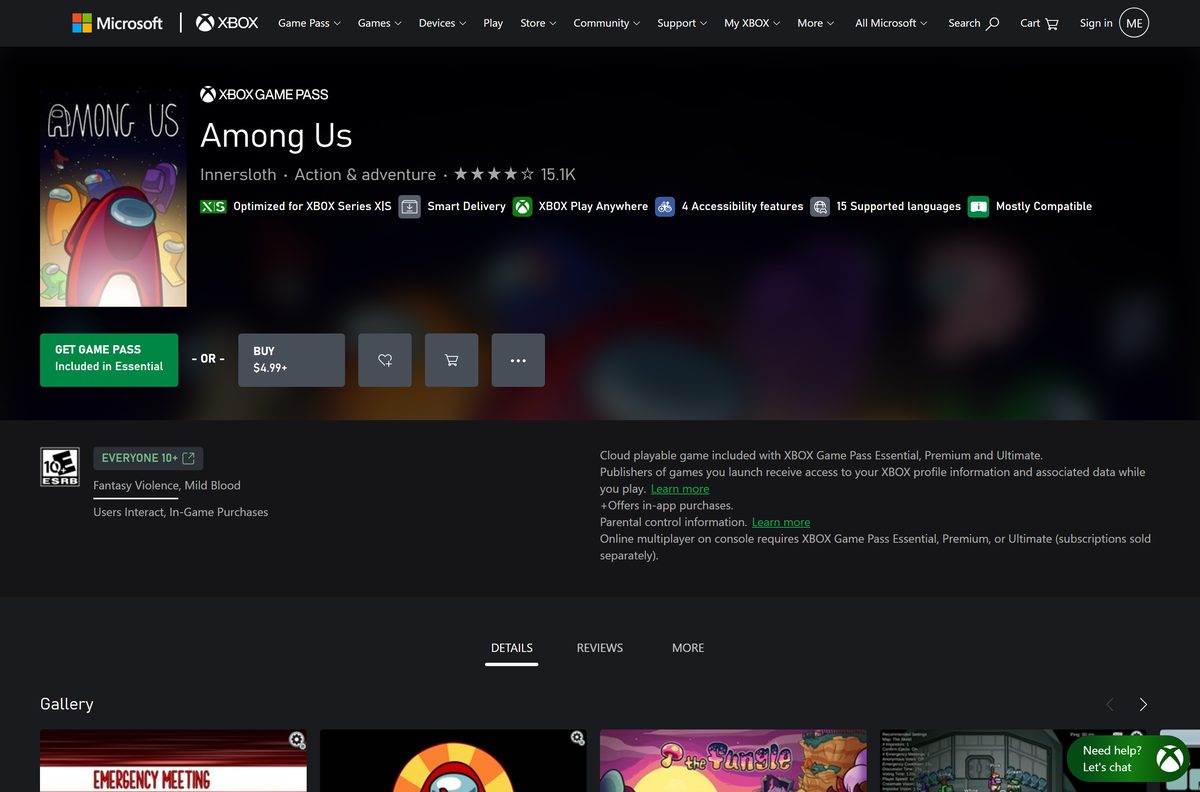
The Xbox page lists the game in Game Pass Essential, Premium, PC Game Pass and Ultimate. Xbox Play Anywhere is supported, so one purchase covers PC and Xbox.
Is the PC version free?
No. The Windows game costs money, while the mobile and Mac releases cost nothing to download.
Pay $4.99 on Steam or the Microsoft Store for Windows, or play through a Game Pass plan you already have. Steam and Xbox both list the PC game at $4.99. The App Store and Google Play list it as free, with in-app purchases, and the Android version also shows ads. Stars add-ons cost $1.99 to $24.99 on Xbox, and they are optional.
Online multiplayer on an Xbox console requires Game Pass Essential, Premium or Ultimate, sold separately.
Should you buy on Steam or the Microsoft Store?
Both stores sell the same game at the same price, with cross-platform play against mobile and console players.
Buy on Steam if Steam already runs on your PC; choose the Microsoft Store if you use Game Pass or also own an Xbox. Steam adds Remote Play, Family Sharing, Steam trading cards and Steam achievements. The Microsoft Store copy is included with Game Pass and supports Xbox Play Anywhere, so it also runs on Xbox One and Xbox Series X|S.
Which download do you need for your Mac?
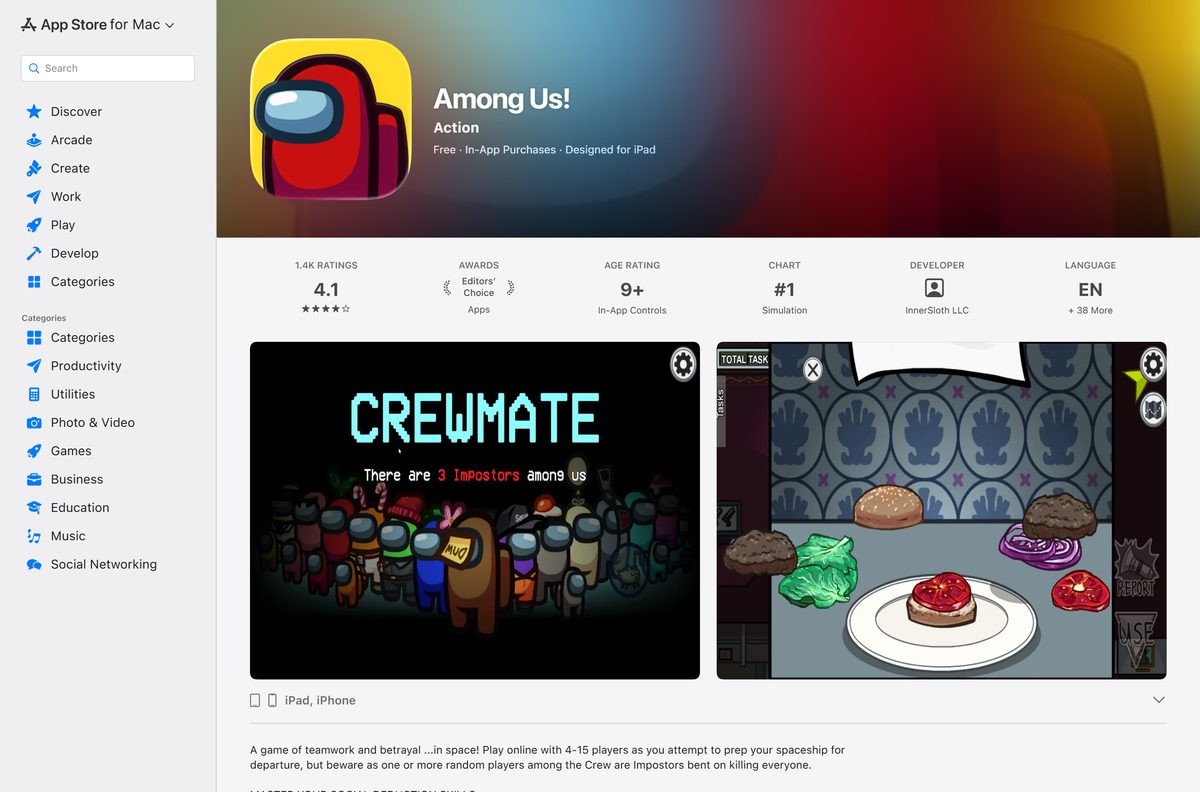
Steam lists Windows as the only desktop platform, so there is no Mac build there. Apple silicon Macs run the free iPad version from the App Store instead.
The Mac App Store listing shows the game as Designed for iPad, and Apple features it in its Play on Mac with Apple Silicon collection.
| Your Mac | What to do | Link |
|---|---|---|
| Mac with an M-series Apple silicon chip | Open the App Store, search for Among Us!, then select Get on the listing labeled Designed for iPad | App Store listing for Mac |
| Mac with an Intel processor | The iPad version does not install on Intel Macs; play on an iPhone, iPad or a Windows PC instead | iPhone and iPad listing |
| Mac plus a Windows PC in the house | Buy the Windows version on Steam and play on the PC | Steam store page |
To check your chip, open the Apple menu and select About This Mac. The Chip line shows Apple M1 or later on Apple silicon models.
Check the PC system requirements before you buy
The game runs on modest hardware. Steam lists these Windows requirements.
| Field | Value |
|---|---|
| Game | Among Us |
| Developer | Innersloth |
| Publisher | Innersloth |
| Latest version | v18.0.0 (August 18, 2026) |
| Price | $4.99 on PC; free on Mac, iPhone, iPad and Android |
| Supported OS | Windows 10 and Windows 11; macOS on Apple silicon via the App Store; iOS 13.0 or later; Android |
| Architecture | 32-bit Windows 10 minimum on Steam, 64-bit recommended; Microsoft Store package is x64 only |
| Processor | Intel i3-4330 |
| Memory | 1 GB RAM minimum, 4 GB recommended |
| Graphics | Intel HD Graphics 4600 minimum, Nvidia GTX 650 recommended |
| Download size | About 1.1 GB (Microsoft Store Windows package) |
| Players | 4 to 15, online or over local WiFi |
| Offline installer | No, Steam or the Microsoft Store downloads the game |
| Official sources | Steam, Microsoft Store, Xbox, App Store, Google Play |
| Last verified | 2026-09-24 |
To check your PC, open Settings, select System, then About. The Installed RAM and System type lines show your memory and whether Windows is 64-bit.
How to check your game version and update it
Old builds lose online access. Innersloth dropped support for every 2024 version in June 2026, and v18.0.0 added the Judge role on August 18, 2026.
- Launch the game and look at the bottom-left corner of the main menu for the version number.
- Close the game completely.
- In Steam, open your Library and let any pending update finish before you select Play.
- In the Microsoft Store, open Library and select Get updates.
- On iPhone, iPad or Mac, open the App Store, select your account, and update from the list.
- On Android, open Google Play, tap your profile, select Manage apps & device, then Update all.
If the menu shows a version starting with v2024, update before you try to join a lobby.
Verify and repair the game files in Steam
There is no setup file to scan, because the store client downloads the game. Steam can check every installed file and replace damaged ones without touching your purchase.
- Restart your computer and launch Steam.
- Right-click the game in your Library, or select the gear icon on its Library page.
- Select Properties from the menu.
- Open the Installed Files tab and select Verify integrity of game files.
- Wait for the check to finish, then launch the game.
One or more files can fail to verify. Those are local configuration files, and Steam leaves them alone on purpose. For a Microsoft Store copy, uninstall the game and install it again from your Library.
Fix the game not downloading, launching or connecting
Find the symptom that matches your screen and follow the fix under it.
The Steam download is stuck or slow
A stale Steam download cache holds the queue.
- Open Steam and select Steam, then Settings.
- Select Downloads and choose Clear Download Cache.
- Sign in again and restart the download from your Library.
You cannot join or host online games
An outdated build no longer matches the servers.
- Check the version in the bottom-left corner of the main menu.
- Update through Steam, the Microsoft Store, the App Store or Google Play.
- Restart the game and join the lobby again.
The game will not launch on Windows
Damaged files or an old graphics driver block the start.
- Verify the files in Steam, or reinstall the Microsoft Store copy.
- Install pending updates from Settings and Windows Update.
- Update your graphics driver from the GPU maker’s site.
- Restart the PC and launch the game again.
The Mac App Store shows no Get button
The iPad version installs only on Apple silicon Macs.
- Open the Apple menu and select About This Mac.
- Confirm the Chip line shows an Apple M-series chip.
- On an Intel Mac, play on a phone, a tablet or a Windows PC instead.
How to uninstall the game on PC and Mac
Removing the game deletes the local files. Purchases made through Steam or the Microsoft Store stay on your account, so a reinstall costs nothing.
Steam
Steam removes its own games.
- Right-click the game in your Steam Library.
- Select Manage, then Uninstall.
- Confirm with Uninstall.
Microsoft Store or Game Pass
Windows lists the Store copy with other installed apps.
- Select Start, then Settings, then Apps, then Installed apps.
- Find the game and select More, then Uninstall.
- Confirm with Uninstall.
Mac
App Store games sit in the Applications folder.
- Open Finder and select Applications.
- Drag the game to the Trash.
- Empty the Trash.
Which free ways can you play without buying the PC version?
The Windows copy is the only paid route. These official options cost nothing to download or come with a subscription you may already pay for.
| Option | Cost | What it needs |
|---|---|---|
| Android through Google Play | Free, with ads and in-app purchases | An Android phone or tablet |
| iPhone or iPad through the App Store | Free, with in-app purchases | iOS 13.0 or later |
| Apple silicon Mac through the App Store | Free, with in-app purchases | A Mac with an M-series chip |
| PC Game Pass | Included with the subscription | Windows 10 build 18362 or later, x64 |
| Xbox Cloud Gaming | Included with Game Pass Essential, Premium and Ultimate | A supported device and a Game Pass plan |
Every version shares one cross-platform lobby system, so phone players and PC players join the same games.
Frequently asked questions
Is Among Us free on PC?
No. The Windows version costs $4.99 on Steam and on the Microsoft Store. It is also included with Xbox Game Pass plans, including PC Game Pass, so members can install it without buying it separately.
Is Among Us free on mobile?
Yes. The App Store lists the game as free with in-app purchases for iPhone and iPad. Google Play lists it as free on Android, with ads and in-app purchases.
Where is the official Among Us download for PC?
Use the Steam store page or the Microsoft Store listing. Both name Innersloth as developer and publisher, and both download the game through their own client.
Can you download Among Us on a Mac?
Yes, on a Mac with an Apple silicon chip. The App Store offers the free iPad version, labeled Designed for iPad. Steam lists no macOS build, and Intel Macs cannot run the iPad version.
Does Among Us work on Windows 11?
Yes. Steam lists Windows 10 as the minimum, and the Microsoft Store package needs Windows 10 build 18362 or later on x64. Windows 11 meets both requirements.
How big is the Among Us download?
The Microsoft Store Windows package is about 1.1 GB. The App Store lists the iPhone and iPad version at 1.1 GB. Steam’s requirements do not give a storage figure.
Is there an Among Us offline installer?
No. Steam and the Microsoft Store download the game through their clients, and no official listing offers a standalone setup file. Local WiFi games still work once the game is installed.
Is Among Us 64-bit only?
On Steam, no. The minimum is 32-bit Windows 10, with 64-bit recommended. The Microsoft Store package is x64 only, so a 32-bit PC needs the Steam version.
What is the latest version of Among Us?
Version v18.0.0 arrived on August 18, 2026 and added the Judge Crewmate role. The App Store labels the same release 2026.18.0.
Is it safe to download Among Us?
Yes, from Steam, the Microsoft Store, the App Store or Google Play. Avoid sites offering a free PC setup file or a cracked build, because the paid game is only sold through official stores.
Why can’t I join Among Us games?
An outdated build is the usual cause. Innersloth ended support for all 2024 versions in June 2026. Check the version in the bottom-left corner of the main menu and update through your store.






