The Cuphead download for PC comes from Steam, GOG or the Microsoft Store, and runs on Windows 11, Windows 10 and Mac. Buy the game once for $19.99, install it through the store, and start playing.
Studio MDHR’s run-and-gun boss game supports single player and local co-op. The Delicious Last Course adds a new island as paid DLC.
Below: the right store for your device, official links, install steps, pricing, Mac options, requirements, fixes and removal.
Which Cuphead download do you need for your device?
Match your device to a row and open that store. Every row sells the same game for $19.99.
| Your device | Where to get it | Install size |
|---|---|---|
| Windows 11 or 10 PC with the Steam app | Cuphead on Steam | 4 GB free space |
| Windows PC, no launcher wanted | Cuphead on GOG (offline installer) | 3.3 GB installer |
| Windows PC or Xbox with the Xbox app | Cuphead on the Xbox and Microsoft Store | x64 package |
| Mac on macOS 10.11 or later | Cuphead on Steam or GOG | 4 GB free space |
Each store sells its own copy. A purchase on Steam does not unlock the game on GOG or Xbox.
Download Cuphead and the DLC from the official stores
Buy the base game first. The Delicious Last Course needs Cuphead installed to run.
- Cuphead on Steam — 4 GB disk space · $19.99, Windows and Mac
- Cuphead on GOG — 3.3 GB Windows installer · $19.99, DRM-free, version 1.3.9
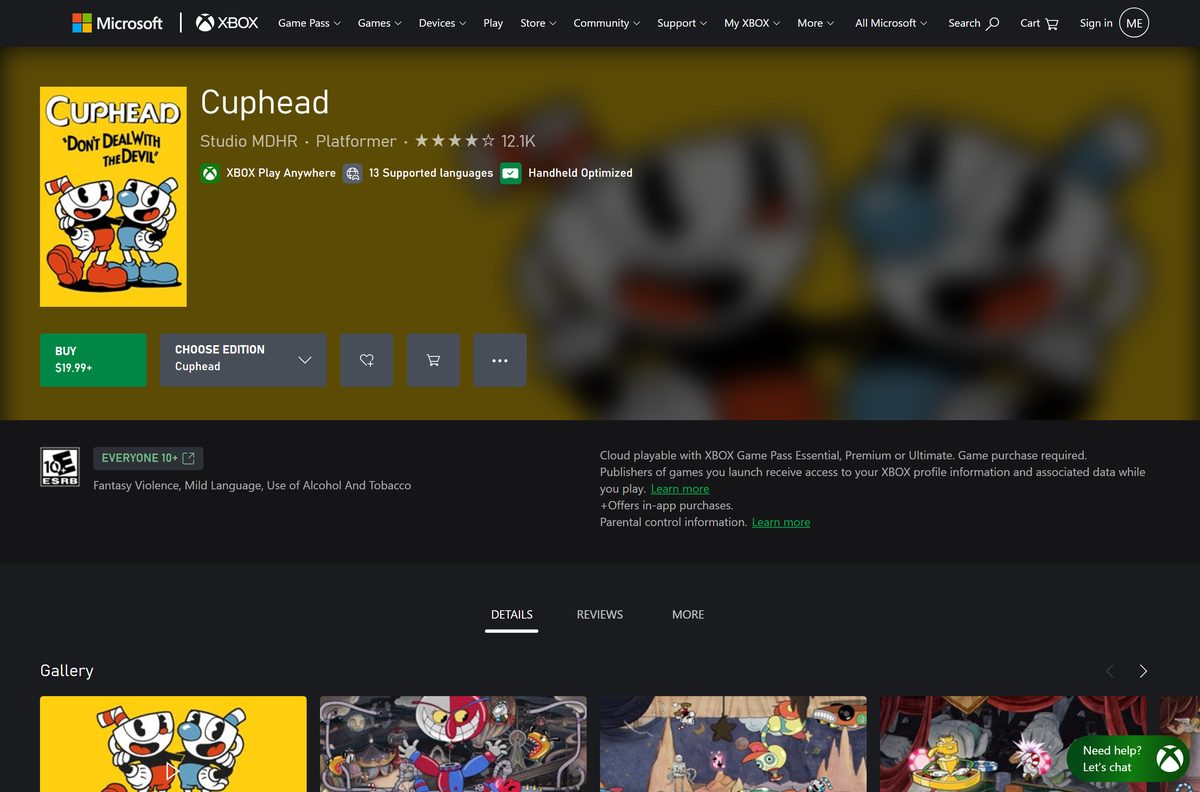
- Cuphead on the Xbox and Microsoft Store — $19.99, Xbox Play Anywhere
- Cuphead – The Delicious Last Course on Steam — 2 GB disk space · $7.99 DLC
- Steam client for Windows and Mac — Needed for the Steam copy
Steam also sells Cuphead & The Delicious Last Course together for $26.99. Studio MDHR’s official site at cupheadgame.com lists every platform.
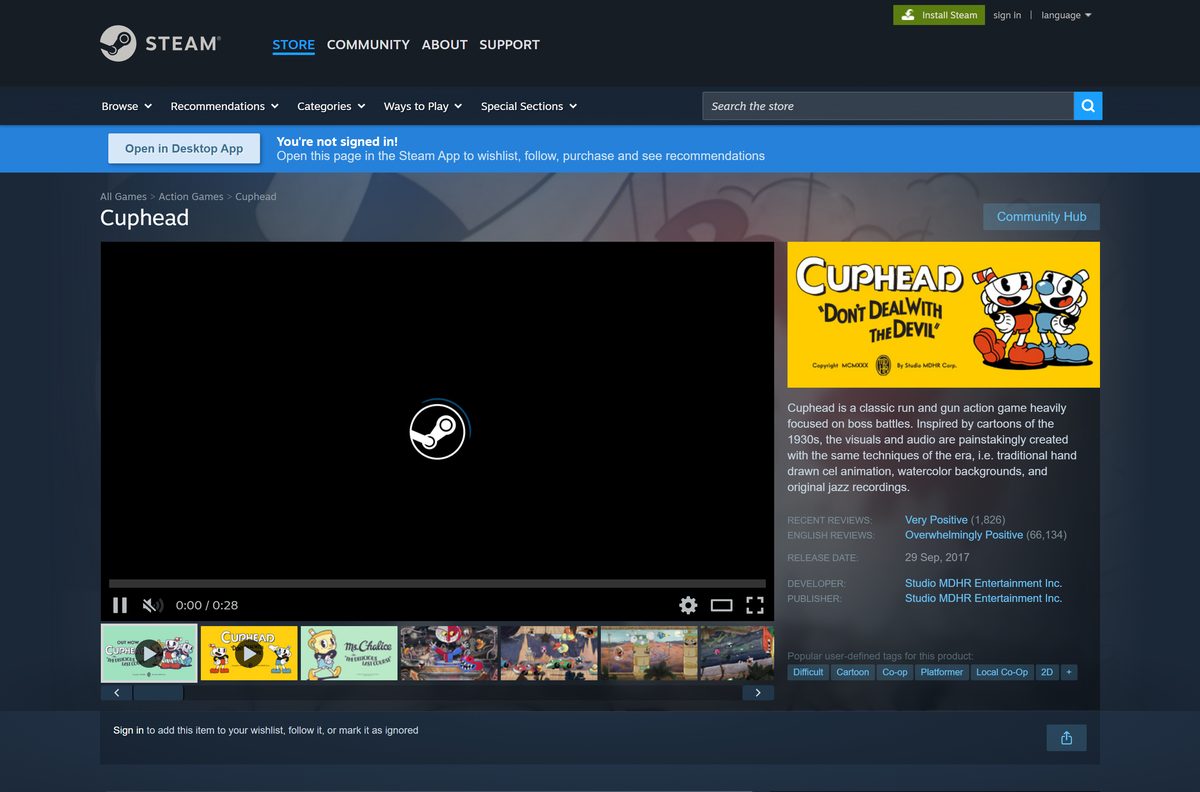
How to install Cuphead on Windows 11 and 10 with Steam
Install the Steam client and sign in to a Steam account before you start.
- Open the Steam client page and select Install Steam.
- Run the Steam setup, then sign in or create a free account.
- Search for Cuphead in the Steam Store tab and open the Studio MDHR page.
- Select Add to Cart on the edition you want and complete the purchase.
- Open your Library and select Cuphead.
- Select Install, pick a drive with at least 4 GB free, and confirm.
- Select Play when the download finishes.
Plug in a controller before launch if you want local co-op. Steam lists full controller support.
Install Cuphead from the Microsoft Store or Xbox app
The Microsoft Store copy is Xbox Play Anywhere, so one purchase covers your Windows PC and Xbox console. It needs Windows 10 or later.
- Open the Cuphead page on the Xbox store.
- Sign in with your Microsoft account.
- Select Buy and choose Cuphead or the bundle with the DLC.
- Open the Xbox app or Microsoft Store on your PC.
- Find Cuphead in your library and select Install.
- Select Play when the install completes.
The Xbox store lists Xbox cloud saves, so progress follows you between PC and console.
Which Cuphead download do you need for your Mac?
Steam and GOG both sell a macOS build. There is no Mac App Store version.
| Your Mac | What to do | Notes |
|---|---|---|
| Mac with the Steam app | Buy Cuphead on Steam | Same purchase covers Windows |
| Mac without a launcher | Buy Cuphead on GOG | DRM-free Mac installer, 3.3 GB |
| Mac older than OS X 10.11 or without Metal graphics | Play on a Windows PC or console instead | Below the minimum requirements |
Open the Apple menu and select About This Mac to see your macOS version. Steam lists an Intel Core i5, 4 GB RAM and Intel HD Graphics 4000 as the Mac minimum.
Is Cuphead free?
No. Cuphead is a paid game on every official store, with no free tier or demo.
Buy the Cuphead & The Delicious Last Course bundle for $26.99 if you want the DLC, or the base game for $19.99 if you do not. The base game costs $19.99 and the DLC costs $7.99 separately, so the bundle saves $0.99 over buying both. Steam, GOG and the Xbox store all list the same prices.
Pages offering a free Cuphead download for PC are not official. Those setup files are cracked copies and a common way to spread malware.
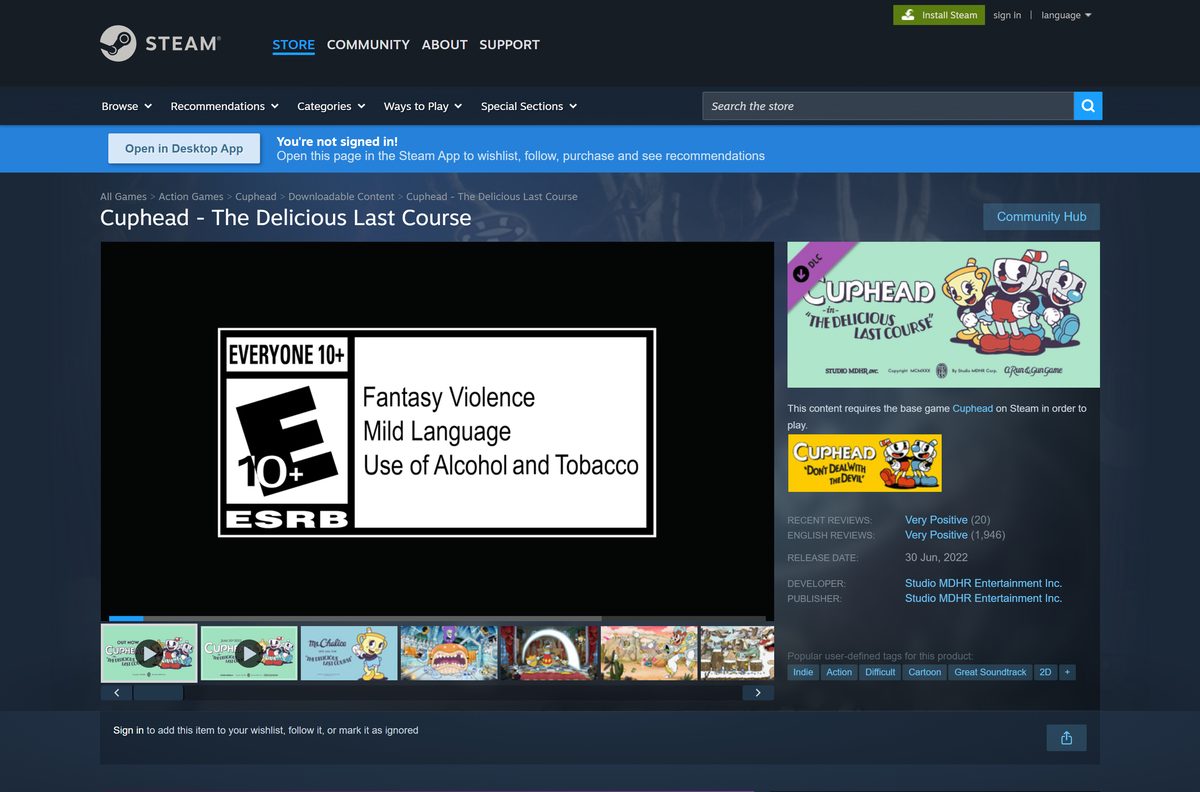
Choose where to buy Cuphead: Steam, GOG or Microsoft Store
The game is the same on all three stores. The difference is how it installs and where it runs.
Buy on Steam if you already use it, GOG if you want an offline installer, and the Xbox store if you also play on Xbox. Steam covers Windows and Mac with automatic updates. GOG is DRM-free, gives offline installers for Windows and Mac, and does not require GOG Galaxy. The Xbox store copy is Xbox Play Anywhere and cloud playable with Game Pass, but runs only on Windows and Xbox.
How to check your Cuphead version and update it
Steam and the Xbox app update Cuphead on their own. GOG offline installs need a manual update.
- On Steam, right-click Cuphead in your Library and select Properties.
- Select Updates and set Always keep this game updated.
- On GOG, sign in and open Games in your account to see the current installer version.
- Download the newest installer and run it over your existing install, or select Update in GOG Galaxy.
- In the Xbox app, open your Library and install any update listed for Cuphead.
The current GOG installers are version 1.3.9.
Check the Cuphead PC and Mac requirements before you buy
Steam lists these minimum requirements. The game runs on modest hardware.
| Field | Value |
|---|---|
| Game | Cuphead |
| Developer | Studio MDHR Entertainment Inc. |
| Publisher | Studio MDHR Entertainment Inc. |
| Latest version | 1.3.9 (GOG installers) |
| Price | $19.99; DLC $7.99; bundle $26.99 |
| Windows | 64-bit Windows 7 or later, including Windows 10 and 11 |
| Processor (Windows) | Intel Core2 Duo E8400 3.0 GHz or AMD Athlon 64 X2 6000+ |
| Memory (Windows) | 3 GB RAM |
| Graphics (Windows) | GeForce 9600 GT or AMD HD 3870 512 MB, DirectX 11 |
| Mac | OS X 10.11, Intel Core i5, 4 GB RAM, Intel HD Graphics 4000 with Metal |
| Disk space | 4 GB, plus 2 GB for The Delicious Last Course |
| Architecture | 64-bit (x64) only on Windows |
| Offline installer | Yes, on GOG |
| Official sources | Steam, GOG, Xbox and Microsoft Store |
| Last verified | 2026-09-25 |
To check your PC, open Settings, select System, then About. The System type line must say 64-bit operating system.
Verify and repair the Cuphead game files in Steam
Run this when the game crashes, a boss fails to load, or an update breaks the install.
- Open Steam and select Library.
- Right-click Cuphead and select Properties.
- Select Installed Files.
- Select Verify integrity of game files.
- Wait for Steam to replace any damaged files, then launch the game.
Fix Cuphead not installing or launching on Windows
Find the symptom that matches your screen and follow the fix under it.
The store says there is not enough disk space
Cuphead needs 4 GB, and the DLC needs 2 GB more.
- Open Settings, select System, then Storage.
- Delete files or move them to another drive.
- Or choose a different drive in the install dialog.
The game crashes or shows a black screen on startup
Damaged files or an outdated graphics driver.
- Verify the game files in Steam.
- Update your graphics driver from the Nvidia, AMD or Intel site.
- Install pending updates from Settings and Windows Update.
- Restart the PC and launch again.
The Delicious Last Course does not appear
The DLC is not installed or was bought on a different store.
- Confirm you bought the DLC on the same store as the game.
- In Steam, right-click Cuphead, select Properties, then DLC.
- Tick Cuphead – The Delicious Last Course and let Steam download it.
The controller does not work
Steam Input or a second input app is taking over the controller.
- Right-click Cuphead in Steam and select Properties.
- Select Controller and try Disable Steam Input.
- Close other controller apps, reconnect the controller and relaunch.
How to uninstall Cuphead
Remove the game from the store app you installed it with. Your purchase stays on your account.
- On Steam, right-click Cuphead in your Library, select Manage, then Uninstall.
- For a GOG offline install, open Settings, select Apps, then Installed apps.
- Find Cuphead, select the three-dot menu, then Uninstall.
- For the Microsoft Store copy, use the same Installed apps list.
- Restart the PC to clear leftover files.
Steam, GOG and Xbox all list cloud saves for Cuphead, so reinstalling restores your progress.
How to get Cuphead on Xbox, PlayStation or Switch
Studio MDHR’s official site lists Cuphead for consoles as well as PC and Mac.
| Platform | Where to buy | Notes | |
|---|---|---|---|
| Xbox One and Xbox Series X | S | Xbox store | Xbox Play Anywhere with PC, cloud playable with Game Pass |
| PlayStation 4 | PlayStation Store | Listed on cupheadgame.com | |
| Nintendo Switch | Nintendo eShop | Listed on cupheadgame.com | |
| Windows and Mac | Steam | Also on GOG |
Console and PC copies are separate purchases, except the Xbox and Windows pairing through Play Anywhere.

Frequently asked questions
Is Cuphead free to download?
No. Cuphead is a paid game that costs $19.99 on Steam, GOG and the Microsoft Store. There is no free version or demo. The Delicious Last Course DLC costs $7.99, and the bundle with both costs $26.99.
Where is the official Cuphead download for PC?
Studio MDHR sells the PC version on Steam, GOG and the Xbox and Microsoft Store. Buy it on one of those stores, and the store’s client or installer downloads the game to your PC.
Does Cuphead work on Windows 11?
Yes. Cuphead runs on 64-bit Windows 11 and Windows 10. Steam lists Windows 7 as the minimum, and the Microsoft Store version needs Windows 10 or later. The DLC lists Windows 10 as its minimum.
How big is the Cuphead download?
The GOG Windows offline installer for version 1.3.9 is about 3.3 GB. Steam asks for 4 GB of free space for the game and 2 GB more for The Delicious Last Course.
Is there a Cuphead offline installer?
Yes, on GOG. The GOG copy is DRM-free and comes with offline installers for Windows and Mac, so you do not need GOG Galaxy. Steam and the Microsoft Store download the game through their own apps.
Can you play Cuphead on a Mac?
Yes. Steam and GOG both sell a macOS version, which arrived in October 2018. It needs OS X 10.11 or later, an Intel Core i5 and Metal-capable graphics. One purchase on Steam or GOG covers Windows and Mac.
Is Cuphead 64-bit only on PC?
Yes. Steam states that Cuphead requires a 64-bit processor and operating system, and the Microsoft Store package is x64. A 32-bit copy of Windows cannot run it.
Is it safe to download Cuphead?
Yes, when you buy it from Steam, GOG or the Xbox and Microsoft Store. Sites offering a free Cuphead download or a cracked setup file are not official and often bundle malware.
What is the latest version of Cuphead?
The GOG installers for Windows and Mac are version 1.3.9, and the Microsoft Store package is 1.3.8.2. Steam and the Xbox app install updates on their own, while GOG users run the newest installer or update in GOG Galaxy.
Why won’t Cuphead install or launch?
The usual causes are too little disk space, a 32-bit Windows, damaged game files or an outdated graphics driver. Free up space, verify the files in Steam, update Windows and the GPU driver, then launch again.
Is The Delicious Last Course included with Cuphead?
No. The Delicious Last Course is separate DLC for $7.99, and it needs the base game. Buy the Cuphead & The Delicious Last Course bundle for $26.99 to get both at once.
Is Cuphead on Xbox Game Pass?
Cuphead is cloud playable with Xbox Game Pass Essential, Premium or Ultimate, but the Xbox store says a game purchase is required. It is also Xbox Play Anywhere, so one purchase covers Xbox and PC.






