Techdows

Windows how-to guides, fixes and software downloads

  • Home
  • Settings and hardware

    • Printers
    • Sound and microphone
    • Wi-Fi and network
    • Bluetooth
    • Display and monitors
    • Drivers
    • Keyboard shortcuts and symbols

    Using Windows

    • File Explorer
    • Storage and disk space
    • Taskbar, Start and desktop
    • Apps and default programs
    • Accounts and sign-in
    • Copilot in Windows
    • Command Prompt and PowerShell

    Updates and fixes

    • Windows Update
    • Windows 11 26H2
    • Error codes and BSOD
    • Boot, BIOS and recovery
    • Security and Defender
    • Task Manager and performance
    • DLL and runtime errors

    Popular fixes

    • Get help in Windows 11
    • Connect a wireless printer
    • Re-pair Bluetooth earbuds for stereo sound
    • Cancel a stuck print job
    • Change default programs

    All Windows guides →

  • Browse by type

    • Web browsers
    • Office and productivity apps
    • PC games and launchers
    • Phone and media apps
    • Developer tools
    • Creative apps
    • CAD software
    • System utilities and drivers

    Popular downloads

    • GTA V for PC
    • YouTube app for PC
    • Google Meet for PC
    • Cisco Packet Tracer
    • TikTok for PC

    Windows tools

    • PC Health Check app
    • HEVC Video Extension
    • DirectX 12
    • Cinebench R23

    All download guides →

  • Browser guides

    • Microsoft Edge
    • Google Chrome
    • Firefox
    • Web browsers for PC

    Microsoft Edge

    • Fix WebView2 using too much memory
    • Internet Explorer mode in Edge
    • Manage Edge favorites
    • Set or remove Edge as default

    Chrome and Firefox

    • Make Chrome the default browser
    • Restore closed tabs
    • Change the default web browser

    All browser guides →

  • Office guides

    • Outlook
    • Excel
    • Word and PowerPoint
    • OneDrive
    • Install Microsoft 365

    Meetings and other tools

    • Teams, Zoom and Google Meet
    • Google Docs and Sheets
    • PDF tools

    Office apps

    • Office product key
    • Office Deployment Tool
    • What is OneDrive?
    • Turn off OneDrive in Windows 11

    Outlook and Teams

    • Outlook inbox view changed
    • Schedule an email in Outlook
    • Outlook dark mode
    • Teams breakout rooms

    All Office and productivity guides →

  • PHP security

    • PHP2Shell patch download
    • PHP critical RCE security update
    • CVE-2026-109618 fix
    • CVE-2026-109619 explained
    • Mitigations if you can't update

    Update PHP

    • Update PHP to the latest version
    • Check your PHP version
    • Update PHP on Ubuntu and Debian
    • Restart PHP-FPM

    Hosting and local servers

    • Update PHP in XAMPP
    • Change PHP version in cPanel
    • Update PHP in Laragon and WampServer
    • Update PHP Docker images
    • WordPress PHP version check

    PHP downloads

    • PHP 8.5.12 download
    • PHP 8.4.27 download
    • PHP 8.3.36 and 8.2.35 download
    • Download PHP for Windows

    PHP2Shell by platform

    • PHP 8.3 fix on Ubuntu 24.04
    • PHP 8.1 fix on Ubuntu 22.04
    • PHP 8.2 and 8.4 fix on Debian
    • Update PHP on IIS
    • Cloudflare PHP2Shell WAF rule

    All PHP guides →

  • Sections

    • Gaming
    • Apple
    • Android
    • Apps and services
    • Developer and IT

    Apple

    • iPhone tips and fixes
    • Reset and restore iPhone
    • iPad
    • Mac and macOS
    • Apple Account and iCloud
    • Apple devices on Windows

    Apps, Android and gaming

    • Gmail and Google account
    • YouTube
    • Social media accounts
    • Streaming TV
    • Android and Samsung Galaxy
    • PC gaming and Xbox
    • Roblox and Minecraft on PC

    Developer and IT

    • WSL and developer setup
    • Virtual machines
    • Group Policy and Intune
    • Windows Server
    • Website error codes
  • News
Home›Windows

Windows

1,050 articles

Windows 11 and Windows 10 how-to guides, fixes and explainers, grouped by topic. Settings and hardware: printers, sound and microphone, Wi-Fi and network settings, Bluetooth, display and monitor settings, drivers, keyboard shortcuts and symbols and screenshots. Using Windows: File Explorer, storage and disk space, taskbar, Start and desktop, apps and default programs, accounts and sign-in, Copilot, Remote Desktop, media players and codecs, opening file types and Command Prompt and PowerShell. Updates and problems: Windows Update, Windows 11 26H2, Task Manager and performance, boot, BIOS and recovery, security and Defender, error codes and BSOD, DLL and runtime errors and Windows processes.

How to
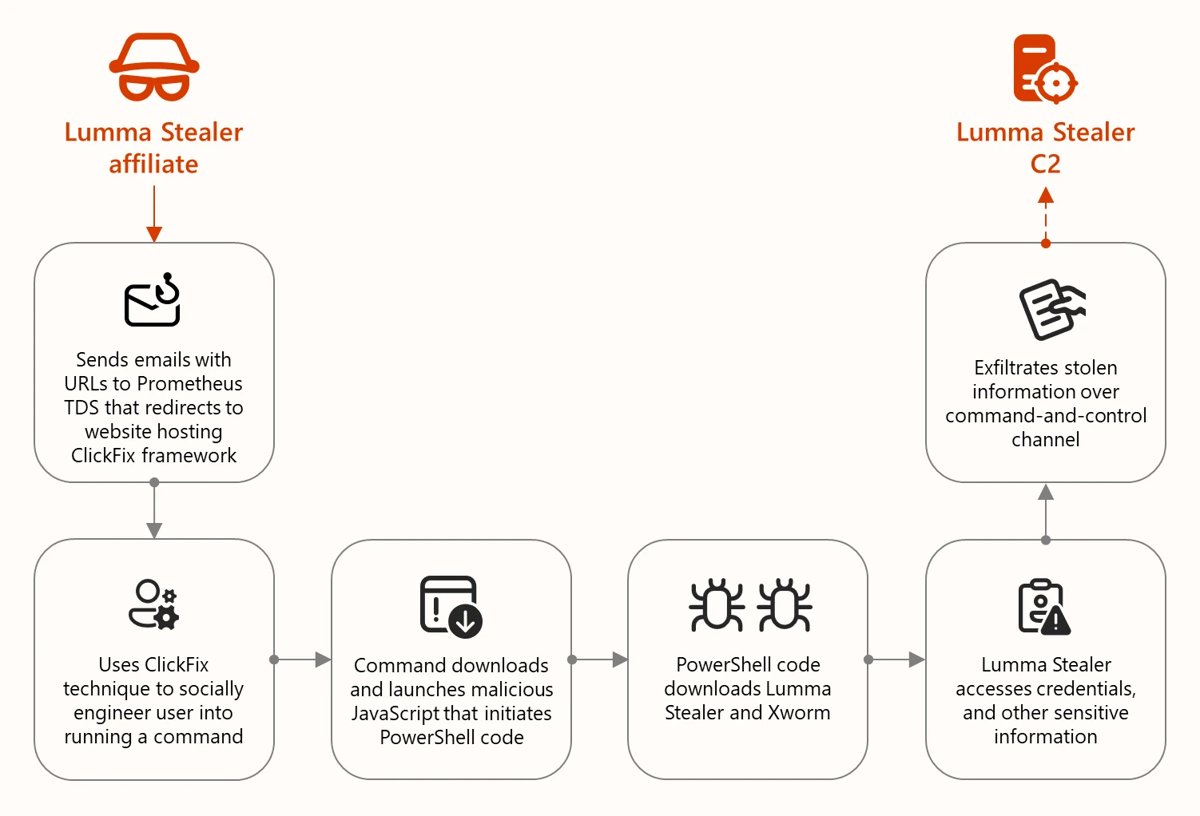
XWorm malware: analysis, detection, removal
XWorm malware: analysis, detection, removal

October 18, 2026 by Philip Celasco Leave a Comment
XWorm malware: analysis, detection, removal

XWorm is a remote access trojan spread by phishing, ClickFix lures and cracked installers. How it works, signs of infection, and how to remove it on Windows.
Posted in: How to, Windows
How to
What are the pros and cons of Microsoft Universal Print?

What are the pros and cons of Microsoft Universal Print?

October 18, 2026 by Philip Celasco Leave a Comment
What are the pros and cons of Microsoft Universal Print?

Microsoft Universal Print pros and cons: no print servers or drivers and print from anywhere, but it needs internet, Entra ID and job-based licensing.
Posted in: How to, Windows
How to
Open Task Scheduler in Windows 10 & 11

Open Task Scheduler in Windows 10 & 11

October 18, 2026 by Philip Celasco Leave a Comment
Open Task Scheduler in Windows 10 & 11

Open Task Scheduler in Windows 10 & 11 with Windows key + R and taskschd.msc. Also Search, CMD, PowerShell, Control Panel, a shortcut, and fixes for stuck tasks.
Posted in: How to, Windows
How to
How to enter the boot menu on new Lenovo laptops

How to enter the boot menu on new Lenovo laptops

October 18, 2026 by Philip Celasco Leave a Comment
How to enter the boot menu on new Lenovo laptops

Lenovo boot menu key: press F12 (or Fn + F12) at the Lenovo logo on IdeaPad, Yoga and Slim laptops, or use the Novo button, F1/F2 BIOS keys and boot order fixes.
Posted in: How to, Windows
How to
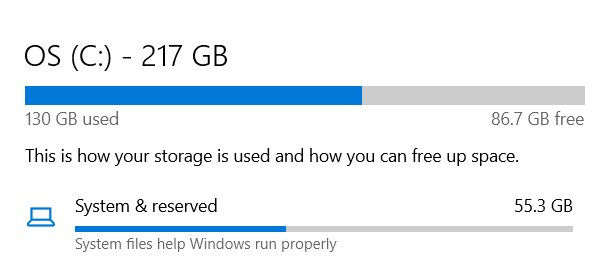
All keyboard shortcuts in Windows (category wise)

All keyboard shortcuts in Windows (category wise)

October 18, 2026 by Philip Celasco 1 Comment
All keyboard shortcuts in Windows (category wise)

Windows keyboard shortcuts by category: Windows key, File Explorer, text editing, screenshots, taskbar, virtual desktops, Terminal, Edge and accessibility.
Posted in: How to, Windows
How to
Capability Access Manager taking up storage in Windows 11

Capability Access Manager taking up storage in Windows 11

October 18, 2026 by Philip Celasco Leave a Comment
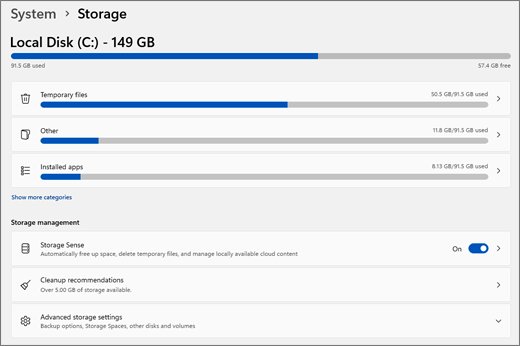
Capability Access Manager taking up storage in Windows 11

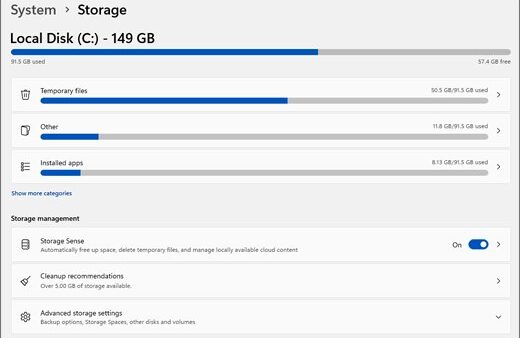
Capability Access Manager taking up storage in Windows 11? Install KB5095093 or a later update to fix the growing CapabilityAccessManager.db-wal file safely.
Posted in: How to, Windows
How to
8 tips to organize files efficiently on your Windows PC

8 tips to organize files efficiently on your Windows PC

October 18, 2026 by Philip Celasco Leave a Comment
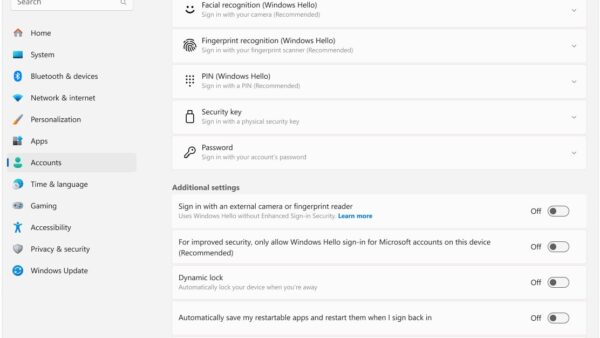
8 tips to organize files efficiently on your Windows PC

Organize files on your Windows PC with a clear folder system, Quick access pins, new save and download locations, the preview pane, saved searches and folder views.
Posted in: How to, Windows
How to
How to set up picture password in Windows 11

How to set up picture password in Windows 11

October 18, 2026 by Philip Celasco Leave a Comment
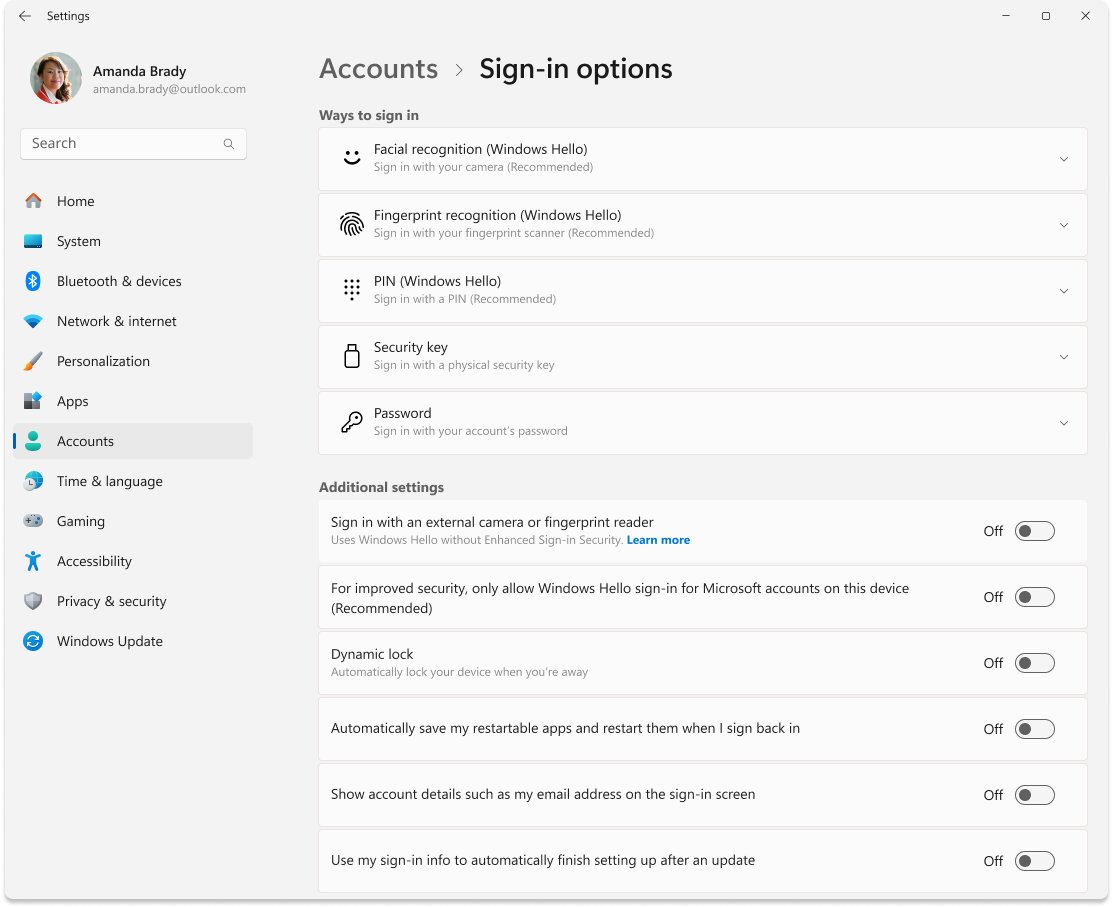
How to set up picture password in Windows 11

Set up picture password in Windows 11 from Settings > Accounts > Sign-in options, draw three gestures, sign in with them, and fix the option when it is missing.
Posted in: How to, Windows
How to
How to download & install WordPad on Windows 11 (2026)

How to download & install WordPad on Windows 11 (2026)

October 18, 2026 by Philip Celasco Leave a Comment
How to download & install WordPad on Windows 11 (2026)

WordPad download for Windows 11: reinstall it from Optional features on 23H2 or earlier. It is removed in 24H2 and later, so use Word, Notepad or LibreOffice.
Posted in: How to, Windows
How to
How to find and use Windows Search in Windows 10 and 11

How to find and use Windows Search in Windows 10 and 11

October 18, 2026 by Philip Celasco Leave a Comment
How to find and use Windows Search in Windows 10 and 11

Find Windows Search on the taskbar or press Windows key + S in Windows 10 and 11. Filters, File Explorer search, indexing, history settings and fixes.
Posted in: How to, Windows
How to
TS file (what it is & how to open one)

TS file (what it is & how to open one)

October 18, 2026 by Philip Celasco Leave a Comment
TS file (what it is & how to open one)

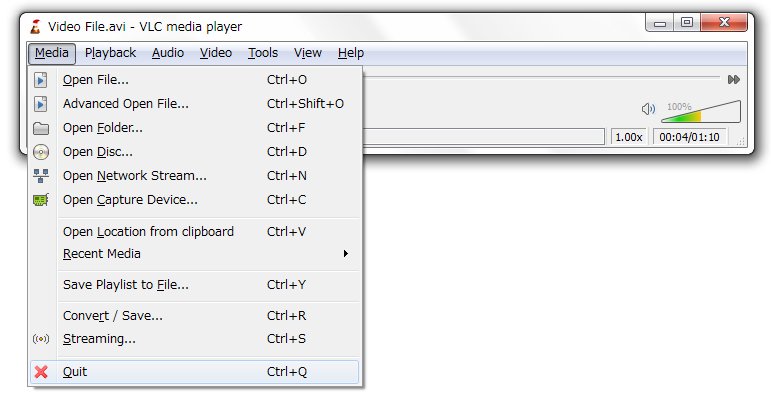
A TS file is usually an MPEG-2 transport stream video. Open it in VLC, play it from OneDrive, convert TS to MP4 with VLC, HandBrake or FFmpeg.
Posted in: How to, Windows
How to
6 best free virtual webcam software for Windows [2026 update]

6 best free virtual webcam software for Windows [2026 update]

October 18, 2026 by Philip Celasco Leave a Comment
6 best free virtual webcam software for Windows [2026 update]

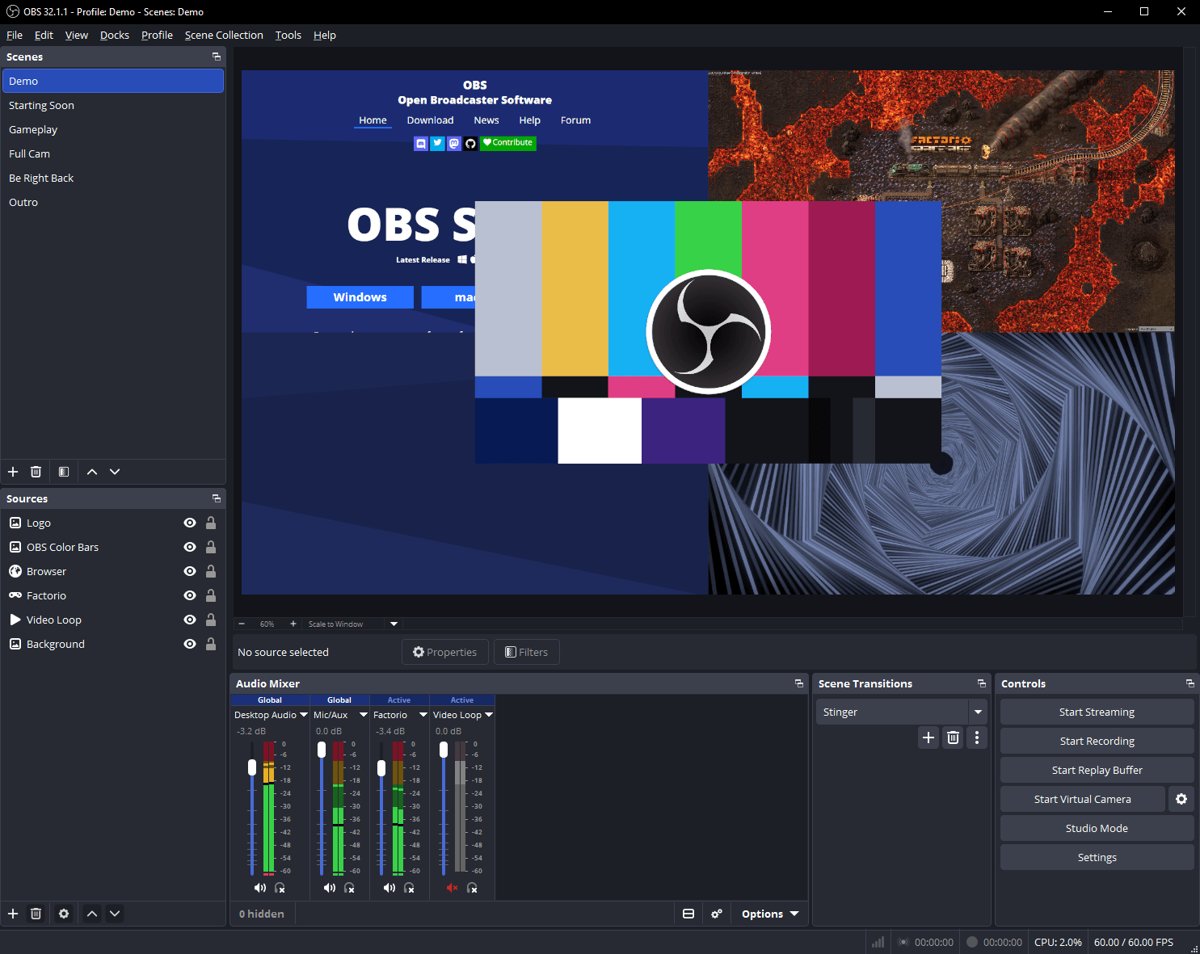
Free virtual webcam software for Windows compared: OBS Studio, Streamlabs, NVIDIA Broadcast, Windows phone camera, Studio Effects and Logitech Capture.

Posted in: How to, Windows
« Previous 1 … 37 38 39 … 88 Next »

More from Techdows

Drop a pin in Google Maps - Google Maps app open on a phone
How to drop a pin in Google Maps on desktop and mobile
How to · 5 hours ago
Allow Easy Anti Cheat through firewall - gaming PC setup with monitor and keyboard
How to allow Easy Anti Cheat through firewall
How to · 5 hours ago
Search bar missing in Google Chrome - web browser open on a laptop
Search bar is missing in Google Chrome [how to fix]
How to · 5 hours ago
Tablet mode in Windows 11 - 2-in-1 tablet with kickstand cover and pen
How to use Tablet mode in Windows 11
How to · 5 hours ago
Change display name on lock screen in Windows 11 - Windows laptop showing the lock screen clock
How to change display name on lock screen Windows 11
How to · 4 hours ago
Log in to Apple Card online to pay bills - payment cards next to an iPhone
How to log in to Apple Card online to pay bills
How to · 4 hours ago
WhatsApp Business for PC - chatting on a phone next to a desktop PC monitor
WhatsApp Business for PC or laptop (Windows 11 or 10): Download & install APK
How to · 4 hours ago
Google Drive sign in - Google letter blocks on a desk
How to use the Google Drive sign in
How to · 3 hours ago

© 2009–2026 Techdows · About · Contact · Privacy Policy

Copyright © 2026 Techdows.

Techdows WordPress Theme by Techdows