Techdows

Windows how-to guides, fixes and software downloads

  • Home
  • Settings and hardware

    • Printers
    • Sound and microphone
    • Wi-Fi and network
    • Bluetooth
    • Display and monitors
    • Drivers
    • Keyboard shortcuts and symbols

    Using Windows

    • File Explorer
    • Storage and disk space
    • Taskbar, Start and desktop
    • Apps and default programs
    • Accounts and sign-in
    • Copilot in Windows
    • Command Prompt and PowerShell

    Updates and fixes

    • Windows Update
    • Windows 11 26H2
    • Error codes and BSOD
    • Boot, BIOS and recovery
    • Security and Defender
    • Task Manager and performance
    • DLL and runtime errors

    Popular fixes

    • Get help in Windows 11
    • Connect a wireless printer
    • Re-pair Bluetooth earbuds for stereo sound
    • Cancel a stuck print job
    • Change default programs

    All Windows guides →

  • Browse by type

    • Web browsers
    • Office and productivity apps
    • PC games and launchers
    • Phone and media apps
    • Developer tools
    • Creative apps
    • CAD software
    • System utilities and drivers

    Popular downloads

    • GTA V for PC
    • YouTube app for PC
    • Google Meet for PC
    • Cisco Packet Tracer
    • TikTok for PC

    Windows tools

    • PC Health Check app
    • HEVC Video Extension
    • DirectX 12
    • Cinebench R23

    All download guides →

  • Browser guides

    • Microsoft Edge
    • Google Chrome
    • Firefox
    • Web browsers for PC

    Microsoft Edge

    • Fix WebView2 using too much memory
    • Internet Explorer mode in Edge
    • Manage Edge favorites
    • Set or remove Edge as default

    Chrome and Firefox

    • Make Chrome the default browser
    • Restore closed tabs
    • Change the default web browser

    All browser guides →

  • Office guides

    • Outlook
    • Excel
    • Word and PowerPoint
    • OneDrive
    • Install Microsoft 365

    Meetings and other tools

    • Teams, Zoom and Google Meet
    • Google Docs and Sheets
    • PDF tools

    Office apps

    • Office product key
    • Office Deployment Tool
    • What is OneDrive?
    • Turn off OneDrive in Windows 11

    Outlook and Teams

    • Outlook inbox view changed
    • Schedule an email in Outlook
    • Outlook dark mode
    • Teams breakout rooms

    All Office and productivity guides →

  • PHP security

    • PHP2Shell patch download
    • PHP critical RCE security update
    • CVE-2026-109618 fix
    • CVE-2026-109619 explained
    • Mitigations if you can't update

    Update PHP

    • Update PHP to the latest version
    • Check your PHP version
    • Update PHP on Ubuntu and Debian
    • Restart PHP-FPM

    Hosting and local servers

    • Update PHP in XAMPP
    • Change PHP version in cPanel
    • Update PHP in Laragon and WampServer
    • Update PHP Docker images
    • WordPress PHP version check

    PHP downloads

    • PHP 8.5.12 download
    • PHP 8.4.27 download
    • PHP 8.3.36 and 8.2.35 download
    • Download PHP for Windows

    PHP2Shell by platform

    • PHP 8.3 fix on Ubuntu 24.04
    • PHP 8.1 fix on Ubuntu 22.04
    • PHP 8.2 and 8.4 fix on Debian
    • Update PHP on IIS
    • Cloudflare PHP2Shell WAF rule

    All PHP guides →

  • Sections

    • Gaming
    • Apple
    • Android
    • Apps and services
    • Developer and IT

    Apple

    • iPhone tips and fixes
    • Reset and restore iPhone
    • iPad
    • Mac and macOS
    • Apple Account and iCloud
    • Apple devices on Windows

    Apps, Android and gaming

    • Gmail and Google account
    • YouTube
    • Social media accounts
    • Streaming TV
    • Android and Samsung Galaxy
    • PC gaming and Xbox
    • Roblox and Minecraft on PC

    Developer and IT

    • WSL and developer setup
    • Virtual machines
    • Group Policy and Intune
    • Windows Server
    • Website error codes
  • News
Home›Office and productivity

Office and productivity

189 articles

Microsoft 365, Office apps and other productivity tools: Outlook, Excel, Word and PowerPoint, OneDrive, installing and activating Microsoft 365, Teams, Zoom and Google Meet, Google Docs and Sheets and PDF tools.

How to
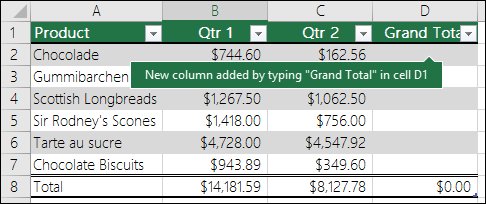
Excel Sort dialog with Sort by, Sort On and Order columns

How to move rows in Excel (4 simple & quick methods)

October 14, 2026 by Philip Celasco Leave a Comment
Excel Sort dialog with Sort by, Sort On and Order columns

Move rows in Excel without replacing data: Shift-drag the row border, use Insert Cut Cells, swap rows with the pointer, or automate it with a VBA macro.
Posted in: How to, Office and productivity
How to
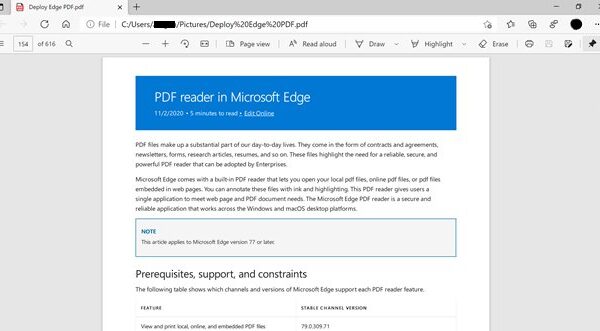
Excel table gaining a new column after typing a header next to it

How to create daily cash book format in Excel: 4 easy method

October 14, 2026 by Philip Celasco Leave a Comment
Excel table gaining a new column after typing a header next to it

Create a daily cash book format in Excel with a running balance formula, a table with drop-downs, a template or a VBA macro. Steps, formulas and fixes.
Posted in: How to, Office and productivity
How to
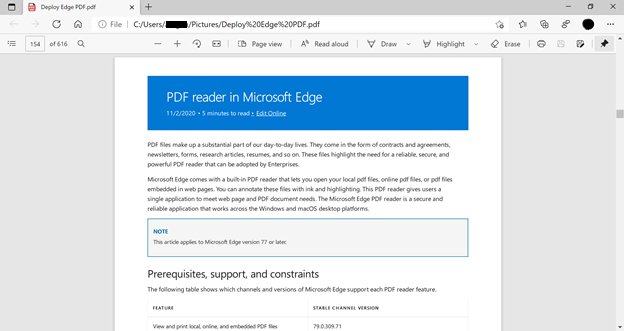
PDF open in a Microsoft Edge tab with the PDF toolbar

How to open PDF files in Windows 11

October 14, 2026 by Philip Celasco 1 Comment
PDF open in a Microsoft Edge tab with the PDF toolbar

Open PDF files in Windows 11 by double-clicking them, which loads Microsoft Edge’s built-in reader. Use Open with, separate windows, and fix PDFs that won’t open.


Posted in: How to, Office and productivity
How to
Office 365 Education page with a Get started for students button

How to get Microsoft Word as a student

October 14, 2026 by Philip Celasco 1 Comment
Office 365 Education page with a Get started for students button

Get Microsoft Word as a student free with a school email via Office 365 Education, install desktop Word if your school licenses it, or use the college discount.
Posted in: How to, Office and productivity
How to
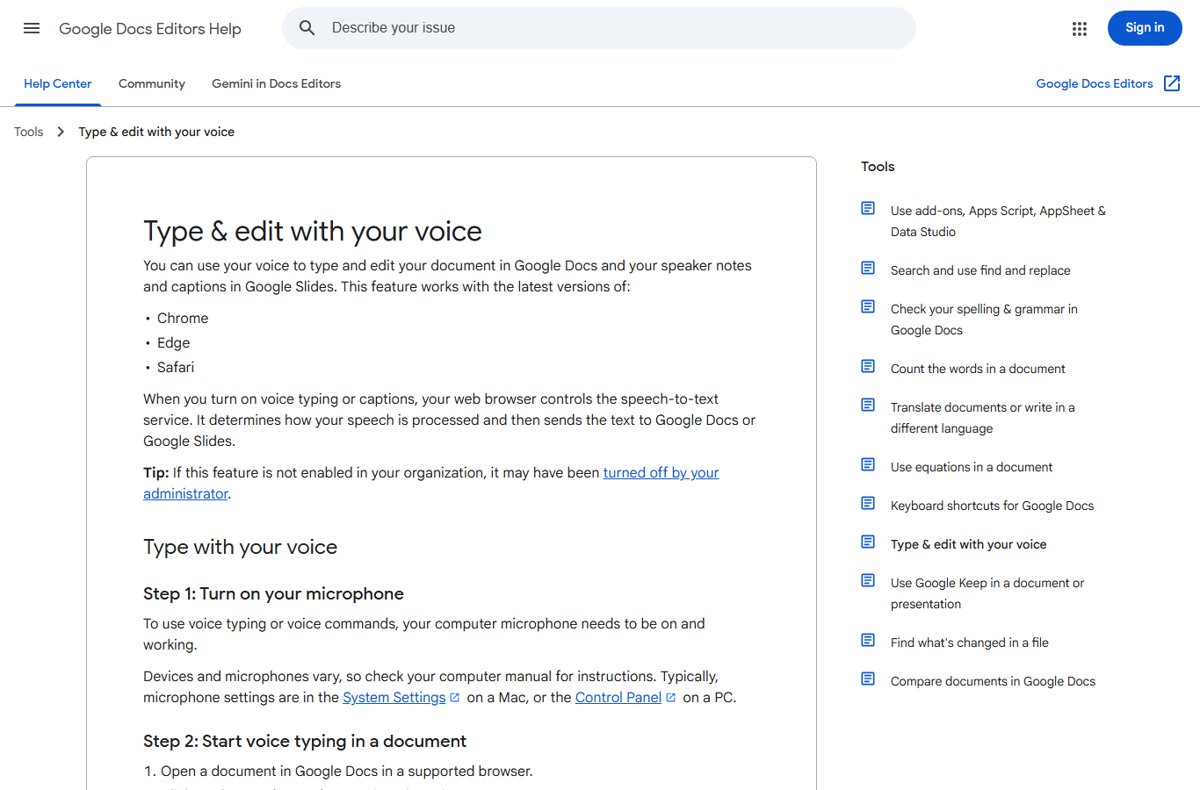
Google Docs Editors Help page on typing and editing with your voice

How to use voice typing on Google Docs on Windows, Mac, iPhone or Android

October 14, 2026 by Philip Celasco Leave a Comment
Google Docs Editors Help page on typing and editing with your voice

Use voice typing in Google Docs with Tools > Voice typing or Ctrl + Shift + S on Windows and Mac, plus keyboard dictation on iPhone and Android, and fixes.
Posted in: How to, Office and productivity
How to
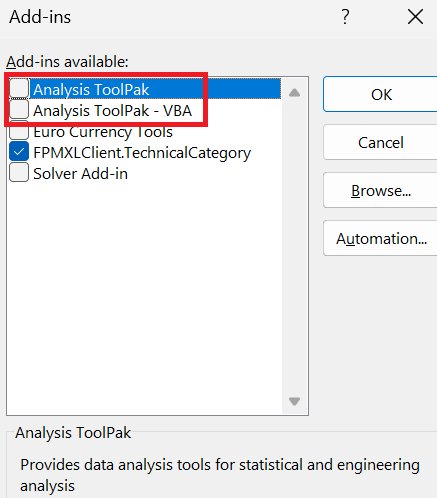
Excel Add-ins box with Analysis ToolPak listed at the top

How to find mean, median, and mode on Excel: 3 easy methods

October 14, 2026 by Philip Celasco Leave a Comment
Excel Add-ins box with Analysis ToolPak listed at the top

Find mean, median and mode in Excel with AVERAGE, MEDIAN and MODE.SNGL, the Analysis ToolPak, or a manual sort-and-count check, with a worked example.
Posted in: How to, Office and productivity
How to
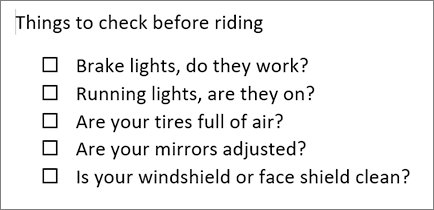
Word list of checklist questions with an empty tick box before each

How to make a worksheet in Word: step-by-step guide for beginners

October 14, 2026 by Philip Celasco 1 Comment
Word list of checklist questions with an empty tick box before each

Make a worksheet in Word: set margins, add a name and date header, build questions in tables, add answer lines and check boxes, then save, print or share as PDF.
Posted in: How to, Office and productivity
How to
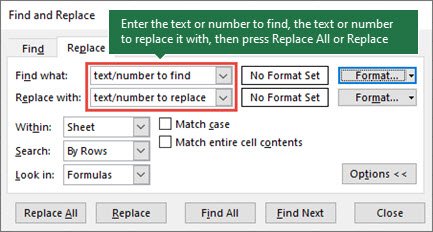
Excel Find and Replace dialog open on the Replace tab

How to remove white space in Excel (6 easy ways)

October 14, 2026 by Philip Celasco Leave a Comment
Excel Find and Replace dialog open on the Replace tab

Remove white space in Excel with =TRIM(A2), Find and Replace, SUBSTITUTE, Power Query or a VBA macro. Fix nonbreaking spaces and delete blank rows too.
Posted in: How to, Office and productivity
How to
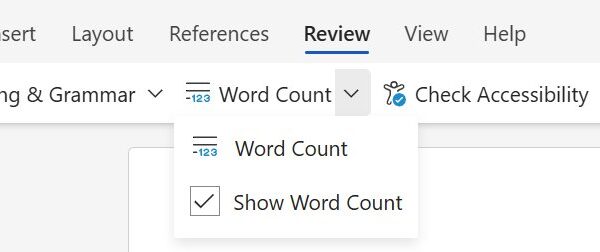
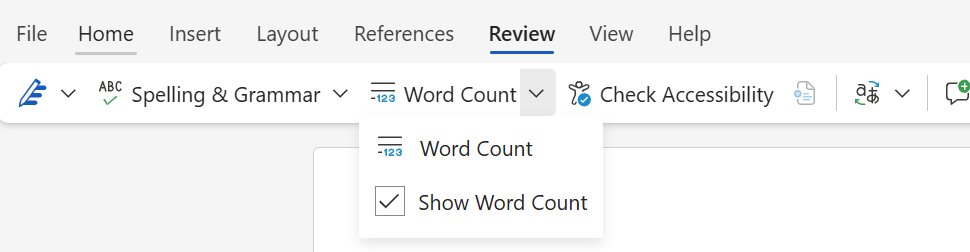
Word Review tab with the Word Count menu and Show Word Count ticked

How to find word count in Microsoft Word [updated 2026]

October 13, 2026 by Philip Celasco Leave a Comment
Word Review tab with the Word Count menu and Show Word Count ticked

Find word count in Microsoft Word from the status bar, the Word Count box or Review > Word Count online. Count selected text, insert a count and fix a missing one.
Posted in: How to, Office and productivity
How to
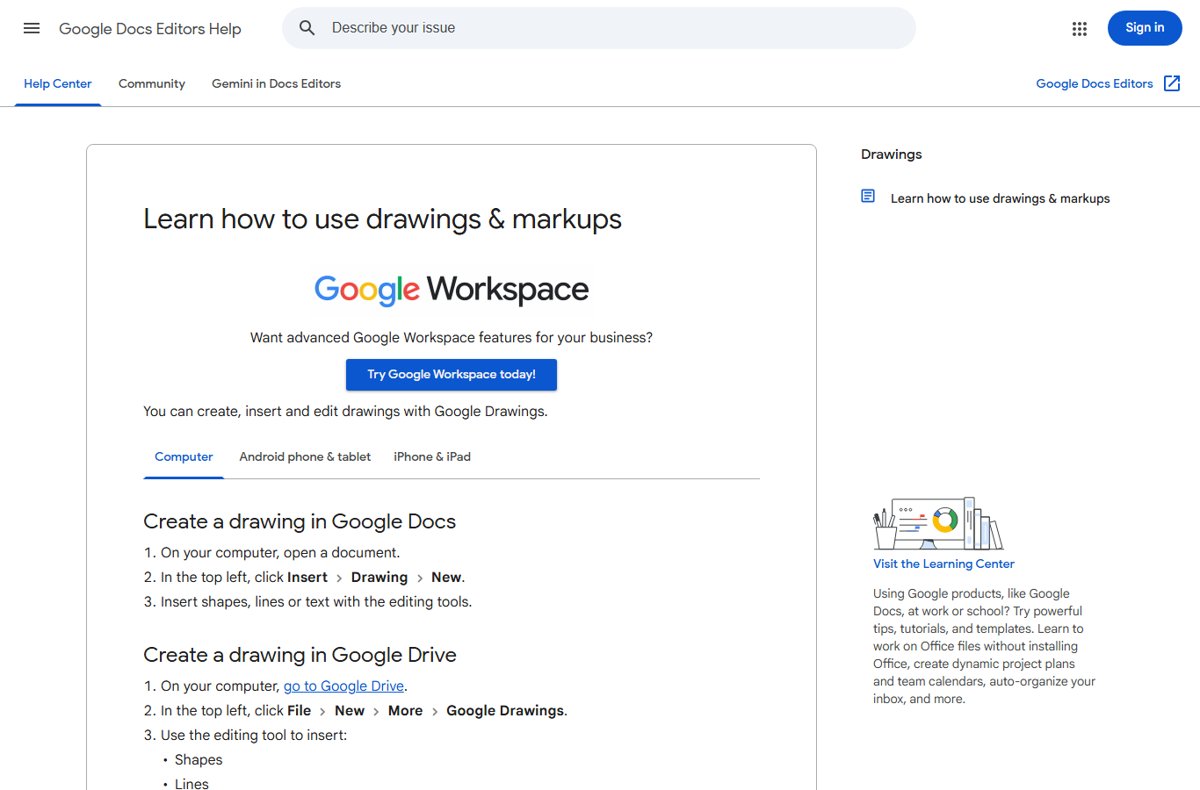
Google Docs Editors Help page on creating a drawing in Google Docs

How to insert text box in Google Docs: a step-by-step guide

October 13, 2026 by Philip Celasco 1 Comment
Google Docs Editors Help page on creating a drawing in Google Docs

Insert a text box in Google Docs with Insert > Drawing > New > Text box, or use a one-cell table. Steps for desktop and phone, borders, editing and fixes.
Posted in: How to, Office and productivity
How to
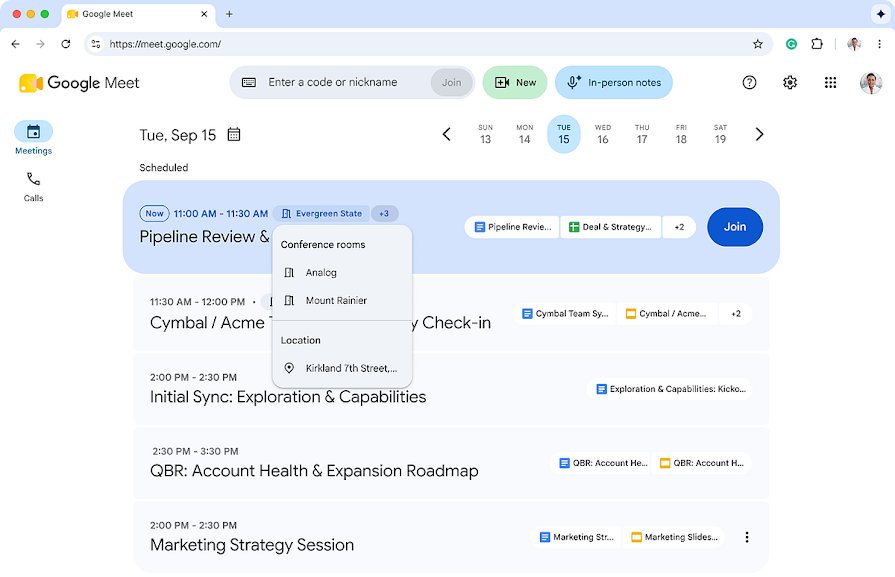
Google Meet home page showing the Enter a code or nickname box

How Google Meet join code works and how to use it

October 13, 2026 by Philip Celasco Leave a Comment
Google Meet home page showing the Enter a code or nickname box

A Google Meet join code is a 10-character meeting ID. Enter it at meet.google.com, in Gmail or the Meet app, and learn how long codes last and why they fail.
Posted in: How to, Office and productivity
How to
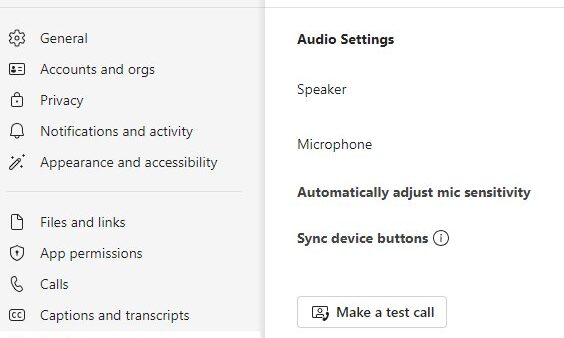
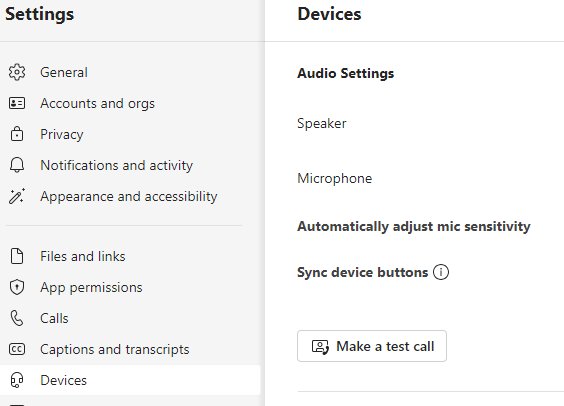
Teams Settings Devices page with Make a test call under Audio Settings

How to do a test call on Teams

October 12, 2026 by Philip Celasco Leave a Comment
Teams Settings Devices page with Make a test call under Audio Settings

Do a test call on Teams from Settings > Devices > Make a test call. Record a message, hear the playback, read the summary, and fix mic, speaker or camera issues.

Posted in: How to, Office and productivity
« Previous 1 … 8 9 10 … 16 Next »

More from Techdows

No Location Found on iPhone - phone showing a map
No location found iPhone message? Here’s how to fix it
Apple · 5 hours ago
Find all photos on Windows 11 computer - photos on a laptop screen
How to find all photos on my computer Windows 11: step-by-step guide
How to · 5 hours ago
Set up a VPN connection in Windows 11 - laptop with a VPN screen
Set up a VPN connection with Windows 10/11 built-in client (IKEv2)
How to · 5 hours ago
Audio inputs and outputs missing from Device Manager - laptop with speakers
Audio inputs and outputs missing from Device Manager
How to · 5 hours ago
Sysdm.cpl System Properties - Windows desktop PC setup
What is Sysdm.cpl & how to use it
How to · 4 hours ago
Repair WMI repository on Windows - server rack with network cables
How to repair (rebuild) the WMI repository on Windows
How to · 4 hours ago
Enable G-Sync on Windows 11 - dual gaming monitors
How to enable G-Sync on Windows 11, GPU, and monitor
How to · 4 hours ago
Caret browsing in Windows 11/10 - keyboard keys
Turn on or off caret browsing support in Windows 11/10
How to · 4 hours ago

© 2009–2026 Techdows · About · Contact · Privacy Policy

Copyright © 2026 Techdows.

Techdows WordPress Theme by Techdows