Techdows

Windows how-to guides, fixes and software downloads

  • Home
  • Settings and hardware

    • Printers
    • Sound and microphone
    • Wi-Fi and network
    • Bluetooth
    • Display and monitors
    • Drivers
    • Keyboard shortcuts and symbols

    Using Windows

    • File Explorer
    • Storage and disk space
    • Taskbar, Start and desktop
    • Apps and default programs
    • Accounts and sign-in
    • Copilot in Windows
    • Command Prompt and PowerShell

    Updates and fixes

    • Windows Update
    • Windows 11 26H2
    • Error codes and BSOD
    • Boot, BIOS and recovery
    • Security and Defender
    • Task Manager and performance
    • DLL and runtime errors

    Popular fixes

    • Get help in Windows 11
    • Connect a wireless printer
    • Re-pair Bluetooth earbuds for stereo sound
    • Cancel a stuck print job
    • Change default programs

    All Windows guides →

  • Browse by type

    • Web browsers
    • Office and productivity apps
    • PC games and launchers
    • Phone and media apps
    • Developer tools
    • Creative apps
    • CAD software
    • System utilities and drivers

    Popular downloads

    • GTA V for PC
    • YouTube app for PC
    • Google Meet for PC
    • Cisco Packet Tracer
    • TikTok for PC

    Windows tools

    • PC Health Check app
    • HEVC Video Extension
    • DirectX 12
    • Cinebench R23

    All download guides →

  • Browser guides

    • Microsoft Edge
    • Google Chrome
    • Firefox
    • Web browsers for PC

    Microsoft Edge

    • Fix WebView2 using too much memory
    • Internet Explorer mode in Edge
    • Manage Edge favorites
    • Set or remove Edge as default

    Chrome and Firefox

    • Make Chrome the default browser
    • Restore closed tabs
    • Change the default web browser

    All browser guides →

  • Office guides

    • Outlook
    • Excel
    • Word and PowerPoint
    • OneDrive
    • Install Microsoft 365

    Meetings and other tools

    • Teams, Zoom and Google Meet
    • Google Docs and Sheets
    • PDF tools

    Office apps

    • Office product key
    • Office Deployment Tool
    • What is OneDrive?
    • Turn off OneDrive in Windows 11

    Outlook and Teams

    • Outlook inbox view changed
    • Schedule an email in Outlook
    • Outlook dark mode
    • Teams breakout rooms

    All Office and productivity guides →

  • PHP security

    • PHP2Shell patch download
    • PHP critical RCE security update
    • CVE-2026-109618 fix
    • CVE-2026-109619 explained
    • Mitigations if you can't update

    Update PHP

    • Update PHP to the latest version
    • Check your PHP version
    • Update PHP on Ubuntu and Debian
    • Restart PHP-FPM

    Hosting and local servers

    • Update PHP in XAMPP
    • Change PHP version in cPanel
    • Update PHP in Laragon and WampServer
    • Update PHP Docker images
    • WordPress PHP version check

    PHP downloads

    • PHP 8.5.12 download
    • PHP 8.4.27 download
    • PHP 8.3.36 and 8.2.35 download
    • Download PHP for Windows

    PHP2Shell by platform

    • PHP 8.3 fix on Ubuntu 24.04
    • PHP 8.1 fix on Ubuntu 22.04
    • PHP 8.2 and 8.4 fix on Debian
    • Update PHP on IIS
    • Cloudflare PHP2Shell WAF rule

    All PHP guides →

  • Sections

    • Gaming
    • Apple
    • Android
    • Apps and services
    • Developer and IT

    Apple

    • iPhone tips and fixes
    • Reset and restore iPhone
    • iPad
    • Mac and macOS
    • Apple Account and iCloud
    • Apple devices on Windows

    Apps, Android and gaming

    • Gmail and Google account
    • YouTube
    • Social media accounts
    • Streaming TV
    • Android and Samsung Galaxy
    • PC gaming and Xbox
    • Roblox and Minecraft on PC

    Developer and IT

    • WSL and developer setup
    • Virtual machines
    • Group Policy and Intune
    • Windows Server
    • Website error codes
  • News
Home›Office and productivity

Office and productivity

196 articles

Microsoft 365, Office apps and other productivity tools: Outlook, Excel, Word and PowerPoint, OneDrive, installing and activating Microsoft 365, Teams, Zoom and Google Meet, Google Docs and Sheets and PDF tools.

How to
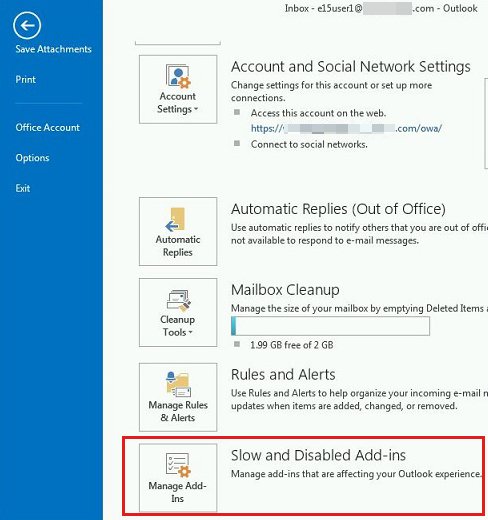
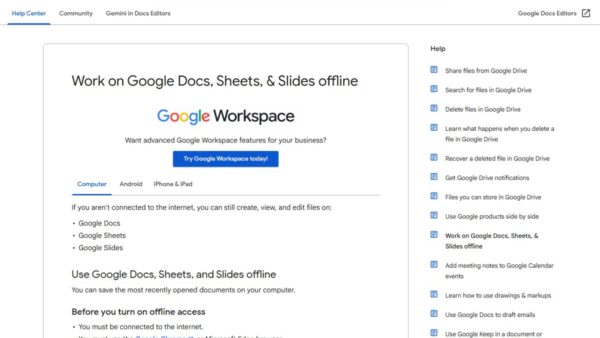
Outlook File tab Info page with the Manage Add-ins button highlighted

How to install and manage add-ins in Microsoft Outlook
October 8, 2026 by Philip Celasco Leave a Comment
Outlook File tab Info page with the Manage Add-ins button highlighted

Install add-ins in Microsoft Outlook from Add apps or Get Add-ins, then turn them on, off or remove them in new Outlook, classic Outlook and Outlook on the web.
Posted in: How to, Office and productivity
How to
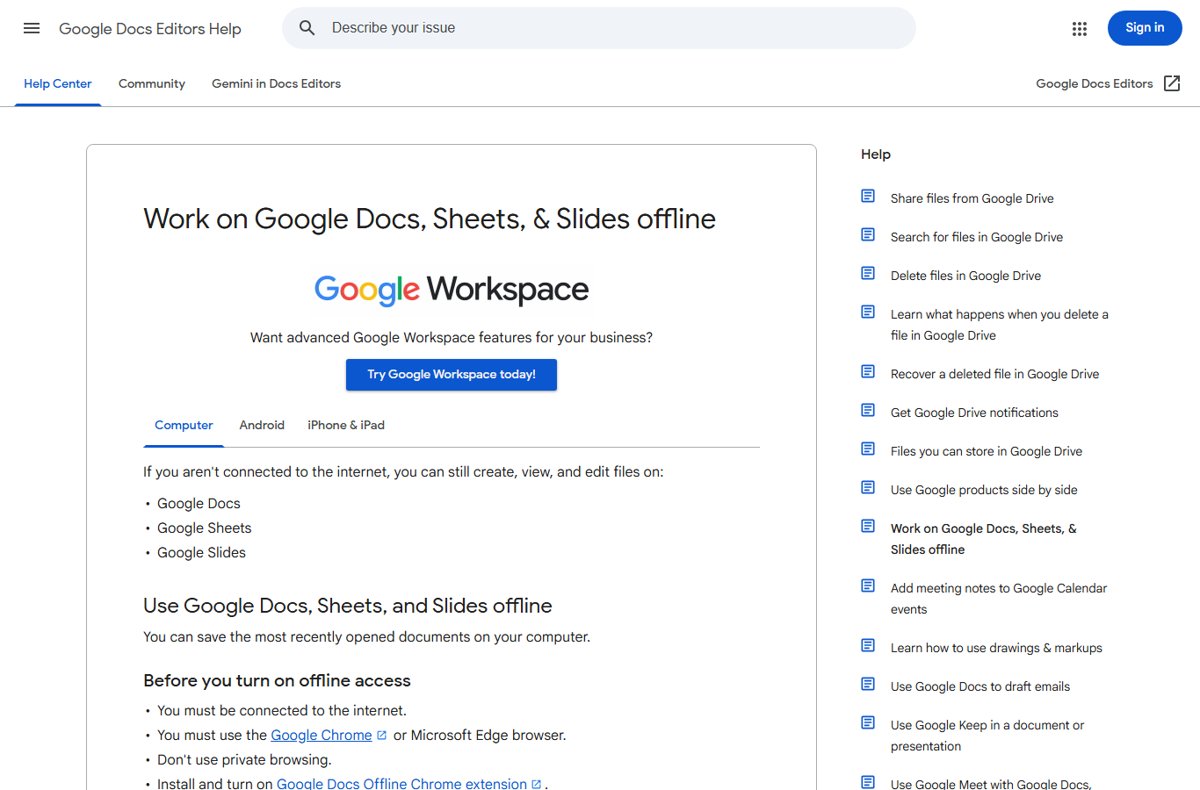
Google Docs Help page on working offline with Docs, Sheets and Slides

How to use Google Docs offline: a step-by-step guide

October 8, 2026 by Philip Celasco 1 Comment
Google Docs Help page on working offline with Docs, Sheets and Slides

Use Google Docs offline by turning on Offline in Google Drive settings in Chrome or Edge with the Docs Offline extension. Mobile steps, syncing and fixes.
Posted in: How to, Office and productivity
How to
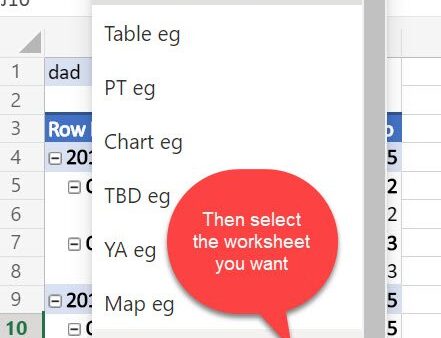
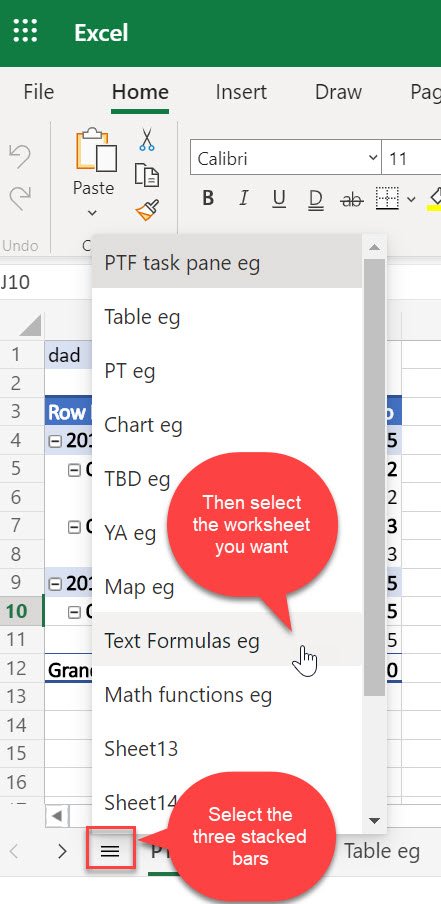
Excel for the web All Sheets menu listing every worksheet tab

How to Cycle Through Excel Tabs on Keyboard

October 7, 2026 by Philip Celasco 1 Comment
Excel for the web All Sheets menu listing every worksheet tab

Cycle through Excel tabs on keyboard with Ctrl + Page Down and Ctrl + Page Up. Shortcuts for Windows, Mac and Excel for the web, plus fixes when they fail.
Posted in: How to, Office and productivity
How to
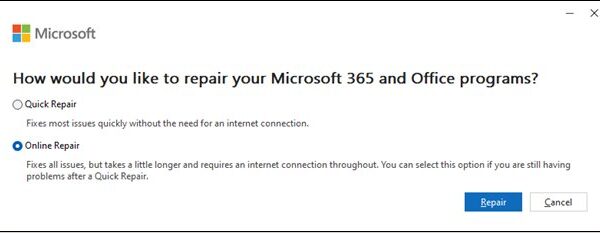
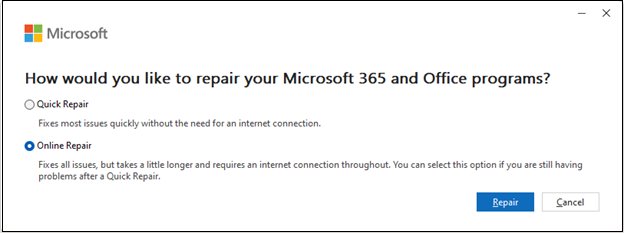
Office repair dialog with Online Repair selected over Quick Repair

How to Fix ‘Something Went Wrong’ Error in Office

October 7, 2026 by Philip Celasco Leave a Comment
Office repair dialog with Online Repair selected over Quick Repair

Fix the Something Went Wrong error in Office: restart, update, run Online Repair, sign in again, remove bad add-ins, clear the cache, or reinstall Microsoft 365.
Posted in: How to, Office and productivity
How to
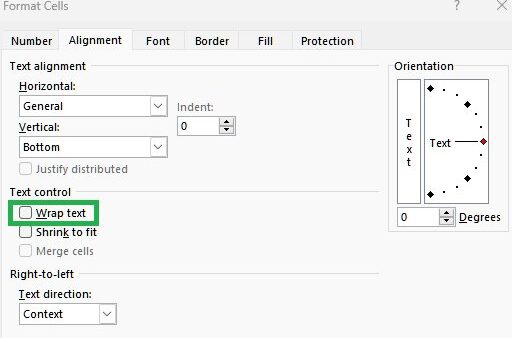
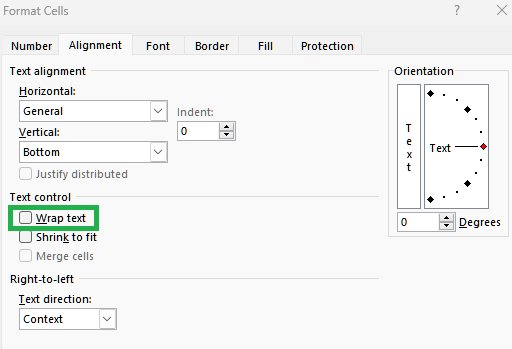
Format Cells Alignment tab with the Wrap text checkbox outlined

How to Wrap Text Automatically in Excel – 5 Methods

October 7, 2026 by Philip Celasco Leave a Comment
Format Cells Alignment tab with the Wrap text checkbox outlined

Wrap text automatically in Excel with the Wrap Text button, Format Cells, AutoFit row height, keyboard KeyTips or a VBA macro. Steps, checks and fixes.
Posted in: How to, Office and productivity
How to
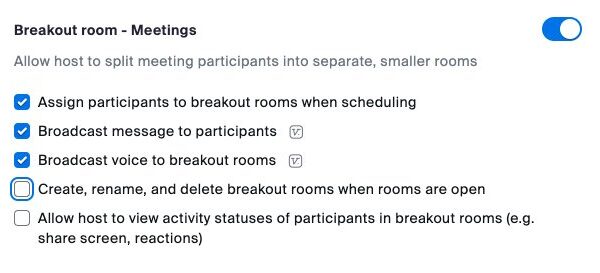
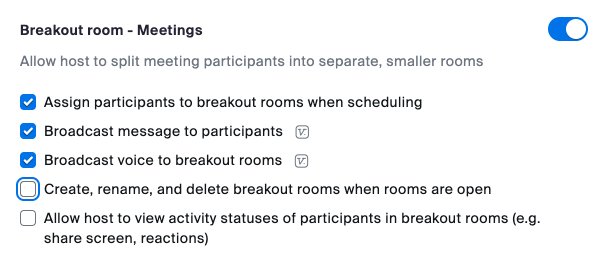
Breakout room Meetings toggle turned on with sub-option checkboxes

How to Use Breakout Rooms in Zoom [Step-by-Step Guide]

October 7, 2026 by Philip Celasco Leave a Comment
Breakout room Meetings toggle turned on with sub-option checkboxes

Use breakout rooms in Zoom: turn them on in the web portal, click Breakout Rooms in a meeting, assign people, then Open All Rooms. Options, pre-assigning and fixes.
Posted in: How to, Office and productivity
How to
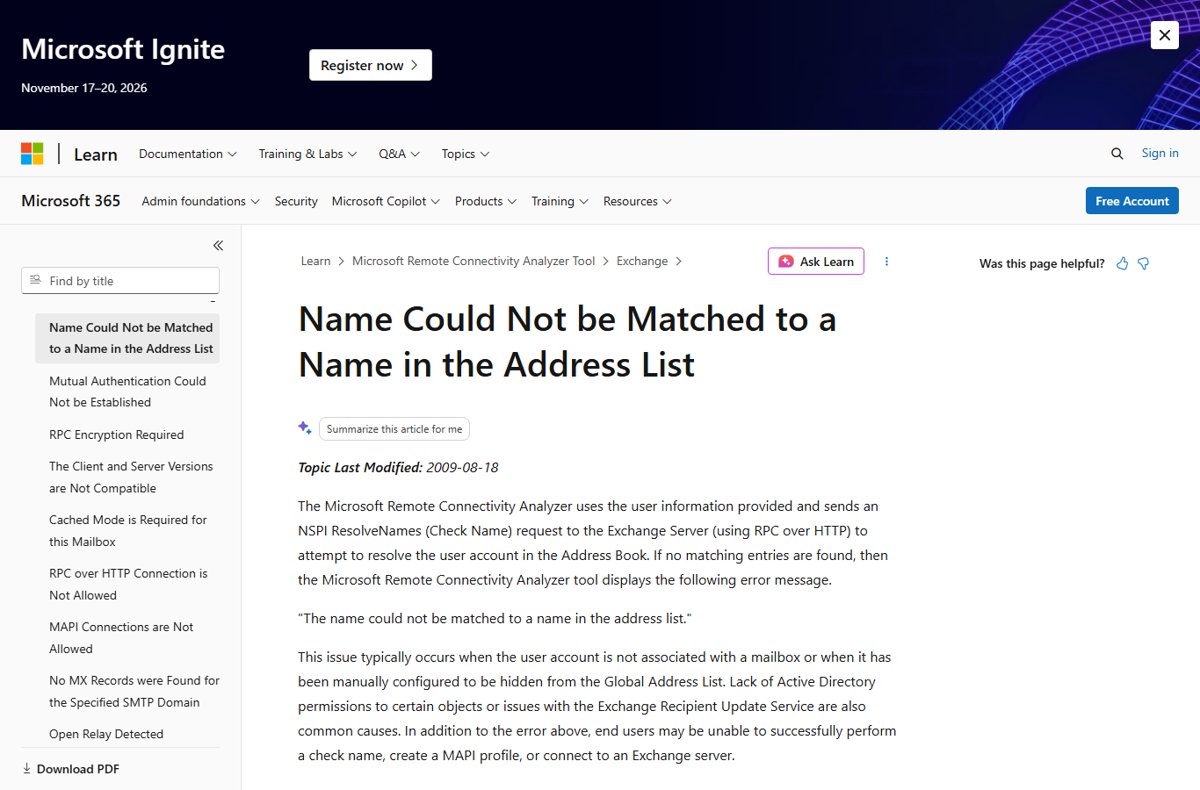
Microsoft Learn page explaining the address list name matching error

FIX: The name cannot be matched to a name in the address list on Outlook and Office365 – Exchange (Solved)

October 7, 2026 by Philip Celasco Leave a Comment
Microsoft Learn page explaining the address list name matching error

The name cannot be matched to a name in the address list: clear the Outlook nickname cache, unhide the mailbox in the GAL, and retest Autodiscover.
Posted in: How to, Office and productivity
How to
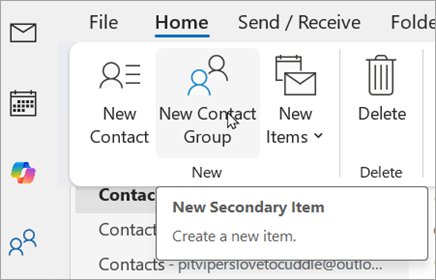
Classic Outlook ribbon with New Contact Group button highlighted

How to Create an Email Group and Distribution List in Outlook

October 6, 2026 by Philip Celasco 2 Comments
Classic Outlook ribbon with New Contact Group button highlighted

Create an email group in Outlook: contact groups in classic Outlook, contact lists in new Outlook and on the web, plus Microsoft 365 distribution lists.
Posted in: How to, Office and productivity
How to
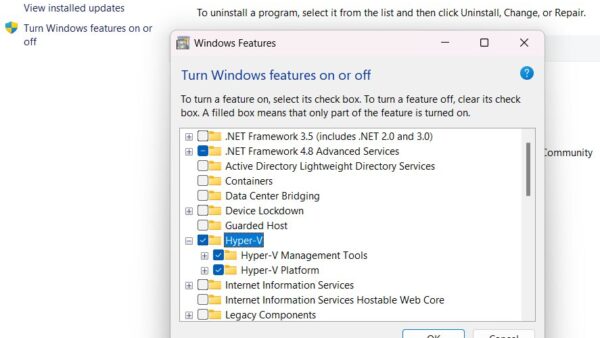
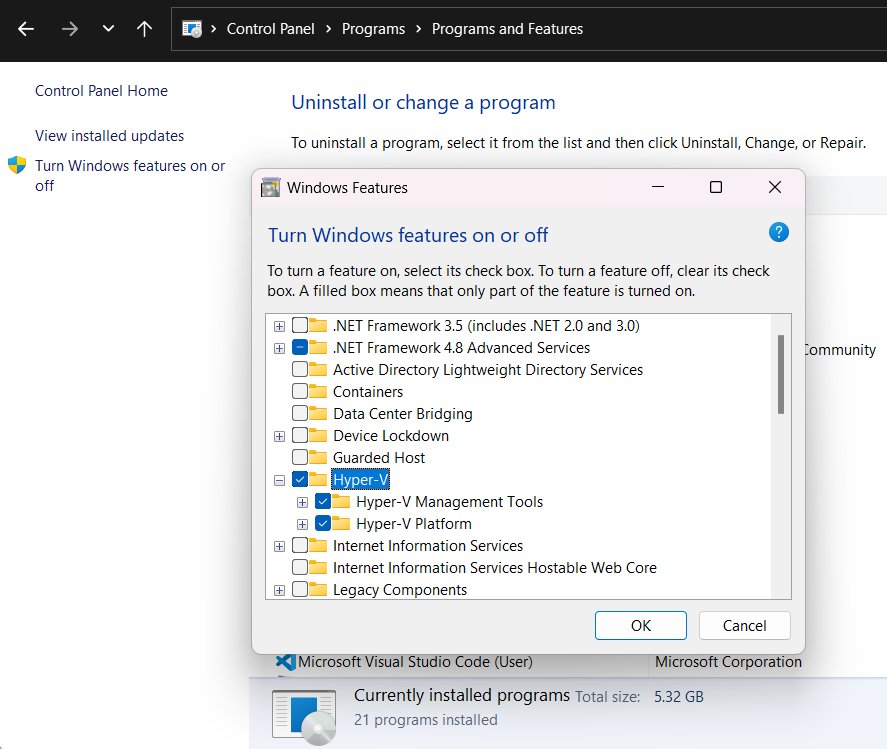
Turn Windows features on or off dialog with a scrollable checkbox list

How to Install/Add Microsoft Print to PDF Printer on Windows 11/10 [Tutorial]

October 6, 2026 by Philip Celasco 1 Comment
Turn Windows features on or off dialog with a scrollable checkbox list

Install Microsoft Print to PDF on Windows 11 or 10 by ticking it in Windows Features. Five methods, how to use it, and fixes when the PDF printer is missing.
Posted in: How to, Office and productivity
How to
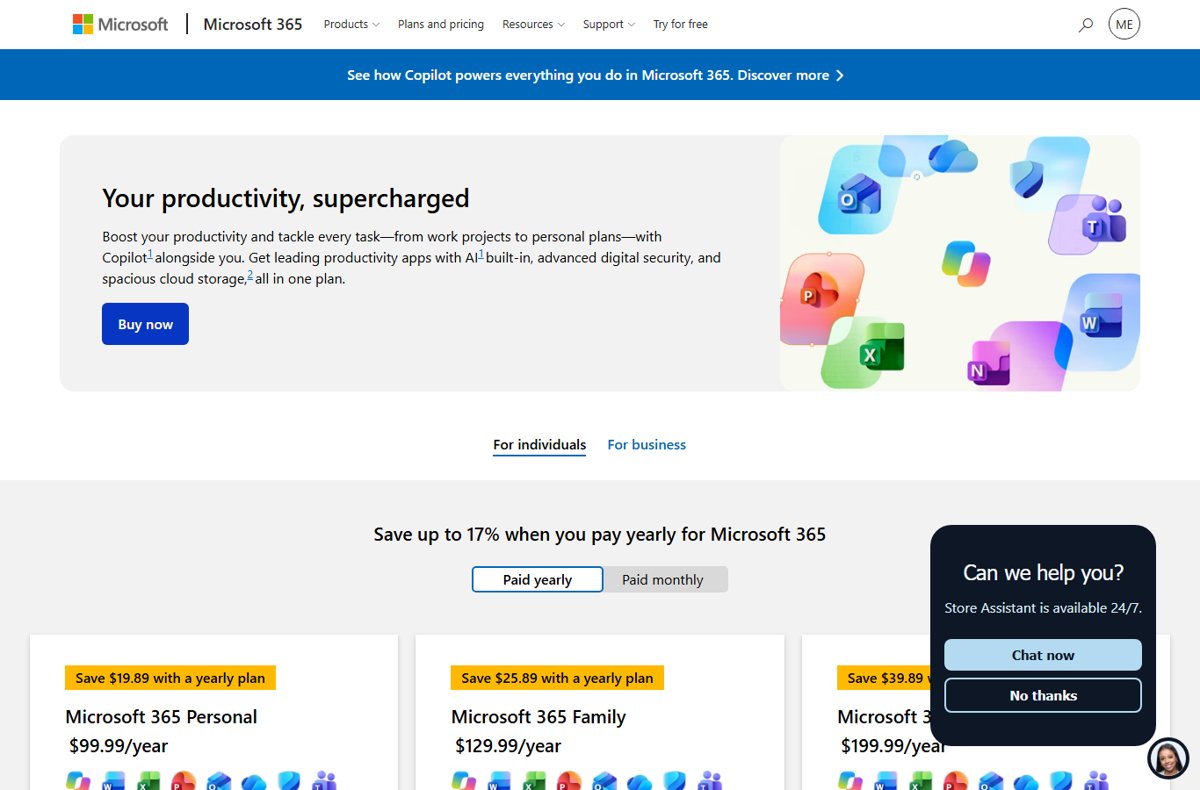
Microsoft's official pricing page listing Microsoft 365 Personal, Family and Premium costs

How Much Does Microsoft Word Cost

October 6, 2026 by Philip Celasco Leave a Comment
Microsoft's official pricing page listing Microsoft 365 Personal, Family and Premium costs

Microsoft Word costs nothing on the web and mobile, $99.99 a year in Microsoft 365 Personal, or $179.99 once in Office Home 2024. US prices, 22 September 2026.
Posted in: How to, Office and productivity
How to
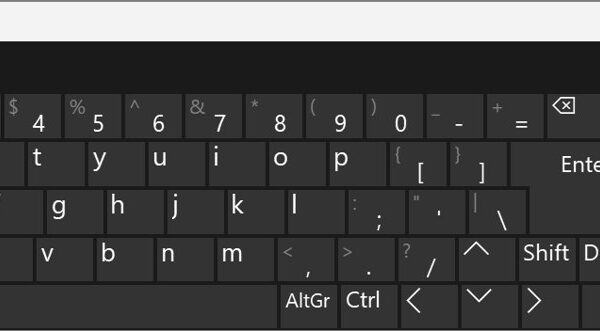
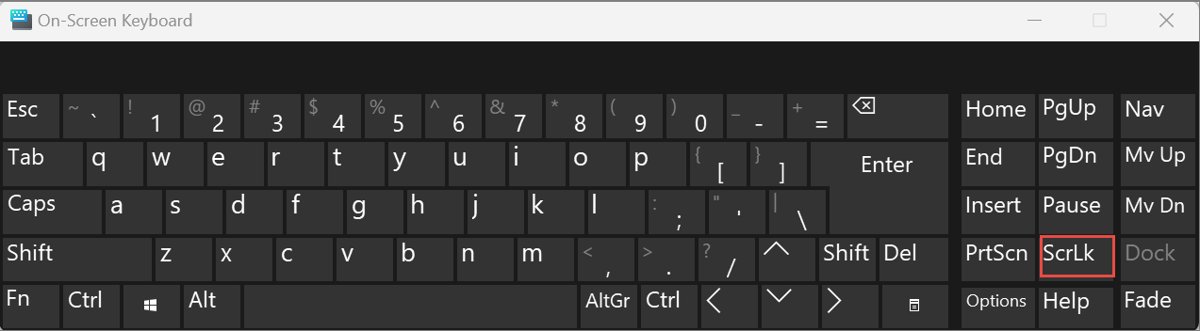
On-Screen Keyboard with the ScrLk key highlighted in red

[Fixed!] Keyboard Arrow Keys Not Working in Excel (7 Fixes)

October 6, 2026 by Philip Celasco Leave a Comment
On-Screen Keyboard with the ScrLk key highlighted in red

Arrow keys not working in Excel? Turn off Scroll Lock first, then leave Edit mode, test add-ins, check the keyboard, repair Office and update drivers.
Posted in: How to, Office and productivity
How to
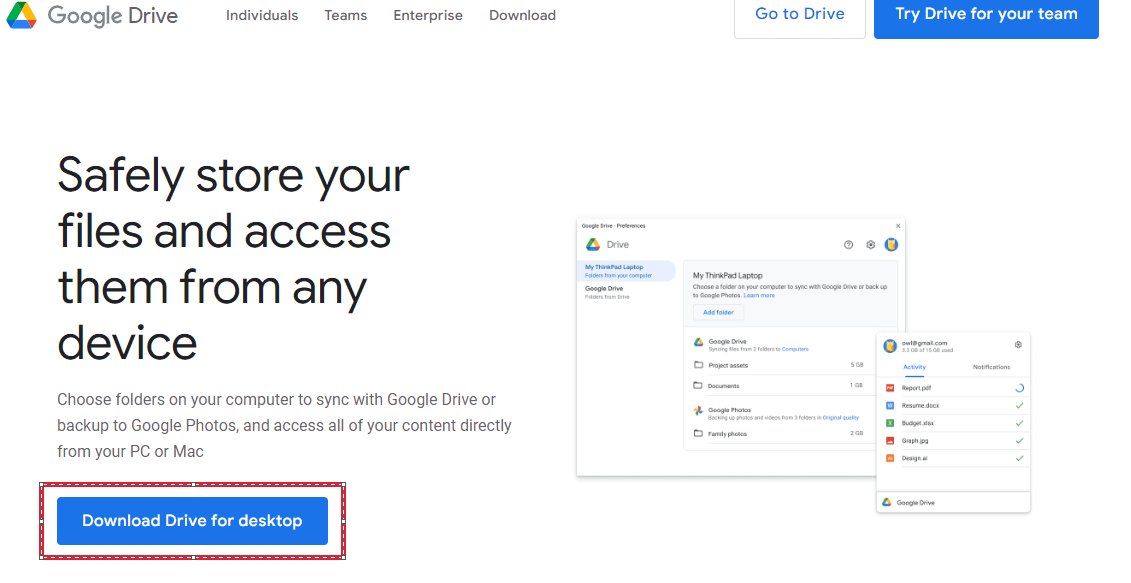
Google's Drive for desktop download page with the download button highlighted

How to Install and Use Google Drive File Stream

October 6, 2026 by Philip Celasco 1 Comment
Google's Drive for desktop download page with the download button highlighted

Google Drive File Stream is now Google Drive for desktop. Install it on Windows or Mac, pick stream or mirror, work offline and fix common sync problems.

Posted in: How to, Office and productivity
« Previous 1 … 12 13 14 … 17 Next »

More from Techdows

HP laptop keyboard not working - HP Envy laptop keyboard close-up
HP laptop keyboard not working? Try these fixes
How to · 5 hours ago
OST file open, find and convert - email envelope
What is an OST file? How to open, find & convert OST files
How to · 5 hours ago
mdnsNSP.dll blocked from loading into the Local Security Authority - laptop with green code on screen
mdnsNSP.dll blocked from loading into the Local Security Authority? How to fix it
How to · 4 hours ago
UEFI Secure Boot certificates on Windows devices - motherboard microprocessor close-up
Updating UEFI Secure Boot certificates on Windows devices explained
How to · 4 hours ago
Monitor going to sleep randomly - Windows PC with multiple monitors
Monitor going to sleep randomly? 9 ways to fix it
How to · 4 hours ago
Use Microsoft Office without paying - documents and a laptop on a desk
7 ways you can legally use Microsoft Office without paying for it
How to · 4 hours ago
Spotify not working - Spotify app page open on an iPad
Spotify not working? How to fix common app issues
How to · 3 hours ago
Microsoft Exchange on iPhone keeps asking for a password - iPhone on a wooden table
Microsoft Exchange on iPhone keeps asking for a password? How to fix it
How to · 2 hours ago

© 2009–2026 Techdows · About · Contact · Privacy Policy

Copyright © 2026 Techdows.

Techdows WordPress Theme by Techdows