Techdows

Windows how-to guides, fixes and software downloads

  • Home
  • Settings and hardware

    • Printers
    • Sound and microphone
    • Wi-Fi and network
    • Bluetooth
    • Display and monitors
    • Drivers
    • Keyboard shortcuts and symbols

    Using Windows

    • File Explorer
    • Storage and disk space
    • Taskbar, Start and desktop
    • Apps and default programs
    • Accounts and sign-in
    • Copilot in Windows
    • Command Prompt and PowerShell

    Updates and fixes

    • Windows Update
    • Windows 11 26H2
    • Error codes and BSOD
    • Boot, BIOS and recovery
    • Security and Defender
    • Task Manager and performance
    • DLL and runtime errors

    Popular fixes

    • Get help in Windows 11
    • Connect a wireless printer
    • Re-pair Bluetooth earbuds for stereo sound
    • Cancel a stuck print job
    • Change default programs

    All Windows guides →

  • Browse by type

    • Web browsers
    • Office and productivity apps
    • PC games and launchers
    • Phone and media apps
    • Developer tools
    • Creative apps
    • CAD software
    • System utilities and drivers

    Popular downloads

    • GTA V for PC
    • YouTube app for PC
    • Google Meet for PC
    • Cisco Packet Tracer
    • TikTok for PC

    Windows tools

    • PC Health Check app
    • HEVC Video Extension
    • DirectX 12
    • Cinebench R23

    All download guides →

  • Browser guides

    • Microsoft Edge
    • Google Chrome
    • Firefox
    • Web browsers for PC

    Microsoft Edge

    • Fix WebView2 using too much memory
    • Internet Explorer mode in Edge
    • Manage Edge favorites
    • Set or remove Edge as default

    Chrome and Firefox

    • Make Chrome the default browser
    • Restore closed tabs
    • Change the default web browser

    All browser guides →

  • Office guides

    • Outlook
    • Excel
    • Word and PowerPoint
    • OneDrive
    • Install Microsoft 365

    Meetings and other tools

    • Teams, Zoom and Google Meet
    • Google Docs and Sheets
    • PDF tools

    Office apps

    • Office product key
    • Office Deployment Tool
    • What is OneDrive?
    • Turn off OneDrive in Windows 11

    Outlook and Teams

    • Outlook inbox view changed
    • Schedule an email in Outlook
    • Outlook dark mode
    • Teams breakout rooms

    All Office and productivity guides →

  • PHP security

    • PHP2Shell patch download
    • PHP critical RCE security update
    • CVE-2026-109618 fix
    • CVE-2026-109619 explained
    • Mitigations if you can't update

    Update PHP

    • Update PHP to the latest version
    • Check your PHP version
    • Update PHP on Ubuntu and Debian
    • Restart PHP-FPM

    Hosting and local servers

    • Update PHP in XAMPP
    • Change PHP version in cPanel
    • Update PHP in Laragon and WampServer
    • Update PHP Docker images
    • WordPress PHP version check

    PHP downloads

    • PHP 8.5.12 download
    • PHP 8.4.27 download
    • PHP 8.3.36 and 8.2.35 download
    • Download PHP for Windows

    PHP2Shell by platform

    • PHP 8.3 fix on Ubuntu 24.04
    • PHP 8.1 fix on Ubuntu 22.04
    • PHP 8.2 and 8.4 fix on Debian
    • Update PHP on IIS
    • Cloudflare PHP2Shell WAF rule

    All PHP guides →

  • Sections

    • Gaming
    • Apple
    • Android
    • Apps and services
    • Developer and IT

    Apple

    • iPhone tips and fixes
    • Reset and restore iPhone
    • iPad
    • Mac and macOS
    • Apple Account and iCloud
    • Apple devices on Windows

    Apps, Android and gaming

    • Gmail and Google account
    • YouTube
    • Social media accounts
    • Streaming TV
    • Android and Samsung Galaxy
    • PC gaming and Xbox
    • Roblox and Minecraft on PC

    Developer and IT

    • WSL and developer setup
    • Virtual machines
    • Group Policy and Intune
    • Windows Server
    • Website error codes
  • News
Home›How to

How to

3,745 articles

How to
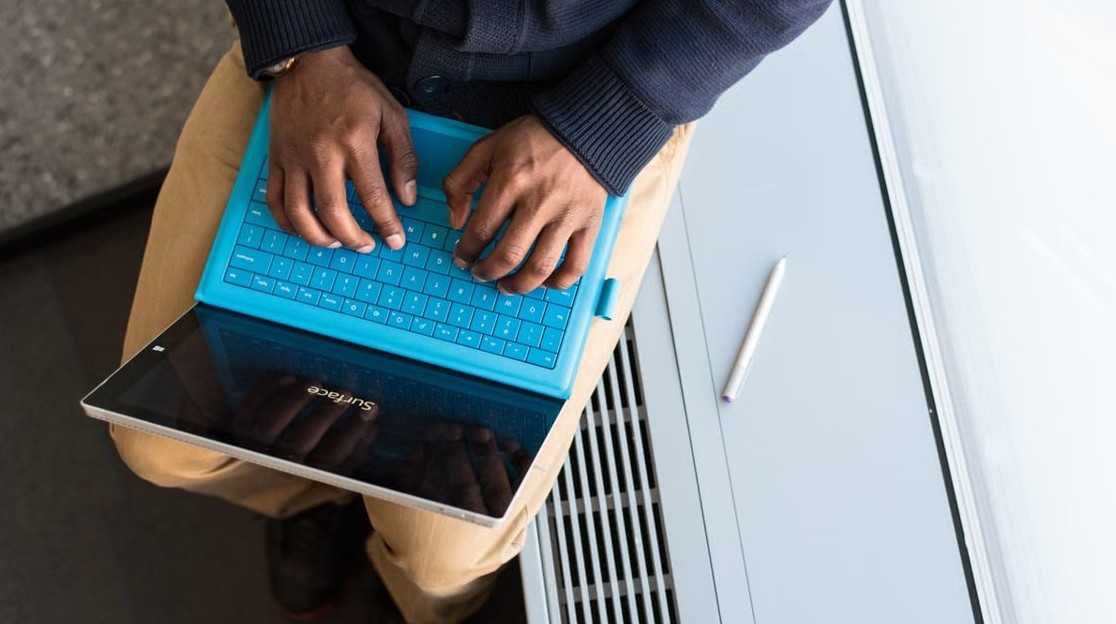
Get into the BIOS on a Microsoft Surface - Surface with a blue keyboard

How to get into the BIOS on a Microsoft Surface
November 9, 2026 by Philip Celasco Leave a Comment
Get into the BIOS on a Microsoft Surface - Surface with a blue keyboard

Get into the BIOS on a Microsoft Surface by holding volume-up and pressing power. Plus the Windows Settings route, Surface Pro 3 steps, boot order and Secure Boot.
Posted in: How to
How to
Find Windows 11 serial number and product key - Lenovo laptop on a desk

Find Windows 11 serial numbers and product keys with PowerShell CIM

November 9, 2026 by Philip Celasco Leave a Comment
Find Windows 11 serial number and product key - Lenovo laptop on a desk

Find a Windows 11 serial number and product key with PowerShell CIM commands, why results come back blank, WMIC replacements, and remote inventory steps.
Posted in: How to
How to
iPhone error -18 restore - iPhone resting on a MacBook keyboard

iPhone error -18 when trying to restore? How to fix it

November 8, 2026 by Philip Celasco Leave a Comment
iPhone error -18 restore - iPhone resting on a MacBook keyboard

Fix iPhone error -18 when a restore fails: update the Apple Devices app, iTunes or macOS, change cable and port, then restore in recovery mode on iPhone.
Posted in: How to
How to
Clean up your Windows 11/10 PC - Dell Windows laptop on a bed

8 simple ways to clean up your Windows 11/10 PC

November 8, 2026 by Philip Celasco Leave a Comment
Clean up your Windows 11/10 PC - Dell Windows laptop on a bed

Clean up your Windows 11/10 PC with built-in tools: uninstall apps, run Disk Cleanup, empty the Recycle Bin, optimize drives and trim startup apps and extensions.
Posted in: How to
How to
Microsoft Store on Windows 11 - laptop with a wireless mouse on a desk

Mastering Microsoft Store on Windows 11: Install, update, and manage apps

November 8, 2026 by Philip Celasco Leave a Comment
Microsoft Store on Windows 11 - laptop with a wireless mouse on a desk

Microsoft Store on Windows 11: open it, sign in, install apps, turn on automatic app updates, update manually, repair or uninstall apps, and fix Store errors.
Posted in: How to
How to
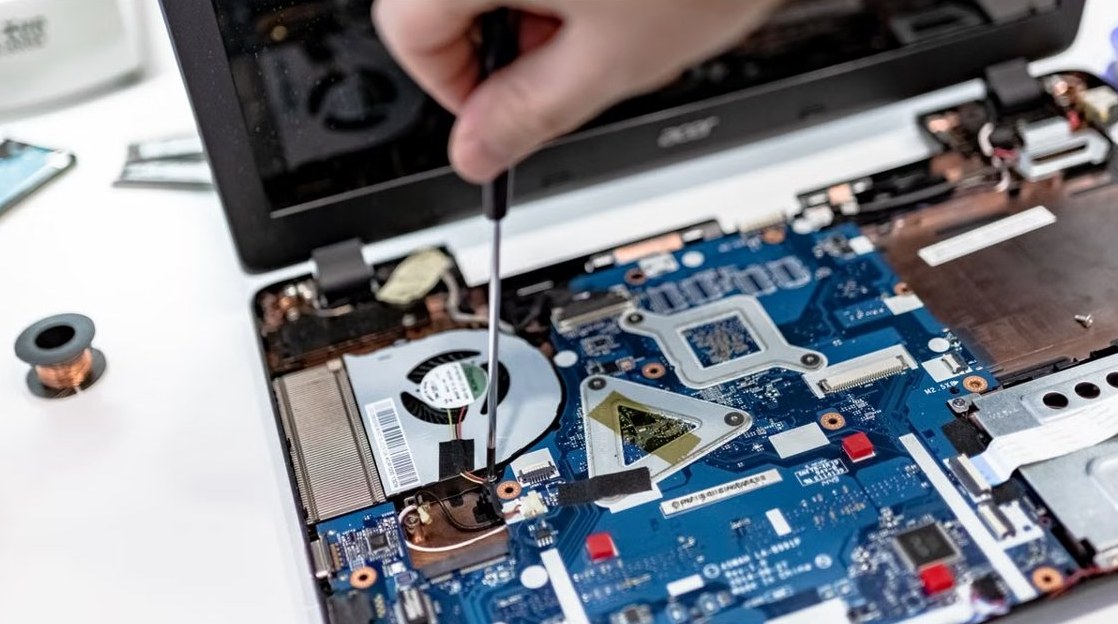
Recover BIOS on laptop - open laptop with its motherboard exposed

How to recover BIOS on laptop?

November 8, 2026 by Philip Celasco Leave a Comment
Recover BIOS on laptop - open laptop with its motherboard exposed

Recover BIOS on a laptop with the maker’s recovery keys: Windows + B on HP, Ctrl + Esc on Dell, or an ASUS USB drive. Fixes for failed updates and Secure Boot.

Posted in: How to
How to
Windows Update error encountered on Windows 11 - keyboard tiles spelling update

Windows Update “Error encountered” on Windows 11

November 8, 2026 by Philip Celasco Leave a Comment
Windows Update error encountered on Windows 11 - keyboard tiles spelling update

Fix the Windows Update “Error encountered” message on Windows 11: find the error code, run the troubleshooter, fix 0x80d02002, clear the cache and read the logs.
Posted in: How to
How to
Printer driver is unavailable error on Windows - open printer with ink cartridges

How to fix your printer’s “Driver is unavailable” error on Windows

November 8, 2026 by Philip Celasco Leave a Comment
Printer driver is unavailable error on Windows - open printer with ink cartridges

Fix the printer “Driver is unavailable” error on Windows 11 and 10: reinstall the printer, install the maker’s driver, clear the spooler and remove old drivers.

Posted in: How to
How to
Red CPU light on a motherboard - close-up of a motherboard near the CPU fan header

How to fix the red CPU light on a motherboard? What does it mean

November 8, 2026 by Philip Celasco Leave a Comment
Red CPU light on a motherboard - close-up of a motherboard near the CPU fan header

A red CPU light on a motherboard means the board cannot find or start the processor. Check CPU power, reseat the chip, update the BIOS and clear CMOS.


Posted in: How to
How to
IMAP password for your email account - envelope with mail letter tiles

How to get an IMAP password for your email account

November 8, 2026 by Philip Celasco Leave a Comment
IMAP password for your email account - envelope with mail letter tiles

Get an IMAP password by generating an app password at your email provider: iCloud, Gmail, Yahoo or Outlook.com. Exact steps, server settings and sign-in fixes.
Posted in: How to
How to
Enable Sysmon in Windows 11 - system monitoring data on a computer screen

How to enable built-in Sysmon in Windows 11

November 8, 2026 by Philip Celasco Leave a Comment
Enable Sysmon in Windows 11 - system monitoring data on a computer screen

Enable built-in Sysmon in Windows 11 from Optional features or PowerShell, run sysmon -i, add a config file and read Sysmon events in Event Viewer.

Posted in: How to
How to
Outlook email notifications in Windows - letter going into an envelope

How to turn on or off email notifications of Outlook app in Windows 11/10

November 8, 2026 by Philip Celasco Leave a Comment
Outlook email notifications in Windows - letter going into an envelope

Turn Outlook email notifications on or off in Windows 11/10 from View Settings, classic Outlook Options or Windows Settings, plus fixes when alerts stop.

Posted in: How to
« Previous 1 … 57 58 59 … 313 Next »

More from Techdows

Printable iPhone User Guide - iPhone lock screen on a desk stand
Printable iPhone User Guide download: how to get and print it
How to · 5 hours ago
AirPods won't connect - AirPod resting on an iPhone
Fix AirPods won’t connect [7 ways to fix]
How to · 4 hours ago
Enable Windows Defender manually - combination padlock for security
How to enable or start Windows Defender manually
How to · 4 hours ago
Bought Minecraft from Microsoft - Minecraft bee papercraft held in a hand
Bought Minecraft from Microsoft? When you have to buy it again on the App Store
How to · 4 hours ago
Fix no sound in Windows 11 Snipping Tool screen recordings - PC desk with monitor and speakers
Fix no sound issues in Windows 11 Snipping Tool screen recordings
How to · 4 hours ago
Set up and manage Google reminders - reminder notification on a smartphone
How to set up and manage Google reminders
How to · 3 hours ago
Add weather to Windows 11 lock screen and taskbar - laptop beside a rainy window
How to add weather to lock screen, desktop and taskbar in Windows 11/10
How to · 3 hours ago
Microsoft Photos app in Windows 11 - photo editing on a Windows PC monitor
How to use Microsoft Photos app in Windows 11
How to · 3 hours ago

© 2009–2026 Techdows · About · Contact · Privacy Policy

Copyright © 2026 Techdows.

Techdows WordPress Theme by Techdows