Techdows

Windows how-to guides, fixes and software downloads

  • Home
  • Settings and hardware

    • Printers
    • Sound and microphone
    • Wi-Fi and network
    • Bluetooth
    • Display and monitors
    • Drivers
    • Keyboard shortcuts and symbols

    Using Windows

    • File Explorer
    • Storage and disk space
    • Taskbar, Start and desktop
    • Apps and default programs
    • Accounts and sign-in
    • Copilot in Windows
    • Command Prompt and PowerShell

    Updates and fixes

    • Windows Update
    • Windows 11 26H2
    • Error codes and BSOD
    • Boot, BIOS and recovery
    • Security and Defender
    • Task Manager and performance
    • DLL and runtime errors

    Popular fixes

    • Get help in Windows 11
    • Connect a wireless printer
    • Re-pair Bluetooth earbuds for stereo sound
    • Cancel a stuck print job
    • Change default programs

    All Windows guides →

  • Browse by type

    • Web browsers
    • Office and productivity apps
    • PC games and launchers
    • Phone and media apps
    • Developer tools
    • Creative apps
    • CAD software
    • System utilities and drivers

    Popular downloads

    • GTA V for PC
    • YouTube app for PC
    • Google Meet for PC
    • Cisco Packet Tracer
    • TikTok for PC

    Windows tools

    • PC Health Check app
    • HEVC Video Extension
    • DirectX 12
    • Cinebench R23

    All download guides →

  • Browser guides

    • Microsoft Edge
    • Google Chrome
    • Firefox
    • Web browsers for PC

    Microsoft Edge

    • Fix WebView2 using too much memory
    • Internet Explorer mode in Edge
    • Manage Edge favorites
    • Set or remove Edge as default

    Chrome and Firefox

    • Make Chrome the default browser
    • Restore closed tabs
    • Change the default web browser

    All browser guides →

  • Office guides

    • Outlook
    • Excel
    • Word and PowerPoint
    • OneDrive
    • Install Microsoft 365

    Meetings and other tools

    • Teams, Zoom and Google Meet
    • Google Docs and Sheets
    • PDF tools

    Office apps

    • Office product key
    • Office Deployment Tool
    • What is OneDrive?
    • Turn off OneDrive in Windows 11

    Outlook and Teams

    • Outlook inbox view changed
    • Schedule an email in Outlook
    • Outlook dark mode
    • Teams breakout rooms

    All Office and productivity guides →

  • PHP security

    • PHP2Shell patch download
    • PHP critical RCE security update
    • CVE-2026-109618 fix
    • CVE-2026-109619 explained
    • Mitigations if you can't update

    Update PHP

    • Update PHP to the latest version
    • Check your PHP version
    • Update PHP on Ubuntu and Debian
    • Restart PHP-FPM

    Hosting and local servers

    • Update PHP in XAMPP
    • Change PHP version in cPanel
    • Update PHP in Laragon and WampServer
    • Update PHP Docker images
    • WordPress PHP version check

    PHP downloads

    • PHP 8.5.12 download
    • PHP 8.4.27 download
    • PHP 8.3.36 and 8.2.35 download
    • Download PHP for Windows

    PHP2Shell by platform

    • PHP 8.3 fix on Ubuntu 24.04
    • PHP 8.1 fix on Ubuntu 22.04
    • PHP 8.2 and 8.4 fix on Debian
    • Update PHP on IIS
    • Cloudflare PHP2Shell WAF rule

    All PHP guides →

  • Sections

    • Gaming
    • Apple
    • Android
    • Apps and services
    • Developer and IT

    Apple

    • iPhone tips and fixes
    • Reset and restore iPhone
    • iPad
    • Mac and macOS
    • Apple Account and iCloud
    • Apple devices on Windows

    Apps, Android and gaming

    • Gmail and Google account
    • YouTube
    • Social media accounts
    • Streaming TV
    • Android and Samsung Galaxy
    • PC gaming and Xbox
    • Roblox and Minecraft on PC

    Developer and IT

    • WSL and developer setup
    • Virtual machines
    • Group Policy and Intune
    • Windows Server
    • Website error codes
  • News
Home›How to

How to

3,746 articles

Browsers
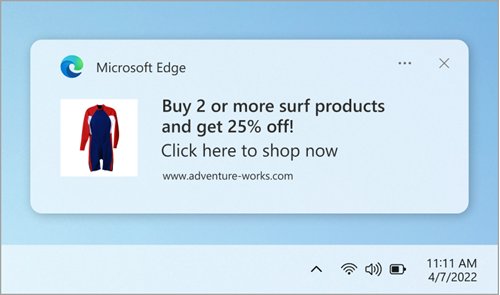
Windows notification toast from Microsoft Edge advertising a sale

How to Enable or Disable Pop-up Blocker in Microsoft Edge

September 24, 2026 by Philip Celasco 1 Comment
Windows notification toast from Microsoft Edge advertising a sale

Enable or disable the pop-up blocker in Microsoft Edge under Site permissions > Pop-ups and redirects, allow one site, and set it on Android and iPhone.
Posted in: Browsers, How to
How to
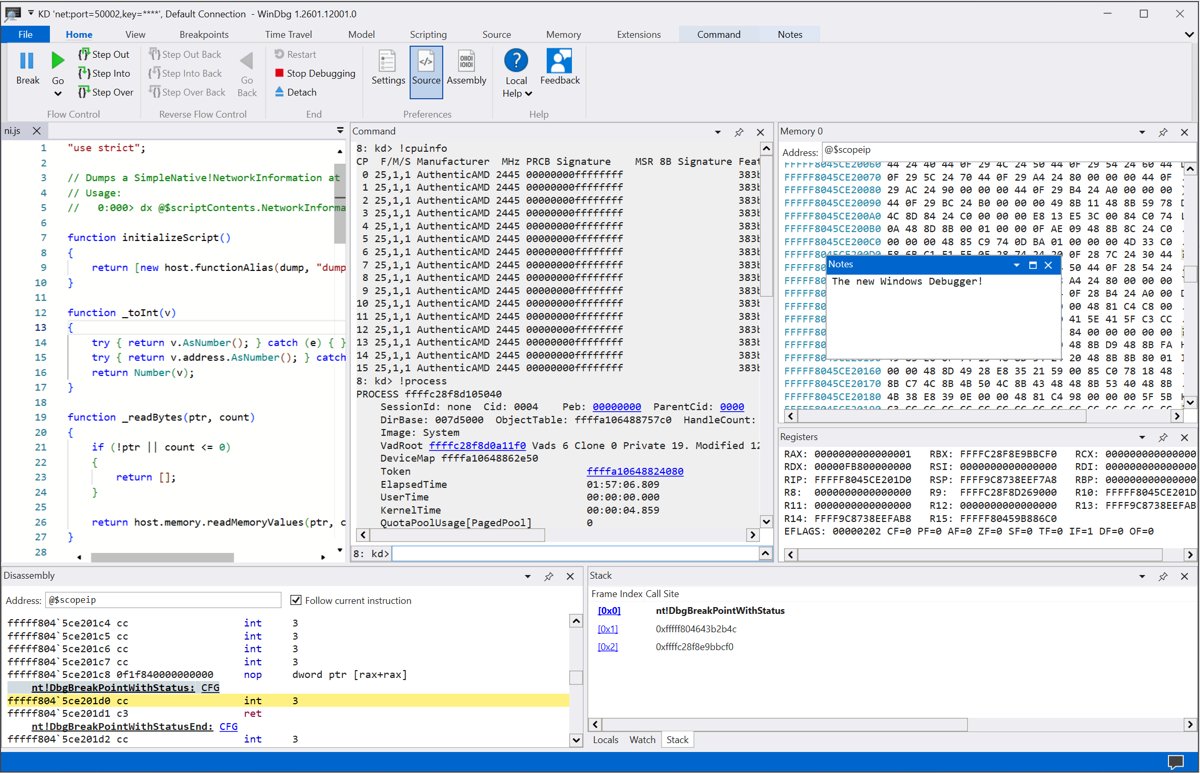
WinDbg main window with command box, disassembly, registers and stack panes

Getting Started with WinDBG on Windows 10: A Step-by-Step Guide

September 24, 2026 by Philip Celasco Leave a Comment
WinDbg main window with command box, disassembly, registers and stack panes

Getting started with WinDbg on Windows 10: install it with winget or Microsoft Store, set the symbol path, open a crash dump and read !analyze -v output.
Posted in: How to, Windows
How to
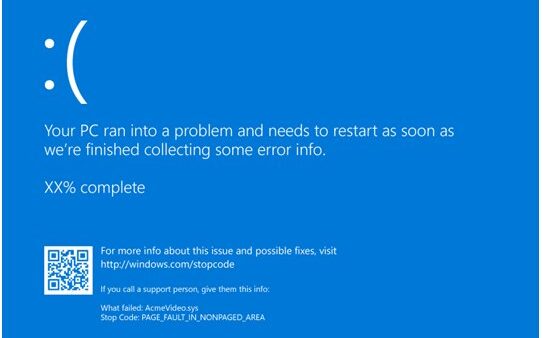
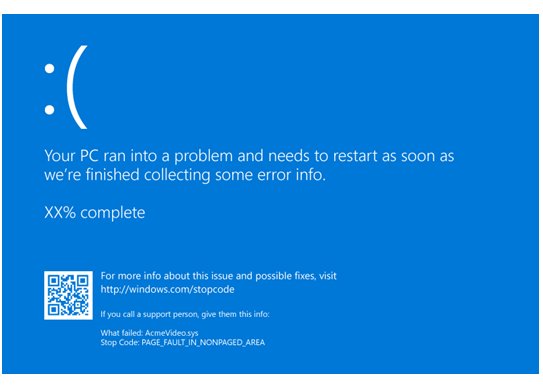
Windows blue screen with a QR code and a stop code before restarting

How to Run Memory Diagnostics on Windows 10 & 11

September 24, 2026 by Philip Celasco 1 Comment
Windows blue screen with a QR code and a stop code before restarting

Run memory diagnostics on Windows 10 and 11 with mdsched: restart into the test, switch to Extended with F1, and read MemoryDiagnostics-Results in Event Viewer.
Posted in: How to, Windows
Browsers
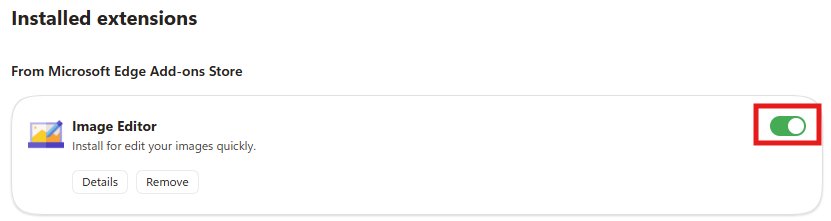
Microsoft Edge installed extensions list with a green enabled toggle switch

How to Enable or Disable Extensions in the Microsoft Edge Browser

September 24, 2026 by Philip Celasco 3 Comments
Microsoft Edge installed extensions list with a green enabled toggle switch

Enable or disable extensions in Microsoft Edge from Manage extensions: use the toggle, block them on one site, allow InPrivate, remove add-ons and fix locked ones.
Posted in: Browsers, How to
How to
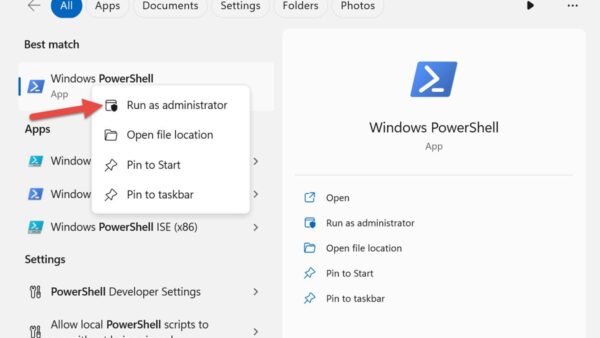
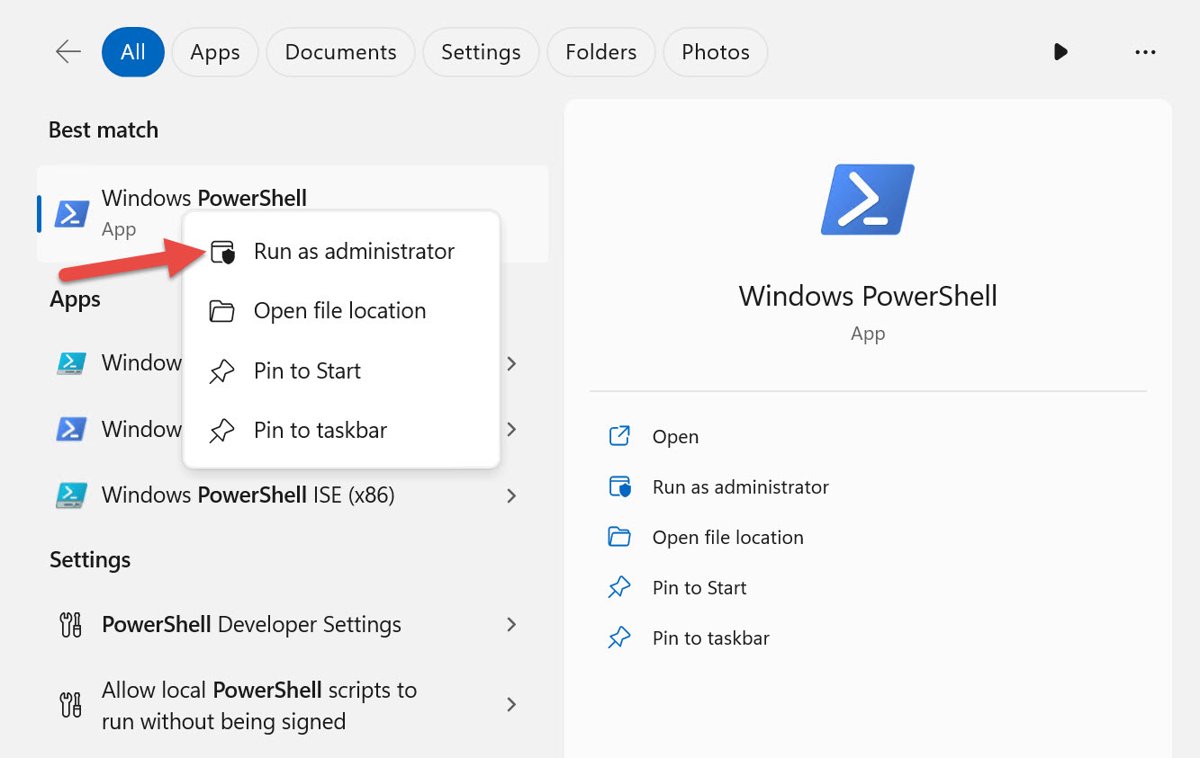
Windows Start search for PowerShell showing the Run as administrator option

4 Ways to Run PowerShell as Administrator on Windows 11 & 10

September 24, 2026 by Philip Celasco 7 Comments
Windows Start search for PowerShell showing the Run as administrator option

Run PowerShell as administrator on Windows 11 and 10 from Start, Terminal (Admin), File Explorer or the Run box, then check the window is really elevated.
Posted in: How to, Windows
Apps and services
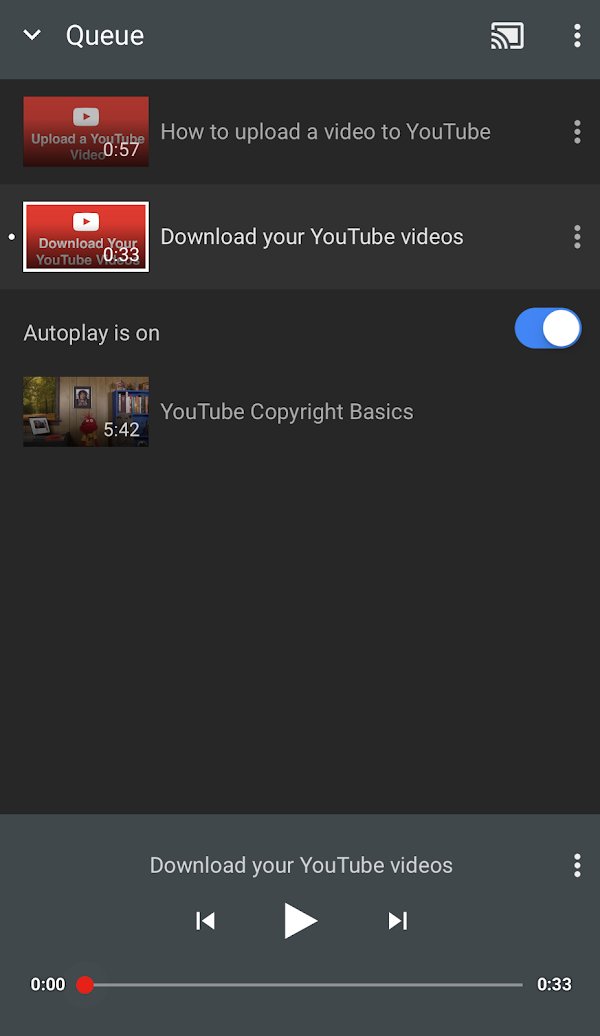
YouTube app queue screen with the Autoplay toggle switched on

YouTube Keeps Pausing? 9 Ways to Fix It

September 24, 2026 by Philip Celasco Leave a Comment
YouTube app queue screen with the Autoplay toggle switched on

YouTube keeps pausing? Answer the Continue watching prompt, turn off break and bedtime reminders, then fix your connection, cache, app and browser settings.
Posted in: Apps and services, How to
Apple
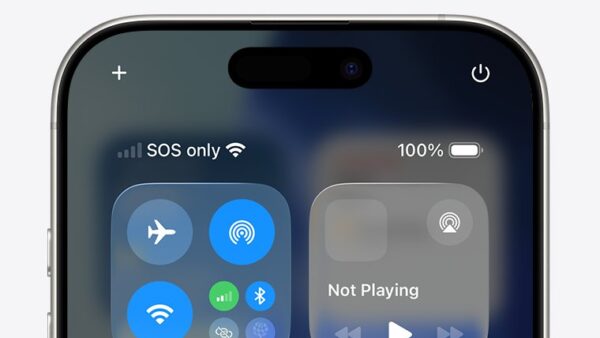
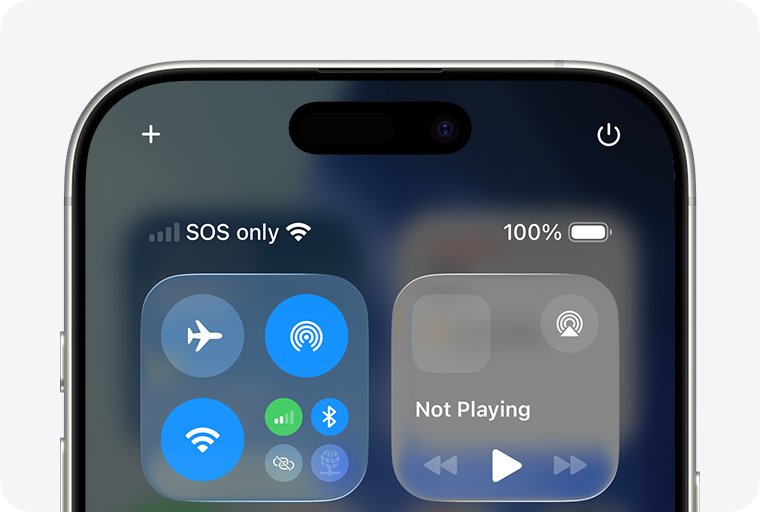
iPhone status bar and Control Center showing SOS only next to Wi-Fi

What Does SOS Mean on iPhone and How to Fix It (2025)

September 24, 2026 by Philip Celasco 2 Comments
iPhone status bar and Control Center showing SOS only next to Wi-Fi

SOS on iPhone means you lost your own carrier’s network but can still call emergency services. Here is what causes it and the Apple-documented fixes, in order.
Posted in: Apple, How to
How to
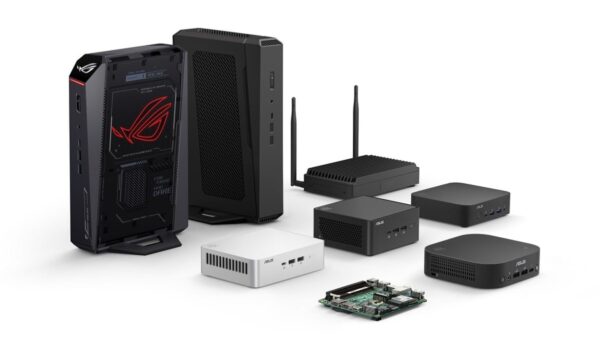
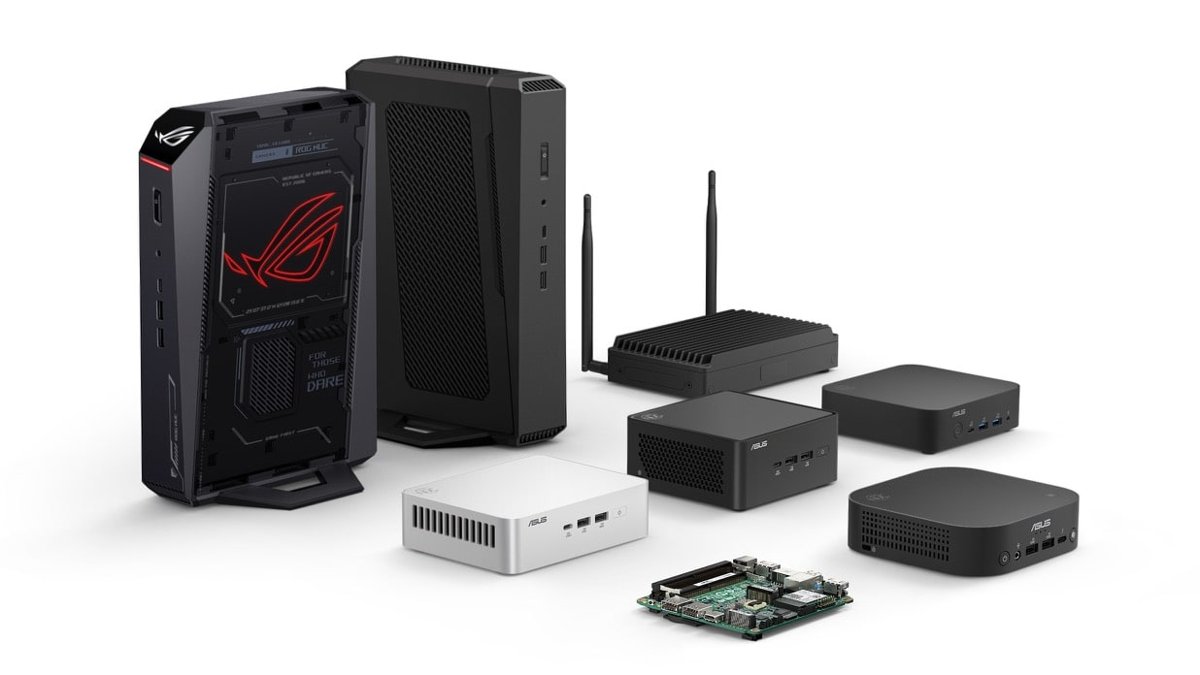
ASUS NUC lineup: tower, boxes, antenna unit, and bare board

What is a NUC PC, and Should You Get One?

September 24, 2026 by Philip Celasco Leave a Comment
ASUS NUC lineup: tower, boxes, antenna unit, and bare board

A NUC PC is a palm-sized desktop that Intel created and ASUS now builds. See what is inside one, the real pros and cons, and who should buy a NUC.
Posted in: How to, Windows
How to
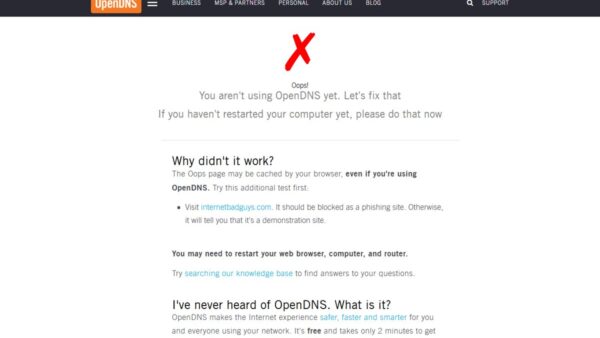
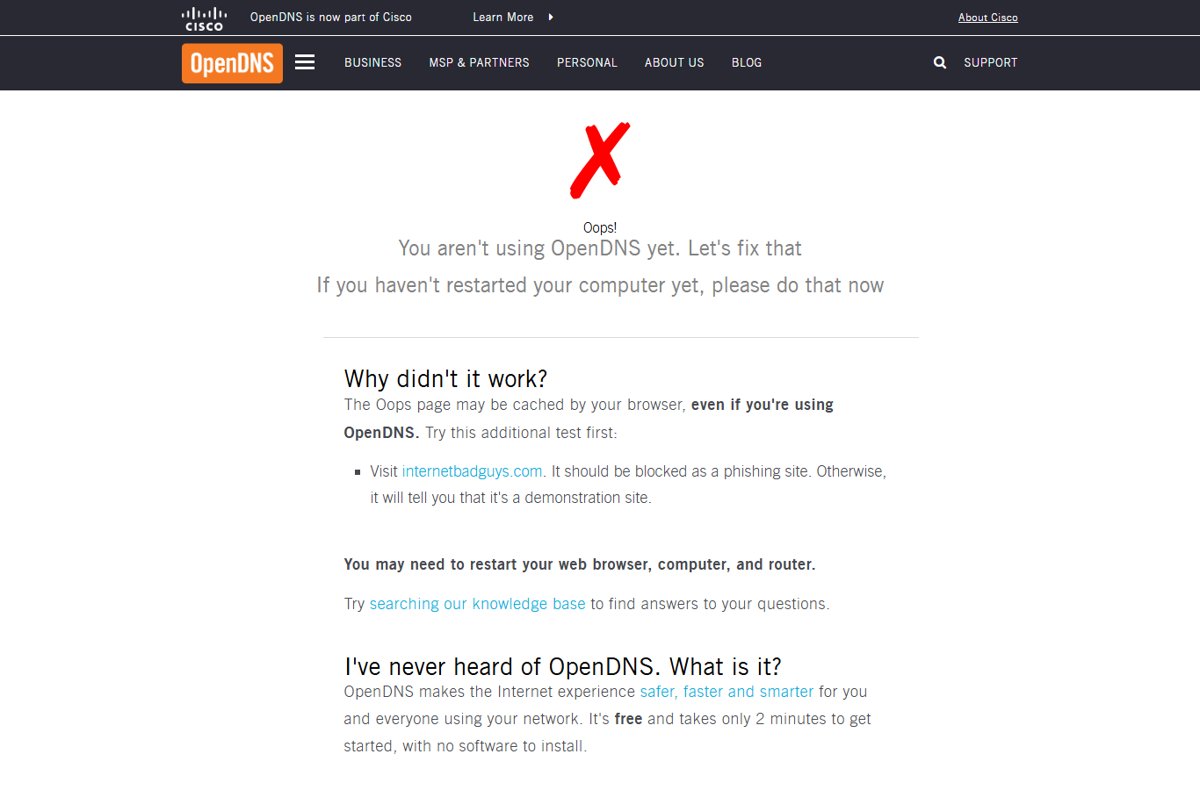
Oops page reporting a device isn't using OpenDNS yet

How to Use OpenDNS on Your Router, PC, Tablet, or Smartphone

September 24, 2026 by Philip Celasco 1 Comment
Oops page reporting a device isn't using OpenDNS yet

Use OpenDNS by setting 208.67.222.222 and 208.67.220.220 as DNS on your router, Windows PC, Mac, iPhone, iPad or Android, then test at welcome.opendns.com.
Posted in: How to, Windows
How to
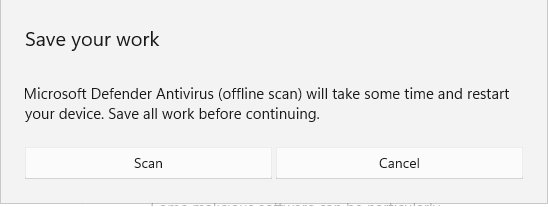
Microsoft Defender Antivirus offline scan prompt to save your work

mstsc.exe: What Is mstsc.exe and Is It Safe? (2026 Guide)

September 24, 2026 by Philip Celasco Leave a Comment
Microsoft Defender Antivirus offline scan prompt to save your work

mstsc.exe is the Windows Remote Desktop Connection client, and the copy in System32 is safe. Check its path and signature, learn its switches, spot RDP abuse.
Posted in: How to, Windows
How to
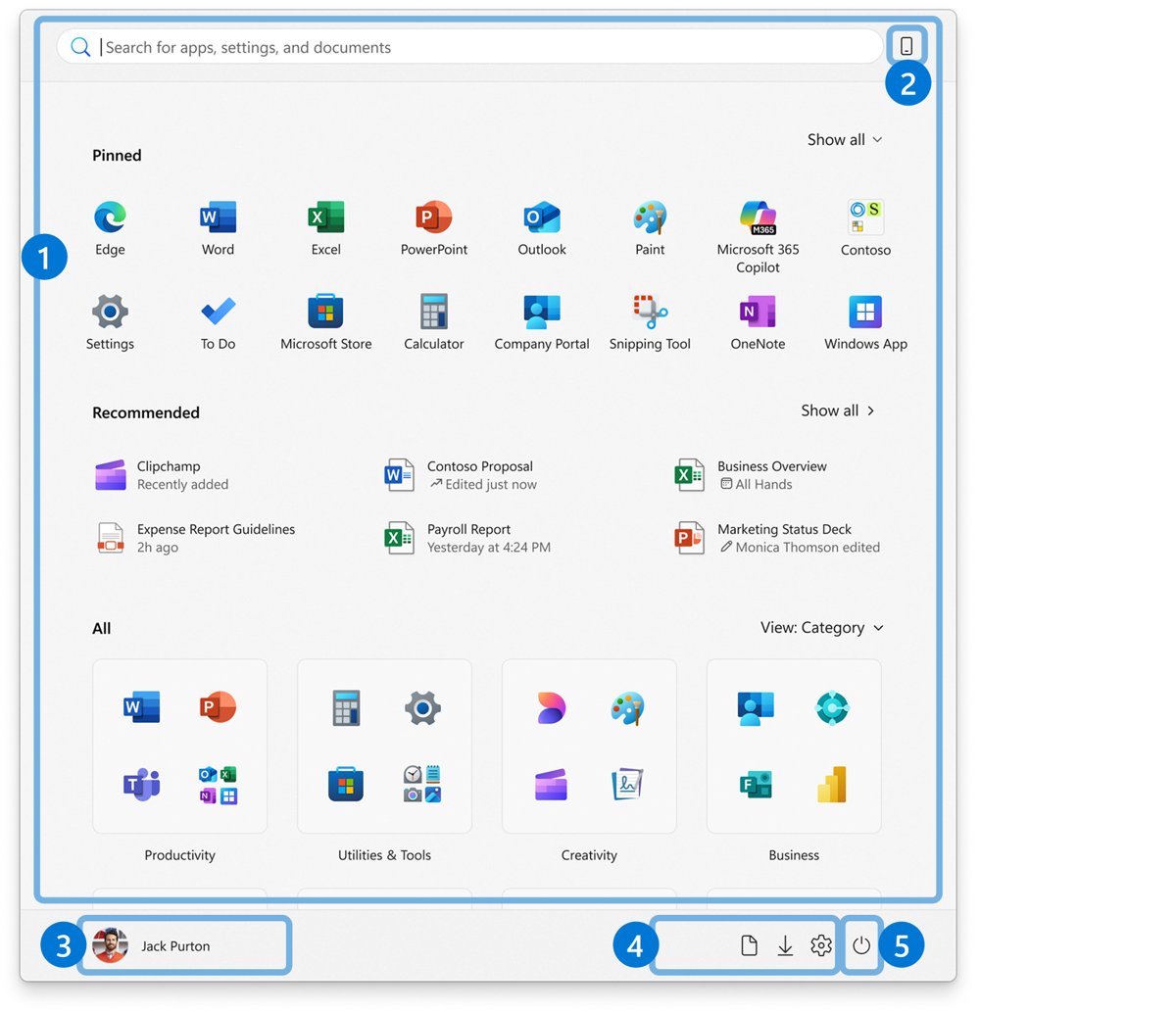
Windows 11 Start menu with Pinned, Recommended and All sections labeled

Windows 11 Classic Start Menu: How to Get It Back

September 24, 2026 by Philip Celasco 2 Comments
Windows 11 Start menu with Pinned, Recommended and All sections labeled

Windows 11 classic Start menu: there is no built-in switch, but you can left-align Start, hide Recommended, use list view and pin folders. Steps and fixes inside.
Posted in: How to, Windows
How to
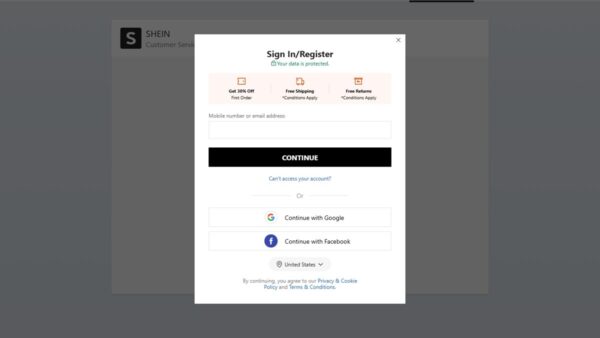
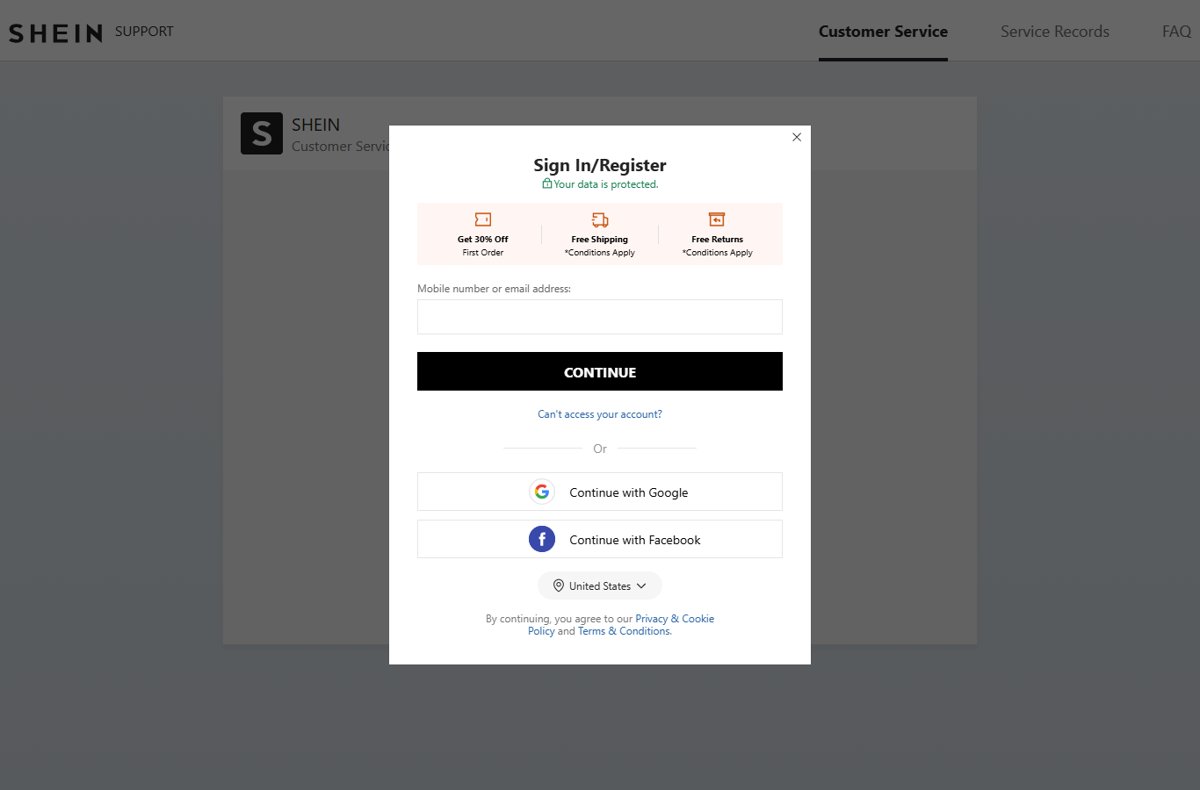
SHEIN Support page Sign In/Register modal with email field

How to Contact Shein !

September 24, 2026 by Philip Celasco Leave a Comment
SHEIN Support page Sign In/Register modal with email field

Contact Shein through its Customer Service Platform at shein.com/robot after signing in. Official emails, the Canadian phone line, deadlines and scam warnings.

Posted in: How to
« Previous 1 … 244 245 246 … 313 Next »

More from Techdows

Connect Beats Solo 4 to Fire tablet - Beats wireless headphones
How to connect Beats Solo 4 to a Fire tablet
How to · 5 hours ago
Printable iPhone User Guide - iPhone lock screen on a desk stand
Printable iPhone User Guide download: how to get and print it
How to · 4 hours ago
AirPods won't connect - AirPod resting on an iPhone
Fix AirPods won’t connect [7 ways to fix]
How to · 3 hours ago
Enable Windows Defender manually - combination padlock for security
How to enable or start Windows Defender manually
How to · 3 hours ago
Bought Minecraft from Microsoft - Minecraft bee papercraft held in a hand
Bought Minecraft from Microsoft? When you have to buy it again on the App Store
How to · 3 hours ago
Fix no sound in Windows 11 Snipping Tool screen recordings - PC desk with monitor and speakers
Fix no sound issues in Windows 11 Snipping Tool screen recordings
How to · 3 hours ago
Set up and manage Google reminders - reminder notification on a smartphone
How to set up and manage Google reminders
How to · 2 hours ago
Add weather to Windows 11 lock screen and taskbar - laptop beside a rainy window
How to add weather to lock screen, desktop and taskbar in Windows 11/10
How to · 2 hours ago

© 2009–2026 Techdows · About · Contact · Privacy Policy

Copyright © 2026 Techdows.

Techdows WordPress Theme by Techdows