Techdows

Windows how-to guides, fixes and software downloads

  • Home
  • Settings and hardware

    • Printers
    • Sound and microphone
    • Wi-Fi and network
    • Bluetooth
    • Display and monitors
    • Drivers
    • Keyboard shortcuts and symbols

    Using Windows

    • File Explorer
    • Storage and disk space
    • Taskbar, Start and desktop
    • Apps and default programs
    • Accounts and sign-in
    • Copilot in Windows
    • Command Prompt and PowerShell

    Updates and fixes

    • Windows Update
    • Windows 11 26H2
    • Error codes and BSOD
    • Boot, BIOS and recovery
    • Security and Defender
    • Task Manager and performance
    • DLL and runtime errors

    Popular fixes

    • Get help in Windows 11
    • Connect a wireless printer
    • Re-pair Bluetooth earbuds for stereo sound
    • Cancel a stuck print job
    • Change default programs

    All Windows guides →

  • Browse by type

    • Web browsers
    • Office and productivity apps
    • PC games and launchers
    • Phone and media apps
    • Developer tools
    • Creative apps
    • CAD software
    • System utilities and drivers

    Popular downloads

    • GTA V for PC
    • YouTube app for PC
    • Google Meet for PC
    • Cisco Packet Tracer
    • TikTok for PC

    Windows tools

    • PC Health Check app
    • HEVC Video Extension
    • DirectX 12
    • Cinebench R23

    All download guides →

  • Browser guides

    • Microsoft Edge
    • Google Chrome
    • Firefox
    • Web browsers for PC

    Microsoft Edge

    • Fix WebView2 using too much memory
    • Internet Explorer mode in Edge
    • Manage Edge favorites
    • Set or remove Edge as default

    Chrome and Firefox

    • Make Chrome the default browser
    • Restore closed tabs
    • Change the default web browser

    All browser guides →

  • Office guides

    • Outlook
    • Excel
    • Word and PowerPoint
    • OneDrive
    • Install Microsoft 365

    Meetings and other tools

    • Teams, Zoom and Google Meet
    • Google Docs and Sheets
    • PDF tools

    Office apps

    • Office product key
    • Office Deployment Tool
    • What is OneDrive?
    • Turn off OneDrive in Windows 11

    Outlook and Teams

    • Outlook inbox view changed
    • Schedule an email in Outlook
    • Outlook dark mode
    • Teams breakout rooms

    All Office and productivity guides →

  • PHP security

    • PHP2Shell patch download
    • PHP critical RCE security update
    • CVE-2026-109618 fix
    • CVE-2026-109619 explained
    • Mitigations if you can't update

    Update PHP

    • Update PHP to the latest version
    • Check your PHP version
    • Update PHP on Ubuntu and Debian
    • Restart PHP-FPM

    Hosting and local servers

    • Update PHP in XAMPP
    • Change PHP version in cPanel
    • Update PHP in Laragon and WampServer
    • Update PHP Docker images
    • WordPress PHP version check

    PHP downloads

    • PHP 8.5.12 download
    • PHP 8.4.27 download
    • PHP 8.3.36 and 8.2.35 download
    • Download PHP for Windows

    PHP2Shell by platform

    • PHP 8.3 fix on Ubuntu 24.04
    • PHP 8.1 fix on Ubuntu 22.04
    • PHP 8.2 and 8.4 fix on Debian
    • Update PHP on IIS
    • Cloudflare PHP2Shell WAF rule

    All PHP guides →

  • Sections

    • Gaming
    • Apple
    • Android
    • Apps and services
    • Developer and IT

    Apple

    • iPhone tips and fixes
    • Reset and restore iPhone
    • iPad
    • Mac and macOS
    • Apple Account and iCloud
    • Apple devices on Windows

    Apps, Android and gaming

    • Gmail and Google account
    • YouTube
    • Social media accounts
    • Streaming TV
    • Android and Samsung Galaxy
    • PC gaming and Xbox
    • Roblox and Minecraft on PC

    Developer and IT

    • WSL and developer setup
    • Virtual machines
    • Group Policy and Intune
    • Windows Server
    • Website error codes
  • News
Home›How to

How to

3,746 articles

How to
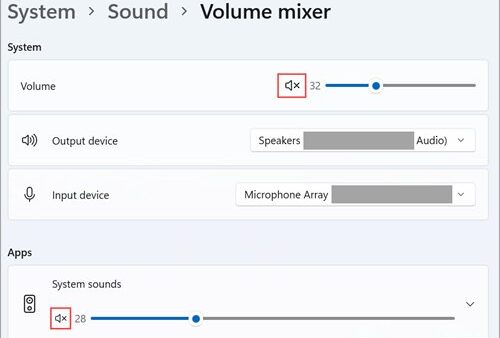
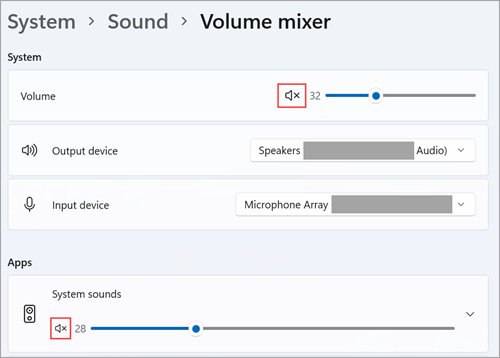
Windows 11 Volume mixer with System volume slider and Apps section

Adjust volume for individual programs in Windows 11/10
September 24, 2026 by Philip Celasco Leave a Comment
Windows 11 Volume mixer with System volume slider and Apps section

Adjust volume for individual programs in Windows 11 and 10 with Volume mixer: per-app sliders, a separate output device per app, the classic mixer and fixes.
Posted in: How to, Windows
How to
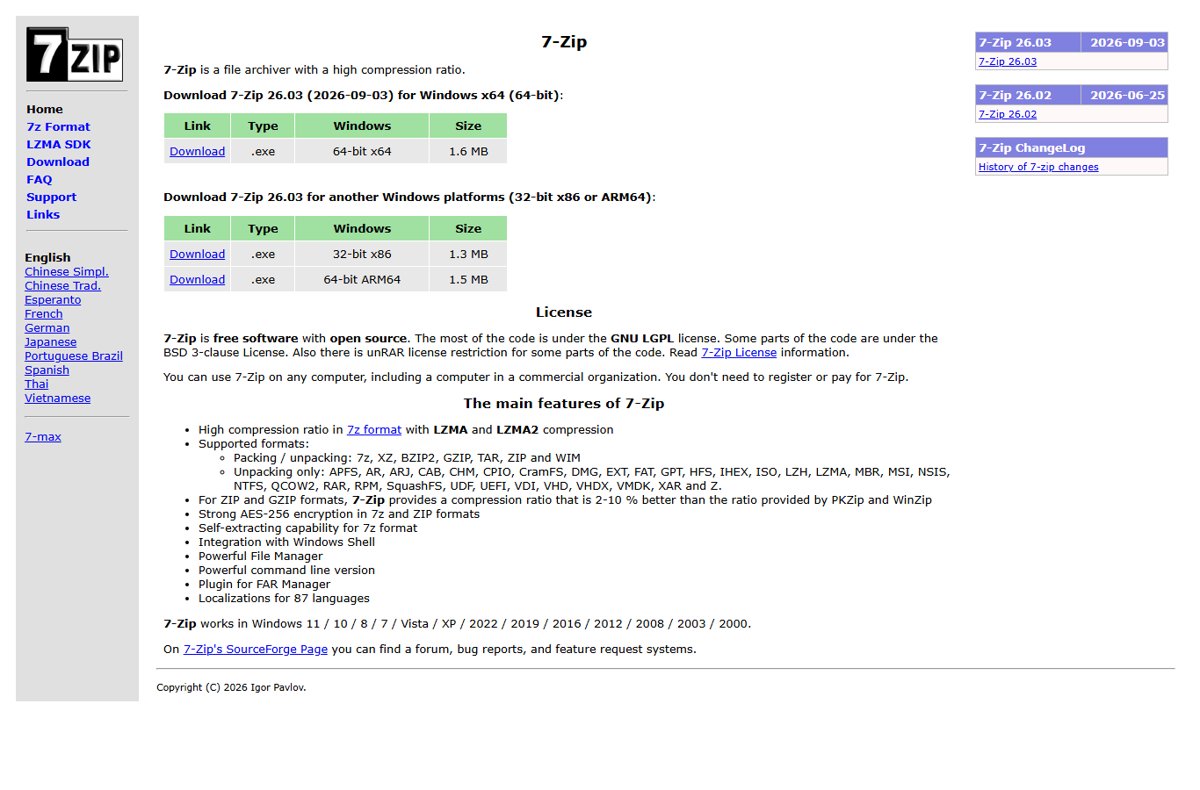
7-Zip download page showing 64-bit x64, 32-bit x86 and ARM64 installers

How to open DMG files on Windows PC

September 24, 2026 by Philip Celasco Leave a Comment
7-Zip download page showing 64-bit x64, 32-bit x86 and ARM64 installers

Open DMG files on a Windows PC with the free 7-Zip, since Windows cannot open them natively. Extract the files, convert to ISO on a Mac, and fix common errors.
Posted in: How to, Windows
How to
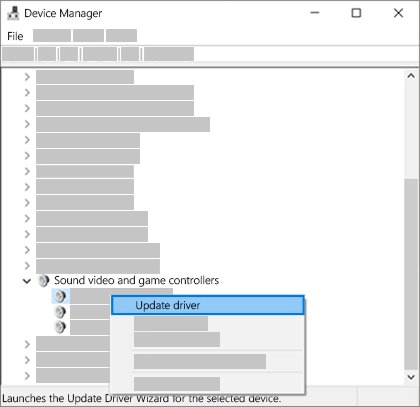
Device Manager right-click menu with Update driver option highlighted

How to Enable HDMI Port on Windows 10

September 24, 2026 by Philip Celasco Leave a Comment
Device Manager right-click menu with Update driver option highlighted

Enable the HDMI port on Windows 10: connect the cable, press Win + P, select Detect, route sound to HDMI, and fix the display adapter driver when nothing shows.
Posted in: How to, Windows
How to
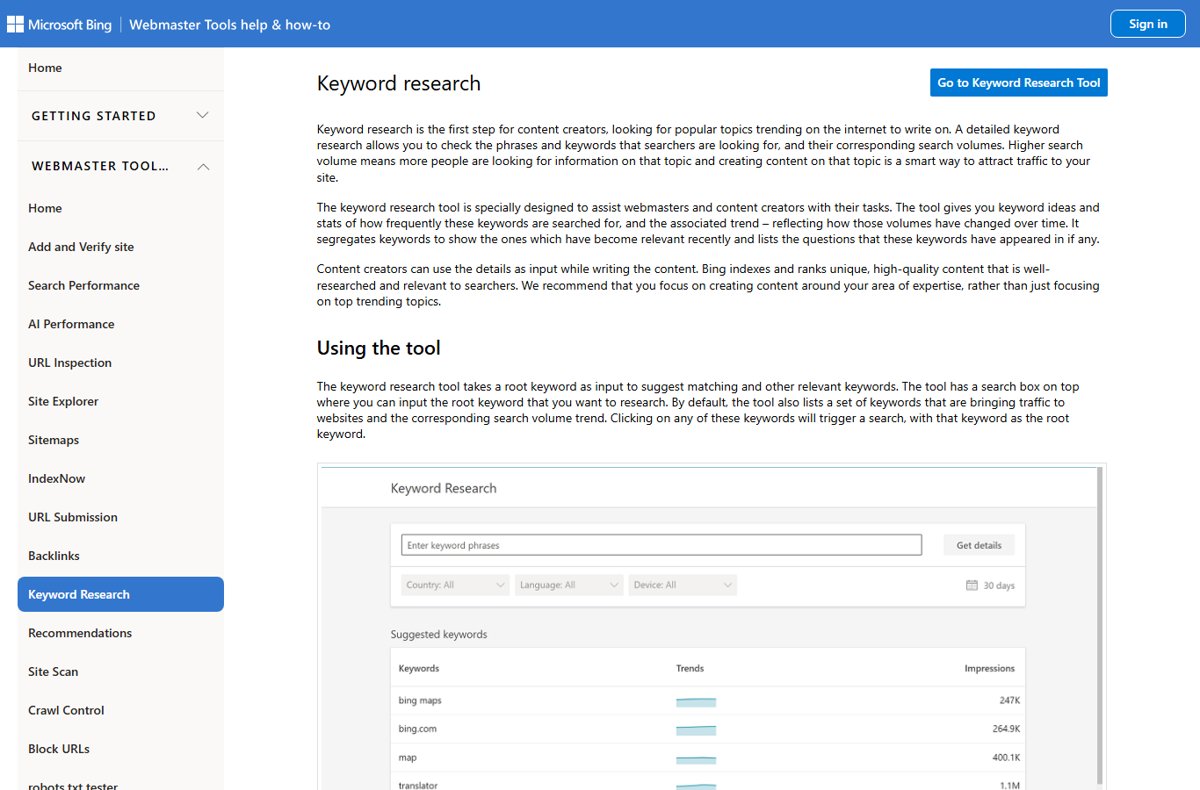
Bing Webmaster Tools Keyword Research page showing filters and suggested keywords table

How To See All Bing Related Searches

September 24, 2026 by Philip Celasco Leave a Comment
Bing Webmaster Tools Keyword Research page showing filters and suggested keywords table

Bing lists related searches at the foot of every results page. Pull the full set with SERP blocks, autosuggest, Webmaster Tools and search operators.
Posted in: How to
Developer and IT
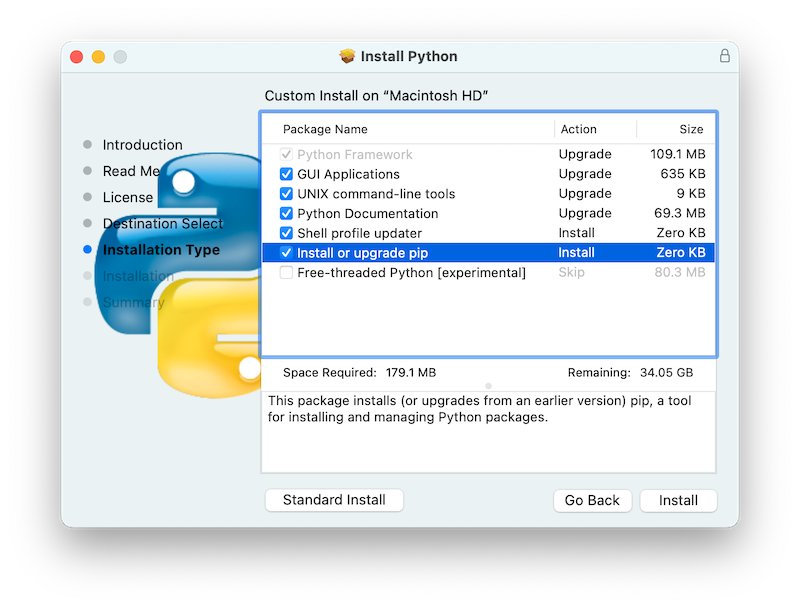
macOS Python installer Custom Install screen with Install or upgrade pip checked

How To Fix PIP Install Not Working?

September 24, 2026 by Philip Celasco Leave a Comment
macOS Python installer Custom Install screen with Install or upgrade pip checked

Fix pip install not working: run python -m pip, repair PATH, restore pip with ensurepip, use a virtual environment, and solve permission and SSL errors.
Posted in: Developer and IT, How to
How to
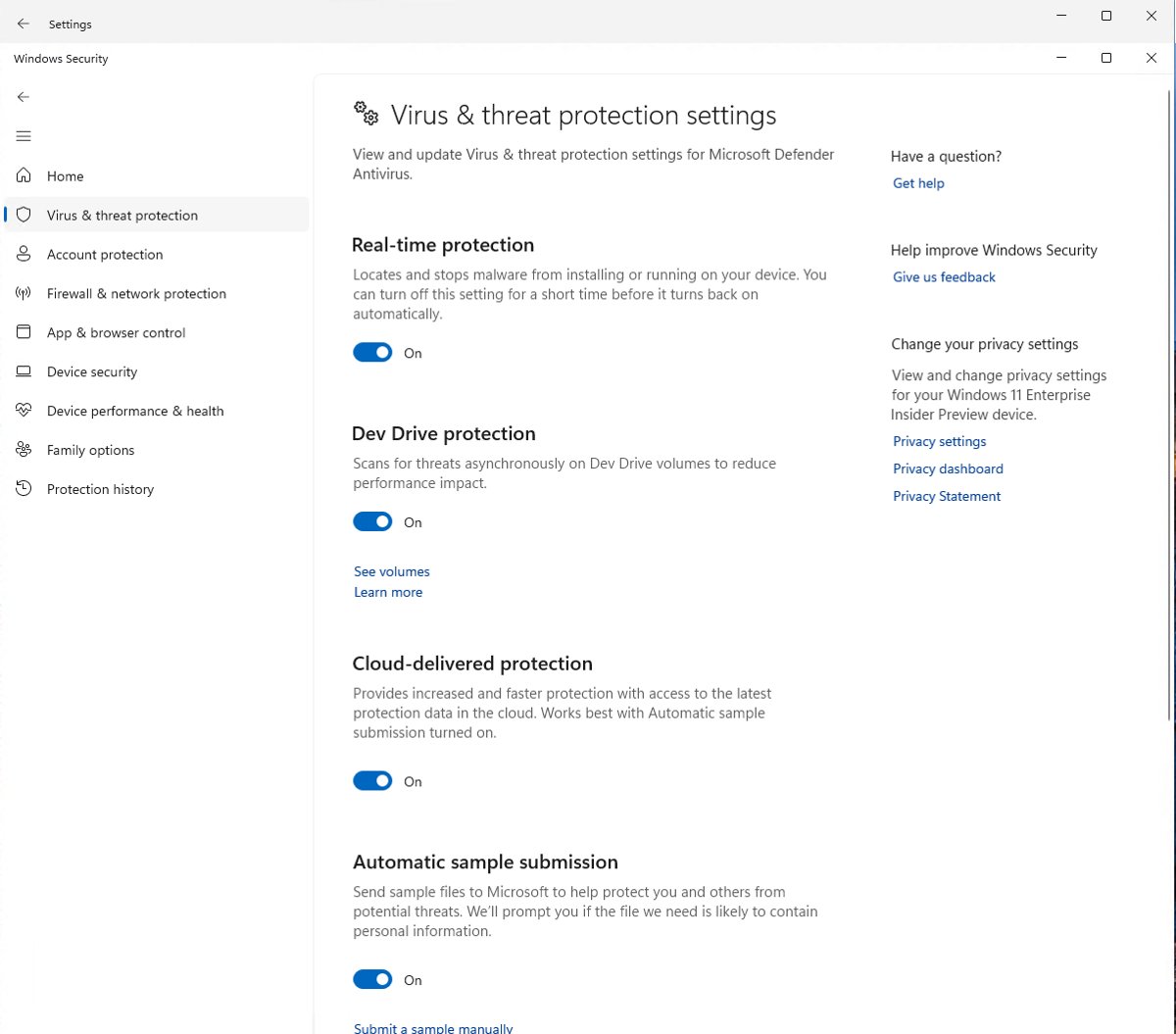
Windows Security virus and threat protection settings with Real-time protection on

How to Fix ‘Antimalware Service Executable’ High Memory, CPU, or Disk Usage in Windows 11

September 24, 2026 by Philip Celasco 5 Comments
Windows Security virus and threat protection settings with Real-time protection on

Fix Antimalware Service Executable (MsMpEng.exe) high CPU, memory or disk use in Windows 11: cap scan CPU, move scans, update Defender and find the cause.
Posted in: How to, Windows
How to
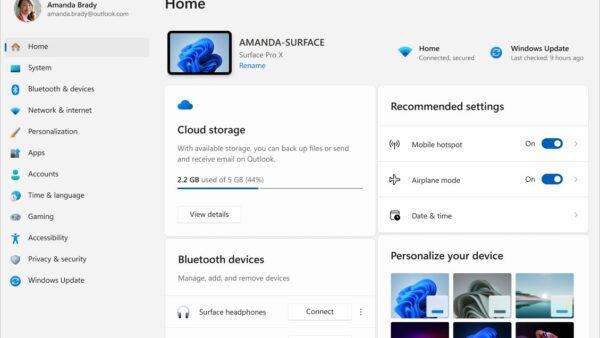
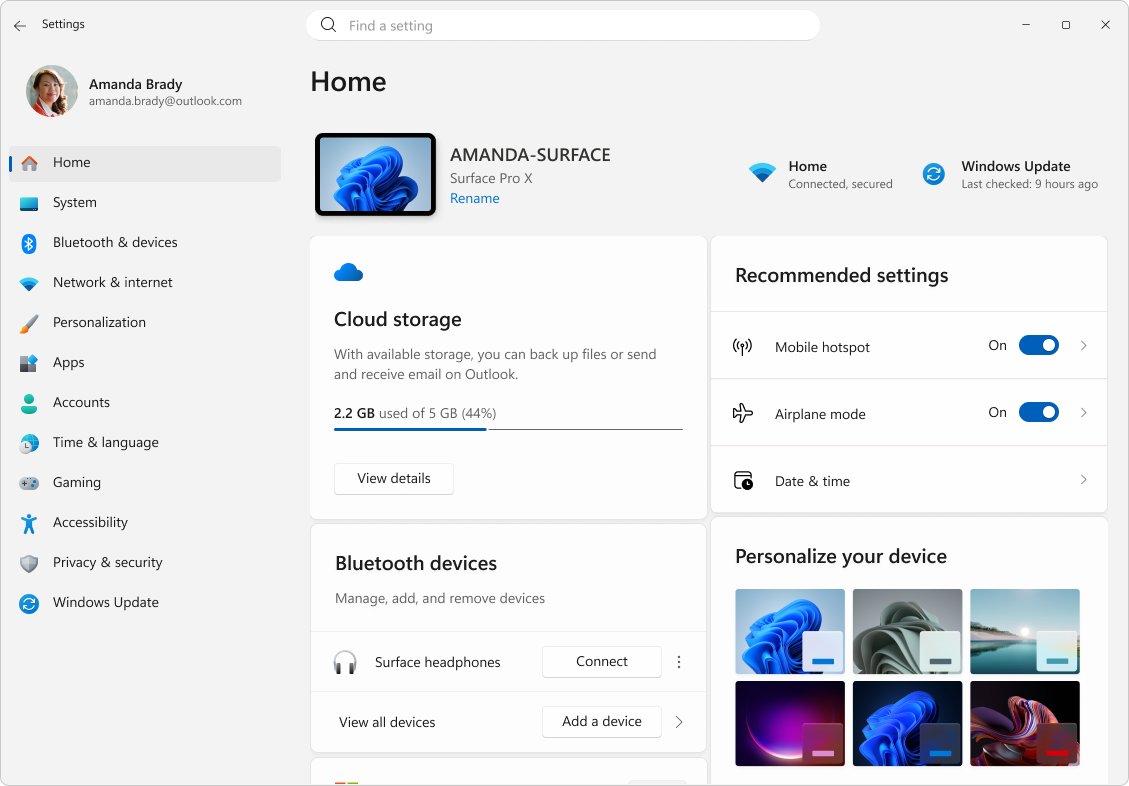
Windows 11 Settings Home page with Accessibility listed in the sidebar

How to find ease of access Windows 11

September 24, 2026 by Philip Celasco 1 Comment
Windows 11 Settings Home page with Accessibility listed in the sidebar

Find Ease of Access in Windows 11 under Settings > Accessibility, or press Win + U. Every route in, where each vision, hearing and interaction tool sits, and fixes.
Posted in: How to, Windows
How to
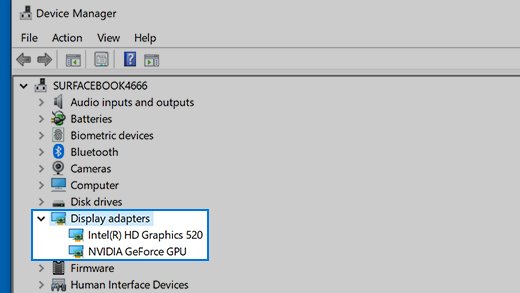
Device Manager Display adapters list showing Intel and NVIDIA GPUs

How To Enable Displayport On Graphics Card

September 24, 2026 by Philip Celasco 2 Comments
Device Manager Display adapters list showing Intel and NVIDIA GPUs

Enable DisplayPort on a graphics card: plug into the card, not the motherboard, set the monitor input to DisplayPort, update the driver and press Detect.
Posted in: How to, Windows
Browsers
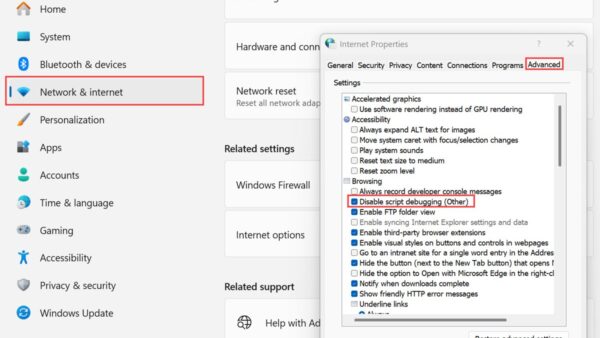
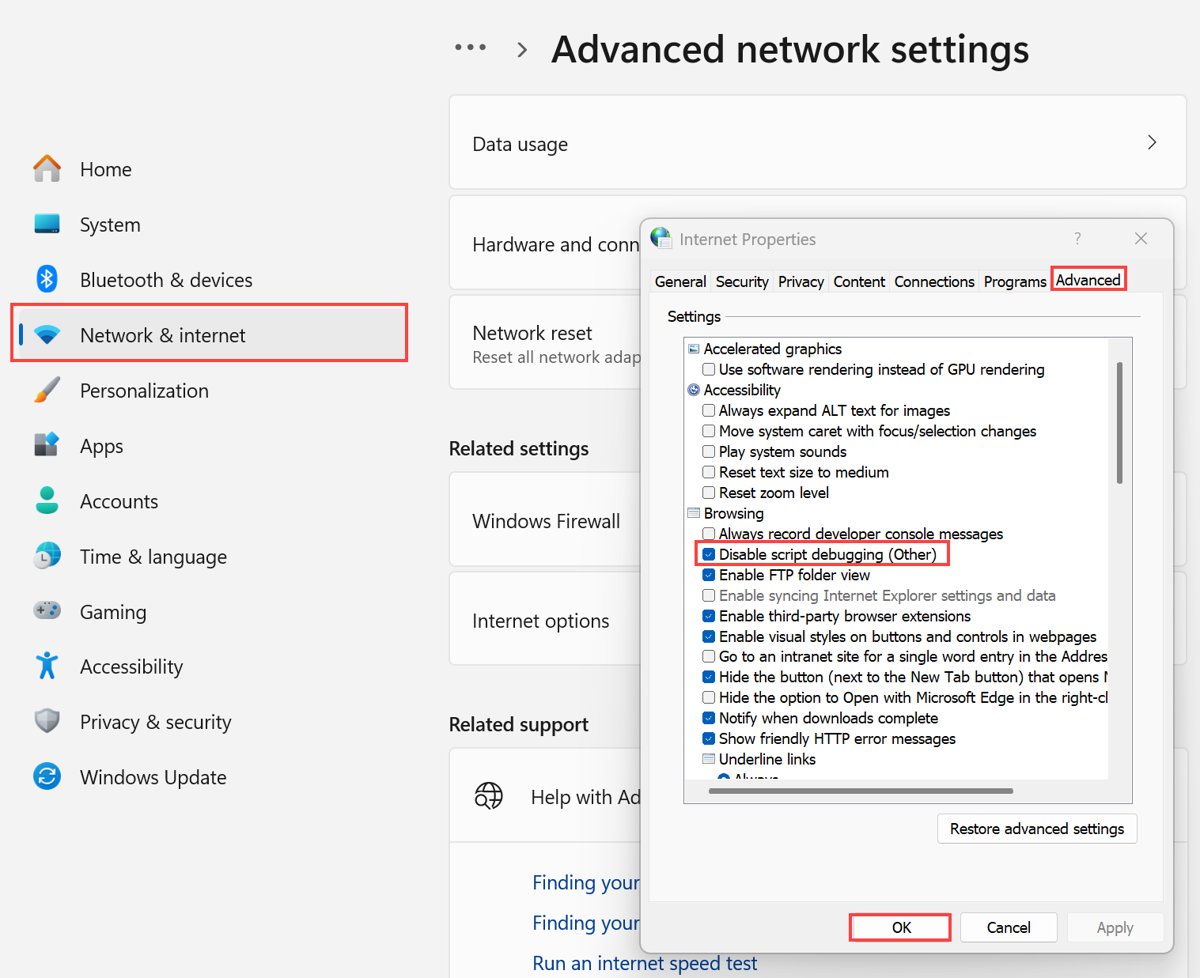
Internet Properties dialog open on the Advanced tab over Windows Settings

How To Access Internet Options In Microsoft Edge

September 24, 2026 by Philip Celasco Leave a Comment
Internet Properties dialog open on the Advanced tab over Windows Settings

Internet Options is not inside Microsoft Edge. Open it with control inetcpl.cpl, and find Edge’s own privacy, proxy and IE mode settings at edge://settings.
Posted in: Browsers, How to
How to
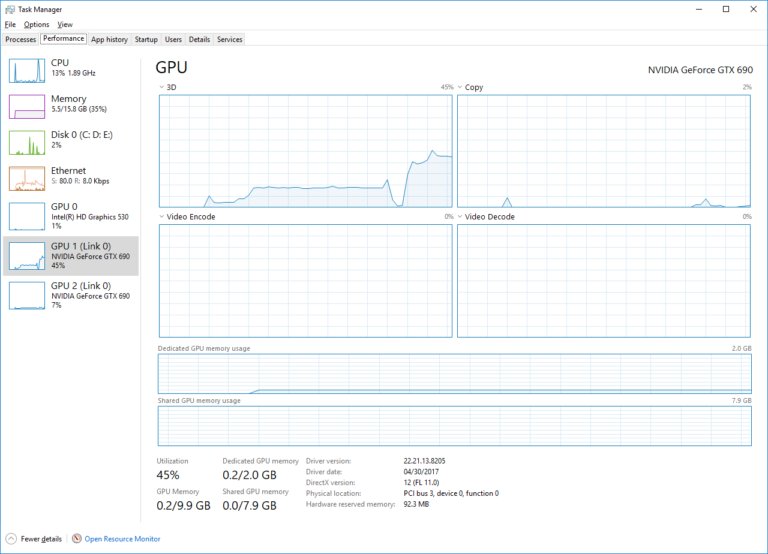
Windows Task Manager Performance tab with GPU 1 selected showing NVIDIA GeForce GTX 690

What Graphics Card Do I Have? How to Check GPU

September 24, 2026 by Philip Celasco 6 Comments
Windows Task Manager Performance tab with GPU 1 selected showing NVIDIA GeForce GTX 690

Check what graphics card you have in Windows 11 or 10 with Task Manager’s GPU pane. Plus Mac, Linux, Chromebook and phone checks, VRAM, and GPU not showing fixes.
Posted in: How to
How to
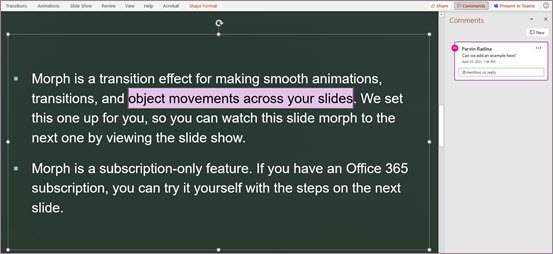
PowerPoint comment pane with highlighted text anchored to a reviewer note

How to Add Track Changes in PowerPoint

September 24, 2026 by Philip Celasco 1 Comment
PowerPoint comment pane with highlighted text anchored to a reviewer note

Track changes in PowerPoint without a Track Changes button: use revision highlighting, comments, Compare and Version History. Steps, requirements and fixes.
Posted in: How to, Office and productivity
How to
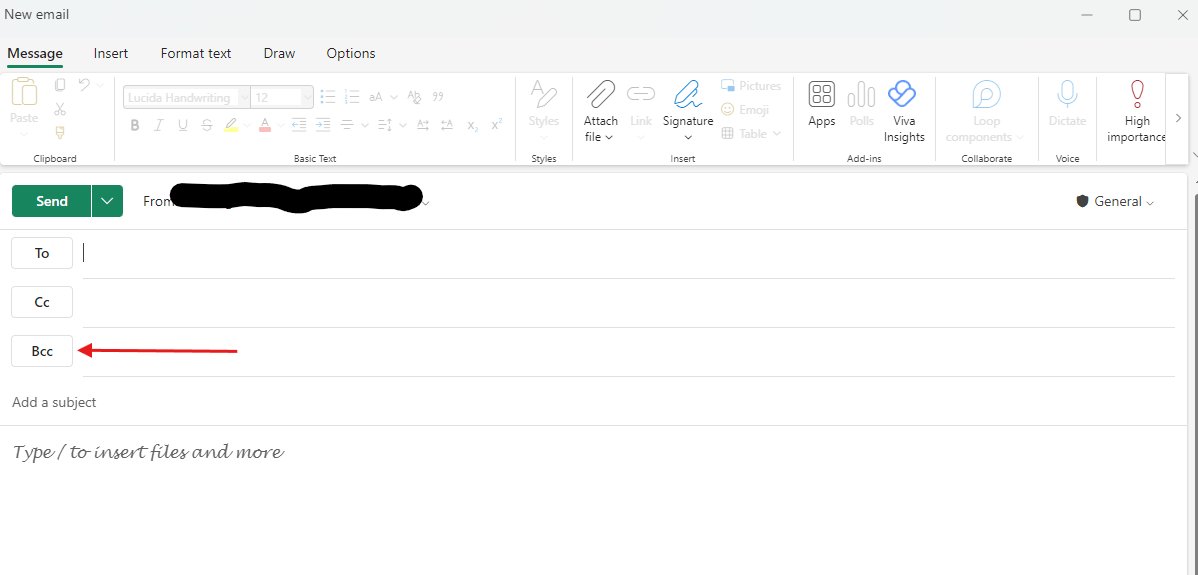
New email compose window with a Bcc button below To and Cc

How to Use BCC in Outlook (and What Happens When You Do)

September 24, 2026 by Philip Celasco Leave a Comment
New email compose window with a Bcc button below To and Cc

Use BCC in Outlook with Options > Show fields > Show Bcc, or Options > Bcc in classic Outlook. What recipients see, reply-all risks and Microsoft’s limits.

Posted in: How to, Office and productivity
« Previous 1 … 243 244 245 … 313 Next »

More from Techdows

Connect Beats Solo 4 to Fire tablet - Beats wireless headphones
How to connect Beats Solo 4 to a Fire tablet
How to · 5 hours ago
Printable iPhone User Guide - iPhone lock screen on a desk stand
Printable iPhone User Guide download: how to get and print it
How to · 3 hours ago
AirPods won't connect - AirPod resting on an iPhone
Fix AirPods won’t connect [7 ways to fix]
How to · 3 hours ago
Enable Windows Defender manually - combination padlock for security
How to enable or start Windows Defender manually
How to · 3 hours ago
Bought Minecraft from Microsoft - Minecraft bee papercraft held in a hand
Bought Minecraft from Microsoft? When you have to buy it again on the App Store
How to · 3 hours ago
Fix no sound in Windows 11 Snipping Tool screen recordings - PC desk with monitor and speakers
Fix no sound issues in Windows 11 Snipping Tool screen recordings
How to · 2 hours ago
Set up and manage Google reminders - reminder notification on a smartphone
How to set up and manage Google reminders
How to · 2 hours ago
Add weather to Windows 11 lock screen and taskbar - laptop beside a rainy window
How to add weather to lock screen, desktop and taskbar in Windows 11/10
How to · 2 hours ago

© 2009–2026 Techdows · About · Contact · Privacy Policy

Copyright © 2026 Techdows.

Techdows WordPress Theme by Techdows