Techdows

Windows how-to guides, fixes and software downloads

  • Home
  • Settings and hardware

    • Printers
    • Sound and microphone
    • Wi-Fi and network
    • Bluetooth
    • Display and monitors
    • Drivers
    • Keyboard shortcuts and symbols

    Using Windows

    • File Explorer
    • Storage and disk space
    • Taskbar, Start and desktop
    • Apps and default programs
    • Accounts and sign-in
    • Copilot in Windows
    • Command Prompt and PowerShell

    Updates and fixes

    • Windows Update
    • Windows 11 26H2
    • Error codes and BSOD
    • Boot, BIOS and recovery
    • Security and Defender
    • Task Manager and performance
    • DLL and runtime errors

    Popular fixes

    • Get help in Windows 11
    • Connect a wireless printer
    • Re-pair Bluetooth earbuds for stereo sound
    • Cancel a stuck print job
    • Change default programs

    All Windows guides →

  • Browse by type

    • Web browsers
    • Office and productivity apps
    • PC games and launchers
    • Phone and media apps
    • Developer tools
    • Creative apps
    • CAD software
    • System utilities and drivers

    Popular downloads

    • GTA V for PC
    • YouTube app for PC
    • Google Meet for PC
    • Cisco Packet Tracer
    • TikTok for PC

    Windows tools

    • PC Health Check app
    • HEVC Video Extension
    • DirectX 12
    • Cinebench R23

    All download guides →

  • Browser guides

    • Microsoft Edge
    • Google Chrome
    • Firefox
    • Web browsers for PC

    Microsoft Edge

    • Fix WebView2 using too much memory
    • Internet Explorer mode in Edge
    • Manage Edge favorites
    • Set or remove Edge as default

    Chrome and Firefox

    • Make Chrome the default browser
    • Restore closed tabs
    • Change the default web browser

    All browser guides →

  • Office guides

    • Outlook
    • Excel
    • Word and PowerPoint
    • OneDrive
    • Install Microsoft 365

    Meetings and other tools

    • Teams, Zoom and Google Meet
    • Google Docs and Sheets
    • PDF tools

    Office apps

    • Office product key
    • Office Deployment Tool
    • What is OneDrive?
    • Turn off OneDrive in Windows 11

    Outlook and Teams

    • Outlook inbox view changed
    • Schedule an email in Outlook
    • Outlook dark mode
    • Teams breakout rooms

    All Office and productivity guides →

  • PHP security

    • PHP2Shell patch download
    • PHP critical RCE security update
    • CVE-2026-109618 fix
    • CVE-2026-109619 explained
    • Mitigations if you can't update

    Update PHP

    • Update PHP to the latest version
    • Check your PHP version
    • Update PHP on Ubuntu and Debian
    • Restart PHP-FPM

    Hosting and local servers

    • Update PHP in XAMPP
    • Change PHP version in cPanel
    • Update PHP in Laragon and WampServer
    • Update PHP Docker images
    • WordPress PHP version check

    PHP downloads

    • PHP 8.5.12 download
    • PHP 8.4.27 download
    • PHP 8.3.36 and 8.2.35 download
    • Download PHP for Windows

    PHP2Shell by platform

    • PHP 8.3 fix on Ubuntu 24.04
    • PHP 8.1 fix on Ubuntu 22.04
    • PHP 8.2 and 8.4 fix on Debian
    • Update PHP on IIS
    • Cloudflare PHP2Shell WAF rule

    All PHP guides →

  • Sections

    • Gaming
    • Apple
    • Android
    • Apps and services
    • Developer and IT

    Apple

    • iPhone tips and fixes
    • Reset and restore iPhone
    • iPad
    • Mac and macOS
    • Apple Account and iCloud
    • Apple devices on Windows

    Apps, Android and gaming

    • Gmail and Google account
    • YouTube
    • Social media accounts
    • Streaming TV
    • Android and Samsung Galaxy
    • PC gaming and Xbox
    • Roblox and Minecraft on PC

    Developer and IT

    • WSL and developer setup
    • Virtual machines
    • Group Policy and Intune
    • Windows Server
    • Website error codes
  • News
Home›Apple

Apple

327 articles

iPhone, iPad, Mac, iCloud and AirPods how-tos: settings, resets, backups and fixes. Start with the iPhone tips and fixes guide, resetting, restoring and updating an iPhone, the iPad guide, the Mac and macOS guide or the Apple Account and iCloud guide, plus using Apple devices with a Windows PC.

Apple
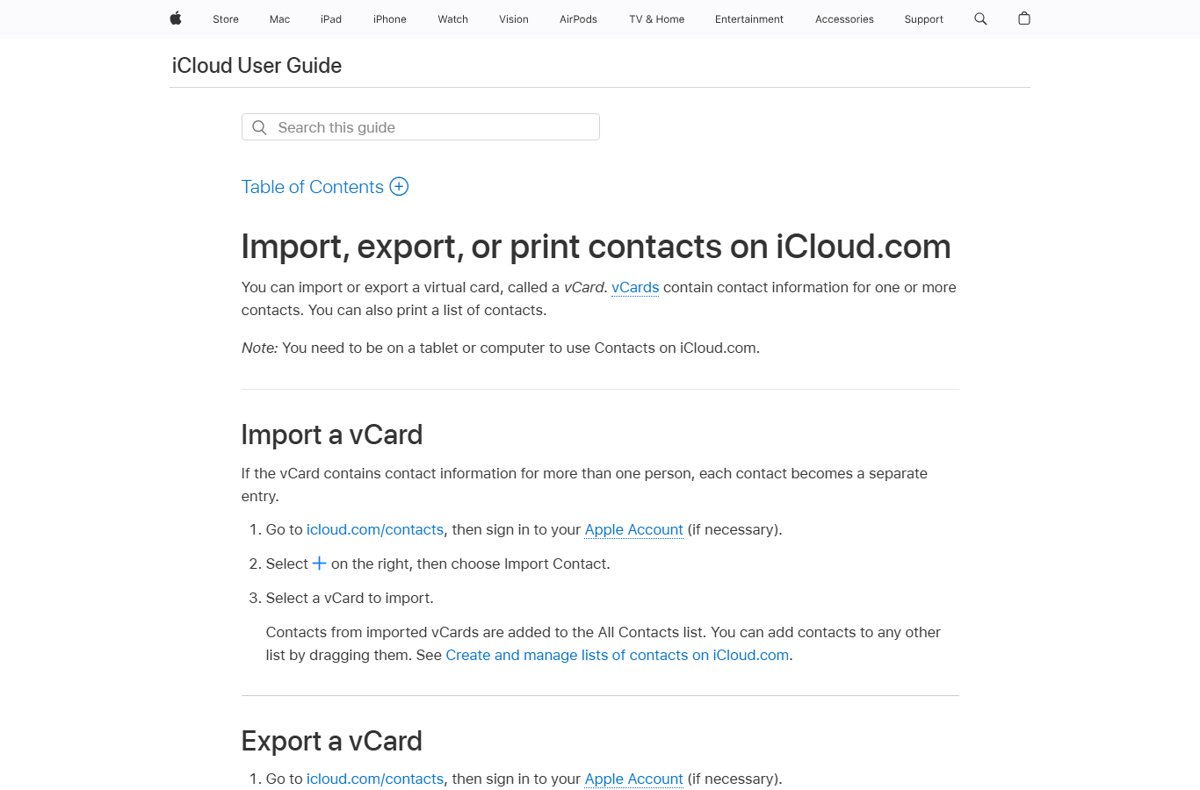
iCloud User Guide page on importing, exporting and printing contacts on iCloud.com

How to export and download your iCloud contacts
October 11, 2026 by Philip Celasco Leave a Comment
iCloud User Guide page on importing, exporting and printing contacts on iCloud.com

Export iCloud contacts from icloud.com/contacts: select all, choose Export vCard, and a .vcf file downloads. Steps for Mac, Windows, Gmail import and backups.
Posted in: Apple, How to
Apple
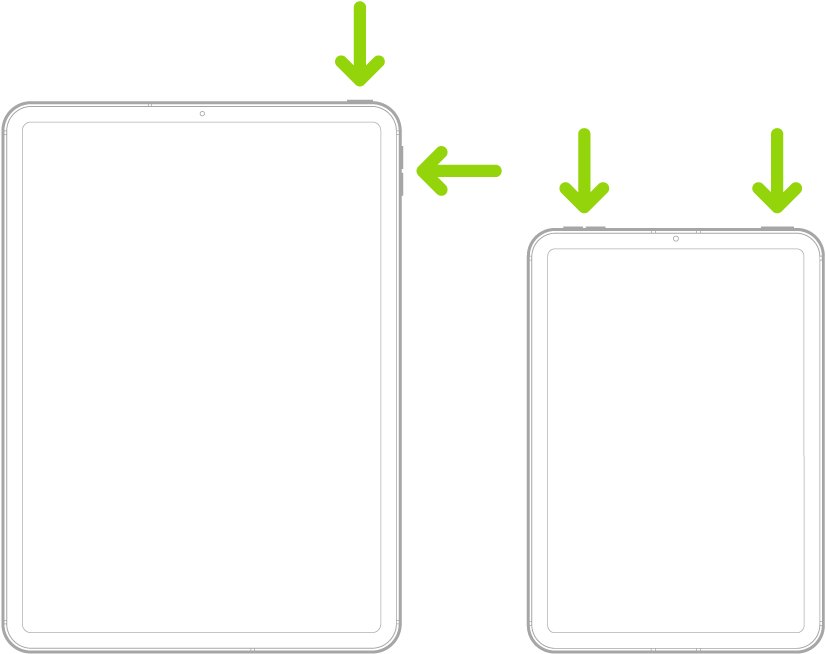
Two iPad models with arrows pointing at the top and volume buttons

How to turn off iPad: simple steps to power down your device easily

October 10, 2026 by Philip Celasco 1 Comment
Two iPad models with arrows pointing at the top and volume buttons

Turn off an iPad by holding the top button and a volume button, then dragging the slider. Covers Home button models, Settings, Control Center and frozen iPads.
Posted in: Apple, How to
Apple
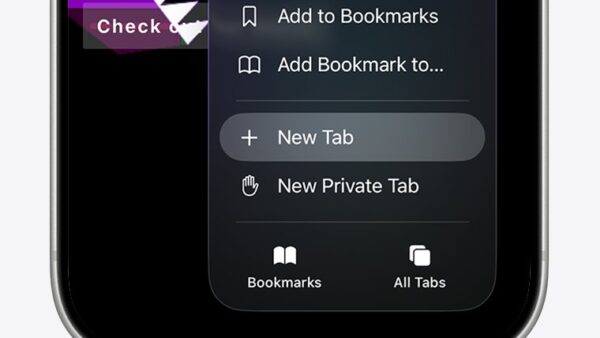
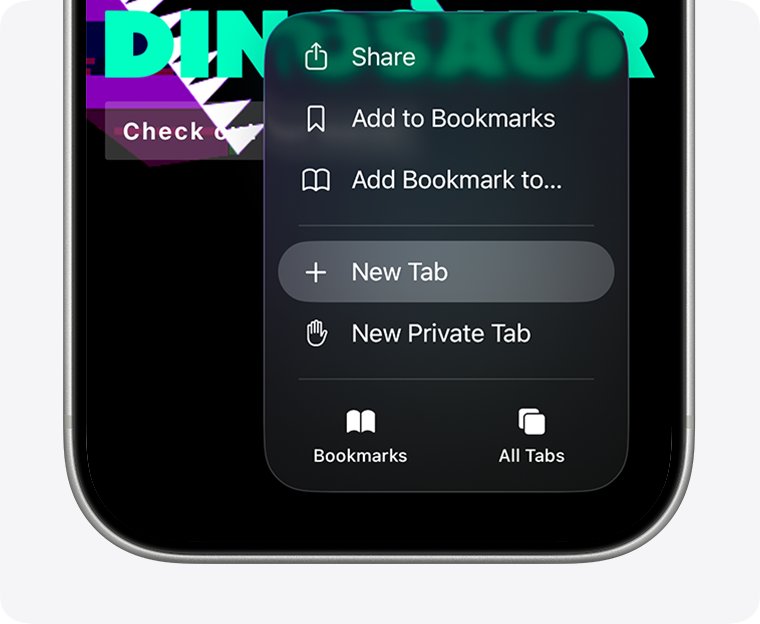
Safari menu on iPhone with New Tab highlighted above New Private Tab

How to turn off private browsing on iPhone: a step-by-step guide

October 9, 2026 by Philip Celasco Leave a Comment
Safari menu on iPhone with New Tab highlighted above New Private Tab

Turn off Private Browsing on iPhone in Safari: tap the More button and choose New Tab, or switch tab groups in iOS 17 and earlier. iPad and Edge steps included.

Posted in: Apple, How to
Apple
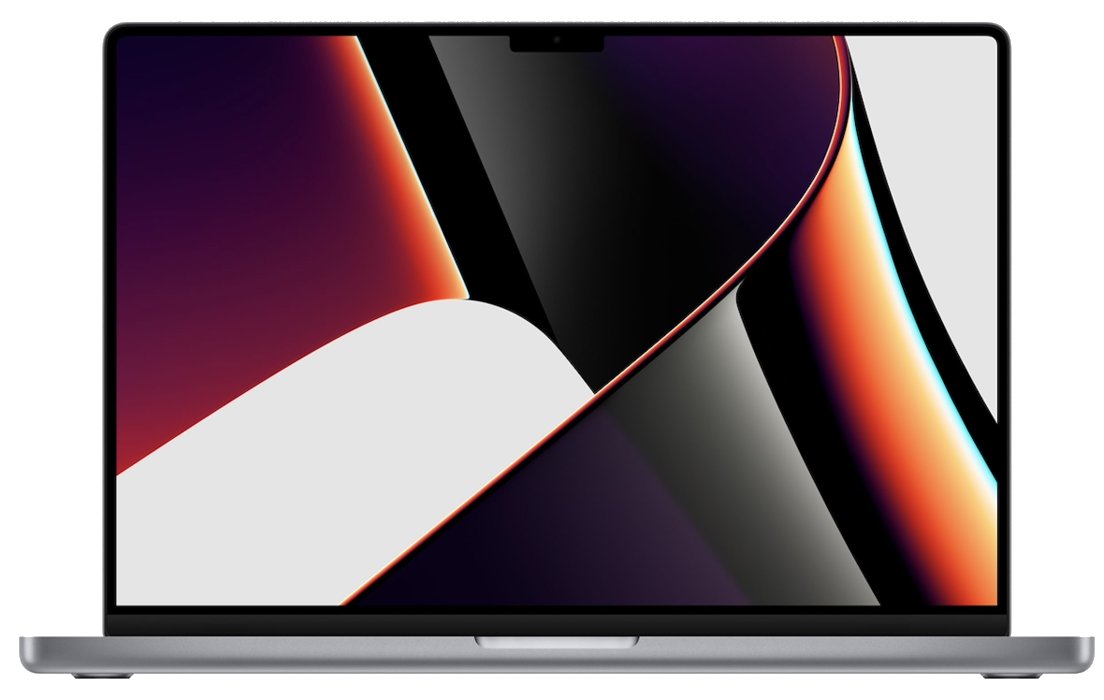
16-inch MacBook Pro with notched display open on a colorful wallpaper

What graphics card does the MacBook Pro have

October 9, 2026 by Philip Celasco 2 Comments
16-inch MacBook Pro with notched display open on a colorful wallpaper

What graphics card does the MacBook Pro have? Current models use the GPU built into Apple’s M5, M5 Pro or M5 Max chip, from 10 to 40 GPU cores, not a separate card.
Posted in: Apple, How to
Apple
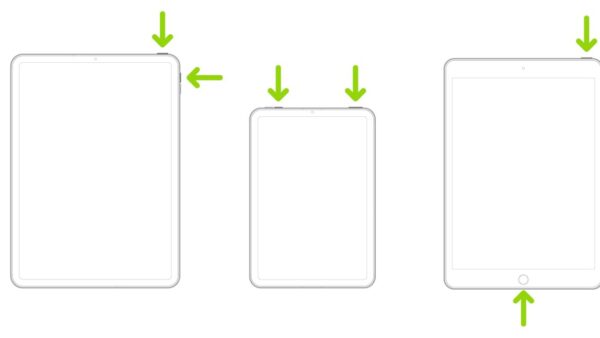
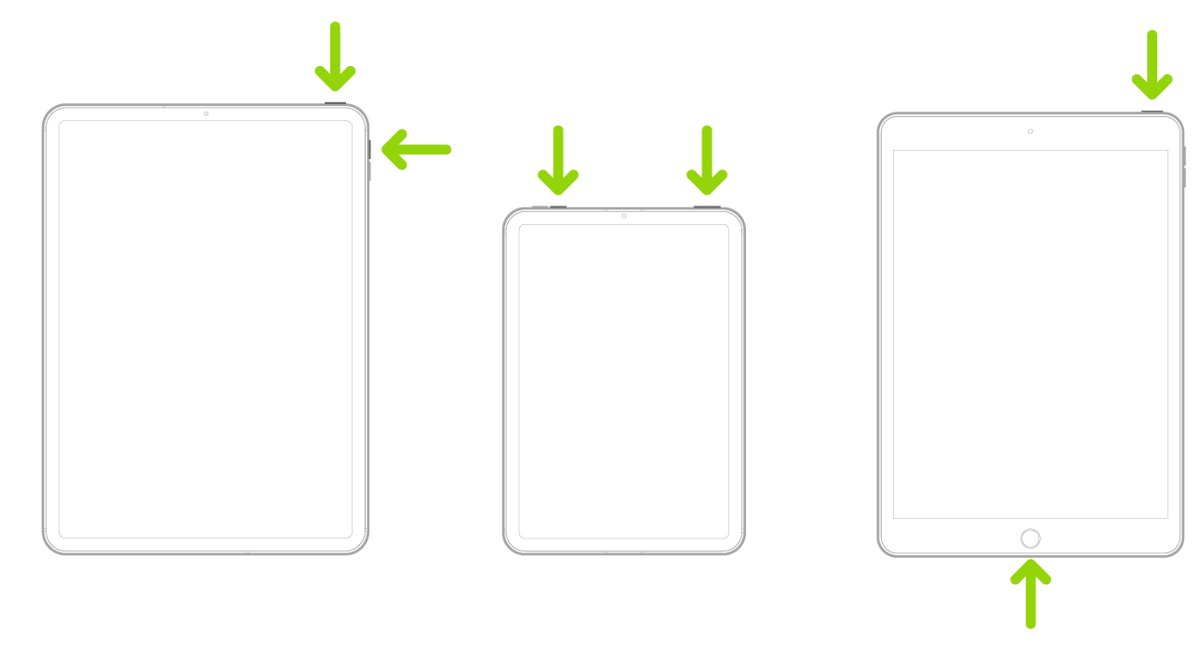
Three iPad outlines with green arrows marking the buttons to press for a screenshot

How to screenshot iPad: a step-by-step guide for every iPad model

October 8, 2026 by Philip Celasco Leave a Comment
Three iPad outlines with green arrows marking the buttons to press for a screenshot

Screenshot on iPad by pressing the top button and a volume button, or top and Home on older models. Pencil, keyboard, AssistiveTouch and full-page steps too.

Posted in: Apple, How to
Apple
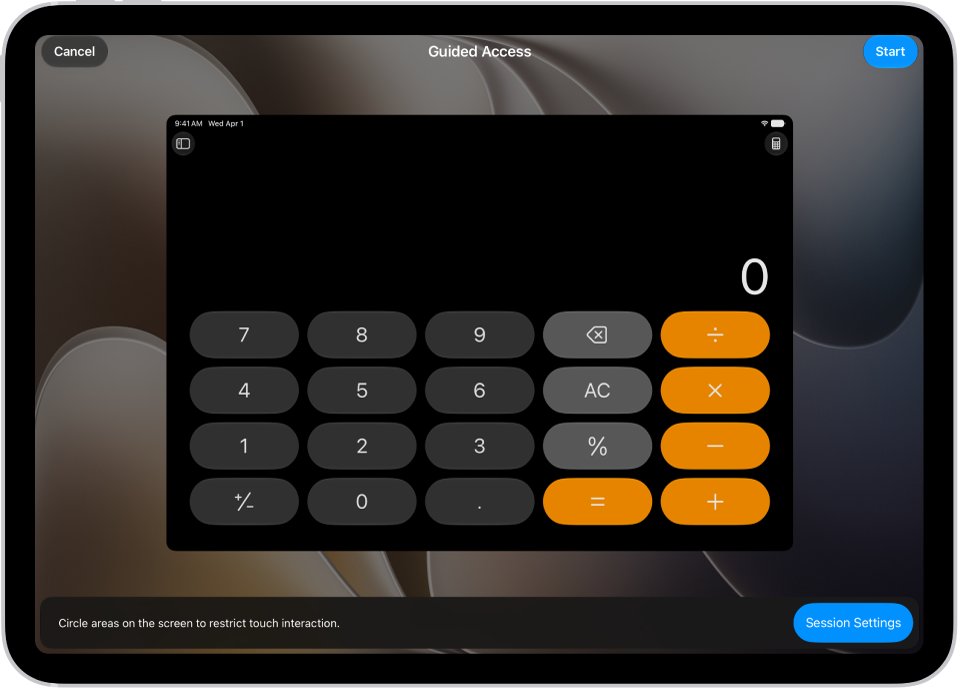
iPad Guided Access setup screen over a Calculator app with Start button

How to lock iPad screen from touch: a step-by-step guide for users

October 8, 2026 by Philip Celasco Leave a Comment
iPad Guided Access setup screen over a Calculator app with Start button

Lock an iPad screen from touch with Guided Access: turn it on in Accessibility, open an app, triple-click the top or Home button and switch Touch off.

Posted in: Apple, How to
Apple
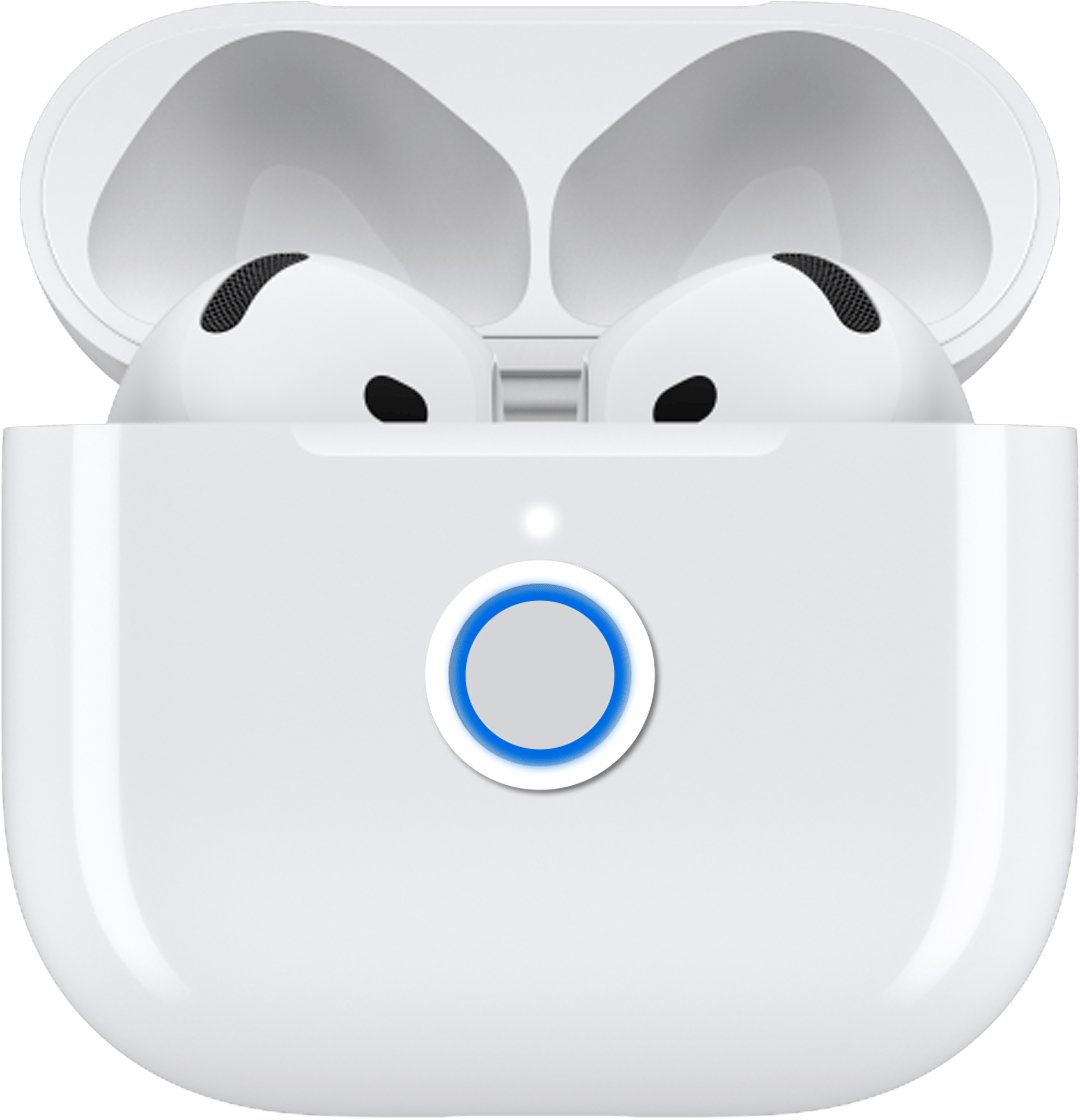
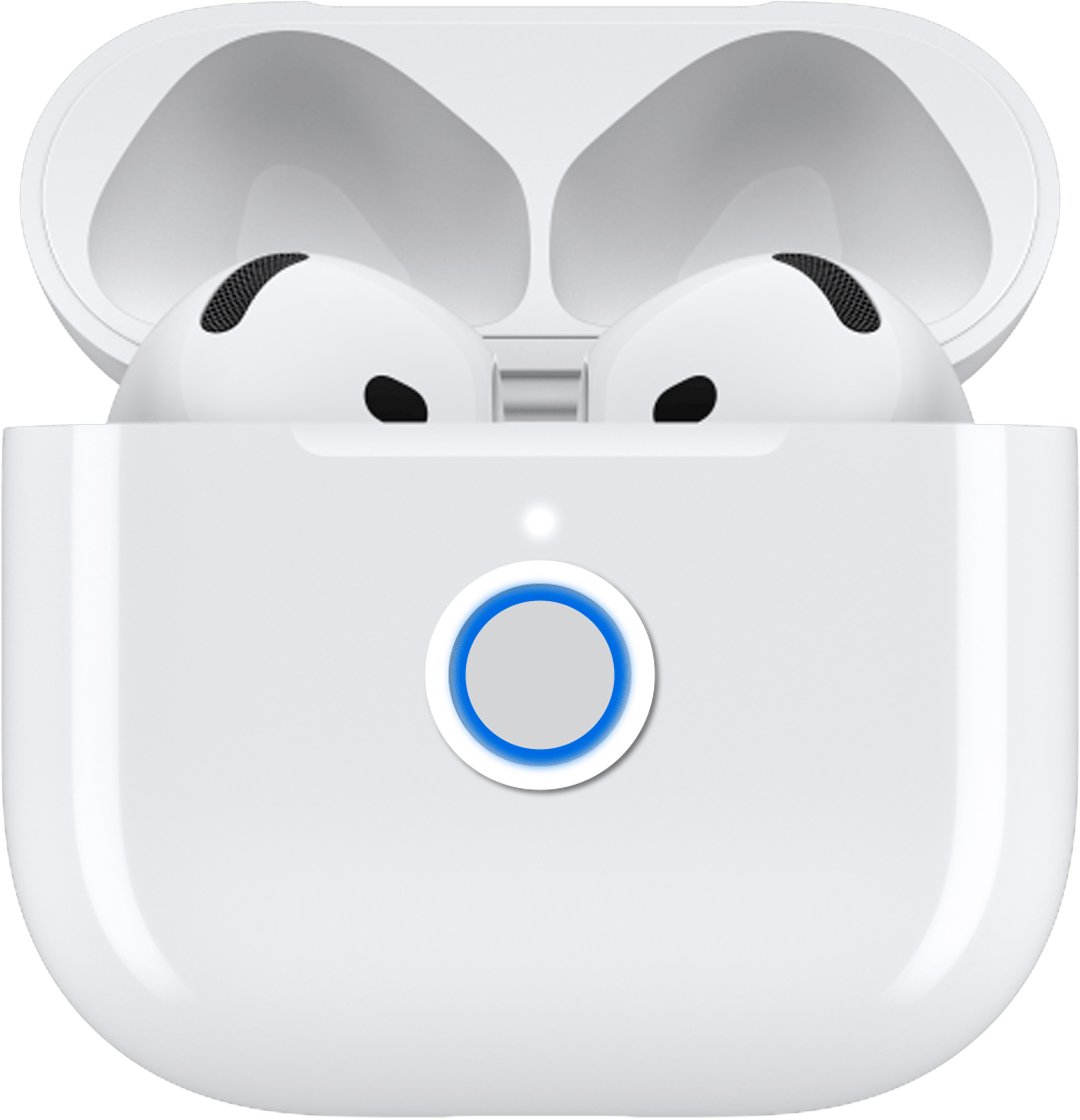
AirPods 4 charging case with lid open and front of case highlighted

How to fix AirPods not working on Windows 11

October 8, 2026 by Philip Celasco 1 Comment
AirPods 4 charging case with lid open and front of case highlighted

Fix AirPods not working on Windows 11: re-pair them, pick them as the output, fix the mic, one-side audio, dropouts, drivers and resets with official steps.
Posted in: Apple, How to
Apple
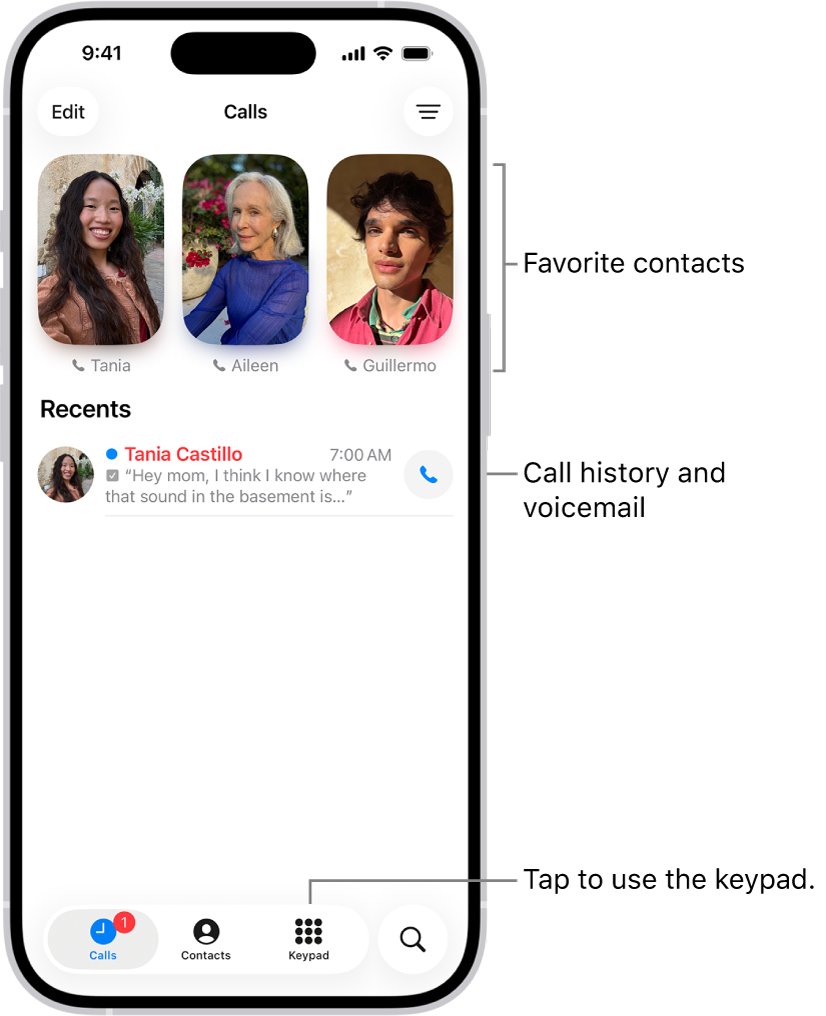
iPhone Calls tab with Favorites and a Recents call list

How to Find Recent Calls on an iPhone: A Step-by-Step Guide

October 7, 2026 by Philip Celasco Leave a Comment
iPhone Calls tab with Favorites and a Recents call list

Find recent calls on an iPhone in the Phone app: open Calls or Recents, filter missed calls, see call details, recover deleted calls and view them on a Mac or iPad.

Posted in: Apple, How to
Apple
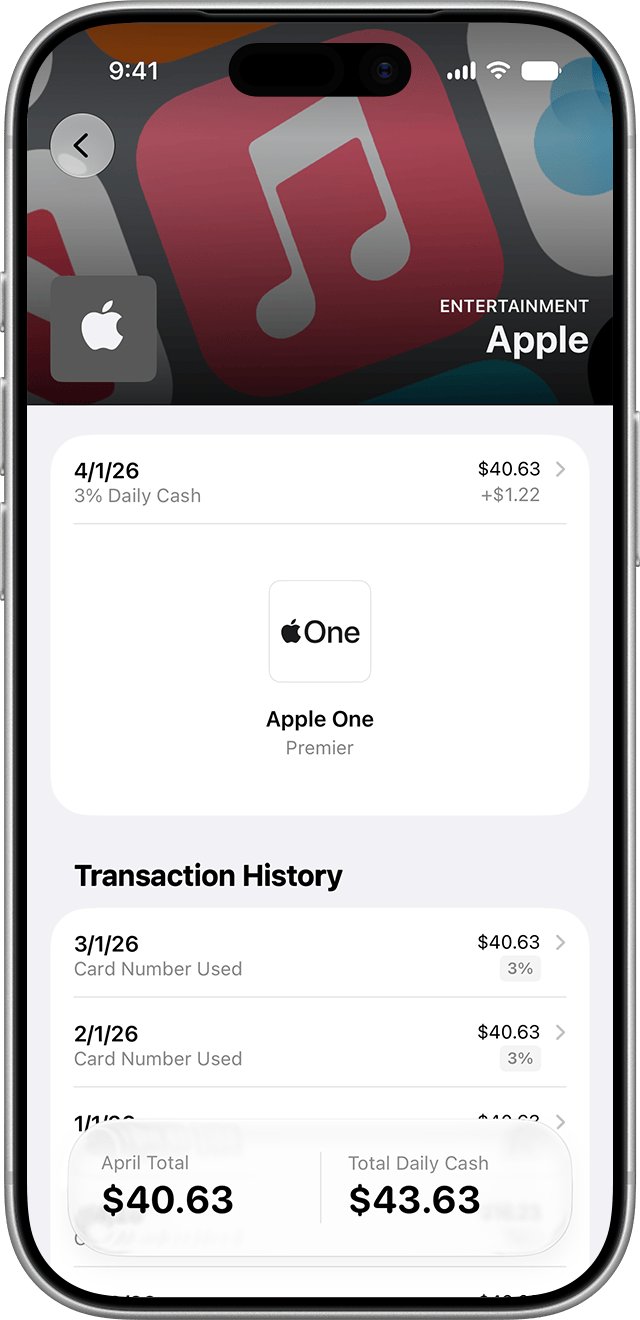
Wallet app Transaction History list under an Apple charge

How To Get In Touch With Apple Pay

October 7, 2026 by Philip Celasco Leave a Comment
Wallet app Transaction History list under an Apple charge

How to get in touch with Apple Pay: call Apple Support at 1-800-275-2273 in the US, chat in the Support app, or contact your card issuer about charges.
Posted in: Apple, How to
Apple
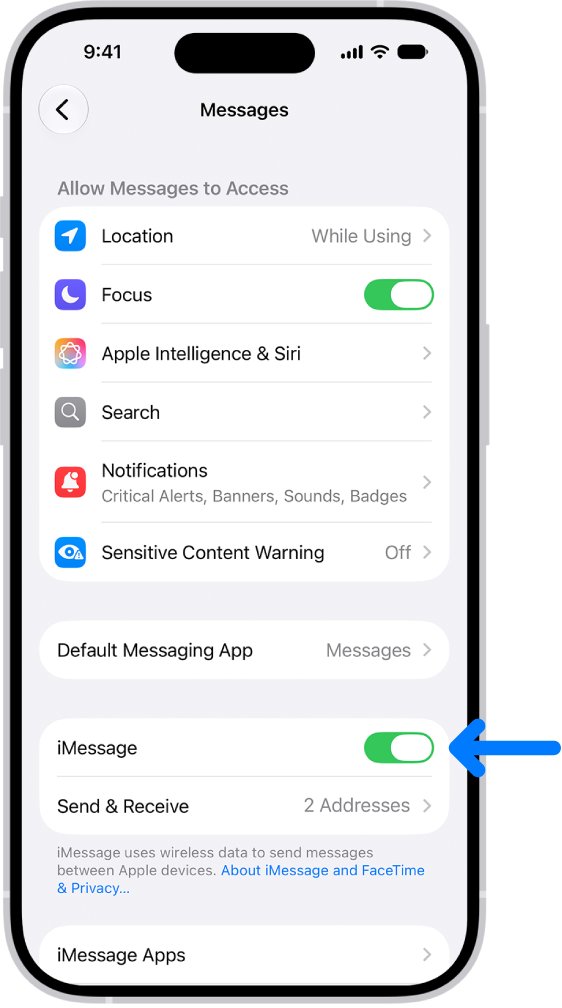
iPhone Settings screen showing iMessage switch turned on in Messages

How to Enable iMessage on iPhone: A Step-by-Step Guide

October 7, 2026 by Philip Celasco Leave a Comment
iPhone Settings screen showing iMessage switch turned on in Messages

Enable iMessage on iPhone in Settings > Apps > Messages. Steps for every iOS version, what you need first, how to check it worked, and fixes for activation errors.
Posted in: Apple, How to
Apple
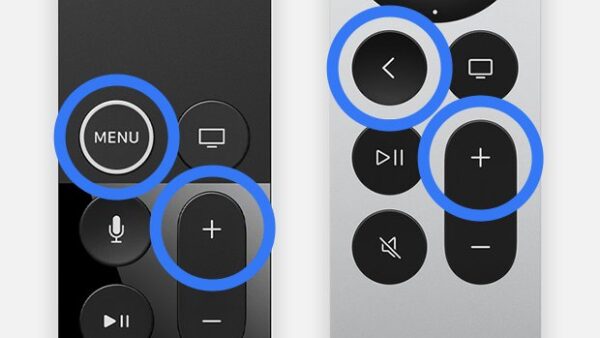
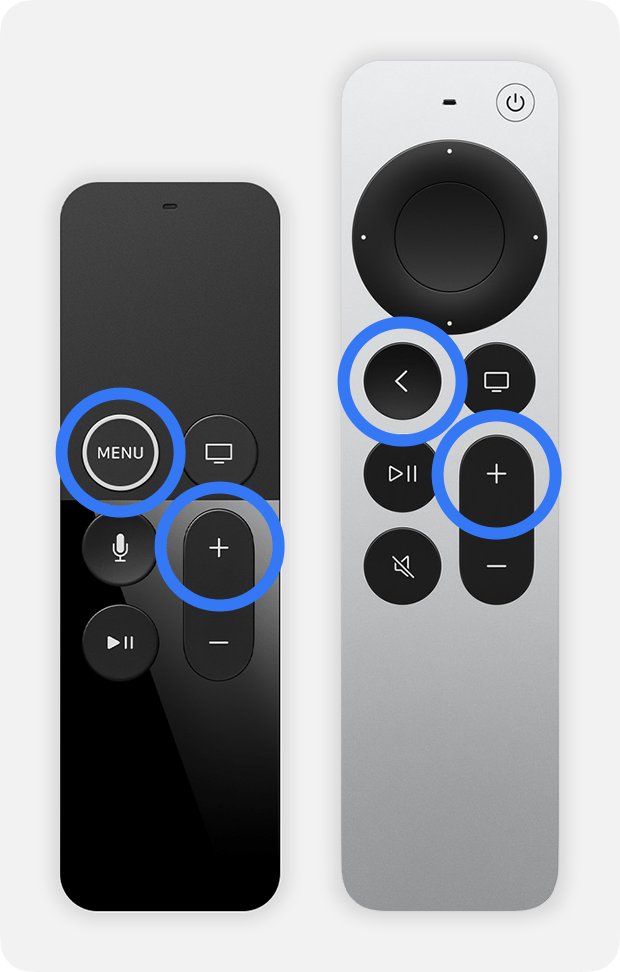
Two Apple TV remotes with Back or Menu and Volume Up highlighted in blue

How to pair, unpair, and reset an Apple TV remote

October 7, 2026 by Philip Celasco Leave a Comment
Two Apple TV remotes with Back or Menu and Volume Up highlighted in blue

Pair an Apple TV remote by holding Back (or Menu) and Volume Up near the box; reset it with TV and Volume Down. Unpair steps, aluminum remote and fixes.

Posted in: Apple, How to
Apple
AirPods and charging case with the lid open and status light on

How to Fix AirPods Connected But No Sound in Windows 11

October 7, 2026 by Philip Celasco 1 Comment
AirPods and charging case with the lid open and status light on

AirPods connected but no sound in Windows 11? Pick them as the output device, set the right audio format, re-pair them and update Bluetooth drivers.

Posted in: Apple, How to
« Previous 1 … 20 21 22 … 28 Next »

More from Techdows

Apache OpenOffice version, platforms and license at a glance
Download Apache OpenOffice for PC, Windows 11/10 & Mac (Free)
Downloads · 5 hours ago
Navigation Alerts Only no chimes - car GPS navigation screen
Navigation “Alerts Only” no longer working (no chimes)
How to · 5 hours ago
Turn off AutoFit in PowerPoint - presentation on a projector screen
How to turn off Autofit automatic text resizing feature in PowerPoint
How to · 5 hours ago
Delete user accounts on Windows 11 - shared laptops in an office meeting room
How to delete user accounts on Windows 11
How to · 5 hours ago
Reset Apple Account password - unlocking a smartphone
How do I reset my Apple Account password?
Apple · 4 hours ago
Social media apps Instagram, Pinterest, Twitter and Snapchat on a smartphone
Social media accounts guide: Facebook, Instagram and Snapchat login, recovery and deletion
Apps and services · 4 hours ago
Streaming TV apps Netflix, Prime Video, Disney+ and HBO Max on a phone in front of a smart TV
Streaming TV guide: Netflix, YouTube TV, Plex, Roku and Fire TV setup, activation and fixes
Apps and services · 4 hours ago
Logitech Gaming Software card with version, licence, size and supported Windows releases
Download Logitech Gaming Software for Windows 11/10 and Mac
Downloads · 4 hours ago

© 2009–2026 Techdows · About · Contact · Privacy Policy

Copyright © 2026 Techdows.

Techdows WordPress Theme by Techdows