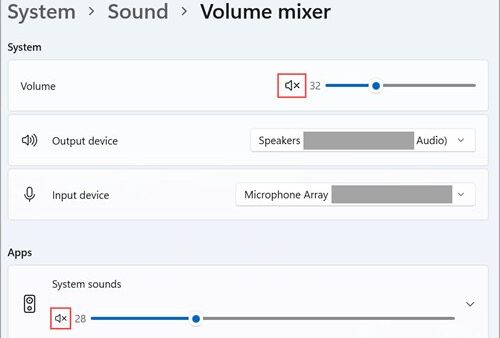
How to manage sound settings on Windows 11
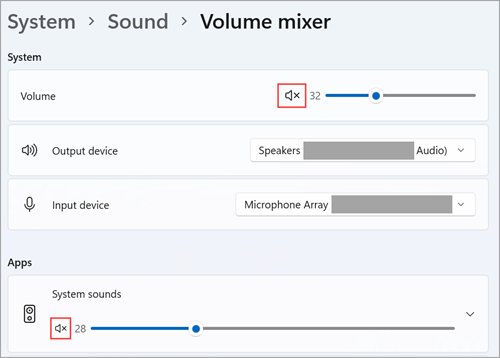
Manage sound settings on Windows 11: open Settings > System > Sound to pick speakers and microphones, set per-app volume, turn on spatial sound and fix audio.
2,143 articles

Manage sound settings on Windows 11: open Settings > System > Sound to pick speakers and microphones, set per-app volume, turn on spatial sound and fix audio.
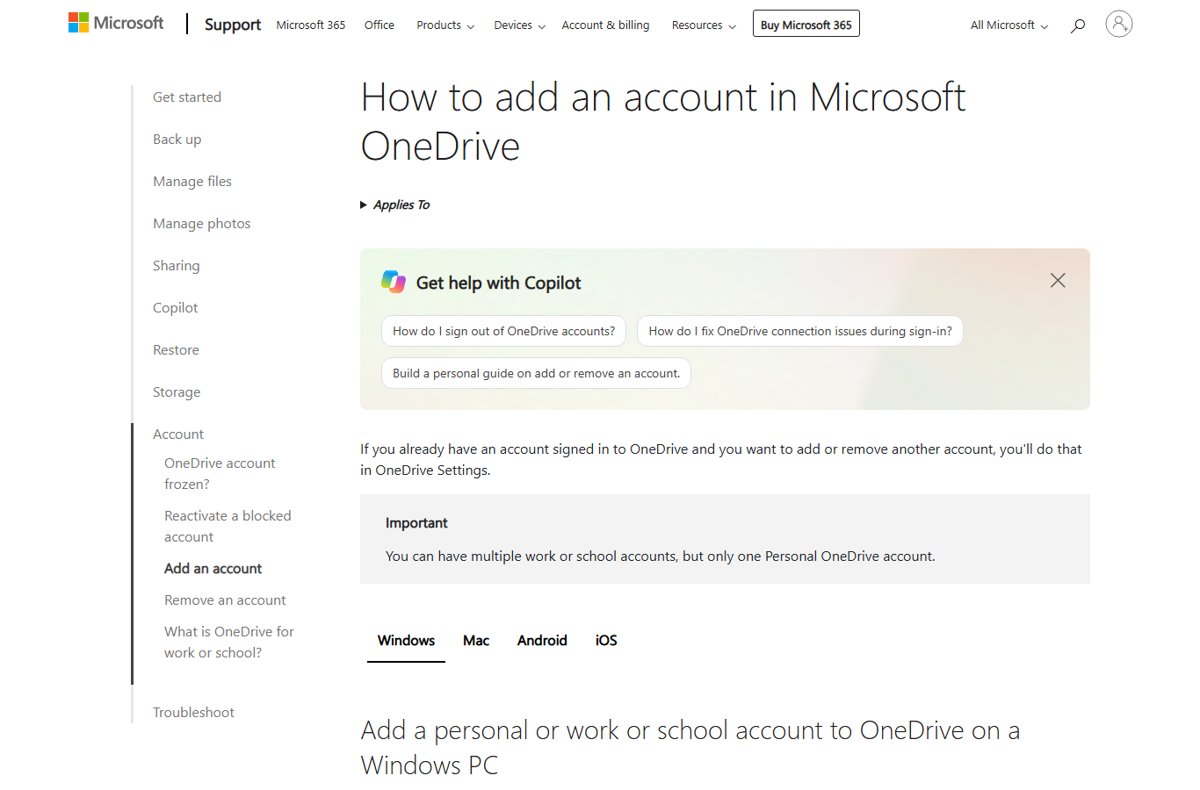
Add another OneDrive account on Windows, Mac, iPhone or Android with Settings > Account > Add an account, plus the one-personal-account limit and workarounds.
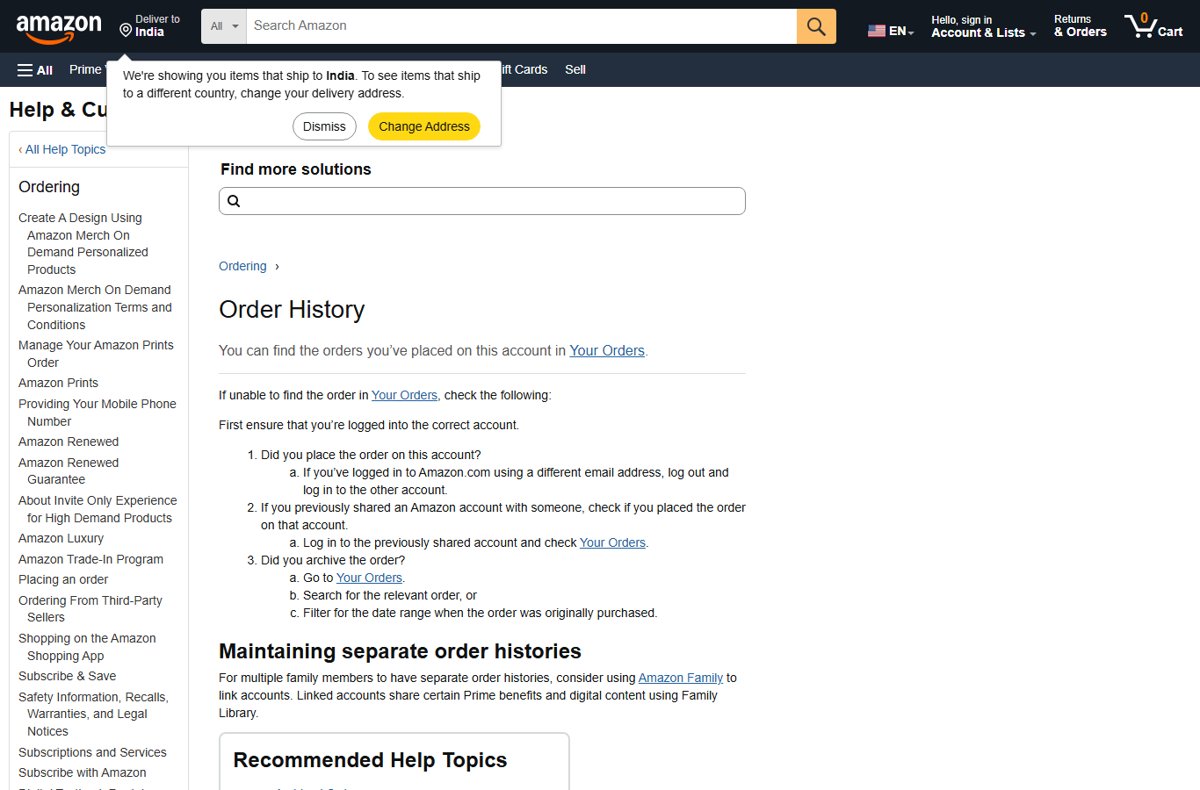
View your complete Amazon order history in Your Orders by filtering each year, or download a copy with Amazon’s Request your data tool. Invoices and fixes too.
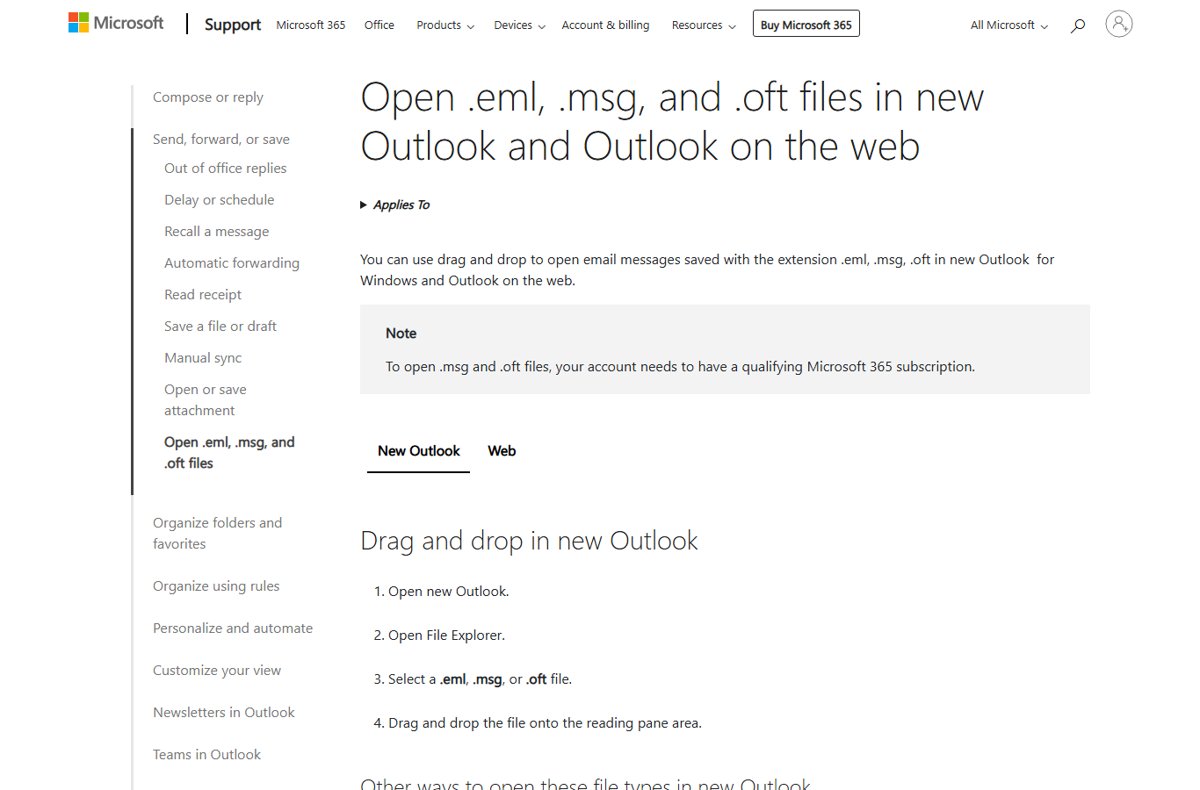
An EML file is a single email message saved in MIME format. Open it in new Outlook, Outlook on the web or a desktop mail app, convert it to PDF, and fix errors.
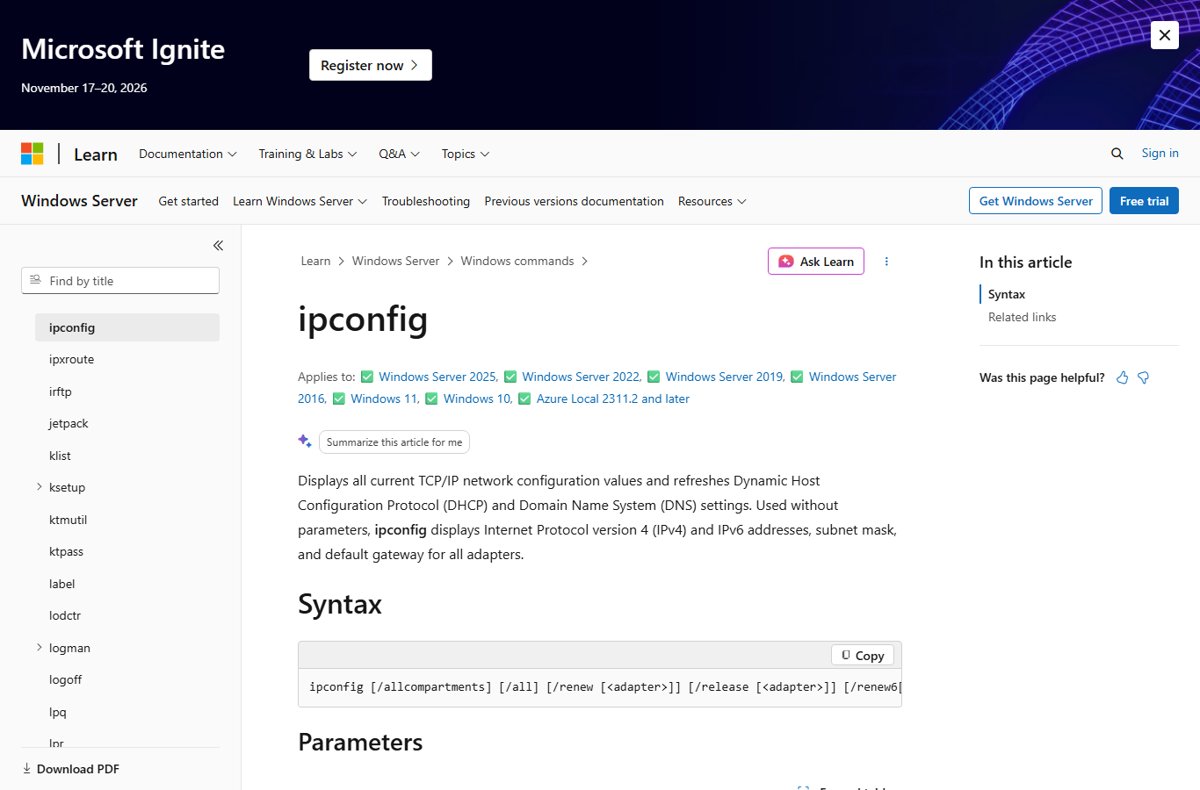
10.0.0.0.1 Piso WiFi is a typo: the portal is 10.0.0.1. Find the right IP, open the admin login, fix pages that will not load and secure the vendo.
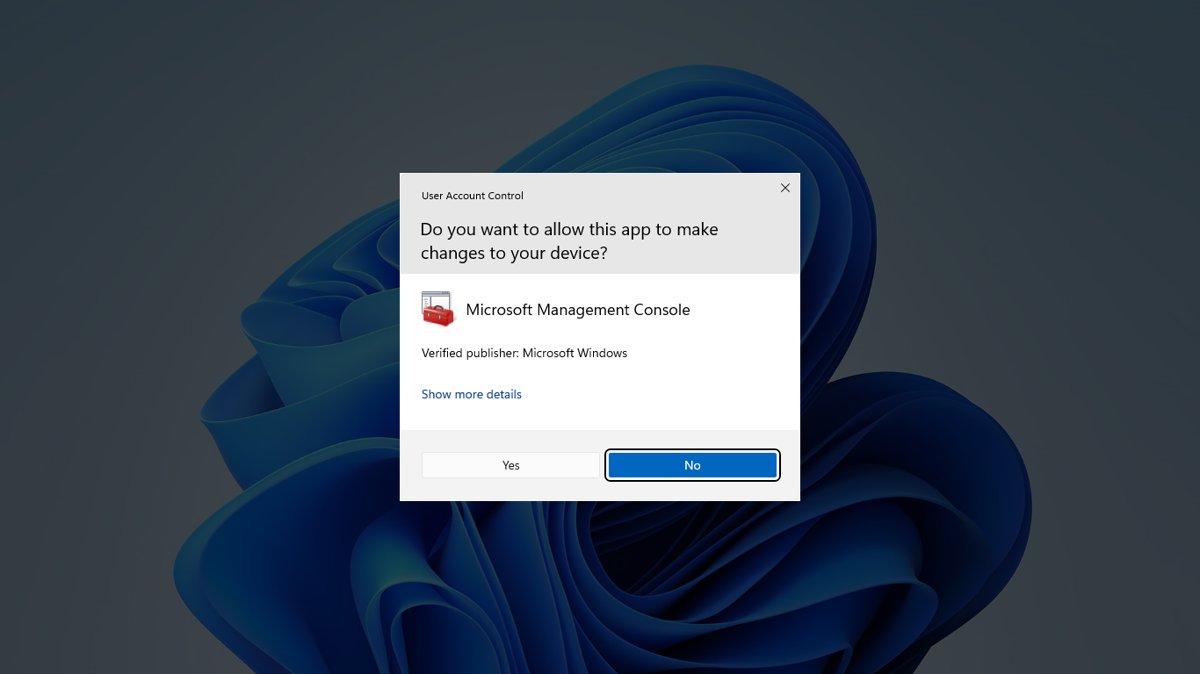
Open Command Prompt in Windows 11 from Search, Run, Win+X, Terminal or Task Manager, run it as administrator, and fix it opening at startup or being blocked.
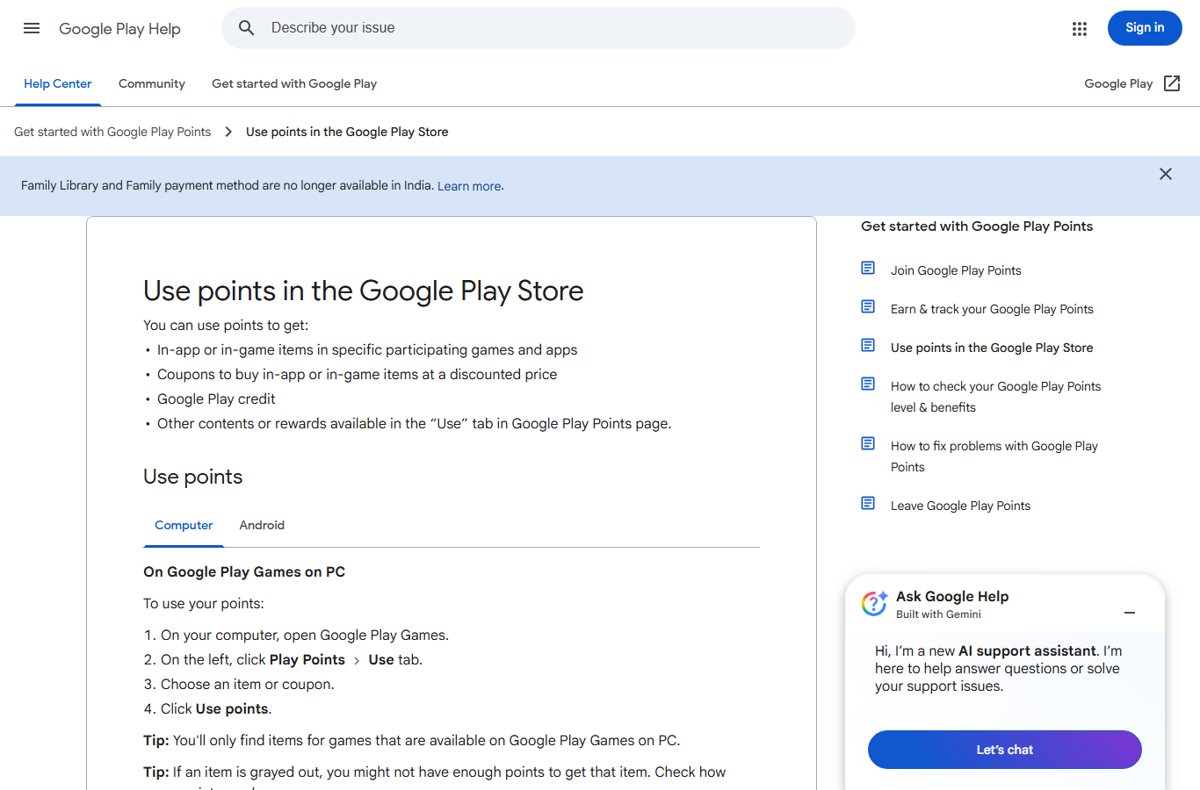
Google Play Points: how to join, earn points on apps, games and subscriptions, check your level, and use points for Play Credit, coupons and in-game items.
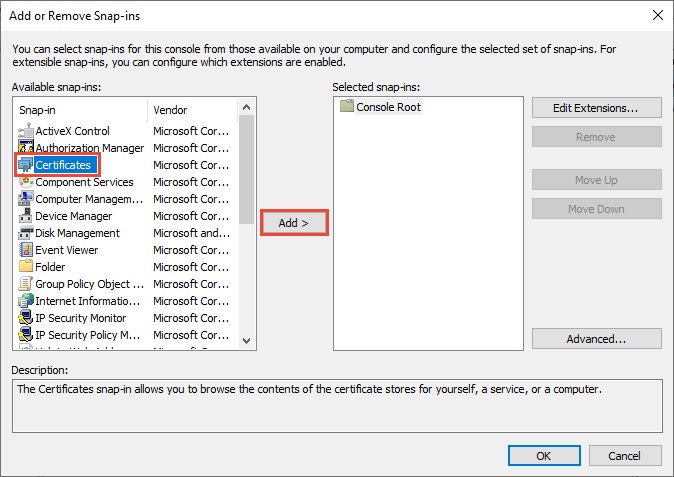
Check certificates on Windows 10 with certmgr.msc for your account or certlm.msc for the computer. Also MMC, PowerShell, certutil, browsers and signed files.
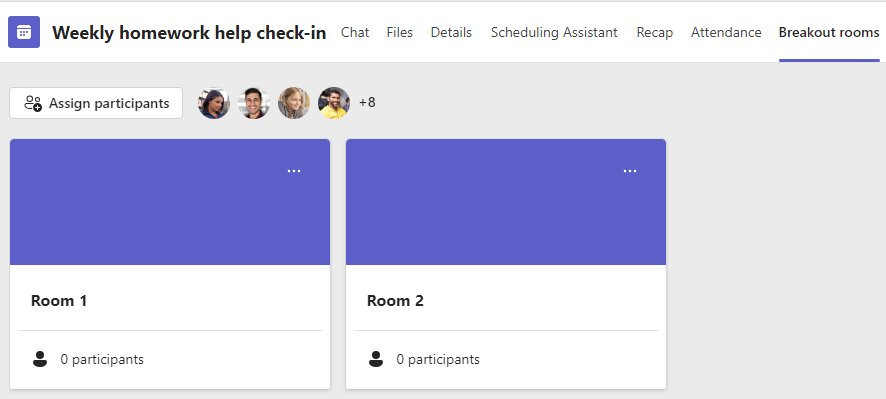
Create breakout rooms in Microsoft Teams from Rooms in the meeting controls or the calendar event. Assign people, set timers, open, close and fix common problems.
LogMeIn download for Windows 11, Windows 10 and Mac comes from logmein.com. Get the host and client installers, sizes, plans and install steps.
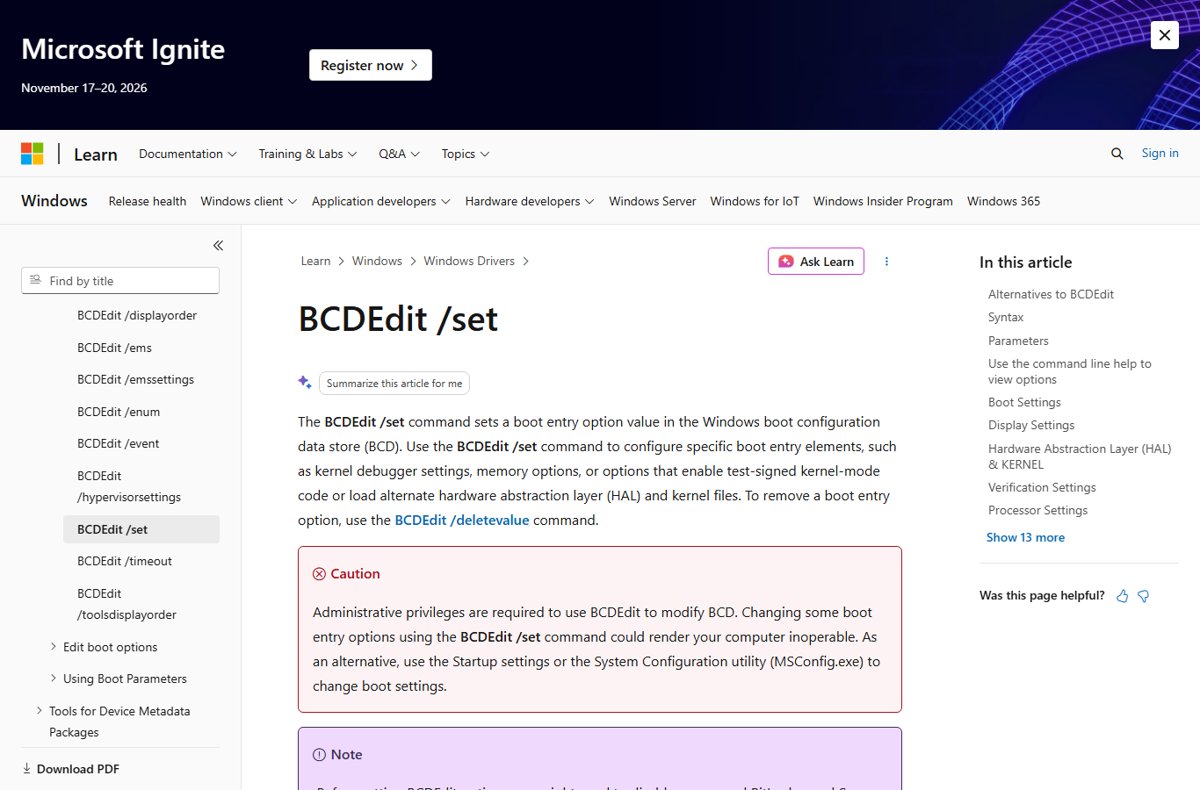
Enable the F8 key in Windows 11/10 with bcdedit /set {current} bootmenupolicy legacy, then press F8 at startup for Safe Mode. Other routes and undo steps too.
Dell Display Manager download for PC: get the free official app for Windows 11, Windows 10 and Mac, with install steps, requirements and fixes.