
How to fix desktop refresh option not working in Windows 11
Fix the desktop refresh option in Windows 11: use right-click Refresh or F5, restart Windows Explorer, check the keyboard and remap tools, then repair system files.
3,909 articles

Fix the desktop refresh option in Windows 11: use right-click Refresh or F5, restart Windows Explorer, check the keyboard and remap tools, then repair system files.
Missing menu bar in Apple Music on Windows 11? Its commands moved to the Sidebar Actions button. Find import, settings, playlists and library sync there.
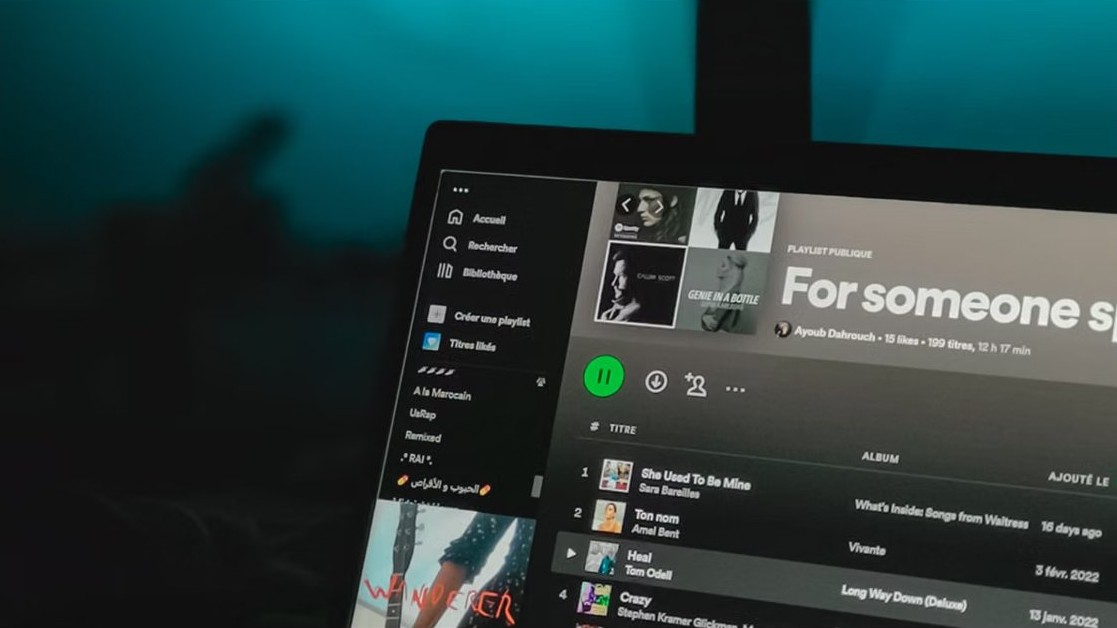
Uninstall Spotify on Windows 11 from Start, Settings, Control Panel, PowerShell or winget, plus startup removal, reinstall steps and fixes when it won’t delete.
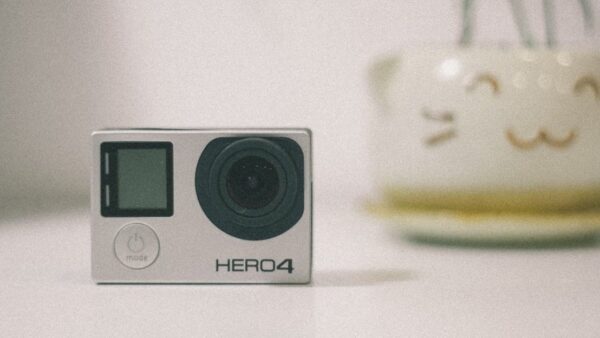
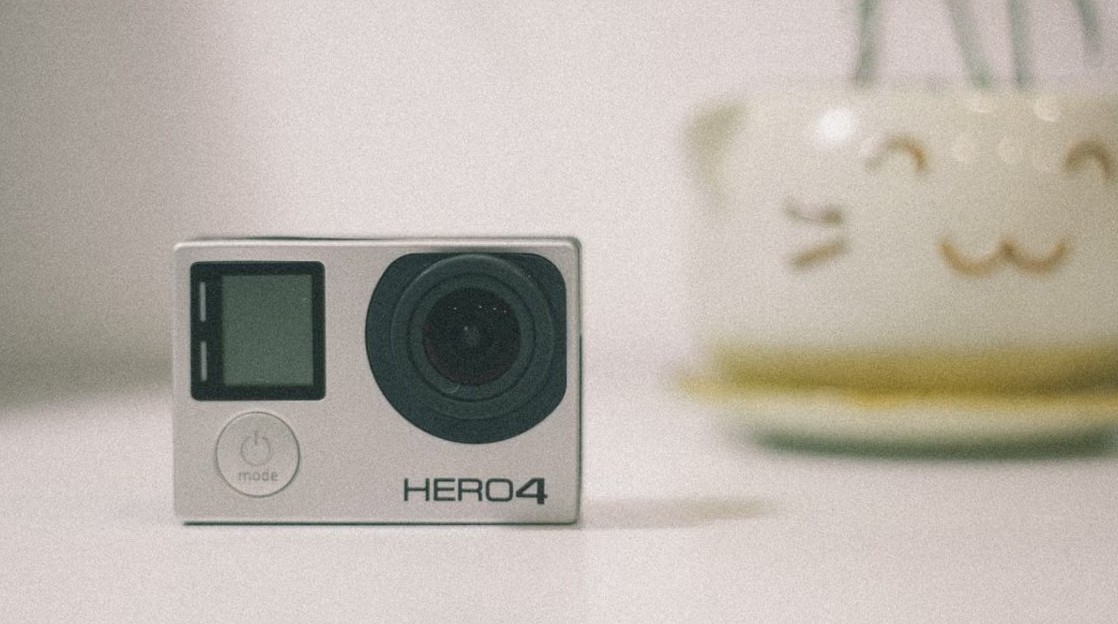
Free GoPro editing software for Windows 11: GoPro Player, DaVinci Resolve, Clipchamp, Adobe Express and Blender compared, with limits and USB camera fixes.
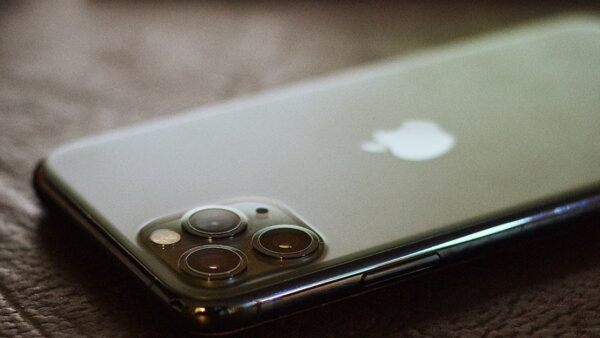
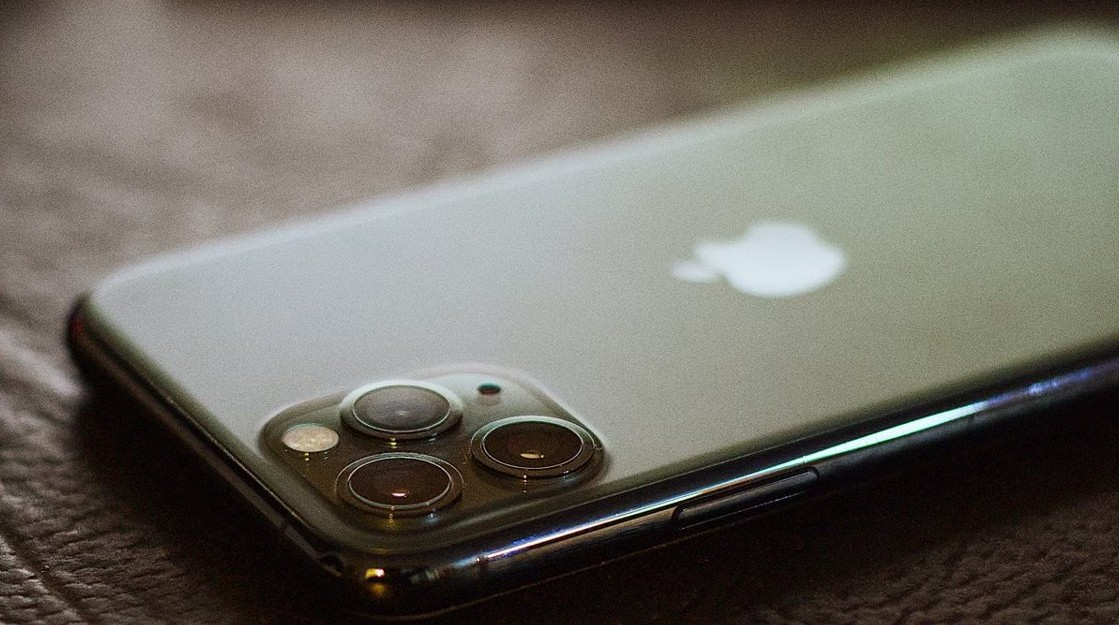
Find your Apple ID on iPhone in Settings: tap your name, then Sign-In & Security. Also covers FaceTime, Messages, iPad, Mac, PC and signed-out lookups.
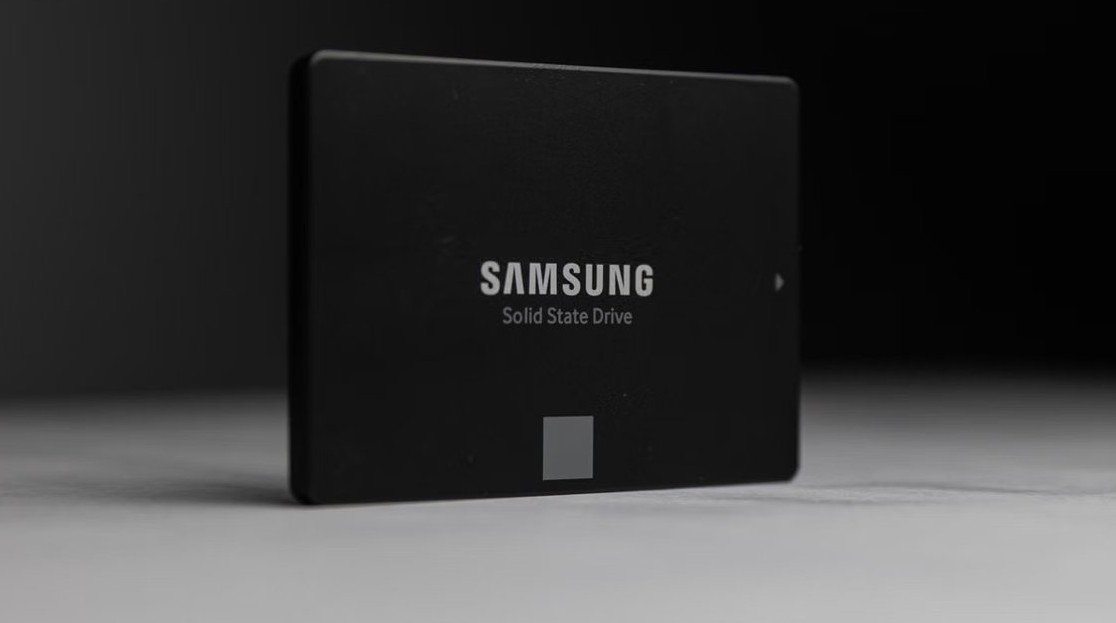
Enable or disable SysMain and Prefetch on an SSD in Windows 11 with Services, PowerShell or the registry, plus how to check your drive type and the result.
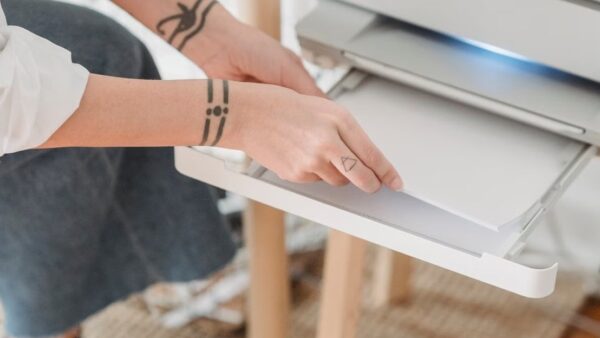
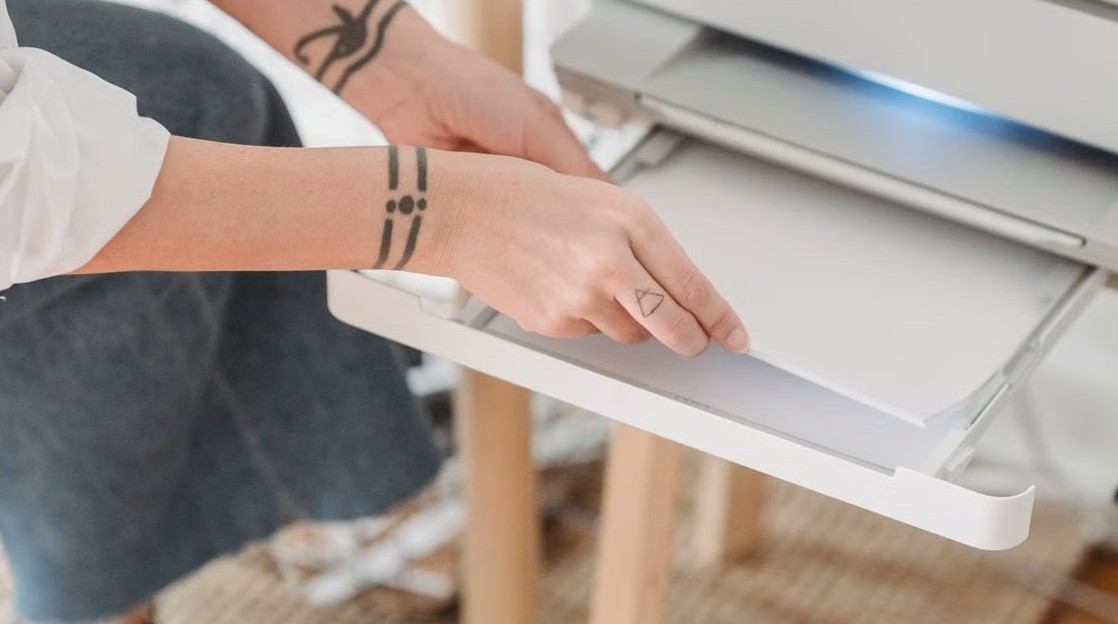
Why is your HP printer offline? Restart it, check the connection, clear Use Printer Offline, reset the spooler, run Diagnose & Fix or set a static IP.


Cast a website to your TV from Microsoft Edge: open the app menu, select Cast media to device and pick your Chromecast. Chrome, Windows and fixes included.
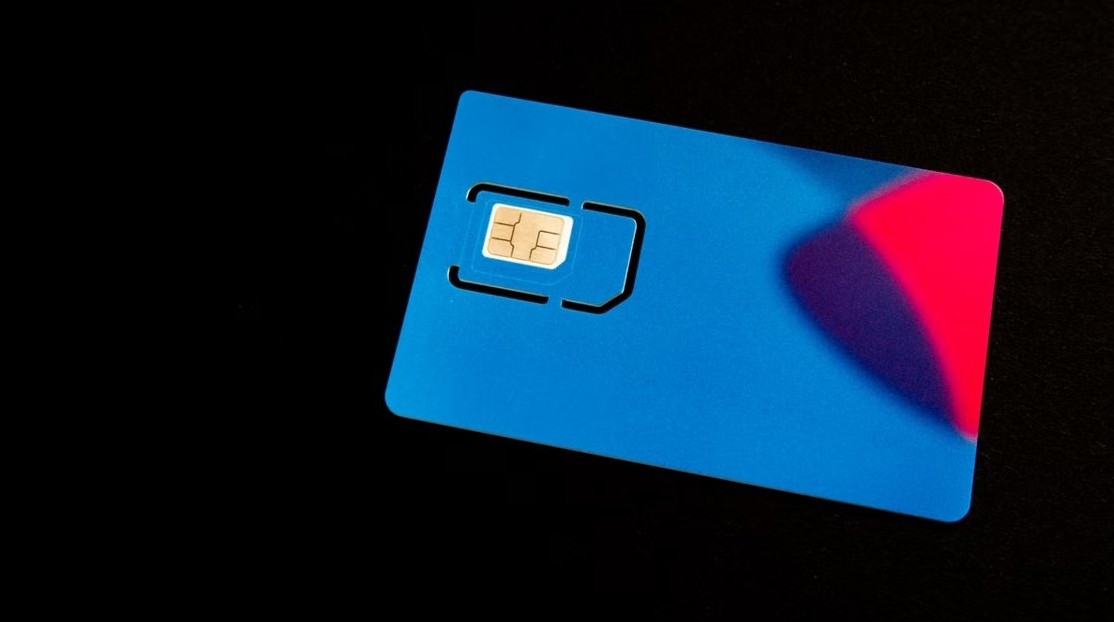
Windows Mobile Plans app support ended in February 2026. Add an eSIM from your carrier’s website or a QR code in Settings, plus what changes for IT and OEMs.
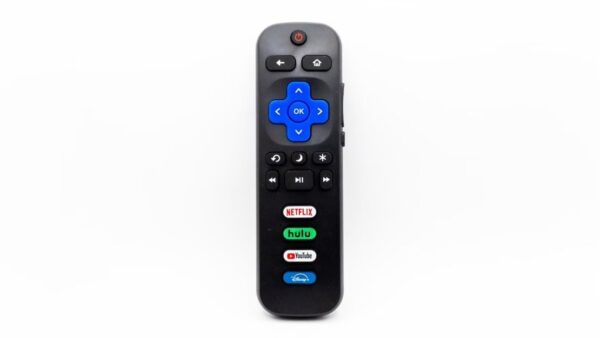
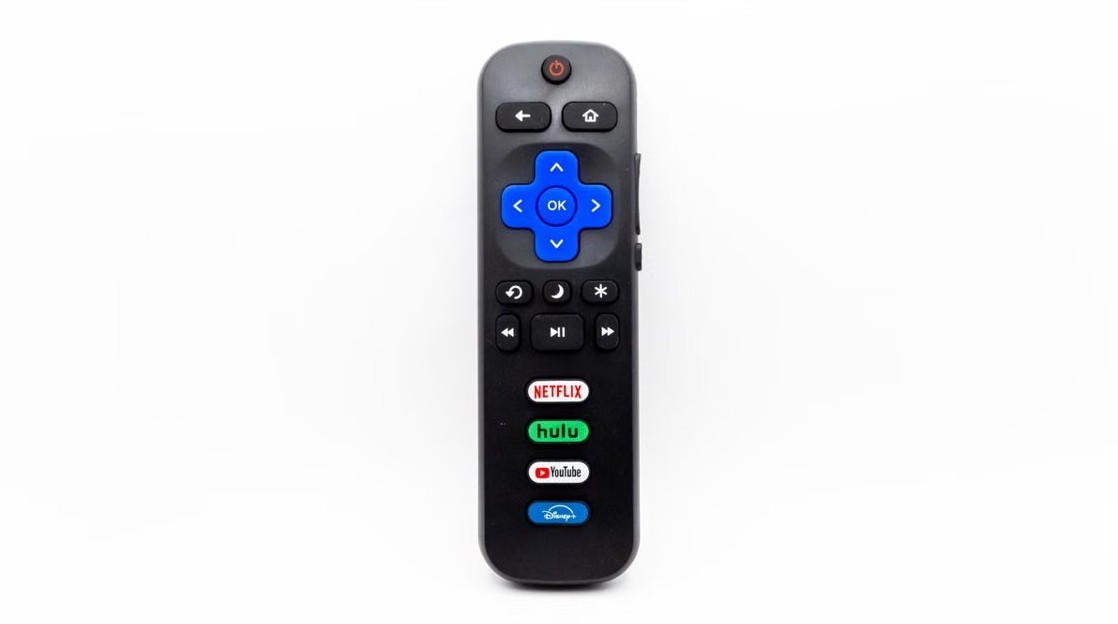
How to set up Roku: connect it to your TV with HDMI, pair the remote, join Wi-Fi and activate it for free. Covers Streaming Stick, Roku TV and setup fixes.


Allow pop-ups on Windows 11 from your browser’s site settings. Steps for Edge, Chrome and Opera, one site or all sites, plus how to stop unwanted pop-ups.
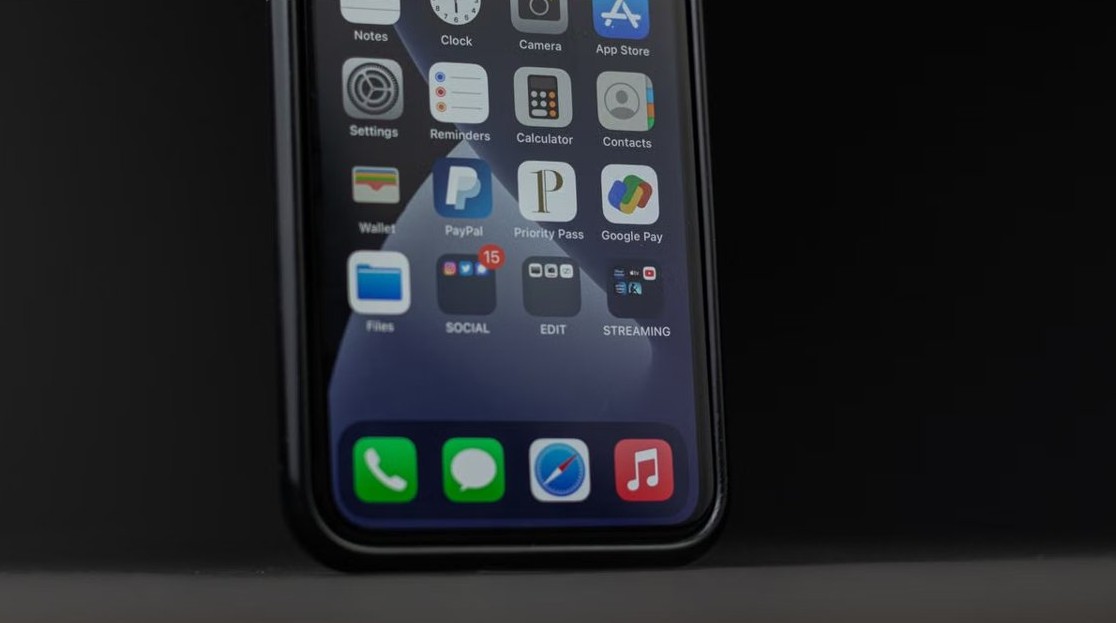
iPhone not recognizing Face ID? Clean the TrueDepth camera, check settings, add an alternate appearance, reset Face ID, and know when the camera needs service.