
How to set up and test a microphone on Windows 11
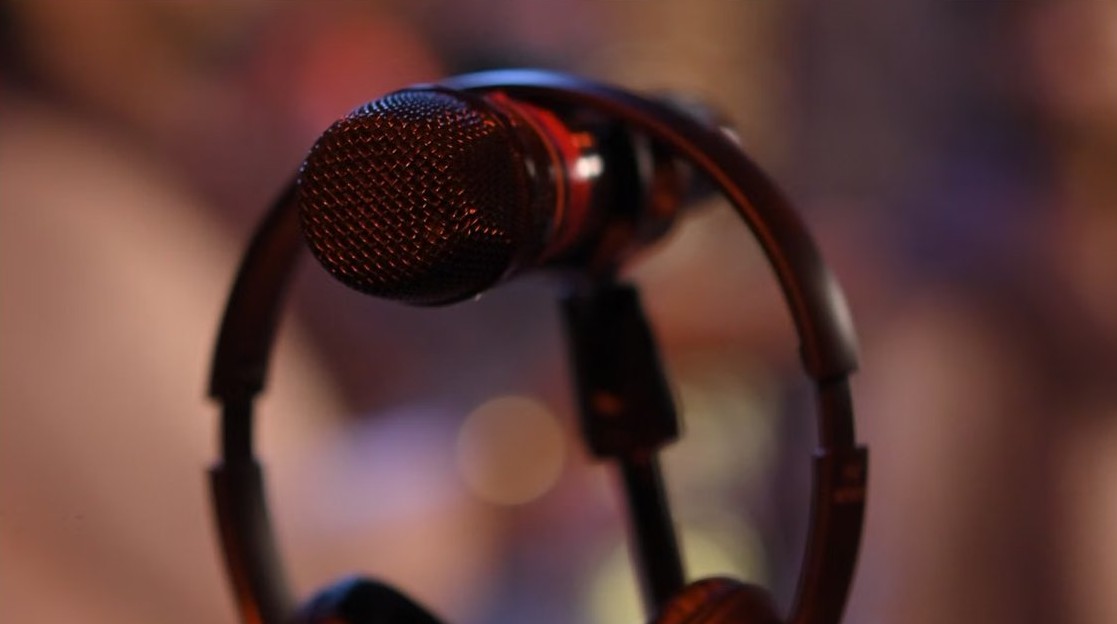
Set up and test a microphone on Windows 11 from Settings > System > Sound. Covers default device, privacy access, apps, Bluetooth mics, driver and noise fixes.
3,916 articles

Set up and test a microphone on Windows 11 from Settings > System > Sound. Covers default device, privacy access, apps, Bluetooth mics, driver and noise fixes.
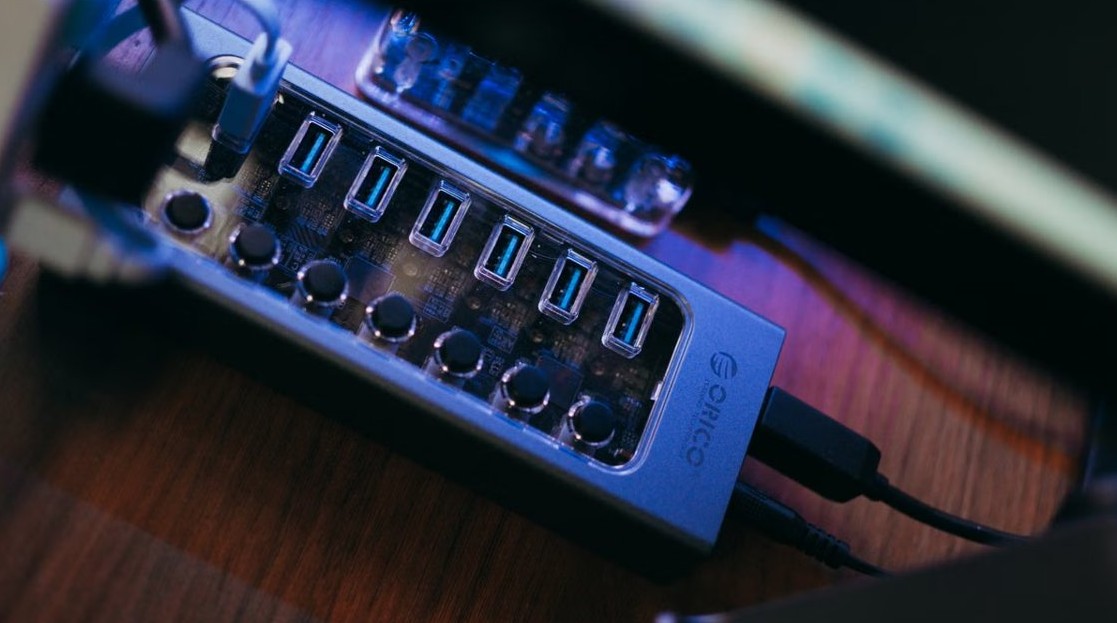
Power surge on the USB port error on Windows 11 points to a USB power fault. Test the device and ports, fix power limits and reinstall USB drivers.
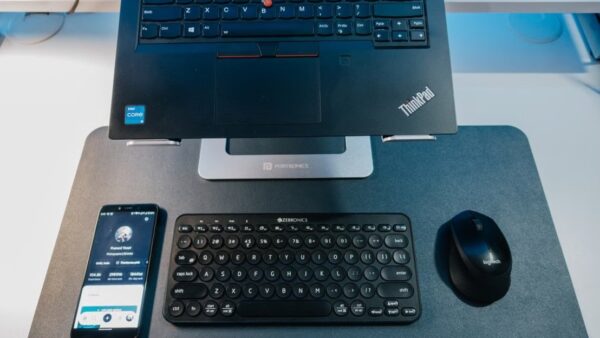
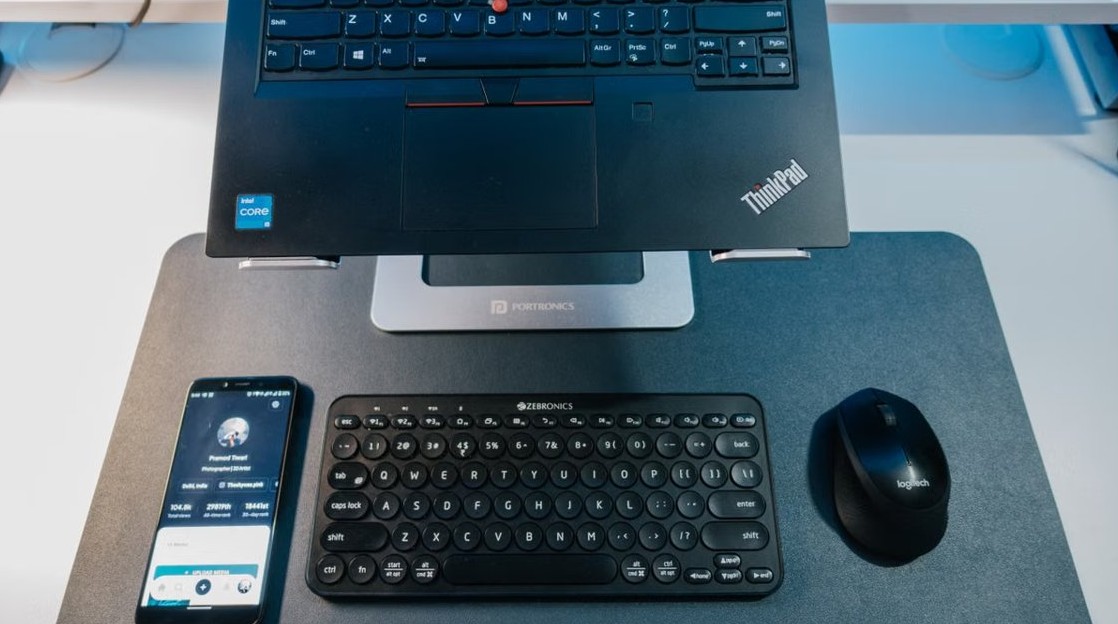
Connect devices on Windows 10 and 11: plug in USB, pair Bluetooth from Settings, add printers and wireless displays, and fix a device Windows cannot find.
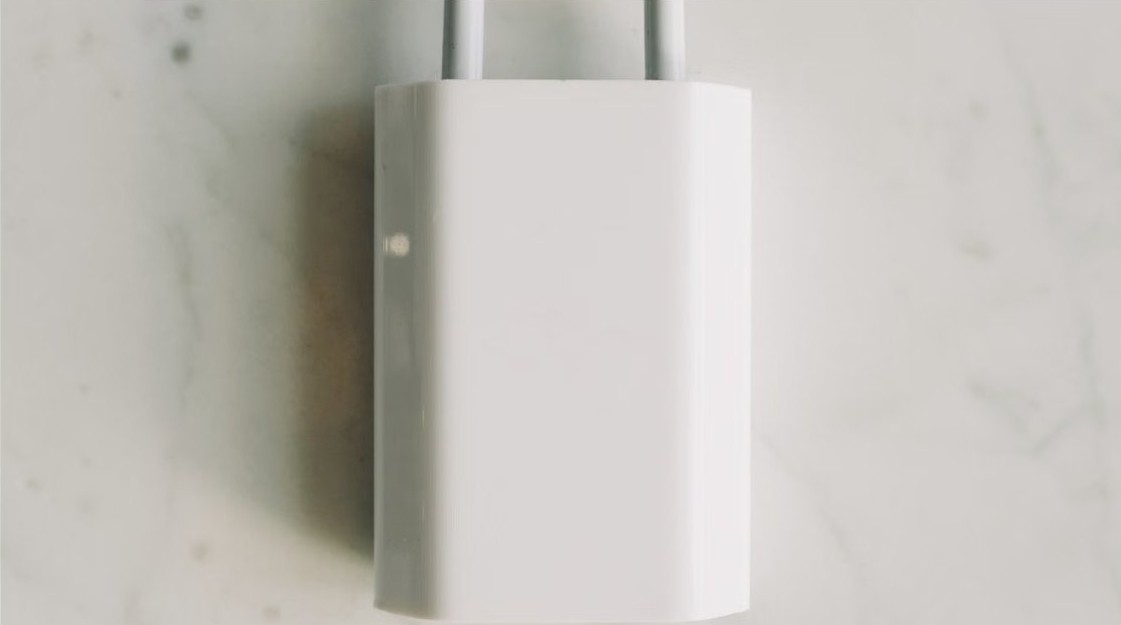
Charging iPhone overseas needs no voltage converter: Apple USB adapters accept 100-240V. Get plug types, the travel kit, local chargers and fixes abroad.
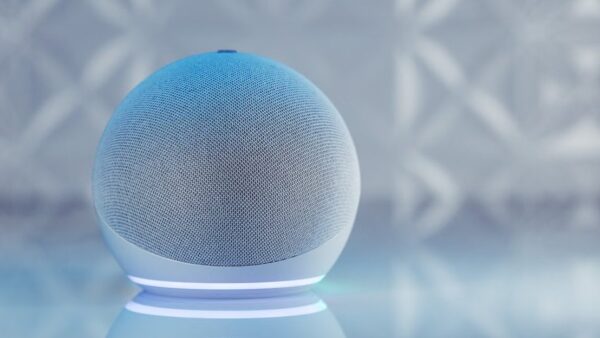
How to get started with Alexa on Android: install the Alexa app, sign in, allow the microphone and talk or type. Covers Alexa+ plans, permissions and fixes.
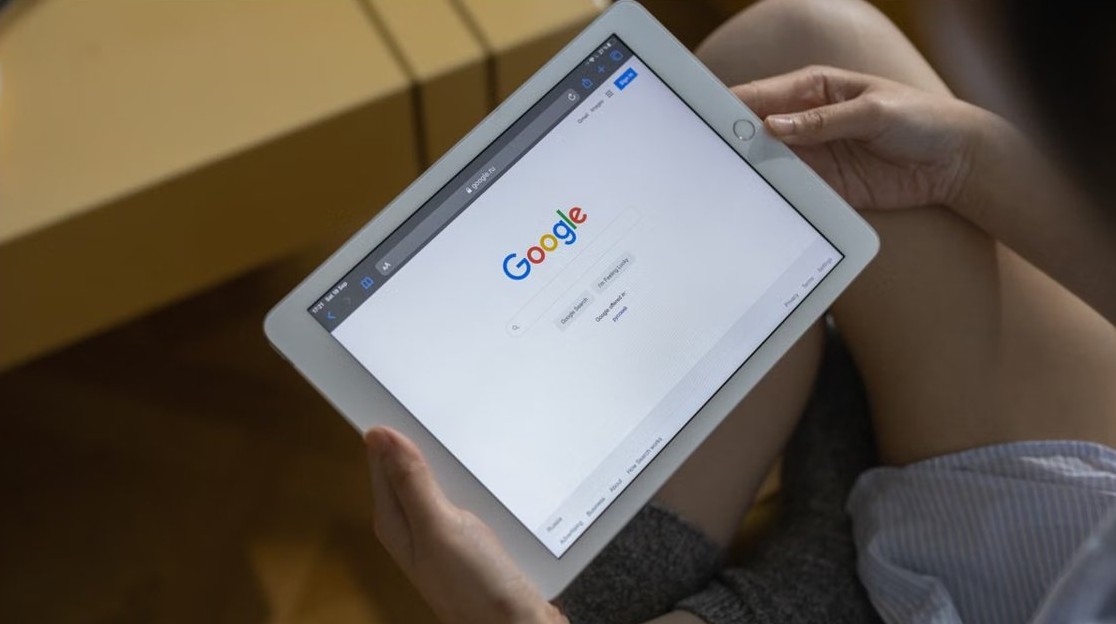
ERR_NAME_NOT_RESOLVED means Chrome could not find a site’s IP address. Check the web address, flush the DNS cache, change DNS server and reset your network.
Chrome can’t install in Windows 11 S mode. Switch out of S mode for free from the Microsoft Store, then install Chrome. Steps, what changes and error fixes.
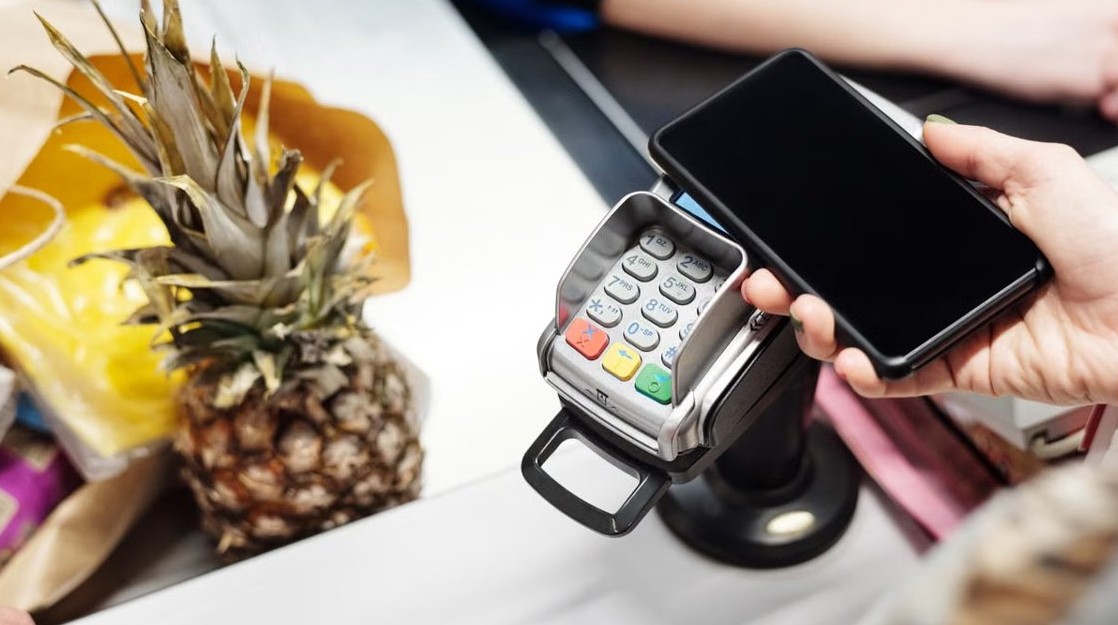
Apple Pay works by sending a device-specific number instead of your card number. Use it in stores, online, in apps and on transit, with setup steps and fixes.
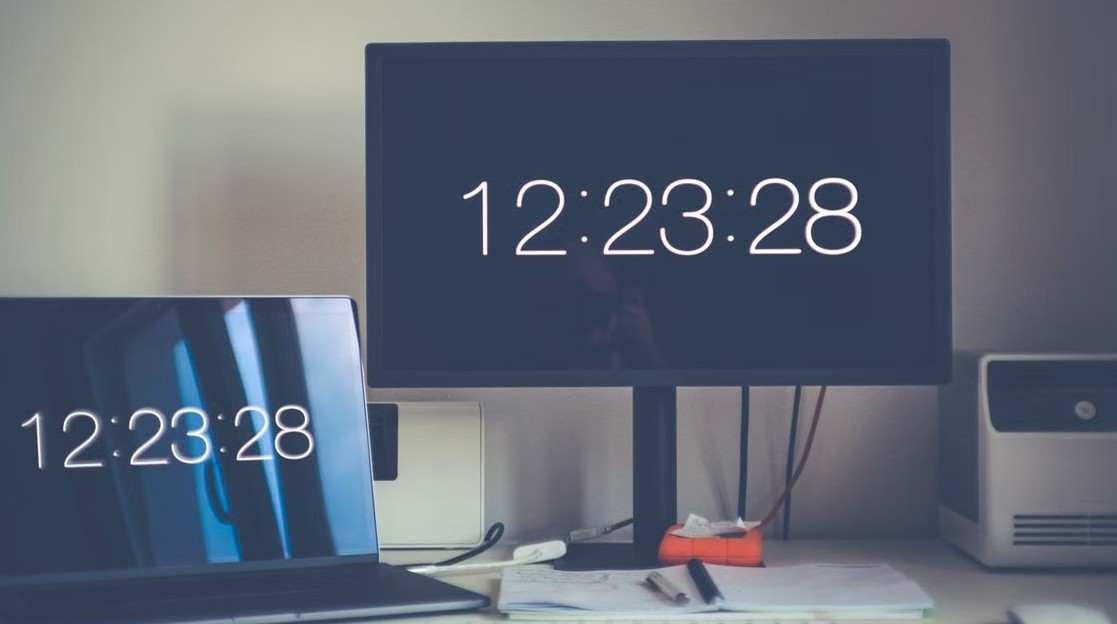
Set Windows 11/10 screen, sleep and wake sign-in timers: stagger screen-off and sleep in Settings, then choose when Windows asks you to sign in again.
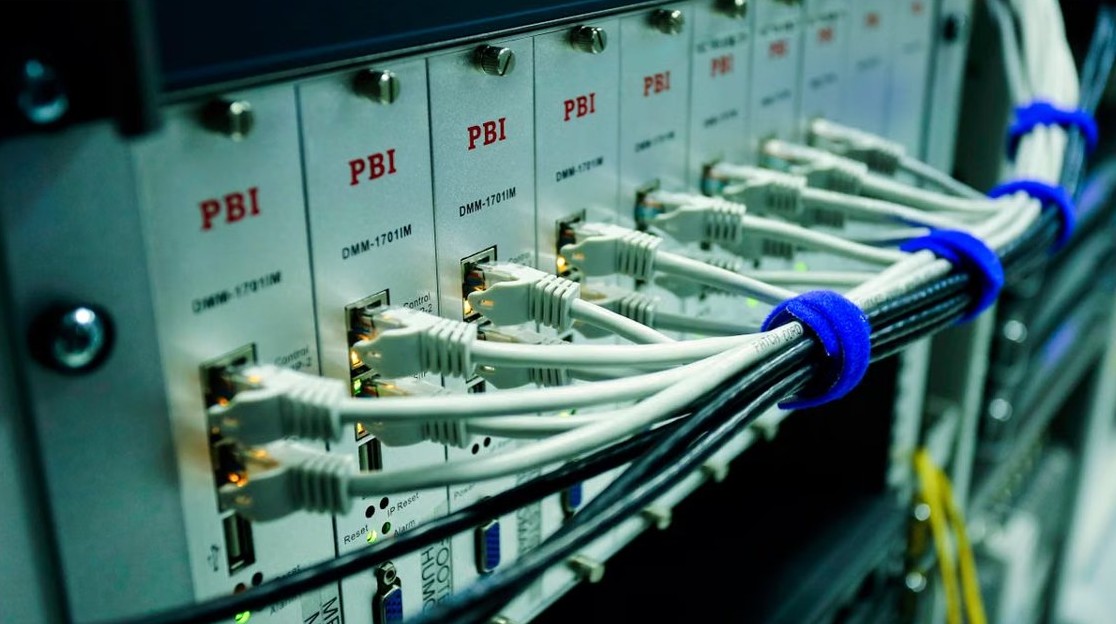
Fix RPC server unavailable in Windows 11/10: check the name resolves to the right PC, then allow TCP 135 and dynamic ports 49152-65535 through every firewall.
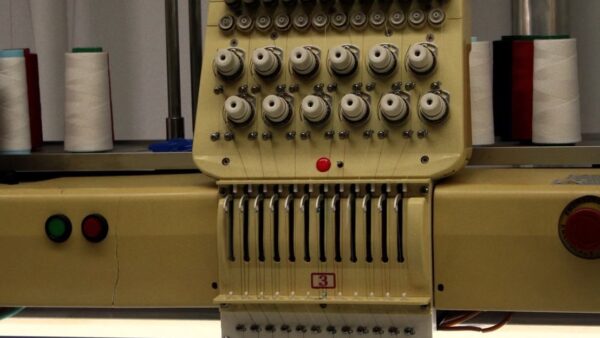
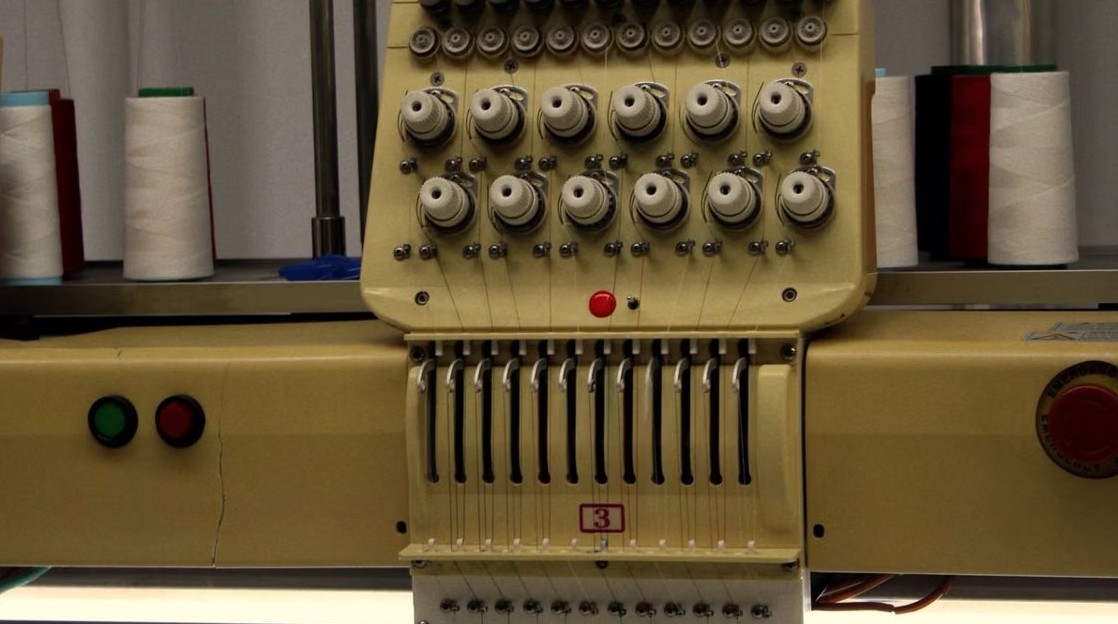
A PES file is a Brother embroidery design. Open and view PES files in Windows 11 with a viewer app or PE-DESIGN, then convert, save or load them on a machine.
Enter a code on google.com/device by typing it into the Enter code box, selecting Continue and approving the device. Fixes for expired or rejected codes.