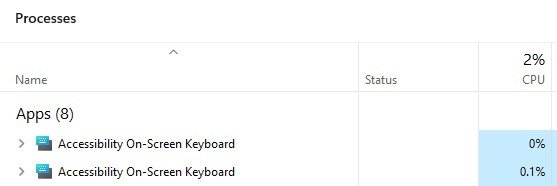
How to Enable On-Screen Keyboard in Windows
Enable the On-Screen Keyboard in Windows 11 or 10 with Win + Ctrl + O, from Accessibility settings, at the sign-in screen, or use the touch keyboard instead.
3,905 articles

Enable the On-Screen Keyboard in Windows 11 or 10 with Win + Ctrl + O, from Accessibility settings, at the sign-in screen, or use the touch keyboard instead.
Notion download for PC: install the free Notion app on Windows 11 and 10 from the Microsoft Store or winget, get it on Mac and iPhone, and fix install errors.


Use AMD’s Ryzen Master utility to monitor and tune a Ryzen CPU: install it, pick a tuning mode, save profiles, stress test, and reset to stock safely.
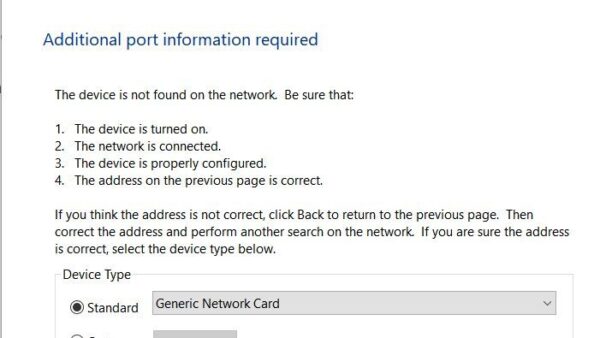
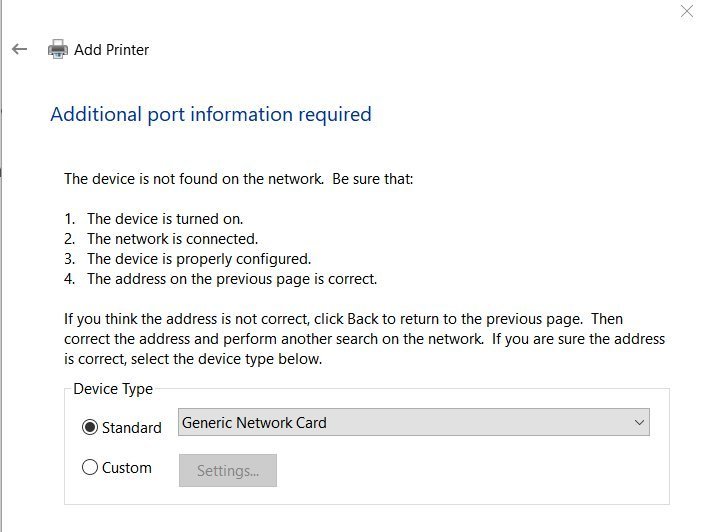
Find the printer on your network in Windows 11 with Settings > Printers & scanners > Add device, then add it by IP address, share name or PowerShell if it hides.
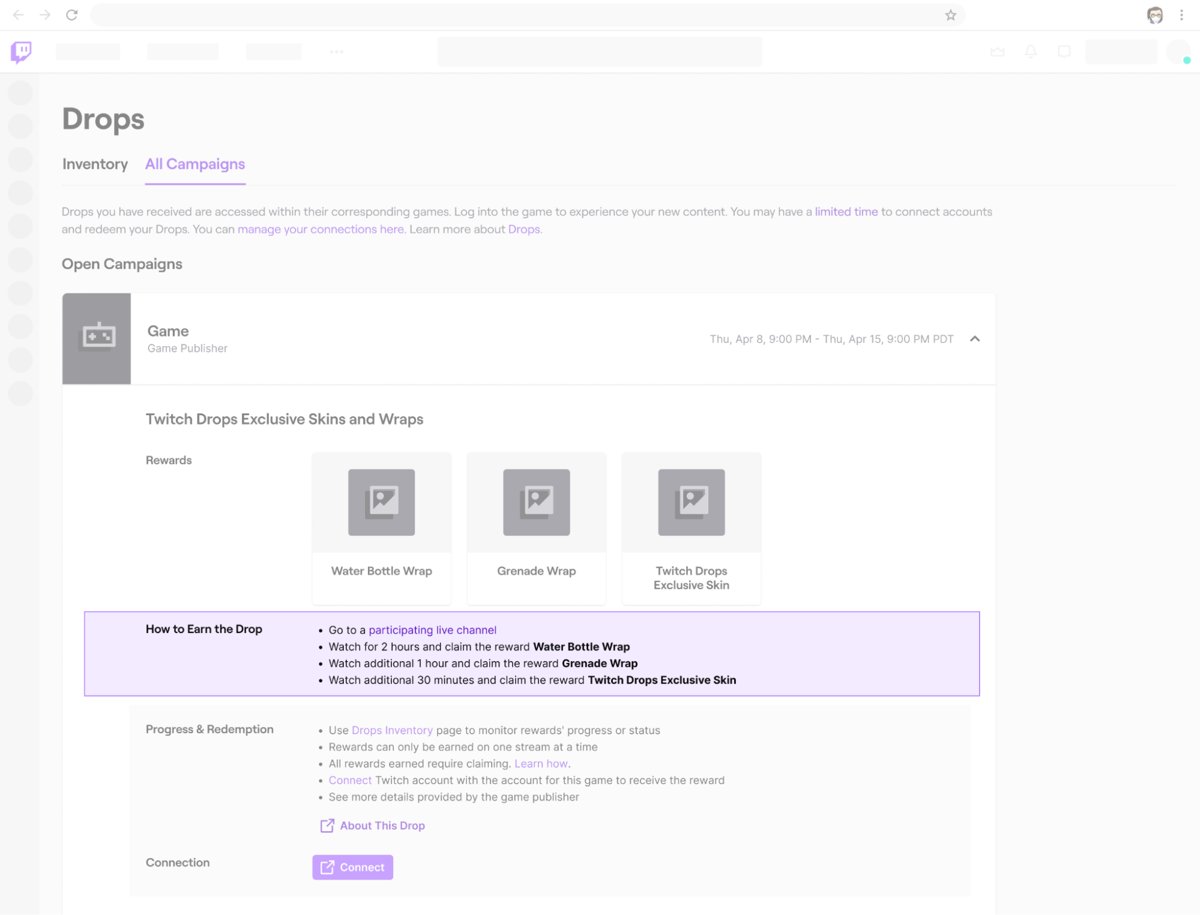
Check and claim Twitch Drops from your Drops Inventory or the chat Drops & More panel, get the reward in-game, and redeem Channel Points and Prime perks.
Node JS download links for Windows 11, 10, ARM64 and Mac from nodejs.org, with the LTS MSI and .pkg installers, the zip build, winget and install steps.


Set up an Etsy seller account by opening a shop from etsy.com/sell: location, currency, shop name, first listing, payment and billing. Fees explained.
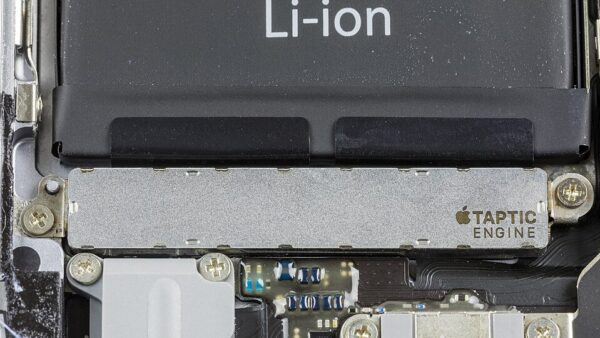
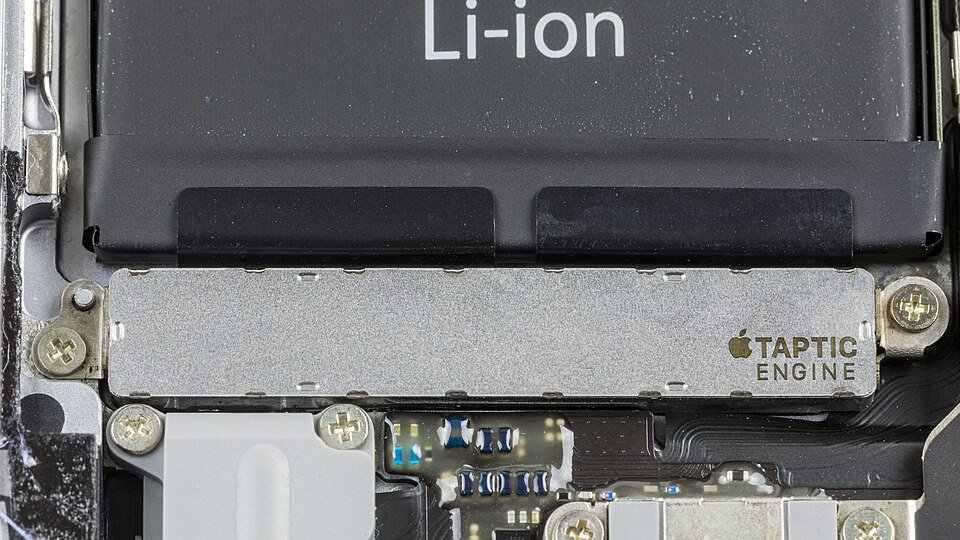
Haptics are the taps and vibrations your phone, watch, touchpad or pen uses to confirm a touch. How they work, the main types, and how to turn them on or off.
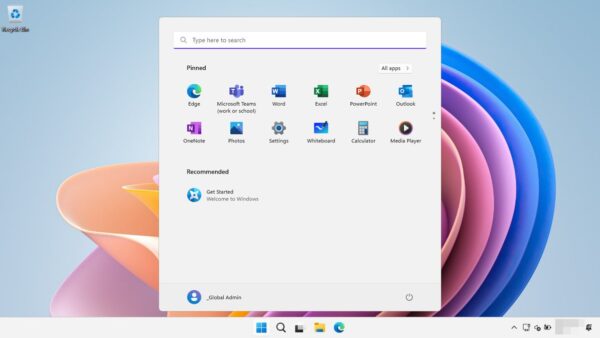
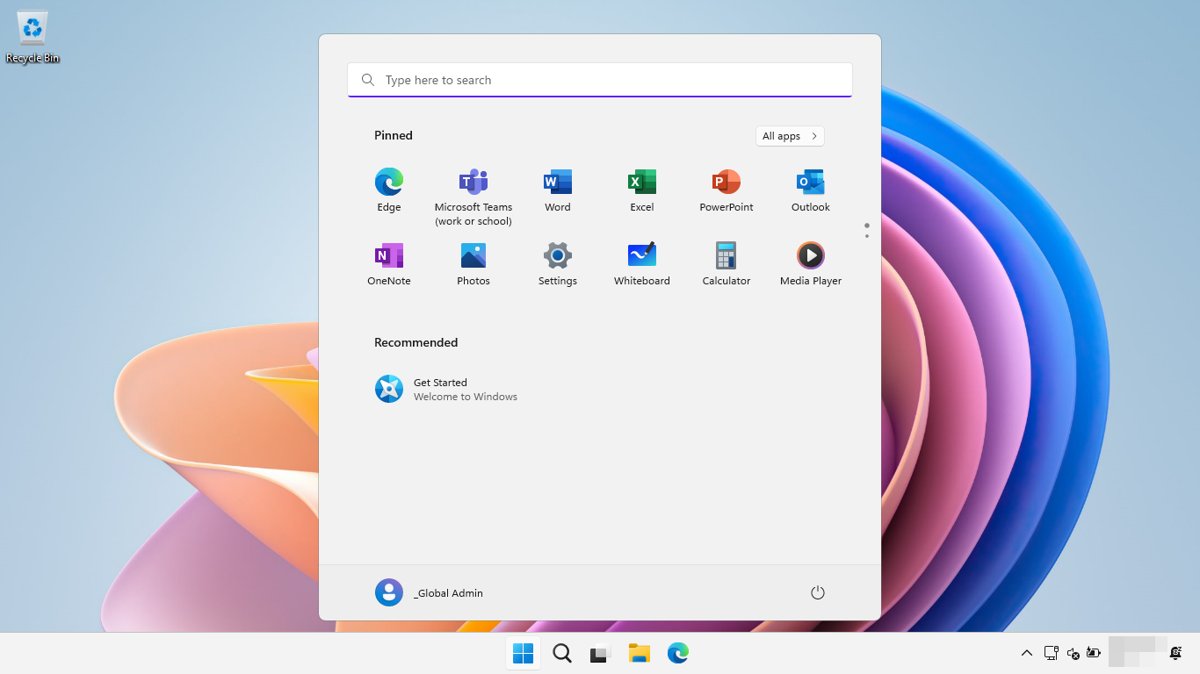
Switch out of S mode in Windows 11 or 10 free from the Microsoft Store: select Get on the Switch out of S mode page. Settings route, checks, and fixes.


Where are saved images? Find them in Pictures, Downloads and Screenshots on Windows and Mac, and in Photos, Google Photos and Files on iPhone and Android.
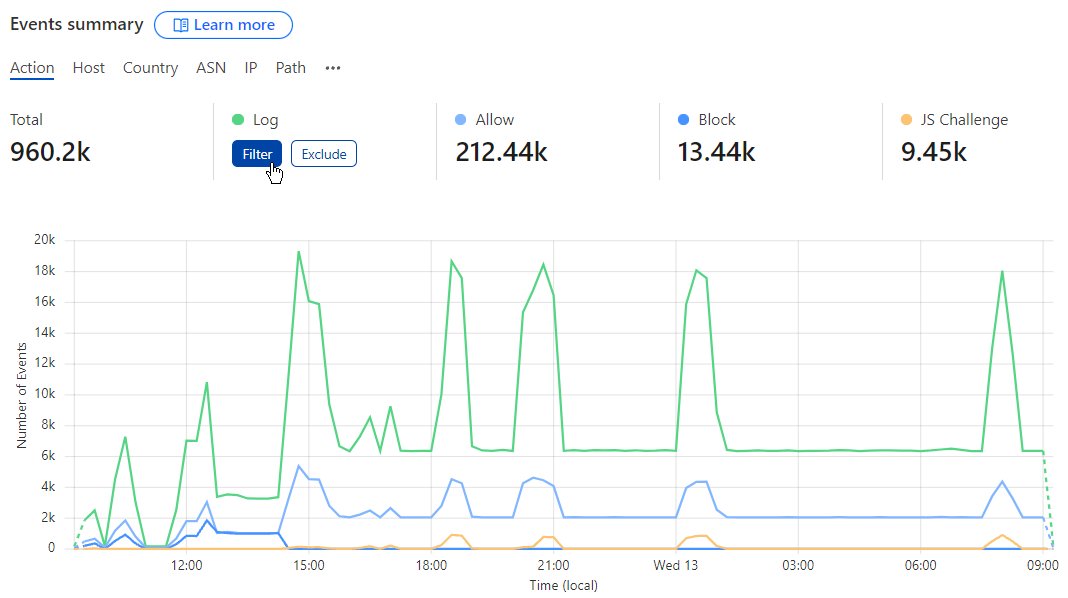
A 403 Forbidden error means the server understood your request but refuses it. Nine fixes, split into what visitors can try and what site owners must check.
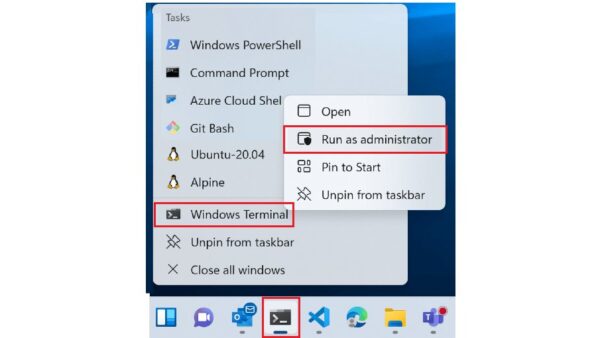
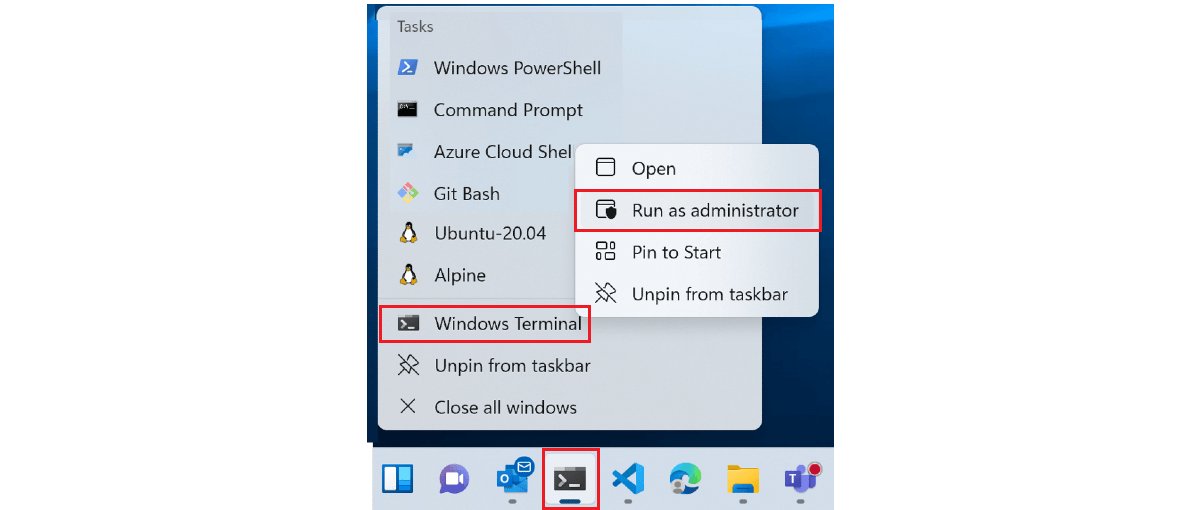
Run ipconfig in CMD on Windows 11 or 10: open Command Prompt, type ipconfig /all, and use every switch from /release to /setclassid, with output explained and fixes.