Download Proxmox VE ISO for PC and Servers (Free)
Proxmox VE download: get the free 9.2 ISO for x86-64 or ARM64 servers from proxmox.com, write it to USB on Windows or Mac, install it and open the web UI.
3,381 articles

Proxmox VE download: get the free 9.2 ISO for x86-64 or ARM64 servers from proxmox.com, write it to USB on Windows or Mac, install it and open the web UI.
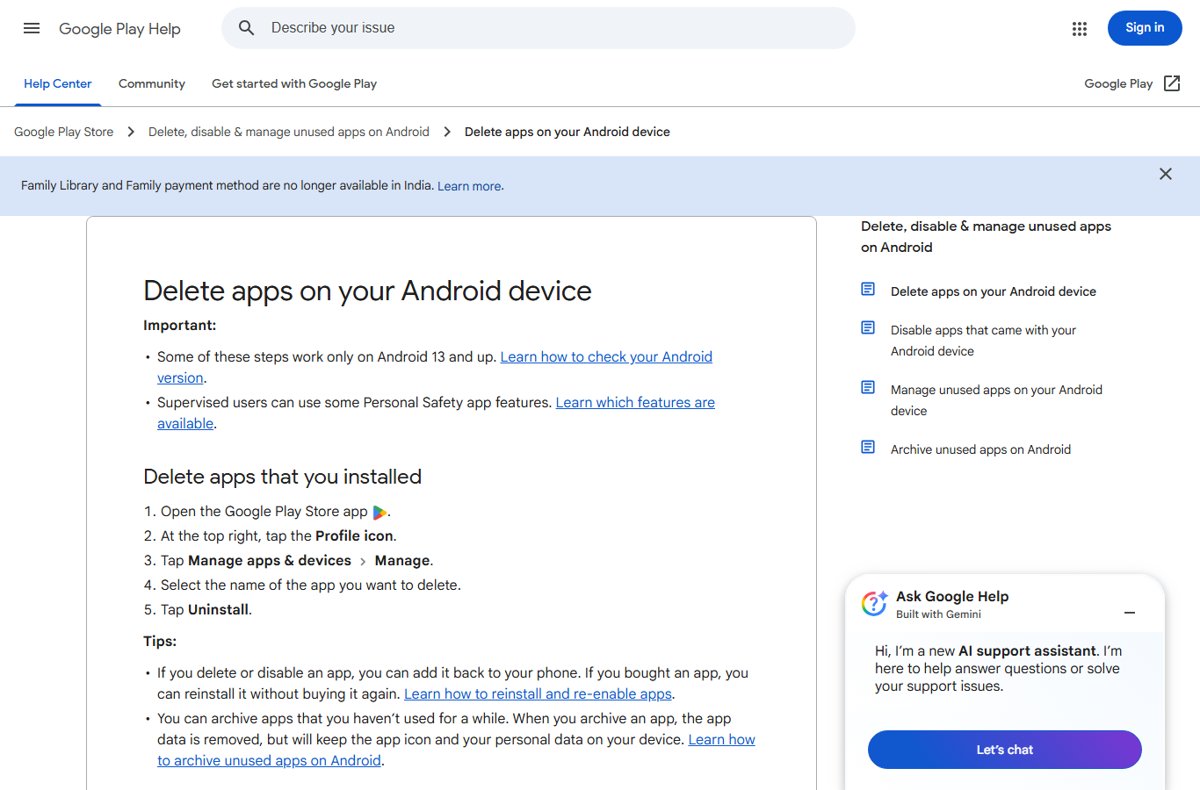
Uninstall apps on Android from Settings or the Play Store, clear leftover data, cancel subscriptions, disable preinstalled apps and fix apps that will not delete.
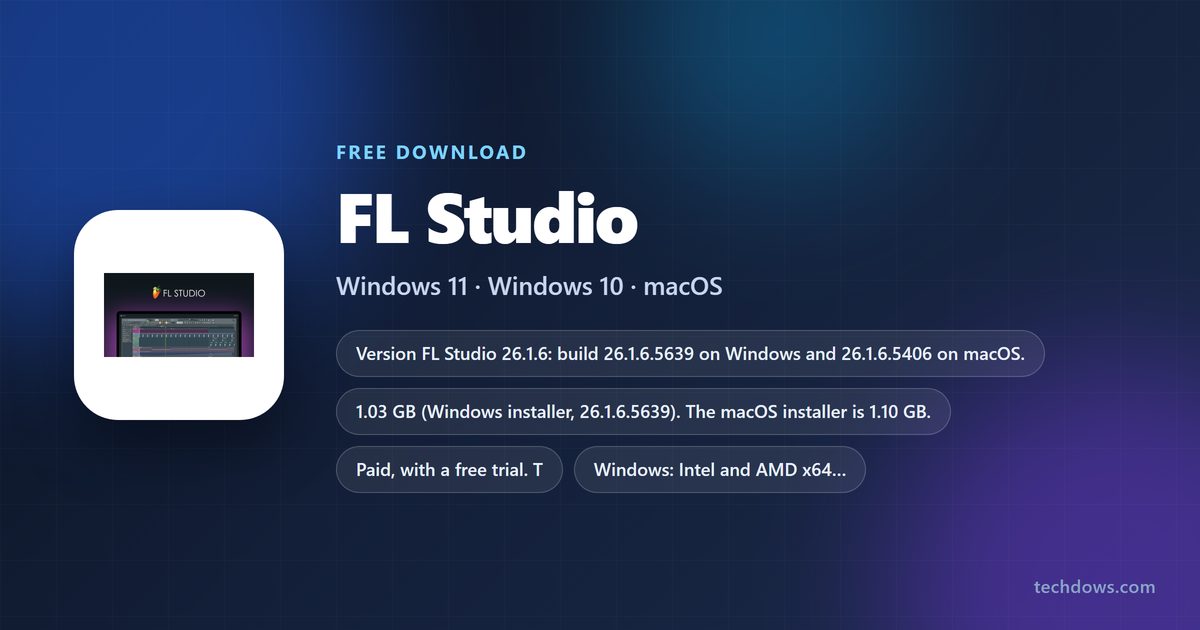
FL Studio download for Windows 11, 10 and Mac: the official Image-Line installer, the free trial limits, Edition prices, install steps and unlock fixes.
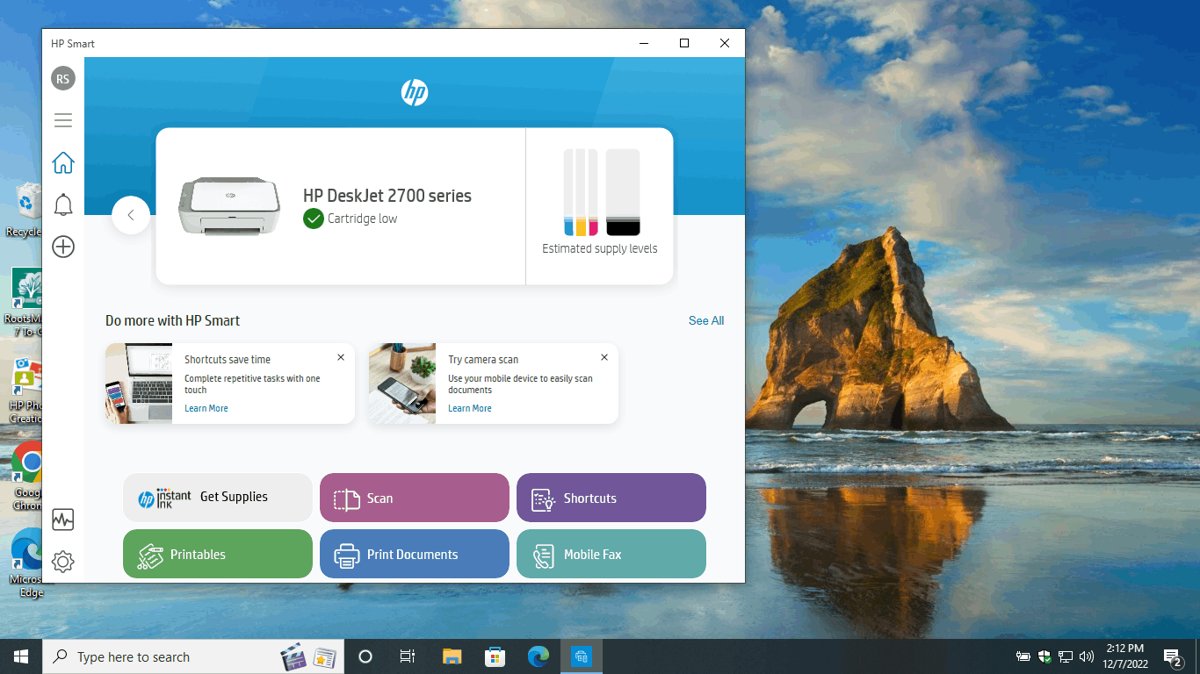
Check ink levels on an HP printer three ways: the HP app, the printer entry in Windows or Mac settings, or the printer display and its web server.
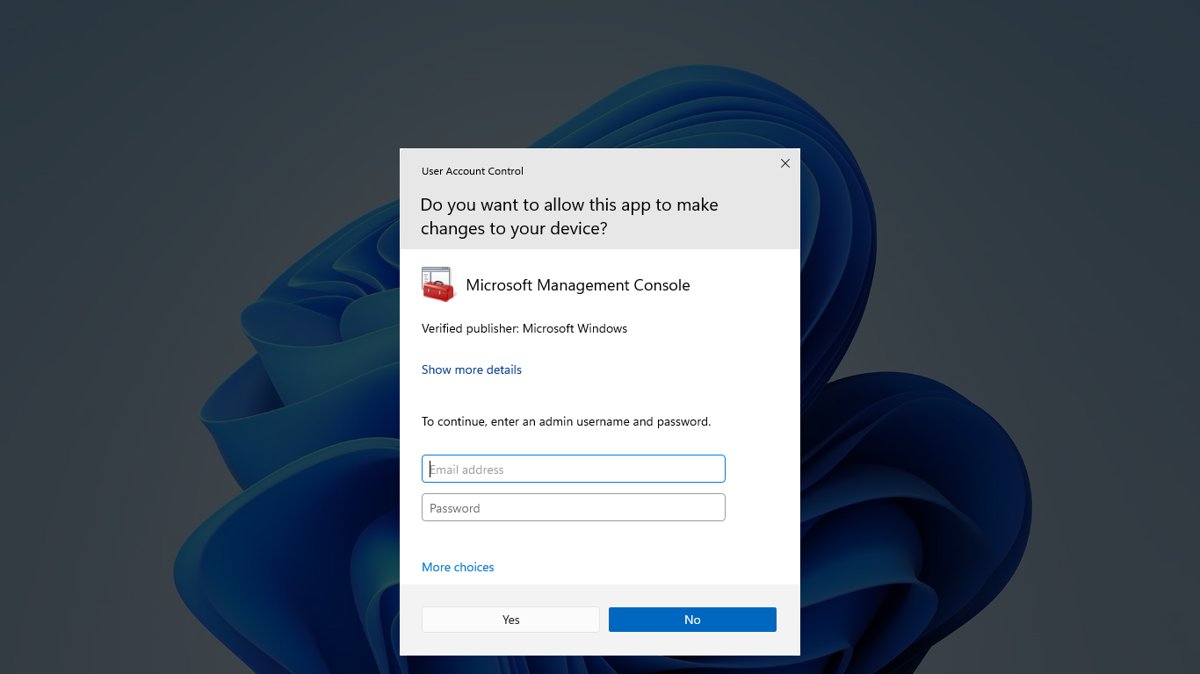
Rename your PC in Windows 11 from Settings > System > About > Rename this PC, then restart. Also System Properties, PowerShell, Command Prompt and name rules.
.NET SDK download links for Windows 11, 10, Mac and Linux from Microsoft, with installer sizes, winget commands, checksums and the LTS choice.
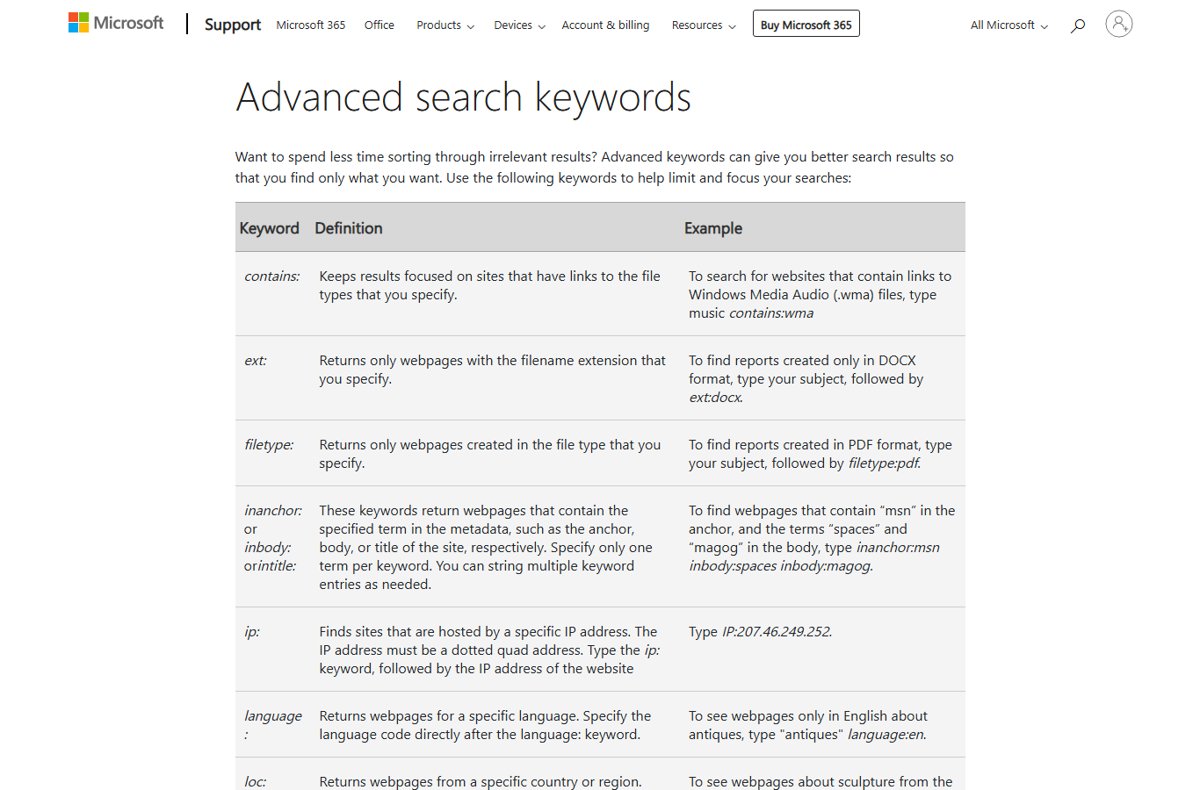
Search terms are the words people type into a search engine. See how they differ from keywords, which operators refine them, and how to read a search terms report.
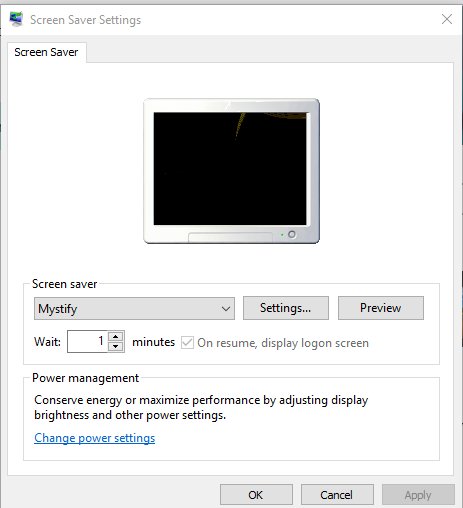
Change the screen saver on Windows 10 and 11 from Settings > Personalization > Lock screen. Set wait time, use photos, require sign-in and fix greyed-out settings.
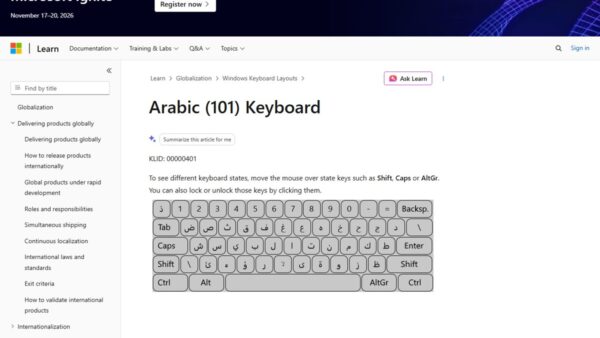
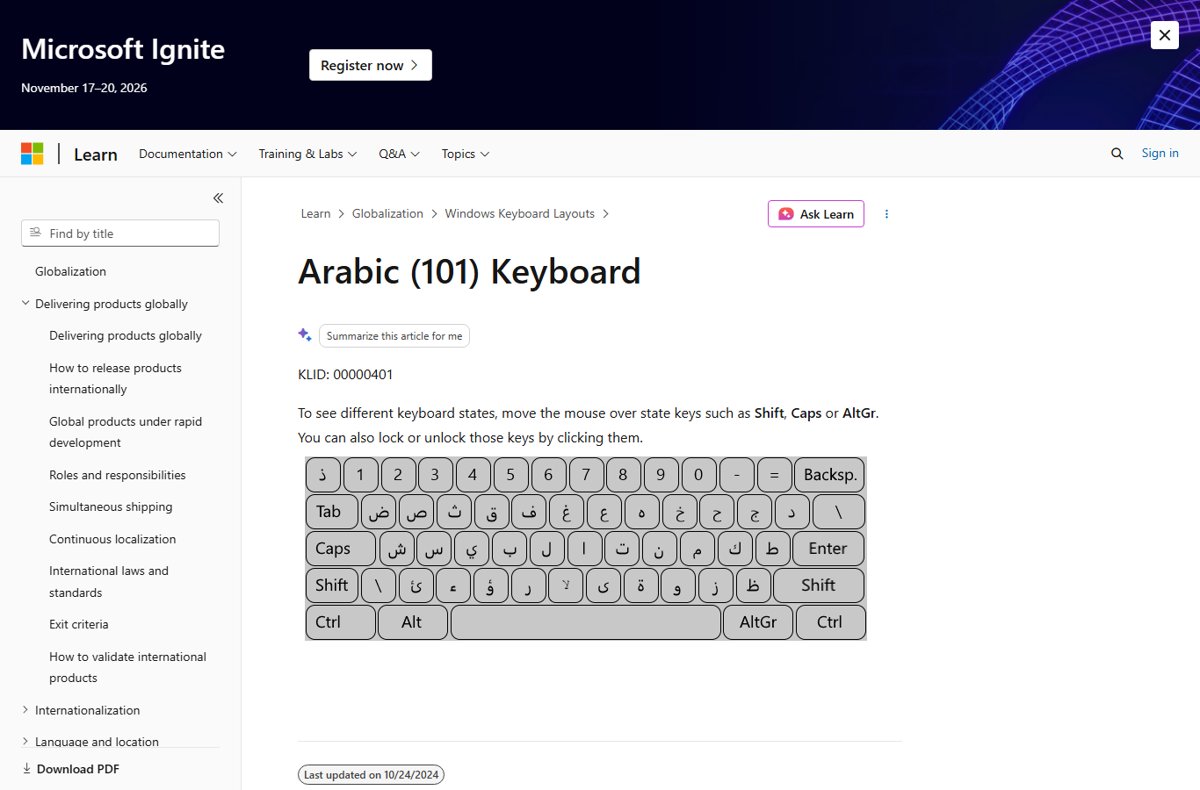
Add an Arabic keyboard in Windows 11 from Settings > Time & language > Language & region, pick Arabic 101, 102 or AZERTY, and switch with Win + Space.
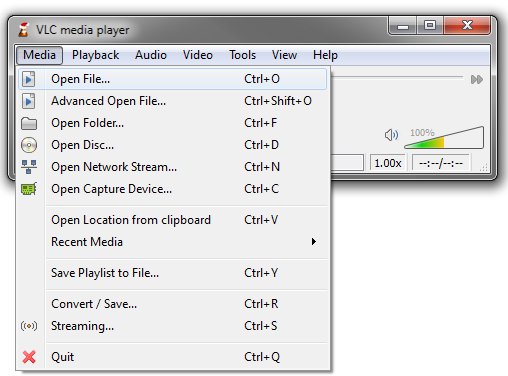
VLC is unable to open the MRL? Fix the address syntax, reset VLC preferences and the plugin cache, allow VLC through the firewall and raise caching.
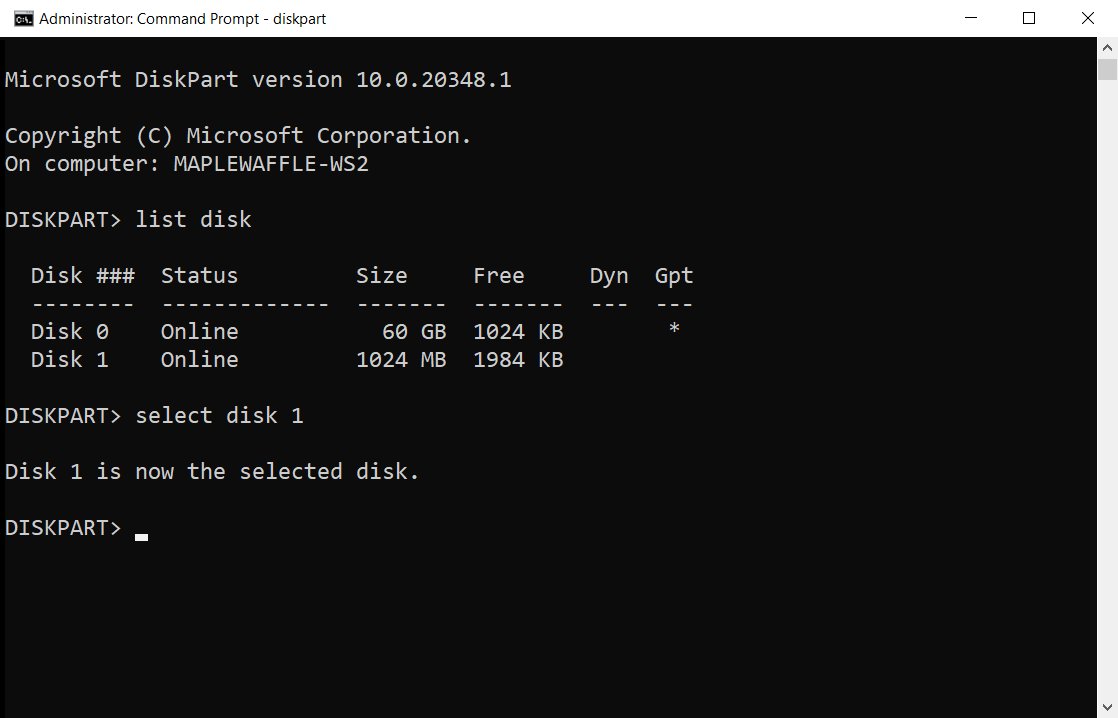
Use DISKPART commands in Windows 11/10: open it as admin, list and select a disk, then clean, format, shrink or extend. Full command list, scripts and error fixes.
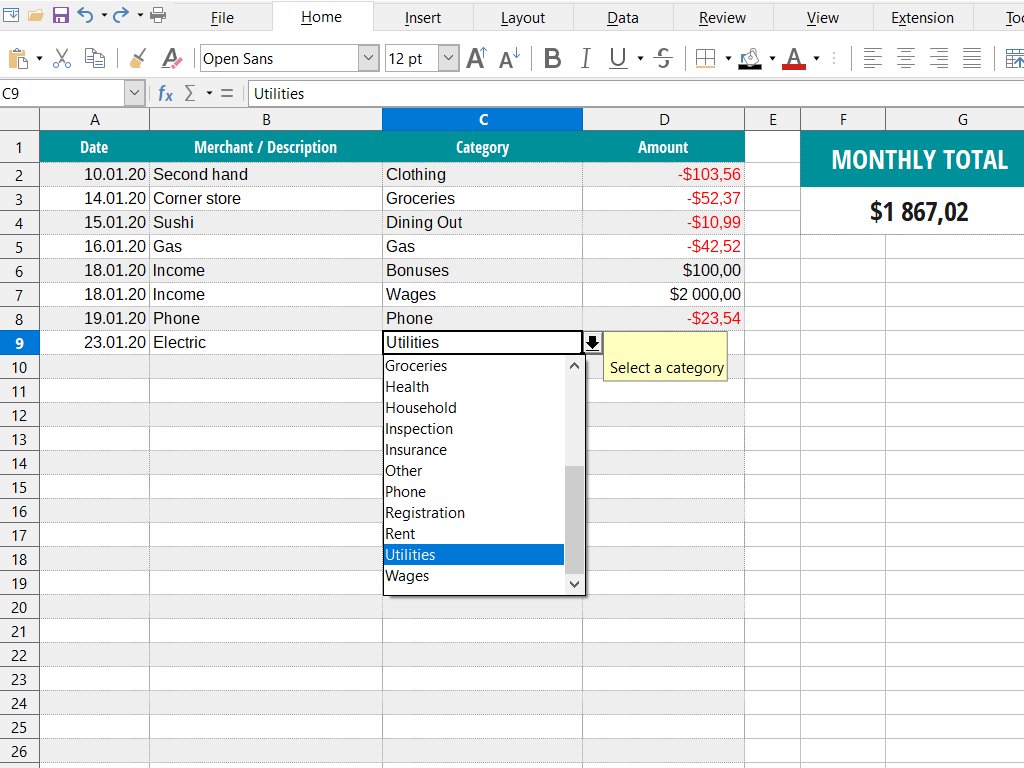
Microsoft Works is discontinued and has no official download for Windows 11/10. Install it from your old disc, or open .wps and .xlr files in Office instead.