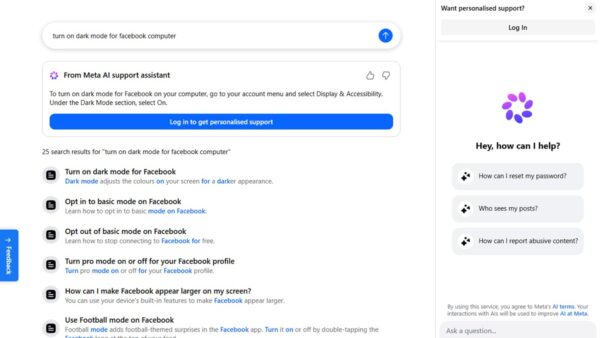
How to enable Facebook dark mode for desktop version (officially)
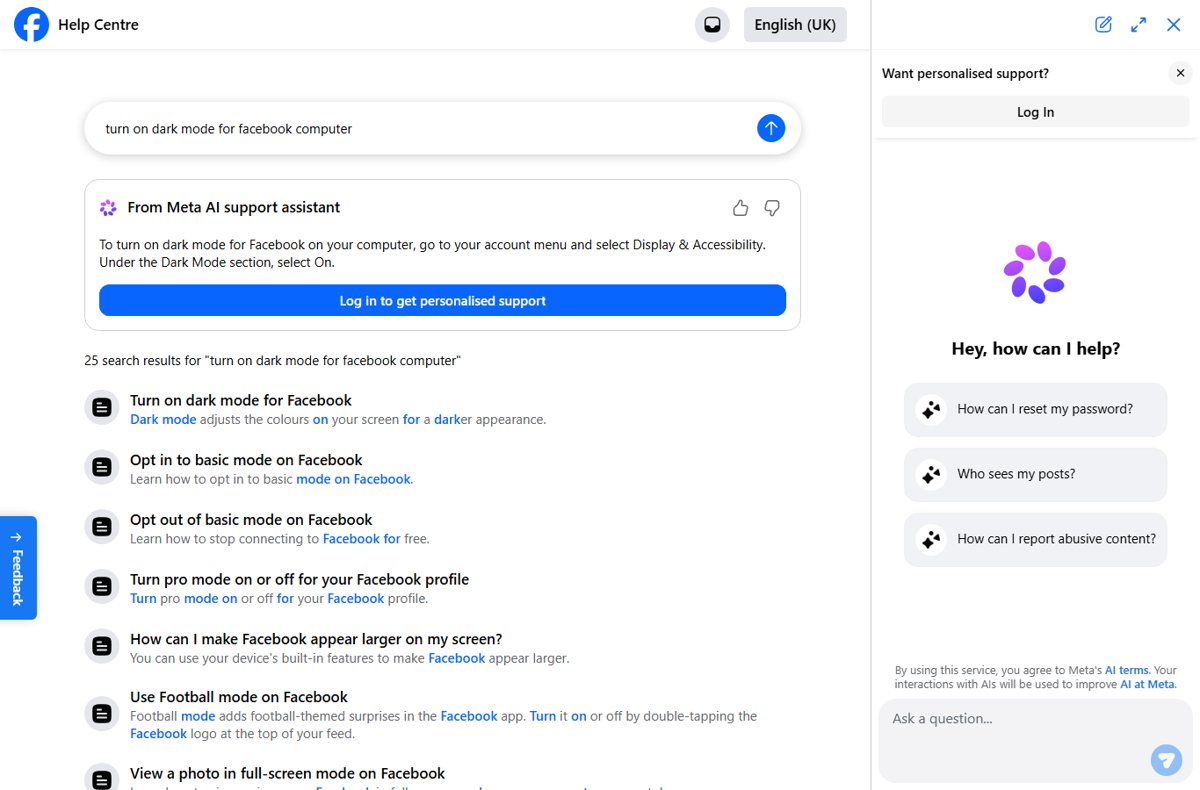
Enable Facebook dark mode on desktop from your account menu: Display & Accessibility, then Dark Mode, then On. App steps, how to turn it off, and an FAQ.
1,947 articles

Enable Facebook dark mode on desktop from your account menu: Display & Accessibility, then Dark Mode, then On. App steps, how to turn it off, and an FAQ.
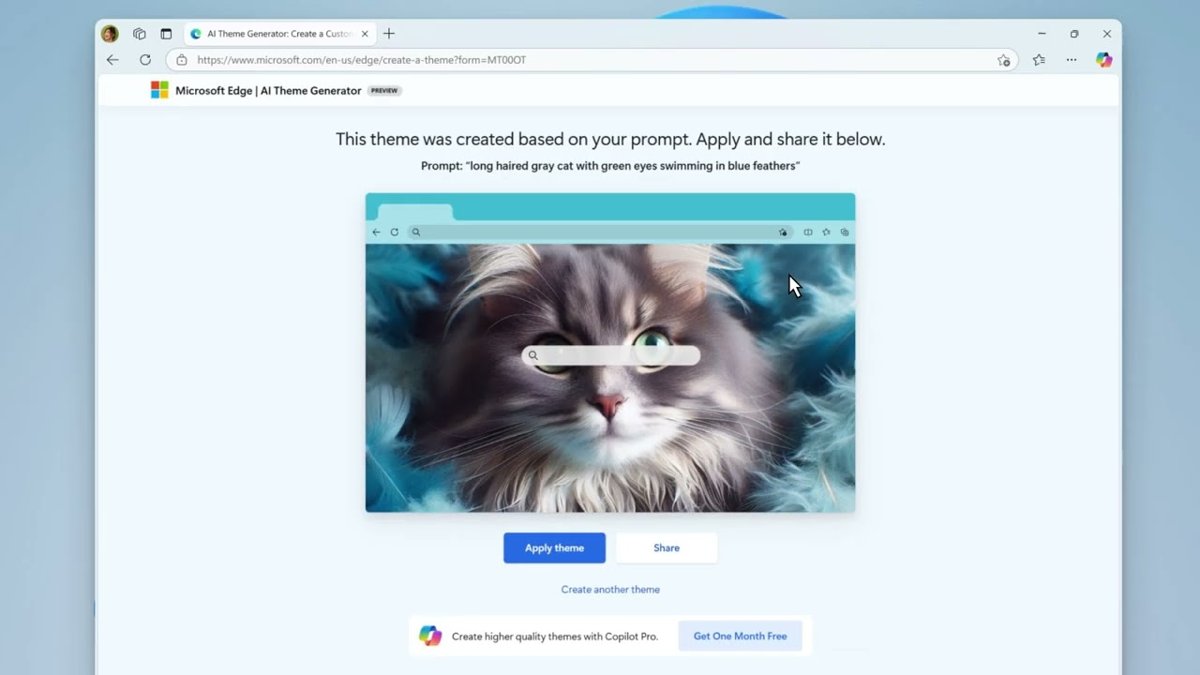
Change the Microsoft Edge background image, color and theme: new tab backgrounds, your own photo, light or dark mode, Edge Add-ons themes and fixes.
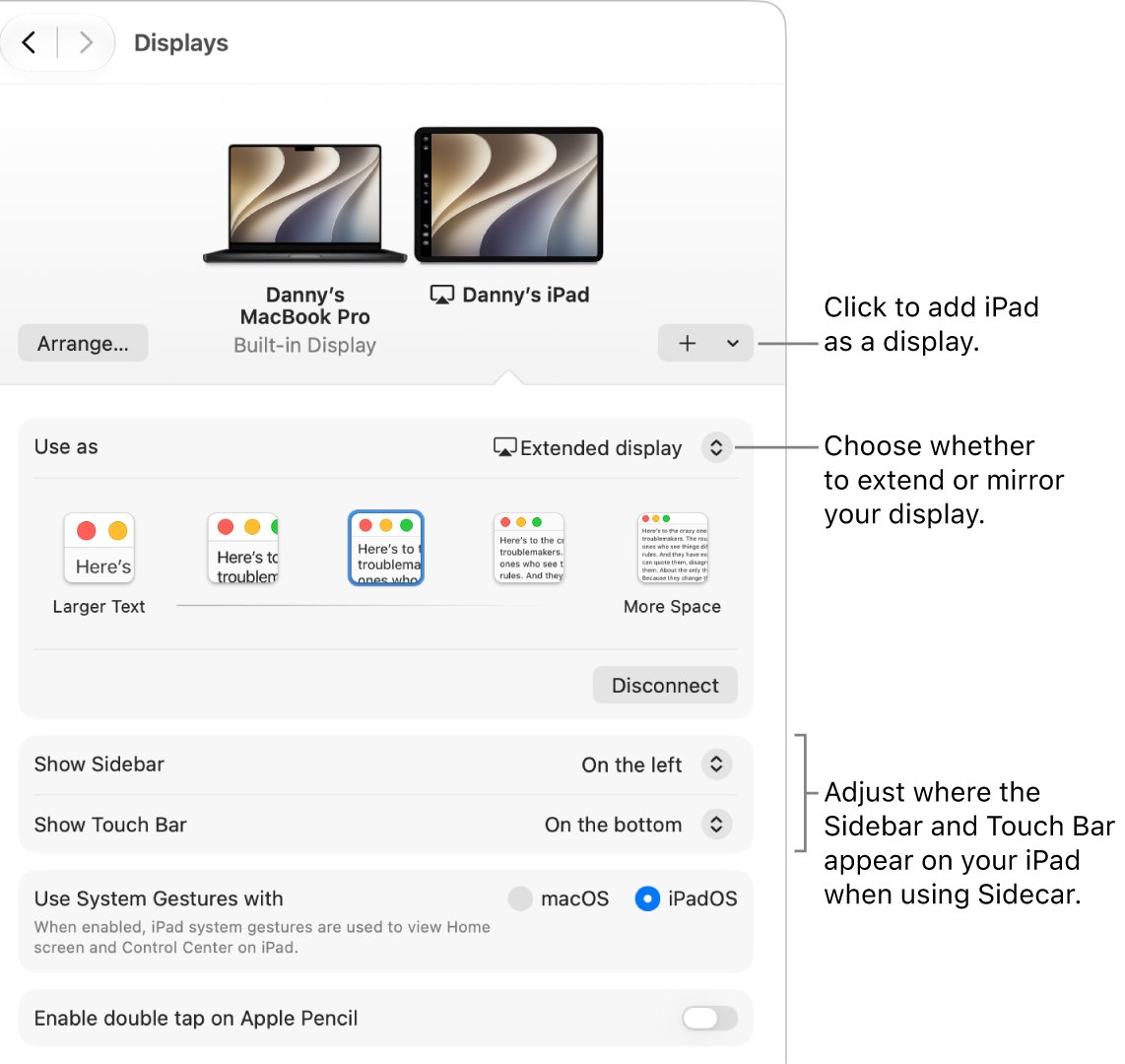
Use a laptop screen as an external monitor with Projecting to this PC in Windows, AirPlay Receiver on a Mac, or Remote Desktop. Steps, settings and fixes.
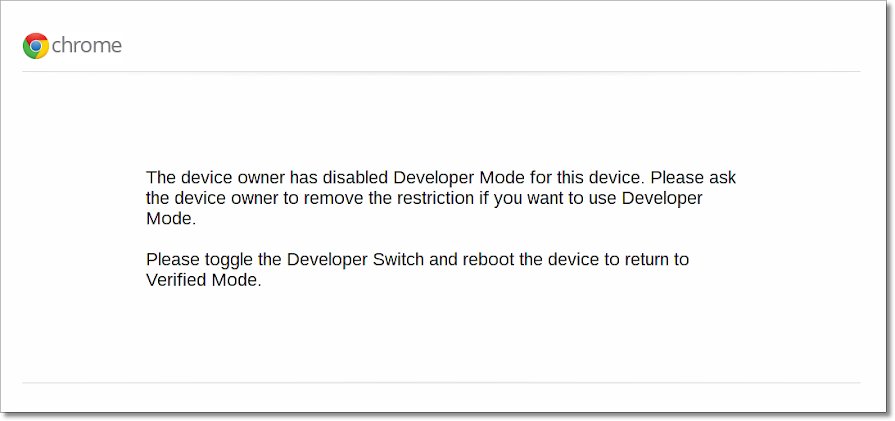
Access Crosh on any Chromebook by pressing Ctrl + Alt + T. Learn the basic commands, how to reach the full shell in developer mode, and fixes when it will not open.
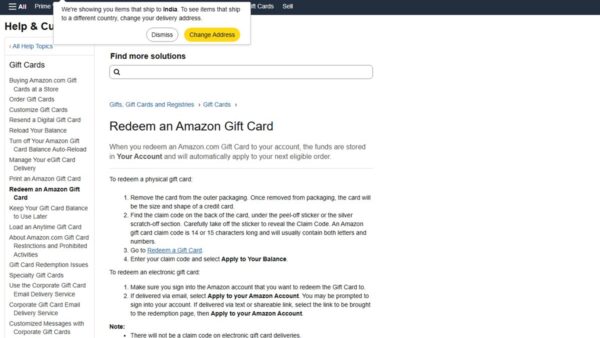
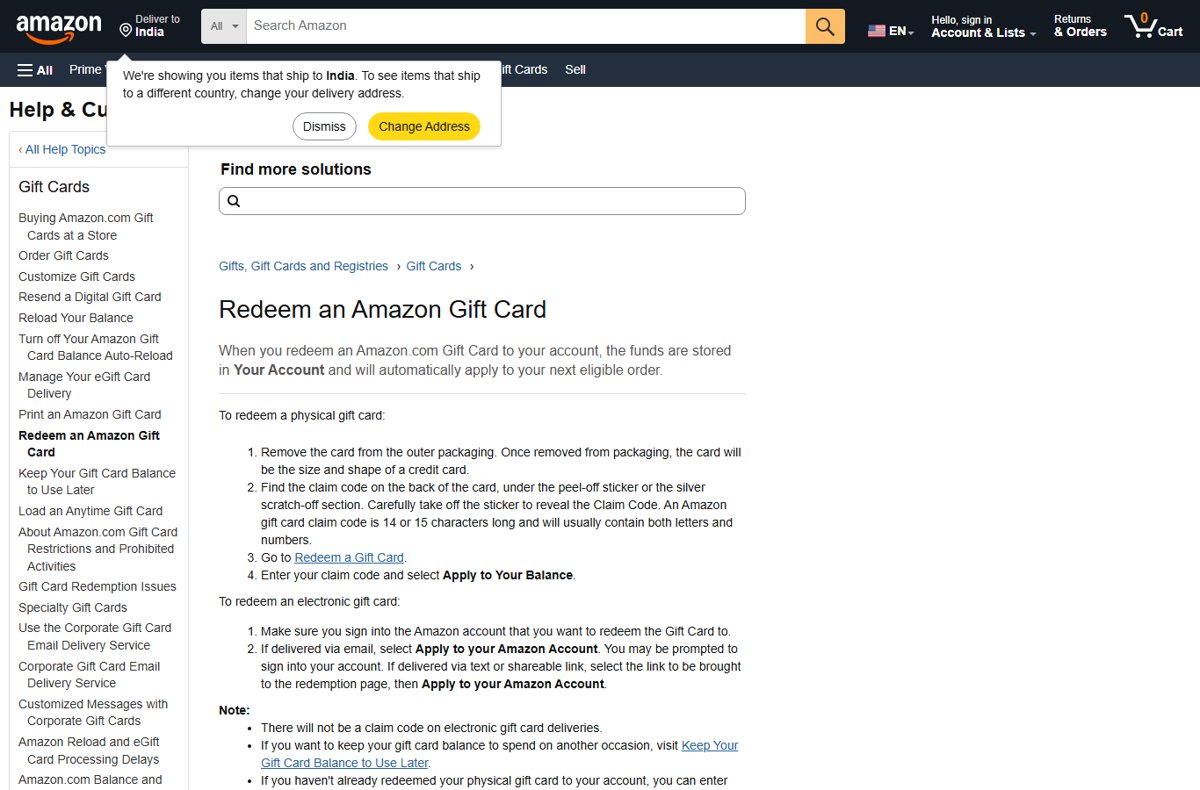
Add an Amazon gift voucher to your account at amazon.com/gc/redeem: enter the claim code and select Apply to Your Balance. eGift cards, checkout and fixes too.


Log in to YouTube at yt.be/activate: open the YouTube app on your TV, enter its code on your phone and pick your account. Remote sign-in, TV codes and fixes.
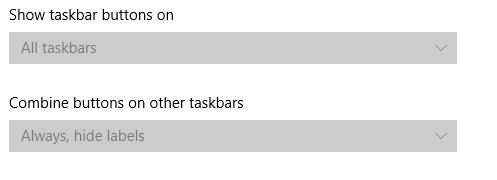
Customize taskbar settings on Windows 10: right-click the taskbar, pick Taskbar settings, then move, resize, auto-hide, pin apps and choose tray icons.
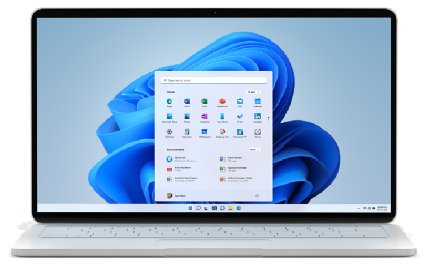
Upgrade from Windows 7 to Windows 11 for free only if the PC meets Windows 11 requirements and holds a digital license. Clean install steps, licensing and fixes.
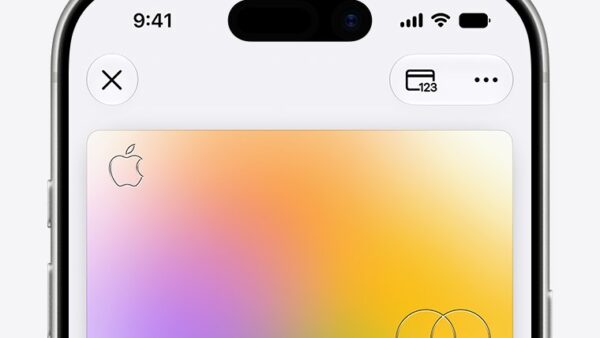
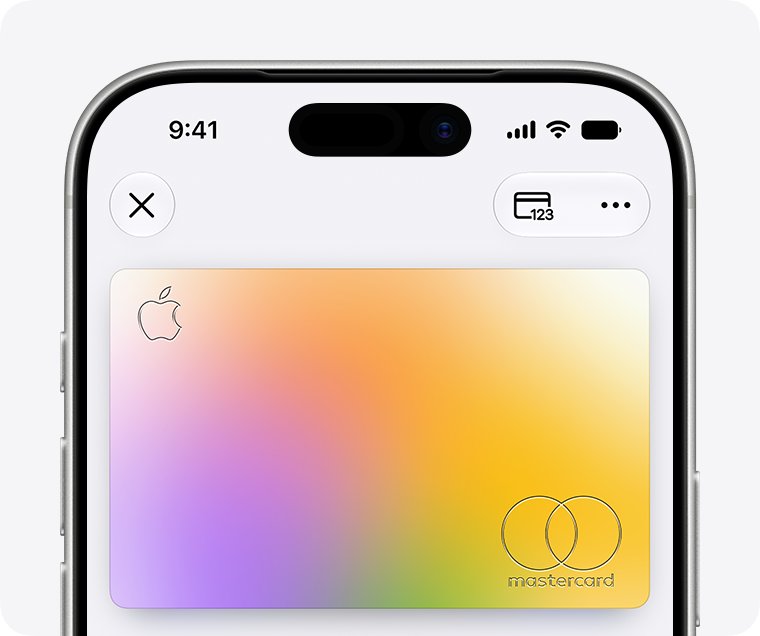
Apply for Apple Card in the Wallet app on iPhone, on iPad or online. Eligibility, the soft credit check, approval outcomes, activation and fixes for declines.
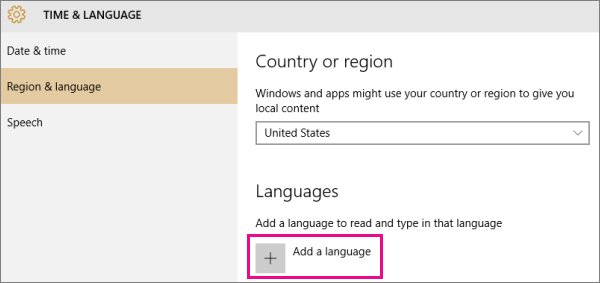
Add a font in Windows 10 by right-clicking a .ttf or .otf file and selecting Install. Covers the Fonts folder, Microsoft Store fonts, language fonts and fixes.
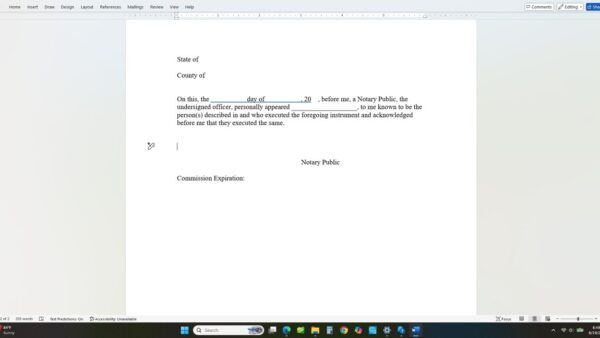
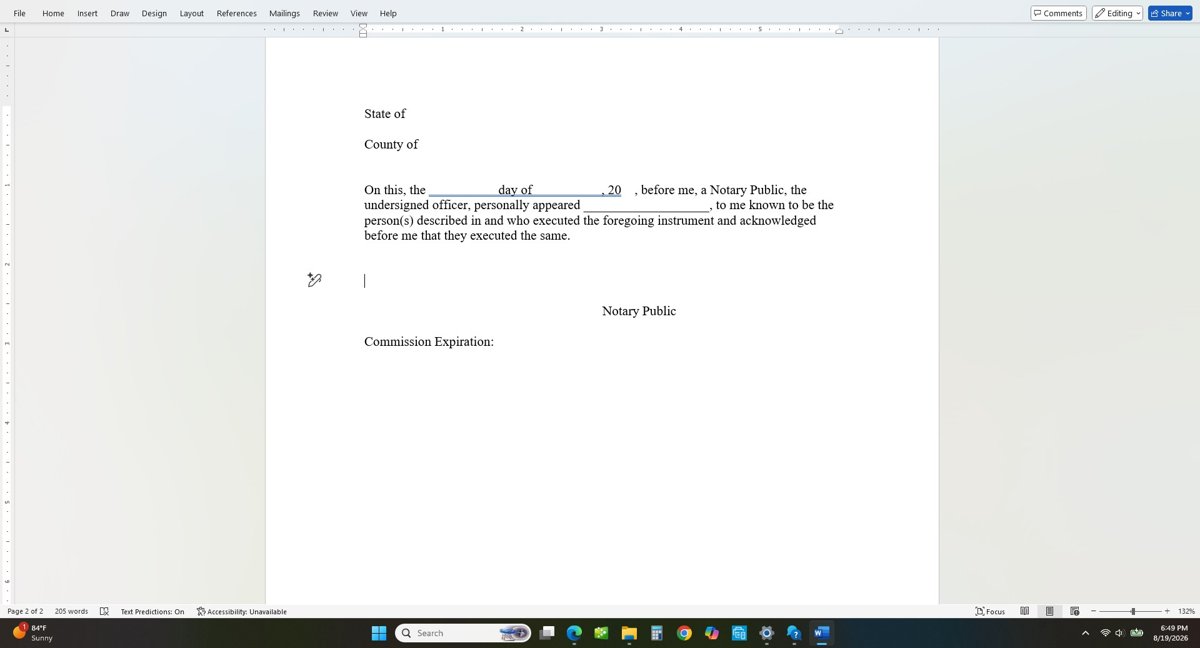
Make fill-in the blank lines in Word with underlined tabs, tab leaders, table borders or content controls, then lock the form so only the blanks can be edited.
Find your motherboard model on Windows 11 or 10 in System Information or with one PowerShell command. Plus BIOS, CPU-Z, and fixes for To Be Filled By O.E.M.