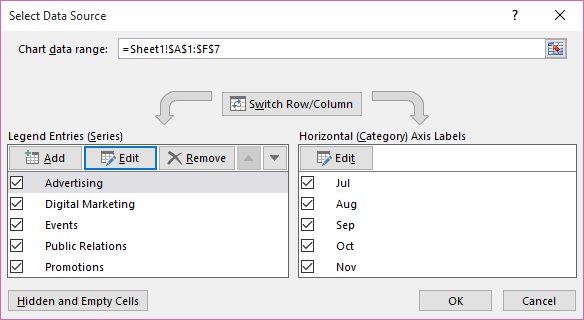
How to Hide Chart Series with No Data in Excel (4 Easy Methods)
Hide chart series with no data in Excel: filter out empty source rows, use NA() formulas, run a short VBA macro, or build dynamic named ranges. Steps and fixes.
2,003 articles

Hide chart series with no data in Excel: filter out empty source rows, use NA() formulas, run a short VBA macro, or build dynamic named ranges. Steps and fixes.
Google Chrome app download for Windows 11, 10 and Mac: get the free installer from Google, plus offline, 32-bit, ARM64 and MSI files and install fixes.
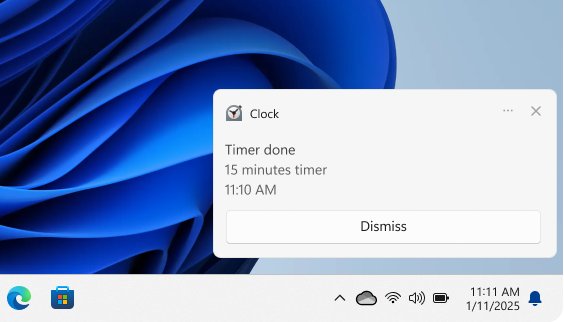
Turn off notifications in Windows 11 under Settings > System > Notifications, or in Windows 10 under Notifications & actions. Plus one app, sounds and browsers.
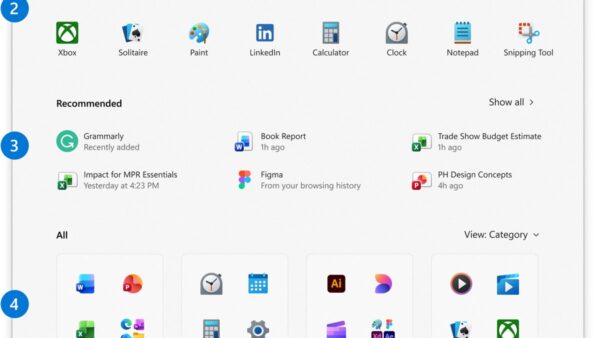
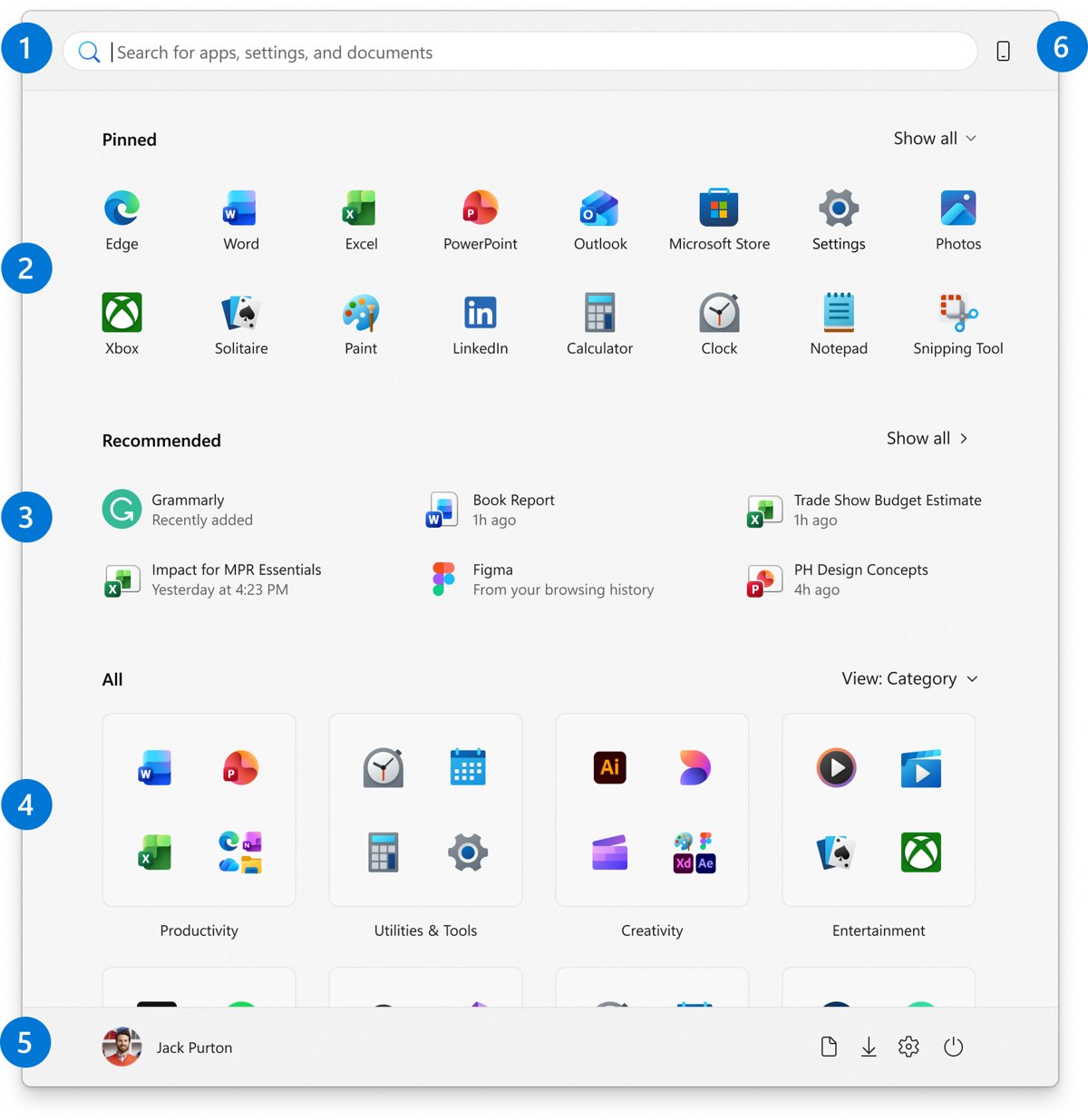
Add toolbar-style shortcuts in Windows 11: the taskbar Toolbars menu is gone, so pin apps and folders, use Quick access, Start folders and the Edge favorites bar.
Google Calendar download for PC and Mac: install Calendar as a desktop app from Chrome or Edge, sync it into Outlook or Apple Calendar, and get the phone apps.
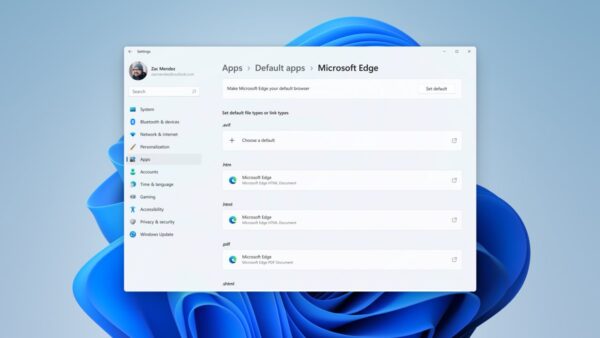
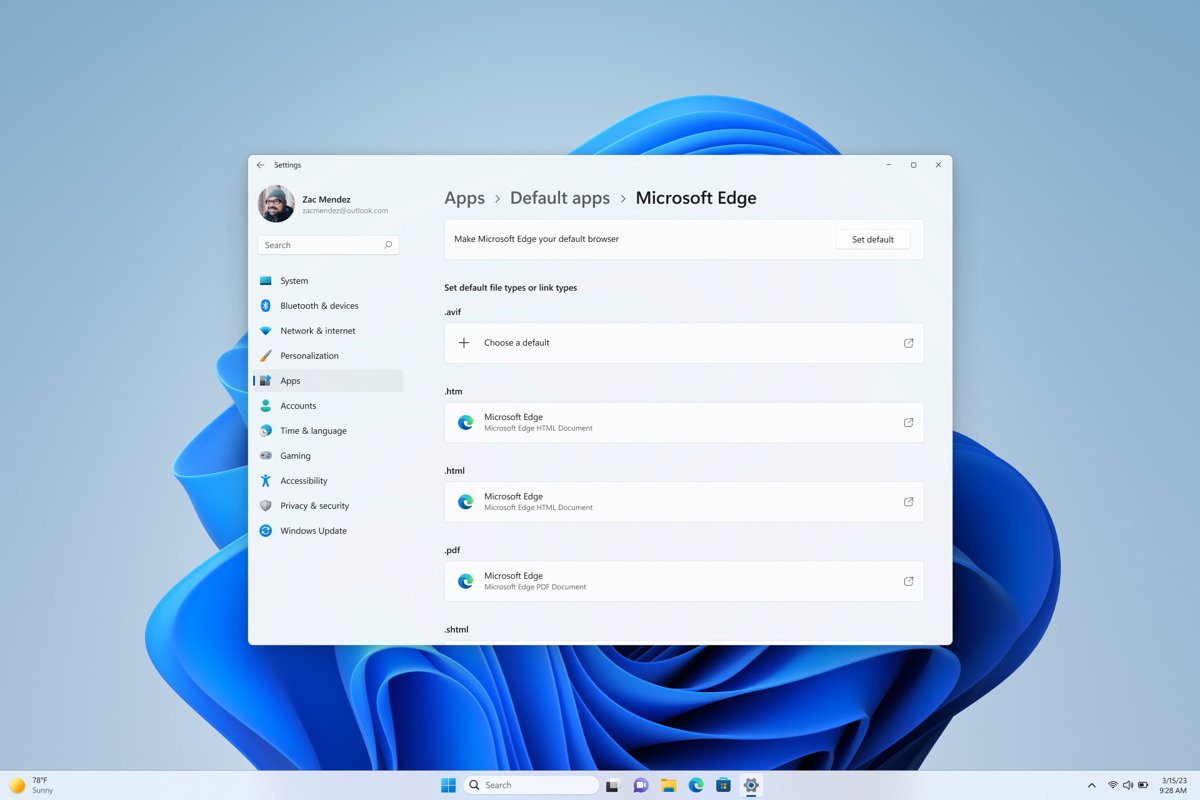
Set or change default programs in Windows 11/10 by file type, link type or app, from Settings or Open with. Covers reset, work PCs and defaults that revert.
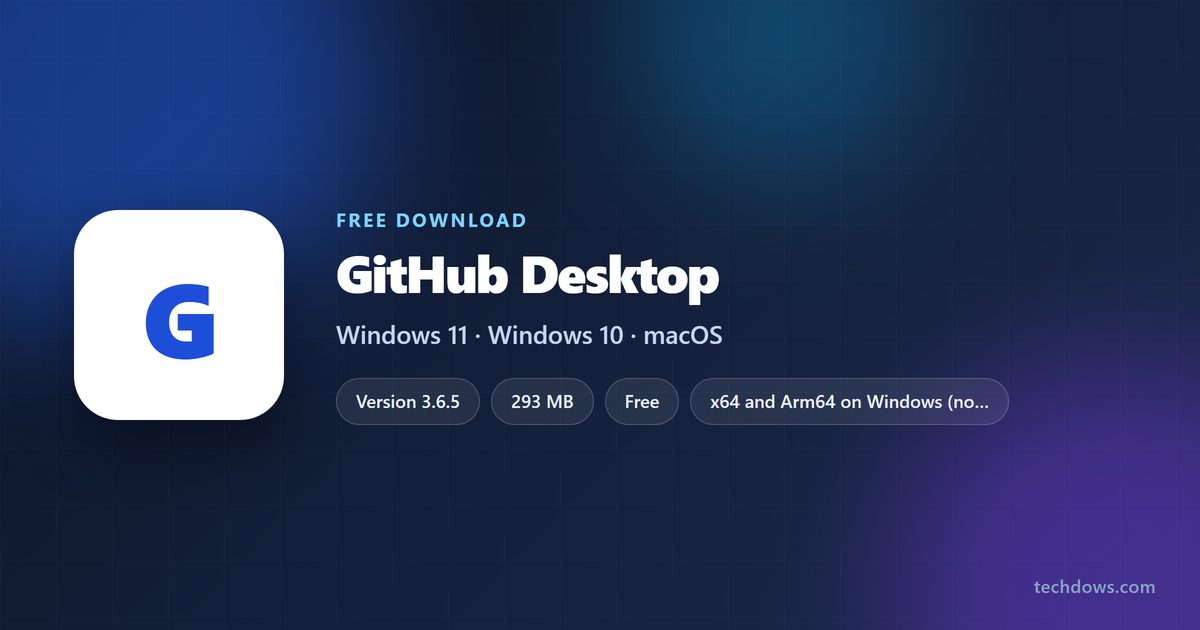
GitHub download for PC and Mac: get GitHub Desktop free from desktop.github.com. Covers the 293 MB Windows installer, Arm64 and MSI builds, macOS and setup.
Git download links for Windows 11, 10 and ARM64 from the official Git for Windows release, plus the Mac install command, portable Git and winget steps.
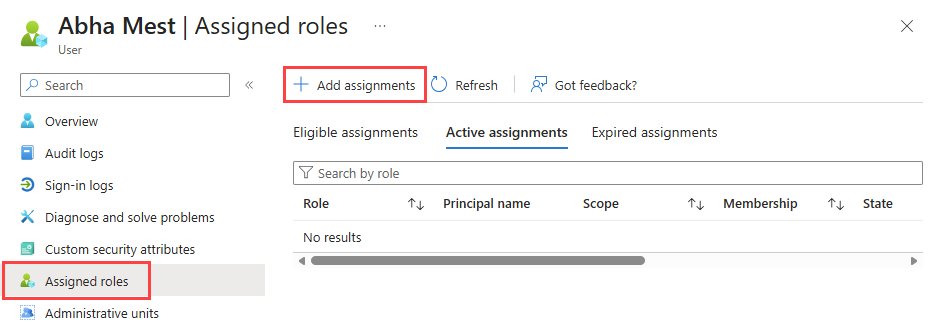
Access the Microsoft 365 admin center at admin.microsoft.com with an admin work account. Sign-in steps, the Teams and Entra portals, roles and access-denied fixes.
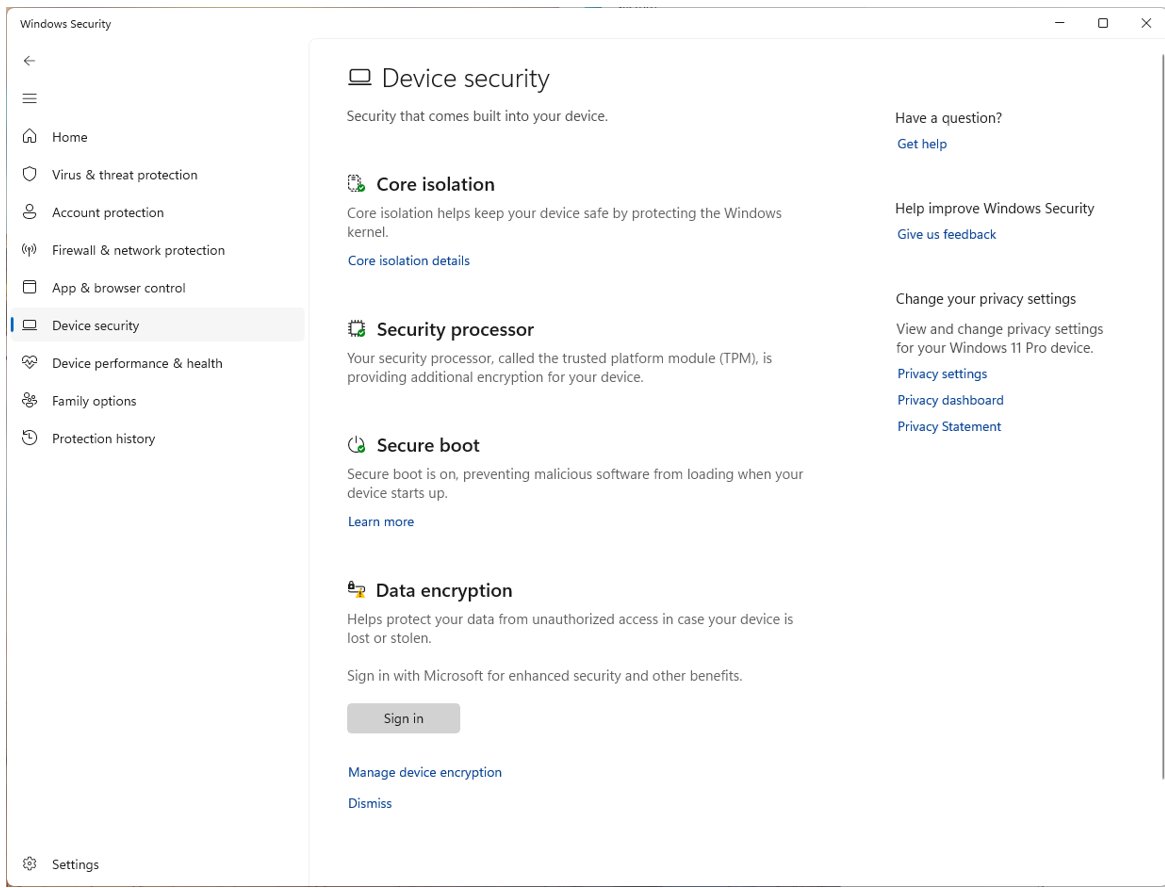
TPM 2.0 and Secure Boot protect keys and the startup chain on Windows. Check both with tpm.msc, msinfo32 and Device security, then turn them on in UEFI.
Genshin Impact download for Windows 11 and 10: free from the Epic Games Store or Google Play Games, with PC requirements, Mac options and install fixes.
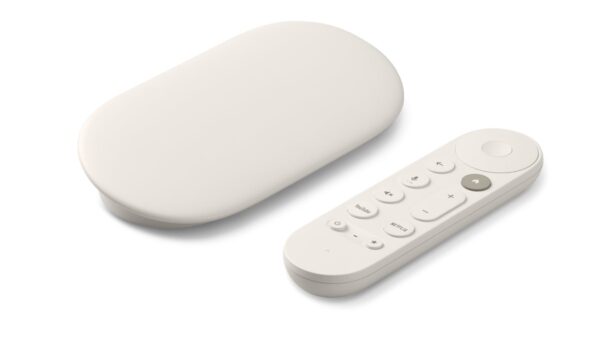
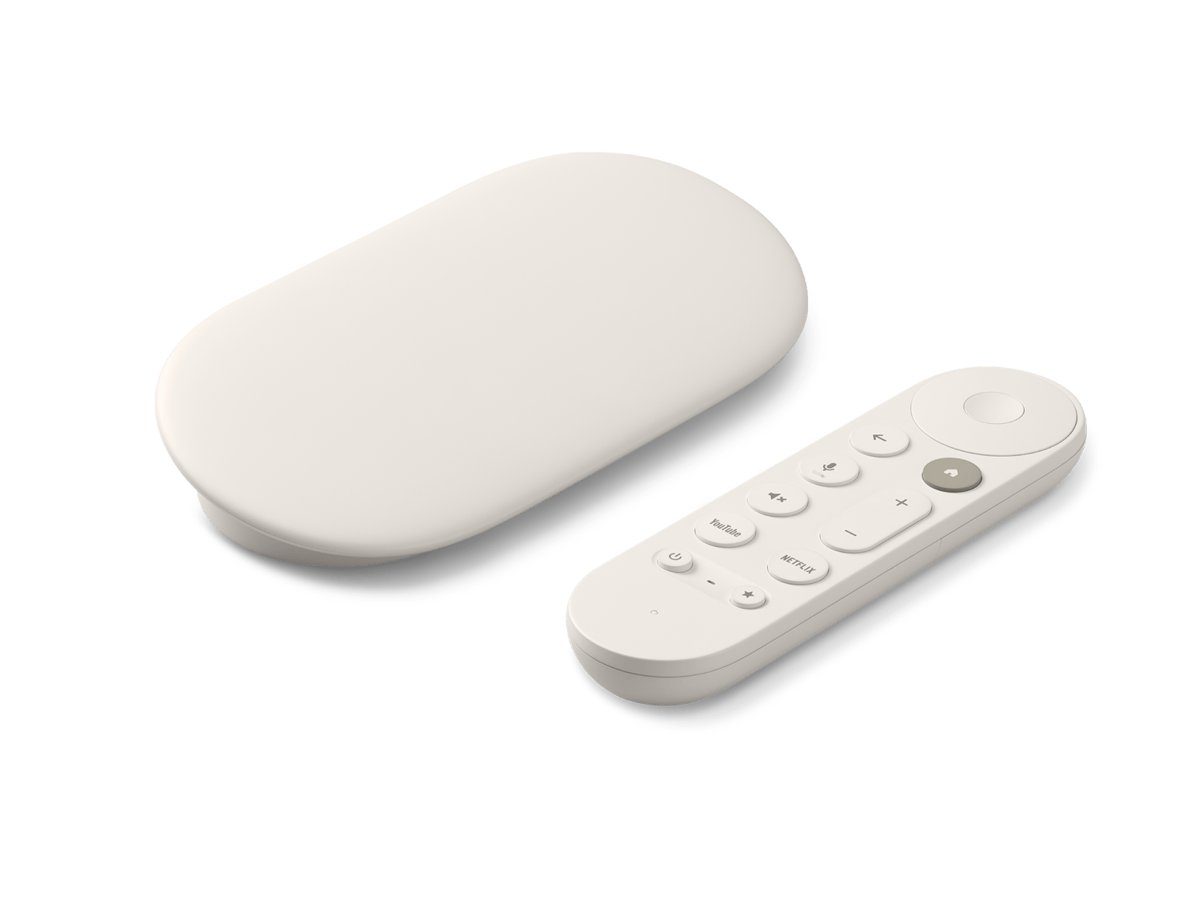
Set up a Google Chromecast by plugging it into your TV, then using the Google Home app to add it to Wi-Fi. Steps for every model, testing, and fixes.