How to access network adapter settings Windows 11
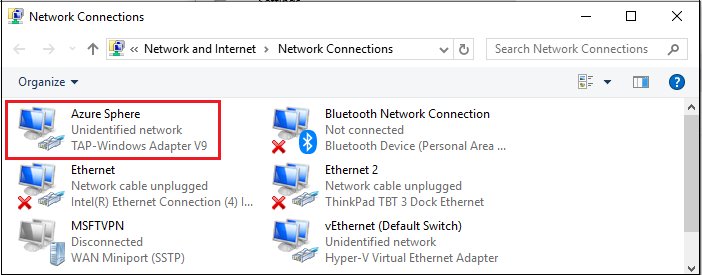
Access network adapter settings in Windows 11 at Settings > Network & internet > Advanced network settings, or press Win + R and run ncpa.cpl. Every route and fix.
2,005 articles

Access network adapter settings in Windows 11 at Settings > Network & internet > Advanced network settings, or press Win + R and run ncpa.cpl. Every route and fix.
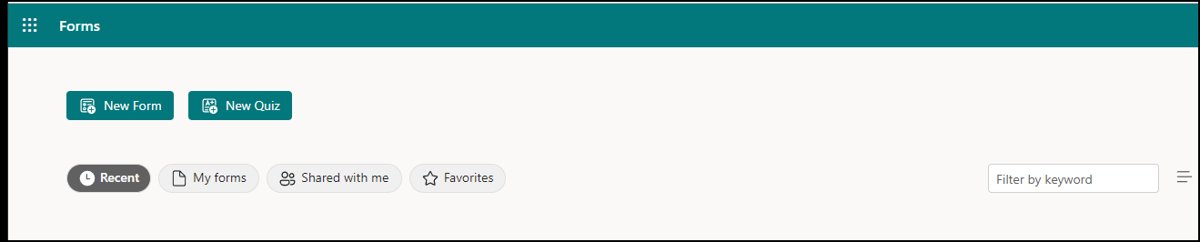
Create a survey in MS Forms: open forms.office.com, select New Form, add questions, set who can respond, then share the link and read the results in Excel.
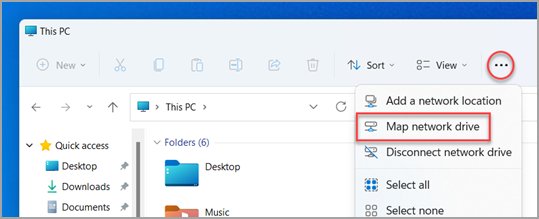
Map a network drive on Windows 11/10 from File Explorer, net use or PowerShell, reconnect it at sign-in, use other credentials, remove it and fix errors.
Google Sheets download for PC and Mac: install Sheets as a desktop app from Chrome or Edge on Windows 11 and 10, turn on offline editing, and get phone apps.
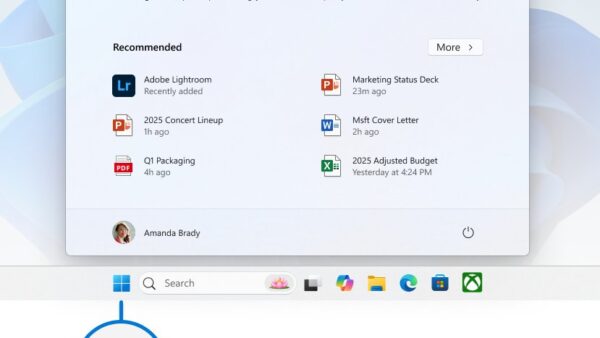
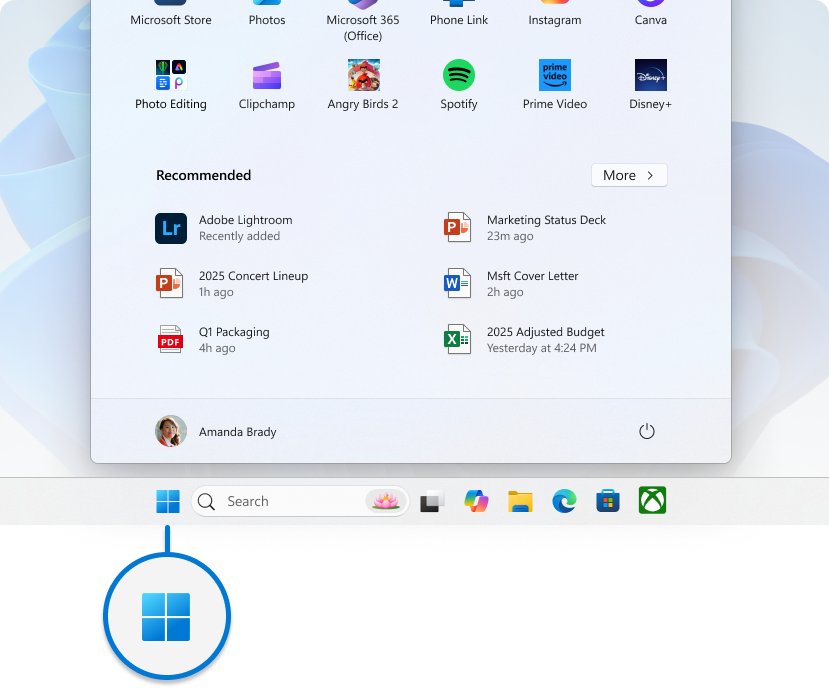
Hide the Windows taskbar: no single shortcut key toggles it, but Win + T then Win + Alt + Enter opens the auto-hide setting on Windows 11 and 10. Steps and fixes.
Google Photos download for PC and Mac: install the free desktop app from Chrome or Edge on Windows 11, Windows 10 and macOS, plus Google Drive for desktop.
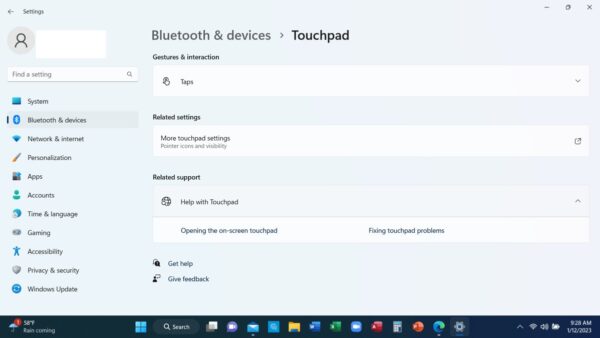
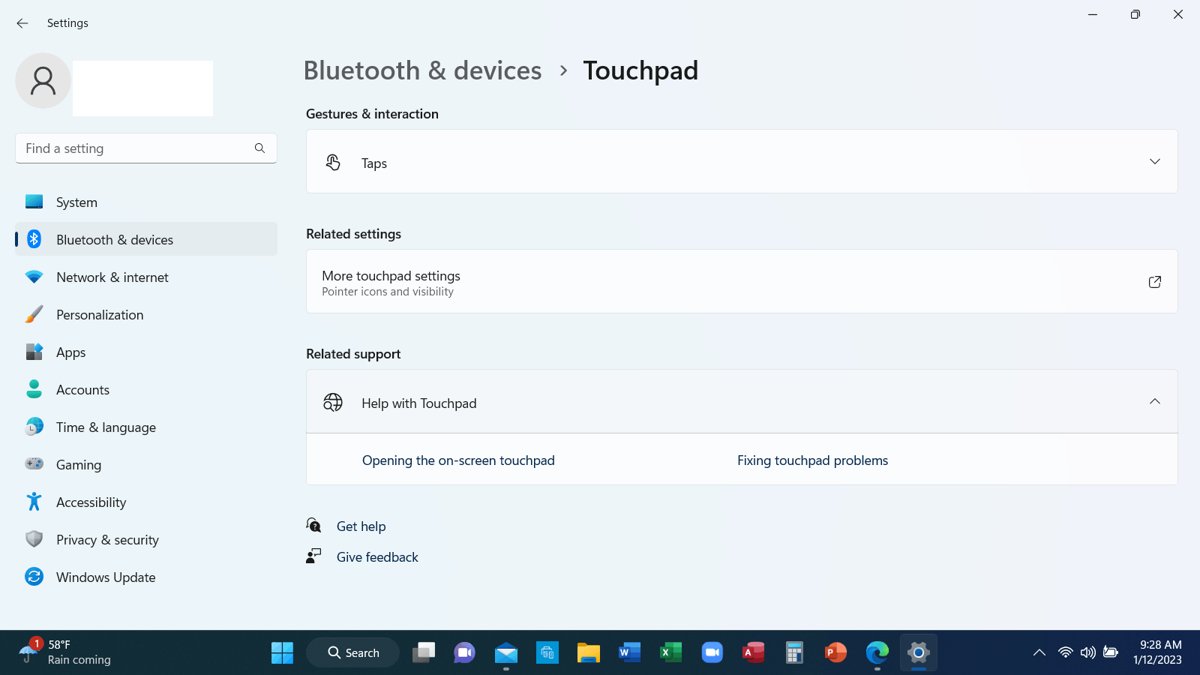
Enable or disable the touchpad in Windows 11/10 from Settings > Touchpad. Turn it off when a mouse connects, use Device Manager, and re-enable it without a mouse.
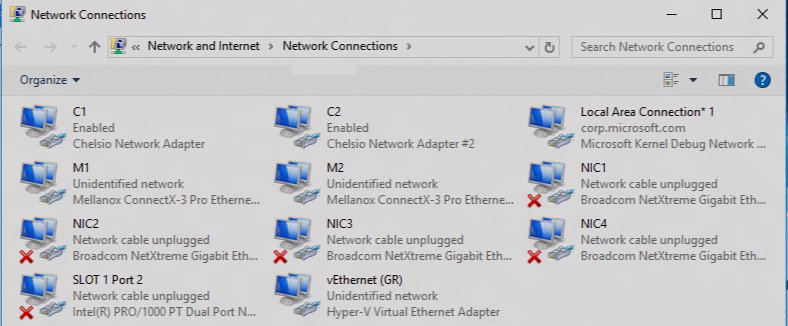
The ncpa.cpl command opens Network Connections in Windows 11 and 10. Run it from Win + R, manage adapters, set IP and DNS, check admin rights and fix problems.
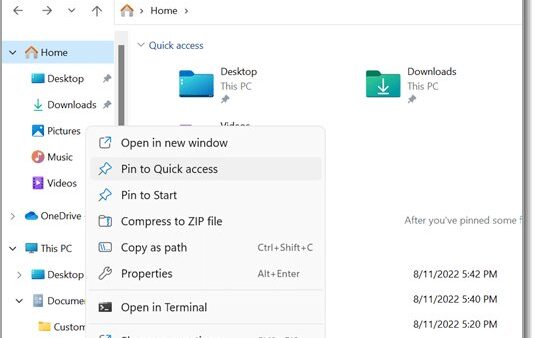
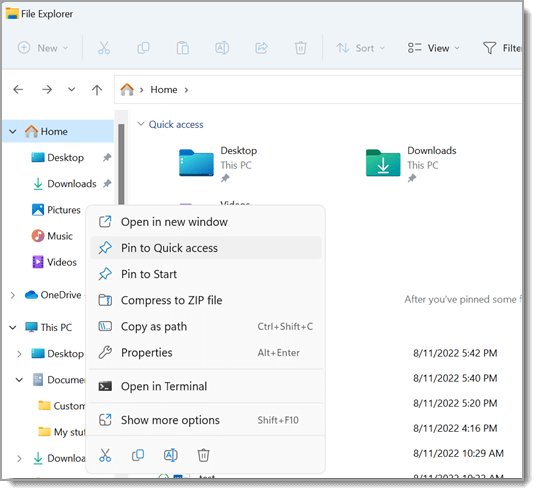
My Documents folder in Windows 11/10 is now called Documents and lives at C:\Users\YourName\Documents, unless OneDrive backup has moved it. Find it fast.
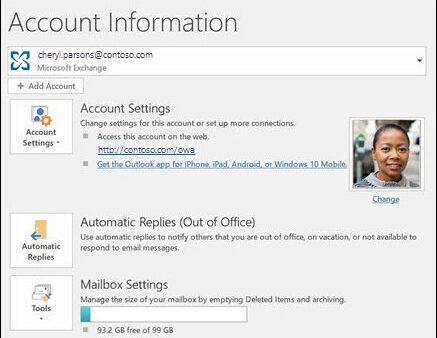
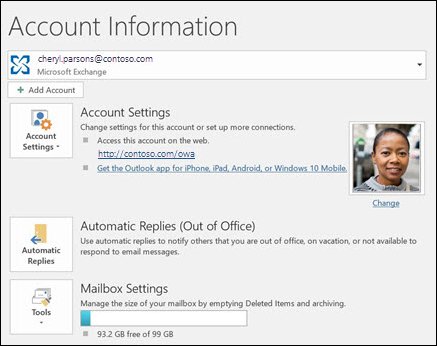
Put out of office on Outlook with File > Automatic Replies in classic Outlook, or Settings > Accounts > Automatic replies in new Outlook and the web. All versions.
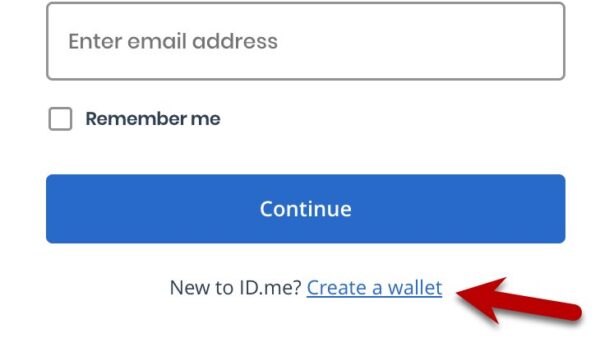
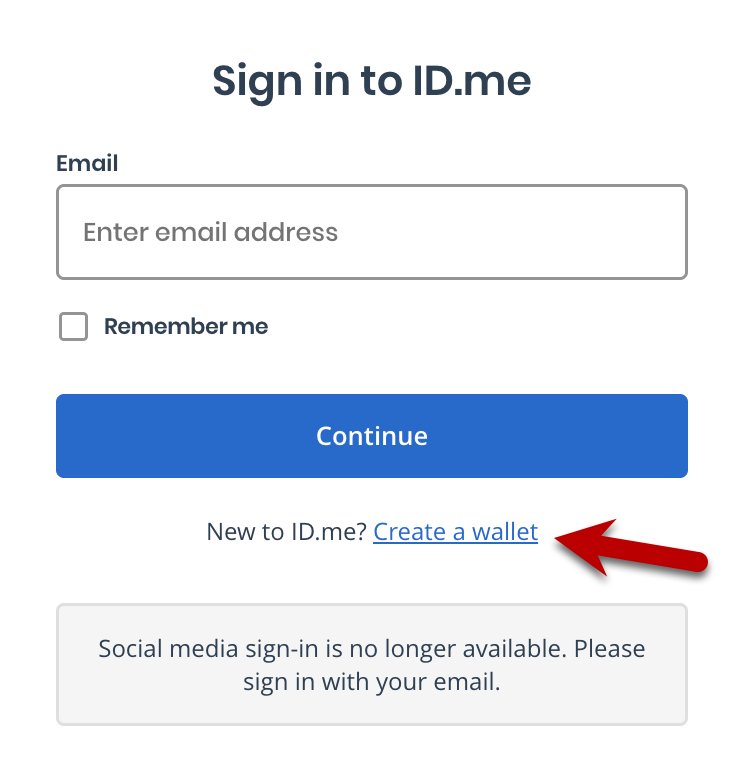
How to create an ID.me account: open the ID.me button on the IRS, VA or SSA site, make a wallet, confirm email, add MFA and verify your identity once.
Google Earth Pro download for Windows 11, 10 and Mac: get the free official installer from Google, install steps, offline setup files, winget and fixes.