You can download Microsoft OneNote free for Windows 11, Windows 10 and Mac, and sign in with any Microsoft account to sync your notebooks. The Windows setup is a 7.1 MB file from Microsoft, and the Mac version comes from the Mac App Store.
This guide covers which OneNote download fits your device, the official links, installing on Windows and Mac, an offline install with the Office Deployment Tool, moving off the old OneNote for Windows 10 app, and fixes when setup fails.
Which Microsoft OneNote download do you need?
Every OneNote build opens the same notebooks once you sign in with the same Microsoft account. Pick the row that matches your device.
| Your device | What to get | Size |
|---|---|---|
| Windows 11 or 10 PC, no Office installed | OneNote setup for Windows | 7.1 MB setup, streams the rest |
| Windows PC with Microsoft 365 or Office 2019 and later | Already included with Word, Excel and PowerPoint | No separate download |
| Windows PC with no internet on install day | Office Deployment Tool | 3.4 MB tool, then a local copy |
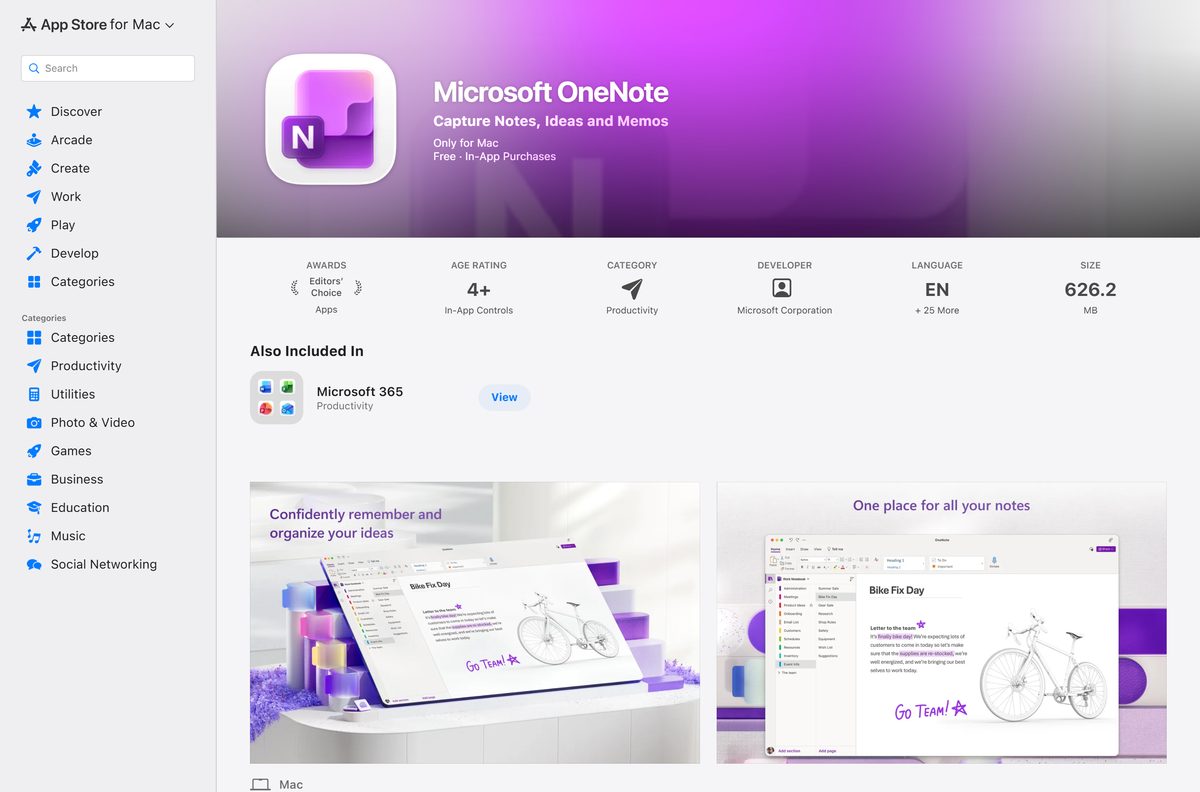
| Mac with macOS 14.0 or later | OneNote on the Mac App Store | 626.2 MB |
| iPhone or iPad on iOS 18.0 or later | OneNote on the App Store | 420.2 MB |
| Android phone or tablet | OneNote on Google Play | Free |
Skip the Microsoft Store listing called OneNote for Windows 10 (Legacy). That app is out of support and gets no new features.
Download Microsoft OneNote from the official Microsoft links
Microsoft serves the Windows setup from its own Click-to-Run servers and publishes the Mac, iPhone and Android versions through the platform stores.
- OneNote for Windows 11 and 10 — 7.1 MB · OfficeSetup.exe, installs the free OneNote desktop app
- OneNote on the Mac App Store — 626.2 MB · version 16.113.1, requires macOS 14.0 or later
- OneNote package for Mac from Microsoft — 599.1 MB · Microsoft_OneNote_16.113.26091740_Updater.pkg
- OneNote for iPhone and iPad — 420.2 MB · requires iOS or iPadOS 18.0 or later
- OneNote for Android — published by Microsoft Corporation
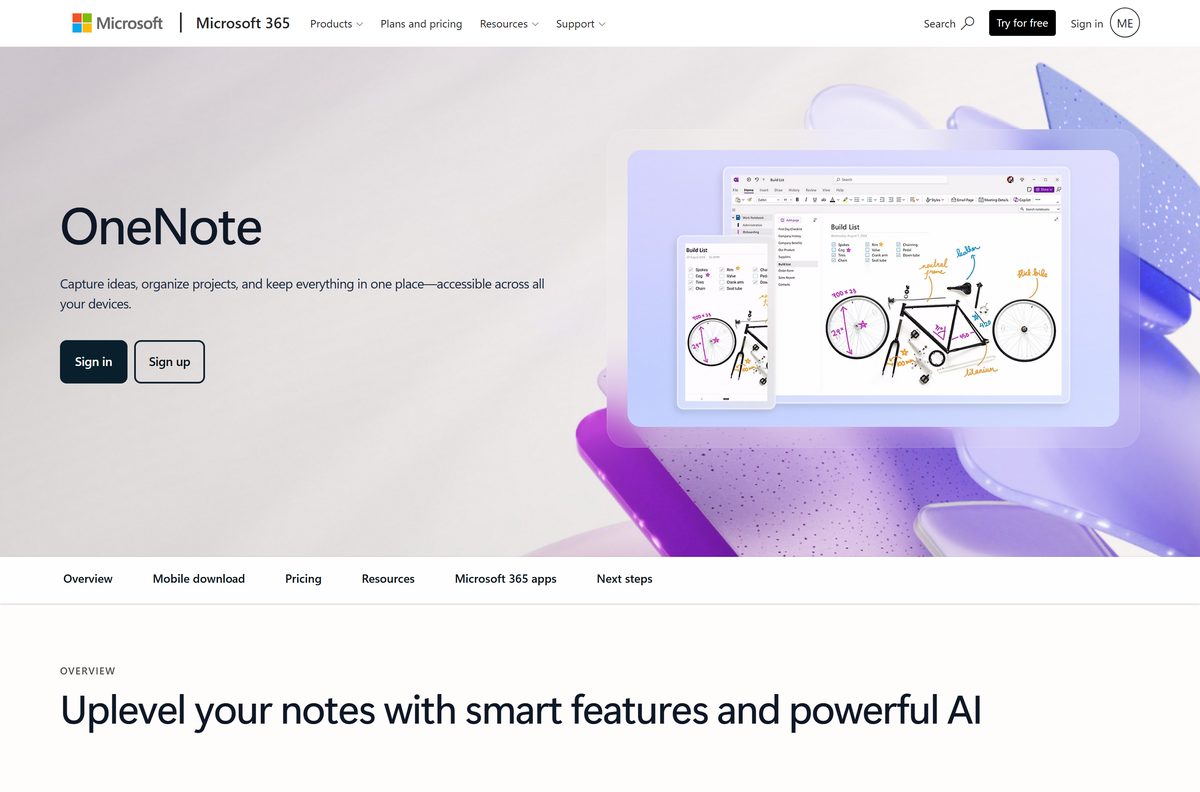
- OneNote product page — features and Microsoft 365 plans
The Windows link resolves to c2rsetup.officeapps.live.com, Microsoft’s Click-to-Run server. Any other host offering a OneNote .exe is not Microsoft.
Is Microsoft OneNote free?
Yes. OneNote is free on Windows, Mac, iPhone, iPad and Android. The Windows setup installs the free edition, and the Mac App Store, App Store and Google Play list OneNote at no cost. A free Microsoft account syncs your notebooks through OneDrive. A Microsoft 365 subscription adds Copilot in OneNote and 1 TB of cloud storage per person: Personal is $9.99 a month, Family $12.99 and Premium $19.99, each with a one-month free trial. Nothing in the free app expires, and no product key is involved. A site selling a OneNote licence key is selling something Microsoft does not require.
Check the Microsoft OneNote system requirements
OneNote on Windows follows the Microsoft 365 Apps support rules. The Mac and mobile limits come from the store listings.
| Field | Value |
|---|---|
| Software | Microsoft OneNote |
| Developer | Microsoft Corporation |
| Latest version | 2608 (Build 20326.20158) on Windows, 16.113.1 on Mac |
| License | Free; Microsoft 365 adds Copilot and storage |
| Windows | Windows 11 and Windows 10 |
| Mac | macOS 14.0 or later, Apple silicon or Intel |
| iPhone and iPad | iOS and iPadOS 18.0 or later |
| Architecture | 64-bit or 32-bit on Windows; Arm PCs need Windows 11 and the 64-bit edition |
| Windows setup size | 7.1 MB (OfficeSetup.exe) |
| Mac App Store size | 626.2 MB |
| Offline installer | Through the Office Deployment Tool |
| Official source | microsoft.com, Mac App Store, App Store, Google Play |
| Last verified | 2026-09-19 |
Windows 10 support ended on 14 October 2025. OneNote on Windows 10 stops gaining features at Version 2608 and keeps getting security updates until 10 October 2028.
How to install Microsoft OneNote on Windows 11 and 10
The setup file is small because it pulls the app from Microsoft’s servers while it runs. Keep the PC online until it finishes.
- Open the OneNote setup link in your browser.
- Select Save or Open file when the browser shows OfficeSetup.exe.
- Run OfficeSetup.exe from your Downloads folder.
- Select Yes at the Do you want to allow this app to make changes to your device? prompt.
- Wait while the Installing Office window downloads OneNote.
- Select Close when the window reports that the install is done.
- Open Start, type OneNote, and open the app.
- Select Sign in and use your Microsoft account to open or create a notebook.
The free edition appears in Programs and Features as Microsoft OneNote Home and Student 2016. That name is normal and does not mean you installed an old version.
Install OneNote offline with the Office Deployment Tool
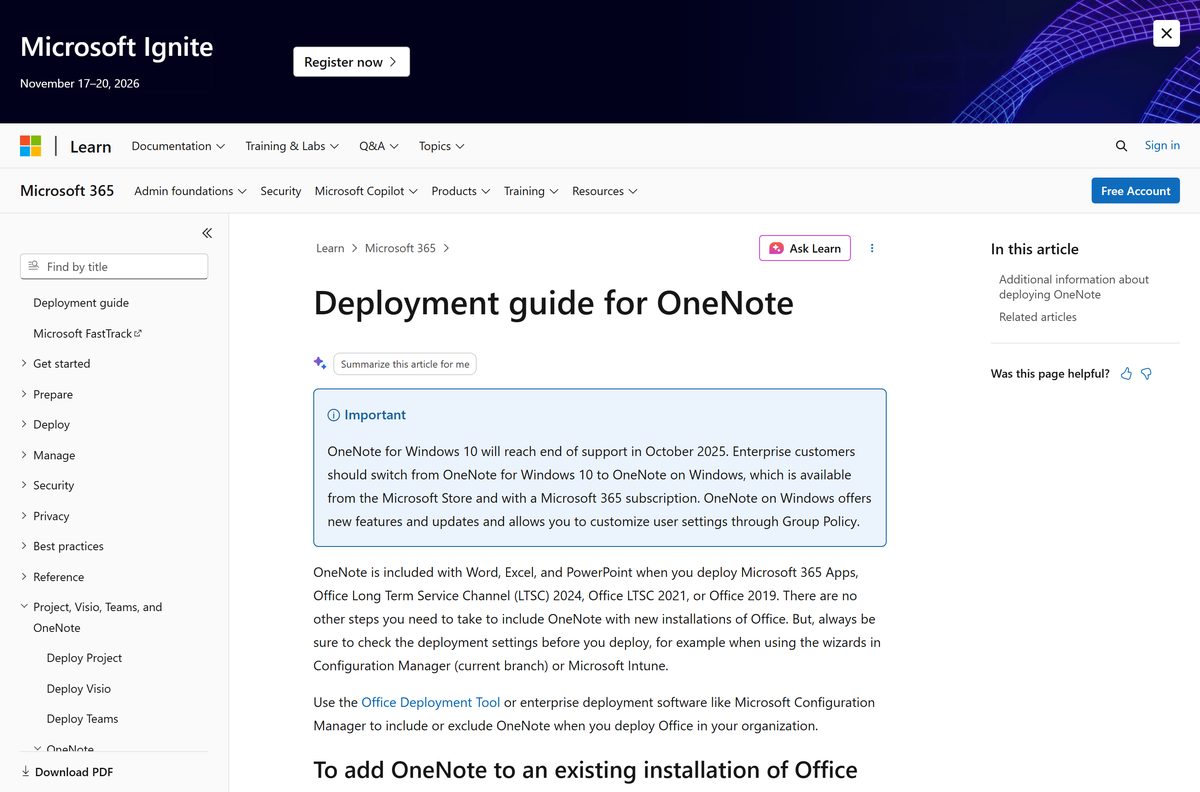
Microsoft publishes no single offline OneNote .exe. The Office Deployment Tool (ODT) downloads the full app to a folder first, so you can install it later without a connection or on several PCs.
Download ODT version 16.0.20326.20112 (3.4 MB) from the Microsoft Download Center, run it, and extract it to C:\ODT. Save the XML below in that folder as onenote.xml.
cd C:\ODT
setup.exe /download onenote.xml
setup.exe /configure onenote.xml The /download line saves OneNote to C:\ODT while you are online. The /configure line installs it from that folder. Use OfficeClientEdition=”32″ only on 32-bit Windows. Product ID OneNoteFreeRetail is documented in Microsoft’s OneNote deployment guide.
Test the XML on one PC before pushing it to others. OneNoteFreeRetail does not work with volume-licensed Office such as Office LTSC Professional Plus 2021; run an Online Repair of Office instead to get OneNote back there.
Which Microsoft OneNote download do you need for your Mac?
Both Mac routes install the same OneNote 16.113.1 build. The App Store version updates through the App Store; the Microsoft package updates through Microsoft AutoUpdate.
| Your Mac | Download | Size |
|---|---|---|
| macOS 14.0 Sonoma or later, personal Mac | Mac App Store listing | 626.2 MB |
| Managed Mac, or no Apple ID signed in | Microsoft_OneNote_16.113.26091740_Updater.pkg | 599.1 MB |
| Already have Microsoft 365 for Mac installed | Office for Mac release notes | Already included |
To install from the App Store, open the listing, select Get, then Install, and sign in to OneNote with your Microsoft account. Both builds run natively on Apple silicon and Intel Macs.
Should you install OneNote or OneNote for Windows 10?
Install OneNote, the desktop app from the Windows setup link. OneNote for Windows 10 reached end of support in October 2025, and its Microsoft Store listing now reads OneNote for Windows 10 (Legacy). Microsoft directs everyone to OneNote on Windows, which still gets features and updates. Notebooks stored in OneDrive open in the new app after you sign in. Before you remove the legacy app, open it once and let every section sync, because unsynced sections exist only on that PC.
If a section never syncs, back it up first. Microsoft’s migration guide covers the backup command, and OneNote reopens backups through File > Open Backups.
How to check your OneNote version and update it
- Open OneNote and select File.
- Select Account.
- Read the version and build under About OneNote.
- Select Update Options, then Update Now.
- Close OneNote when the updater asks, and let it finish.
- On a Mac, open Help > Check for Updates for the Microsoft package, or the Updates tab in the App Store.
The current Windows build is Version 2608 (Build 20326.20158). A build number lower than that means an update is waiting.
How to verify the OneNote installer is genuine
- Right-click OfficeSetup.exe in Downloads and select Properties.
- Open the Digital Signatures tab.
- Confirm the signer reads Microsoft Corporation.
- Select the signature, then Details, and check that it says This digital signature is OK.
- Delete the file if the tab is missing or names anyone other than Microsoft.
A genuine Windows setup is about 7.1 MB. A OneNote file of hundreds of megabytes from a download portal is a repackaged copy.
Fix Microsoft OneNote not installing on Windows 11 or 10
Setup stalls or fails part way
OfficeSetup.exe streams the app, so a dropped or filtered connection stops it.
- Restart the PC and run OfficeSetup.exe again.
- Pause any VPN or metered connection setting during the install.
- If it fails twice, use the Office Deployment Tool method above to download OneNote first.
OneNote is missing after installing Microsoft 365
OneNote was excluded when Office was deployed.
- Download the Office Deployment Tool.
- Create an XML with
and plus . - Run setup.exe /configure with that file.
- Open OneNote; the licence updates to match your Office version.
The old OneNote keeps opening
OneNote for Windows 10 is still installed and owns the OneNote links.
- Open the legacy app and confirm every section has synced.
- Open Settings > Apps > Installed apps.
- Find OneNote for Windows 10, select the three dots, and select Uninstall.
- Open the desktop OneNote app and sign in.
Setup reports a conflict with installed Office
The 32-bit and 64-bit editions cannot be mixed on one PC.
- Open File > Account > About in Word to see which edition is installed.
- Set OfficeClientEdition in your ODT XML to match it.
- Run the install again.
How to uninstall Microsoft OneNote
- Close OneNote and let any pending sync finish.
- Open Settings > Apps > Installed apps.
- Search for OneNote.
- Select the three dots next to Microsoft OneNote Home and Student 2016, or the OneNote entry for your language, and select Uninstall.
- Confirm with Uninstall, then select Yes at the permission prompt.
- Restart the PC.
- On a Mac, drag Microsoft OneNote from Applications to the Trash.
Notebooks saved to OneDrive stay in your Microsoft account and reappear when you reinstall and sign in. Local notebooks stay in Documents\OneNote Notebooks unless you delete them.
Frequently asked questions
Is Microsoft OneNote free?
Yes. OneNote is free on Windows 11, Windows 10, Mac, iPhone, iPad and Android, and syncs through a free Microsoft account. Microsoft 365, from $9.99 a month, adds Copilot and 1 TB of cloud storage.
What is the official OneNote download page?
Microsoft’s setup link at go.microsoft.com/fwlink/?linkid=2110341 for Windows, the Mac App Store for Mac, and the App Store or Google Play for phones. All are published by Microsoft Corporation.
Is OneNote free on Windows 11?
Yes. The Windows setup installs the free desktop edition on Windows 11 and Windows 10, in 64-bit or 32-bit, and Arm-based Windows 11 PCs run the 64-bit edition.
How big is the OneNote download?
The Windows setup file is 7.1 MB and streams the rest of the app while it installs. On a Mac, the App Store version is 626.2 MB and the Microsoft package is 599.1 MB.
Is there a OneNote offline installer?
Not as a single .exe. Use the Office Deployment Tool with product ID OneNoteFreeRetail and the /download switch to save OneNote to a folder, then install it with /configure without a connection.
Is there OneNote for Mac?
Yes. OneNote for Mac is free on the Mac App Store, needs macOS 14.0 or later, and runs on Apple silicon and Intel Macs. Microsoft also offers a standalone package for managed Macs.
Should I install the 64-bit or 32-bit OneNote?
Install 64-bit on any modern PC. Choose 32-bit only on 32-bit Windows or when your installed Office is 32-bit, because the two editions cannot be mixed on one PC.
Is OneNote safe to download?
Yes, from Microsoft or the official app stores. The Windows setup is signed by Microsoft Corporation and comes from Microsoft’s Click-to-Run servers. Avoid OneNote files offered by download portals.
What is the latest version of OneNote?
On Windows, the Current Channel is Version 2608 (Build 20326.20158), released 18 September 2026. OneNote for Mac is on 16.113.1, released the same day.
What happened to OneNote for Windows 10?
It reached end of support in October 2025 and now appears in the Microsoft Store as OneNote for Windows 10 (Legacy). Microsoft directs users to the OneNote desktop app instead.
Is OneNote included with Microsoft 365?
Yes. OneNote installs alongside Word, Excel and PowerPoint with Microsoft 365 Apps, Office LTSC 2024, Office LTSC 2021 and Office 2019, so no separate download is needed.
Why won’t OneNote install?
Usually a dropped connection during the streamed install, or a 32-bit and 64-bit mismatch with installed Office. Restart, run the setup again, or use the Office Deployment Tool with a matching edition.