Get the Microsoft SQL Server download for Windows 11, Windows 10 and Linux free from Microsoft. SQL Server 2025 Express and both Developer editions cost nothing and install from a small web installer.
Linux gets native packages for Ubuntu and Red Hat, and a Docker container covers Intel Macs and test servers.
This guide covers picking the right edition, installing it, running it in a container, updating to the latest cumulative update, fixing setup failures and uninstalling.
Check the Microsoft SQL Server system requirements
Open Settings > System > About and read System type. SQL Server needs a 64-bit x64 processor from Intel or AMD.
| Item | Microsoft SQL Server 2025 |
|---|---|
| Developer | Microsoft |
| Latest version | SQL Server 2025 CU9, build 17.0.5005.3 (September 15, 2026) |
| License | Express and Developer free; Standard and Enterprise paid |
| Installer size | 4.4 MB web installer (full media downloads on demand) |
| Windows | Windows 11 and Windows 10 (Home, Pro, Enterprise), Windows Server 2019 or later |
| Linux | Red Hat Enterprise Linux 9 or 10, Ubuntu 22.04 or 24.04, Docker containers |
| Mac | No native build; Docker container on Intel Macs only |
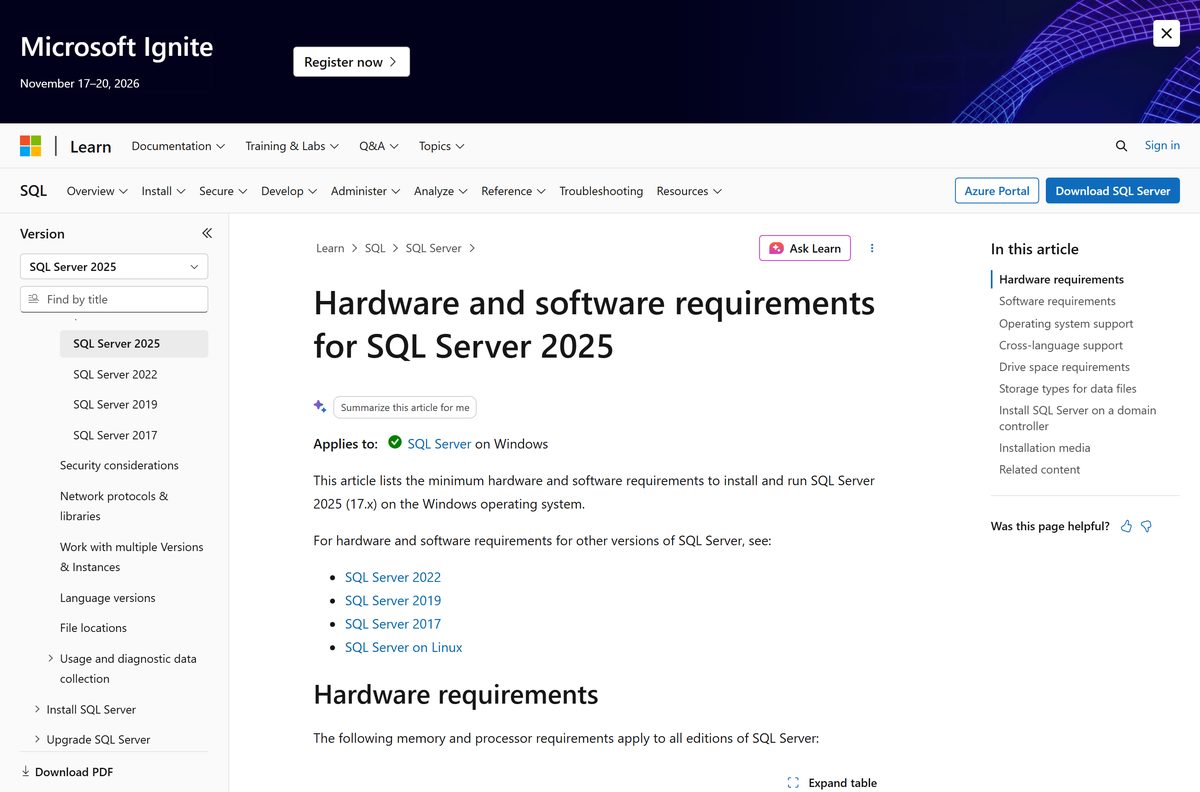
| Processor | x64 only, 1.4 GHz minimum, 2.0 GHz recommended |
| Memory | Express 512 MB minimum (1 GB recommended); other editions 1 GB (4 GB or more recommended) |
| Disk space | 6 GB free on the system drive; 8,030 MB for every feature |
| Other software | .NET Framework 4.7.2 |
| Official download source | microsoft.com/sql-server |
| Offline installer | Yes, through the installer’s Download Media option |
| Last verified | 2026-09-19 |
Microsoft’s support table lists the Enterprise column, including Enterprise Developer, for Windows Server only. Express and Standard Developer run on every Windows 11 and Windows 10 edition, including Home.
Which Microsoft SQL Server download do you need?
Microsoft ships four free SQL Server 2025 installers. Pick the one that matches what you plan to do with the database.
| Your plan | Download | Size |
|---|---|---|
| Learn SQL, run a small app or a production database up to 50 GB | SQL Server 2025 Express | 4.4 MB web installer |
| Build and test apps with every Enterprise feature | SQL Server 2025 Enterprise Developer | 4.4 MB web installer |
| Build and test apps that will run on Standard in production | SQL Server 2025 Standard Developer | 4.4 MB web installer |
| Trial Enterprise on a server before buying | SQL Server 2025 Evaluation Center | 180-day trial |
| Run it on Linux or in a container | SQL Server on Linux install guide | Package or container image |
Developer editions carry full features but a development and test licence only. On a Windows 11 or 10 PC, pick Express or Standard Developer; Enterprise Developer targets Windows Server.
Download Microsoft SQL Server 2025 for Windows 11 and 10
Every link below points to Microsoft’s own servers at download.microsoft.com through Microsoft’s fwlink redirector.
- SQL Server 2025 Express (SQL2025-SSEI-Expr.exe) — 4.4 MB · free, production use allowed
- SQL Server 2025 Standard Developer (SQL2025-SSEI-StdDev.exe) — 4.4 MB · free, dev and test only
- SQL Server 2025 Enterprise Developer (SQL2025-SSEI-EntDev.exe) — 4.4 MB · free, dev and test only
- SQL Server 2025 Evaluation — Enterprise features for 180 days
- SQL Server 2022 Express (SQL2022-SSEI-Expr.exe) — previous version
- All SQL Server downloads on microsoft.com
Each file is a small web installer. It fetches the setup files during installation, so keep the PC online.
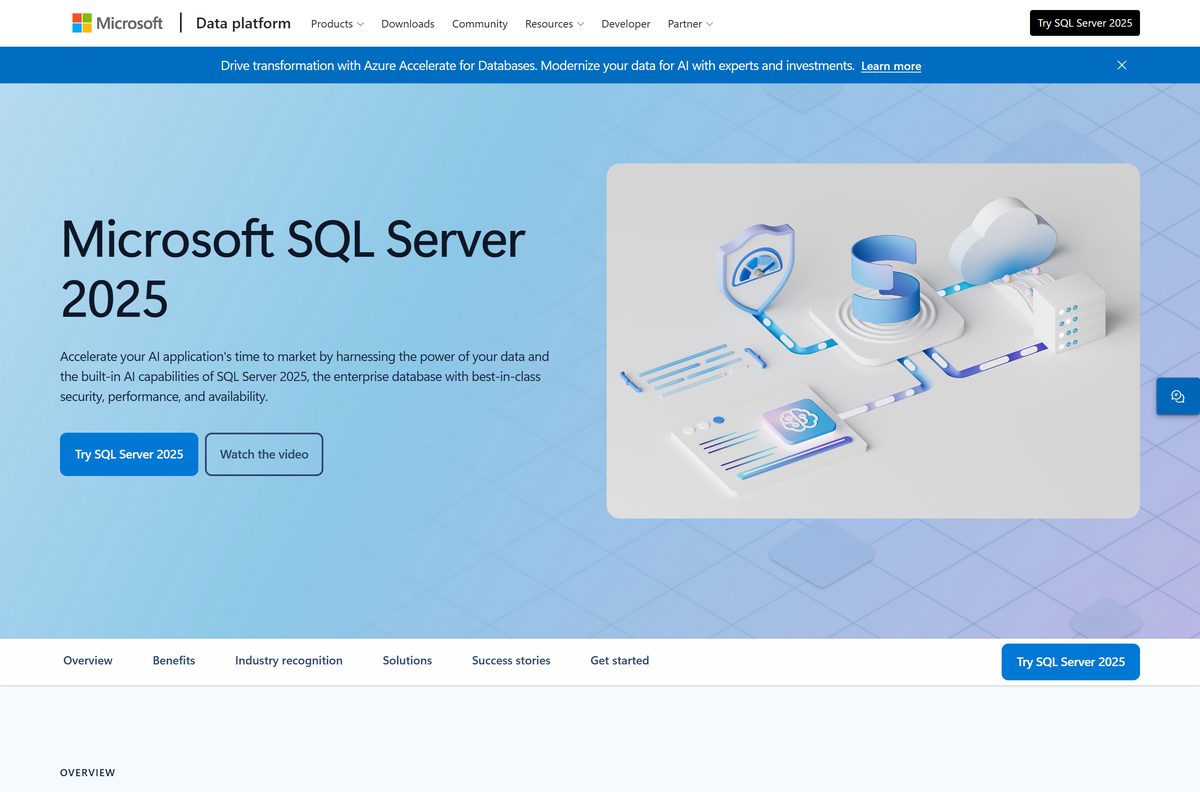
How to install Microsoft SQL Server on Windows 11 and 10
Restart Windows first if an update is waiting, then run Setup. Microsoft advises clearing pending restarts before any install or upgrade.
- Download the installer for your edition from the table above and double-click it.
- Let it fetch the setup files, then open the SQL Server Installation Center from the extracted media.
- Select Installation, then New SQL Server standalone installation or add features to an existing installation.
- On the Edition page, pick a free edition or enter your product key, then select Next.
- Tick I accept the license terms and Privacy Statement and select Next.
- On the Azure Extension for SQL Server page, untick the box unless you want to connect the instance to Azure.
- On Feature Selection, tick Database Engine Services.
- On Instance Configuration, keep the default instance or type a named instance.
- On Database Engine Configuration, choose Windows Authentication or Mixed Mode, then select Add Current User.
- Select Install on the Ready to Install page and wait for every feature to show Succeeded.
Setup installs the database engine only. Install SQL Server Management Studio separately to manage it with a graphical tool.
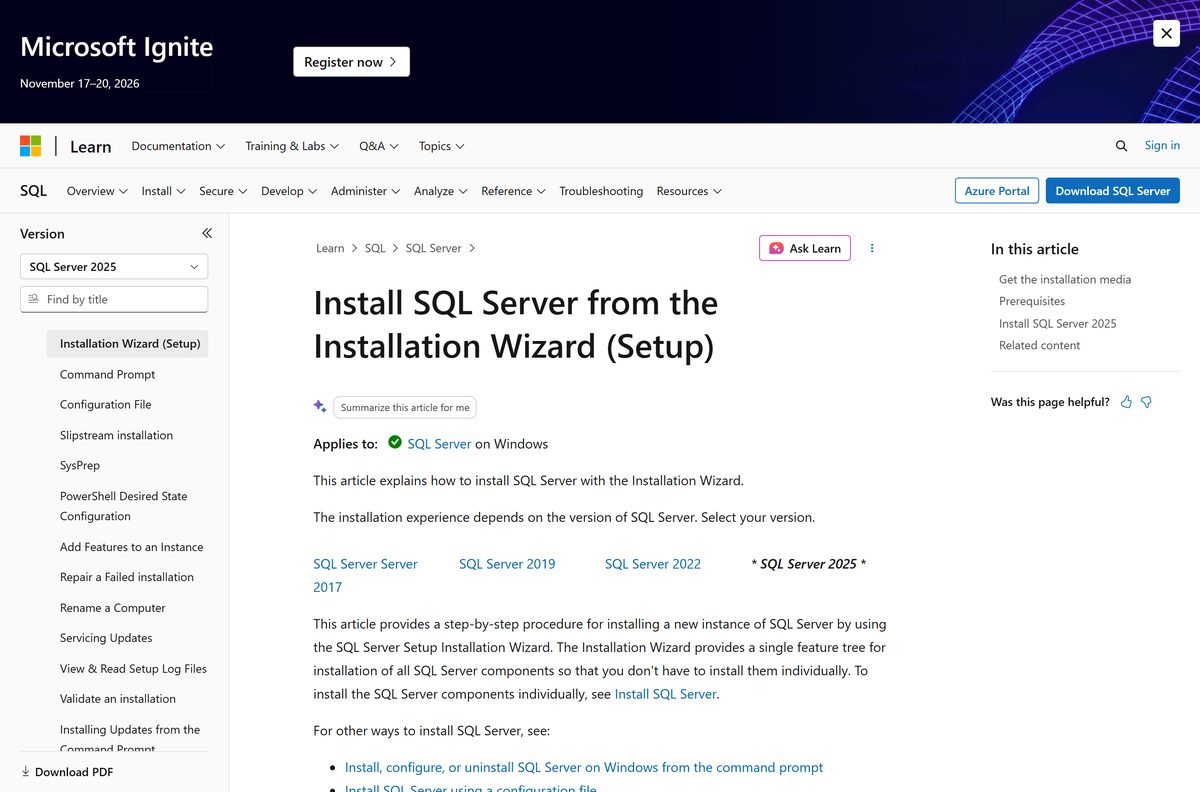
Run Microsoft SQL Server in a Docker container without installing it
A container skips Windows Setup entirely. You need Docker Engine on an x64 machine; see the Docker Desktop download guide for Windows and Mac.
- Pull the image: docker pull mcr.microsoft.com/mssql/server:2025-latest .
- Start it: docker run -e “ACCEPT_EULA=Y” -e “MSSQL_SA_PASSWORD=
” -p 1433:1433 –name sql1 –hostname sql1 -d mcr.microsoft.com/mssql/server:2025-latest . - Use a password of eight or more characters mixing case, digits and symbols, or the container stops.
- Check it runs with docker ps and read errors with docker logs sql1 .
- Connect from any client to localhost,1433 with the sa login and your password.
- Follow the Microsoft Docker quickstart to change the sa password afterwards.
The container runs Developer edition by default. Give Docker at least 2 GB of RAM and 2 GB of disk.
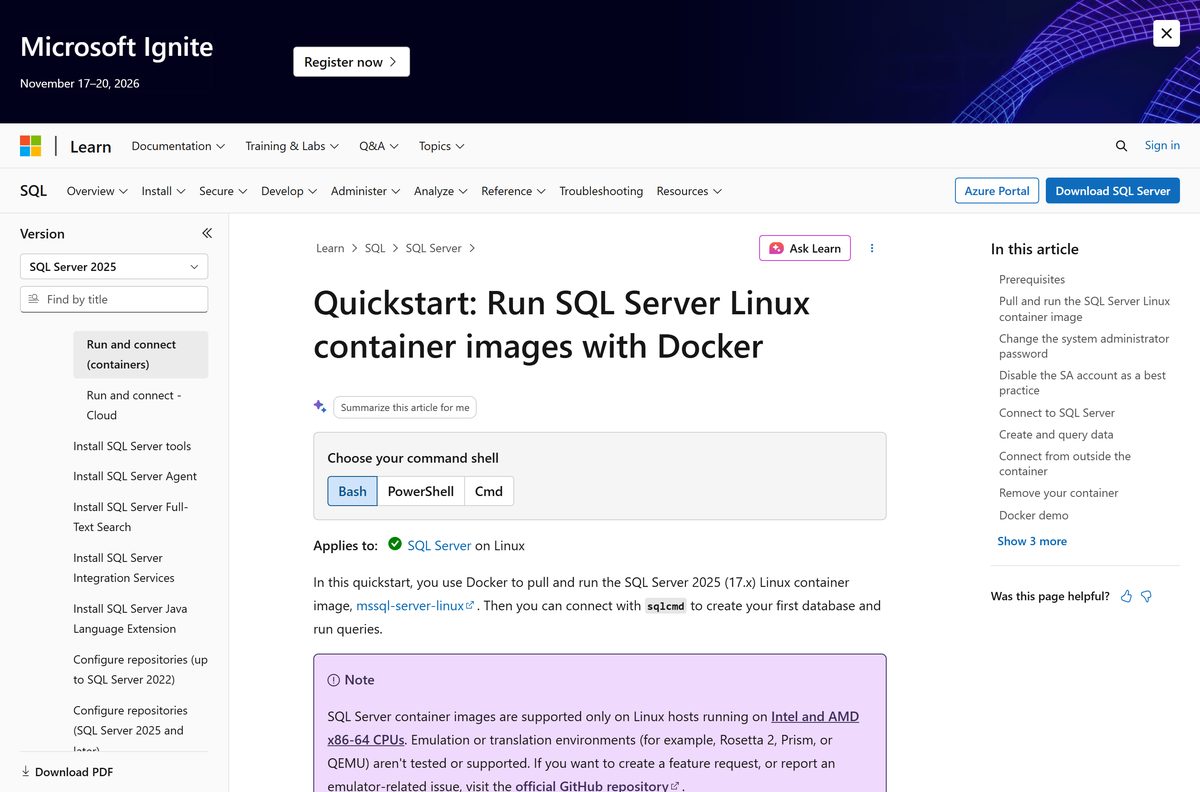
Which Microsoft SQL Server download do you need for your Mac or Linux PC?
Microsoft publishes no macOS installer. Linux gets native packages, and Macs rely on the Linux container.
| Your machine | What to install | Guide |
|---|---|---|
| Ubuntu 22.04 or 24.04 | mssql-server package from Microsoft’s repository | Ubuntu quickstart |
| Red Hat Enterprise Linux 9 or 10 | mssql-server package from Microsoft’s repository | RHEL quickstart |
| SUSE Linux Enterprise Server | SQL Server 2022; 2025 no longer supports SLES | Linux install guidance |
| Intel Mac with Docker Desktop | The 2025-latest Linux container | Docker quickstart |
| Mac with Apple M-series chip | The x64 container needs emulation such as Rosetta 2, which Microsoft does not test or support | Container support note |
On Apple silicon, the supported route is a SQL Server instance on another x64 machine or an Azure virtual machine.
Is Microsoft SQL Server free?
Express is free for any use, including production. Enterprise Developer and Standard Developer are free for building and testing. Evaluation gives you Enterprise features free for 180 days.
Install Express for small production apps and a Developer edition for everything you build and test. Standard and Enterprise are paid, licensed per core or per server with client access licences, and bought through Microsoft partners or volume licensing. The full terms sit on Microsoft’s SQL Server licensing page. Any site selling a Developer or Express key is a scam, because neither needs one.
Should you install SQL Server 2025 or 2022?
Install SQL Server 2025 on new machines. Its Express edition allows 50 GB per database and now includes LocalDB, full-text search and the former Advanced Services features. Standard edition can use up to 32 cores. Pick 2022 only when an application vendor certifies 2022 alone, or when you run SUSE Linux, which 2025 dropped.
SQL Server 2025 also removes Reporting Services, Master Data Services and Data Quality Services. Reporting moves to Power BI Report Server.
How to check your Microsoft SQL Server version and update it
- Open a query window or a Command Prompt with sqlcmd available.
- Run sqlcmd -S localhost -Q “SELECT @@VERSION” (add -U sa for SQL logins).
- Read the build number, such as 17.0.5005.3 for SQL Server 2025 CU9.
- Compare it with the SQL Server 2025 build list.
- Download the newest cumulative update from Microsoft’s latest updates page and run it.
- On Ubuntu, run sudo apt-get update and sudo apt-get install mssql-server . On RHEL, run sudo yum update mssql-server .
- For a container, pull the 2025-latest image again and recreate the container.
Fix Microsoft SQL Server not installing on Windows 11 or 10
“Wait on the Database Engine recovery handle failed” on Windows 11
Windows 11 reports an NVMe sector size above the 4 KB that SQL Server supports.
- Open Command Prompt as administrator and run fsutil fsinfo sectorinfo C: .
- If PhysicalBytesPerSectorForAtomicity shows more than 4096, run REG ADD “HKLM\SYSTEM\CurrentControlSet\Services\stornvme\Parameters\Device” /v “ForcedPhysicalSectorSizeInBytes” /t REG_MULTI_SZ /d “* 4095” /f .
- Restart the PC.
- Uninstall the failed instance and run Setup again.
Setup refuses to run on a Snapdragon or other ARM laptop
SQL Server installs on x64 processors only.
- Confirm System type under Settings > System > About.
- Use LocalDB or a server on another x64 PC, or an Azure virtual machine.
Setup fails while a Windows restart is pending
A Windows update is waiting for a reboot.
- Restart Windows.
- Run the installer again before installing anything else.
Setup fails when launched over Remote Desktop
The installation media sits on the local drive of the Remote Desktop client.
- Copy the media to the target PC or a network share.
- Run setup.exe from there.
A feature shows Failed with no clear reason
The real error sits in the setup logs.
- Open %programfiles%\Microsoft SQL Server\
\Setup Bootstrap\Log . - Search Summary.txt for “error” or “failed”.
- Read the end of Detail.txt in the newest dated folder for the exact exception.
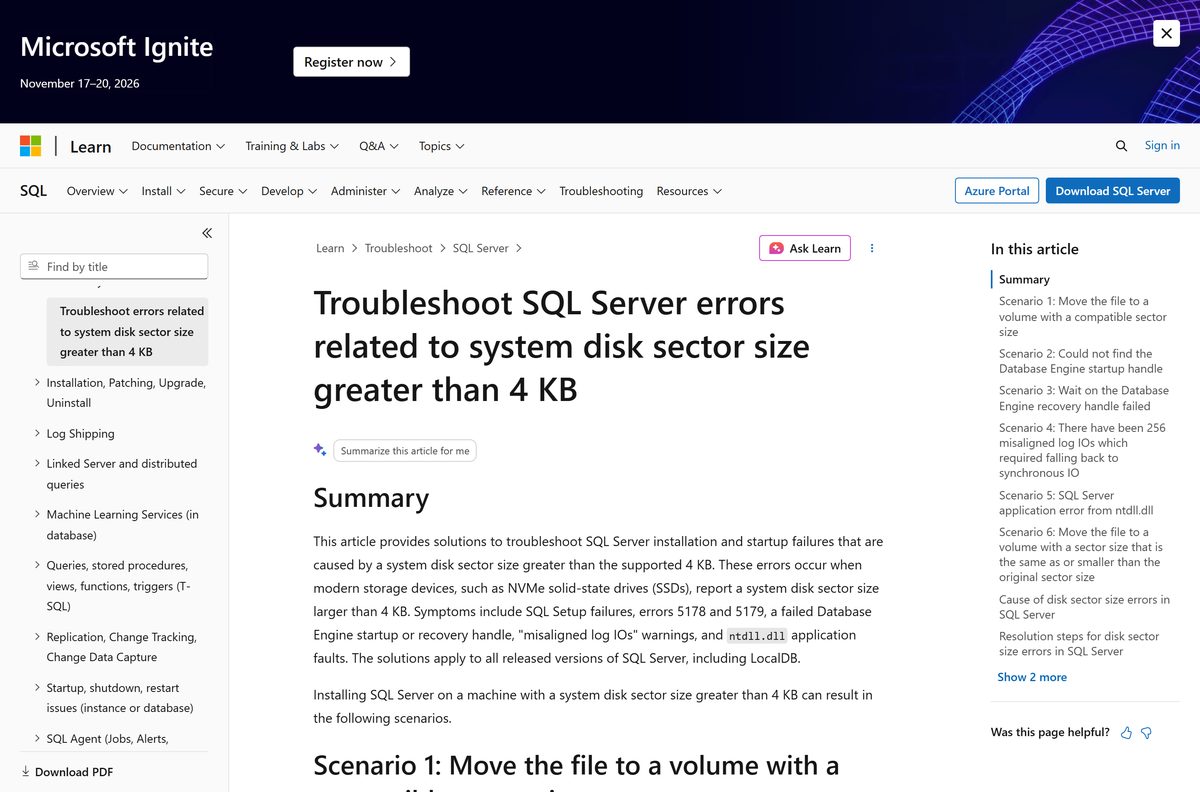
How to uninstall Microsoft SQL Server
Back up every database you need first. Stop all SQL Server services so open connections do not block removal.
- Open Settings > Apps > Installed apps.
- Type sql in the search box.
- Select Microsoft SQL Server 2025 (64-bit), then Uninstall.
- Select Remove in the SQL Server dialog.
- On Select Instance, pick the instance to remove and select Next.
- On Select Features, tick the features to remove.
- Select Remove on the Ready to Remove page.
- Refresh Installed apps and remove any leftover SQL Server components you no longer need.
On Linux, run sudo apt-get remove mssql-server or sudo yum remove mssql-server , then delete /var/opt/mssql/ to remove the database files.
Choose another way to run a SQL Server database
| Option | Best for | Cost |
|---|---|---|
| SQL Server Express LocalDB | Developers who want a zero-configuration engine that starts on demand | Free, included with Express |
| SQL Server Linux container | Throwaway test servers on Linux or an Intel Mac | Free Developer edition |
| SQL Server 2025 Evaluation | Trying Enterprise features on a real server | Free for 180 days |
| MySQL | Open-source projects that do not need T-SQL | Free Community edition |
Pick LocalDB for app development on one PC. Pick Express when other machines need to connect.
Frequently asked questions
Is Microsoft SQL Server free?
Yes, in part. SQL Server 2025 Express is free for any use, including production databases up to 50 GB. Enterprise Developer and Standard Developer are free for development and testing. Standard and Enterprise editions for production are paid licences.
What is the official Microsoft SQL Server download page?
The official page is microsoft.com/sql-server/sql-server-downloads, run by Microsoft. It links the SQL Server 2025 Express, Standard Developer and Enterprise Developer installers and the Evaluation Center. The files themselves come from download.microsoft.com.
Does Microsoft SQL Server work on Windows 11?
Yes. SQL Server 2025 Express and Standard Developer install on Windows 11 and Windows 10 Home, Pro and Enterprise. Enterprise and Enterprise Developer are listed for Windows Server 2019 or later. The PC needs an x64 processor and .NET Framework 4.7.2.
How big is the Microsoft SQL Server download?
The SQL Server 2025 Express installer is 4.4 MB, and both Developer installers are also 4.4 MB. These are web installers that fetch the rest during setup. A full install needs at least 6 GB of free disk space, and 8,030 MB with every feature.
Is there a Microsoft SQL Server offline installer?
Yes. Run the small web installer on a connected PC and choose Download Media to save the full setup package. Copy that package to the offline machine and run setup.exe there. The media also contains SqlLocalDB.msi for LocalDB-only installs.
Can I install Microsoft SQL Server on a Mac?
Not natively, because Microsoft ships no macOS build. On an Intel Mac you can run the SQL Server 2025 Linux container in Docker Desktop. On Apple silicon Macs the x64 container needs Rosetta 2 emulation, which Microsoft does not test or support.
Is Microsoft SQL Server 64-bit only, and does it run on ARM64?
SQL Server has been 64-bit only since SQL Server 2016, so there is no 32-bit download. SQL Server 2025 installs on x64 Intel and AMD processors only. Windows on ARM laptops and ARM Linux servers are not supported.
Is the Microsoft SQL Server download safe?
Yes, when it comes from microsoft.com. The download links redirect through go.microsoft.com to download.microsoft.com. Avoid mirror sites, and never pay for an Express or Developer key, because those editions need no key.
What is the latest version of Microsoft SQL Server?
The latest release is SQL Server 2025 (17.x). Its newest cumulative update is CU9, build 17.0.5005.3, released on September 15, 2026. Check your own build with SELECT @@VERSION and apply the newest cumulative update.
Why won’t Microsoft SQL Server install on my PC?
The most common causes are an NVMe drive reporting a sector size above 4 KB on Windows 11, a pending Windows restart, an ARM processor, or running setup over Remote Desktop from a local drive. Summary.txt in the Setup Bootstrap Log folder names the failing rule.
Does SQL Server include SQL Server Management Studio?
No. SQL Server Setup installs the database engine with its ODBC and OLE DB drivers, but SQL Server Management Studio is a separate free download from Microsoft. Install it after SQL Server to create databases and run queries in a graphical window.