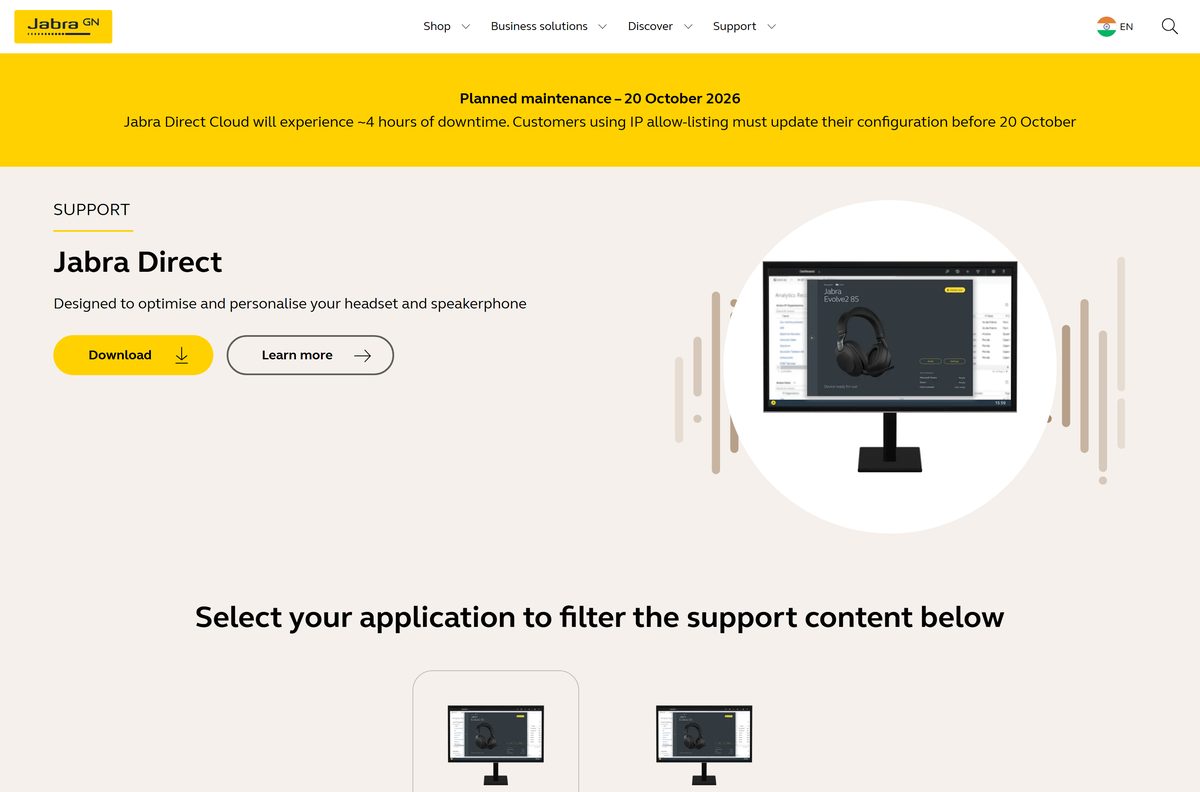
The Jabra Direct download is a free app from jabra.com that installs on Windows 11, Windows 10 and Mac. It keeps your Jabra headset or speakerphone on the latest firmware and puts its settings on your desktop.
One install covers every Jabra device on the computer. It handles firmware updates, sidetone and ringtone settings, and call control from the headset buttons in softphones.
This guide covers the right file for your computer, installing on Windows and Mac, updating firmware, deploying to many PCs, fixing install errors and removing the app.
Which Jabra Direct download do you need?
Match your computer to the file. Jabra publishes one installer for Windows and one for Mac, both at the same version.
| Your computer | Where to get it | File |
|---|---|---|
| Windows 11 or Windows 10, 64-bit (x64) | Download for Windows on jabra.com | JabraDirectSetup.exe |
| Windows 11 or Windows 10 on ARM | Download for Windows on jabra.com | JabraDirectSetup.exe |
| Mac with an Intel or Apple M chip | Download for macOS on jabra.com | JabraDirectSetup.dmg (universal) |
| Many company PCs managed by IT | Jabra Xpress deployment guide | ZIP with MSI and install file |
| 32-bit Windows | Jabra Direct support page | Not supported since 8.1.14601 |
Not sure which Windows you have? Open Settings > System > About and read the System type line.

Download Jabra Direct from the official site
Both official pages serve the same files. The support page also shows the version and release date next to each download.
- Jabra Direct product page — Download for Windows and Download for macOS buttons
- Jabra Direct support page — Version 8.2.23201 for Windows and macOS, with release notes
- Jabra Xpress first-time deployment guide — For IT teams deploying to many computers
The product page button still shows an older version label. The file it serves is the current setup, and the support page lists the real version.
How to install Jabra Direct on Windows 11 and 10
Connect your Jabra headset or USB dongle first, so the app finds it on first launch.
- Open the Jabra Direct page and click Download for Windows.
- Open your Downloads folder and double-click JabraDirectSetup.exe.
- Select Yes at the User Account Control prompt.
- Follow the setup prompts to complete the installation.
- Wait for the installation to finish, then open Jabra Direct from the Start menu.
- Select your headset in the device list to see its settings and any available update.
If setup stops with a .NET error, install Microsoft .NET Framework 4.7.2 and run the installer again.
How to deploy Jabra Direct to many PCs with Jabra Xpress
Jabra does not post a public MSI. Admins build the deployment package in Jabra Xpress, which locks chosen settings for end users.
| Step | Where | What you get |
|---|---|---|
| Set company-wide options | Jabra Xpress: Administration > Jabra Direct Settings | Saved settings become read-only for users |
| Download the package | Xpress: Administration > Download | Windows or macOS package with an identification key |
| Unpack the ZIP | Your deployment share | CMD install file, MSI package and readme.txt |
| Roll it out | SCCM or an emailed link | Run the install file, not the MSI on its own |
Read the readme.txt in the ZIP before a wide rollout, and test on one PC first. Running the MSI alone leaves the client unconfigured, so the setup fails.
Which Jabra Direct download do you need for your Mac?
Open Apple menu > About This Mac and check the chip and the macOS version.
| Your Mac says | What to do | Result |
|---|---|---|
| Apple M1 or later chip | Download for macOS | Universal installer runs natively |
| Intel processor | Download for macOS | Same universal installer |
| macOS older than the three latest major releases | Jabra Direct support page | Update macOS first; older releases are dropped |
| Still running Jabra Suite for Mac | Download for macOS | Installing Jabra Direct removes Suite automatically |
Open JabraDirectSetup.dmg and follow the installer prompts. Then open Jabra Direct from Applications and connect your headset.
Is Jabra Direct free?
The installer downloads from jabra.com with no account, licence key or checkout.
Yes, Jabra Direct is free on Windows and Mac, with every feature included. Jabra sells the headsets and speakerphones, and the app exists to keep them updated and configured. Jabra Xpress for company-wide management is a separate IT tool.
Treat any site that charges for Jabra Direct or bundles it with a “driver updater” as a scam.
Should you keep Jabra Direct 3.x or Jabra Suite for Mac?
Older installs still work, which is why many PCs never moved off them.
Install the current Jabra Direct. Do not keep version 3.x or Jabra Suite for Mac. Jabra no longer updates version 3.x or Jabra Suite for Mac, and new products and fixes ship only in the latest Jabra Direct. Installing 4.x or later removes the old versions automatically.
You cannot run two versions of Jabra Direct side by side, so there is nothing to uninstall first.
How to update Jabra Direct and your headset firmware
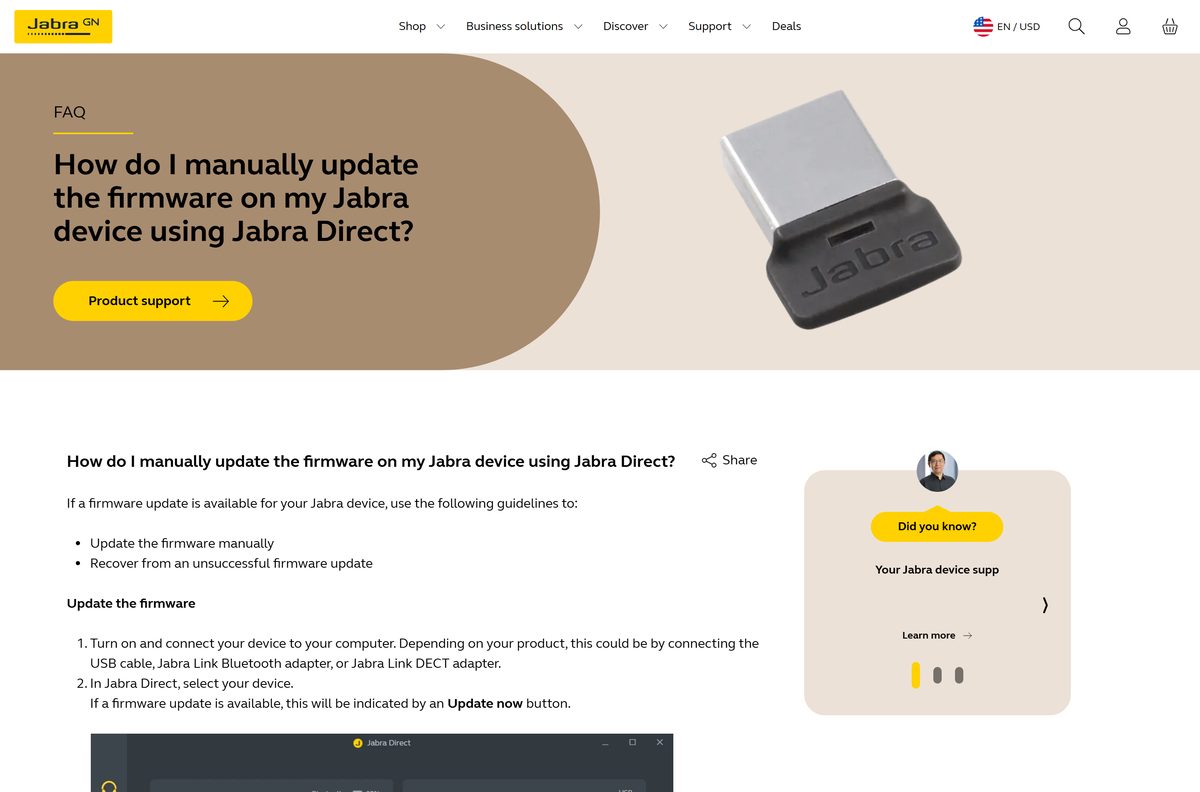
Jabra Direct updates headset firmware for you. Standalone installs have automatic device updates on by default.
- Connect your device by USB cable, Jabra Link Bluetooth adapter or Jabra Link DECT adapter.
- In Jabra Direct, select your device.
- Click Update now, or the Updates icon on the left menu, to open the Updates window.
- Next to your device, click Update.
- Pick your language from the drop-down and click Update.
- Keep the device connected until the update finishes.
- To switch automatic updates on or off, select the device, click Settings and change Automatic device updates.
If your company manages devices in Jabra Xpress, the automatic update setting can be locked for you.
Check the Jabra Direct system requirements
Jabra Direct is light. The hard limits are the Windows edition, .NET and the macOS release.
| Field | Value |
|---|---|
| Software | Jabra Direct |
| Developer | GN Audio A/S (Jabra) |
| Latest version | 8.2.23201 (August 24, 2026) |
| Licence | Free |
| Supported Windows | Windows 11 and Windows 10, 64-bit and ARM |
| Windows prerequisite | .NET 4.7.2 Client Profile or .NET 4.7.2 Framework Full |
| Supported macOS | The three latest major macOS releases |
| Architecture | x64 and ARM64 on Windows; universal Intel and Apple M build on Mac |
| 32-bit Windows | Not supported since 8.1.14601 |
| Offline installer | No separate package; Jabra Xpress builds MSI deployments |
| Official download source | jabra.com |
| Last verified | 2026-09-19 |
Jabra drops the oldest supported macOS release each time a new major macOS version ships.
What Jabra Direct can change on your headset
Available settings depend on the device, so a basic USB headset shows fewer options than a wireless model.
| Feature | What it does |
|---|---|
| Firmware updates | Installs the latest firmware and compatibility fixes |
| Audio protection levels | Limits sudden loud sounds in the headset |
| Sidetone | Lets you hear your own voice while you talk |
| Music settings | Adjusts sound for music playback |
| Customise controls | Changes what headset buttons do |
| Ringtone | Sets the headset ringtone |
| Softphone call control | Answers and ends calls in Skype, Cisco Jabber, Avaya and others |
Call control works through plugins. Release 8.2.23201 updated the Zoom plugin for Windows and macOS.
Fix Jabra Direct not installing or not finding your headset
Find the symptom that matches, then work through its fix in order.
Setup fails on Windows
The PC lacks .NET Framework 4.7.2 or runs 32-bit Windows.
- Open Settings > System > About and confirm the system type is 64-bit or ARM.
- Install Microsoft .NET Framework 4.7.2.
- Restart the PC.
- Run JabraDirectSetup.exe again.
Headset disappears after Windows 11 wakes from sleep
A detection bug fixed in version 8.2.23201.
- Download the current installer from the Jabra Direct support page.
- Run it over your existing install.
- Reconnect the headset and confirm it appears in the device list.
A firmware update failed or shows error code 18
The device was disconnected or the update stopped partway.
- Click Ok on the failure notice.
- Next to your device, click Recover.
- Click Update and keep the device connected.
- Update Jabra Direct to the latest version if the error returns.
If the recovery update also fails, contact Jabra Support from your product’s support page.
How to uninstall Jabra Direct
Removing the app does not change the firmware already installed on your headset.
- Close Jabra Direct if it is open.
- Open Settings > Apps > Installed apps.
- Find Jabra Direct in the list.
- Click the three dots next to it and select Uninstall.
- Confirm the prompts and wait for removal to finish.
- Restart the PC before you reinstall.
On a Mac, quit the app, open Finder > Applications and drag Jabra Direct to the Trash.
Frequently asked questions
Is Jabra Direct free?
Yes. Jabra Direct is free to download and use on Windows and Mac. Jabra describes it as smart, secure and free call management for its headsets and speakerphones, and there is no paid edition for individual users.
Where is the official Jabra Direct download?
The official page is jabra.com/software-and-services/jabra-direct, with Download for Windows and Download for macOS buttons. The Jabra Direct support page at jabra.com/supportpages/jabra-direct lists the same files with version and release date.
Does Jabra Direct work on Windows 11?
Yes. Jabra lists Windows 11 as supported on both 64-bit and ARM PCs, alongside Windows 10. Windows also needs Microsoft .NET Framework 4.7.2 installed for Jabra Direct to run.
How big is the Jabra Direct download?
Jabra does not state the installer size on its product or support pages. The Windows file is JabraDirectSetup.exe and the Mac file is JabraDirectSetup.dmg, both served from the jabra.com download buttons.
Is there a Jabra Direct offline installer?
No separate offline package is listed. Jabra offers one setup file per platform. For many PCs, IT teams use Jabra Xpress to build a ZIP with an MSI package and an install file for mass deployment.
Is there a Jabra Direct version for Mac?
Yes. Jabra Direct for macOS is the same version as the Windows app and ships as JabraDirectSetup.dmg. It is a universal installer for Intel and Apple M-series Macs and supports the three latest major macOS releases.
Does Jabra Direct run on 64-bit and ARM64 Windows?
Yes. Jabra supports Windows 10 and Windows 11 on 64-bit and ARM PCs. Version 8.1.14601 removed support for installing on 32-bit Windows, so a 32-bit PC cannot run current releases.
Is Jabra Direct safe to download?
Yes, when it comes from jabra.com. Use the Download buttons on the Jabra Direct page or the support page. Avoid download portals that repackage the installer, because the official app is free.
What is the latest version of Jabra Direct?
Jabra Direct 8.2.23201, released on August 24, 2026, is the latest version for Windows and macOS. It adds support for the Jabra Evolve3 45, Evolve3 65 and Evolve3 65 Flex headsets and macOS 27.
Why won’t Jabra Direct install?
The usual causes are missing .NET Framework 4.7.2, a 32-bit copy of Windows or a Mac on an older macOS release. Install .NET 4.7.2, confirm 64-bit or ARM Windows, then rerun JabraDirectSetup.exe.
What is Jabra Direct used for?
Jabra Direct updates the firmware on Jabra headsets and speakerphones, changes settings such as sidetone, ringtone and audio protection, and lets headset buttons answer and end calls in softphones like Cisco Jabber and Avaya.
Can you install an older version of Jabra Direct?
Jabra lists only the current release for download. Versions 3.x and earlier and Jabra Suite for Mac still work but get no updates, and installing version 4.x or later removes them automatically.