
How to Get Bing’s Daily Photos as Your Wallpaper on Windows 11

Get Bing’s daily photos as your Windows 11 wallpaper: choose Windows spotlight in Settings > Personalization > Background, or install the Bing Wallpaper app.
4,040 articles

Get Bing’s daily photos as your Windows 11 wallpaper: choose Windows spotlight in Settings > Personalization > Background, or install the Bing Wallpaper app.
Adjust screen brightness on Windows 11 or 10 with Win + A, Settings, laptop keys, adaptive brightness, energy saver, monitor buttons or PowerShell, plus fixes.


Open Devices and Printers in Windows 11/10 by typing control printers in Run. Also Search, Control Panel, Settings, File Explorer, CMD, shortcuts and fixes.


Manage power management settings in Windows 11/10: screen and sleep timers, power mode, Energy saver, power plans, lid and hibernate options, powercfg and fixes.


Enable or disable Num Lock in Windows 11/10 by pressing the Num Lock key (Fn + key on laptops). Keep it on at startup via BIOS, registry or a sign-in task.
Call of Duty Mobile download for iPhone, iPad and Android: free from the App Store and Google Play, plus how to play it on a Windows PC or a Mac.

Enable Internet Explorer mode in Microsoft Edge at edge://settings/defaultBrowser by setting IE mode to Allow; disable it by removing IE pages and reloads.

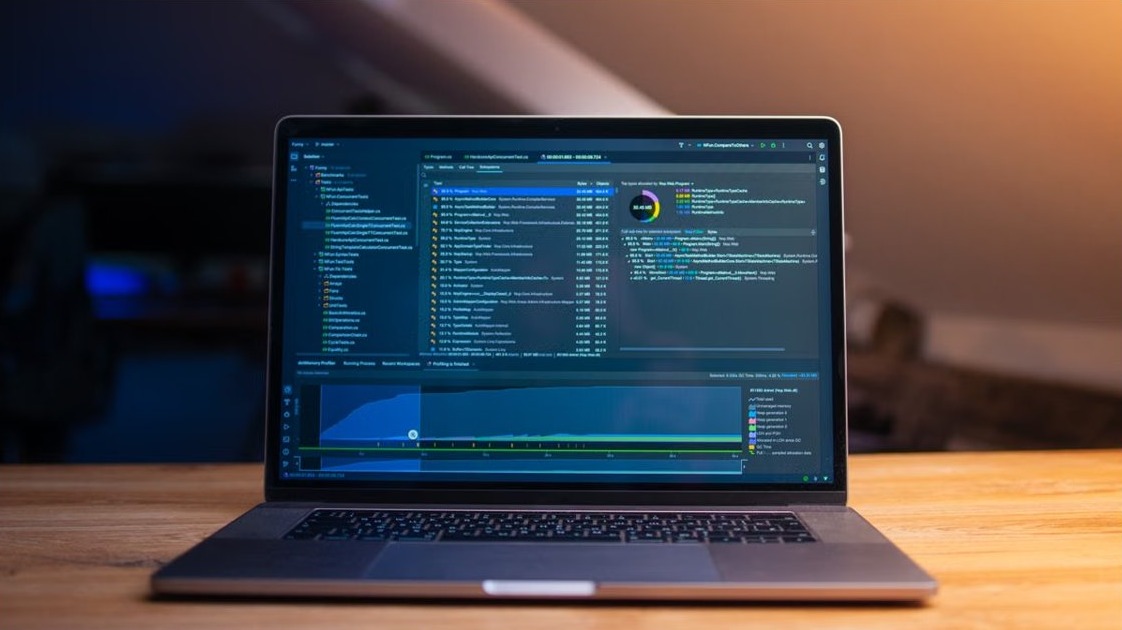
Turn on Windows 11 dark mode in Settings > Personalization > Colors > Dark. Force it with contrast themes, schedule it with Light Switch, fix apps left light.


Get a product key for Microsoft Office by buying Office 2024 or a retail key card and redeeming it at office.com/setup. Microsoft 365 bought online uses no key.


Repair a Windows image: run DISM /Online /Cleanup-Image /RestoreHealth as admin, then sfc /scannow. Covers ISO sources, stuck progress, logs and errors.
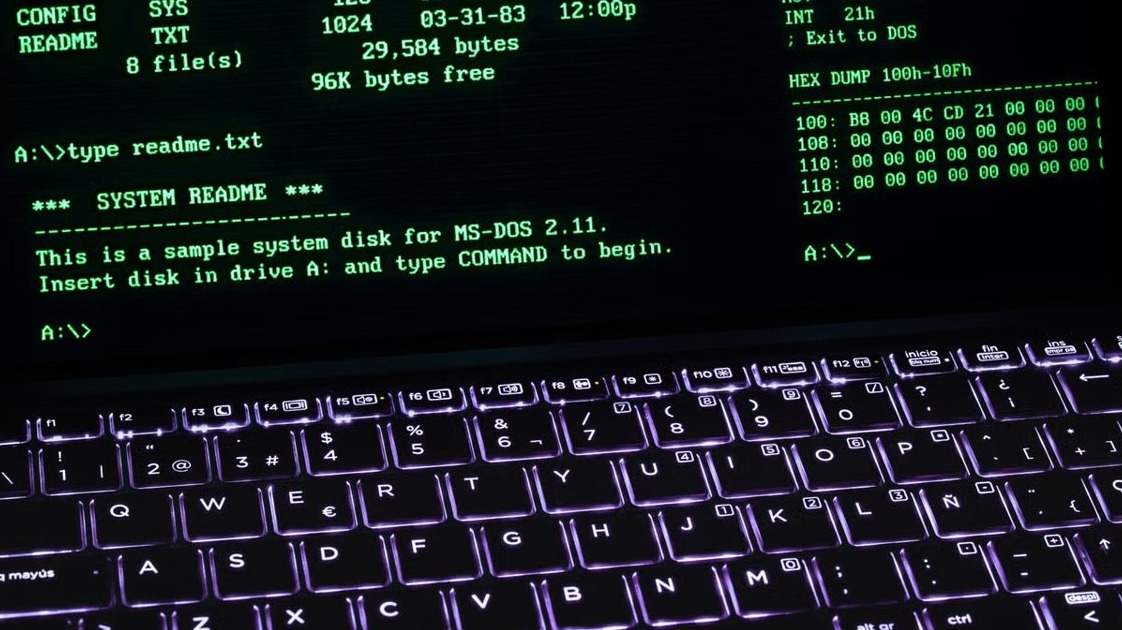
Run a command as admin in Windows 11/10: press Win+R, type the command and press Ctrl+Shift+Enter, or use Start-Process -Verb RunAs, Task Manager or Terminal.


Run any troubleshooter on Windows 11 from Settings > System > Troubleshoot > Other troubleshooters, or on Windows 10 from Update & Security, plus Get Help.