How to Access Copilot Studio
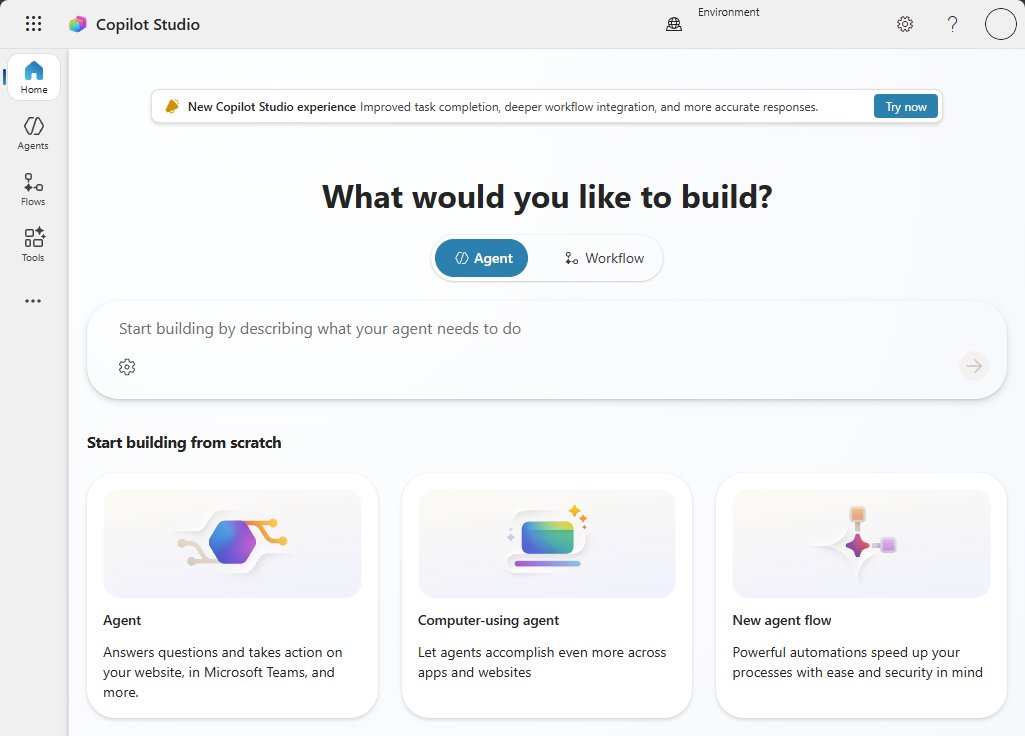
Access Copilot Studio at copilotstudio.microsoft.com with a work account and a license or free trial. Teams, Microsoft 365 Copilot, GCC and access error fixes.
2,050 articles

Access Copilot Studio at copilotstudio.microsoft.com with a work account and a license or free trial. Teams, Microsoft 365 Copilot, GCC and access error fixes.
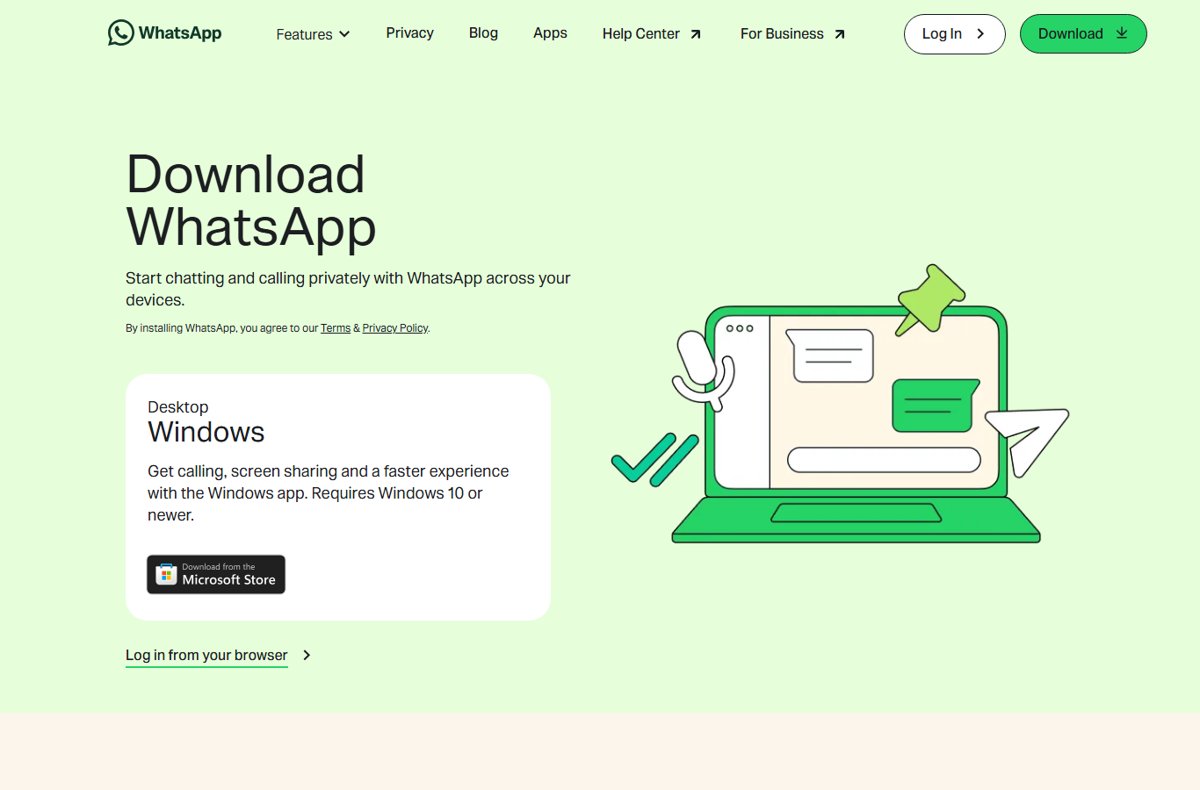
How does WhatsApp work? It sends messages and calls over your internet connection, using your phone number as the account. Setup, chats, backups and privacy.
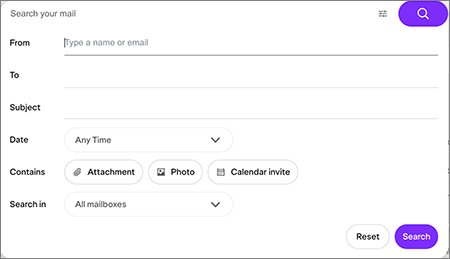
Find your Yahoo Search history under Settings > Search History while signed in. See browser and phone records, delete them, and stop new searches being saved.
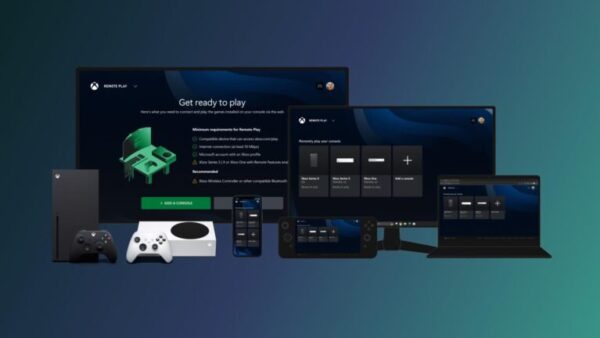
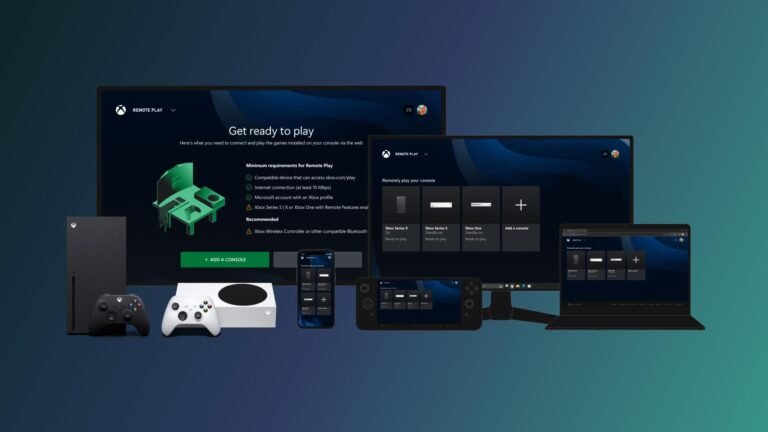
Use Xbox remote play on PC: turn on remote features on your Xbox, open xbox.com/remoteplay on Windows, and stream games from your own console, at home or away.
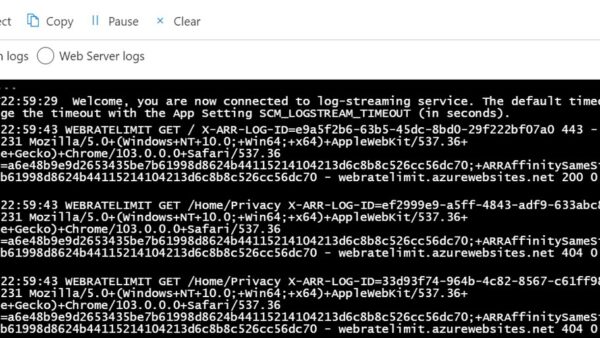
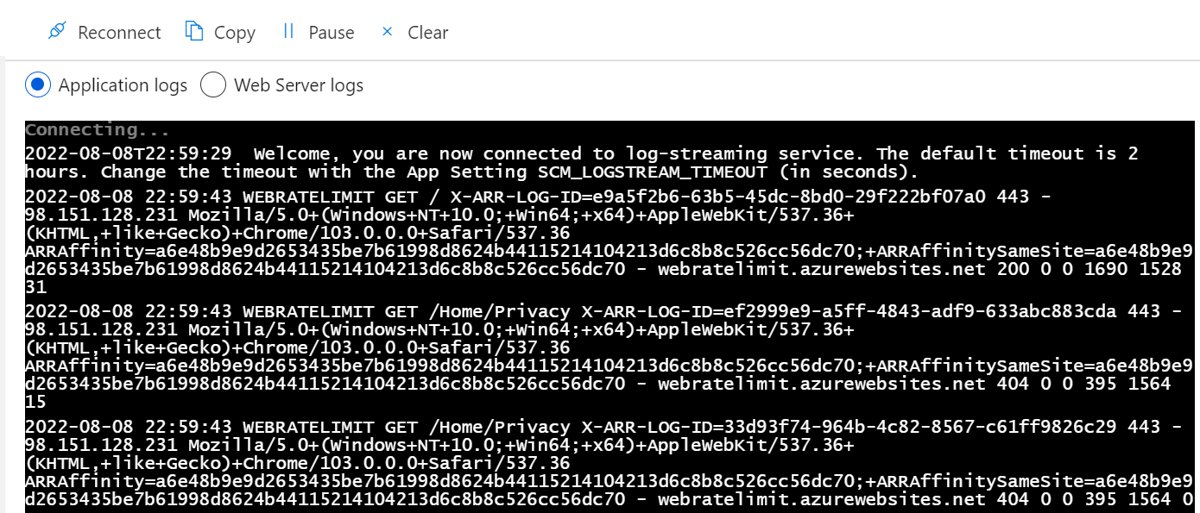
HTTP error 503 Service Unavailable means the server is overloaded or in maintenance. Visitors can only retry; site owners can fix it in 6 steps.
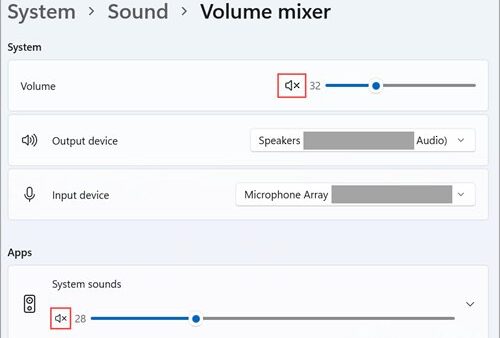
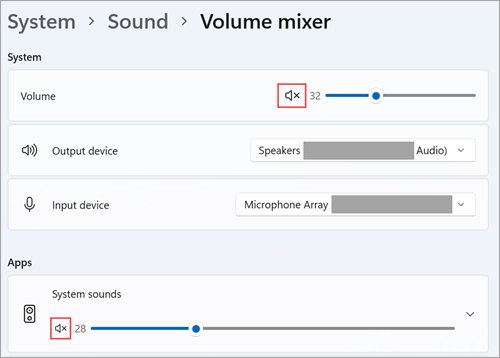
Adjust volume for individual programs in Windows 11 and 10 with Volume mixer: per-app sliders, a separate output device per app, the classic mixer and fixes.
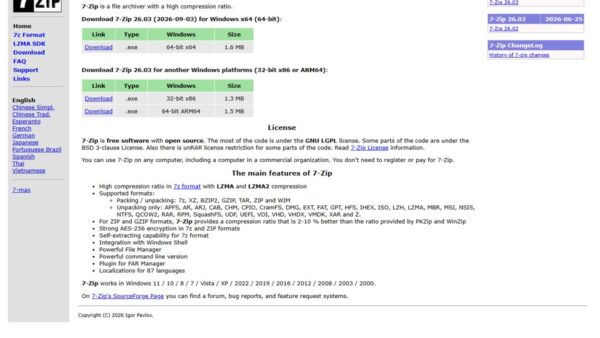
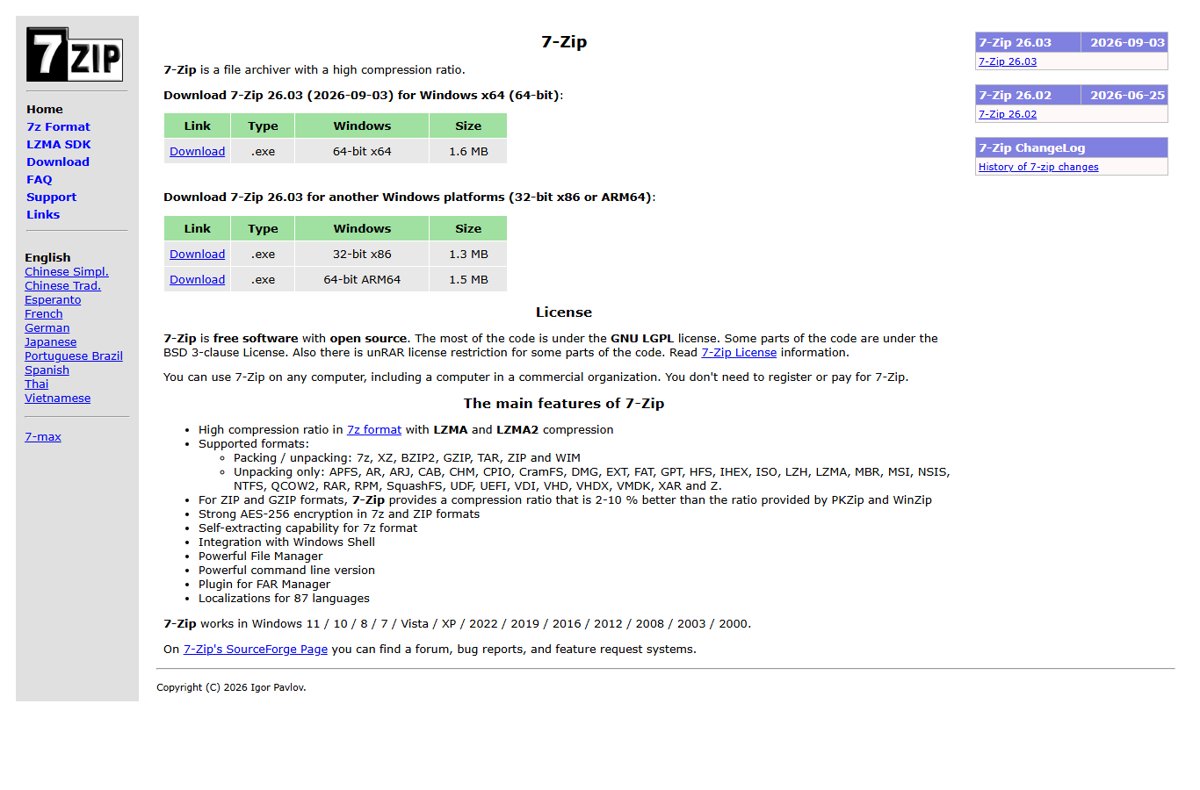
Open DMG files on a Windows PC with the free 7-Zip, since Windows cannot open them natively. Extract the files, convert to ISO on a Mac, and fix common errors.
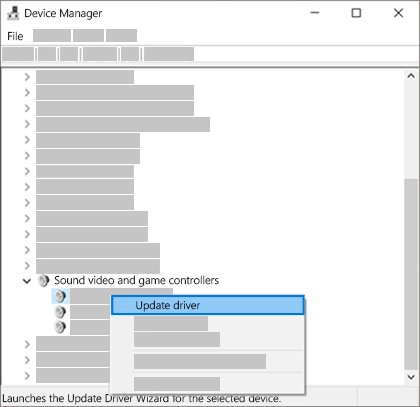
Enable the HDMI port on Windows 10: connect the cable, press Win + P, select Detect, route sound to HDMI, and fix the display adapter driver when nothing shows.
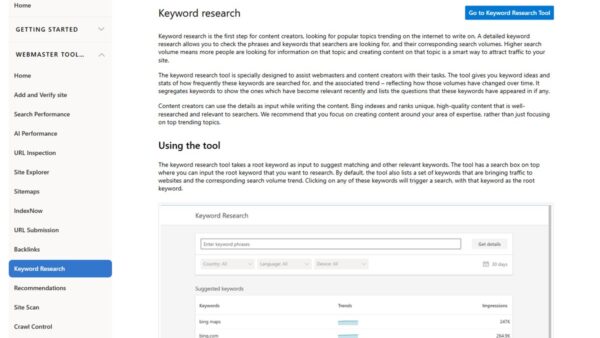
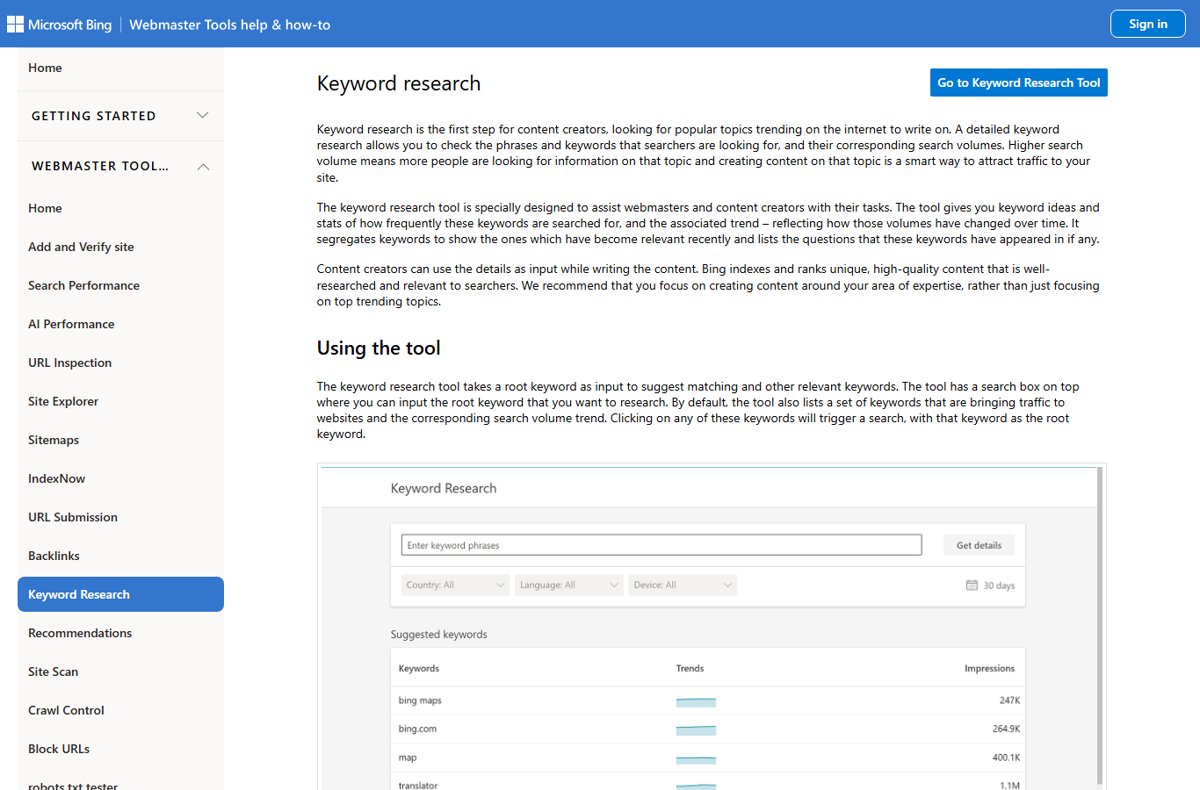
Bing lists related searches at the foot of every results page. Pull the full set with SERP blocks, autosuggest, Webmaster Tools and search operators.
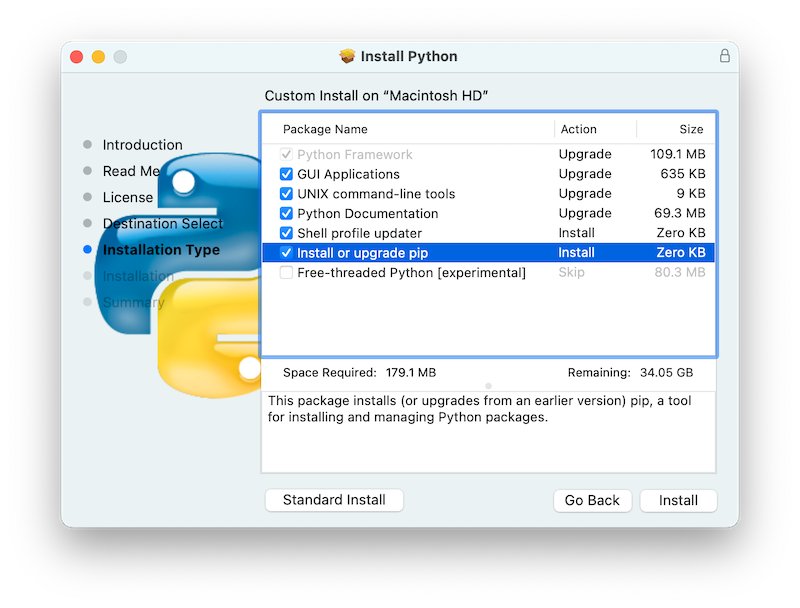
Fix pip install not working: run python -m pip, repair PATH, restore pip with ensurepip, use a virtual environment, and solve permission and SSL errors.
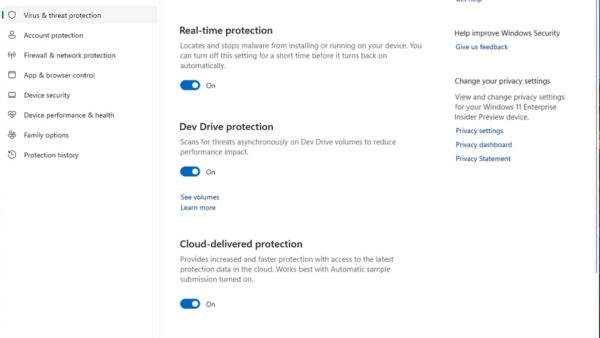
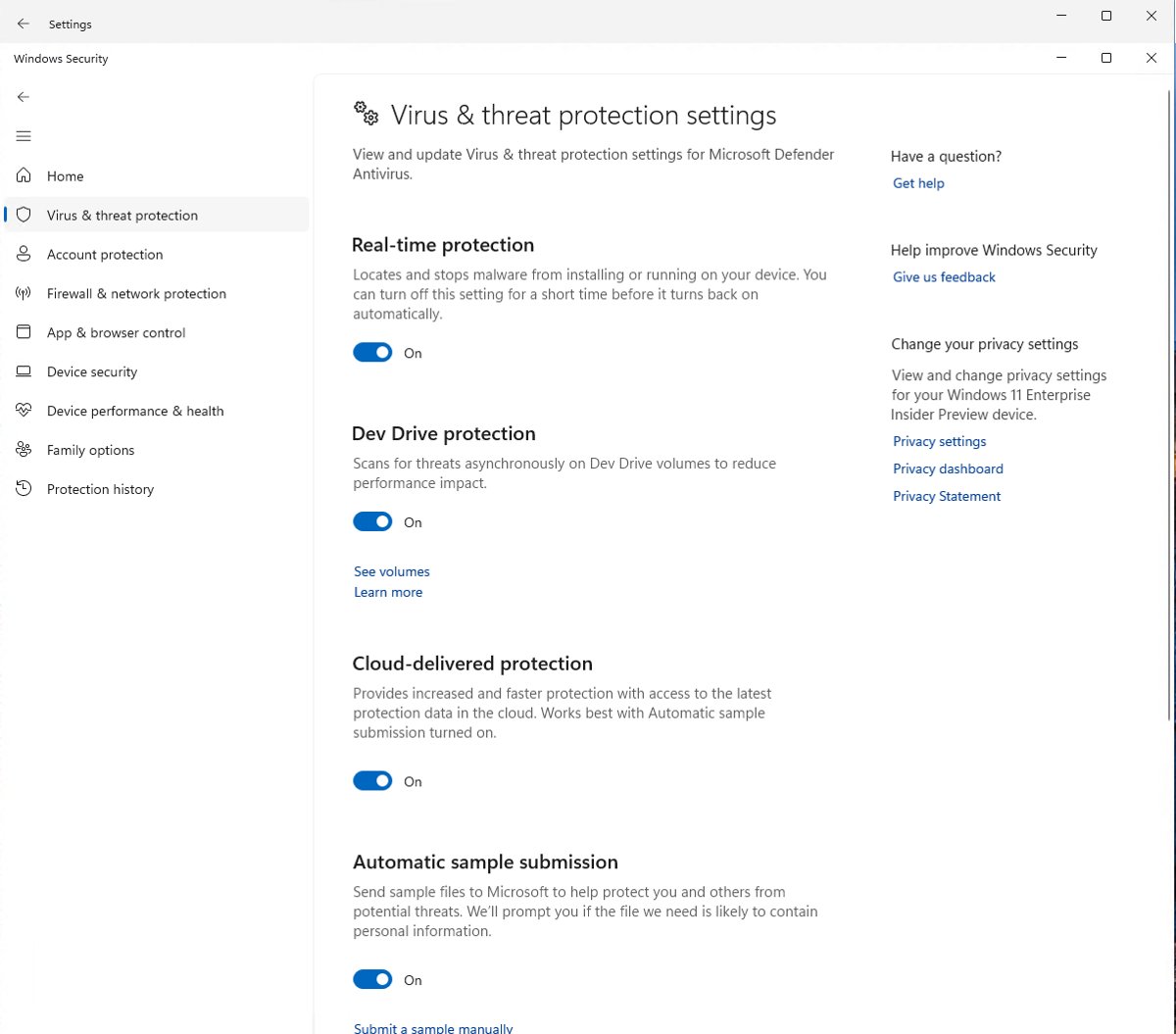
Fix Antimalware Service Executable (MsMpEng.exe) high CPU, memory or disk use in Windows 11: cap scan CPU, move scans, update Defender and find the cause.
Elgato Stream Deck download for Windows 11 and Mac: get the free official installer from elgato.com, with sizes, requirements, setup steps and fixes.