Download Dolby Atmos for PC, Windows 11/10 (Free Trial)
Dolby Atmos download for Windows 11 and 10: get the free Dolby Access app from the Microsoft Store, start the headphones trial, or use Spatial Audio on Mac.
2,057 articles

Dolby Atmos download for Windows 11 and 10: get the free Dolby Access app from the Microsoft Store, start the headphones trial, or use Spatial Audio on Mac.
War Thunder download for PC, Mac and Linux: free launcher from warthunder.com or Steam, with install steps, system requirements, update and repair fixes.
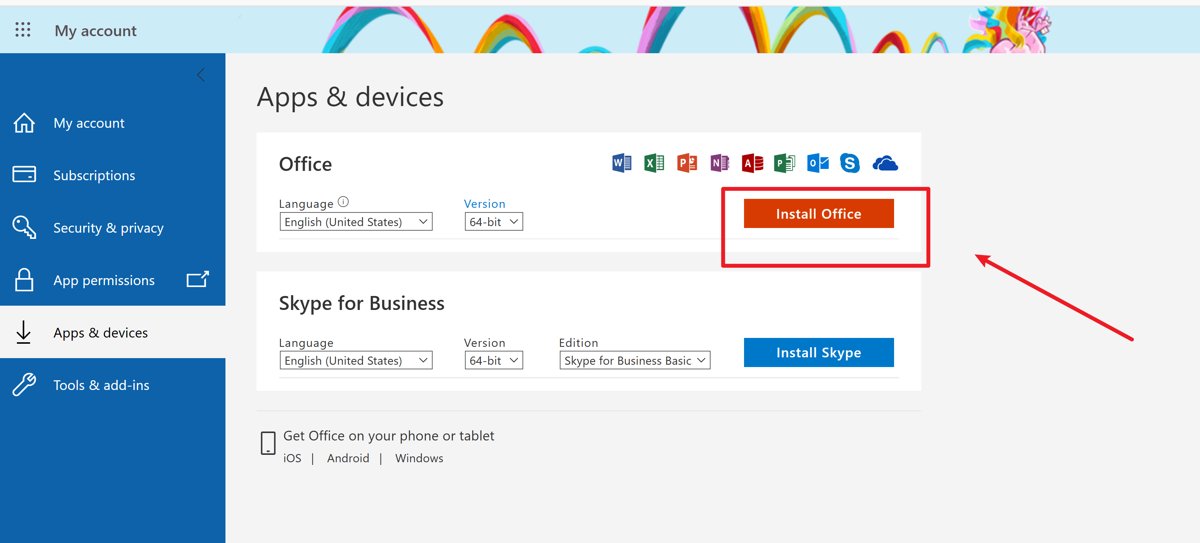
Transfer Microsoft Office to a new computer: sign in and reinstall Microsoft 365, move an Office 2024 or 2021 licence, and sign out of the old PC.
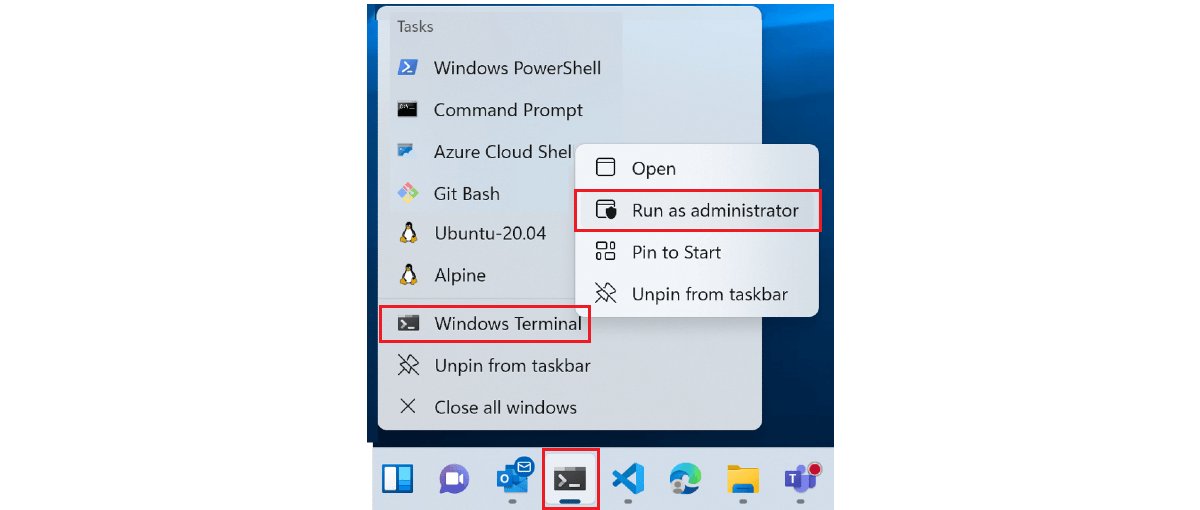
cmd.exe is the Windows Command Processor behind Command Prompt. Where it lives, its /c and /k switches, how to spot a fake, and cmd vs PowerShell vs Terminal.
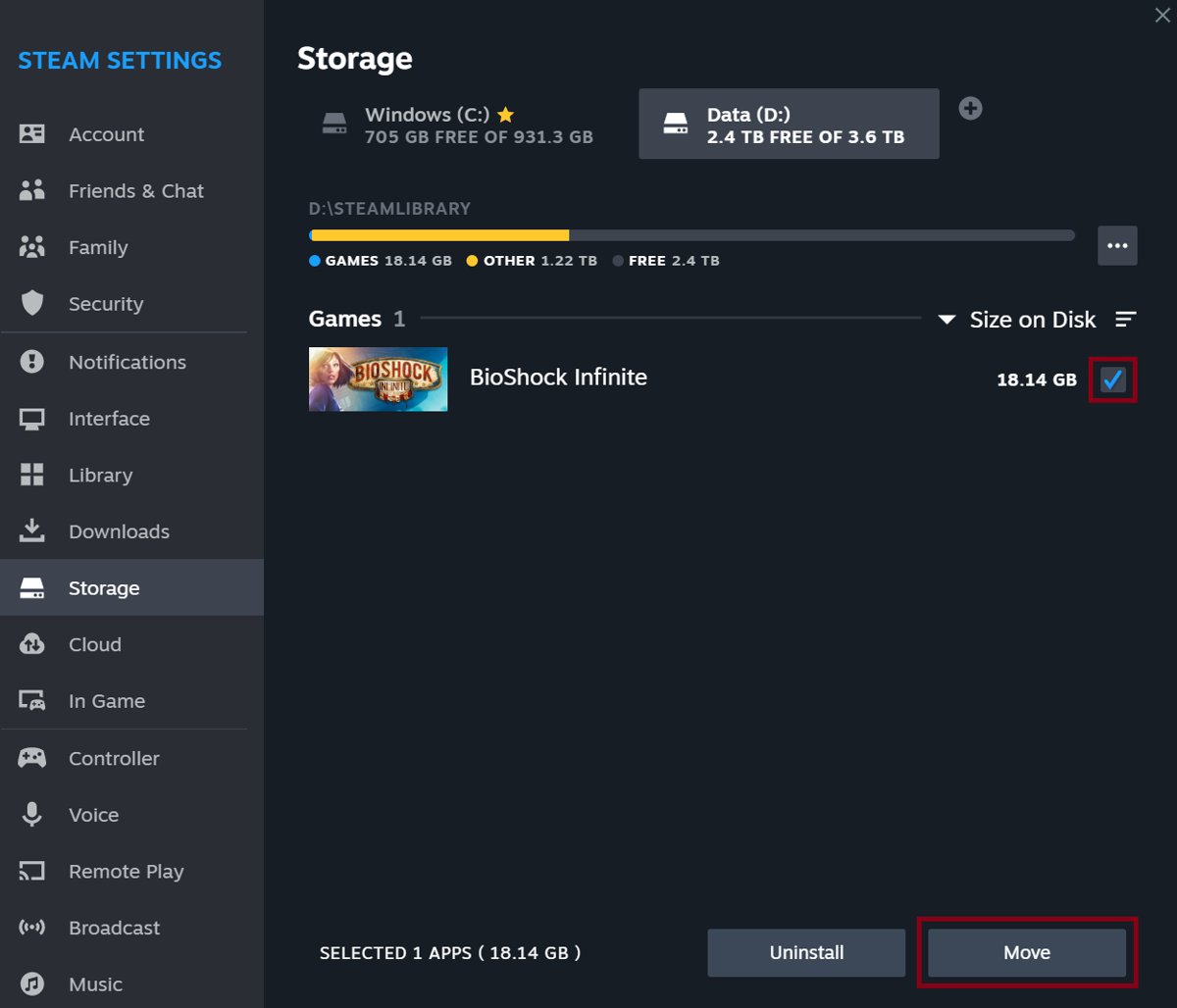
Add a new Steam library folder from Settings > Storage with the + button, then install or move games to another drive without downloading them again.
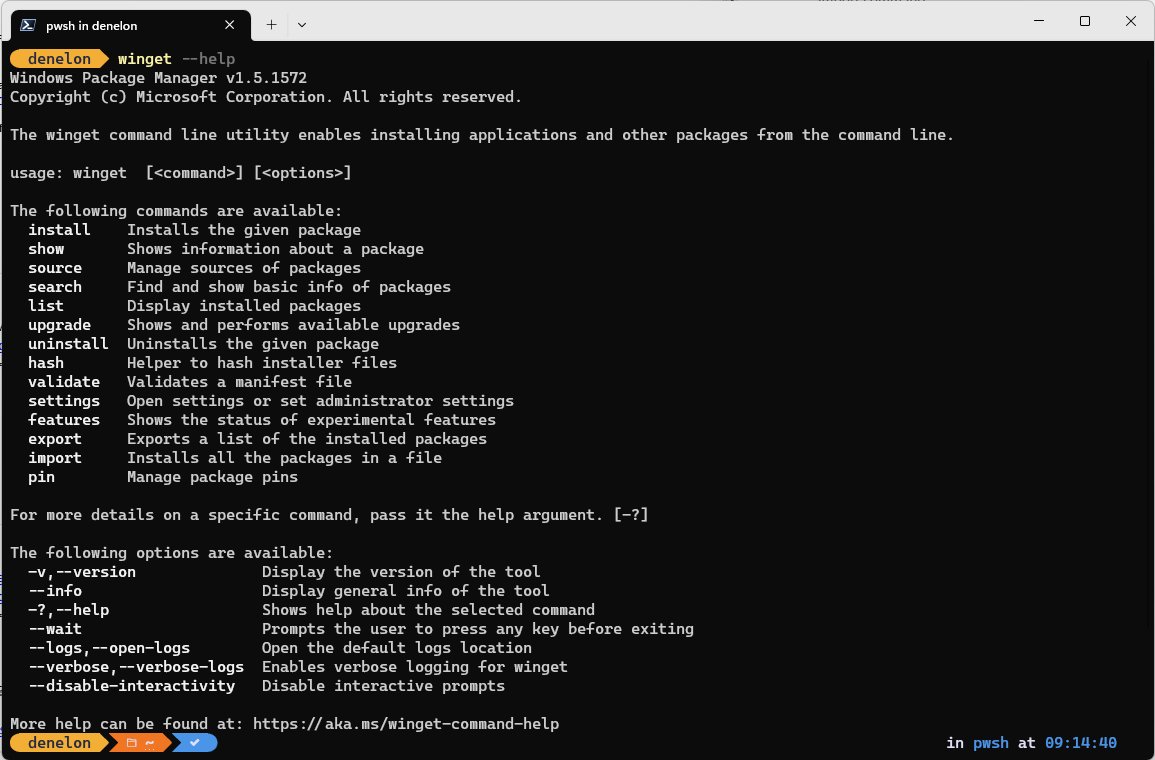
Reinstall Calculator in Windows 10 and 11 from Microsoft Store, winget or PowerShell. Repair or reset it first, and fix Store or debloat-tool removals.

Change cursor size and color in Windows 11 and 10 from Accessibility settings: pointer size slider, color styles, custom colors and a thicker text cursor.
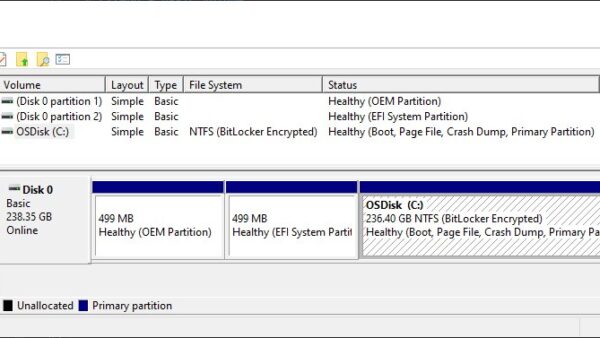
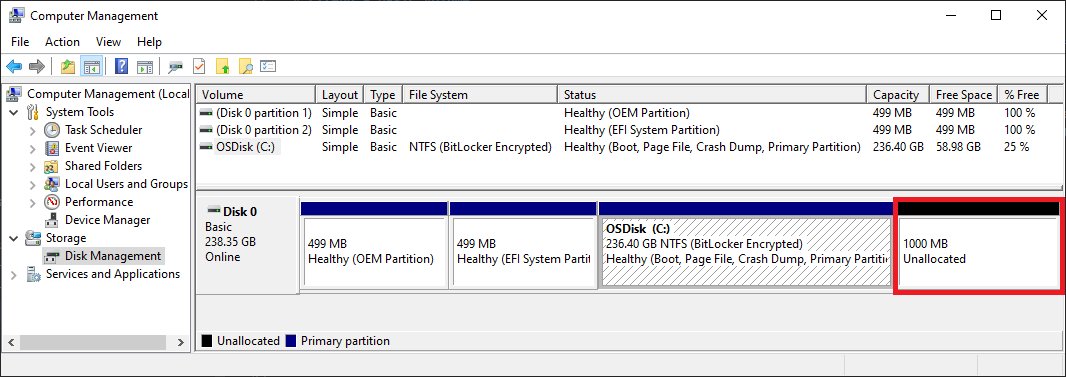
Add an E drive in Windows 11 by shrinking C: or initializing a new disk in Disk Management, then creating a new volume with the letter E. Back up first.
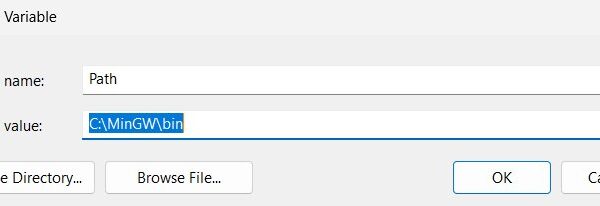
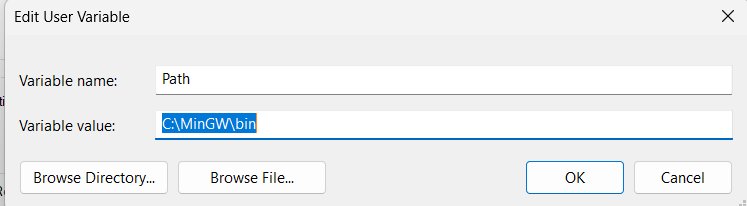
Edit environment variables on Windows 10 or 11 from Edit the system environment variables, setx or PowerShell. Covers PATH, user vs system, backups and fixes.
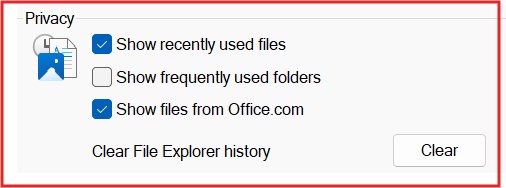
Open Folder Options in Windows 11 from File Explorer: See more > Options. Windows 10 uses View > Options. Plus Run, Command Prompt and Group Policy fixes.
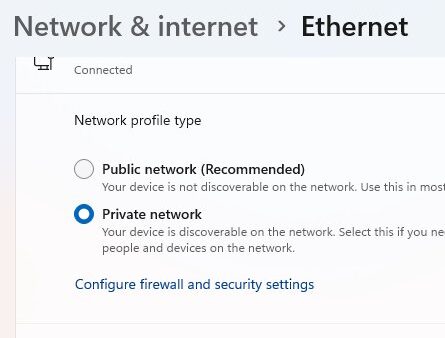
Turn on Wi-Fi Direct on Windows 11 by switching on Wi-Fi, then using Windows + K, Nearby sharing or Add device for printers. Support checks and fixes.
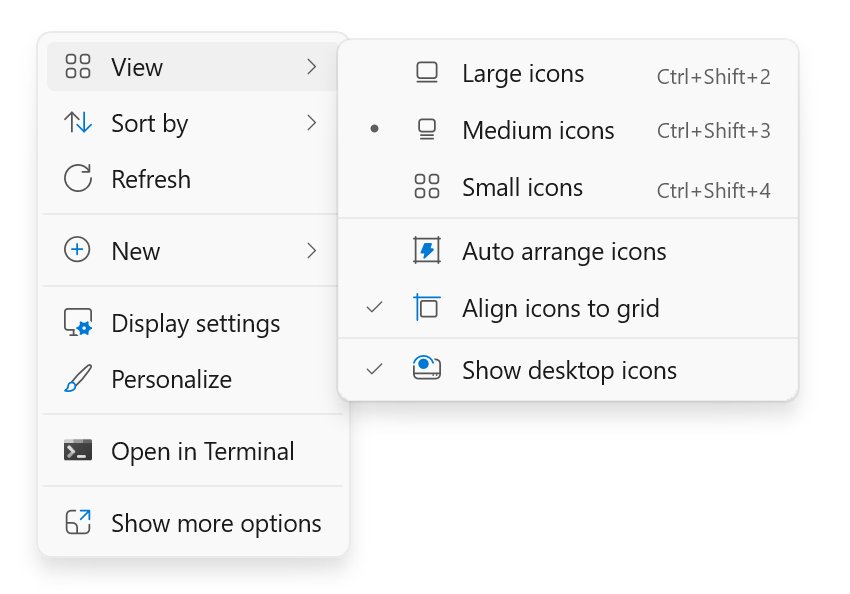
Show desktop icons on Windows 11: right-click the desktop, select View, then Show desktop icons. Add This PC and Recycle Bin, resize icons and fix missing ones.