The official Blender download for Windows 11 and 10 is a 348 MB installer from blender.org, and it is free under the GNU GPL. The current release is Blender 5.2.1 LTS, published on 25 August 2026.
Your Mac decides which file you need. Blender 5.0 and later run only on Apple silicon, so an Intel Mac has to stay on the 4.5 LTS branch.
This guide covers the file that matches your machine, the official sources, installing on Windows and macOS, checksums, portable use, requirements, and fixes for Blender not installing or not opening.
Which Blender download do you need?
Blender ships one file per architecture, and the wrong one will not run. Match your machine to a row.
| Your machine | File to download | Size |
|---|---|---|
| Windows 11 or 10, Intel or AMD 64-bit | blender-5.2.1-windows-x64.msi | 348 MB |
| Windows on Arm | blender-5.2.1-windows-arm64.msi | 227 MB |
| Windows, no administrator rights | blender-5.2.1-windows-x64.zip | 386 MB |
| Apple silicon Mac | blender-5.2.1-macos-arm64.dmg | 330 MB |
| Linux, glibc 2.28 or newer | blender-5.2.1-linux-x64.tar.xz | 366 MB |
| 32-bit Windows | No current build. Blender 2.80 was the last 32-bit release | None |
Press Windows + I, open System > About and read System type. Intel Macs are covered below.
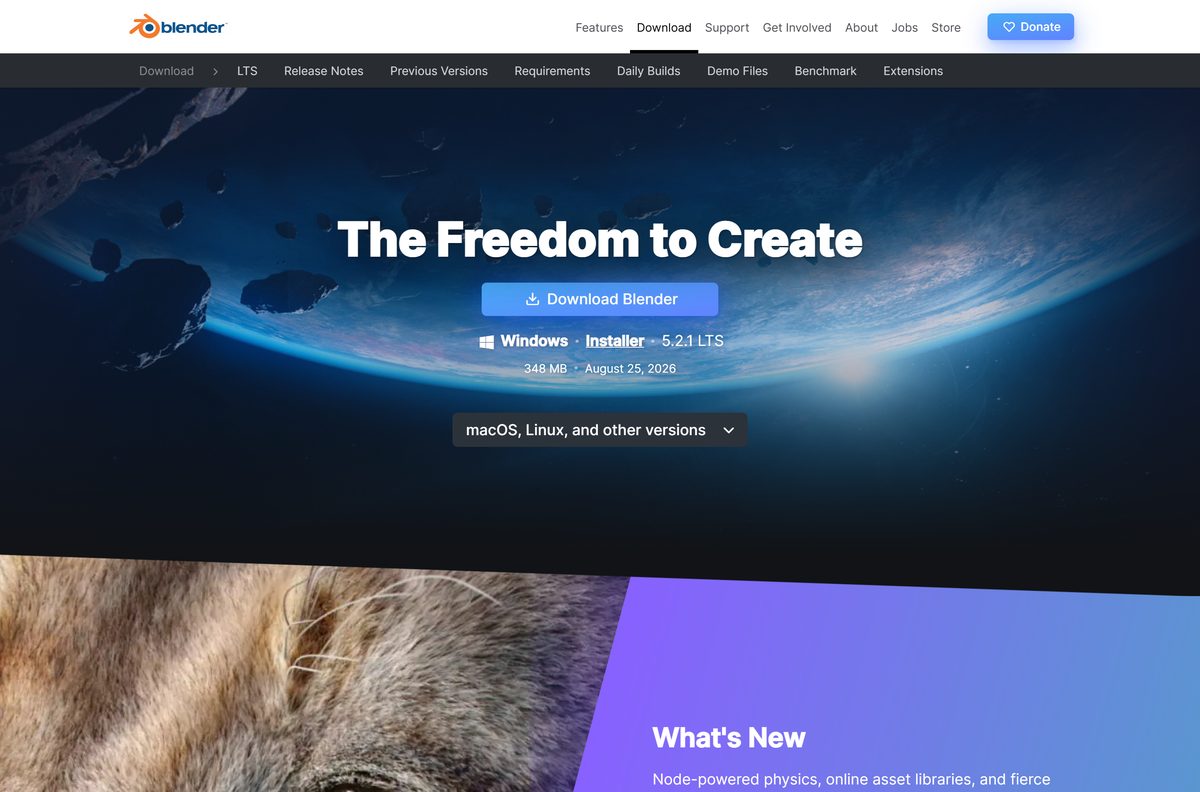
Download Blender from the official blender.org sources
The Blender Foundation distributes from these places. Everything else is a repackaged copy.
- Blender download page — detects your platform and offers the current release
- Release folder for this branch — every installer, archive and checksum for 5.2
- Full release archive — every version ever shipped, back to 1.0
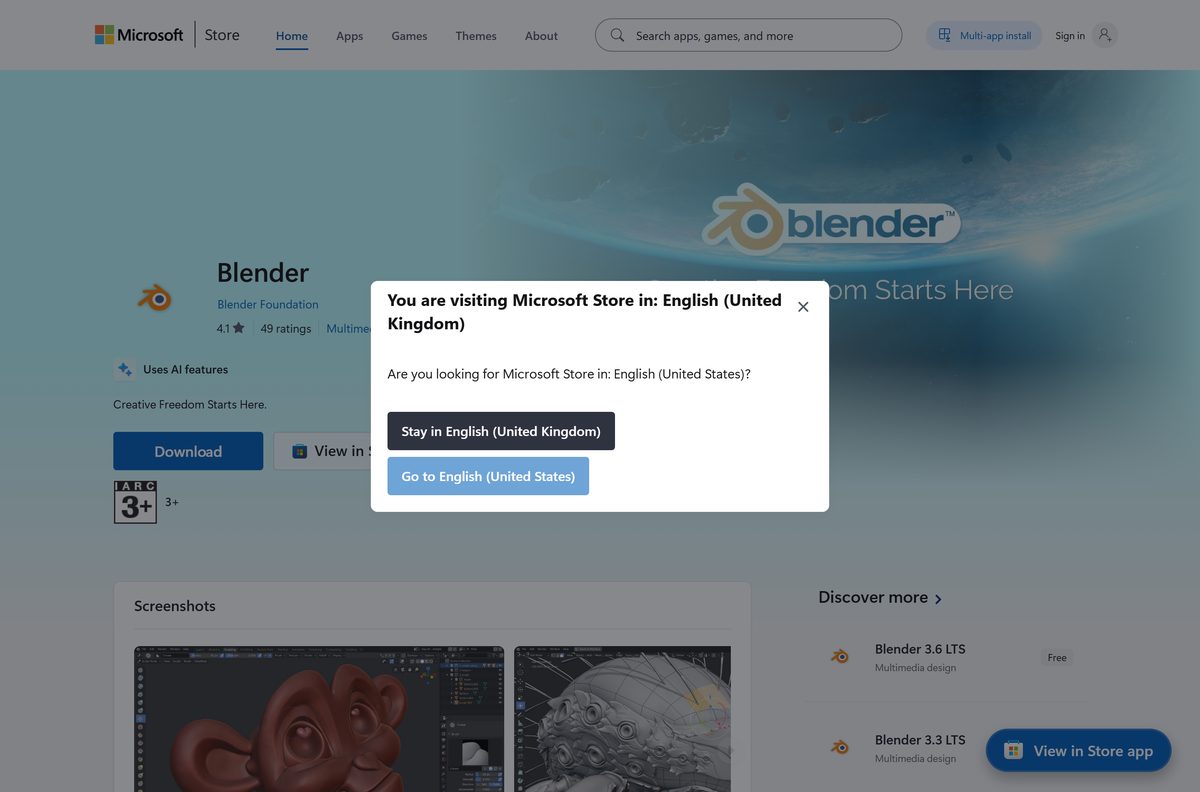
- Blender on the Microsoft Store — publisher Blender Foundation, product 9PP3C07GTVRH
- Blender on Steam — app 365670, Windows, macOS and Linux
- Blender on the Snap Store — for Linux distributions that use snaps
The Windows and macOS files are full offline installers. The Blender Foundation states that no registration is needed and no internet connection is made to install or use Blender.
How to install Blender on Windows 11 and 10
The installer registers .blend files, adds a Start menu entry and needs administrator rights. The portable archive does none of that.
- Open the Blender download page and select Download Blender.
- Use the macOS, Linux, and other versions menu instead for the Arm64 or portable build.
- Wait for the 348 MB .msi file to finish downloading.
- Double-click the downloaded file and select Yes at the User Account Control prompt.
- Keep the default folder under Program Files > Blender Foundation, or pick another one.
- Let the wizard finish and close it.
- Open Blender from the Start menu.
There is no account, licence key or activation step.
Install Blender from the Microsoft Store or with winget
The Store copy updates itself. The installer does not, which is the practical difference.
- Open Microsoft Store from the Start menu.
- Search for Blender and open the listing.
- Check the publisher line reads Blender Foundation.
- Select Get and wait for the package to install.
- For a terminal instead, run winget install 9PP3C07GTVRH -s msstore .
- Open Blender from the Start menu when it finishes.
The Store package downloads 402 MB on x64 and 276 MB on Arm64, larger than the installer either way, and needs Windows 10 build 17763 or newer.
How to verify the Blender installer before you run it
Blender publishes a SHA-256 hash for every file in a release. Comparing it proves the download is the file blender.org built.
- Open the checksum list for this release.
- Find the line that names the file you downloaded.
- Press Windows + R, type cmd and select OK.
- Run cd %USERPROFILE%\Downloads , then certutil -hashfile blender-5.2.1-windows-x64.msi SHA256 .
- Compare the two hashes character by character.
- Download the file again from blender.org if they differ.
The Windows x64 installer for this release hashes to bebb90fc5bf7e3ec7ab4eb34f4c5a5b54e28e582a722152a47fd4ee66ec3c6fa . On macOS or Linux, run shasum -a 256 blender-5.2.1-macos-arm64.dmg in Terminal instead.
Run Blender without installing it
The zip archive holds the same application without a setup wizard. It needs no administrator rights.
- Download blender-5.2.1-windows-x64.zip, 386 MB.
- Right-click the archive and select Extract All.
- Choose a folder on your drive or a USB stick, then select Extract.
- Open the extracted folder and double-click blender.exe .
- Create an empty folder named portable beside blender.exe to keep preferences on the same drive.
- Open Edit > Preferences > System and select Register to open .blend files with this copy.
The Arm64 archive is 261 MB. Several versions can run side by side from separate folders.
Which Blender download do you need for your Mac?
Open the Apple menu and select About This Mac. The chip line decides the answer, not the model name.
| Your Mac says | Download | Size |
|---|---|---|
| Apple M1 or later, macOS 13 or newer | blender-5.2.1-macos-arm64.dmg | 330 MB |
| Apple silicon, macOS 12 or older | blender-4.5.13-macos-arm64.dmg | 298 MB |
| Intel Core i5, i7 or i9 | blender-4.5.13-macos-x64.dmg | 324 MB |
| Either chip, and you want automatic updates | Blender on Steam, app 365670 | 366 MB |
Blender 4.5 LTS is the last release supporting Intel Macs and macOS 11.2 Big Sur. Blender 5.0 and later need Apple silicon on macOS 13 Ventura or newer.
Double-click the disk image and drag Blender.app into Applications. macOS asks for approval on the first launch.
Is Blender free?
Yes, for any purpose, including commercial and student work. The Blender Foundation releases Blender under the GNU General Public License, and binaries ship under GPL version 3 or later. There is no paid edition, subscription, trial period, watermark or student tier. Everything you make, the .blend files included, is your sole property. A site charging for a Blender licence key is selling something blender.org gives away.
Should you install Blender 5.2 LTS or 4.5 LTS?
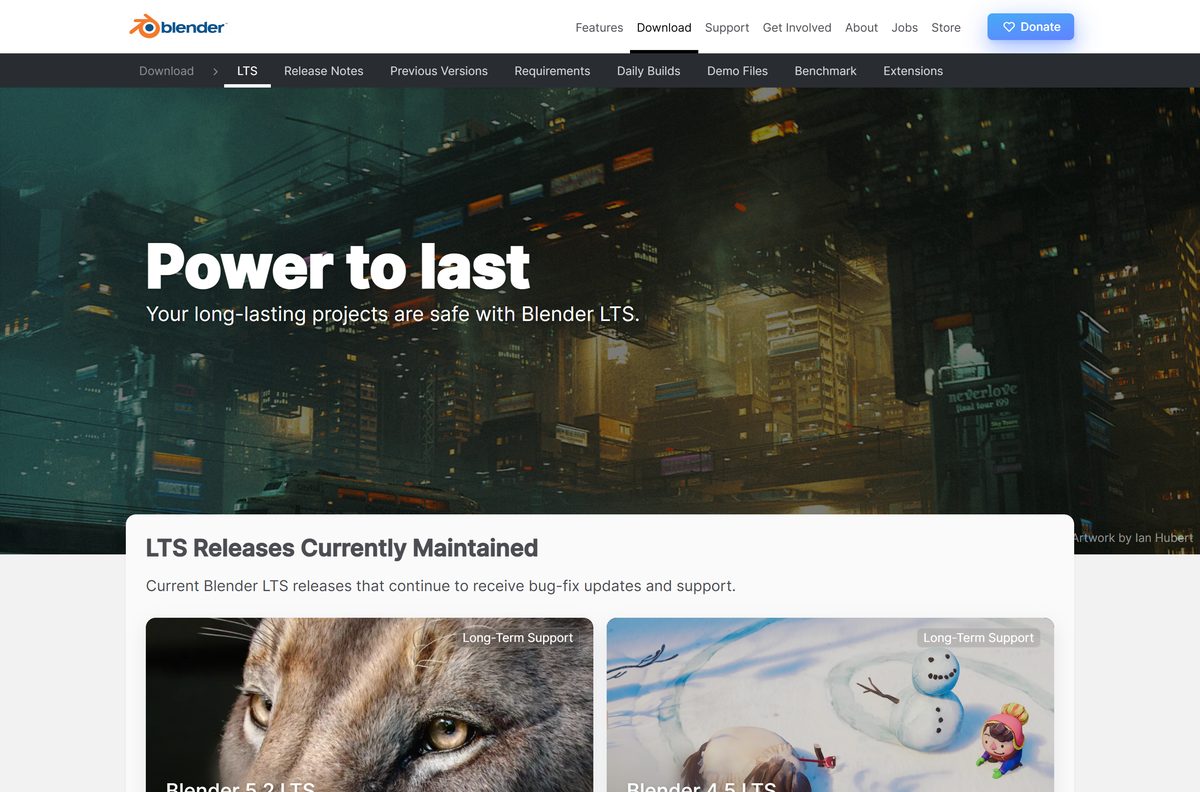
Both branches are maintained, and both were last updated on 25 August 2026. Your hardware decides.
Install 5.2 LTS unless your Mac is Intel or your graphics card is old. The 5.2 branch arrived on 14 July 2026 with two years of critical fixes ahead of it, and the download page offers it by default. The 4.5 branch is the only one that runs on Intel Macs and macOS 11.2, and on Windows it still supports NVIDIA GeForce 400 series, AMD GCN 1st generation and Intel Broadwell cards.
How to check your Blender version and update it
Blender installed from blender.org does not update itself, and the running version is hidden until you switch it on.
- Open Blender and right-click the Status Bar along the bottom of the window.
- Enable Blender Version to show the running version there.
- Enable Extensions Updates to see how many add-ons have updates waiting.
- Compare that version with the download page.
- Download and run the newer installer if yours is behind.
- Remove the old copy from Settings > Apps > Installed apps, because the installer leaves it in place.
Extension updates are a manual check: open Edit > Preferences > Get Extensions and use Install Available Updates.
Check the Blender system requirements before you download
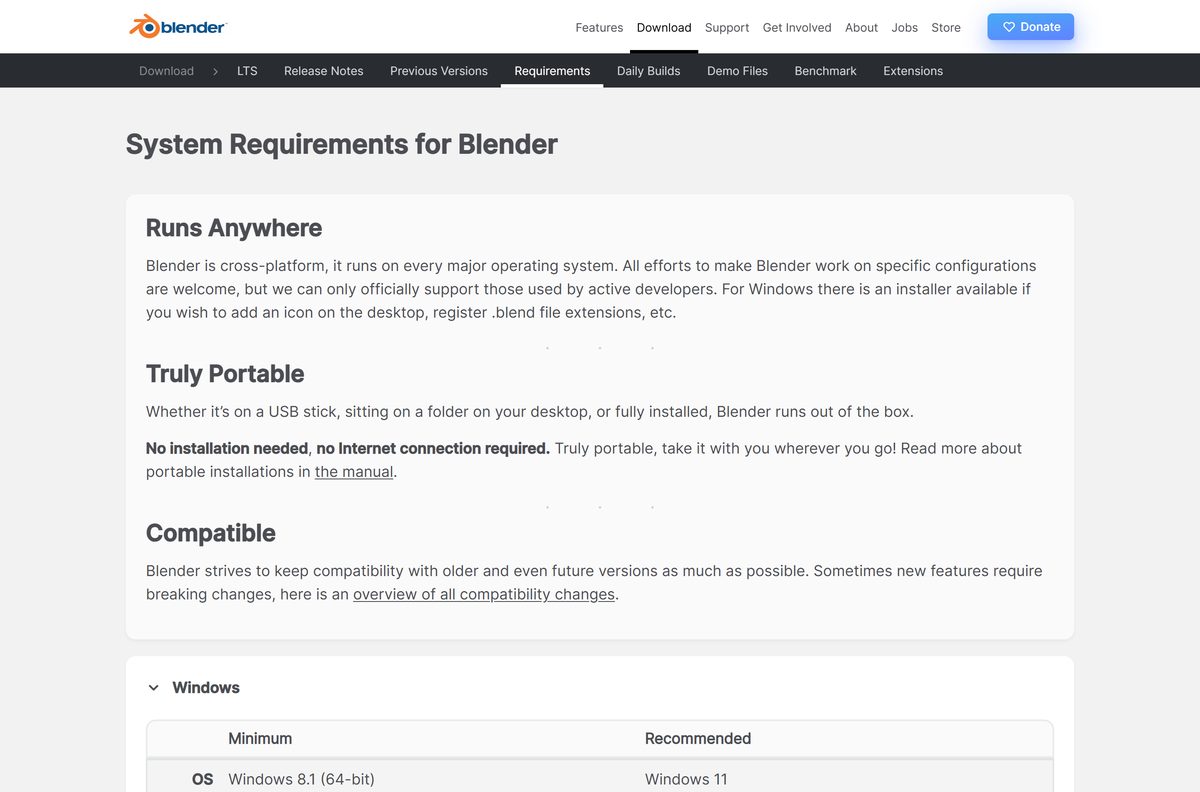
The graphics card is what usually blocks an older PC. Blender needs OpenGL 4.3 and Vulkan 1.3 support.
| Field | Value |
|---|---|
| Developer | Blender Foundation |
| Latest version | 5.2.1 LTS, released 25 August 2026 |
| Licence | Free and open source, GNU GPL |
| Windows minimum | Windows 8.1 64-bit, 4 cores with SSE4.2, 8 GB RAM, 2 GB VRAM |
| Windows recommended | Windows 11, 8 cores, 32 GB RAM, 8 GB VRAM |
| macOS | macOS 13 Ventura on Apple silicon, 8 GB RAM |
| Linux | glibc 2.28 or newer, 4 cores with SSE4.2, 8 GB RAM |
| Graphics | NVIDIA GeForce 900, AMD GCN 4th gen or Intel Kaby Lake, and newer |
| Windows sizes | installer 348 MB x64, 227 MB Arm64; archive 386 MB and 261 MB |
| macOS size | 330 MB disk image |
| Offline installer | Yes, it holds the whole application |
| Last verified | 2026-09-11 |
Older cards are not shut out. Blender 4.5 LTS runs on NVIDIA GeForce 400, AMD GCN 1st generation and Intel Broadwell.
Fix Blender not installing or not opening on Windows 11 and 10
The installer will not start or stops part way
The installer needs administrator rights, and a download that ended early fails near the end.
- Right-click the .msi file and select Run as administrator.
- Sign in with an account that holds administrator rights, or ask whoever manages the PC.
- Check the SHA-256 hash against blender.org before trying again.
- Use the portable archive, which needs no installer and no administrator rights.
Blender installs but no window appears
The graphics driver is too old, or the card sits below the OpenGL 4.3 minimum.
- Install the newest driver from NVIDIA, AMD or Intel for your card.
- Run blender_factory_startup.cmd from the install folder to launch with default settings.
- Run blender_debug_gpu.cmd from the same folder to write a GPU log.
- Install 4.5 LTS if the card predates GeForce 900, GCN 4th generation or Kaby Lake.
The Mac build refuses to open
Blender 5.0 and later run only on Apple silicon, and macOS asks for approval on a first launch.
- Open the Apple menu, select About This Mac and read the chip line.
- Install the 4.5 LTS disk image if it names an Intel processor.
- Approve the launch when macOS prompts you.
- Confirm the Mac runs macOS 13 Ventura or newer for the 5.2 branch.
How to uninstall Blender and clear what it leaves behind
Removing the application leaves your preferences, keymap and extensions on disk, in a folder per version.
- Press Windows + I and open Apps > Installed apps.
- Find Blender, select the three dots and choose Uninstall, then confirm.
- Delete the folder yourself if you used the portable archive instead.
- Press Windows + R, type %APPDATA%\Blender Foundation\Blender and select OK.
- Delete the version folder inside to clear preferences, the startup file and extensions.
- On a Mac, drag Blender.app to the Bin, then delete ~/Library/Application Support/Blender .
Your .blend files sit wherever you saved them and are never touched.
To remove one add-on rather than Blender, open Edit > Preferences > Get Extensions and remove it there. That is permanent, so disable it instead to pause it.
Which free alternative should you try instead of Blender?
Each covers part of what Blender does, and each is free from its own developer.
| Tool | Licence | Best for |
|---|---|---|
| Blender 5.2 LTS | Free, GNU GPL | Modelling, sculpting, animation, simulation and rendering in one app |
| Houdini Apprentice | Free, non-commercial only | Procedural effects, with renders watermarked and capped at 1920 x 1080 |
| Wings 3D | Open source, personal and commercial use | Subdivision modelling; it has no animation at all |
| FreeCAD | Open source | Parametric CAD parts headed for a 3D printer |
| Krita | Free, GNU GPL | Painting textures and 2D artwork |
None replaces Blender outright. For a finished scene to open on the first run, the Blender Foundation publishes demo files from its own studio.
Other creative apps for PC include FL Studio and Voicemod.
Frequently asked questions
Is Blender free to download?
Yes. Blender is released under the GNU General Public License at no cost. There is no paid edition, no subscription and no licence key, and the download page asks for no registration.
What is the official Blender download page?
The download page at blender.org, run by the Blender Foundation. The release folder at download.blender.org holds every installer and checksum, and the Microsoft Store, Steam and Snap Store are the other official routes.
What is the Blender download size?
The Windows 64-bit installer is 348 MB and the portable archive is 386 MB. The Arm64 installer is 227 MB, the macOS disk image 330 MB, and the Microsoft Store package 402 MB.
Is there a Blender offline installer?
Yes. The Windows installer contains the whole application, so it needs no connection once downloaded. The Blender Foundation states that Blender makes no internet connection to install or run.
Does Blender work on Windows 11?
Yes, and Windows 11 is the recommended version. The minimum is Windows 8.1 64-bit with four CPU cores, 8 GB of RAM and a card supporting OpenGL 4.3 and Vulkan 1.3.
Is there a Blender download for Mac?
Yes, an Apple silicon disk image of 330 MB. Blender 5.0 and later need macOS 13 Ventura on an M-series chip, and Intel Macs are limited to the 4.5 LTS branch.
Is there a 32-bit version of Blender?
No. Blender 2.80 was the last release with a 32-bit Windows build, and it remains in the release archive. Current builds are 64-bit x64 or Arm64 only.
Which Blender version is the latest?
Blender 5.2.1 LTS, published on 25 August 2026. The 5.2 branch shipped on 14 July 2026 and gets critical fixes for two years. The 4.5 LTS branch is maintained alongside it.
Is Blender safe to download?
Downloads from blender.org are, and each release folder carries an SHA-256 file so you can prove the file is unaltered. Portal copies are repackaged and often several versions behind.
Why is Blender not installing on my PC?
The usual causes are missing administrator rights and an incomplete download. Run the installer as administrator, compare the SHA-256 hash with blender.org, or use the portable archive, which needs neither.
Can you download older versions of Blender?
Yes. The archive at download.blender.org holds every release back to version 1.0, including 4.5 LTS for Intel Macs and 2.80 for 32-bit Windows. Old .blend files stay readable.







Download Cinebench R23 for Windows and Mac - Techdows
[…] you render 3D scenes in other tools, such as Blender, a CPU score only predicts part of real render […]
Download PrusaSlicer for PC, Windows 11/10 & Mac (Free) - Techdows
[…] Stay with PrusaSlicer if you own a Prusa printer, because its tested profiles ship first there. To design your own models before slicing them, see the Blender download guide. […]
Download Autodesk Maya for PC, Windows 11/10 & Mac (Free Trial) - Techdows
[…] Blender […]