The Voicemod download for Windows 11, Windows 10 and Mac is free from voicemod.net. Select Download for Free, sign in with a free account, and the installer starts.
Setup adds a virtual microphone to your computer. Pick Voicemod Virtual Microphone as the input in Discord, a game or OBS, and everyone hears the changed voice in real time.
Below are the official download links, the Microsoft Store route, install steps for Windows and Mac, what Free and PRO include, system requirements, install fixes and clean removal.
Which Voicemod download do you need?
Voicemod ships one desktop app for Windows and one for macOS. Match your machine to a row.
| Your machine | Where to get it | Note |
|---|---|---|
| Windows 11 or Windows 10, 64-bit | Download for Free on voicemod.net | Needs a free Voicemod account |
| Windows PC where you prefer Store installs | Voicemod on the Microsoft Store | 203.2 MB x64 installer |
| Windows on ARM, such as Snapdragon laptops | Download for Free on voicemod.net | Runs through ARM64EC; keep Windows updated |
| Mac on macOS Ventura 13 or later | Download for Free on voicemod.net | Apple silicon, or Intel with AVX2 |
| iPhone, Android phone or game console | Where you can use Voicemod | Mobile app; consoles need the VMKey dongle |
| 32-bit Windows, Linux or ChromeOS | No build | Linux and ChromeOS are roadmap items only |
AI voices need a processor with AVX2. Most CPUs made before 2013 lack it, and the regular voice filters still work there on Windows.
Download Voicemod for Windows 11 and 10 from the official site
Voicemod gates its download behind a free account. The Microsoft Store listing comes from the same publisher and needs no trip through the website.
- Voicemod download (official, sign-in page) — Windows and macOS installers after you sign in
- Voicemod on the Microsoft Store — 203.2 MB · x64 installer from publisher Voicemod
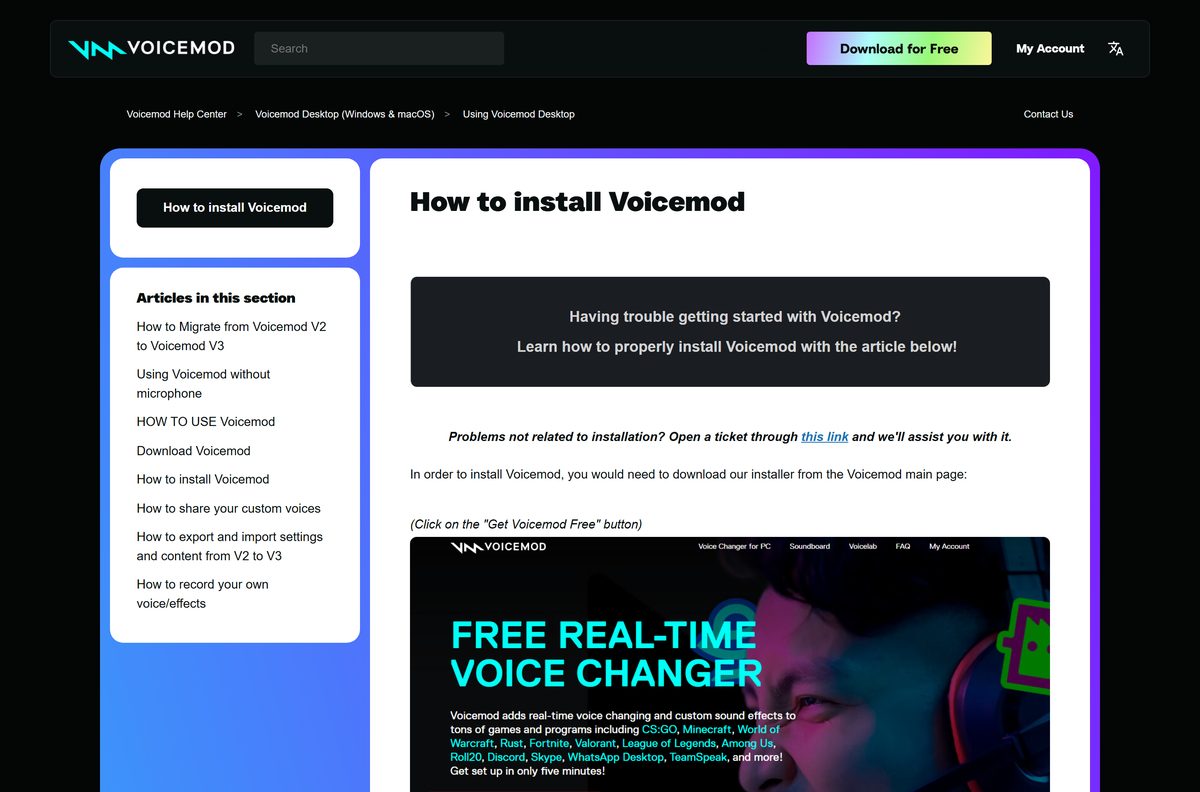
- Voicemod help: Download Voicemod — the sign-in options and where the file lands
- Voicemod homepage — voice changer, soundboard and Voicelab overview
Sign in with Google, Discord, Twitch, Apple or an email address. Email sign-in sends a magic code instead of asking for a password.
How to install Voicemod on Windows 11 and 10
The install takes a few minutes and adds the Voicemod audio driver. Close Discord, games and other voice apps first.
- Open voicemod.net and select Download for Free.
- Sign in with Google, Discord, Twitch, Apple or email. The download starts once you are signed in.
- Right-click the file in your browser’s downloads list and select Show in folder.
- Double-click the installer and select Yes when Windows asks to allow changes to your device.
- Click Next, read the terms, accept them and choose the installation path.
- Choose whether to create a desktop shortcut, then click Install.
- Open Voicemod, go to Settings, select your real microphone under Input device and your headphones under Output device.
- Turn on Hear my voice and Voice changer to test a voice.
Use headphones rather than speakers. Speaker output feeds back into the microphone and creates a loop.
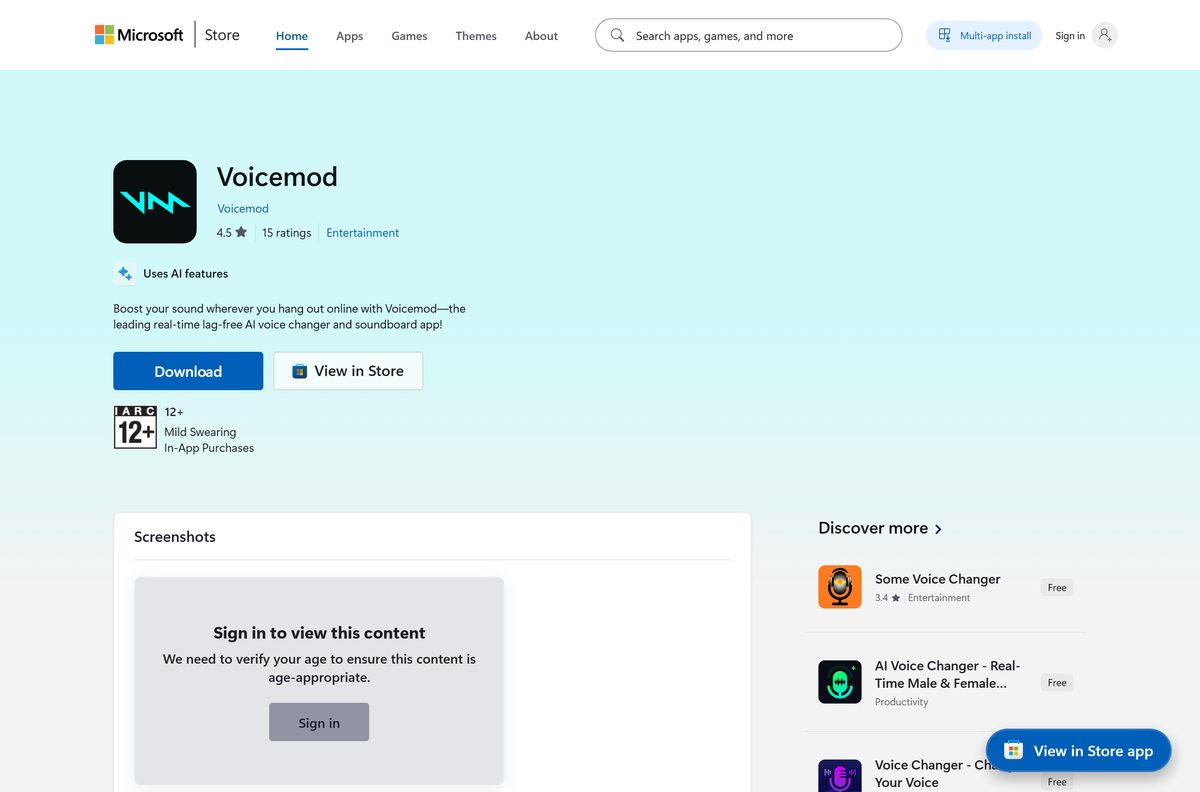
Install Voicemod from the Microsoft Store or with winget
The Store route suits PCs where you would rather skip the website sign-in step for the download itself.
- Open Voicemod on the Microsoft Store.
- Check that the publisher reads Voicemod.
- Select Get or Install and let the Store open the installer.
- Approve the User Account Control prompt and finish the setup wizard.
- For a command-line install, open Terminal and run winget install –id XP9B0BH6T8Z7KZ –source msstore .
The Store package is the full 203.2 MB x64 installer, and it supports /VERYSILENT /NORESTART for unattended installs.
How to make Voicemod your microphone on Windows 11
Voicemod has to stay open, because the app feeds the virtual microphone. Point each app at that microphone.
- Open the game or communication app and go to its Settings.
- Find the audio or voice section.
- Set Voicemod Virtual Microphone as the input device.
- Set your headphones or headset as the output device.
- If the app offers no input choice, open Control Panel, Sound, the Recording tab, select the Voicemod microphone and click Set Default.
- Never pick the Voicemod virtual device as your output. Voicemod uses it internally as an audio bridge.
In OBS or Streamlabs, pick the same virtual microphone as the mic source, and test everything before going live.
Which Voicemod download do you need for your Mac?
Open the Apple menu and select About This Mac to read your chip and macOS version, then match a row.
| Your Mac | What to do | Note |
|---|---|---|
| Apple silicon on macOS Ventura 13 or later | Download for Free on voicemod.net | Same page as the Windows build |
| Intel Mac with AVX2 on Ventura 13 or later | Download for Free on voicemod.net | Covers MacBook Pro 2017 and later, iMac 2017 and later |
| Mac on macOS Monterey or older | System requirements (Voicemod help) | Update macOS to Ventura first |
| Intel Mac without AVX2 | Not supported | A warning pop-up appears and the app will not run |
To route the Mac’s system input through Voicemod, open Audio MIDI Setup, right-click Voicemod Microphone and select Use This Device for Sound Input.
Is Voicemod free?
The download and the core app cost nothing. PRO is the paid upgrade.
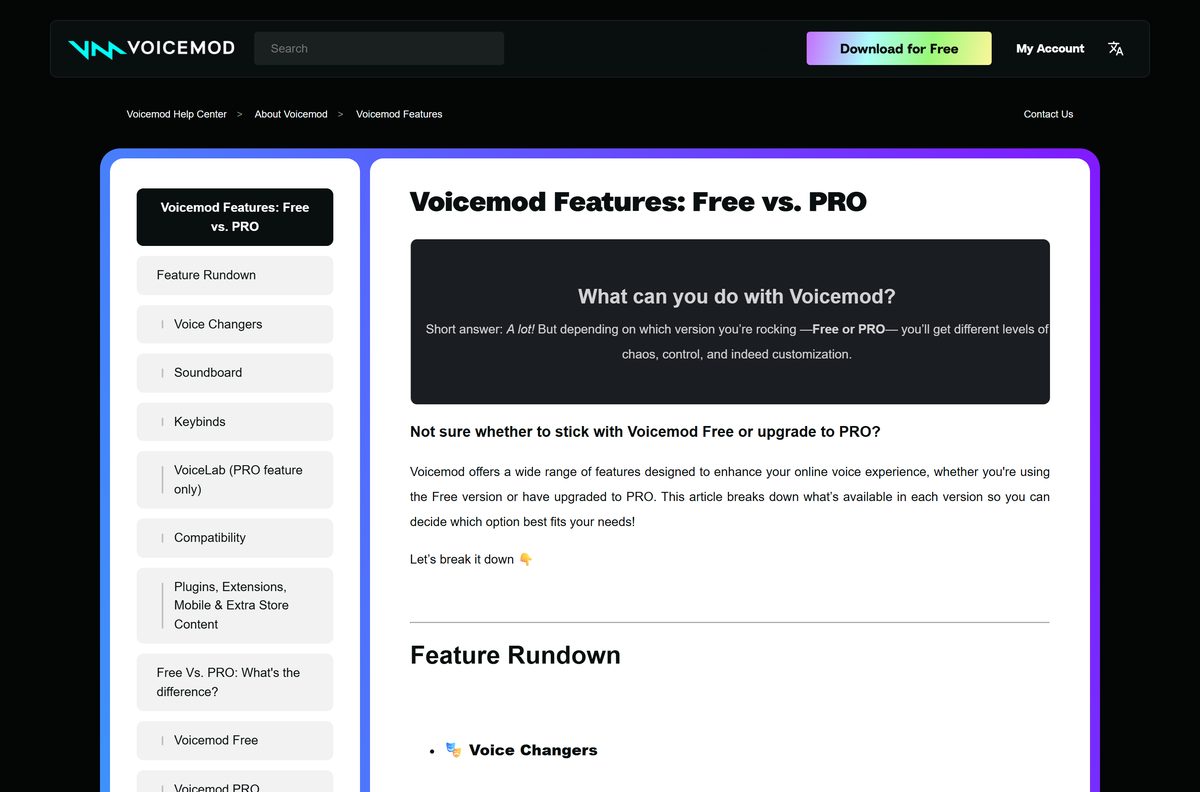
Start with Voicemod Free. It installs the full app, a daily rotation of voices, one soundboard and the clean mic effect, which covers casual Discord and game chat. PRO unlocks the whole voice library at any time, unlimited soundboards, every PRO collection and VoiceLab, the tool for building your own voices from effects. A PRO trial comes with Voicemod Key. Voice packs in the Voicemod Store are sold separately and are not part of PRO.
Grayed-out AI voices in the app mean the account has no PRO licence for them.
What are the Voicemod system requirements?
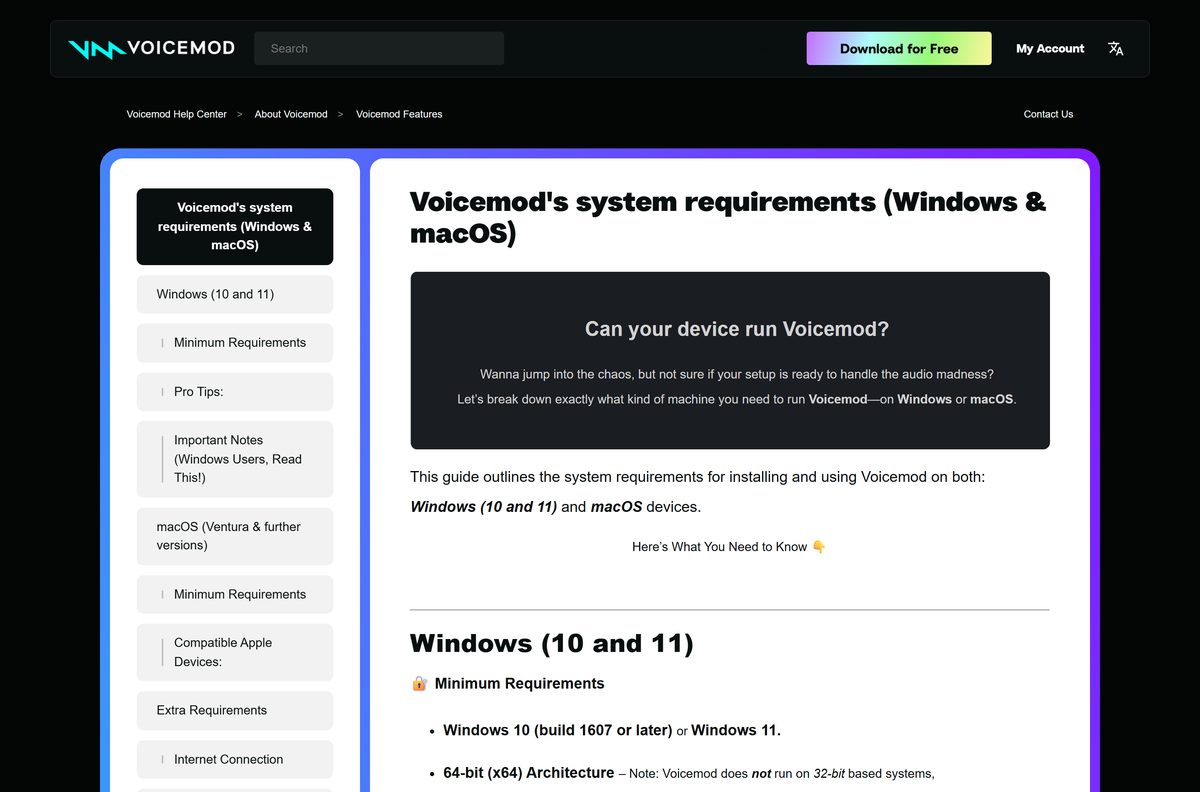
AI voices set the real hardware bar. The basic voice filters run on much less.
| Item | Detail |
|---|---|
| Software | Voicemod real-time voice changer and soundboard |
| Developer | Voicemod Inc., Sucursal en España |
| Latest version | Voicemod V3, delivered by the current installer |
| License | Free; PRO is a paid upgrade |
| File size | 203.2 MB (Microsoft Store x64 installer) |
| Windows | Windows 10 build 1607 or later, or Windows 11, 64-bit only |
| macOS | Ventura 13 or later, Apple silicon or Intel with AVX2 |
| Architecture | x64; Windows on ARM through ARM64EC; no 32-bit build |
| Processor | Quad-core 2 GHz minimum; octa-core 3 GHz recommended; AVX2 for AI voices |
| RAM | 8 GB minimum, 16 GB recommended |
| Windows dependencies | Visual C++ 2019 Redistributables and .NET Framework 4.7.2 |
| Account | Free Voicemod account, internet connection for login |
| Official download source | Voicemod (voicemod.net) |
| Last verified | 2026-09-25 |
Setup normally installs the Visual C++ and .NET components itself. Ad blockers in the browser can break the sign-in step.
Fix Voicemod not installing on Windows 11 or 10
Most install failures trace back to a missing Windows component or an old copy left behind.
Voicemod does not install or does not open
Windows dependencies that setup tries to add are missing.
- Right-click the Voicemod icon in the system tray and select Exit.
- Open Settings, Apps, select Voicemod and click Uninstall.
- Restart the PC so the old drivers are removed.
- Install the latest Microsoft Visual C++ Redistributable v14 and the latest .NET Framework.
- Run Windows Update, then install the newest Voicemod from voicemod.net.
Setup shows a too old version error
An earlier Voicemod install is still on the PC.
- Uninstall Voicemod from Settings, Apps.
- Restart Windows.
- Download a fresh installer and run it.
AI voices are grayed out or change nothing
The CPU lacks AVX2, or the voice needs a PRO licence.
- Check your processor model in Settings, System, About.
- Treat a CPU from before 2013 as lacking AVX2 and use the standard voices.
- If you just bought PRO and the account status does not read PRO, wait about 30 minutes.
Friends hear an echo or your voice twice
Speakers are feeding sound back into the microphone.
- Plug in headphones.
- Select them as Output device in Voicemod Settings.
- Make sure no app uses the Voicemod virtual device as its output.
The full install fix list lives in the Voicemod help article.
How to uninstall Voicemod from Windows or Mac
Export your settings first if you plan to come back. The uninstaller asks whether to keep them.
- On Windows, open Start, then Settings, then Apps.
- Search for Voicemod, select it and click Uninstall.
- Allow the uninstaller to make changes, then choose whether to keep your settings.
- Restart the PC so the Voicemod drivers and sound configuration are removed.
- On a Mac, open Finder, go to Applications, right-click Voicemod and select Move to Bin.
- Open Terminal and run sudo rm -rvf ~/Library/Application\ Support/Voicemod* to delete app data.
- Run sudo rm -rvf /Library/Audio/Plug-Ins/HAL/VoicemodAudioDevice.driver to remove the audio driver.
- Run sudo rm ~/Library/LaunchAgents/net.voicemod.plist , then sudo launchctl kickstart -k system/com.apple.audio.coreaudiod .
If the microphone still misbehaves after the restart, set your real microphone as the default device in Control Panel, Sound, Recording.
Should you use something other than the Voicemod desktop app?
Use the desktop app on any 64-bit Windows 10 or 11 PC, or on a Mac with Ventura or later. Phones take the Voicemod Mobile app from the App Store or Play Store instead. Xbox Series X|S, PlayStation 4 and 5 and Nintendo Switch 2 need the VMKey hardware dongle paired with that mobile app. Linux and ChromeOS have no Voicemod build at all, so those machines need a different voice changer.
Frequently asked questions
Is Voicemod free to download?
Yes. The installer and the Free version cost nothing, with a daily rotation of voices and one soundboard. PRO is a paid upgrade that unlocks the full voice library, unlimited soundboards and VoiceLab.
Where is the official Voicemod download?
Select Download for Free on voicemod.net and sign in with a free account. The Microsoft Store also lists Voicemod from publisher Voicemod. Installers from other sites are not Voicemod’s.
Why does Voicemod ask me to sign in before downloading?
The download sits behind a free Voicemod account. Sign in with Google, Discord, Twitch, Apple or an email address, and the installer starts right after.
Does Voicemod work on Windows 11?
Yes. Voicemod runs on Windows 11 and on Windows 10 build 1607 or later, 64-bit only. Windows on ARM devices running ARM64EC, such as Snapdragon laptops, are also supported.
Is Voicemod available for Mac?
Yes. The macOS app needs Ventura 13 or later and runs on Apple silicon or on Intel Macs whose processor supports AVX2. The download comes from the same voicemod.net page.
How big is the Voicemod download?
The x64 installer that the Microsoft Store delivers is 203.2 MB. It carries the full app and accepts silent install switches for unattended setups.
Does Voicemod work on 32-bit Windows?
No. Voicemod needs 64-bit Windows 10 or Windows 11. There is no 32-bit build, and Windows 7 is not on the supported list.
Why can’t I use AI voices in Voicemod?
AI voices need a processor with AVX2, which most CPUs from before 2013 lack. Many AI voices also require a PRO licence, so they appear grayed out on free accounts.
How do I use Voicemod in Discord?
Keep Voicemod open, go to Discord’s voice settings and select Voicemod Virtual Microphone as the input device. Keep your headphones as the output device.
How do I uninstall Voicemod completely?
On Windows, uninstall it from Settings, Apps, then restart so the drivers go. On Mac, move the app to the Bin, then delete its Application Support data, audio driver and launch agent with Terminal.






