You can install YouTube as a desktop app on Windows 11, Windows 10 and Mac, with its own window and taskbar icon. The official apps for TV, phone and tablet are covered too.
A taskbar icon is still available. Microsoft Edge and Google Chrome install youtube.com as its own app window, without a tab strip and without an address bar, and Windows then treats it like any other program.
This guide covers what exists on each platform, the official links, installing YouTube as an app on Windows 11, Windows 10 and macOS, what Premium adds, offline downloads in a browser, and fixes when an install fails.
Which YouTube app download do you actually need?
Match your device below. Only three rows end at an app store, because those are the platforms Google builds the app for.
| Your device | What exists | Official source |
|---|---|---|
| Windows 11 or Windows 10 PC | No app. Install youtube.com as an app window in Edge or Chrome | youtube.com |
| Mac, Apple silicon or Intel | No app. Open the site, or add it to the Dock from Safari | youtube.com |
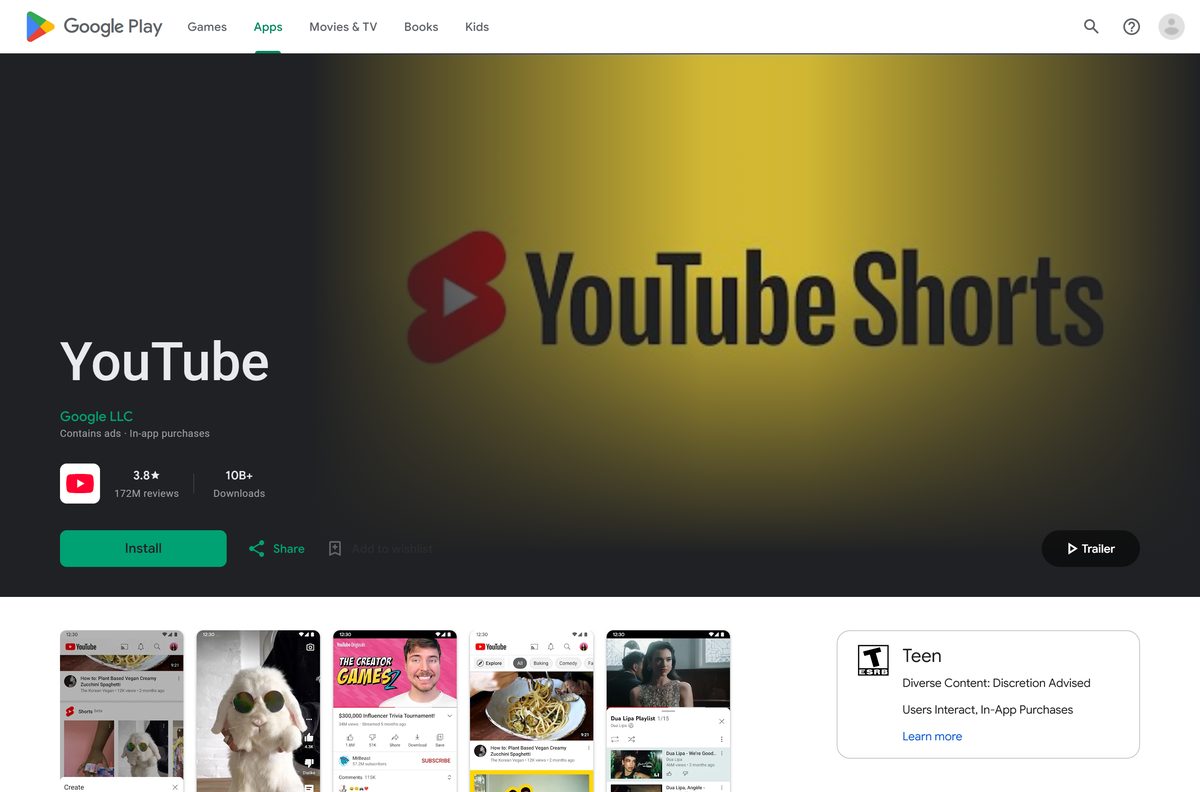
| Android phone or tablet | The YouTube app, Android 6.0 or later | Google Play |
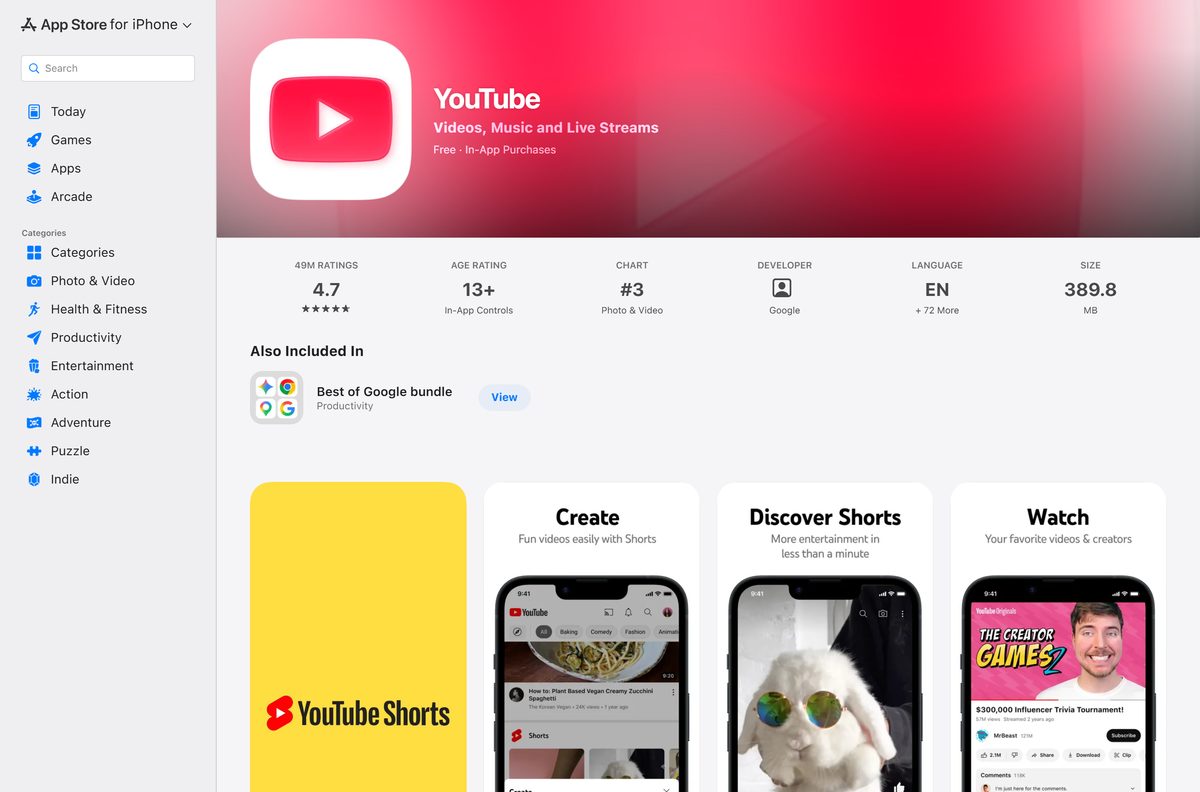
| iPhone or iPad | The YouTube app, iOS or iPadOS 17.0 or later | App Store |
| Smart TV, console or streaming stick | The YouTube app, already built into most models | Google’s device list |
| Windows PC, using an Android APK | Not supported. Windows Subsystem for Android was withdrawn | Microsoft’s notice |
Apple lists the YouTube app for iPhone and iPad only. It is not offered for macOS, so an Apple silicon Mac cannot run the phone app either.
Download the official YouTube app for a phone, tablet or TV
Google distributes the YouTube app through two stores. Everything else on this list is a website that needs no installer.
- YouTube on Google Play — developer Google LLC, package com.google.android.youtube
- YouTube on the App Store — 389.8 MB · iPhone and iPad, iOS 17.0 or later
- youtube.com — the full desktop experience, nothing to install
- music.youtube.com — YouTube Music in a browser
- tv.youtube.com — YouTube TV, a separate paid service
- youtubekids.com — the children’s version, also browser-based
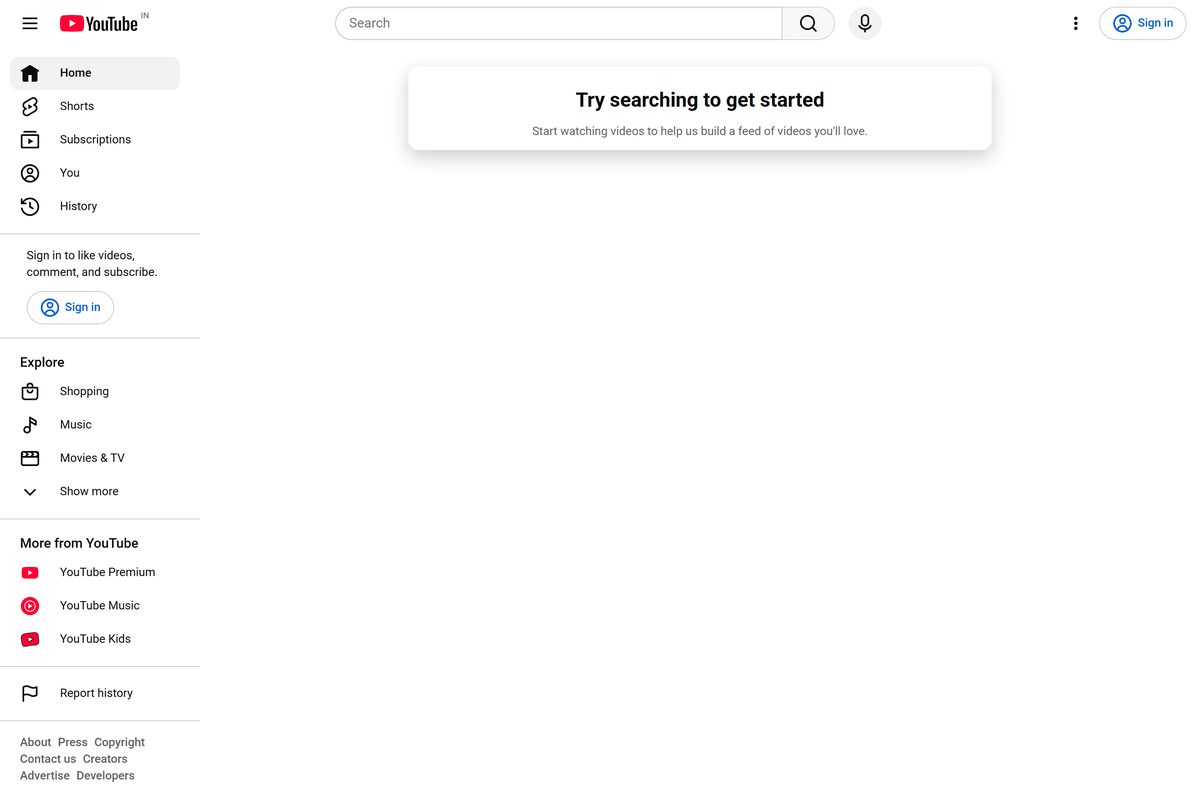
Google publishes no setup file for Windows or macOS. A page offering a YouTube exe, msi or APK for a PC is not distributing anything Google made.
Check the YouTube system requirements for your computer
YouTube asks for a current browser and a working connection. The speed figures below are the ones Google publishes for each picture quality.
| Field | Value |
|---|---|
| Developer | Google LLC |
| Latest version | 21.36.6 on iOS, released 7 September 2026. The Android app was updated on 8 September 2026. |
| Windows or macOS app | None. YouTube on a computer is the website. |
| Price | Free and ad-supported. YouTube Premium is an optional subscription. |
| Computer operating systems | Windows 7 or later, Mac OS X 10.7 or later, Ubuntu 10 or later. |
| Browsers | Newest version of Google Chrome, Firefox or Safari. |
| Mobile operating systems | Android 6.0 Marshmallow or later. iOS and iPadOS 17.0 or later for the current App Store build. |
| App download size | 389.8 MB on the App Store. Google Play lists no size. |
| Architecture | No desktop binaries. The browser runs YouTube, whatever the processor. |
| Connection speed | 500 Kbps minimum, 1 Mbps for movies and TV shows, 20 Mbps for 4K. |
| Offline installer | None. |
| Offline viewing | Premium only, inside YouTube, in Chrome, Edge, Firefox or Opera. |
| Official sources | Google Play, the App Store and youtube.com. |
| Last verified | 2026-09-11 |
Google recommends 5 Mbps for 1080p, 2.5 Mbps for 720p and 0.7 Mbps for 360p. Closing other tabs and streaming over a wired connection both help when playback stutters.
How to install YouTube as an app on Windows 11 and 10
Microsoft Edge turns any site into an installed app. The result opens from the Start menu, gets its own taskbar button and never shows a tab strip.
- Open Microsoft Edge and go to youtube.com.
- Sign in, so the app opens with your subscriptions and watch history.
- Select Settings and more at the top right of the window.
- Select More tools, then Apps, then Install this site as an app.
- Confirm the name in the dialog and select Install.
- Open edge://apps and select Details on the YouTube card.
- Choose Pin to taskbar, Pin to Start or Create Desktop shortcut.
- Turn on Auto-start on device login to have it open when you sign in to Windows.
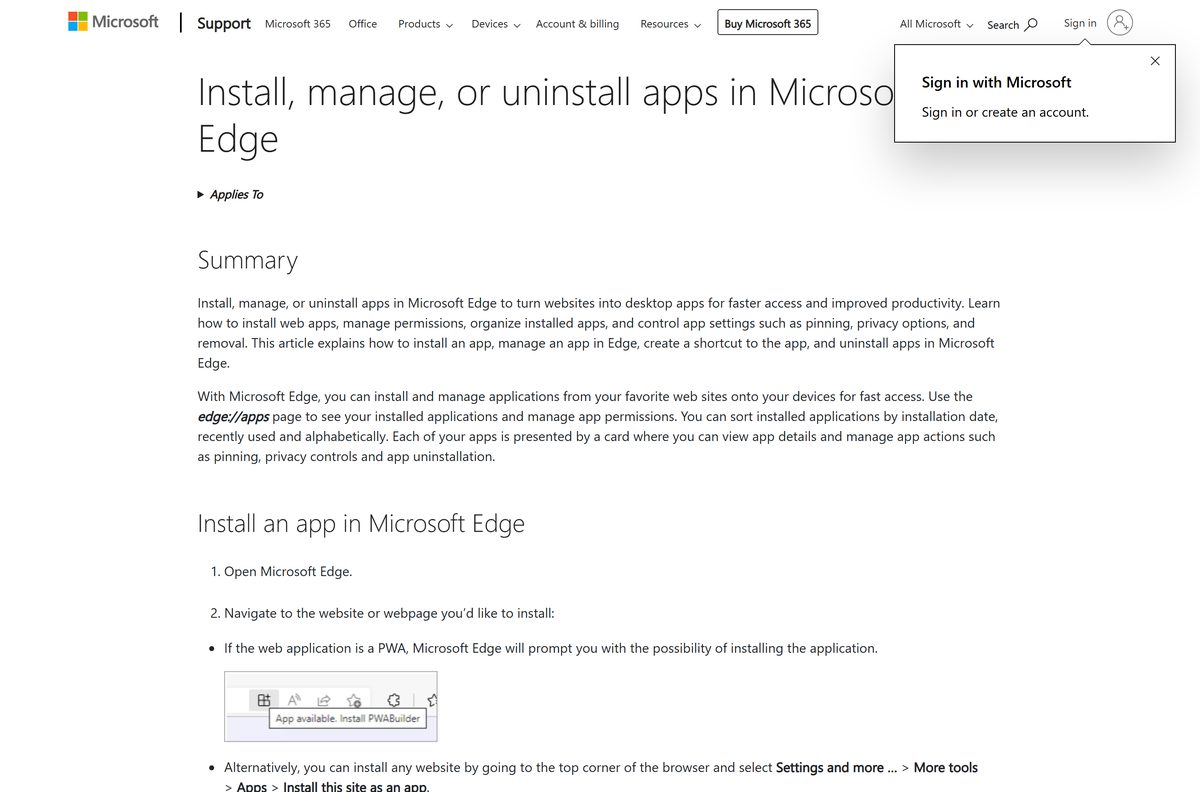
Nothing is downloaded to install. The app window is Edge without the browser furniture, which is why it needs no updates of its own. Microsoft documents the same flow for any site you install as an app.
Install YouTube as an app in Chrome on Windows or Mac
Chrome calls the same feature a web app, and the menu path differs from Edge. It works the same way on Windows, macOS and Linux.
- Open Chrome and go to youtube.com.
- Select More at the top right, the three-dot button.
- Select Cast, save, and share, then Install page as app.
- On some pages an Install icon appears in the address bar instead, which does the same job.
- Follow the on-screen instructions to finish.
- Right-click the new icon on the taskbar or in the Dock to see the shortcuts YouTube offers.
- Open chrome://apps to find it again, rename it or remove it.
Chrome flags an installed app that changes its name or icon with App update available. Review that prompt instead of accepting it, because a web app that starts imitating another app is a warning sign.
Which YouTube download do you need for your Mac?
None of these rows involve a download. macOS has no YouTube app to install, so the choice is about which window YouTube opens in.
| What you want | What to do | Source |
|---|---|---|
| Just watch YouTube | Open the site in Safari, Chrome or Firefox | youtube.com |
| A YouTube icon in the Dock | Safari on macOS Sonoma and later adds any website to the Dock | Apple’s announcement |
| A separate app window | Chrome’s Install page as app, which also works on macOS | Chrome Help |
| The iPhone app on an Apple silicon Mac | Not available. The listing covers iPhone and iPad only | App Store |
| Videos saved for a flight | Premium downloads work in Chrome, Edge, Firefox and Opera | YouTube Help |
Apple describes a Dock website as an app-like experience with a simplified toolbar and notifications. It is still Safari underneath, so YouTube stays signed in with the same account.
Techdows covers the saving side of this in how to download YouTube videos on a Mac.
Is the YouTube app free?
Yes. Watching YouTube costs nothing on a PC, a Mac, a phone or a TV. Both store listings are free, advertising pays for the service, and no part of it needs a licence key. YouTube Premium is the optional part: it removes ads, adds downloads and background play, and includes YouTube Music Premium, at a monthly price YouTube sets per country and shows on its Premium page. Films and TV episodes are bought or rented separately. Any store charging for a YouTube installer for Windows is charging for something Google gives away as a website.
Should you install YouTube as an app or use a browser tab?
Install it as an app if YouTube is open most days. The app window has no tab strip and no address bar, it gets its own taskbar button and its own entry in Alt+Tab, and it can start with Windows. A tab is better if you open YouTube occasionally, or if you rely on browser extensions, because an installed app window runs without the extension toolbar. Either way it is the same site, the same account and the same picture quality.
How to check your YouTube app version and update it
Only the mobile apps carry a version number. On a computer the site updates itself, so the thing to keep current is the browser.
- On Android, open the Google Play Store app and tap the profile icon at the top right.
- Tap Manage apps & device.
- Under Updates available, tap See details, then tap Update next to YouTube.
- To keep it current on its own, tap the profile icon, then Settings, then Network preferences, then Auto-update apps.
- On iPhone or iPad, open the App Store listing and read Version History to see which build is current.
- On Windows or a Mac, update the browser instead. Google supports the newest version of Chrome, Firefox and Safari, and nothing else.
The App Store build was 21.36.6 on 7 September 2026, and Google Play refreshed the Android app on 8 September 2026. A phone more than a few weeks behind is usually one with automatic updates switched off.
What the phone app does that a browser cannot
Two gaps matter on a computer: background play and 4K film playback. Everything else transfers.
| What you want to do | Browser on PC or Mac | App on a phone or tablet |
|---|---|---|
| Watch, search and subscribe | Yes | Yes |
| Upload a video | Yes | Yes |
| Download videos with Premium | Yes, in Chrome, Edge, Firefox and Opera | Yes |
| Keep playing with the screen off | No | Yes, with Premium |
| Watch a bought or rented film in HD | Safari only | Yes on supported devices |
| Watch a bought film in 4K | No | Smart TVs, Android TV and Chromecast Ultra |
| Cast to a TV | Yes | Yes |
| Play a download without reconnecting | Up to 29 days | Up to 29 days |
The HD limit applies to purchased movies and shows, not to ordinary uploads, which stream at 1080p and above in any current browser.
Can you watch YouTube offline on a PC without an app?
Yes, with Premium. The download button sits on the watch page itself, and the files stay inside YouTube rather than landing in your Downloads folder.
- Join YouTube Premium, because downloading is a paid feature.
- Open youtube.com in Chrome, Edge, Firefox or Opera and sign in.
- Go to the watch page of the video you want.
- Select Download below the video.
- Wait for the download icon below the video to turn black.
- Select Downloads in the left menu to play it later.
- Reconnect to the internet at least once every 29 days, or the video drops out at the next sync.
Set the quality first under Settings, then Downloads, then Download quality. Higher quality takes longer and uses more disk space.
This is playback inside YouTube, not a saved MP4 file on your disk.
How to tell a fake YouTube app from the real one
Every genuine YouTube app comes from one of two stores, and both name the publisher on the listing.
- On Google Play, check the line under the title reads Google LLC.
- Check the Play address ends in id=com.google.android.youtube , which is the package Google ships.
- On the App Store, check the listing is item 544007664 and the seller is Google LLC.
- In a browser, check the address bar reads youtube.com before you sign in.
- Treat any Windows setup file named after YouTube as unrelated to Google, because Google publishes none.
- If an installed web app suddenly changes its name or icon, open it, select More, and uninstall it.
Microsoft’s own guidance is to get apps from official publisher websites or stores. For this product that means Google Play, the App Store and youtube.com, and nothing else.
Fix the YouTube app not installing on Windows 11 and 10
Install this site as an app is missing from the Edge menu
The option sits two levels down, and it only appears on a real web page.
- Load youtube.com first, not a new tab page or a settings page.
- Select Settings and more, then More tools, then Apps.
- Select Install this site as an app.
- If the entry still fails to appear, update Edge and reopen the site.
The Microsoft Store has no YouTube app
Google publishes no Windows app at all, so any Store listing carrying the name belongs to a different developer.
- Skip the Store and install the site as an app in Edge or Chrome.
- Check the publisher line on any Store result before installing it.
- Use the mobile app on a phone or tablet if you want Google’s own build.
An Android APK will not install on Windows 11
Windows Subsystem for Android and the Amazon Appstore left the Microsoft Store on 5 March 2025.
- Stop looking for a YouTube APK for Windows, because no supported runtime is left for it.
- Install the site as an app instead, which needs no runtime.
- Keep the phone app on the phone, where Google updates it.
Videos will not play or keep buffering
An old browser or a slow connection. Google publishes a speed floor for each quality level.
- Update to the newest version of Chrome, Firefox or Safari.
- Check the connection carries at least 500 Kbps, or 1 Mbps for movies and TV shows.
- Close other tabs, browsers and programs that are using the connection.
- Switch to a wired connection if the wireless signal is weak.
- Drop the quality under the player Settings gear if 4K stalls, because 4K needs 20 Mbps.
The Download button is missing from the watch page
Downloads need a Premium membership and one of four browsers.
- Sign in with the account that holds the Premium membership.
- Switch to Chrome, Edge, Firefox or Opera, the only browsers Google supports for this.
- Reload the watch page and look below the video, not in the browser menu.
YouTube videos freezing in Firefox is a separate problem from ordinary buffering, with its own fix.
How to uninstall the YouTube app from Windows and Mac
An installed web app is removed from the browser that installed it, not from the Microsoft Store.
- In Edge, open edge://apps .
- Select Details on the YouTube card.
- Select Uninstall, decide whether to delete the app’s data, then select Uninstall again.
- In Chrome, open the YouTube app window and select More.
- Select Uninstall YouTube, then Remove.
- Tick Also delete data from Chrome to clear the signed-in session as well.
- Open chrome://apps to confirm the icon has gone.
Removing the app leaves the site untouched. Signing out of youtube.com is a separate step, and clearing the app data does not delete anything from your Google account.
Which other official YouTube apps can you install?
Google splits YouTube into four products beyond the main one. Only the mobile versions install; on a computer each one is a website.
| Product | What it is for | On a PC or Mac | Official address |
|---|---|---|---|
| YouTube | Everything: videos, Shorts, live streams | Website, or installed as an app window | youtube.com |
| YouTube Music | Songs, albums, remixes and podcasts | Website, no installer | music.youtube.com |
| YouTube TV | Live television, a separate subscription | Website, no installer | tv.youtube.com |
| YouTube Kids | A filtered library for children | Website, no installer | youtubekids.com |
| YouTube Studio | Uploads, analytics and channel settings | Website, no installer | studio.youtube.com |
Premium covers YouTube and YouTube Music together. YouTube TV is billed on its own and does not come with it.
Other phone and media apps for PC include Blink Home Monitor and Headspace.
Frequently asked questions
Is there a YouTube app for Windows 11 or Windows 10?
No. Google publishes no YouTube program for Windows. Edge and Chrome can install youtube.com as an app window with its own taskbar icon, which is the closest thing to a desktop app.
What is the official YouTube app download page?
Google Play for Android and the App Store for iPhone and iPad. On a computer the official address is youtube.com, and there is no download page because there is no file to download.
Is the YouTube app free to download?
Yes. Both store listings are free and advertising pays for the service. YouTube Premium is an optional subscription that removes ads and adds downloads, and films are bought or rented separately.
Is there a YouTube offline installer for PC?
No. An offline installer needs a setup file, and Google ships none for Windows or macOS. Installing the site as an app in Edge or Chrome downloads nothing and needs an internet connection to work.
How big is the YouTube app download?
The App Store lists 389.8 MB for iPhone and iPad. Google Play publishes no size for the Android build, and there is no size on a PC because nothing is installed.
Is there a YouTube app for Mac?
No. The App Store listing covers iPhone and iPad only, so an Apple silicon Mac cannot install it. Safari on macOS Sonoma and later can add youtube.com to the Dock instead.
Is there a 64-bit or ARM64 YouTube download?
No, because there is no desktop binary to build for either. YouTube runs inside the browser, so an ARM64 Windows PC or an Apple silicon Mac needs nothing extra.
Which YouTube app version is current?
The App Store listed 21.36.6 on 7 September 2026 for iPhone and iPad, and Google Play refreshed the Android app on 8 September 2026. Desktop has no version number to check.
Why can’t I install the YouTube app?
Usually because the platform has none. Windows and macOS have no YouTube app, and the Microsoft Store carries no Google-published listing. Install the site as an app in Edge or Chrome instead.
Can I install a YouTube APK on Windows 11?
No. Windows Subsystem for Android and the Amazon Appstore left the Microsoft Store on 5 March 2025, so Windows 11 has no supported way to run an Android package.
Can I download YouTube videos on a computer?
YouTube Premium members can, in Chrome, Edge, Firefox and Opera. Select Download below the video and play it from the Downloads menu. Reconnect within 29 days or it is removed.
How do I uninstall the YouTube app on Windows 11?
Open edge://apps, select Details on the YouTube card, then Uninstall. In Chrome, open the app window, select More, then Uninstall YouTube, and tick the box to delete its data.
Is the YouTube app safe to download?
From Google Play and the App Store, yes, and both listings name Google LLC as the publisher. A Windows setup file claiming to be YouTube did not come from Google, because Google publishes none.







Download YouTube Kids for PC, Mac, iPhone and Android (Free) - Techdows
[…] the main YouTube app on a PC, see the YouTube app download guide. A site offering a YouTube Kids .exe or .msi for Windows is not distributing anything Google […]
Download YouTube Studio for PC, Mac, iPhone and Android (Free) - Techdows
[…] watch videos rather than manage a channel, see the YouTube app download guide. A site offering a YouTube Studio .exe or .msi for Windows is not distributing anything Google […]
USB OTG: everything you need to know - Techdows
[…] the video sits in the phone's storage, upload it from the YouTube app or the YouTube Studio app. OTG itself does not stream; it only moves the file onto the […]