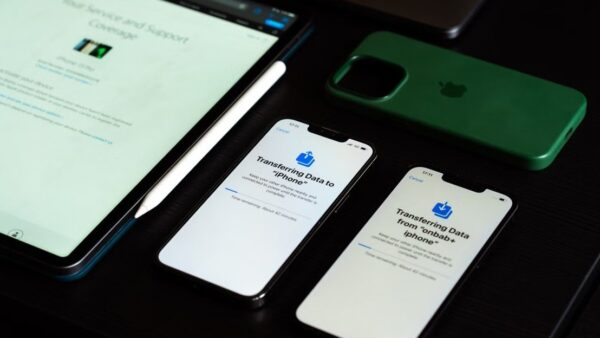
Mac Support Communities is Apple's forum for Mac owners at discussions.apple.com/community/mac, where you type your question in the search bar and either find an existing answer or post your own after signing in with your Apple Account.
This guide covers each Mac community, how to write a question that gets replies, the rules, and when Apple chat, phone or a Genius Bar visit is the better route.

How to get help from Mac Support Communities
- Open discussions.apple.com/community/mac in a browser.
- Type your problem in the Search or ask a question bar, in one short sentence.
- Read the list of similar questions and open any that match your Mac.
- Select Ask the Community if nothing fits, and sign in with your Apple Account.
- Describe the problem, choose your device and a topic, then select Post.
Other Mac owners see your question in that topic and reply there. You get an email when someone answers.
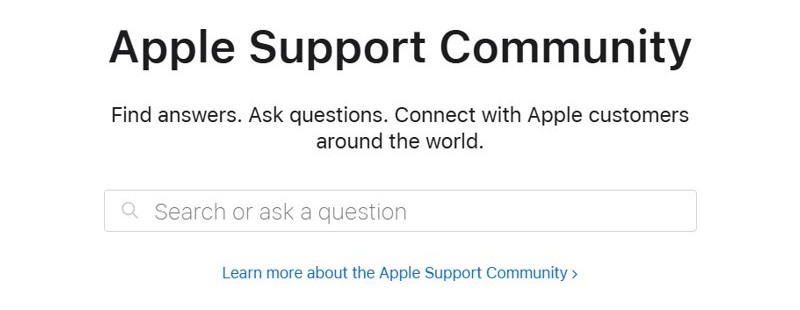
What are Mac Support Communities?
Mac Support Communities is the Mac section of the Apple Support Community, a forum where Apple customers help each other with their products. Replies are user opinions, so treat a suggested fix as advice to check.
| Question | Answer |
|---|---|
| Who runs it | Apple hosts the site under its Use Agreement |
| Who answers | Other Apple customers, including members with high user levels |
| What you need to post | An Apple Account, signed in with its email address or phone number |
| Minimum age | 13 or the local equivalent, with parental permission under the age of majority |
| Guarantee | None; Apple does not guarantee that a proposed solution will work |
Mac Support Communities by model: MacBook Air, MacBook Pro, iMac and more
Posting in the right community puts your question in front of people who own the same Mac. All of these sit under discussions.apple.com.
| Your problem is with | Community | Address |
|---|---|---|
| MacBook Neo | MacBook Neo | /community/mac/macbook-neo |
| MacBook Air | MacBook Air | /community/mac/macbook-air |
| MacBook Pro | MacBook Pro | /community/mac/macbook-pro |
| iMac | iMac | /community/mac/imac |
| Mac mini | Mac mini | /community/mac/mac-mini |
| Mac Studio | Mac Studio | /community/mac/mac-studio |
| Mac Pro | Mac Pro | /community/mac/mac-pro |
| The operating system rather than the hardware | macOS | /community/macos |
| Signing in or your account | Apple Account | /community/apple-account |
| How the forum itself works | Using the Community | /community/using_apple_support_communities |
Each page lists its latest discussions with the author, the latest reply, and reply and view counts. Problems with iCloud have their own community too, and you can get iCloud support there or from Apple.
Apple support for Mac: community, chat, phone or repair
| Your situation | Use this | Why |
|---|---|---|
| Odd behaviour other Mac owners may have seen | Mac Support Communities | People with the same model share what fixed it |
| A how-to question about macOS | support.apple.com/mac and the Mac User Guide | Official steps with no waiting |
| Billing, account or anything needing your personal details | Apple chat or phone | Only Apple staff can check your account |
| Hardware fault, damage or a Mac that will not start | Genius Bar, Apple Authorized Service Provider or mail-in | A technician inspects the Mac and explains the options |
| Warranty or AppleCare question | Apple Service & Repair or the coverage check | Shows your coverage for that Mac |
How to ask a question in Mac Support Communities
Apple asks for your specs, version numbers and what you already tried, so have those ready before you post.
- Select Sign in and use your Apple Account email address or phone number.
- Type your question in Search or ask a question, then select Ask the Community.
- State your Mac model and specs, plus the version number of macOS and of any app involved.
- Describe the actions that cause the problem, in the order you perform them.
- List the troubleshooting you have already tried.
- Choose the device your question is about, then choose a topic.
- Select Post.
If a question matches yours exactly, select Me too instead of starting a new one. Upvote the reply that helped, because upvotes help match questions with good answers.
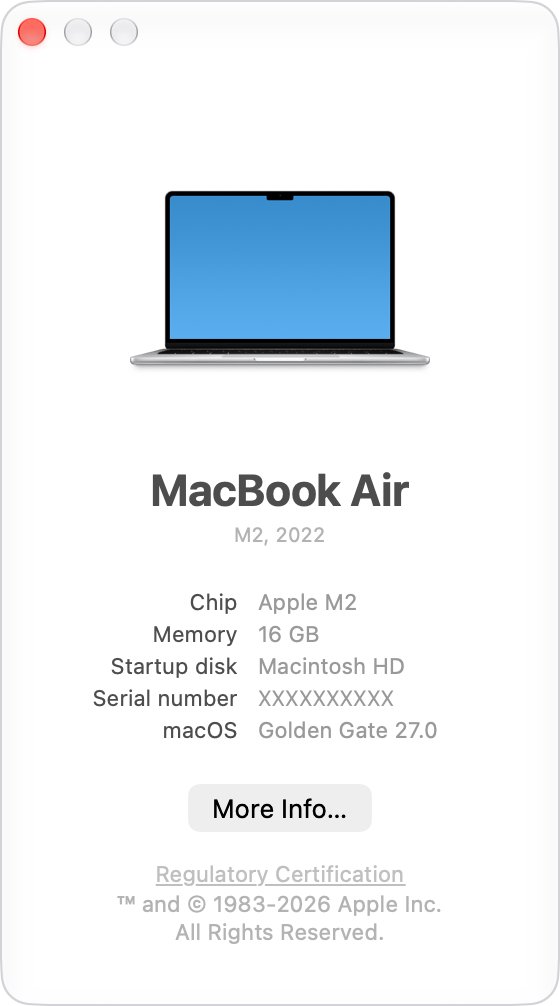
How to find your Mac model and macOS version for a support post
- Click the Apple menu in the upper-left corner of your screen.
- Choose About This Mac.
- Copy the model name, plus the macOS name and version number, into your post.
- Click the version number if a reply asks for the build number.
Leave your serial number out of a public post. To see your warranty status privately, open the Apple menu, then System Settings > General > About and click Details.
Mac Support Communities rules: what you can post
Apple's Use Agreement applies to every post and can lead to removed posts or a suspended account.
| Rule | What it means for your post |
|---|---|
| Stay on topic | Help people use Apple products; no speculation about unannounced products, or debate about Apple's policies or moderation |
| Keep it constructive | Technical questions, answers or product feedback; no polls or petitions |
| Protect personal information | Never reveal your own or anyone's personal information |
| No advertising | No selling or promoting, and only links that directly answer the question |
| Follow the law | No ways around digital rights management, and nothing defamatory |
| Post your own work | Only content you wrote or may share; Apple may remove content created mostly with generative AI tools |
| One account | No multiple accounts, gaming the points system or asking for points |
How to manage Apple Support Community emails and subscriptions
You are automatically subscribed to email notifications for questions you ask or answer.
- Sign in to the Apple Support Community.
- Select your avatar in the top right and choose Preferences to change your email notifications.
- Open your Subscriptions view from your profile or the navigation bar.
- Sort the view by community or by thread with the filter options.
- Open a member's profile and select Follow to add their posts to your Subscriptions view.
Apple Support Community levels and perks
The level beside a member's name reflects points earned from taking part. It shows activity on the forum, not Apple employment.
| Level | Points required | Perk unlocked |
|---|---|---|
| Level 1 | 0 | – |
| Level 2 | 150 | – |
| Level 3 | 500 | Custom avatar |
| Level 4 | 1,000 | Exclusive Apple news and more subscription features |
| Level 5 | 4,000 | Create User Tips |
| Level 6 | 8,000 | The Lounge and community meet-ups |
| Level 7 | 20,000 | – |
| Level 8 | 35,000 | – |
| Level 9 | 50,000 | – |
| Level 10 | 80,000 | – |
How to earn points in Apple Support Community
| Action | Points | Limit |
|---|---|---|
| Posting a question | 4 | Once per member |
| Replying to another member's question | 8 | Once per member |
| Your question gets a Me too | 1 each | Up to 15 per question |
| Your reply is upvoted as helpful | 6 each | Up to 30 per reply |
| Your User Tip is upvoted | 10 each | Up to 200 per tip |
| A reply is identified as high quality | 10 | First three per question |
Leaderboards at the bottom of community pages show the top members by product area. Apple also invites a small group of top contributors to Apple Community+ each year.
Mac support help articles on Apple's official website
Apple's own articles are the place to start for routine jobs, and they need no account.
- Open support.apple.com/mac in a browser.
- Pick a topic card, such as upgrading macOS, reinstalling macOS with Recovery, or backing up with Time Machine.
- Select the Mac User Guide link to browse every macOS feature.
- Select Still need help? to start a guided flow if the articles do not settle it.
How to contact Apple support for Mac
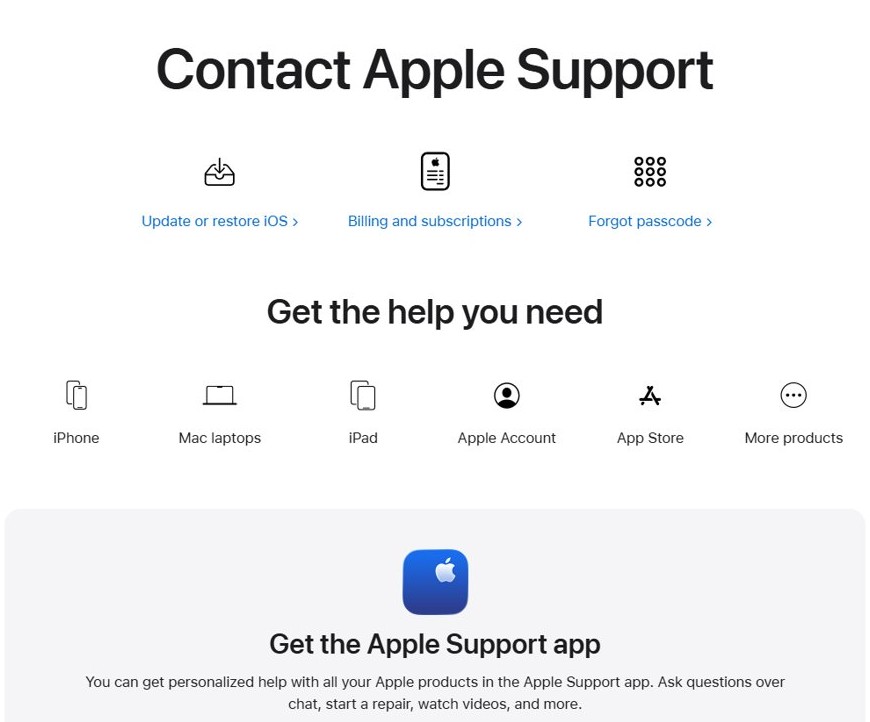
- Install the Apple Support app on an iPhone or iPad for chat, repairs and videos, or open support.apple.com/contact in a browser.
- Choose your Mac as the product, then pick the closest issue.
- Select a chat option, or start a conversation with Apple in the Messages app.
- Call 1-800-275-2273 in the US, or use the Contact us page for the number in your country or region.
You can also chat with Apple support if a phone call is not convenient, or report a problem to Apple in writing. Local and national telephone rates may apply.
How to find Mac support near me
- Open getsupport.apple.com/locations in a browser.
- Sign in with your Apple Account, which reservations and repairs require.
- Find a nearby Apple Store or service location.
- Reserve a time at the location you picked.
- Use the Apple Support activity page if you need to reschedule or cancel.
You can walk into a store without a reservation, but help depends on technician availability.
How to choose Mac support near me
These are the service routes Apple lists for Mac repairs. Pick by distance and by how long you can be without the Mac.
| Option | How it works | Best when |
|---|---|---|
| Genius Bar at an Apple Store | One-on-one help in person, with repairs using genuine Apple parts | A store is within reach and you want the Mac inspected face to face |
| Apple Authorized Service Provider | A technician inspects the Mac and explains your options | There is no Apple Store near your home, school or college |
| Mail-in repair | Apple sends a prepaid box, with no appointment needed | You can be without the Mac and prefer to ship it on your schedule |
Diagnostic testing is free at the Genius Bar. Repair cost depends on warranty or AppleCare coverage: the Apple Limited Warranty covers manufacturing issues for one year, but not accidental damage or normal battery wear. Check your status at checkcoverage.apple.com.
How to get your Mac ready for a Mac support appointment
- Back up your Mac, in case the startup disk needs to be erased or replaced.
- On macOS 27 or later, turn on Ready for Repair or Trade-In.
- On macOS 26 or earlier, turn off Find My Mac, or remove the Mac at icloud.com/find from another device.
- On an Intel-based Mac with a firmware password, turn that password off if you can.
- Make sure you know your Mac user name and password, plus your Apple Account password.
- Bring your sales receipt if you have it, a government-issued ID, and the power cable.
What OS does my Mac support?
macOS 27 Golden Gate is the newest release, and it runs only on Macs with Apple silicon, meaning an M-series or A-series chip.
- Open the Apple menu and choose About This Mac to see your model and current macOS.
- Compare your model with Apple's macOS 27 compatibility list.
- If your Mac is listed, back up your files first.
- Open System Settings > General > Software Update and follow the prompts.
- If your Mac is not listed, check the compatibility list for an earlier macOS release.
The list covers MacBook Air and MacBook Pro from the M1 models of 2020 onward, MacBook Neo, iMac from the 24-inch M1 of 2021, Mac mini from M1, Mac Studio from 2022, and Mac Pro from 2023.
Mac Support Communities FAQ
Are Mac Support Communities replies from Apple employees?
Mostly no. The forum is built around Apple customers helping each other, and the site says its content is user submitted and informational. Apple may recommend a response but does not guarantee any solution will work.
How do I get help from Mac support?
Search or post in Mac Support Communities for help from other owners. For help from Apple itself, use the Apple Support app, support.apple.com/contact, or a Genius Bar reservation at getsupport.apple.com/locations.
How does Apple build its support community?
Members earn points for questions, replies, upvotes and User Tips, which raise their user level and unlock perks. Apple also invites a small group of top contributors each year to its Apple Community+ program.
How do I access Mac support near me?
Go to getsupport.apple.com/locations, sign in with your Apple Account, and pick an Apple Store or Apple Authorized Service Provider. You can then reserve a time, or walk in and wait for an available technician.
What Mac support near me is reliable?
Apple Stores and Apple Authorized Service Providers are the routes Apple lists for in-person service. Apple's locations page shows the ones near you, and its coverage check shows what your warranty or AppleCare plan pays for.
What Mac support near me is affordable?
Start with the free Genius Bar diagnostic test, then use the cost estimate tool on Apple's repair page. Apple sets the final fee after inspecting the Mac, and your warranty or AppleCare coverage can lower it.
What OS does my Mac support?
Check your model under Apple menu > About This Mac, then compare it with Apple's compatibility list. macOS 27 Golden Gate needs Apple silicon, and an unlisted Mac may still be able to install an earlier macOS.
Is Mac OS still supported?
Yes. macOS 27 Golden Gate is the newest release, and Apple's version list shows the latest update for each older macOS, including Tahoe 26, Sequoia 15 and Sonoma 14. Check which one your Mac runs under About This Mac.
Does Mac support Windows?
Only Intel-based Macs can install Windows 10 with Boot Camp Assistant, and Apple's list excludes Apple silicon models. On a newer Mac, look at other ways to run Windows software on a Mac.