Your vMix download is one setup file, vmix29.exe , from vmix.com. It installs the live production and streaming software on Windows 11 and Windows 10 and starts a free 60-day trial with every vMix Pro feature.
The same setup program also installs vMix Social, vMix GT Title Designer and vMix Desktop Capture. When the trial ends, you keep going with a lifetime licence or a monthly vMix MAX subscription.
Below: which file fits your PC, the install steps, edition prices, Mac options, updates, hardware requirements, fixes for setup errors and a clean uninstall.
Which vMix download do you need?
vMix ships one Windows setup file per major version. Match your situation to a row.
| Your situation | What to download | Where |
|---|---|---|
| New user on Windows 11 or Windows 10 | vmix29.exe (459.4 MB), which starts the 60-day trial | vmix29.exe |
| Licence bought before 1 January 2023 | Check which version your key can run before you update | vMix upgrade check |
| Your key only covers vMix 28 | vmix28.exe from the vMix 28 release notes | vmix28.exe |
| You only need to send a screen to vMix over the network | vMix Desktop Capture | Desktop Capture page |
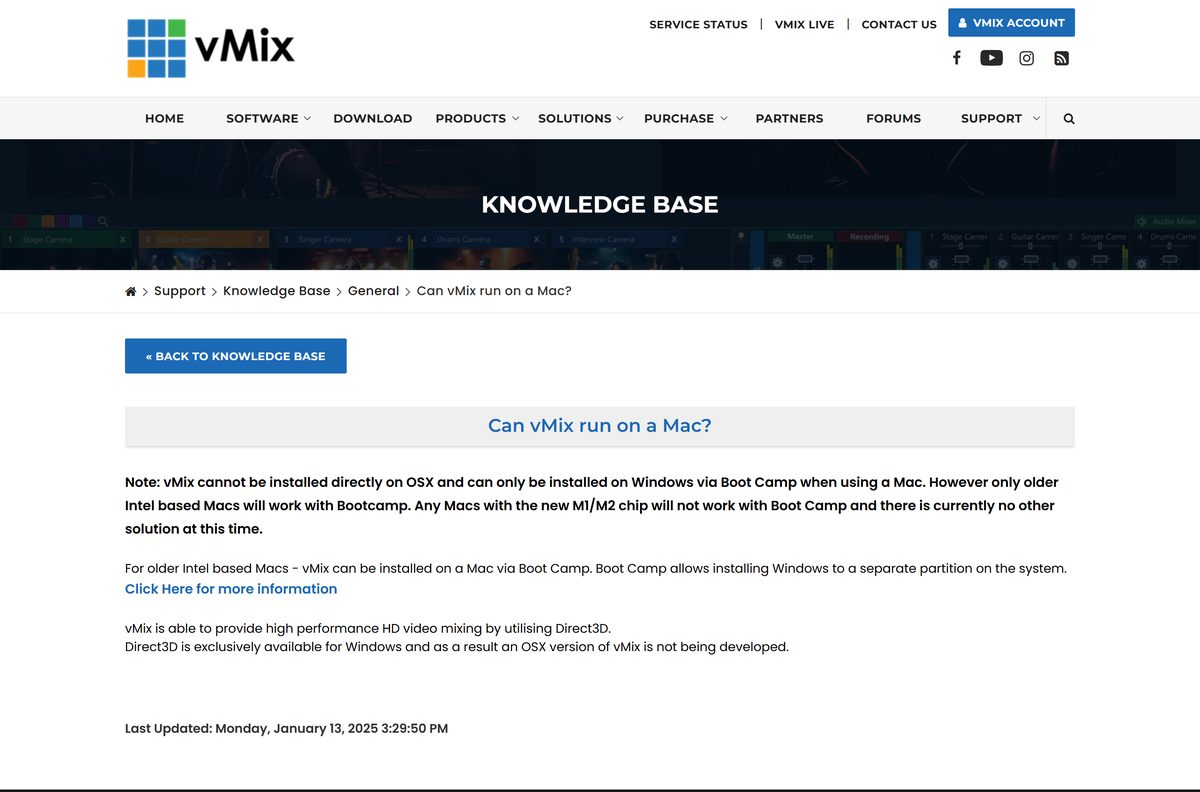
| Mac or Windows Server | No supported build; see the Mac section below | Can vMix run on a Mac? |
Older installers for vMix 27, 26, 25, 24 and 21 sit under each version’s release notes on the same download page.
Download vMix 29 for Windows 11 and Windows 10
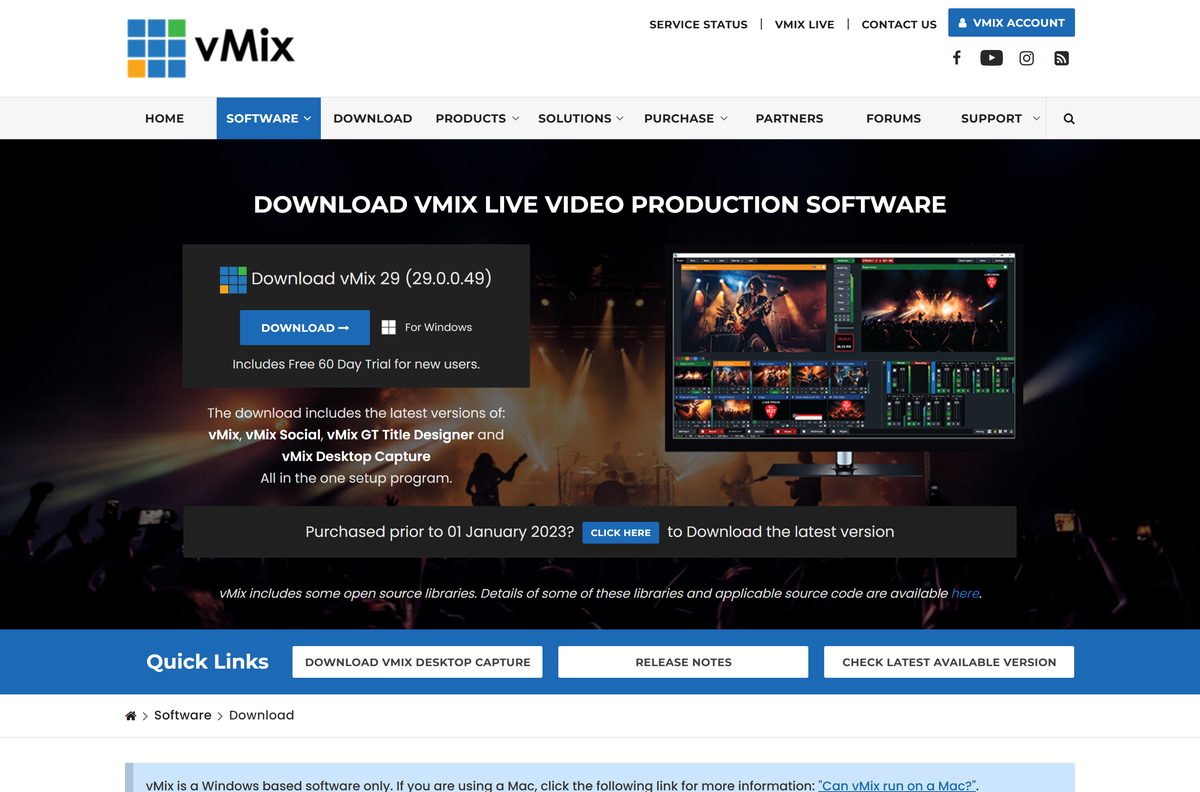
The Download button on the vMix download page links the current build, 29.0.0.49. It is a full offline setup, so you can copy it to a production PC with no internet.
- vmix29.exe — 459.4 MB · vMix, vMix Social, GT Title Designer and Desktop Capture in one setup
- vMix download page — release notes and older versions
- vMix editions and prices — compare Basic HD, HD, 4K, Pro and MAX
- vMix user guide — official documentation for vMix 29
Download only from vmix.com. Any site selling a vMix key outside vMix or its listed resellers is not the vendor.
How to install vMix on Windows 11 and 10
Setup replaces files that camera apps and browsers often hold open. Close them first to avoid a failed install.
- Download vmix29.exe from the vMix download page.
- Close programs that use cameras, plus Skype, Zoom and Chrome, including their icons in the system tray.
- Double-click vmix29.exe and select Yes at the User Account Control prompt.
- Accept the license agreement and follow the setup pages to the end.
- Select Finish when setup completes.
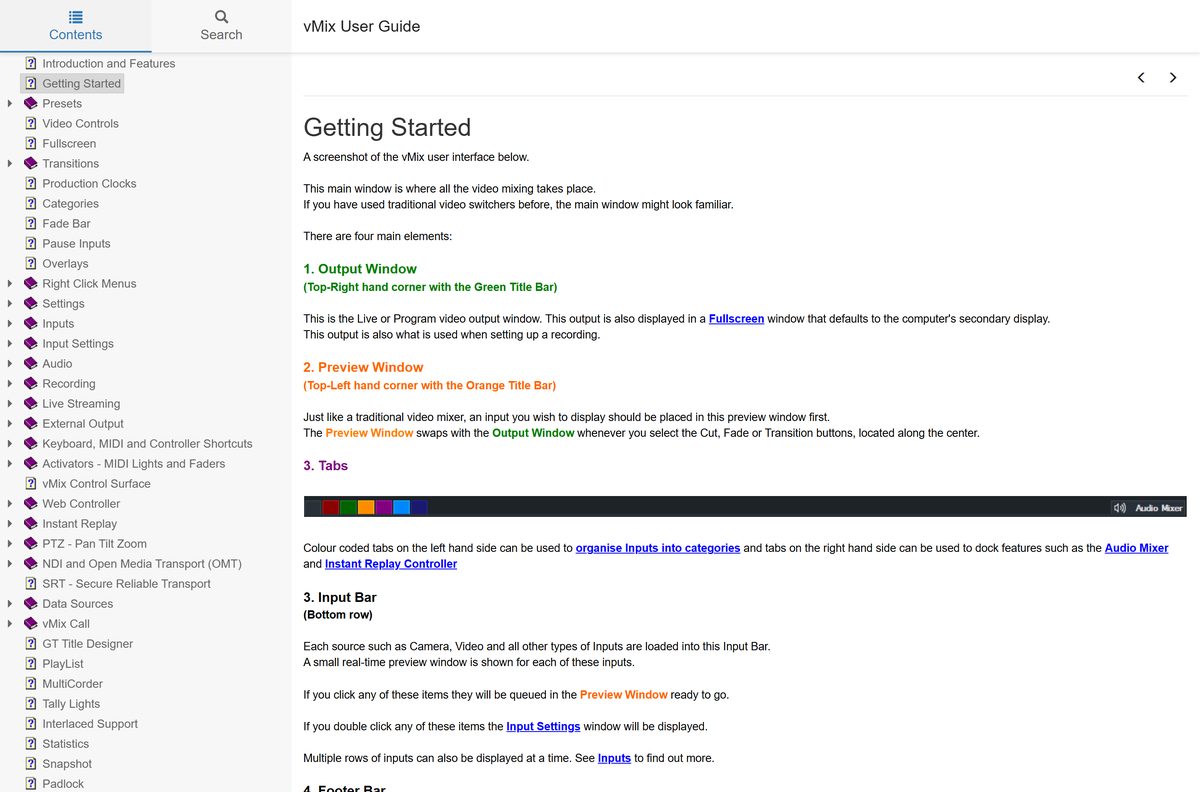
- Open vMix from the Start menu. A new install runs as the 60-day trial.
- To use a licence instead, select Settings, open the About tab and enter your registration key.
- Restart vMix so the features of your licence take effect.
A licence can sit on two PCs, as long as vMix does not run on both at the same time.
Is vMix free?
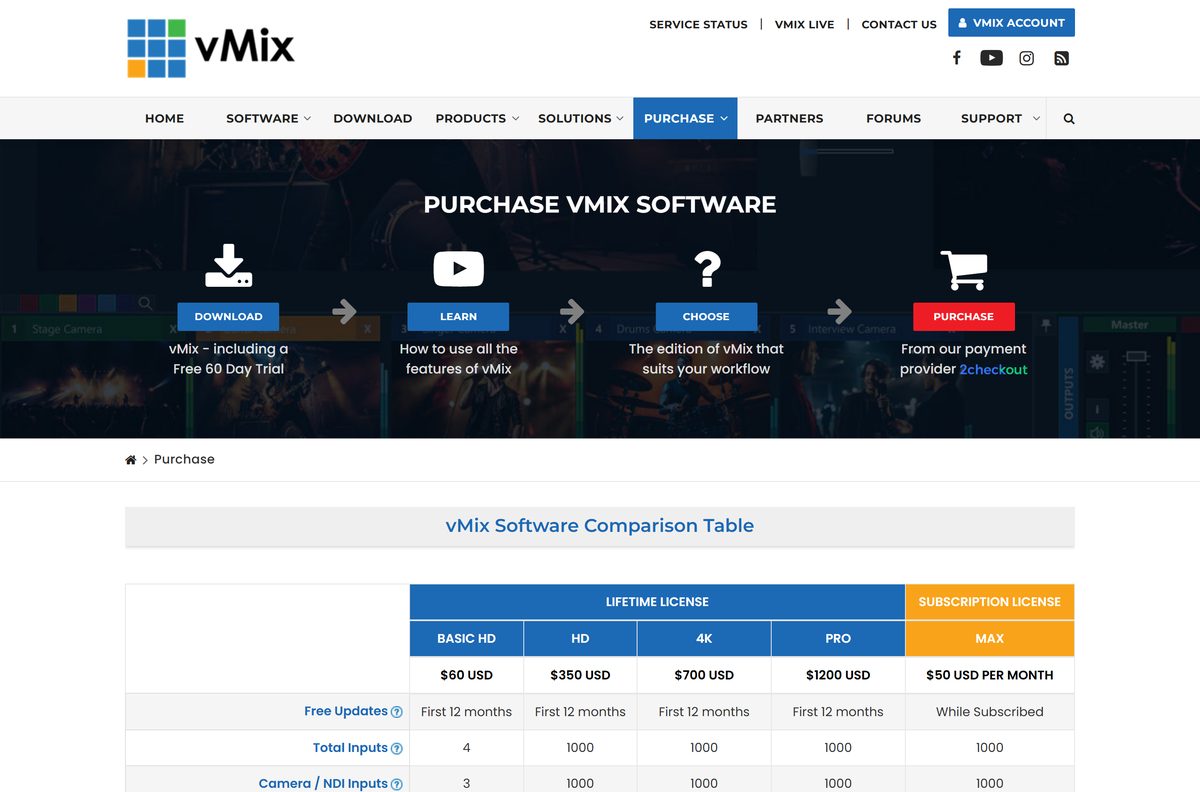
No. vMix is paid software, but the free 60-day trial is fully functional and has every vMix Pro feature. The trial records and streams without watermarks and supports 4K. After 60 days you need a licence: Basic HD costs $60, HD $350, 4K $700 and Pro $1200 as one-time purchases, or vMix MAX costs $50 per month.
Lifetime licences include 12 months of free updates. vMix lists no permanently free edition, so a download advertised as “vMix full free” is not from the vendor.
Choose the vMix edition that fits your shows
All five editions run the same vmix29.exe . Your registration key decides which features unlock.
Buy vMix HD for 1080p shows with more than three cameras. Move to 4K or Pro only when you output above 1920 x 1080. Basic HD stops at 4 inputs, 3 of them cameras or NDI, and 1 overlay channel. HD lifts that to 1000 inputs and 8 overlay channels at 1920 x 1080. 4K, Pro and MAX raise the maximum resolution to 4096 x 2160.
Pick vMix MAX at $50 per month when you need Pro-level features for a short run of events.
Which vMix option do you need for your Mac?
vMix uses Direct3D for its video mixing, and Direct3D exists only on Windows. That is why vmix.com offers no macOS build.
| Your Mac | What works | Where |
|---|---|---|
| Intel-based Mac | Install Windows with Boot Camp, then install vmix29.exe in Windows | vMix Mac article |
| Mac with an Apple M-series chip | No supported way to run vMix; Boot Camp does not work on these Macs | vMix Mac article |
| Any Mac that needs native streaming software | OBS Studio, free for macOS 12 or newer on Intel and Apple silicon | OBS Studio |
How to check your vMix version and update it
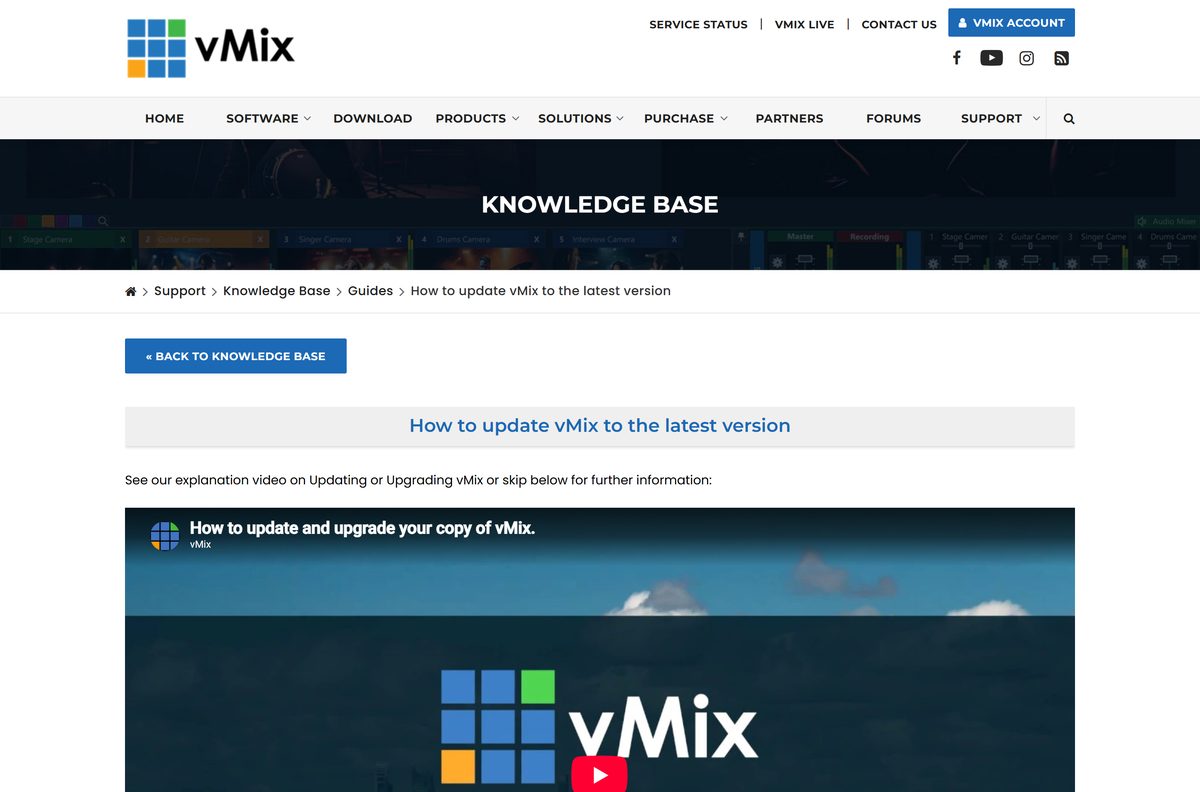
Your licence covers free updates for 12 months after purchase, then $60 a year keeps them coming. Check eligibility before you update.
- Open vMix and select Settings at the top right.
- Open the About tab to see your installed version.
- Close vMix settings and look for the Update Available link in the bottom-left corner.
- Select Update Available to open the vMix update tool, which shows the installed and latest versions.
- Select Update. The tool downloads the new version and runs it.
- Close Skype, Chrome or any other app the updater names.
- Select Close on the updater and reopen vMix.
No uninstall is needed. Running a newer setup file over an older copy also updates it.
Check if your PC meets the vMix system requirements
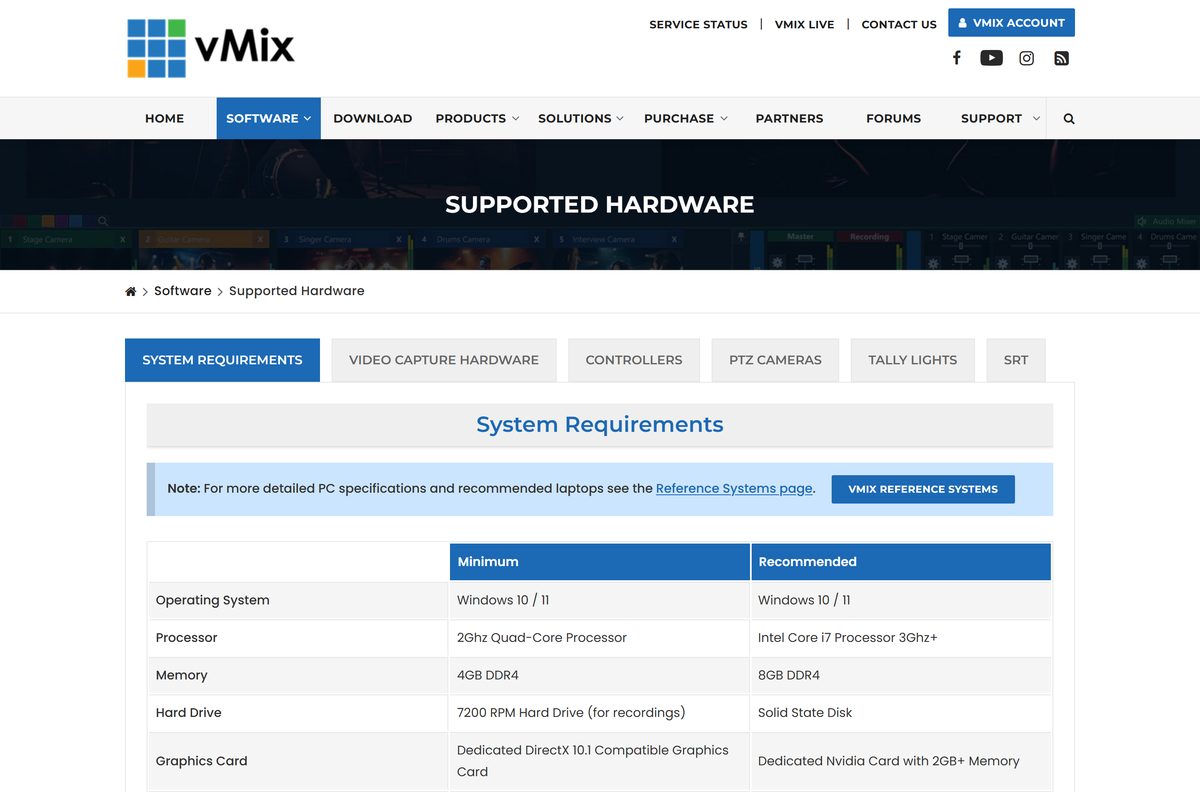
The graphics card decides how many cameras, recordings and streams vMix handles at once. Integrated Intel HD and AMD Radeon graphics are not recommended.
| Field | Value |
|---|---|
| Software | vMix (with vMix Social, GT Title Designer and Desktop Capture) |
| Developer | StudioCoast Pty Ltd |
| Latest version | vMix 29 (29.0.0.49) |
| License | Paid, with a free 60-day trial |
| Installer size | 459.4 MB (vmix29.exe) |
| Windows | Windows 10 or Windows 11; Windows Server is not supported |
| Processor | 2 GHz quad-core minimum; Intel Core i7 3 GHz or faster recommended |
| Memory | 4 GB DDR4 minimum; 8 GB DDR4 recommended |
| Storage | 7200 RPM hard drive for recordings; SSD recommended |
| Graphics | Dedicated DirectX 10.1 card; NVIDIA with 2 GB or more recommended |
| Screen | 1920 x 1080 |
| Official download | vmix.com |
| Last verified | September 25, 2026 |
Check your card in Task Manager under Performance > GPU before you buy a licence.
Fix vMix not installing or not updating on Windows 11
Setup was unable to automatically close all applications
Another program holds files that setup needs to replace.
- Close every app that uses a camera, plus Skype, Zoom and Chrome.
- Right-click icons in the system tray and quit those apps fully.
- Return to setup and select Retry.
DeleteFile failed; code 5. Access is denied.
A running program has locked a vMix file.
- Close vMix and any app still running in the system tray.
- Select Retry in setup.
- Restart Windows and run vmix29.exe again if the error returns.
vMix will not run on Windows Server
Windows Server lacks the Windows 10 and 11 multimedia features vMix uses.
- Install vMix on Windows 10 or Windows 11 instead.
- On a server you must use, add a DirectX 10 compatible graphics card with current drivers and enable Desktop Experience; vMix does not support this setup.
The new version will not accept your licence
Free updates on a lifetime licence end 12 months after purchase.
- Check your key with the vMix upgrade check.
- Install the version your key covers from the download page, or buy an update.
How to uninstall vMix
Deactivate your licence first if you plan to move it to another PC.
- Sign in at account.vmix.com and deactivate this PC’s installation if you are moving the licence.
- Close vMix.
- Select Start > Settings > Apps > Installed apps.
- Find vMix in the list.
- Select More > Uninstall, then confirm.
- Repeat for vMix Desktop Capture if it appears as a separate entry.
Choose between vMix and OBS Studio
Use vMix for multi-camera productions with instant replay, NDI inputs and built-in animated titles on Windows. Use OBS Studio for free streaming and recording, or when you work on a Mac. OBS Studio is free and open source and runs on Windows 10 and 11, macOS 12 or newer and Linux. vMix is Windows-only and paid, but it bundles instant replay, GT Title Designer and vMix Call guest inputs.
Get OBS Studio from obsproject.com.
Frequently asked questions
Is vMix free?
No. vMix is paid software with a free, fully functional 60-day trial. Lifetime licences start at $60 for Basic HD, and vMix MAX costs $50 per month. vMix lists no permanently free edition.
Where is the official vMix download?
The official download is vmix29.exe on the download page at vmix.com. The same page links the release notes, older versions and vMix Desktop Capture.
Which edition is the vMix trial?
The 60-day trial has all the features of vMix Pro, including 4K output. After it ends, you pick Basic HD, HD, 4K, Pro or a vMix MAX subscription.
Does vMix work on Windows 11?
Yes. vMix runs on Windows 11 and Windows 10 with a dedicated DirectX 10.1 compatible graphics card. Windows Server is not officially supported.
How big is the vMix download?
The vmix29.exe setup file is 459.4 MB. It installs vMix, vMix Social, vMix GT Title Designer and vMix Desktop Capture in one go.
Is there a vMix offline installer?
Yes. vmix29.exe is the full setup program, not a small downloader. Copy it to a PC with no internet and run it there.
Is vMix available for Mac?
No. vMix is Windows-only because it relies on Direct3D. An Intel Mac can run it in Windows through Boot Camp, but Macs with Apple M-series chips cannot.
Does vMix run on ARM64 Windows PCs?
vmix.com lists one Windows installer and no ARM64 build. Use a PC with an Intel or AMD processor and a dedicated graphics card, ideally NVIDIA.
Can I install vMix on two computers?
Yes. Each licence can be installed on up to two PCs or laptops, as long as vMix is not running on both at the same time.
Is vMix safe to download?
Yes, when you download it from vmix.com. vMix is made by StudioCoast Pty Ltd, and the setup file comes from the vendor’s own cdn.vmix.com server.
What is the latest version of vMix?
The latest version is vMix 29, build 29.0.0.49. vMix 29 was released on 27 October 2025, and later builds arrive through the Update Available link in vMix.
Why won’t vMix install?
Usually another program holds files setup must replace. Close camera apps, Skype, Zoom and Chrome, including their tray icons, then select Retry in setup.