TeamSpeak installs as a free voice chat app on Windows 11, Windows 10, macOS and Linux. Grab it from the official TeamSpeak downloads page and you can join a server within minutes.
The downloads page offers two desktop clients: the new TeamSpeak 6 and the older TeamSpeak 3. Both connect to the same servers, so your friends can use either one.
Below you will find which file matches your machine, how to install it, the right Mac build, what costs money, and fixes for common setup problems.
Which TeamSpeak download do you need?
Open Settings > System > About on Windows and check System type. Every TeamSpeak desktop client for Windows is 64-bit.
| Your device | Take this | Where |
|---|---|---|
| Windows 11 or Windows 10, 64-bit | TeamSpeak 6 client, Windows 64-bit | TeamSpeak downloads |
| Mac with an Apple M-series chip | TeamSpeak 6 client, macOS ARM | TeamSpeak downloads |
| Mac with an Intel processor | TeamSpeak 6 client, macOS Intel | TeamSpeak downloads |
| Linux, 64-bit | TeamSpeak 6 client, Linux 64-bit | TeamSpeak downloads |
| You want the stable, non-beta client | TeamSpeak 3 client 3.6.2 (TeamSpeak 3 tab) | TeamSpeak downloads |
| Android phone | TeamSpeak 3 app, $0.99 | Google Play |
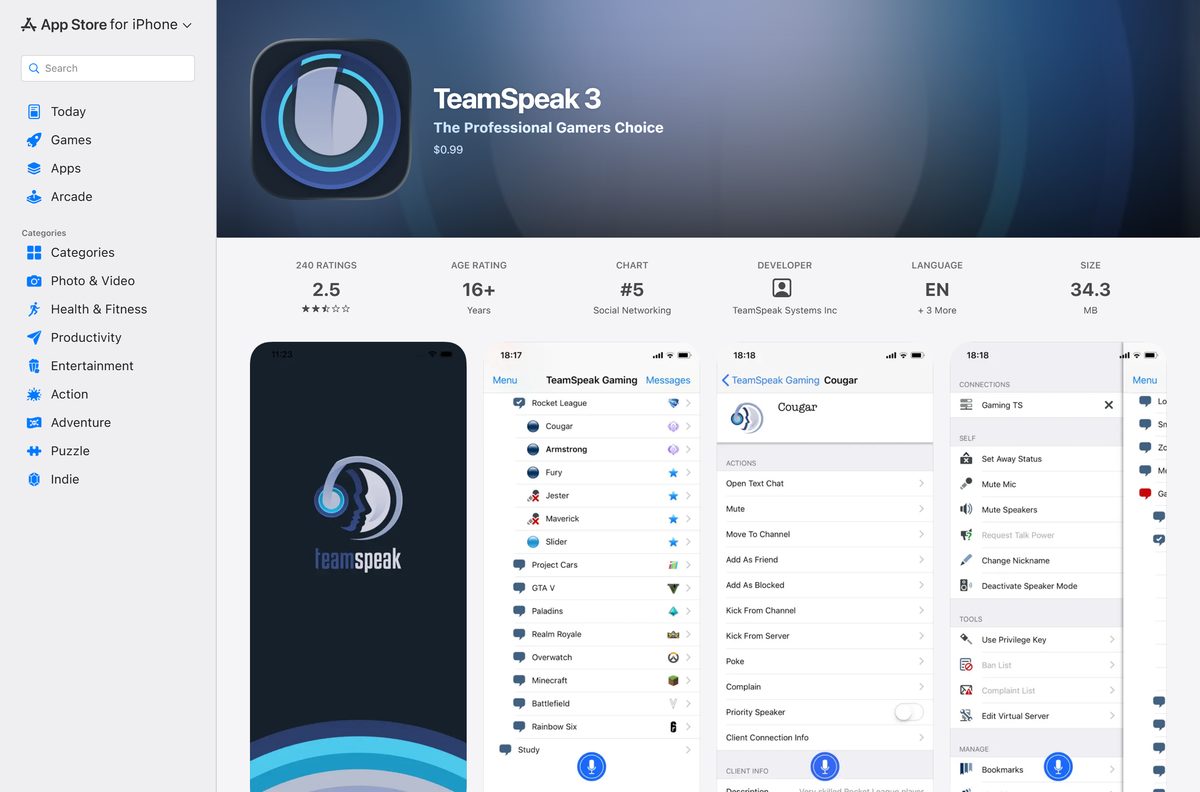
| iPhone or iPad | TeamSpeak 3 app, $0.99 | App Store |
The page opens on the TeamSpeak 6 tab. Select TeamSpeak 3, Server or SDK to see the other files.
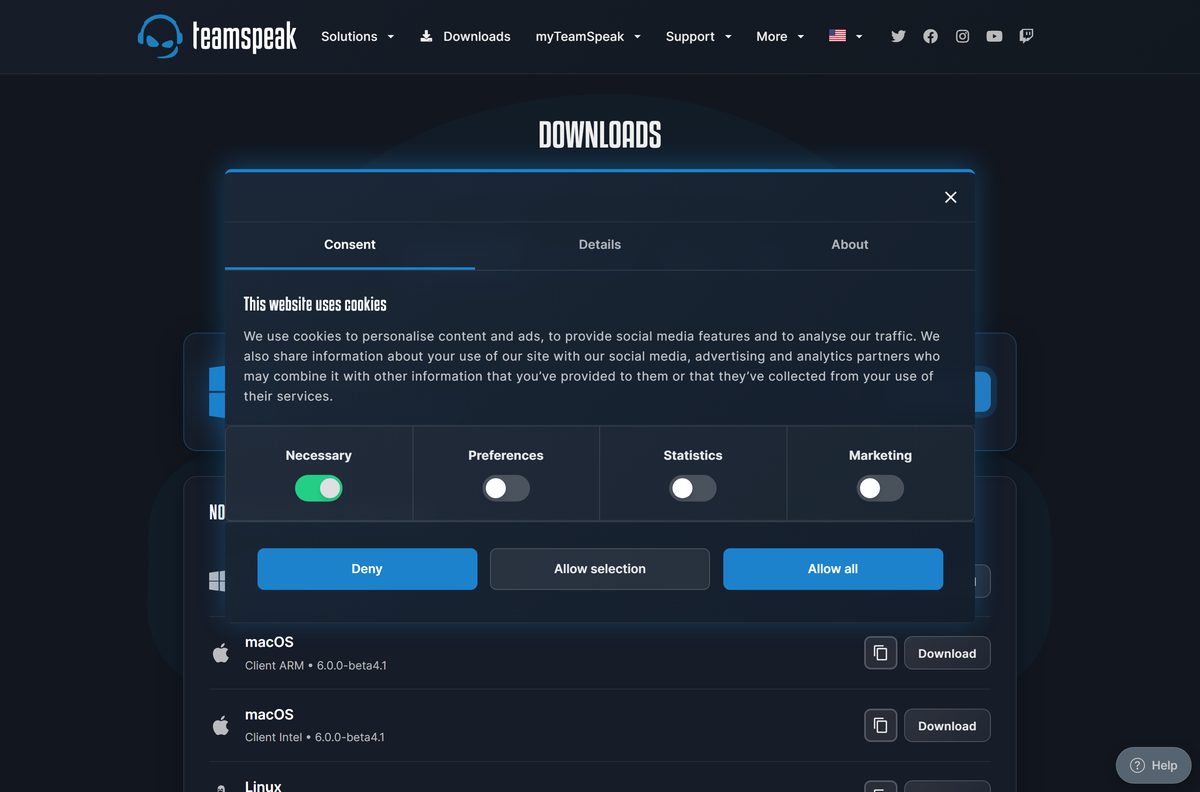
Get TeamSpeak from the official download page
TeamSpeak Systems lists every client, server and SDK on one page at teamspeak.com. The phone apps come only from Google Play and the App Store.
- TeamSpeak downloads page — TeamSpeak 6 beta, TeamSpeak 3, server and SDK tabs
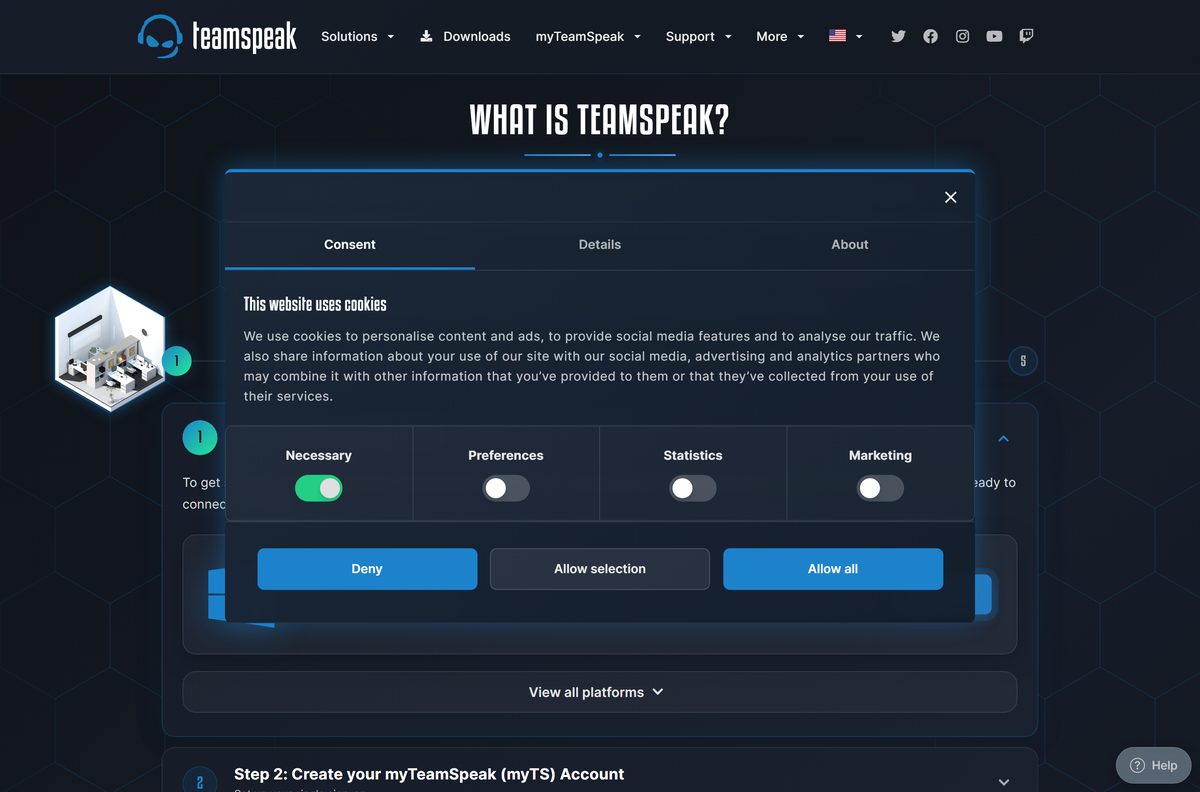
- TeamSpeak Getting Started guide — download, myTS account and first server in five steps
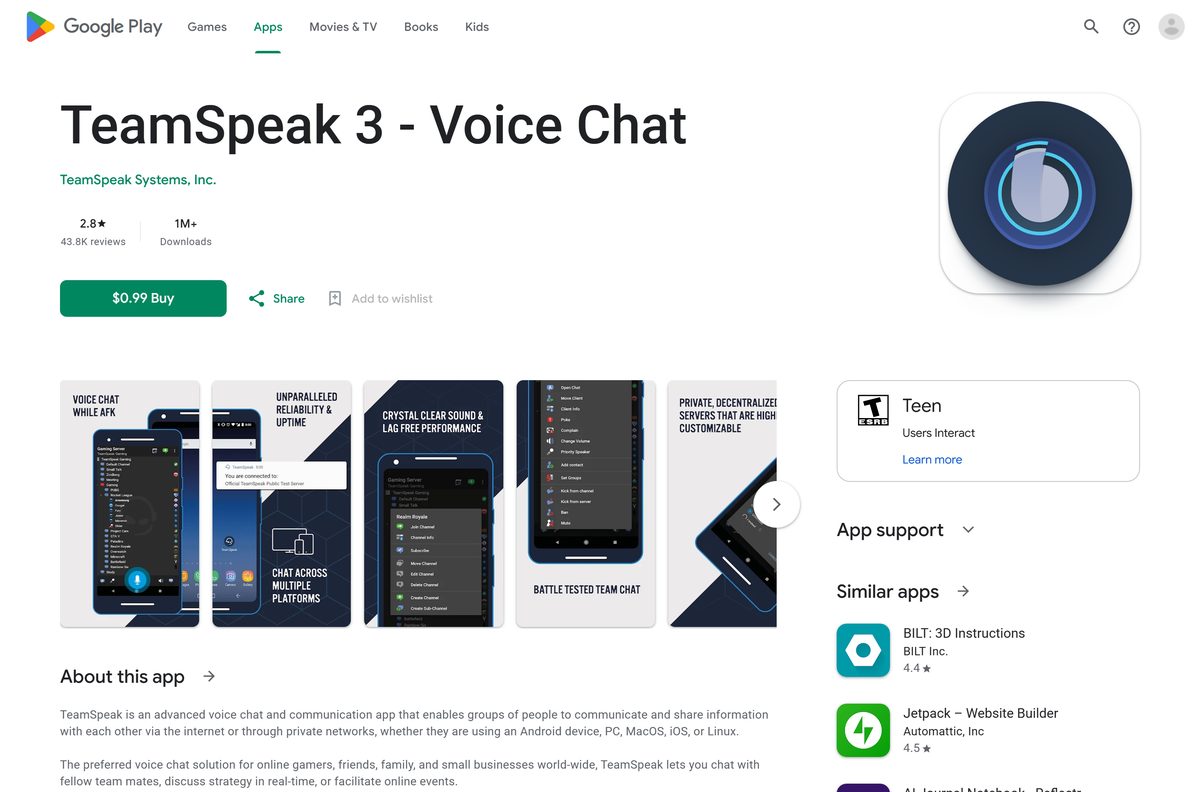
- TeamSpeak 3 on Google Play — published by TeamSpeak Systems, Inc.
- TeamSpeak 3 on the App Store — needs iOS 15.6 or later
Skip sites that wrap TeamSpeak in their own installer. The official page always carries the current build at no cost.
How to install TeamSpeak on Windows 11 and 10
TeamSpeak 6 asks you to sign in with a myTeamSpeak (myTS) account the first time it opens. Keep an email address ready.
- Open the TeamSpeak downloads page.
- Under Windows, Client 64-Bit, select Download and save the installer.
- Double-click the saved file and follow the setup prompts.
- Open TeamSpeak from the Start menu.
- Select Create Account, then pick a username, enter your email address and choose a password.
- Open the confirmation email and follow its link to verify the account, then select Continue.
- Store the Recovery Key somewhere safe and confirm that you saved it.
- Go to Bookmarks > Community Discovery, search for a server and select it to join.
Got a server address or an invite link from a friend? Connect to it directly instead of browsing Community Discovery.
Which TeamSpeak download do you need for your Mac?
TeamSpeak 6 ships two Mac builds. Open the Apple menu and select About This Mac to see whether your Mac has an Apple chip or an Intel processor.
| About This Mac shows | Download | Where |
|---|---|---|
| Chip: Apple M1, M2, M3 or later | macOS, Client ARM | TeamSpeak downloads |
| Processor: Intel | macOS, Client Intel | TeamSpeak downloads |
| Any Mac, stable client wanted | TeamSpeak 3 tab, macOS 64-bit | TeamSpeak downloads |
Open the downloaded file, move TeamSpeak into Applications, then launch it and sign in with your myTS account.
Install TeamSpeak on Linux, Android and iPhone
Linux gets the same desktop clients as Windows. Phones run the TeamSpeak 3 app, which joins the same servers as the desktop clients.
| Platform | Get it from | Cost |
|---|---|---|
| Linux, 64-bit | TeamSpeak downloads | Free, TeamSpeak 6 or TeamSpeak 3 |
| Android | Google Play | $0.99 |
| iPhone and iPad | App Store | $0.99, iOS 15.6 or later |
The phone app cannot call other users directly. You connect to a TeamSpeak server first, just as on the desktop.
Is TeamSpeak free?
Yes on the desktop. The Windows, Mac and Linux clients cost nothing, for TeamSpeak 6 and TeamSpeak 3 alike.
The phone apps are the exception. TeamSpeak 3 for Android and for iPhone each cost $0.99 as a one-time purchase.
Running a server is separate. TeamSpeak Communities are servers hosted by TeamSpeak on a paid plan, while the self-hosted TS3 server has a free 32-slot unregistered version.
Install the free desktop client and join an existing server first. You pay only when you want TeamSpeak to host your own community, or when you add the $0.99 phone app.
TeamSpeak 6 or TeamSpeak 3: which should you install?
TeamSpeak 6 still carries a beta label on the downloads page. TeamSpeak 3 is the older, finished client that has run for years.
Servers are cross-compatible. TeamSpeak 6, TS3 and app users can all sit in the same channel, and TeamSpeak 6 imports your TS3 bookmarks and identities.
Install TeamSpeak 6 unless a plugin or a strict stability need ties you to TeamSpeak 3. TeamSpeak 6 adds myTS sync, direct messages, group chats and Community Discovery, and it still joins every TS3 server.
Check the TeamSpeak system requirements and specifications
| Specification | Detail |
|---|---|
| Software | TeamSpeak |
| Developer | TeamSpeak Systems, Inc. |
| Latest version | TeamSpeak 6 client 6.0.0-beta4.1; TeamSpeak 3 client 3.6.2; TS3 server 3.13.8 |
| Licence / price | Free desktop clients; $0.99 phone apps |
| Windows | 64-bit Windows client |
| macOS | Separate Apple silicon (ARM) and Intel builds |
| Linux | 64-bit client |
| Mobile | Android; iOS 15.6 or later |
| TS3 server platforms | Windows 32/64-bit, macOS, Linux 32/64-bit, FreeBSD 64-bit, Docker |
| TS3 server minimum | Windows 8.1 or newer, Mac OS 10.14 or newer, 1 GB RAM recommended |
| Account | myTeamSpeak (myTS) account for TeamSpeak 6 |
| Official download source | teamspeak.com/en/downloads |
| Last verified | 2026-09-25 |
Fix TeamSpeak not installing or connecting on Windows 11 or 10
TeamSpeak 3 says api-ms-win-crt-runtime is missing
The Windows Universal C Runtime update KB2999226 is not installed.
- Open Settings > Windows Update and select Check for updates.
- Install every pending update and restart the PC.
- Run the TeamSpeak installer again.
You downloaded the wrong Mac build
The ARM build and the Intel build are separate files on the downloads page.
- Open the Apple menu and select About This Mac.
- Delete TeamSpeak from Applications.
- Download the Client ARM file for Apple silicon or Client Intel for an Intel Mac.
TeamSpeak cannot connect to a server
The server address, port or password is usually wrong.
- Ask the server owner for the exact address, port and any password.
- Paste the address again without extra spaces.
- Join a server from Bookmarks > Community Discovery to confirm your connection works.
You forgot your myTS password
The Recovery Key is the only way back to your identities, bookmarks and permissions.
- Find the Recovery Key you saved when you created the account.
- Keep it ready when you reset the password, because it restores your identities, bookmarks and permissions.
How to uninstall TeamSpeak from Windows and Mac
- On Windows, open Settings > Apps > Installed apps.
- Find TeamSpeak, select the three dots and choose Uninstall.
- Confirm, then follow the uninstaller prompts.
- On a Mac, quit TeamSpeak and drag it from Applications to the Trash.
Your myTS account, contacts and synced bookmarks stay online. Sign in again after a reinstall to get them back.
Choose a TeamSpeak alternative
| App | Best for | Get it |
|---|---|---|
| Discord | Free voice, video and text servers on Windows, Mac, Linux and phones | Discord download guide |
| TeamSpeak 3 | The stable client, plugins and older servers | TeamSpeak downloads |
| TeamSpeak 3 server | Hosting your own voice server on Windows, Linux, macOS or FreeBSD | TeamSpeak downloads, Server tab |
Frequently asked questions
Is TeamSpeak free?
Yes on the desktop. The TeamSpeak 6 and TeamSpeak 3 clients for Windows, Mac and Linux are free. The TeamSpeak 3 phone apps cost $0.99, and servers hosted by TeamSpeak need a paid plan.
What is the official TeamSpeak download page?
teamspeak.com/en/downloads is the official page from TeamSpeak Systems, Inc. It has tabs for the TeamSpeak 6 client, the TeamSpeak 3 client, the server software and the SDK.
Does TeamSpeak work on Windows 11?
Yes. Download the Windows Client 64-Bit file from the TeamSpeak downloads page and run it on Windows 11 or Windows 10. There is no 32-bit Windows client.
Should I download TeamSpeak 6 or TeamSpeak 3?
Install TeamSpeak 6 for myTS sync, direct messages and Community Discovery. Pick TeamSpeak 3 if you need a plugin or a client without the beta label. Both join the same servers.
Can TeamSpeak 3 users talk to TeamSpeak 6 users?
Yes. Servers are cross-compatible, so TeamSpeak 6, TS3 and mobile app users can all connect to the same server and talk in the same channels.
How do you download TeamSpeak for Mac?
Open the TeamSpeak downloads page and pick macOS, Client ARM for an Apple silicon Mac or macOS, Client Intel for an Intel Mac. Check About This Mac first to see which chip you have.
Is there a TeamSpeak app for Android and iPhone?
Yes. TeamSpeak 3 is on Google Play and the App Store for $0.99 each, published by TeamSpeak Systems, Inc. The iPhone app needs iOS 15.6 or later.
Do you need an account to use TeamSpeak?
TeamSpeak 6 asks you to sign in with a free myTeamSpeak (myTS) account. It syncs your identities, bookmarks and settings across devices and also signs you in to the forum.
Is TeamSpeak safe to download?
Download it from teamspeak.com, Google Play or the App Store and you get TeamSpeak Systems’ own build. Avoid portals that wrap the client in their own installer.
Can you host your own TeamSpeak server?
Yes. The Server tab offers TeamSpeak 3 server builds for Windows, macOS, Linux, FreeBSD and Docker, and the unregistered version allows 32 slots for free. A TeamSpeak 6 server is in beta.
How do you uninstall TeamSpeak?
On Windows, open Settings, then Apps, then Installed apps, and uninstall TeamSpeak. On a Mac, quit it and drag it from Applications to the Trash. Your myTS account stays intact.






