Your Splashtop Streamer download installs the host app that lets you reach a Windows 11, Windows 10, Mac or Linux computer from anywhere. Put it on the computer you want to control, sign in, and it shows up in your Splashtop app.
The Windows installer for version 3.8.6.1 is 71.8 MB and comes from splashtop.com or winget.
Below: which Streamer fits your plan, install and silent deployment steps, Mac permissions, Linux packages, updates, fixes and removal.
Which Splashtop Streamer download do you need?
The Streamer goes on the computer you want to reach. Pick the edition that matches your Splashtop plan, because the editions do not work across plans.
| Your situation | What to install | Where to get it |
|---|---|---|
| Remote Access, Remote Support, Enterprise or a free trial, on Windows | Streamer 3.8.6.1 for Windows (71.8 MB) | Log in to download Streamer |
| Same plans, on a Mac | Streamer 3.8.6.0 for Mac | Log in to download Streamer |
| Same plans, on Linux | Streamer 3.8.2.0 package for your distribution | Linux Streamer packages |
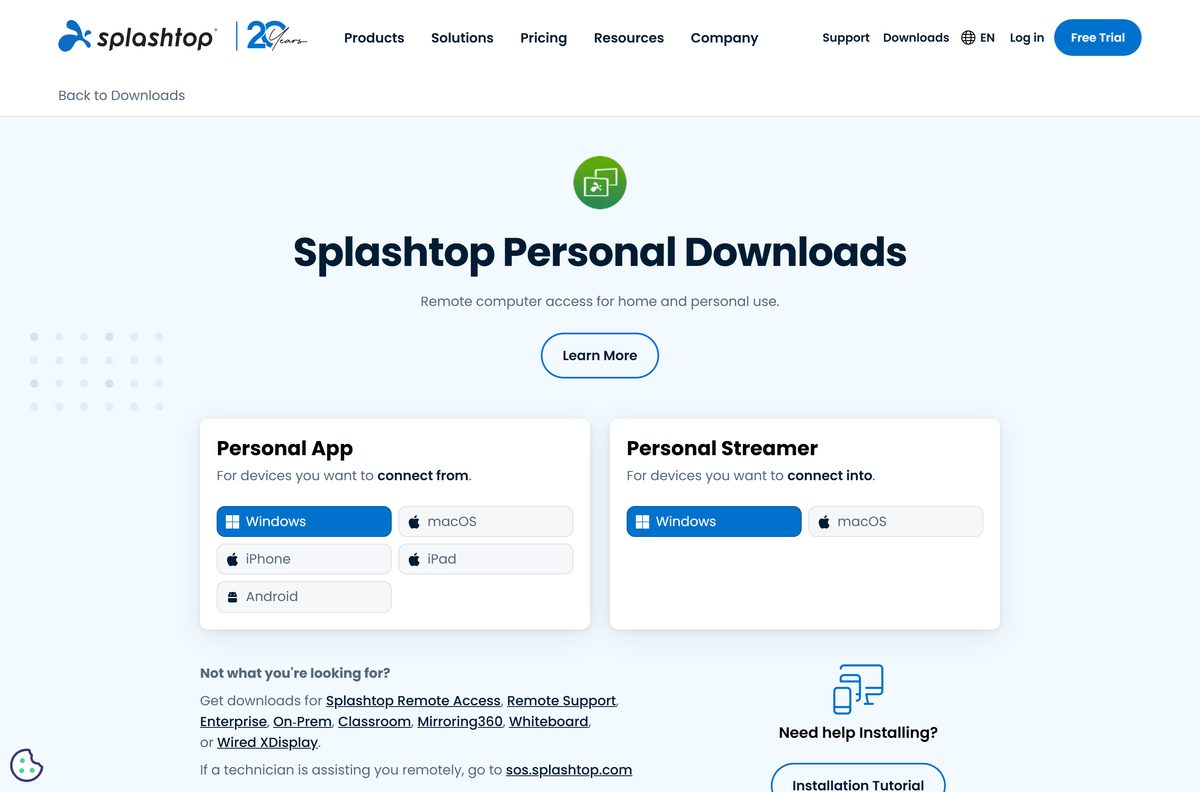
| Splashtop Personal on a home Windows PC or Mac | Personal Streamer | Personal downloads |
| No Splashtop account yet | Start a free trial first | Splashtop free trial |
Splashtop On-Prem and Classroom have their own Streamers, listed on the same page.
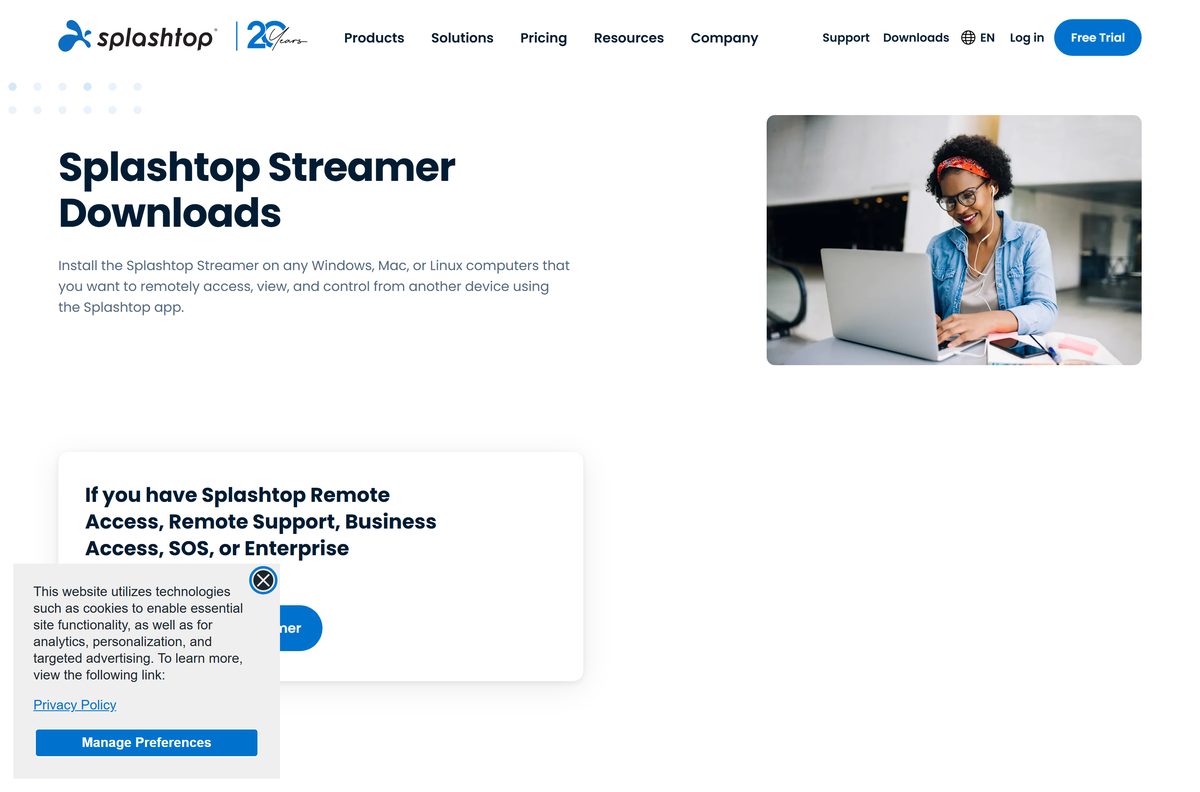
Download Splashtop Streamer for Windows 11 and Windows 10
The current Windows release is version 3.8.6.1. Splashtop routes subscribers through Log In to Download Streamer, which opens your my.splashtop.com account.
- Splashtop Streamer download page — sign in to get the Streamer tied to your account
- Splashtop_Streamer_Win_INSTALLER_v3.8.6.1.exe — 71.8 MB · the Windows installer that winget uses
- Splashtop Personal downloads — free Personal Streamer for Windows and Mac
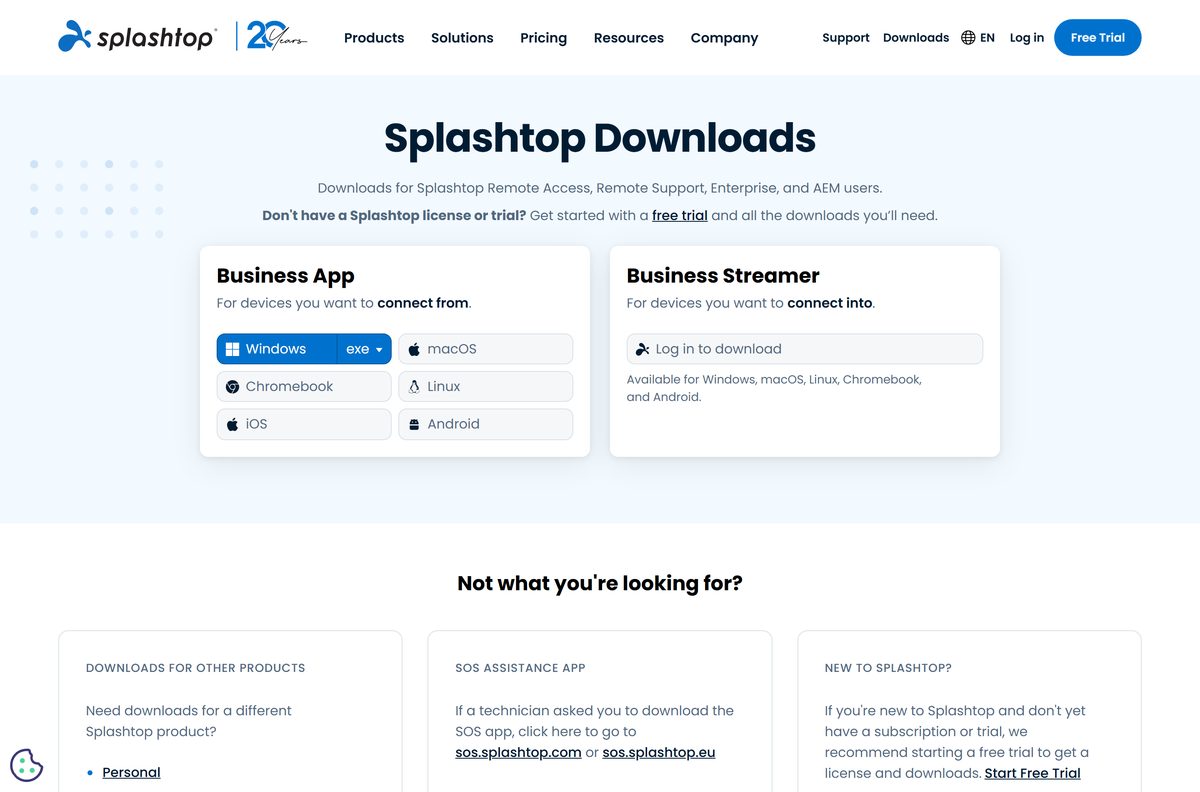
- All Splashtop downloads — the Business app for the device you connect from
The Streamer only receives connections. Install the Splashtop Business app on the device you connect from.
How to install Splashtop Streamer on Windows 11 and 10
You need administrator rights on the PC and a Splashtop account with a subscription or trial.
- Open splashtop.com/streamer and select Log In to Download Streamer.
- Sign in to your Splashtop account and download the Windows Streamer.
- Double-click Splashtop_Streamer_Win_INSTALLER_v3.8.6.1.exe in your Downloads folder.
- Select Yes at the User Account Control prompt.
- Follow the prompts until the installer reports success.
- Open Splashtop Streamer and log in with your Splashtop email and password.
- If the Streamer asks for an access code, copy it from Management > Deployment in my.splashtop.com and select Confirm.
- Open the Splashtop Business app on another device and double-click this PC to connect.
A deployment package from your admin skips the login step and joins the PC to your team automatically.
Install Splashtop Streamer with winget
winget ships with Windows 11 and current Windows 10. Splashtop publishes the Streamer there under its own package IDs.
- Right-click Start and select Terminal (Admin).
- Run winget install Splashtop.SplashtopStreamer for the log-in Streamer.
- Use Splashtop.SplashtopStreamer.Deployment or Splashtop.SplashtopStreamer.Deployment.MSI for the deployment editions instead.
- Accept the source agreement if winget asks.
- Open Splashtop Streamer from Start and log in.
The same IDs work with winget upgrade and winget uninstall . Splashtop’s winget guide lists every ID.
Install Splashtop Streamer silently on many computers
Admins create a deployment package under Management > Deployment in my.splashtop.com. Its 12-digit code links each installed Streamer to your team.
streamer.exe prevercheck /s /i dcode=your_code,confirm_d=0,hidewindow=1 dcode sets the 12-digit deployment code, confirm_d=0 skips the confirmation prompt and hidewindow=1 keeps the Streamer window closed after install. For the MSI, run msiexec /norestart /qn /i setup.msi USERINFO=”dcode=your_code,hidewindow=1,confirm_d=0″ . On a Mac, run sudo ./deploy_splashtop_streamer.sh -i streamer.dmg -d your_code -w 0 -s 0 -v 0 . Leave no space after each comma. Splashtop’s silent install article lists the upgrade switches too.
Test the command on one machine before pushing it to a group.
How to verify the Splashtop Streamer installer
Microsoft’s winget manifest records the SHA256 hash of each Streamer release.
- Open Terminal in the folder that holds the installer.
- Run Get-FileHash .\Splashtop_Streamer_Win_INSTALLER_v3.8.6.1.exe -Algorithm SHA256 .
- Compare the result with E68E462D1E27851C4F393AA8C43FD30E72D192D4E8B4C044DC3B41B2BB7DDBB4 .
- Delete the file and download it again from splashtop.com if the hashes differ.
For other versions, open the matching folder in the winget manifest repository.
Which Splashtop Streamer download do you need for your Mac?
Every Mac Streamer needs macOS 10.13 or newer.
| Your Mac and plan | Install | Link |
|---|---|---|
| Remote Access, Remote Support or trial | Mac Streamer 3.8.6.0 | Log in to download Streamer |
| Splashtop Personal on a home Mac | Personal Streamer for macOS | Personal downloads |
| Many Macs managed by IT | Deployment Streamer with deploy_splashtop_streamer.sh | Silent install parameters |
After installing, grant Screen Recording and Accessibility in Privacy & Security. On macOS 14.2 and later, also grant Remote Desktop. You must do this at the Mac itself.
Is Splashtop Streamer free?
The Streamer is free to install, but remote access through it needs a paid Splashtop plan or a free trial. Splashtop Remote Access Solo costs $6 a month, billed annually at $72, for 2 computers. Pro costs $99 per user per year and Performance $149. The free trial needs no credit card. Splashtop Personal is free for non-commercial use on your home network, and its Anywhere Access Pack adds internet access for $5.99 a month or $23.99 a year.
See current prices on the Splashtop pricing page.

How to check your Splashtop Streamer version and update it
Streamers newer than version 3.0 update themselves on request.
- Open Splashtop Streamer from Start or the menu bar.
- Select About to see the installed version.
- Select Check for Updates and install any update offered.
- On Windows, run winget upgrade Splashtop.SplashtopStreamer as an alternative.
- On version 3.0 or older, install the latest Streamer from splashtop.com/streamer over it.
Check the Splashtop Streamer system requirements
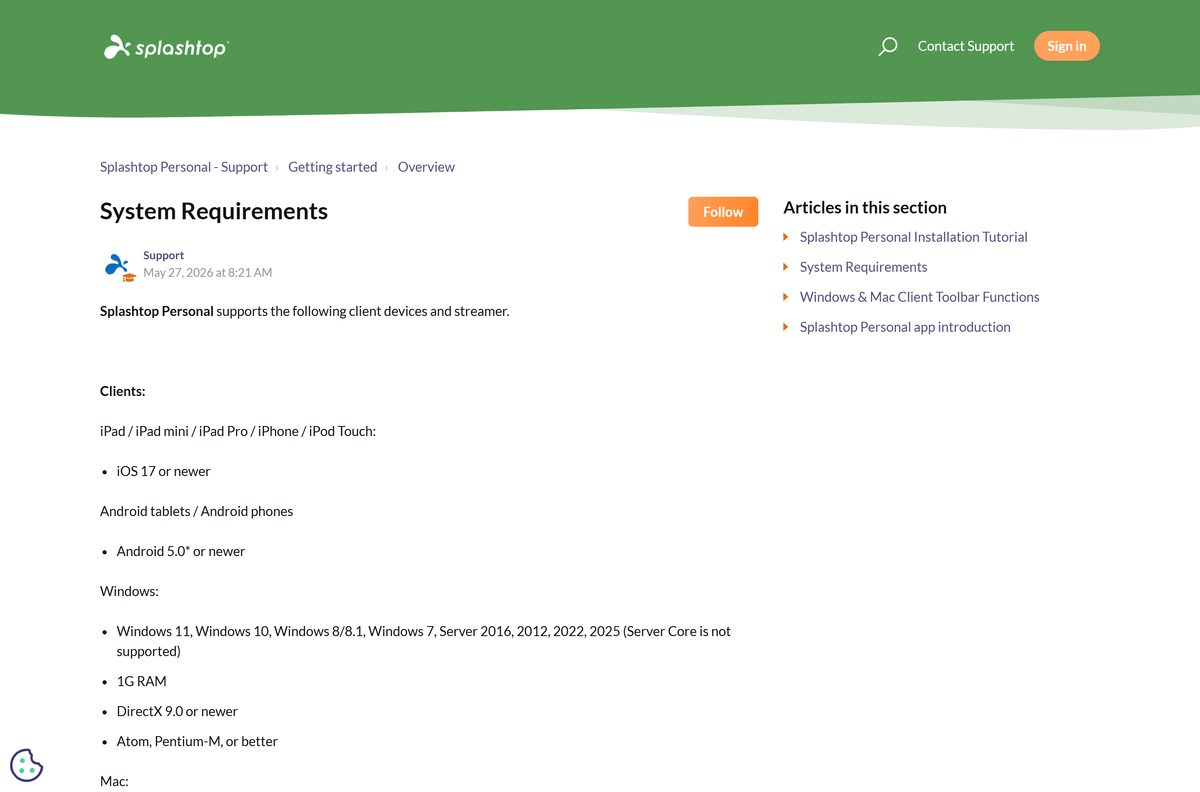
The Streamer runs on modest hardware. The operating system decides whether it installs.
| Field | Value |
|---|---|
| Software | Splashtop Streamer |
| Developer | Splashtop Inc. |
| Latest version | 3.8.6.1 (Windows), 3.8.6.0 (Mac), 3.8.2.0 (Linux) |
| License | Free Streamer; paid plan or free trial to connect |
| File size | 71.8 MB (Windows installer) |
| Windows | Windows 11, 10, 8/8.1, 7; Server 2012 to 2025 (not Server Core) |
| Mac | macOS 10.13 or newer |
| Linux | Ubuntu 16.04 to 24.04, Debian 11.2 and 12, CentOS 7 to 9, RHEL 7.3 to 9.x, Fedora 33 to 40 |
| Architecture | x86 installer for 64-bit and ARM Windows; Linux amd64, arm64 and armhf |
| Hardware | 1.6 GHz dual-core CPU or better, 1 GB RAM |
| Offline installer | Yes |
| Official source | splashtop.com |
| Last verified | 2026-09-25 |
Splashtop keeps the full list in its system requirements article.
Install Splashtop Streamer on Linux
Each package is a tar.gz archive holding the Streamer and a readme. Unpack it, then install the package inside or follow the readme.
| Your Linux system | Package | Size |
|---|---|---|
| Ubuntu or Debian, 64-bit | STB_CSRS_Ubuntu_v3.8.2.0_amd64.tar.gz | 11.4 MB |
| CentOS or RHEL, 64-bit | STB_CSRS_CentOS_v3.8.2.0_x86_64.tar.gz | 18.5 MB |
| Raspberry Pi OS, 64-bit | STB_CSRS_Debian_v3.8.2.0_arm64.tar.gz | 10.9 MB |
| Raspbian, 32-bit | STB_CSRS_Debian_v3.8.2.0_armhf.tar.gz | 8.5 MB |
After installing, enter your deployment code in the Streamer. Linux systems without a desktop GUI are not officially supported.
Fix Splashtop Streamer not connecting or not installing
The computer does not appear in your Splashtop app
The Streamer is signed in to a different account, or its edition does not match your plan.
- Open the Streamer and confirm it shows the same email you use in the Business app.
- Replace a Personal Streamer with the business Streamer from splashtop.com/streamer if you have a business plan.
- Restart the Streamer and refresh the computer list.
The Streamer asks for an access code after install
The installer used a deployment code that needs approval.
- Sign in to my.splashtop.com and open Management > Deployment.
- Enter the code shown beside your deployment package.
- Select Confirm at the prompt. The access code article shows each screen.
A remote session to a Mac shows a black screen or ignores clicks
macOS has not granted the Streamer its privacy permissions.
- Open System Settings > Privacy & Security on the Mac itself.
- Turn on Splashtop Streamer under Screen Recording and Accessibility.
- On macOS 14.2 or later, also allow it under Remote Desktop.
- Quit and reopen the Streamer. Repeat for each Mac user account, as the macOS permissions guide explains.
The installer will not run on a server
Windows Server Core is not supported.
- Install the Streamer on a Server edition with the Desktop Experience.
- Run the installer from an administrator account and select Yes at the UAC prompt.
How to uninstall Splashtop Streamer
Also remove the computer from your Splashtop account, so it stops showing in your list.
Windows 11 and 10
- Type Add or remove programs in the Windows search box and open it.
- Type Splashtop in the apps search box.
- Select Splashtop Streamer, then Uninstall, and confirm.
- Or run winget uninstall Splashtop.SplashtopStreamer in Terminal.
Mac
- Open the Streamer DMG you installed from.
- Double-click Uninstall Splashtop Streamer.
- Enter your Mac password when asked.
Ubuntu or Debian
- Open Terminal.
- Run sudo apt-get remove splashtop-streamer .
The uninstall article also covers removal through RMM tools.
Choose a Splashtop Streamer alternative
Match the tool to the computer you need to reach and the plan you have.
| You want | Use | Cost |
|---|---|---|
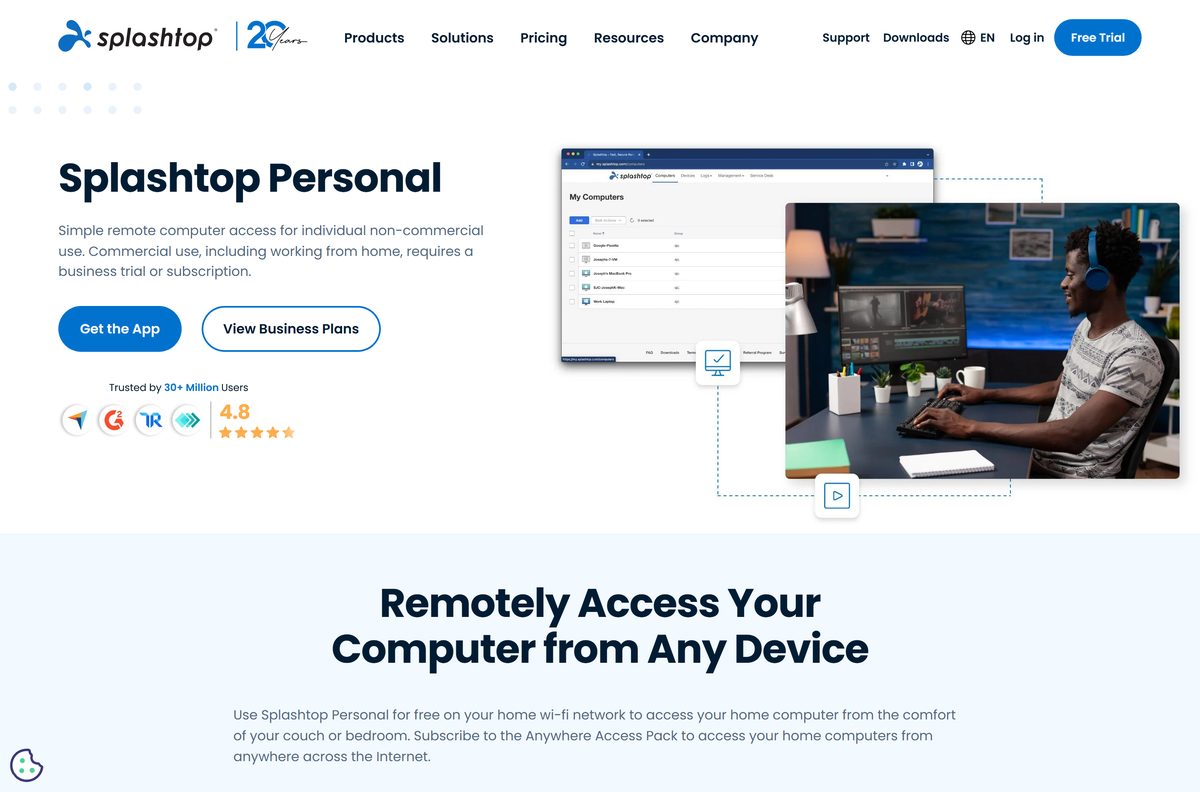
| Reach a home PC or Mac from your couch | Splashtop Personal | Free on your home network |
| Reach a Windows 11 or 10 Pro PC with built-in tools | Windows Remote Desktop | Included with Windows Pro |
| Reach a computer through the Chrome browser | Chrome Remote Desktop | See Google’s site |
| Unattended access to work computers with file transfer | Splashtop Remote Access | From $6 a month, billed annually |
For work use, choose Splashtop Remote Access. Splashtop Personal is limited to 2 non-commercial computers.
Frequently asked questions
Is Splashtop Streamer free?
The Streamer is free to download and install. Connecting to it needs a Splashtop Remote Access or Remote Support subscription or free trial; Solo starts at $6 a month, billed annually. The separate Splashtop Personal Streamer is free for non-commercial use on your home network.
Where is the official Splashtop Streamer download?
The official download page is splashtop.com/streamer. Subscribers and trial users select Log In to Download Streamer and get the installer from their Splashtop account. Splashtop Personal users download from the Personal downloads page instead.
How big is the Splashtop Streamer download?
The Windows installer for version 3.8.6.1 is 71.8 MB. The Linux packages range from 8.5 MB for 32-bit Raspbian to 18.5 MB for CentOS and RHEL.
Does Splashtop Streamer work on Windows 11?
Yes. The Streamer supports Windows 11, Windows 10, Windows 8/8.1 and Windows 7, plus Windows Server 2012 through 2025. Server Core installations are not supported.
Is there a Splashtop Streamer for Mac?
Yes. The Mac Streamer runs on macOS 10.13 or newer, and the current Mac release is version 3.8.6.0. After installing it, grant Screen Recording and Accessibility permissions, or remote sessions show a blank screen.
Does Splashtop Streamer run on Linux?
Yes. Splashtop publishes Streamer 3.8.2.0 packages for Ubuntu and Debian, CentOS and RHEL, 64-bit Raspberry Pi OS and 32-bit Raspbian. Linux systems without a desktop GUI are not officially supported.
Does Splashtop Streamer support 64-bit and ARM64 Windows?
Yes. The Windows installer is a 32-bit package that installs on 64-bit Windows, and Splashtop lists ARM among the supported Windows processors.
Is there an offline installer for Splashtop Streamer?
Yes. The Windows file is a full 71.8 MB installer rather than a small web downloader, so you can copy it to a PC and run it there. The Streamer still needs internet access to reach your Splashtop account.
Is Splashtop Streamer safe?
Yes, when you get it from splashtop.com or with winget. Compare the installer’s SHA256 hash with the one in Microsoft’s winget manifest to confirm the file has not been altered.
What is the latest version of Splashtop Streamer?
Splashtop Streamer 3.8.6.1 for Windows was released on September 7, 2026. The latest Mac version is 3.8.6.0 and the latest Linux version is 3.8.2.0.
Why won’t Splashtop Streamer install or connect?
Check that your system is supported and that you accepted the User Account Control prompt. If the computer is missing from your list, make sure the Streamer edition matches your plan, because Personal Streamers do not work with business plans.
Can I install Splashtop Streamer silently?
Yes. Run the deployment installer with prevercheck /s /i and your 12-digit deployment code, or use the MSI with msiexec /qn. Splashtop documents every switch in its silent install article.






