Samsung DeX download for PC is free on Windows 11 and Windows 10: install Phone Link from the Microsoft Store, switch on Link to Windows on your Galaxy phone, and your phone’s apps, calls, messages and photos open on the PC. Galaxy phones still on One UI 6 can also use Samsung’s own DeX for PC app.
Phone Link runs on x64 and ARM64 PCs, and Link to Windows is already built into Galaxy phones, so the phone side needs no download at all.
This guide covers which route fits your phone, the official links, the pairing steps, what works on a Mac, and fixes for a phone that will not connect.
Check your PC against the Samsung DeX system requirements
The PC side depends on your phone’s software. Open Settings, then About phone, then Software information on the phone and read the One UI version line first.
| Field | Detail |
|---|---|
| Software | Samsung DeX (PC route: Phone Link with Link to Windows, or DeX for PC on One UI 6) |
| Developer | Samsung Electronics (DeX); Microsoft Corporation (Phone Link) |
| Latest version | Phone Link 1.26072.255.0 on Windows 11 |
| License / Price | Free |
| Download size | 311.3 MB Store bundle (x64 and ARM64 combined) |
| Installed size | 412.4 MB |
| Supported OS | Windows 10 (October 2022 update or later) and Windows 11, with Android 10 or later on the phone |
| Architecture | x64 and ARM64; Windows 10 also gets an x86 package |
| Official download source | Microsoft Store |
| Offline installer | No |
| DeX for PC minimum | Windows 10, Core i3 2.4 GHz, 4GB RAM, 500MB disk, USB 2.0 port |
| Last verified | 2026-09-24 |
Phone Link’s Apps feature needs at least 8GB of RAM on the PC and Android 11 on the phone.
Which Samsung DeX download do you need?
Match your phone and your computer to one row. The One UI version decides everything.
| Your setup | What to install | Size |
|---|---|---|
| Galaxy phone on One UI 7 or later, Windows 11 PC | Phone Link on the Microsoft Store | 311.3 MB bundle |
| Galaxy phone on One UI 7 or later, Windows 10 PC | Phone Link on the Microsoft Store | Version 1.25072.81.0 package |
| Galaxy phone still on One UI 6 or earlier, Windows 10 or 11 | DeX for PC link in Samsung’s DeX FAQ | Samsung lists no size |
| Mac computer | Samsung’s DeX for Mac end-of-service notice | No Mac download |
| Monitor or TV, no computer | Samsung’s DeX screen guide | No download |
Download Samsung DeX for PC from its official sources
These links are the whole distribution. Any site offering a Samsung DeX setup file for a One UI 7 phone is not Samsung.
- Phone Link on the Microsoft Store — 311.3 MB · Windows 11 and Windows 10, free, preinstalled on most PCs
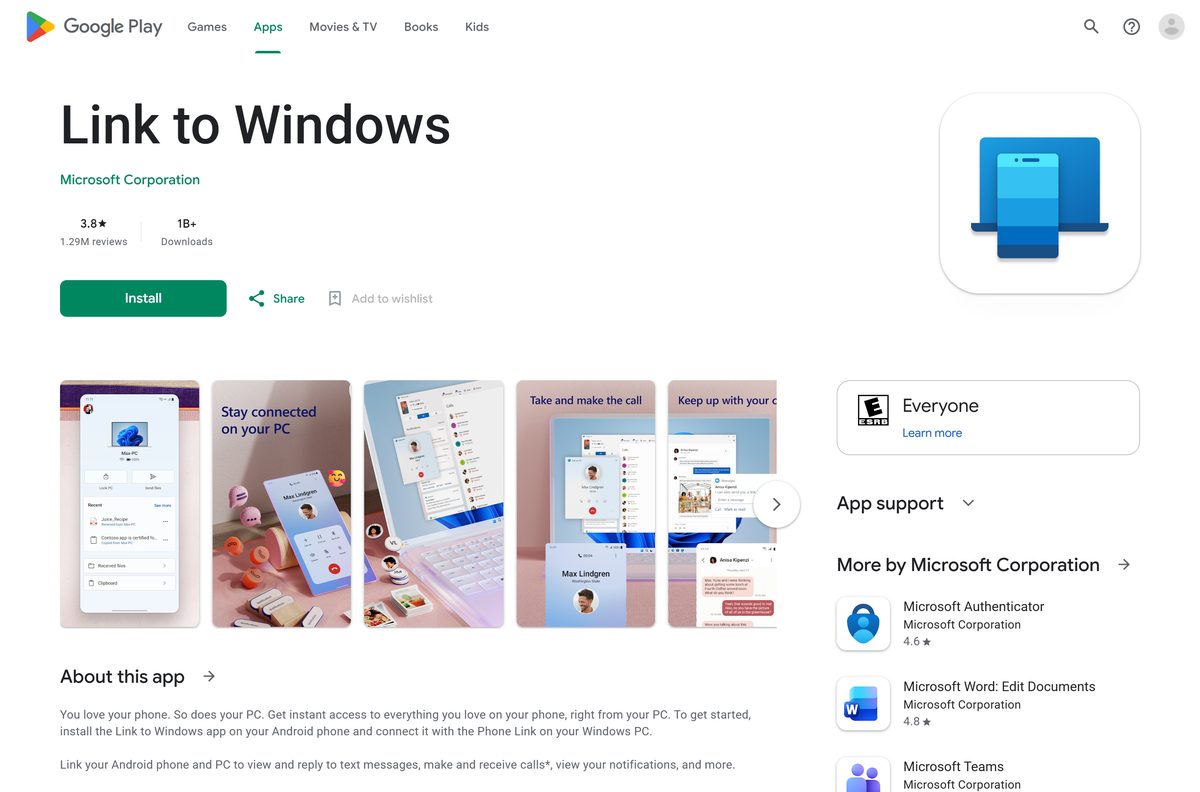
- Link to Windows on Google Play — built into Galaxy phones, so update it rather than install it
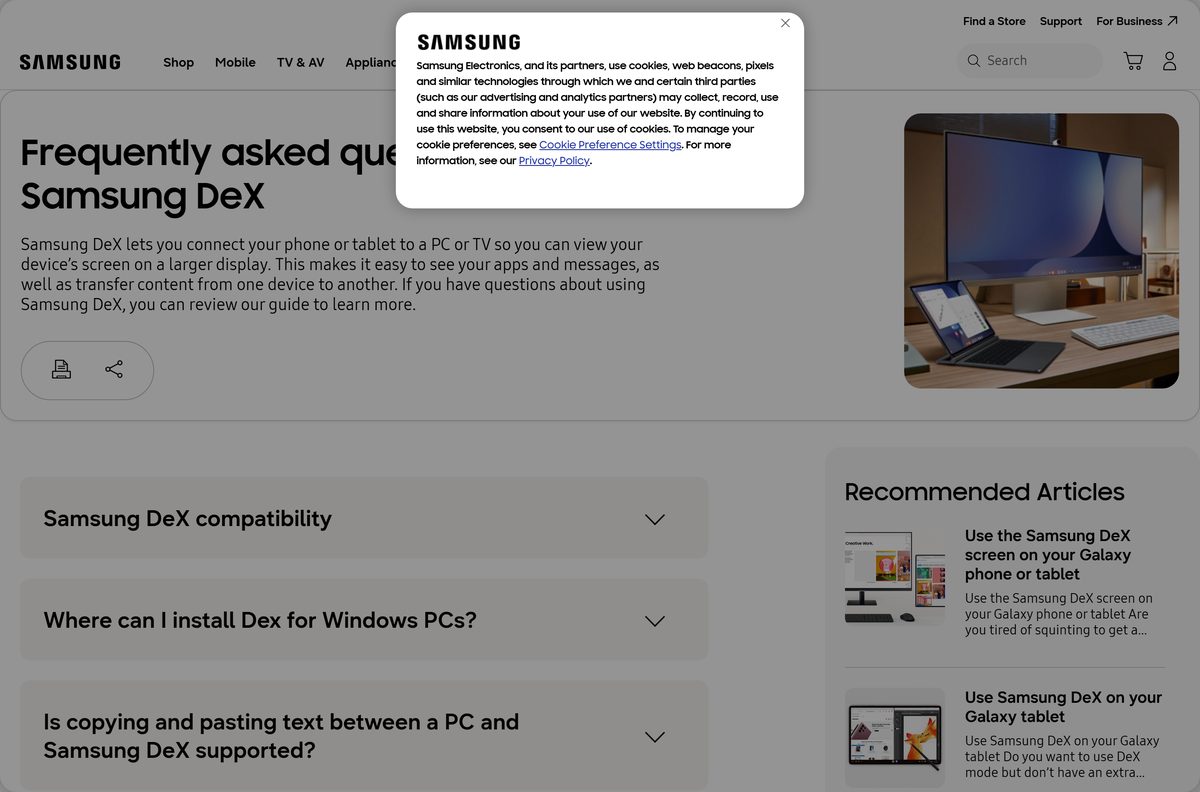
- Samsung DeX FAQ with the DeX for PC download link — only for phones still on One UI 6 or earlier
- Samsung’s Link to Windows guide — what calls, messages, files and screen mirroring can do
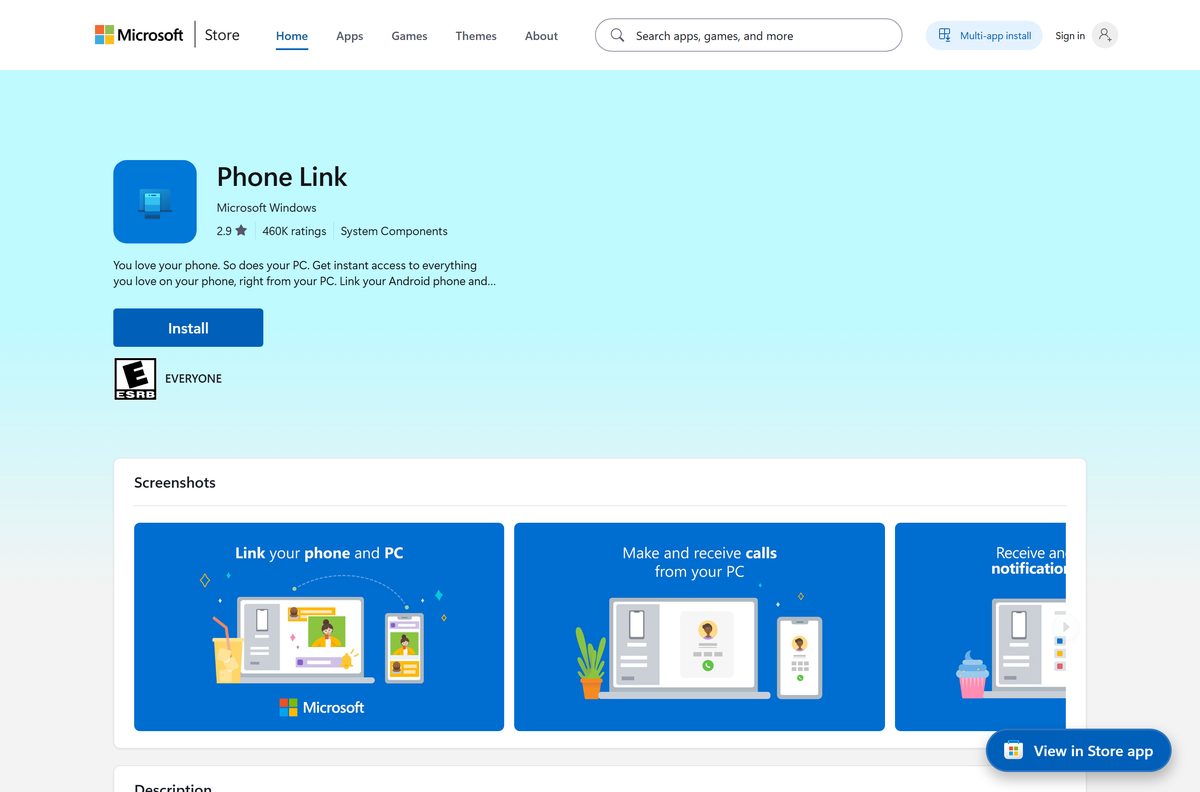
How to connect Samsung DeX to a Windows 11 PC with Phone Link
Keep the phone and the PC on the same Wi-Fi network and sign in with one Microsoft account on both.
- On the PC, type Phone Link in the taskbar search and open it.
- Select Android, then sign in with your Microsoft account if asked.
- Tick I have the Link to Windows app ready and select Pair with QR code.
- On the phone, open Settings, then Connected devices, and turn on Link to Windows.
- Scan the QR code on the PC screen with the phone and tap Continue.
- Enter the code shown on the PC into the phone.
- Review each permission request on the phone and allow the ones you want.
- Tap Continue, then Done, and return to Phone Link on the PC.
- Open Apps in Phone Link to run your phone’s apps in windows on the desktop.
Swipe down on the phone to find the Link to Windows tile in the Quick Access tray.
Install Phone Link from the Microsoft Store or with winget
Phone Link comes preinstalled on most Windows PCs. Install it this way if it is missing or refuses to open.
- Open the Phone Link listing in your browser.
- Select Get in Store app and let the browser hand off to the Microsoft Store.
- Select Get or Install, then wait for the package to finish.
- To use a terminal instead, open Windows Terminal and run winget install –id 9NMPJ99VJBWV –source msstore .
- Accept the Store agreement prompt that winget shows.
- Open Phone Link from the Start menu once the install completes.
Should you use DeX for PC or Link to Windows?
Samsung states that DeX on PC is not supported on the Galaxy S26 series, S25 series, Z TriFold, Z Fold7, Z Flip7, Z Fold8, Z Fold8 Ultra, Z Flip8, or any model updated to Android 15 and One UI 7. Samsung points those phones to Link to Windows.
Use Link to Windows with Phone Link on any Galaxy phone running One UI 7 or later. Install DeX for PC only if your phone is still on One UI 6 and you need its full desktop layout. The DeX for PC app stops working once the phone updates to One UI 7, while Phone Link keeps getting Microsoft Store updates and covers calls, messages, photos, file transfer and phone apps on the PC.
Check whether your Galaxy phone still supports DeX for PC
Samsung’s DeX FAQ lists these phones for DeX on PC. Each one works only while it still runs One UI 6 or earlier.
| Galaxy family | Models listed for DeX on PC |
|---|---|
| Galaxy S | S9, S10, S20, S21, S22, S23 and S24 series |
| Galaxy Note | Note9, Note10 series and Note20 series |
| Galaxy foldables | Fold, Z Fold2, Z Fold3, Z Fold4, Z Fold5 and Z Fold6 |
| Galaxy A | A90 5G |
| Not supported | S25, S26, Z Fold7, Z Flip7, Z Fold8, Z Flip8, Z TriFold and anything on One UI 7 or later |
PCs running Linux or Chrome OS are not supported by DeX for PC.
Which Samsung DeX option works on a Mac?
Samsung ended DeX for PC on Mac OS and Windows 7 in January 2022, and no Mac download links have been offered since. Phone Link is a Windows app.
| Your goal on a Mac | What to do | Source |
|---|---|---|
| Desktop layout on a big screen | Connect the phone to an external monitor with a DeX or HDMI cable | Samsung DeX screen guide |
| Wireless big screen | Use Wireless DeX with a Miracast-capable Samsung TV or Smart Monitor | Samsung DeX page |
| DeX inside a Mac window | Not available since January 2022 | Samsung end-of-service notice |
Is Samsung DeX free?
Yes. Samsung DeX is built into supported Galaxy phones and tablets, Phone Link is free on the Microsoft Store, and Link to Windows is free on Google Play. The Microsoft Store lists Phone Link at $0.00 and Samsung charges nothing for DeX. A site asking you to pay for a DeX installer or a DeX license key is not Samsung.
How to check your Phone Link version and update it
Microsoft’s troubleshooting page asks for Phone Link 1.23112.85.0 or later on the PC and Link to Windows 1.24021.164.0 or later on the phone.
- Open Settings, then Apps, then Installed apps, find Phone Link, and select Advanced options to read its version.
- Open the Microsoft Store, select Downloads or Library, then select Get updates.
- On the phone, open the Play Store, tap your profile picture, then Manage apps and device.
- Tap Updates available and update Link to Windows if it is listed.
- Restart Phone Link on the PC and confirm the phone reconnects.
Fix Samsung DeX not connecting to your PC
Find your symptom and work through the fixes in order.
DeX for PC stopped working after a phone update
The phone moved to One UI 7, which does not support DeX on PC.
- Check Settings, then About phone, then Software information for the One UI version.
- If it reads 7 or higher, switch to Phone Link and Link to Windows using the steps above.
Phone Link cannot find the phone
Different accounts, different networks or battery limits on the phone.
- Sign in to the same Microsoft account in Phone Link and in Link to Windows.
- Put both devices on the same Wi-Fi network.
- Turn off Battery saver on the phone and the PC.
- Set Battery optimization for Link to Windows to off in the phone’s app settings.
- Turn off Do not disturb on the phone.
Same Wi-Fi, but the devices still will not pair
The router isolates wireless clients from each other.
- Open your router’s settings and turn off Wireless isolation or AP isolation.
- Pair again with Pair with QR code.
An old pairing blocks a new connection
The phone is still linked to a previous PC or account.
- In Link to Windows, open Linked account, then Account settings, and select Sign out and unlink.
- Select Add new device in Phone Link on the PC and pair again.
Wireless DeX for PC does not start on a One UI 6 phone
Wireless DeX on PC needs both devices on one 5 GHz access point.
- Connect the phone and the PC to the same 5 GHz Wi-Fi network.
- Open the notification panel, tap DeX, choose DeX on PC, then select your PC and Start now.
How to unlink your Galaxy phone and remove DeX for PC
Unlinking stops syncing right away. Phone Link itself is a Windows system component, so remove the link rather than the app.
- On the phone, open Link to Windows, then Linked account, then Account settings.
- Select Sign out and unlink to disconnect the phone from every PC.
- On the phone, open Settings, then Connected devices, and turn off Link to Windows.
- To remove the old DeX for PC app, open Settings, then Apps, then Installed apps on Windows.
- Find Samsung DeX, select the three dots, then select Uninstall and confirm.
Choose another way to use Samsung DeX on a big screen
DeX itself still runs on the phone or tablet. These are the official ways to put it on a larger display.
| Option | What you need | Best for |
|---|---|---|
| Phone Link with Link to Windows | Windows 10 or 11 PC, same Wi-Fi | Calls, texts, photos and phone apps on a PC |
| DeX with a cable | DeX or HDMI cable, or a DeX Pad or Station, plus a monitor | The full DeX desktop with keyboard and mouse |
| Wireless DeX | Miracast-capable Samsung TV or Smart Monitor from 2018 on | Presenting or working without cables |
| DeX for PC | Windows 10 or 11 and a phone still on One UI 6 | The DeX desktop inside a Windows window |
Other phone and media apps for PC include FOX Sports and Lyft.
Frequently asked questions
Is the Samsung DeX download free?
Yes. DeX is built into supported Galaxy phones and tablets at no cost. Phone Link is free on the Microsoft Store, Link to Windows is free on Google Play, and Samsung charges nothing for DeX for PC on older phones.
What is the official Samsung DeX download page for PC?
For One UI 7 and later phones, the PC side is Phone Link on the Microsoft Store at apps.microsoft.com. For phones still on One UI 6, Samsung’s DeX FAQ on samsung.com carries the DeX for PC download link.
Does Samsung DeX work on Windows 11?
Yes. Phone Link runs on Windows 11 and Windows 10 with the October 2022 update or later. DeX for PC also installs on Windows 10 and 11, but only connects to Galaxy phones still running One UI 6 or earlier.
How big is the Samsung DeX download for PC?
The Phone Link Store bundle is 311.3 MB for x64 and ARM64 combined, and it takes 412.4 MB once installed. Samsung publishes no size for the DeX for PC installer, and the phone side is already built in.
Is there an offline installer for Samsung DeX for PC?
No. Phone Link installs only through the Microsoft Store or winget and usually ships with Windows. DeX for PC is a Samsung web download for older phones, and no standalone package exists for One UI 7 devices.
Is there a Samsung DeX app for Mac?
No. Samsung ended DeX for PC on Mac OS in January 2022 and stopped offering Mac download links. On a Mac setup, connect the phone to an external monitor with a DeX or HDMI cable for the DeX desktop.
Does Samsung DeX for PC support 64-bit and ARM64 Windows?
Phone Link ships x64 and ARM64 packages, so Snapdragon laptops run it natively, and Windows 10 also gets an x86 build. Samsung lists DeX for PC for Windows 10 in 32-bit and 64-bit editions.
Is Samsung DeX safe to install?
Yes, from the official sources. Phone Link is published by Microsoft on the Microsoft Store, Link to Windows by Microsoft on Google Play, and DeX for PC comes from samsung.com. Avoid DeX installers on download portals.
What is the latest Samsung DeX for PC version?
On Windows 11 the current Phone Link package is 1.26072.255.0, updated on 22 September 2026. Windows 10 receives package 1.25072.81.0. Samsung publishes no version number for the DeX for PC installer.
Why does Samsung DeX for PC not work after the One UI 7 update?
Samsung does not support DeX on PC on any phone updated to Android 15 and One UI 7 or later, including the S25 and S26 series. Samsung names Link to Windows with Phone Link as the replacement.
Why won’t Samsung DeX connect to my PC?
Sign in to the same Microsoft account on both devices, put them on one Wi-Fi network, and turn off battery saver and battery optimization for Link to Windows. Router AP isolation also blocks pairing.
Can I use Samsung DeX without a PC?
Yes. Connect the phone or tablet to a monitor or TV with a DeX or HDMI cable, a DeX Pad or Station, or use Wireless DeX with a Miracast-capable Samsung TV or Smart Monitor from 2018 on.







How To Use Samsung Flow - Techdows
[…] Runs phone apps in resizable windows; see Download Samsung DeX for PC […]
Download Phone Link for PC, Windows 11 and Windows 10 (Free) - Techdows
[…] Samsung DeX download guide […]